AI Image Generator: Online Text to Image Creation
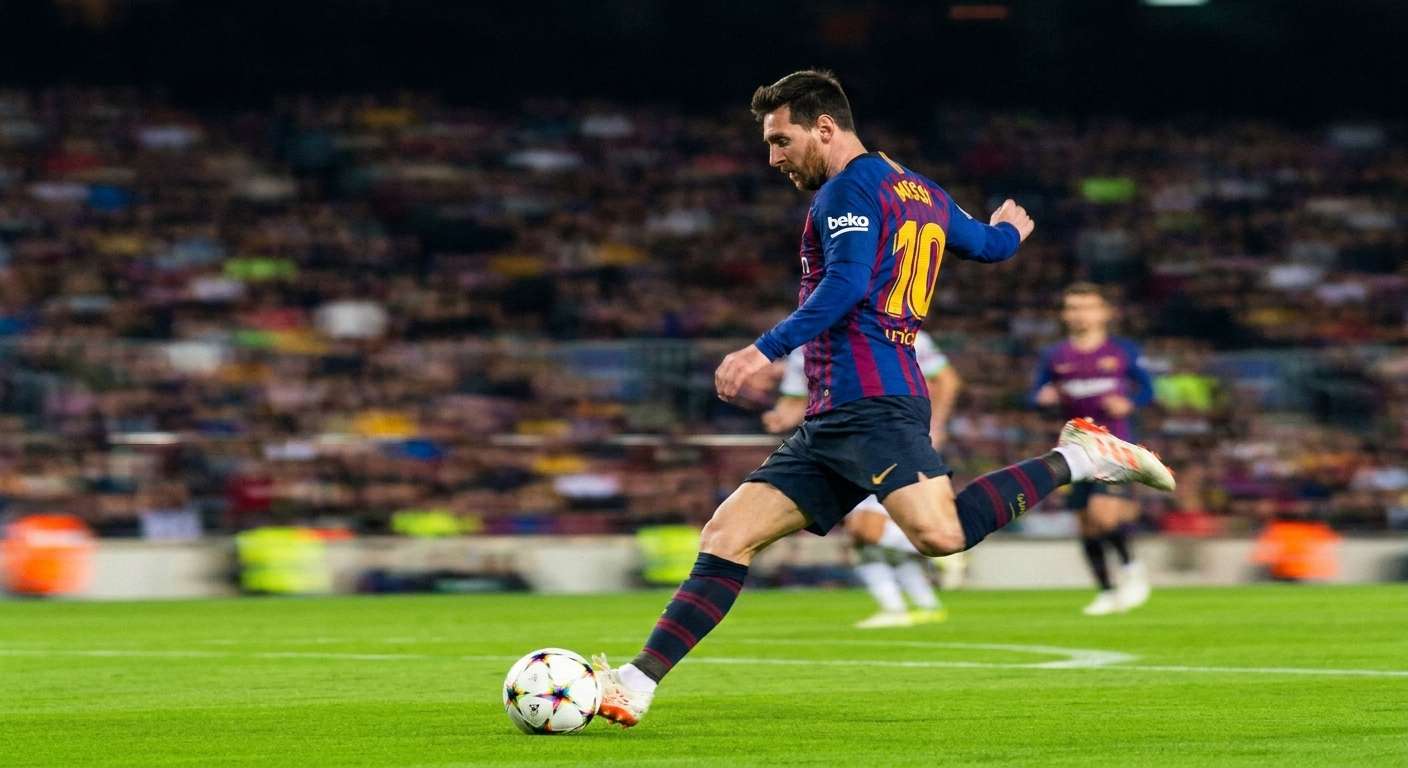
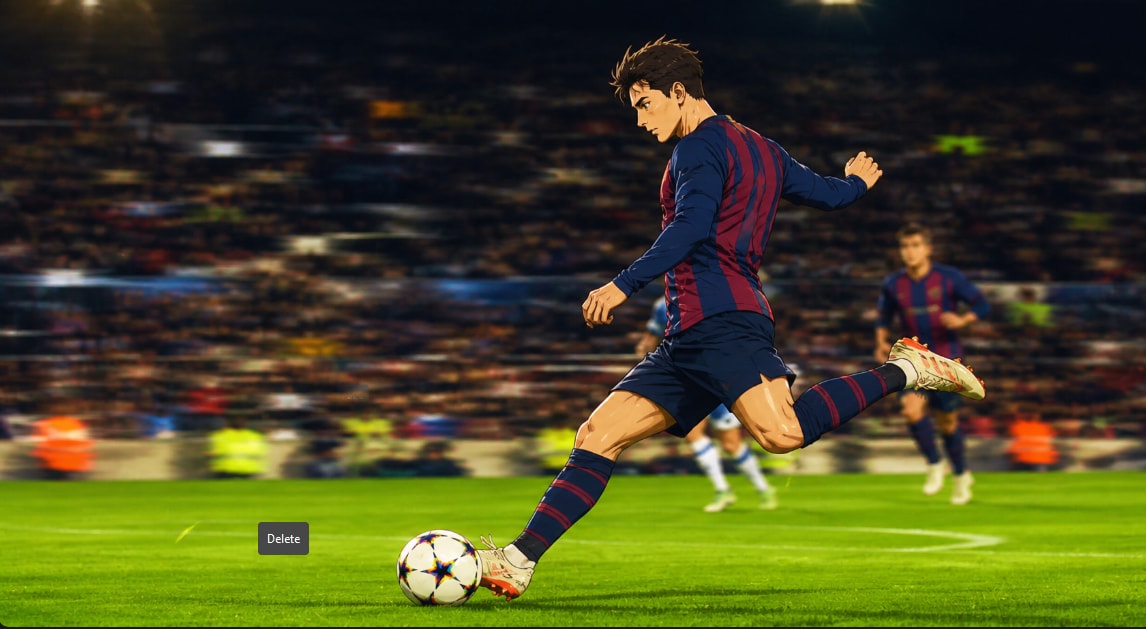



Create AI Images Online from Simple Text Prompts
You do not need design skills to start creating visuals. With Repairit Online Text to Image, you can enter a short or detailed prompt and generate a new image based on your idea. Describe the subject, style, color, mood, lighting, and composition, then let AI turn your words into a visual you can use for posts, projects, or inspiration.
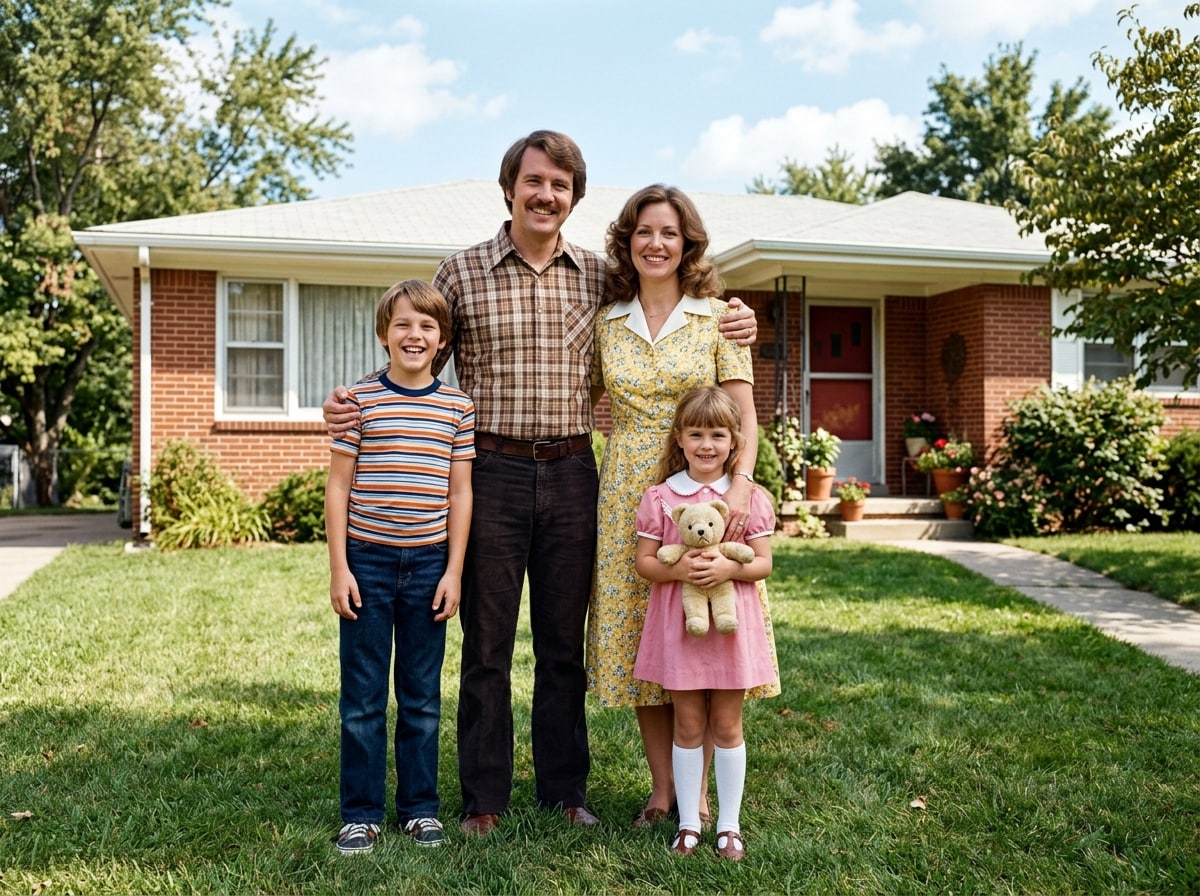
Use an AI Photo Generator Free Online for Social and Marketing Visuals
Finding the right image for a post, banner, campaign, or presentation can take time. Repairit AI image generator helps you create custom visuals faster by generating images from your own text prompts. Make social media graphics, blog visuals, ad concepts, mood boards, product-style scenes, and creative images without starting from a blank canvas.
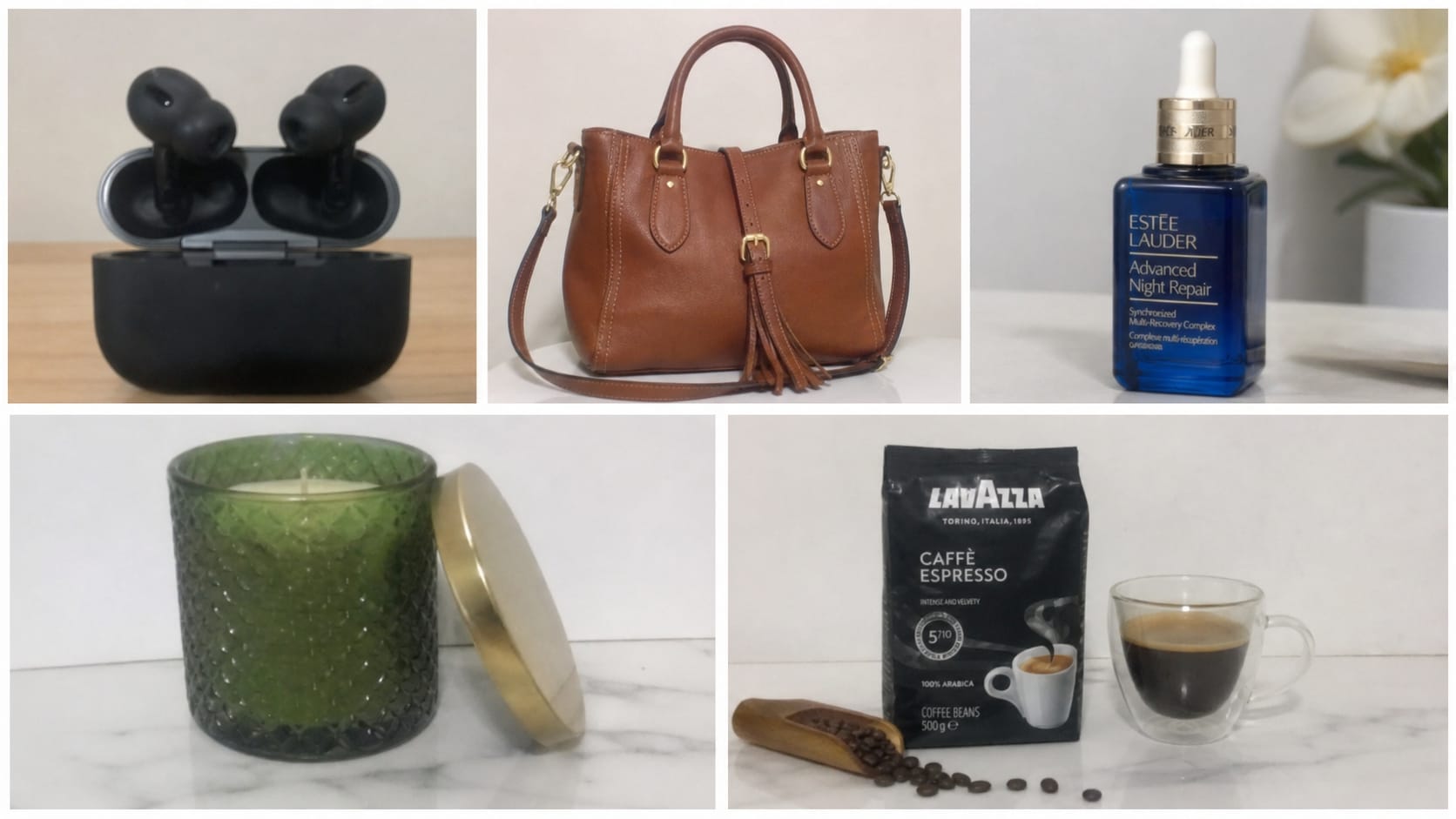
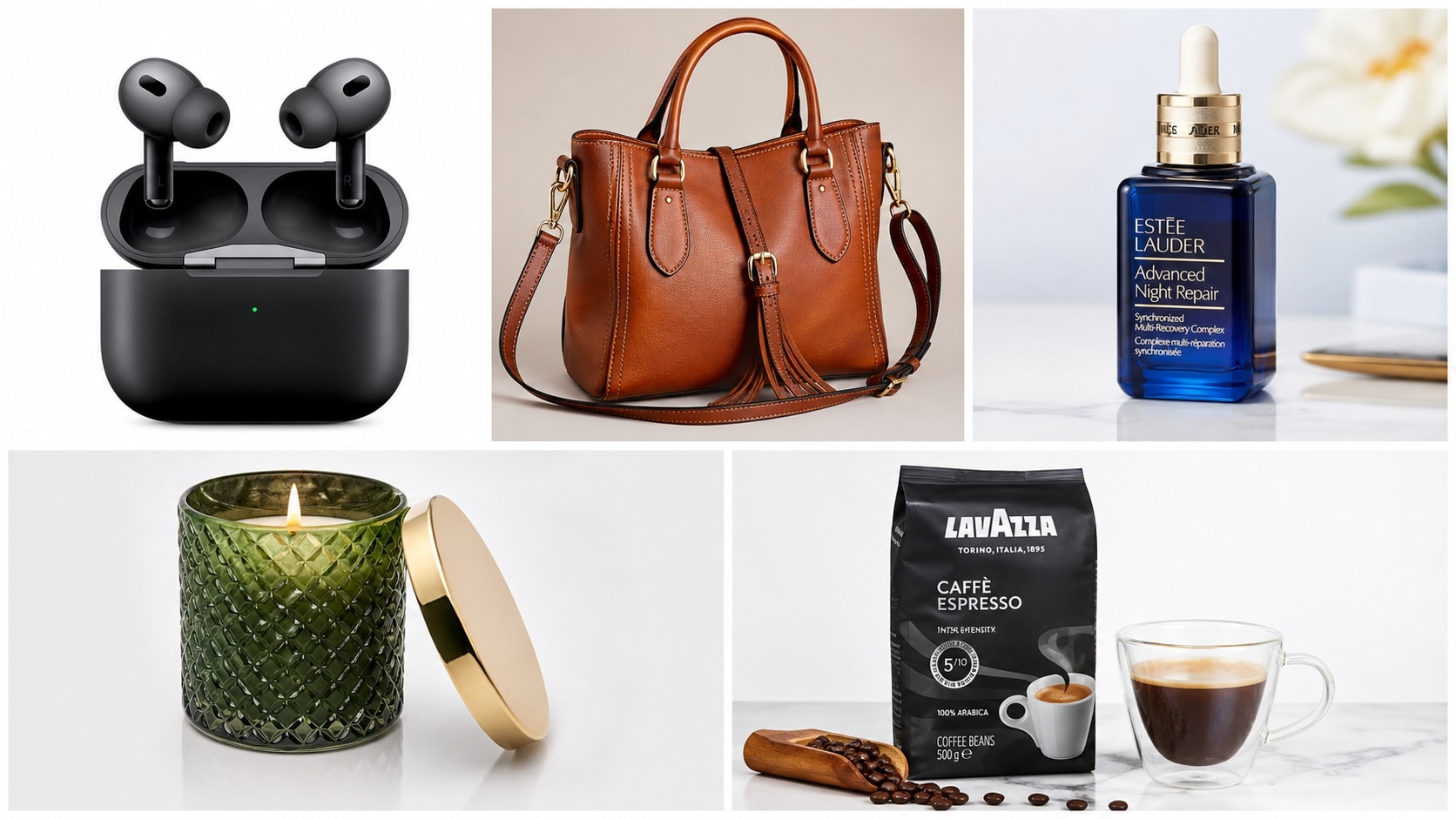
Generate Creative Images with More Detailed Prompt Control
Better prompts usually lead to better visual results. Repairit lets you describe exactly what you want, from a futuristic city at sunset to a watercolor portrait, a cute cartoon pet, a realistic product scene, or a fantasy landscape. Use prompt details like style, angle, lighting, colors, background, and mood to guide the AI image generator toward the result you imagine.
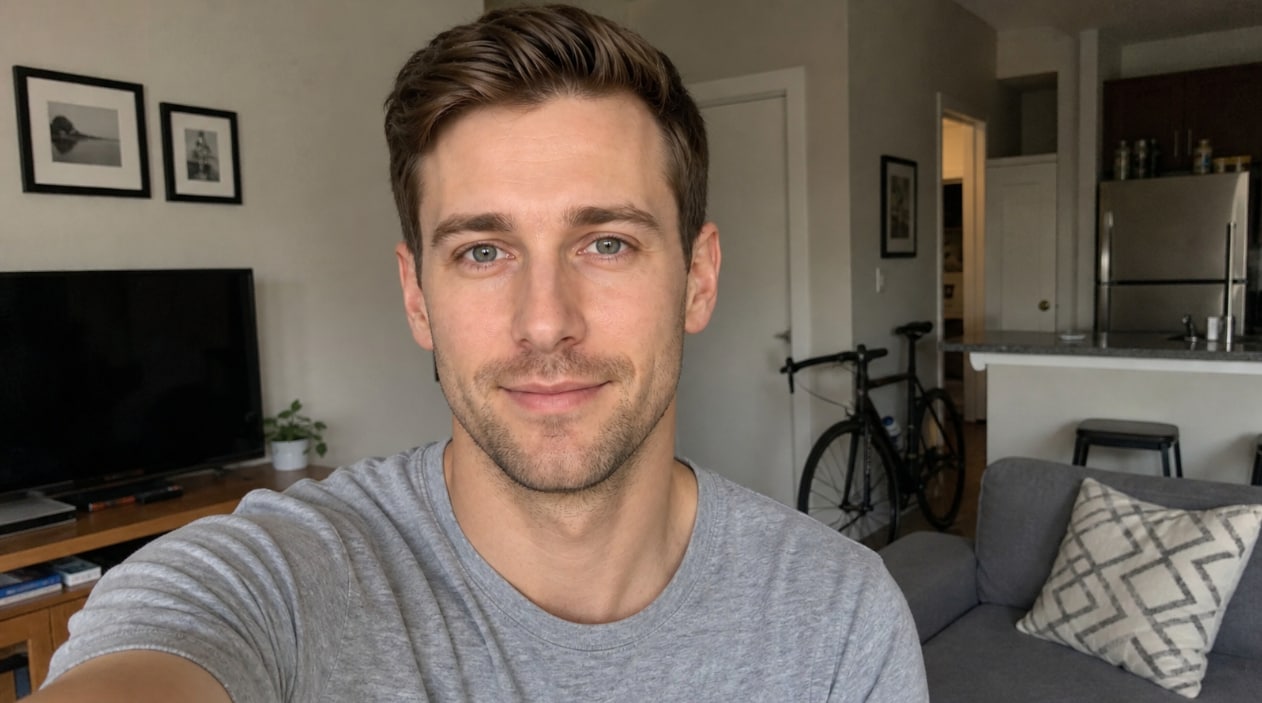

How to Use Repairit Online Text to Image Generator

Step 1
Enter Your Text Prompt
Type a description of the image you want to create. Include the subject, style, mood, lighting, colors, background, and any important visual details.

Step 2
Let AI Generate the Image
Repairit AI reads your prompt and creates an image based on your description, giving you a fast way to turn ideas into visuals online.

Step 3
Preview and Download
Preview the generated image and download it for social media, presentations, creative projects, marketing ideas, or personal use.
Why Choose Repairit's AI Image Generator?
Compare Repairit with traditional image creation workflows

Repairit
|
Traditional Image Creation | |
|---|---|---|
| Target Users | Creators, marketers, students, small businesses, social media users, and anyone who wants to generate images from text prompts | Designers, illustrators, photographers, or users searching stock libraries manually |
| Creation Approach | Online Text to Image generation powered by AI prompts | Manual design, stock photo searching, illustration, or photo editing |
| Learning Curve | Easy to start with a simple prompt-and-generate workflow | Requires design skills, editing knowledge, or time spent searching assets |
| Cost | Free to start online with a simple AI generation flow | May require paid stock images, design software, or commissioned artwork |
| Time Investment | Designed to generate AI images from text in just a few clicks | Often takes longer to create, source, or edit visuals manually |
| Automation Level | AI-assisted image generation from prompt descriptions | Mostly manual creation, search, and editing |
| Best For | Social posts, concept images, blog visuals, ads, mood boards, presentations, avatars, and creative ideas | Professional illustration, complex brand campaigns, studio photography, and custom design systems |
| Features | Built for AI image generator workflows, online text to image creation, prompt-based image generation, and ai photo generator free online use cases | Powerful for full creative control, but less convenient for quick idea-to-image generation |
Frequently Asked Questions
An AI image generator uses artificial intelligence to create images from text prompts. You describe what you want, and the tool generates a visual based on your words.
Online Text to Image means you can type a text description in your browser and generate an image from that prompt without installing complex design software.
Yes. Repairit gives you a simple online workflow for generating images from prompts, so you can create visuals for social media, projects, marketing, and creative ideas.
Describe the subject, style, mood, lighting, colors, background, angle, and level of detail. More specific prompts usually help AI create results closer to your idea.
You can create social media visuals, concept art, product-style scenes, posters, avatars, blog graphics, fantasy images, cartoon ideas, and other creative visuals.
Usage rights can depend on the tool, plan, content, and local rules. Avoid generating copyrighted characters, trademarks, or protected brand assets unless you have permission, and review the platform terms before commercial use.
Hot Topics
Comprehensive How-to Guides
Want to generate images from text online? Click to enter the Photo Enhancer Workbench and create AI visuals from prompts in just a few clicks!