Make Photo HD Free






Make Profile Photos and Headshots HD Online Free
Profile photos often look soft after cropping, messaging, or saving from an older phone. When a face picture becomes fuzzy around the eyes, hair, or smile, users usually want a fast way to make picture HD online free without learning a full photo editor. Repairit helps enhance portrait clarity, sharpen visible details, and make profile photos, resumes, school IDs, and social avatars look cleaner for everyday use.


Make Product and Listing Photos HD Quality Online Free
Small product photos can lose trust quickly when shoppers see blurry edges, unclear texture, or pixelated details. Repairit helps make photo HD quality online free by improving clarity in product shots, handmade item photos, menu images, marketplace listings, and website visuals. It is a practical option when you need a cleaner image for posting, selling, or presenting without reshooting everything.
Make Old, Saved, and Compressed Pictures HD Free
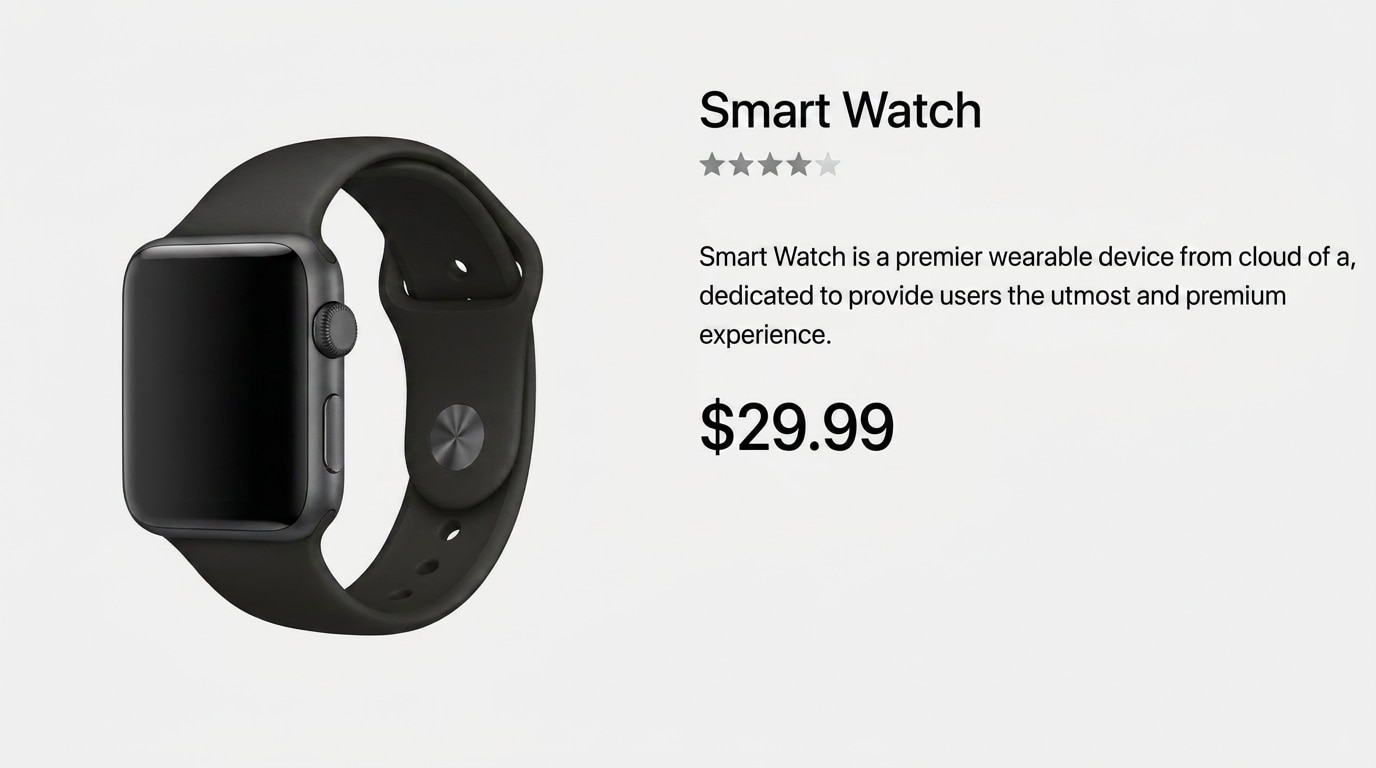
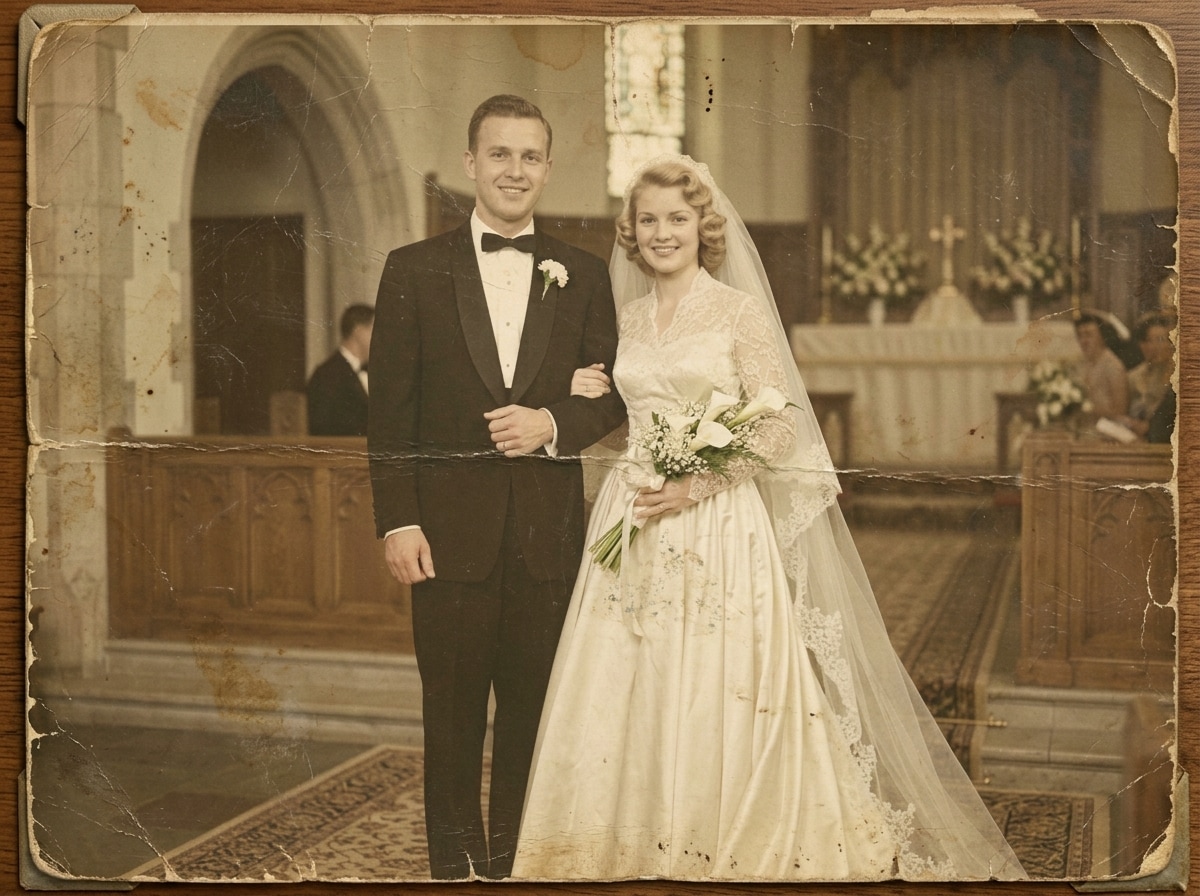
Photos downloaded from chats, backed up from old devices, or saved from social media can look washed out, blocky, and too small for modern screens. Repairit works as a free online picture HD maker that helps reduce pixelation, improve visible detail, and make saved memories easier to view, share, print, or archive.

How to Make Photo HD Free with Repairit

Step 1
Upload Your Photo
Upload a blurry, pixelated, compressed, cropped, or low quality photo in a supported format such as JPG, JPEG, PNG, BMP, or WEBP.

Step 2
Let AI Make the Photo HD
Repairit automatically improves visible detail, sharpens soft areas, reduces pixelation, and enhances overall picture clarity with AI powered photo enhancement.

Step 3
Preview and Download
Preview the enhanced result and download a clearer HD quality picture that is ready to share, post, print, or keep.
Why Choose Repairit's Free Online HD Photo Maker?
Compare Repairit with traditional photo editors

Repairit
|
Traditional Photo Editors | |
|---|---|---|
| Target Users | 🎯 Everyday users, sellers, students, families, creators, and anyone who wants to make a photo HD fast | 🎨 Designers or advanced users who are comfortable with manual photo editing workflows |
| Resolution Enhancement Approach | 🤖 AI powered HD photo enhancement, detail recovery, pixelation reduction, and clarity improvement | 🛠️ Manual sharpening, resizing, denoising, and export adjustments |
| Learning Curve | ⚡ Easy to start with no advanced photo editing skills required | 📚 Higher learning curve with more tools, layers, and settings to manage |
| Cost | 💝 Free to start online with a simple upload and enhance flow | 💼 Often requires paid software, plugins, or longer editing time |
| Time Investment | ⏱️ Designed to make photo HD free in just a few clicks | ⌛ Usually takes more setup, testing, and manual fine tuning |
| Automation Level | 🌟 Fully AI assisted HD photo enhancement workflow | ⚙️ Mostly manual control |
| Best For | 💡 Low resolution pictures, cropped photos, product images, profile photos, compressed social images, screenshots, and printable memories | 🧩 Better suited for full retouching, design projects, and detailed manual image editing |
Frequently Asked Questions
Yes. Repairit gives you a simple way to make photo HD free online. Upload your image, let AI improve clarity and visible detail, then preview and download the clearer result without using a complicated editor.
Yes. Repairit is designed for everyday users who want to make photo HD quality online free. You do not need manual sharpening, resizing, or retouching skills to start improving a soft or pixelated photo.
Yes. Repairit can help make picture HD online free or make picture HD free for profile pictures, product photos, social media images, resumes, school projects, small business visuals, and other everyday photo needs.
Repairit can help improve blurry pictures, low quality images, cropped portraits, compressed chat photos, product shots, old saved photos, scanned prints, screenshots, and social media downloads.
Not always. AI can improve clarity when useful image information remains, but it cannot perfectly recreate details that were never captured in the original photo.
Repairit supports common image formats such as JPG, JPEG, PNG, BMP, and WEBP, making it useful for photos from phones, screenshots, downloads, online stores, and social media platforms.
Hot Topics
Comprehensive How-to Guides
Want to make photo HD free? Click to enter the Photo Enhancer Workbench and make your image clearer in just a few clicks!