AI Product Photography for Product Photos
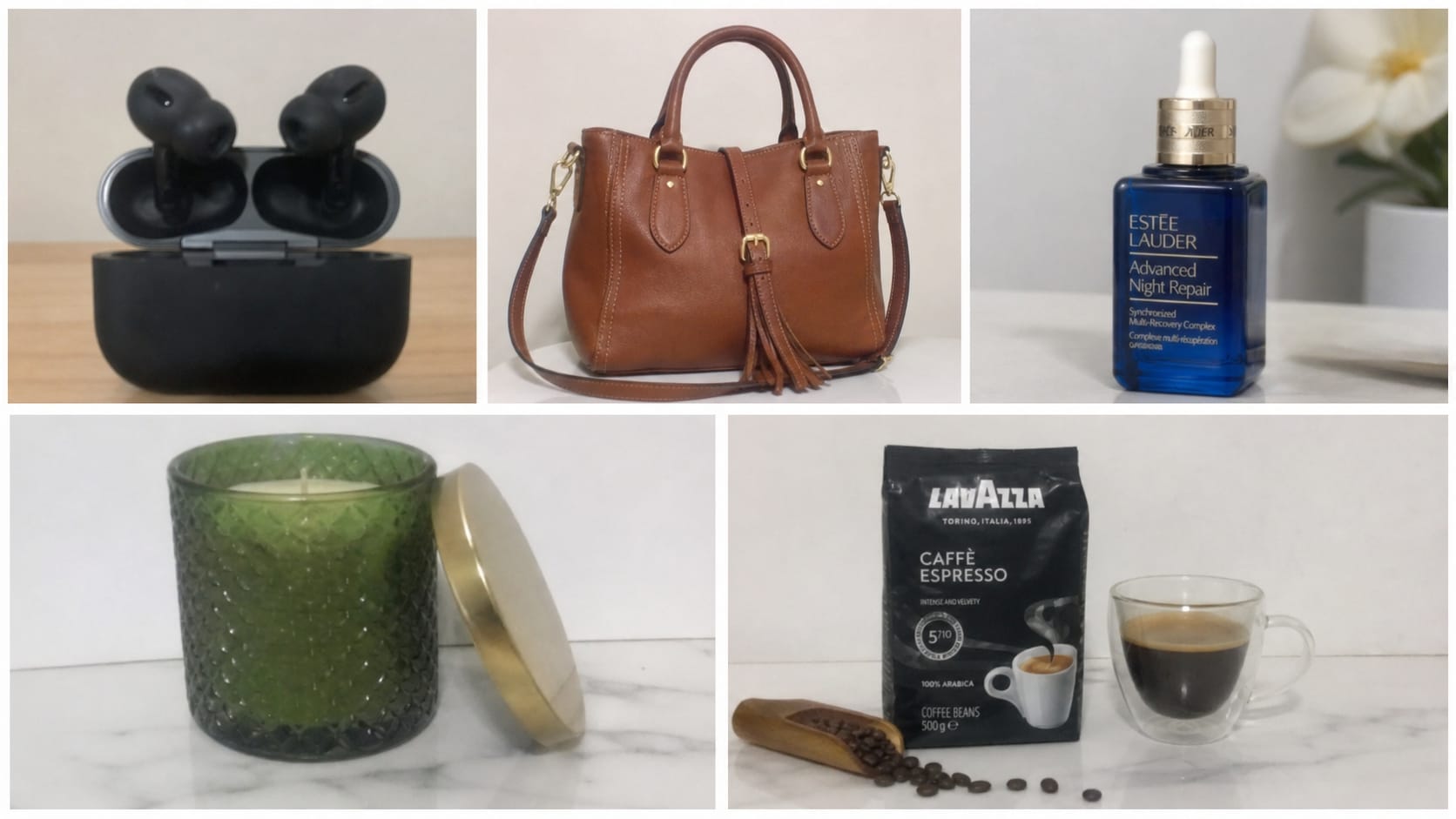





Turn Everyday Product Shots into Professional AI Product Photos
Not every product photo starts in a studio. Phone shots, quick sample images, and supplier photos can look soft, dull, or low-quality when uploaded to a store. Repairit AI product photography helps improve clarity, sharpen visible details, and make product images look more polished for online selling. Create cleaner product photos without complicated retouching or expensive editing software.
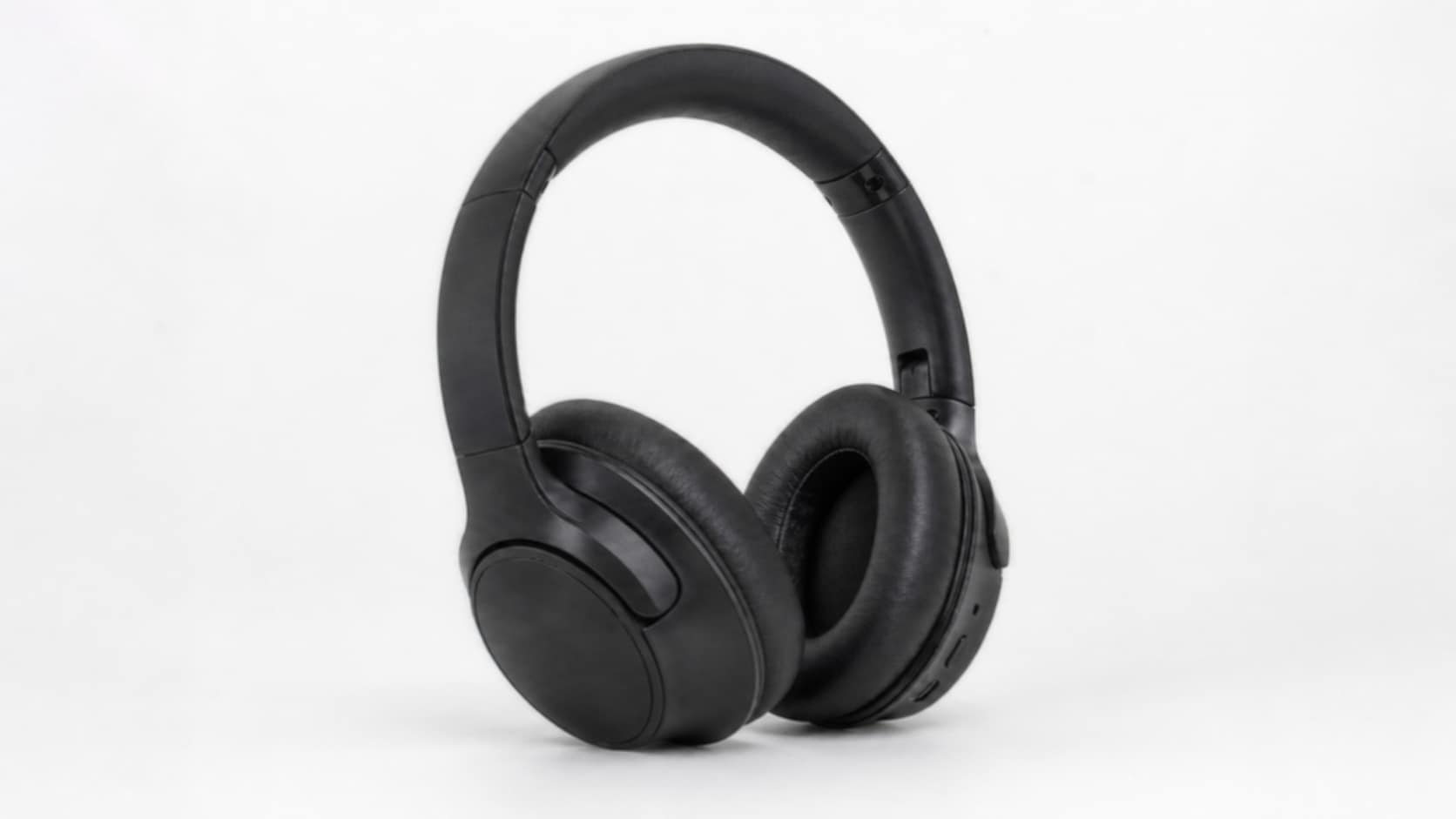
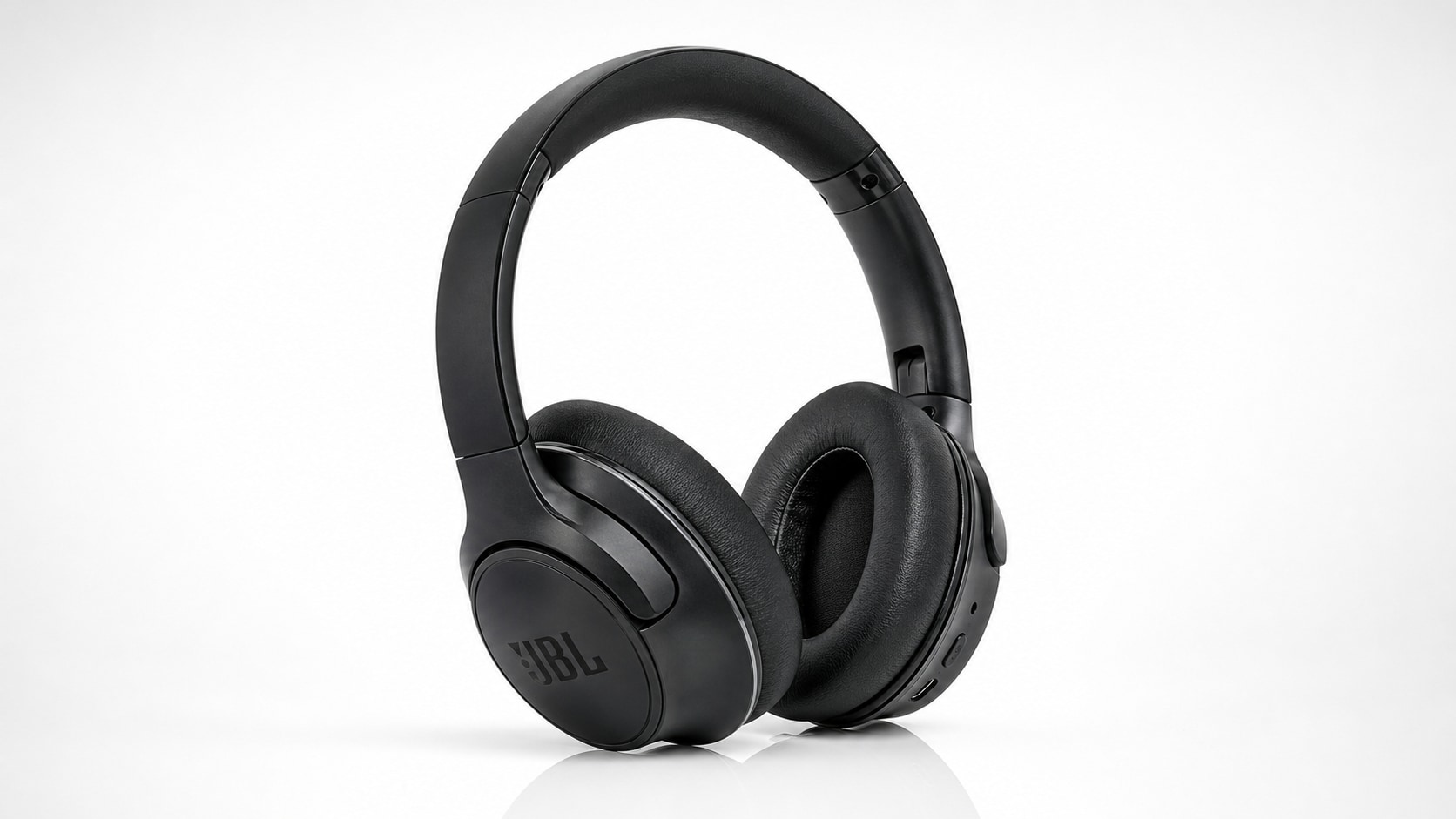
Enhance Product Details, Textures, and Edges with Product Photo AI
A good product image needs to show what buyers care about: texture, shape, color, packaging, and fine details. Repairit works as a product photo AI tool that helps recover sharper edges, improve visual quality, and make product details easier to see. From fashion items and beauty products to electronics, handmade goods, and accessories, your product photos can look clearer and more trustworthy.


Create Better Ecommerce, Catalog, and Marketing Product Images with AI
Product visuals need to work across many places: store pages, product catalogs, ads, banners, and social media posts. Repairit AI product photo editor helps creators, sellers, and brand teams upgrade product images quickly with AI. Improve low-resolution product shots, clean up soft visuals, and prepare sharper images for listings, campaigns, and promotional content.

Why Choose Repairit's AI Product Photography Tool?
Compare Repairit with traditional product photo editing

Repairit
|
Traditional Product Photo Editing | |
|---|---|---|
| Target Users | Ecommerce sellers, small businesses, creators, marketers, and brand teams who need better product photos fast | Designers, retouchers, and photographers with manual editing experience |
| Editing Approach | AI-powered product photo enhancement, detail sharpening, and image quality improvement | Manual retouching, sharpening, color correction, masking, and layer-based edits |
| Learning Curve | Easy to start with no advanced photo editing skills required | Requires editing knowledge and time to adjust each image |
| Cost | Free to start online with a simple upload and AI enhancement flow | Often needs paid software, plugins, or professional retouching services |
| Time Investment | Designed to enhance AI product photos in just a few clicks | Usually takes longer for each product image |
| Automation Level | AI-assisted workflow for fast product image improvement | Mostly manual editing and quality control |
| Best For | Ecommerce listings, marketplace images, catalogs, product ads, social stores, and brand visuals | Full studio retouching, advanced compositing, and complex product campaigns |
| Features | Built for AI product photography, AI product photo enhancement, product image clarity improvement, and detail recovery | Powerful for full editing workflows, but less convenient for quick product photo AI enhancement |
Frequently Asked Questions
AI product photography uses artificial intelligence to improve product images by enhancing clarity, sharpening details, and making visuals look more polished for ecommerce, marketing, and brand use.
Yes. Repairit can help enhance product photos for online stores, marketplace listings, catalogs, ads, and social media shops, making product visuals clearer and more professional-looking.
Yes. Repairit is designed for a simple upload-and-enhance workflow, so sellers, creators, and small business owners can improve product images without advanced editing skills.
You can enhance photos of fashion items, accessories, electronics, beauty products, handmade goods, packaging, home products, and other product images that need better clarity or detail.
AI can improve many product photos by sharpening details and enhancing image quality, but the best results come from images that still contain usable visual information in the original file.
Repairit supports popular image formats including JPG, PNG, and WEBP, which cover most product photos from phones, cameras, screenshots, and downloaded image files.
Hot Topics
Comprehensive How-to Guides
Want to create AI product photos online? Click to enter the Photo Enhancer Workbench and improve your product image in just a few clicks!