DreamFace AI can turn still photos into talking avatars, animate pets or portraits, and create short videos from prompts. But is it worth paying for, and which features suit your project? This DreamFace AI review examines the current official tools, usage conditions, strengths and limitations so you can decide before spending credits.
At a glance: DreamFace is worth considering for quick talking-photo and playful image-animation tasks. For detailed character production or advanced scene control, compare your specific needs against the available plans and output limits. This is a source-based editorial review, not a hands-on performance benchmark.
In this article
Part 1: What Is DreamFace AI?
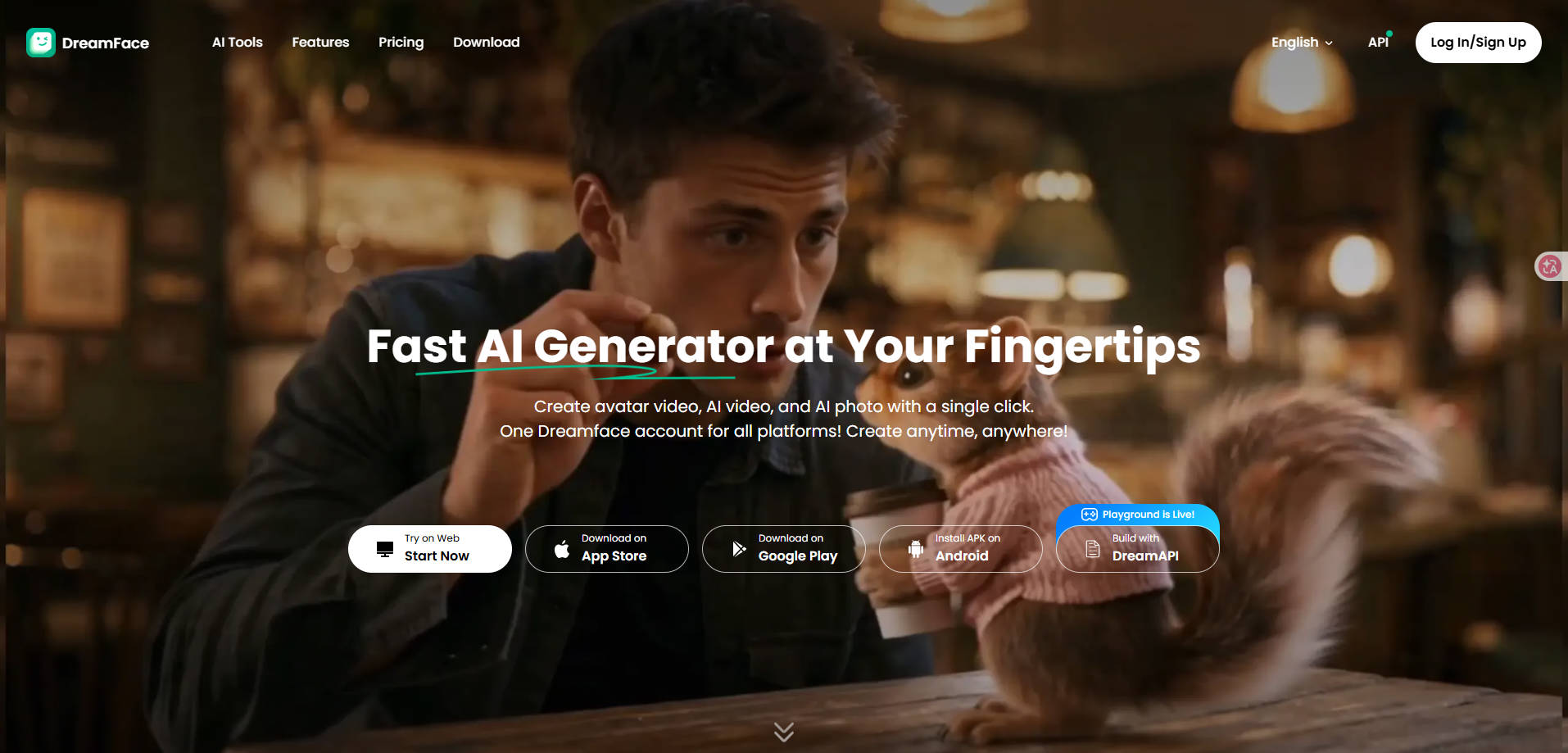
DreamFace AI is a collection of AI creation tools accessible through its website and supported mobile apps. Its capabilities include talking photos, image animation, text-to-video, and animated digital humans. The workflows vary: a talking photo needs a face and voice or script, whereas text-to-video needs a prompt that describes a scene.
That distinction matters. A product demo showing lip-sync does not establish that a tool can make a full cinematic video, and a photo-to-video effect is not necessarily a multilingual avatar presentation. Start by matching the feature to the output you actually need.
Part 2: DreamFace AI Features: What Can It Do?
Talking Photos and Lip Sync
The AI Talking Photo tool accepts a portrait, text and voice input or uploaded audio, then generates a speaking-photo video. It is a practical fit for short greetings, character introductions, explainers and social posts. For convincing results, choose a well-lit, front-facing face and keep the script short enough to review mouth movement carefully.
Photo Animation and Moving Portraits
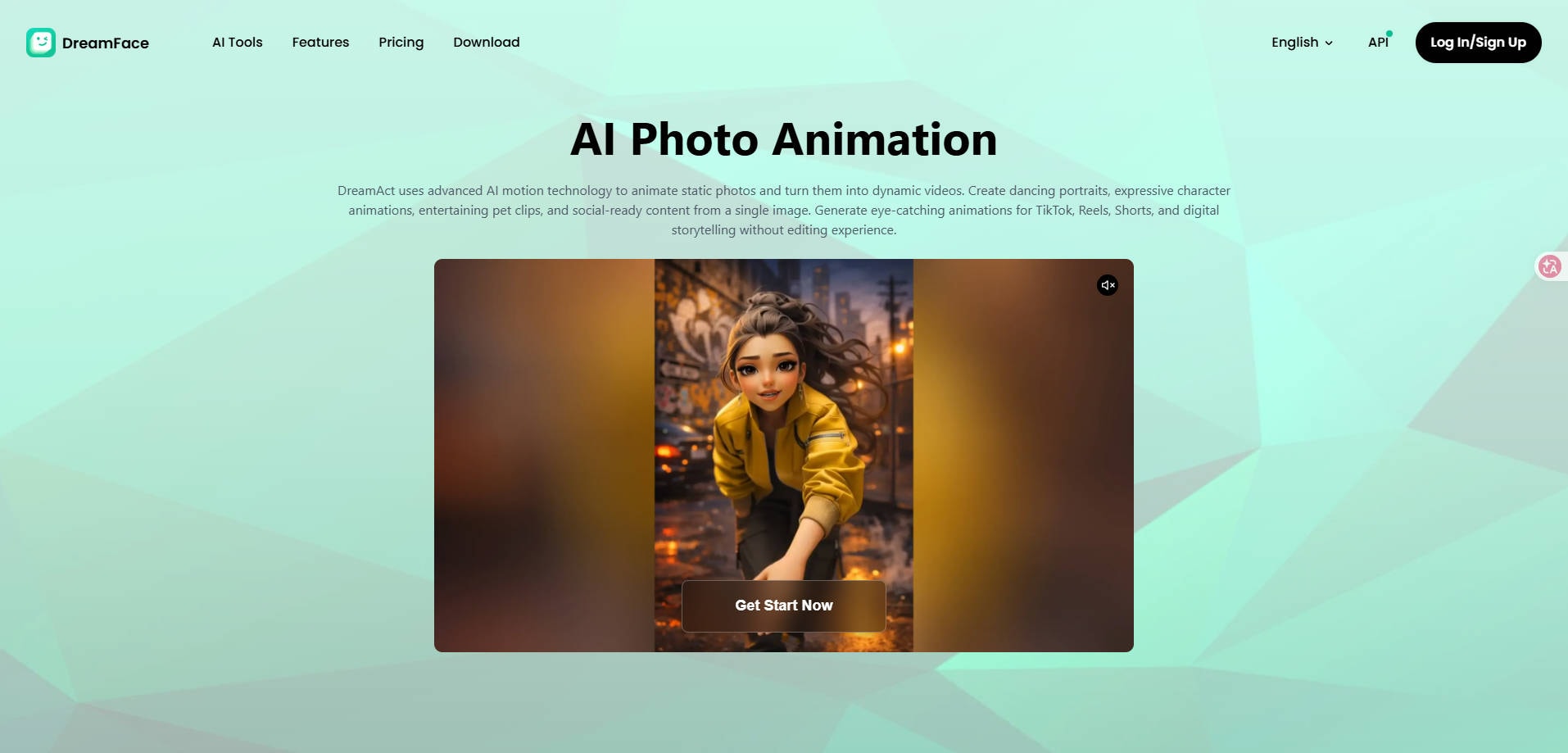
The photo-animation tool creates movement from a still image, including portraits, pets and illustrations. It suits short expressive clips rather than precise scene-by-scene video editing. AI motion may change fine details, so inspect hands, facial features and background continuity before sharing a generated clip.
Text-to-Video and Image-Guided Video
DreamFace also offers text-to-video creation with optional photo guidance. Describe a subject, action, setting and camera mood to create a short draft; an uploaded image can help carry over a specific subject or visual style. This is useful for concepts, teasers and storyboards, but it does not replace full editing controls for longer productions.
AI Human and Avatar Videos
For presenter-style content, DreamFace combines a character image or avatar with text or audio. Check language availability, voice options and export terms in the workflow you intend to use, as these may differ from general photo animation.
Part 3: DreamFace AI Pricing: Is It Free?
DreamFace provides free access to some creation workflows, but that does not mean unlimited free exports. Its official text-to-video page advertises one free video generation per day. Other tools may have separate usage limits, credits, paid exports or subscription requirements. Check the current in-product checkout before confirming a purchase, especially if you use both mobile and web versions.
| Access or cost item | What to check before committing |
| Free use | Which exact feature can be tried, and whether the resulting video can be downloaded |
| Credits | Cost per generation, whether unused credits expire, and whether a failed generation consumes them |
| Subscription | Billing interval, renewal terms, and whether the same plan covers your preferred platform |
| Output | Resolution, length, watermark policy and commercial-use terms for the chosen feature |
| Refunds | Whether a purchase is covered by the current subscription or credit-pack policy |
DreamFace publishes a subscription, cancellation and refund policy updated May 20, 2026. It distinguishes subscriptions from one-time credit packs, describes renewal and cancellation, and says payments are generally non-refundable except under the policy or applicable law. Avoid relying on older third-party price tables for a checkout decision.
Part 4: DreamFace AI Pros and Cons
Its appeal is convenience rather than exhaustive control. These observations follow documented functions and their practical boundaries, not a laboratory test of rendered results.
Part 5: How to Animate a Photo with DreamFace AI
The basic photo-animation route is straightforward. The steps below describe the publicly documented flow; exact screen labels can change.
Step 1: Open the official DreamFace photo-animation tool and upload an image you have permission to use. A clear subject with minimal visual clutter generally gives you a better starting point.
Step 2: Select the available animation mode or direction and review any settings shown before generating. For a talking photo instead, switch to the dedicated tool and add a script and voice.
Step 3: Generate the clip, preview facial consistency and motion, then download or share if your plan permits that output. If the animation changes important details, revise your input instead of assuming the result matches reality.
For the current walkthrough, see the official DreamFace photo animation instructions.
Part 6: Is DreamFace AI Worth Using?
Choose DreamFace if you want one place to experiment with talking photos, playful portraits and short text-generated clips, and the current credits and export terms fit your budget. It is less compelling when your primary goal is controlled long-form editing, team collaboration or detailed shot-by-shot adjustments.
For personal portraits or memorial photos, generated speech and expressions should not be presented as authentic recordings. Always use your own images or obtain appropriate consent and check a platform's privacy terms before uploading sensitive material.
Part 7: DreamFace AI Alternatives: What If You Need Something Different?
Different tools solve different problems. For a still photo that needs a subtle movement effect, Wondershare Repairit offers photo animation alongside one-prompt photo editing. For scripted avatar presentations, HeyGen or Hedra may be a closer match. For larger creative video projects, consider a video-first platform.
If you already know you want to switch, use our best DreamFace AI alternatives comparison to choose by use case, trade-offs and workflow rather than by name recognition alone.
Conclusion
DreamFace AI is an accessible option for talking-photo effects, AI photo animation and short generated videos, provided you accept the constraints of generative motion and confirm the current plan before exporting. Review the feature you will actually use, test a short sample if available, and compare alternatives when you need different controls.
FAQ
-
Is DreamFace AI free?
DreamFace advertises free use for selected tools, including a daily text-to-video trial. Limits vary by feature, so check the active account and export screen. -
Can DreamFace AI make a photo talk?
Yes. Its talking-photo feature combines an image with text or audio to create a voice-synchronized clip. -
Does DreamFace AI support text-to-video?
Yes. DreamFace has an official text-to-video workflow and supports optional photo guidance for some creations. -
Is DreamFace AI safe for private photos?
Review its current privacy policy before uploading personal photographs. Only use images with appropriate rights and consent, and avoid sensitive files where possible. -
Should I pick DreamFace or an alternative?
Choose by your goal: talking avatar, photo animation, prompt editing or broader video creation. One application may not lead in all categories.