Pippit AI can make sense when an online seller needs more than prettier product photos. Its image tools, sales-poster workflows, product-link videos, and publishing features bring several content jobs into one platform. But a shop that only needs cleaner listing photos may not need the whole marketing suite. This Pippit AI review looks at that distinction: what the tool does, what its credit-based access means, and where a more focused image editor could fit better.
In this article
Part 1: What Is Pippit AI?
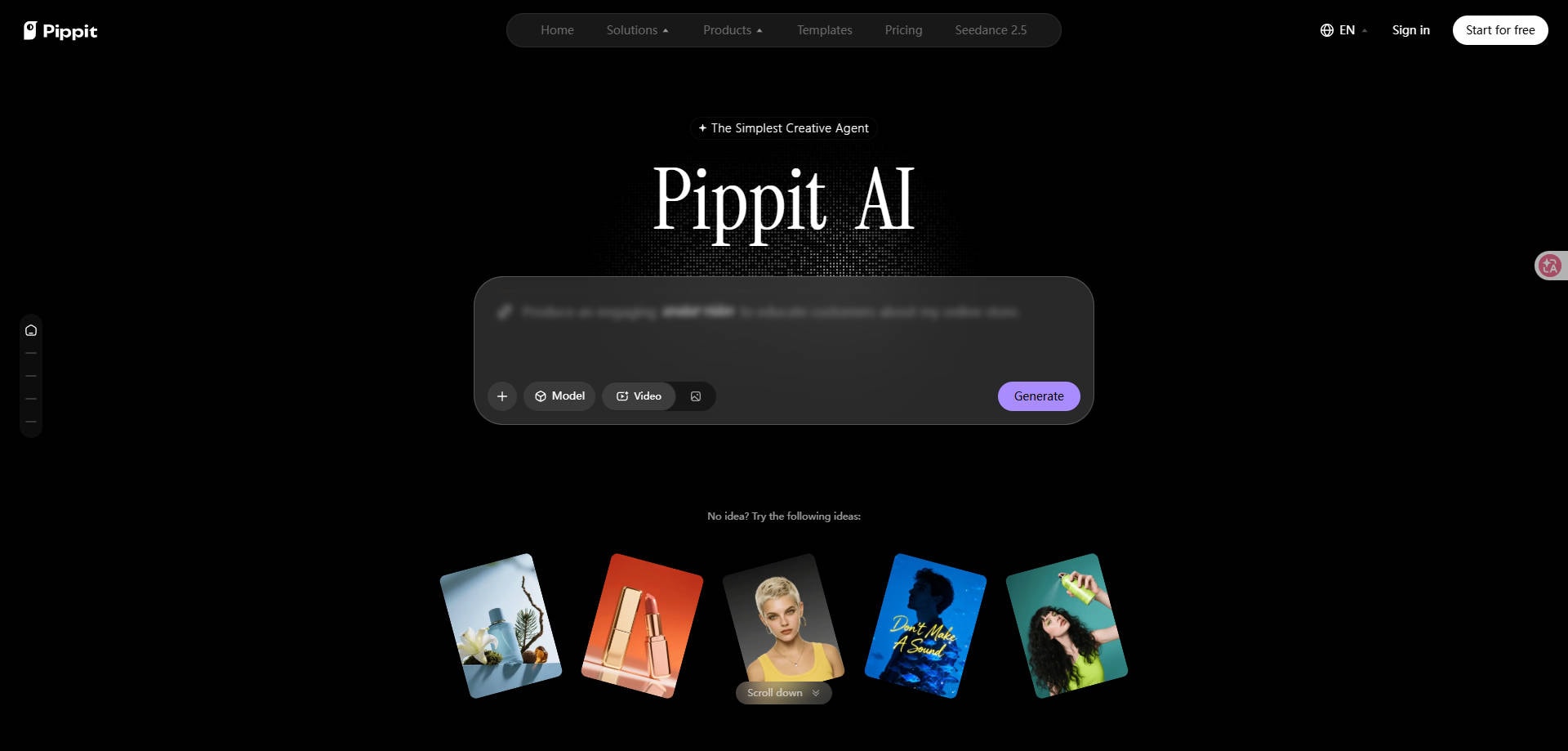
Pippit AI is a marketing-content platform associated with the CapCut ecosystem. It combines product-photo creation, sales-poster design, AI video creation, avatars, templates, and publishing-related tools. For ecommerce sellers, the attraction is not a single effect: it is the possibility of moving from a product photo or product page to usable marketing assets without rebuilding everything in several separate apps.
That breadth also sets expectations. A product image intended for a marketplace listing is not the same deliverable as a promotional poster with headlines and discount labels. Likewise, a short social ad made from a product URL is a different workflow from retouching a still photograph. Pippit offers tools for all these jobs, but results and plan access can vary by feature.
Part 2: What Can Pippit AI Do for Ecommerce Sellers?
AI Product Photos and Image Studio
Image Studio includes product-photo generation or editing, background removal, image editing, AI models, and batch-editing features. A seller can start with a phone shot or supplier image, separate the item from a distracting setting, then prepare a more styled image. This is useful for product catalogs and social posts that need several visual treatments of the same item.
What matters most: Inspect the product itself after every edit. AI-generated settings may look convincing while changing the label, shade, packaging, seams, or small accessories. For a product detail page, visual accuracy matters more than an impressive background.
Sales Posters and Promotional Graphics
Pippit offers Sales Poster as a distinct image-studio feature. This matters because sellers often need a finished promotion, not merely a product photo on a nicer background. A poster brings together a product visual, a headline, pricing or campaign details, and an intended call to action. Template availability and exact controls should be checked in the active account.
A practical workflow is to finalize the product photo first, then make the promotional layout. Review discount figures, spelling, brand marks, and size-specific versions before publishing. Generative design cannot verify whether a discount or product claim is correct.
Link-to-Video, Avatars, and Publishing
Beyond still images, Pippit offers product-link video creation, avatar-related tools, templates, and social publishing or analytics features on eligible plans. These make it a broader choice for a merchant producing repeated campaign assets. The trade-off is that a user who only needs an improved product photograph may pay for functionality they rarely use.
Part 3: Pippit AI Pricing: Is It Free?
Free Access and Paid Plans
Pippit offers a free entry point and paid tiers. Its official English pricing page lists Free, Starter, Plus, and Pro, with credits, generation-speed differences, advanced-model access, and additional commercial-content capabilities depending on the plan. The page also shows promotional and annual-billing figures that may differ from localized or monthly prices. For that reason, a fixed price copied from an older review is not a reliable purchasing reference.
| Plan | What to check before choosing |
| Free | Current daily credits, watermarks, available Image Studio tools and output restrictions |
| Starter | Credit allowance, advanced models, export options and renewal billing |
| Plus | Additional generation allowances, speed and model access |
| Pro | Higher-volume requirements, team workflow and actual credit cost per deliverable |
Check the current Pippit pricing and plan comparison immediately before subscribing. The total cost depends on the features you use, not just the plan name.
How to Evaluate AI Credits and Commercial Use
For ecommerce work, calculate the cost of an approved usable asset, not merely one generation. One listing may need multiple attempts to get the right product color or readable label. Make a small sample set: a plain-background listing image, a lifestyle image, and a sale poster. Track how many generations and revisions each requires.
Also check the license terms for any template, stock asset, music, avatar, and generated output you use commercially. The presence of commercial-use assets in a plan does not mean every input or third-party brand element is automatically cleared for advertising.
Part 4: Pippit AI Pros and Cons
The strengths below follow the publicly documented capabilities of the platform. They are not scores from an independent head-to-head output test.
Part 5: How to Create a Product Image and Sales Poster with Pippit
The exact on-screen labels can change with product updates. The following is a planning workflow based on the current public feature descriptions, rather than a claim of hands-on testing.
Prepare a Product Photo
Step 1. Sign in to Pippit and open its image-creation or Image Studio area. Prepare a well-lit source photo that shows the complete product, preferably with the packaging and branding clearly readable. Avoid compressing away fine details before importing.
Create and Inspect a Product Scene
Step 2. Choose the product-photo or background-editing task, select a scene suited to your customer, and generate a candidate. Check shape, colors, proportions, reflections, packaging text, and any accessories. If the product is altered, revise or switch to a less aggressive edit.
Design a Sales Poster and Check the Final Output
Step 3. Move to Sales Poster or a promotional design workflow. Add the correct headline, price, campaign dates, brand elements, and call to action. Export versions sized for the destination, then review each at full resolution. A beautifully composed image is not usable if the price, discount, or product label is inaccurate.
Part 6: Pippit AI vs. Wondershare Repairit for Product Photos
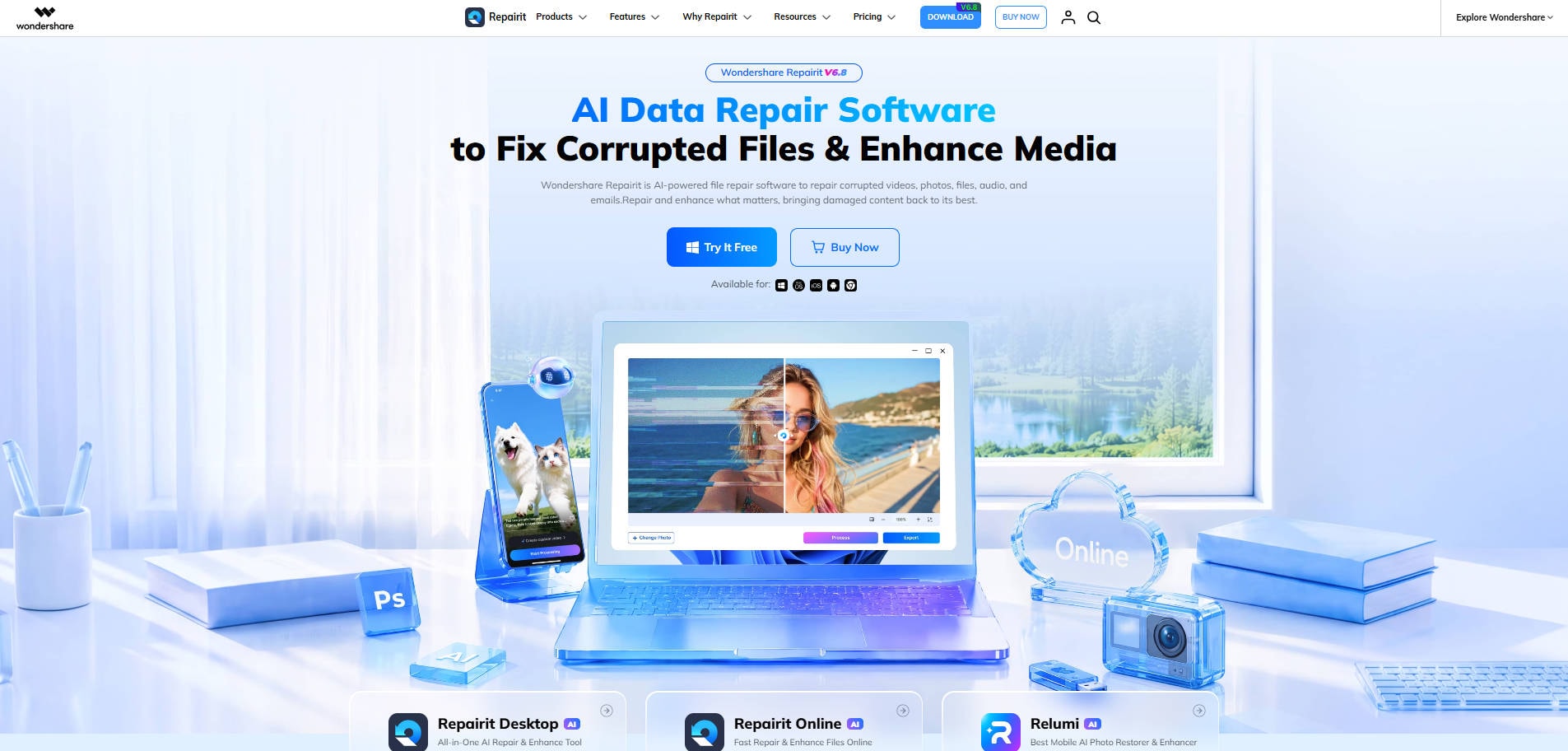
Some sellers do not need a social publishing system. Their immediate problem is a dull supplier image, distracting background, or low-detail product photo. For that narrower task, Wondershare Repairit offers image-focused options rather than the same all-in-one Pippit marketing workflow.
Repairit One-Prompt Edit lets users describe a visual change, such as cleaning up background clutter or changing the atmosphere of a product image. Its AI Product Photography page focuses on improving product-photo clarity and visible details for listings and campaigns. Both are useful image-preparation tasks, but neither should be described as equivalent to Pippit's full poster-design, product-link video, scheduling, and analytics suite.
| What you need | Pippit AI | Wondershare Repairit |
| Styled product imagery | Image Studio and product-photo tools | Prompt-based image changes and photo enhancement |
| Full sales poster with copy and layout | Dedicated Sales Poster workflow | Not verified as an equivalent all-in-one poster layout tool |
| Product-link video ad | Dedicated link-to-video workflow | Not verified as equivalent |
| Social scheduling and analytics | Documented publishing and analytics functions | Not its core function |
| Improve a soft or cluttered product image | Image editing options | Relevant enhancement and prompt-editing options |
For a product-photo-only job, you can start with a single image and a specific edit instruction, then review the result carefully before using it in a listing. If you need a full promotional layout or linked campaign workflow, Pippit or a dedicated design platform will usually be the closer category match.
Part 7: Is Pippit AI Worth It for Your Store?
Pippit is worth considering if your store repeatedly creates product visuals, social ads, and promotional designs. Its value increases when multiple features reduce the work of transferring assets between tools. A freelancer making a few isolated images may prefer a focused editor, especially when credits or plan limits matter.
Before committing, run a small audit of your own: test a real product photo, build one poster, confirm each claim and logo, then check whether the final export can be used without extra manual cleanup. If your primary goal is to compare specialist tools rather than evaluate Pippit itself, see our best Pippit AI alternatives for product images, posters, and marketing videos.
Conclusion
Pippit AI brings several ecommerce content jobs together, from product photos and sales posters to video and distribution tools. That breadth is attractive for a busy seller, but plan limits and image accuracy deserve a careful trial. If you mainly need sharper product images or a controlled visual edit, a focused photo workflow may be a simpler starting point.
FAQ
-
Is Pippit AI free?
Pippit offers a free plan, but credits, output features, and other limits can change. Check the current official pricing page for what is available in your region. -
Can Pippit make product photos?
Yes. Its Image Studio includes product-photo and image-editing functions intended for marketing content. -
Can Pippit design a sales poster?
Yes. Sales Poster is listed among its image-studio capabilities. Review all prices, logos and promotional claims before publishing. -
Does Pippit also make marketing videos?
Yes. The platform describes link-to-video and avatar-related tools in addition to still-image work. -
Is Pippit better than Repairit for ecommerce?
They serve overlapping but different needs. Pippit includes broader marketing production and publishing; Repairit is a more focused option for certain product-photo enhancement and prompt-based image-editing tasks. -
Can I use Pippit output commercially?
Check the applicable plan and asset license terms. Commercial-use templates or assets do not automatically clear every uploaded brand, product claim or third-party element.