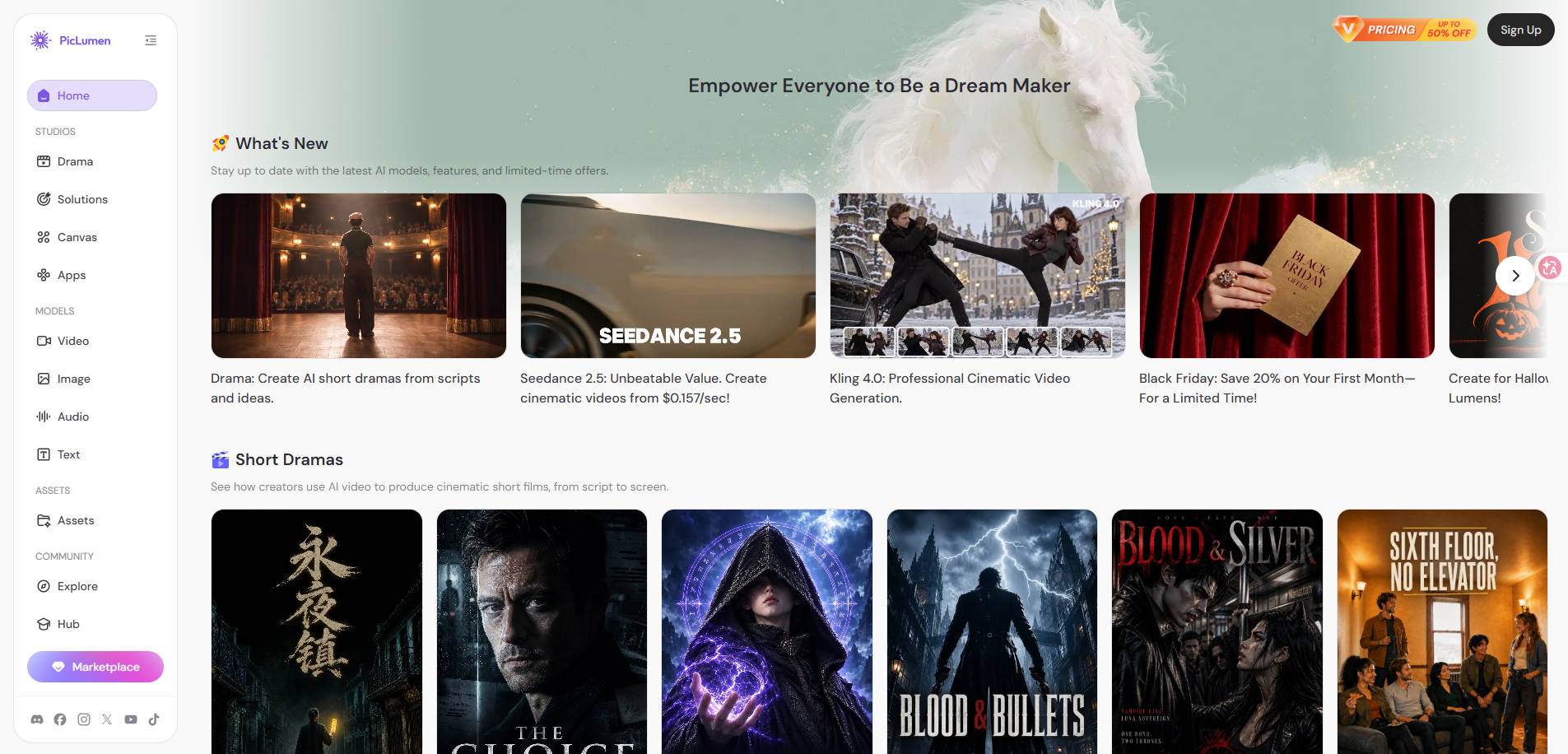
The best PicLumen alternative depends on what you are trying to create. Someone making a text-heavy event poster needs a different tool from someone animating an existing photo or developing game concept art. This guide compares seven options by the job each does well, not by an unsupported all-purpose ranking.
In this article
Part 1: Why Look for PicLumen AI Alternatives?
PicLumen combines image generation, editing, video models and a credit-based creative workspace. That breadth is helpful, but it may not be the best fit when your priority is readable typography, exact product-photo preservation, design-software integration, lower-cost still-image creation or specialist video controls.
Think about your project before switching: do you start from words or an existing image? Must you preserve an actual product’s color and markings? Do you need a commercial license? Do you want a still picture or motion output? For the current PicLumen plan and credit rules, see our PicLumen AI review.
Part 2: Best PicLumen AI Alternatives at a Glance
| Alternative | Best for | Main consideration |
| Leonardo AI | AI Image Generation and Consistent Creative Assets | Specialist image/video workflow |
| Midjourney | Distinctive Artistic Images and Visual Concepts | Specialist image/video workflow |
| Adobe Firefly | Design Teams Using Adobe Creative Apps | Specialist image/video workflow |
| Ideogram | Text in Images, Posters and Social Graphics | Specialist image/video workflow |
| Wondershare Repairit | Editing Existing Photos and Photo Animation | Specialist photo editing |
| Krea AI | Creative Iteration and Real-Time Image Workflows | Specialist image/video workflow |
| Runway | AI Video Generation and Creative Motion | Specialist image/video workflow |
For a quick shortlist, start with Leonardo or Midjourney for newly imagined artwork, Ideogram for image text, Adobe Firefly for design production, Repairit for an existing photograph, Krea for interactive visual iteration, and Runway for motion-oriented projects.
Part 3: 7 Best PicLumen AI Alternatives for Different Creative Tasks
The seven options below serve different creative needs. Each product name in the Overview links to its official website. Current prices, availability and license details may change, so verify them before subscribing.
1. Leonardo AI — Best for AI Image Generation and Consistent Creative Assets
Overview
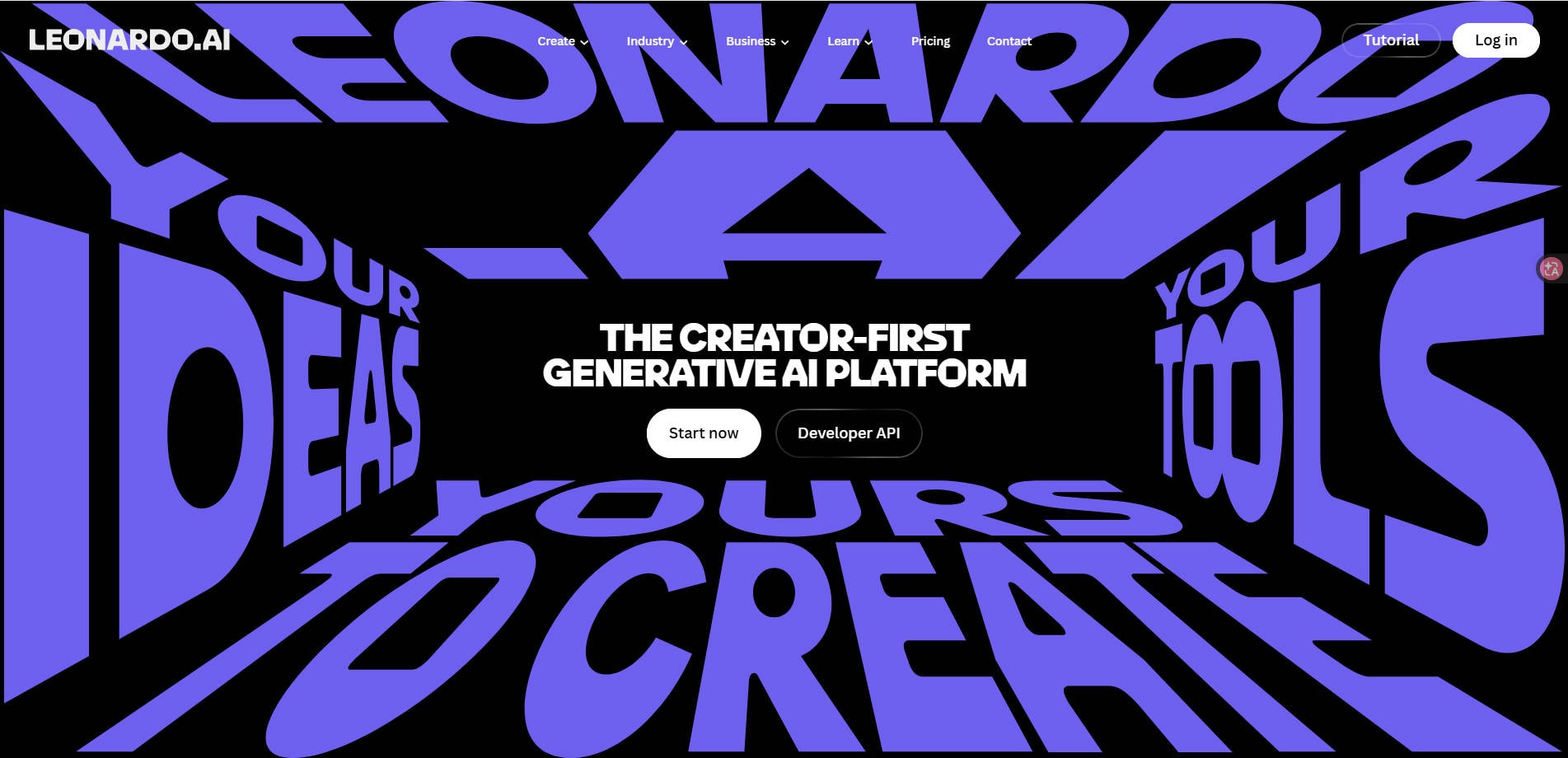
Leonardo AI — Leonardo is a strong option for creators who need to develop concept art, advertising ideas and recurring visual assets. Its image creation tools emphasize repeatable creative workflows, making it useful when the next image needs to resemble the last one.
Key Features and Workflow
Generate a small series using the same subject description and check whether the brand palette, silhouette and composition remain sufficiently consistent. Ask whether the current plan includes the generation modes and private creation features you need.
Pros and Cons
Pricing
Check the live official plan or subscription details for free access, generation limits, export quality and commercial licensing. Pricing and included models may change; no unverified price is assumed here.
Best For
AI Image Generation and Consistent Creative Assets. Choose this workflow when that is the primary task you need to finish.
Our Take
Try Leonardo when the main job is developing a coherent set of new visual concepts rather than polishing a photo you already own.
2. Midjourney — Best for Distinctive Artistic Images and Visual Concepts
Overview
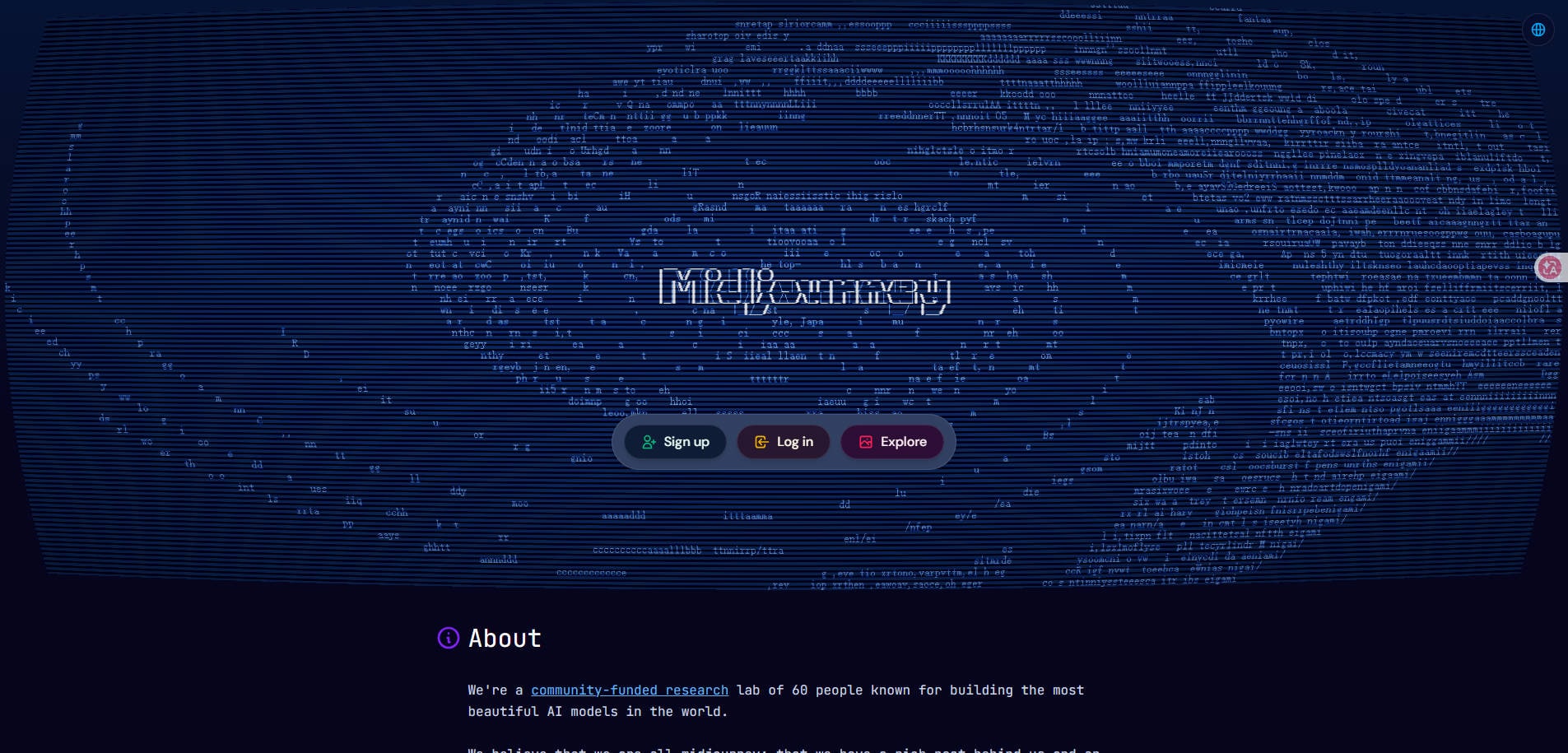
Midjourney — Midjourney is often considered for concept-heavy art direction, editorial imagery and stylized visuals. It is particularly relevant when creative exploration matters more than document-style layout or product-detail preservation.
IMAGE SLOT 2: Download a real, authorized screenshot of the current Midjourney product interface, save as piclumen-ai-alternatives-02.jpg, optimize JPG <=200 KB, upload, then UNCOMMENT this code after confirming its URL works.
Key Features and Workflow
Start with one short art-direction brief and compare several variations for color, composition and the ability to maintain your intended subject. Check the current web workflow and license before client work.
Pros and Cons
Pricing
Check the live official plan or subscription details for free access, generation limits, export quality and commercial licensing. Pricing and included models may change; no unverified price is assumed here.
Best For
Distinctive Artistic Images and Visual Concepts. Choose this workflow when that is the primary task you need to finish.
Our Take
Choose Midjourney if style exploration is your priority; use another tool if you must preserve the exact details of an existing product photo.
3. Adobe Firefly — Best for Design Teams Using Adobe Creative Apps
Overview
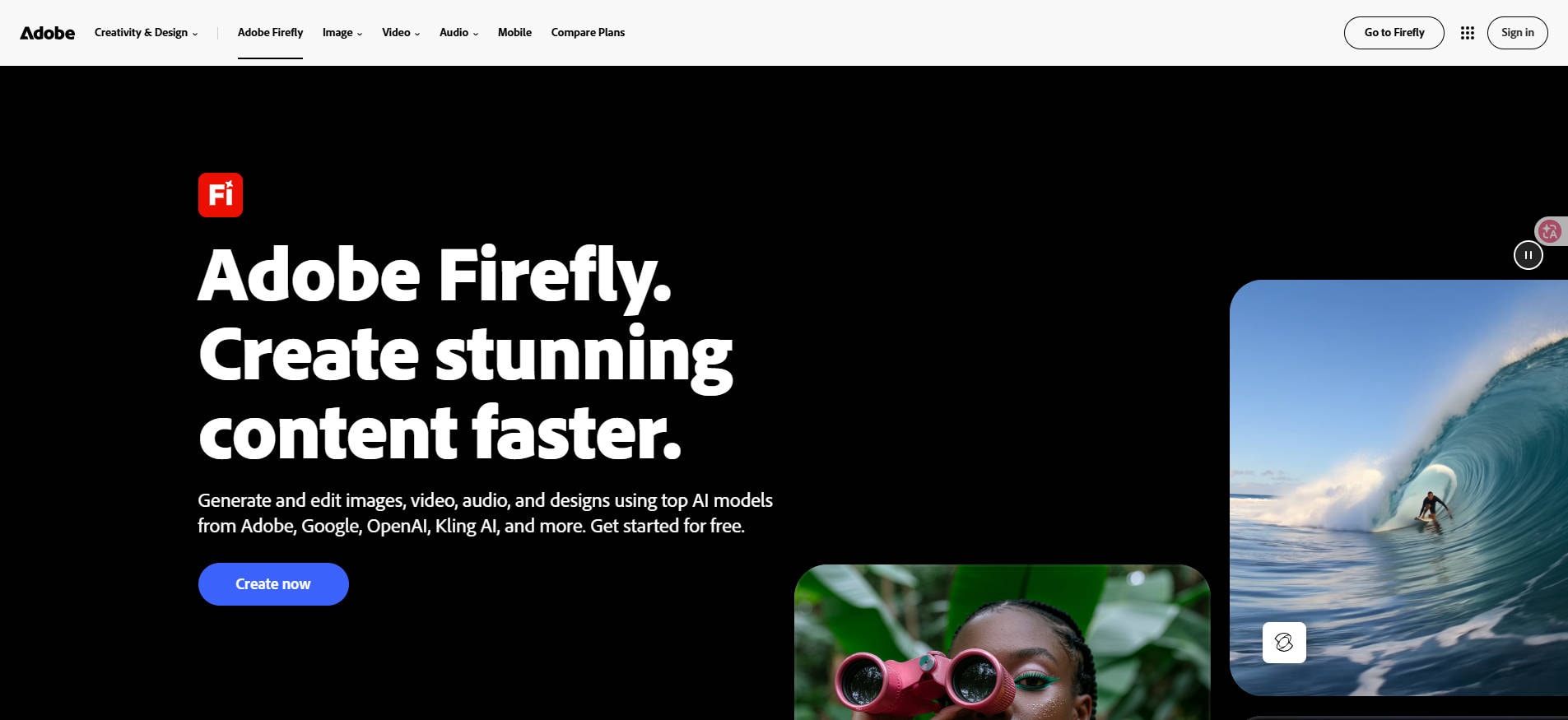
Adobe Firefly — Adobe Firefly is appealing to designers already working inside Photoshop, Illustrator or other Adobe tools. It combines generation with editing workflows and offers a familiar route from an AI concept to a finished visual asset.
Key Features and Workflow
Test whether the generation and editing actions you need are available in your subscribed Adobe app, then inspect the resulting asset in your normal production workflow. Commercial terms vary by feature and asset.
Pros and Cons
Pricing
Check the live official plan or subscription details for free access, generation limits, export quality and commercial licensing. Pricing and included models may change; no unverified price is assumed here.
Best For
Design Teams Using Adobe Creative Apps. Choose this workflow when that is the primary task you need to finish.
Our Take
Pick Firefly when your creative process already lives in Adobe tools and you need an editable output, not just an attractive image preview.
4. Ideogram — Best for Text in Images, Posters and Social Graphics
Overview
Ideogram — Ideogram is a relevant alternative when readable words inside an image are part of the deliverable—such as a concept poster, product graphic or social-media headline. That is a different evaluation task from creating a realistic landscape.

Key Features and Workflow
Prepare a sample prompt containing a short exact headline, brand colors and a layout instruction. Check spelling in the generated image, then verify whether you can edit text separately for production.
Pros and Cons
Pricing
Check the live official plan or subscription details for free access, generation limits, export quality and commercial licensing. Pricing and included models may change; no unverified price is assumed here.
Best For
Text in Images, Posters and Social Graphics. Choose this workflow when that is the primary task you need to finish.
Our Take
Consider Ideogram if prompt-generated text is central to your work; keep final legal or promotional copy editable wherever possible.
5. Wondershare Repairit — Best for Editing Existing Photos and Photo Animation
Overview
Wondershare Repairit — Wondershare Repairit is useful when your starting point is already a photograph. One-Prompt Edit can help change a scene or style, AI Product Photography can support visual preparation for product listings, and Animate Photo addresses short photo-motion requests. Repairit is not a full replacement for PicLumen’s model marketplace, Canvas or audio generation.

Key Features and Workflow
Upload a photograph you own, define precisely what should change, and compare the output with the original for important subject details. If the task is motion, check whether the clip conveys your intended action rather than looking for lip-synced dialogue.
Useful starting points include One-Prompt Edit, Animate Photo and AI Product Photography. Choose the one that matches your input and desired output.
Pros and Cons
Pricing
Check the live official plan or subscription details for free access, generation limits, export quality and commercial licensing. Pricing and included models may change; no unverified price is assumed here.
Best For
Editing Existing Photos and Photo Animation. Choose this workflow when that is the primary task you need to finish.
Our Take
Choose Repairit when you want to work from a photo rather than create a completely new concept. For pure text-to-image art exploration, a dedicated generator may be more appropriate.
6. Krea AI — Best for Creative Iteration and Real-Time Image Workflows
Overview
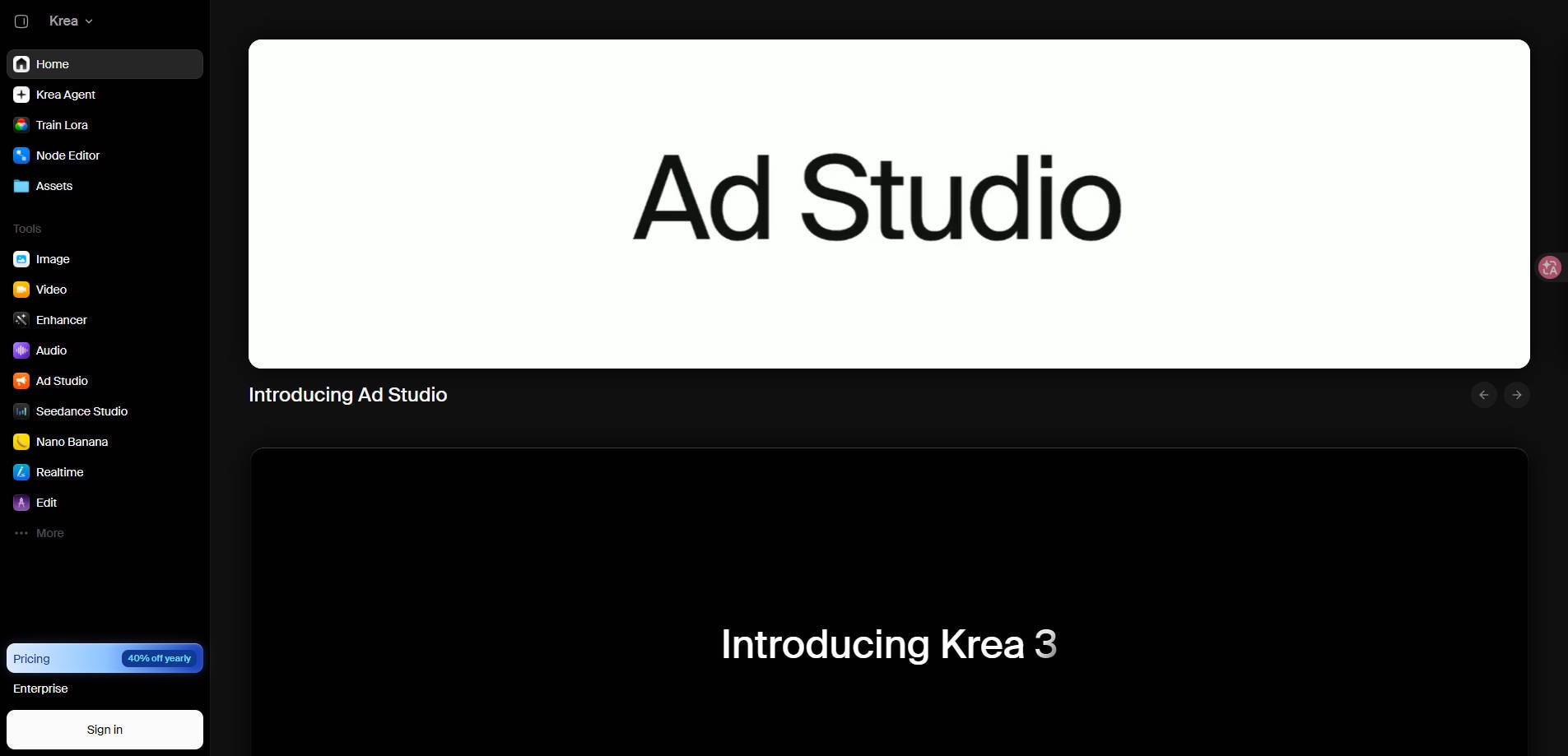
Krea AI — Krea targets creators who want to iterate visually, explore images and video, and use enhancement or real-time creative controls. It is worth comparing when your workflow involves frequent feedback and refinement rather than one-off prompts.
Key Features and Workflow
Build the same moodboard or sketch-to-image idea using PicLumen and Krea. Evaluate whether the interaction style is easier for your workflow and whether high-resolution exports fit your plan.
Pros and Cons
Pricing
Check the live official plan or subscription details for free access, generation limits, export quality and commercial licensing. Pricing and included models may change; no unverified price is assumed here.
Best For
Creative Iteration and Real-Time Image Workflows. Choose this workflow when that is the primary task you need to finish.
Our Take
Krea is compelling if you value rapid visual iteration. Compare not only the outputs but also the amount of manual cleanup needed.
7. Runway — Best for AI Video Generation and Creative Motion
Overview
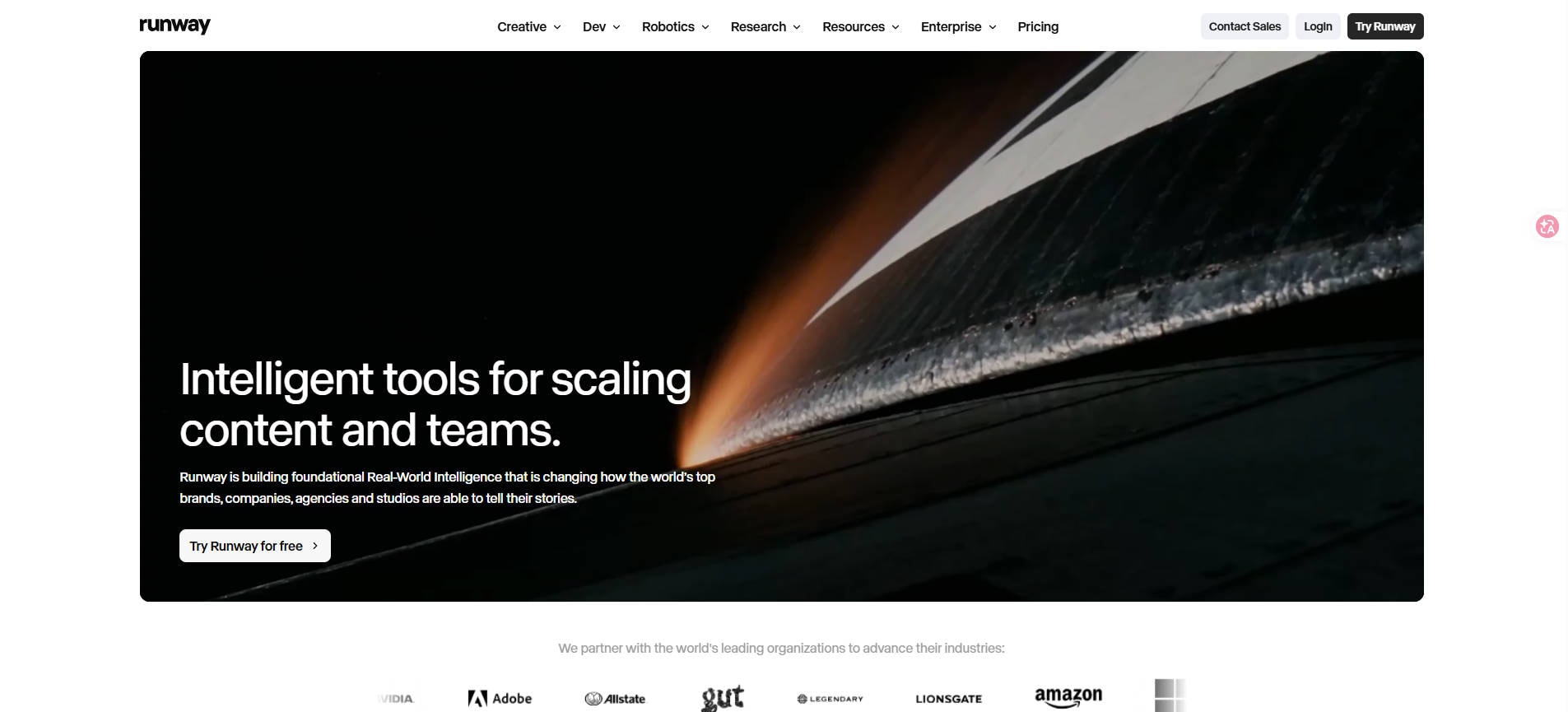
Runway — Runway focuses on creating and editing moving images. It is a stronger comparison when you are considering PicLumen primarily for image-to-video, scene generation or motion experiments rather than static artwork.
Key Features and Workflow
Use a simple reference image and request one camera movement. Inspect frame consistency, subject continuity, unwanted scene changes, duration and the true credit cost of your final usable clip.
Pros and Cons
Pricing
Check the live official plan or subscription details for free access, generation limits, export quality and commercial licensing. Pricing and included models may change; no unverified price is assumed here.
Best For
AI Video Generation and Creative Motion. Choose this workflow when that is the primary task you need to finish.
Our Take
Use Runway for serious motion-centric work; if you only want a photo cleaned up or lightly animated, a simpler photo-first tool may be enough.
Part 4: How to Choose a PicLumen Alternative
Before buying a replacement, build one small real-world test. A product seller can use the same reference photo, while a designer can use the same prompt and target aspect ratio. Record the entire cost—including discarded drafts—then check whether the final file is usable at the intended size.
- Define the deliverable. Is it a poster with readable text, a commercial product image, concept artwork or a five-second motion clip?
- Use the same input. Keep your reference photograph or base prompt consistent wherever the tools permit.
- Check accurate details. Product color, lettering, hands, faces and proportions can change during generation.
- Compare total effort. Count exports, edits, retries and any work in a second application.
- Verify rights and limits. Inspect free-tier conditions, monthly credits, privacy options and the commercial license for the exact plan.
Part 5: Which PicLumen Alternative Is Best for You?
There is no single best PicLumen AI alternative for everyone. For new concept art, compare Leonardo AI and Midjourney. For posters that need legible text, start with Ideogram. If you already design in Adobe software, Firefly may fit naturally. For editing or animating existing photos, Wondershare Repairit is worth considering; for motion-heavy concepts, investigate Runway. Krea is particularly relevant when interactive visual iteration matters.
Teams creating product images should treat image accuracy and usage rights as non-negotiable checks. A visually impressive image is not automatically appropriate for a store listing or an advertisement.
Conclusion
Choose the tool that finishes your actual creative task with the least rework. PicLumen offers broad multi-model experimentation; its alternatives offer more specialized paths for artwork, typography, existing-photo editing and motion. Test one realistic project before committing to a subscription.
FAQ
-
What is the best free PicLumen AI alternative?
That depends on the task. Compare each tool’s current free access and export limits; some free plans are suitable for experimentation but not commercial production.
-
Which PicLumen alternative is best for AI art?
Leonardo AI and Midjourney are useful starting points for prompt-led visual concepts, with different creative workflows.
-
What should I use for text inside AI images?
Ideogram is a relevant option for typography-led images, although spelling and final layout still require review.
-
Can Repairit replace PicLumen AI?
Repairit overlaps with photo editing, image enhancement and photo animation. It is not a full replacement for PicLumen’s model aggregation, music tools and Canvas workflows.
-
Which alternative is best for image-to-video?
Runway is worth comparing for video-focused creation. If you only want subtle motion from an existing photo, consider a dedicated photo-animation tool.
-
Can I use these outputs for commercial ads?
Commercial rights vary by tool, plan and asset. Verify current terms and rights to your inputs before using generated visuals in paid campaigns.