Looking for the best Unlucid AI alternatives? The right replacement depends on what you actually do in Unlucid: generate an image from text, edit an uploaded photo, animate a still picture, or create a short video effect. Those tasks overlap, but not every AI art platform handles all of them.
Unlucid AI combines text-to-image generation, Smart Edit, selective image editing, Video AI, Effects AI and Character Swap under a Gems payment system. Some people want a wider choice of models, while others need a better illustration workflow or a simpler photo-to-video tool. This guide compares six alternatives for those creative needs, with their limitations stated alongside their strengths.
In this article
Part 1: What Does Unlucid AI Offer?
Unlucid AI is a cloud-based collection of creative tools rather than a single image generator. Create Image produces visuals from written prompts. Smart Edit changes an existing image with natural-language instructions, while Simple Edit lets you select a region for more targeted changes. Its Video AI animates a still image, Effects AI applies preset motion effects, and Character Swap places a provided character into a video clip.
Its official Gems page lists free Gems that users can claim daily, alongside one-time packs of 120 Gems for $8.99, 450 Gems for $29.99 and 1,250 Gems for $59.99. These advertised bundles are not the same as a guarantee of a particular number of usable creative outputs: retries, feature selection and access rules matter. Confirm the cost shown inside the tool before generating.
Unlucid AI also emphasizes fewer content restrictions. That is an important distinction: the mainstream tools below have their own content rules and should not be presented as identical substitutes for Unlucid's policy. This comparison focuses on ordinary, non-explicit image and video creation.
Part 2: 6 Best Unlucid AI Alternatives Compared
For quick image creation and light photo animation, Repairit is a practical option; Leonardo and Midjourney serve art-driven creators; Pika and Runway focus more heavily on motion and video; Adobe Firefly suits broader creative editing. This is a use-case comparison based on public product documentation, not a hands-on performance ranking.
| Tool | Best For | Image Creation | Video / Animation | Access |
| Wondershare Repairit | AI Image Creation, One-Prompt Editing, and Photo Animation | Yes | Photo animation workflow | Free-entry options; feature-based credits |
| Leonardo AI | Detailed AI Art and Image-to-Video Workflows | Yes | Image-to-video models | Free and paid plans |
| Runway | Creative AI Video Production | Yes | AI video generation | Limited free credits; paid plans |
| Pika | Short Image-to-Video Experiments | Yes | Short video generation | Model/credit-dependent |
| Midjourney | Stylized Image Generation | Yes | Short image animations | Paid subscriptions |
| Adobe Firefly | AI Creation and Structured Editing | Yes | AI video tools | Limited free daily use; paid plans |
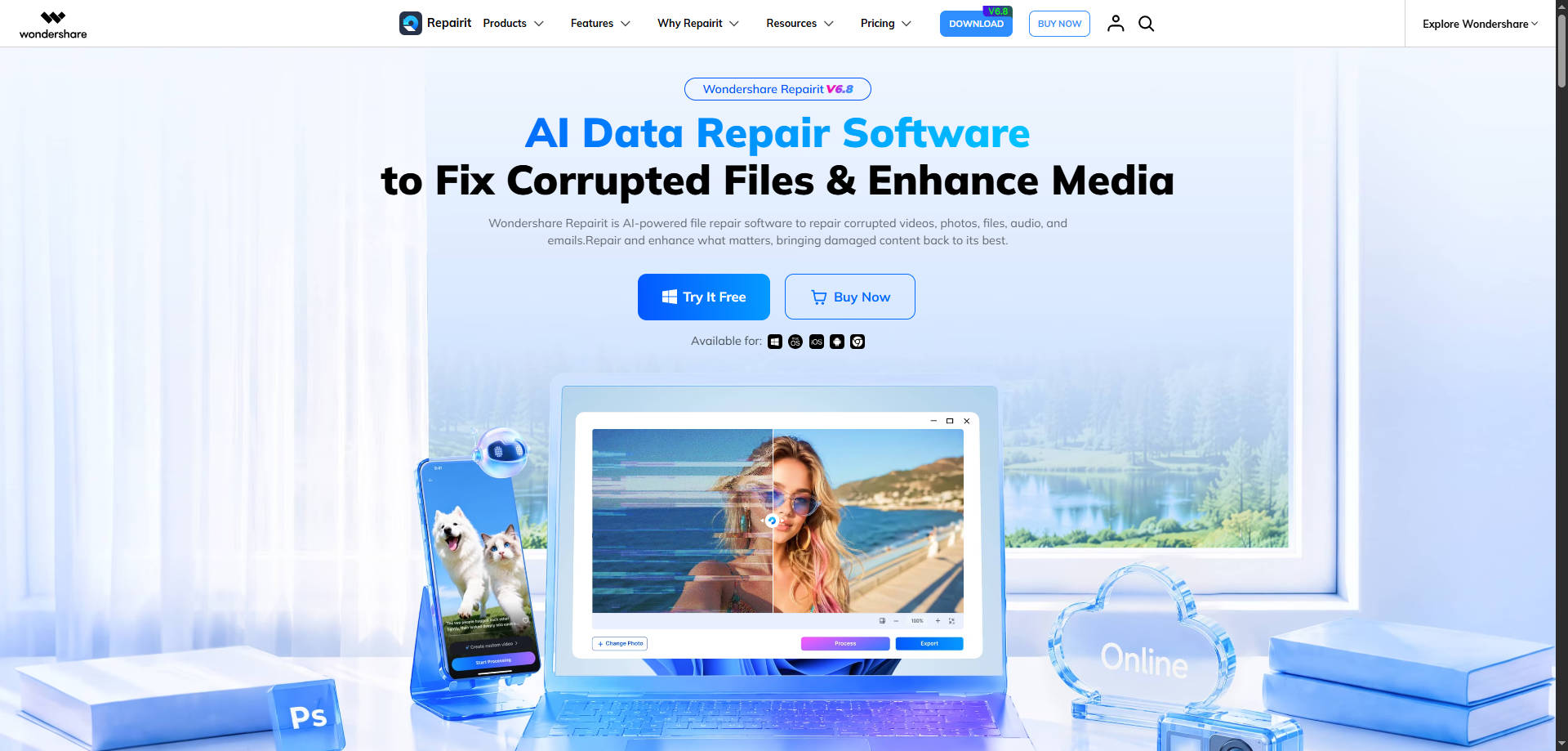
1. Wondershare Repairit - Best for AI Image Creation, One-Prompt Editing, and Photo Animation
Overview: Wondershare Repairit - For creators who move between generating a fresh image, revising an existing photo, and animating a portrait, Wondershare Repairit offers several dedicated workflows. Its online AI Image Generator handles text-to-image requests, while One-Prompt Edit and Image to Video provide separate editing and motion options. It is not an uncensored replacement, and its creative tools should not be confused with its separate corrupted-file repair functions.
Key Features:
- Online text-to-image generation for original concepts and social visuals.
- One-Prompt Edit for changes to an existing picture in natural language.
- Photo Animation / Image to Video for turning a still into a short clip.
Pricing: Free-entry or trial options depend on the feature; paid credits or a plan may be required for some exports. Verify the current checkout before use.
Best For: AI Image Creation, One-Prompt Editing, and Photo Animation
Our Take: Choose Repairit when the primary goal is making an image, editing a photo with a prompt, or animating a familiar picture rather than reproducing Unlucid's entire feature set.
2. Leonardo AI - Best for Detailed AI Art and Image-to-Video Workflows
Overview: Leonardo AI - Leonardo AI gives artists multiple generative models and image controls, then lets them animate images using supported video models. It is especially relevant to users leaving Unlucid because they want more visual direction, model selection, or image references for storyboards and original artwork.
Key Features:
- Text-to-image creation with a variety of platform models.
- Image guidance and style-oriented creative controls.
- Image-to-video generation with model-dependent motion settings.
Pricing: Free tier available; Essential is listed at $12/month on its public individual pricing page. Video costs and availability vary by model.
Best For: Detailed AI Art and Image-to-Video Workflows
Our Take: A better fit for users seeking a deeper art-production environment than for those wanting a single-button photo effect.
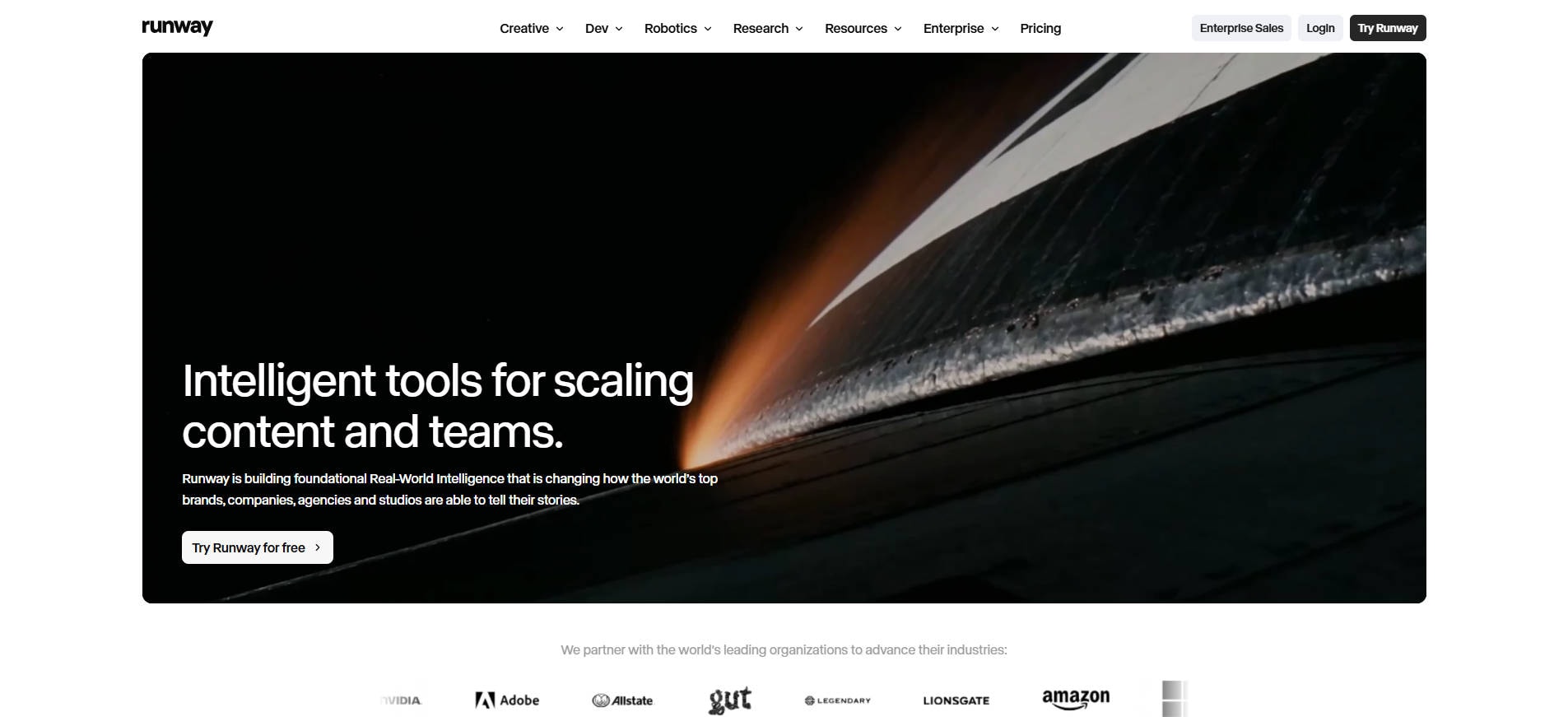
3. Runway - Best for Creative AI Video Production
Overview: Runway - Runway is designed for creators whose next step after image generation is a more demanding video project. Users can start with a prompt, still image or clip, generate motion and refine the output with supported editing tools. It serves video-first workflows more directly than a simple image-only generator.
Key Features:
- Text, image and existing-video inputs for supported generative models.
- Tools to edit, extend and upscale generated footage.
- Model selection and multi-stage creative workflows.
Pricing: Free plan provides 125 one-time credits; paid plans and model access vary. Check its live pricing page for current billing terms.
Best For: Creative AI Video Production
Our Take: Choose Runway when the goal is building and refining AI video sequences, rather than producing a quick edit to a still photo.
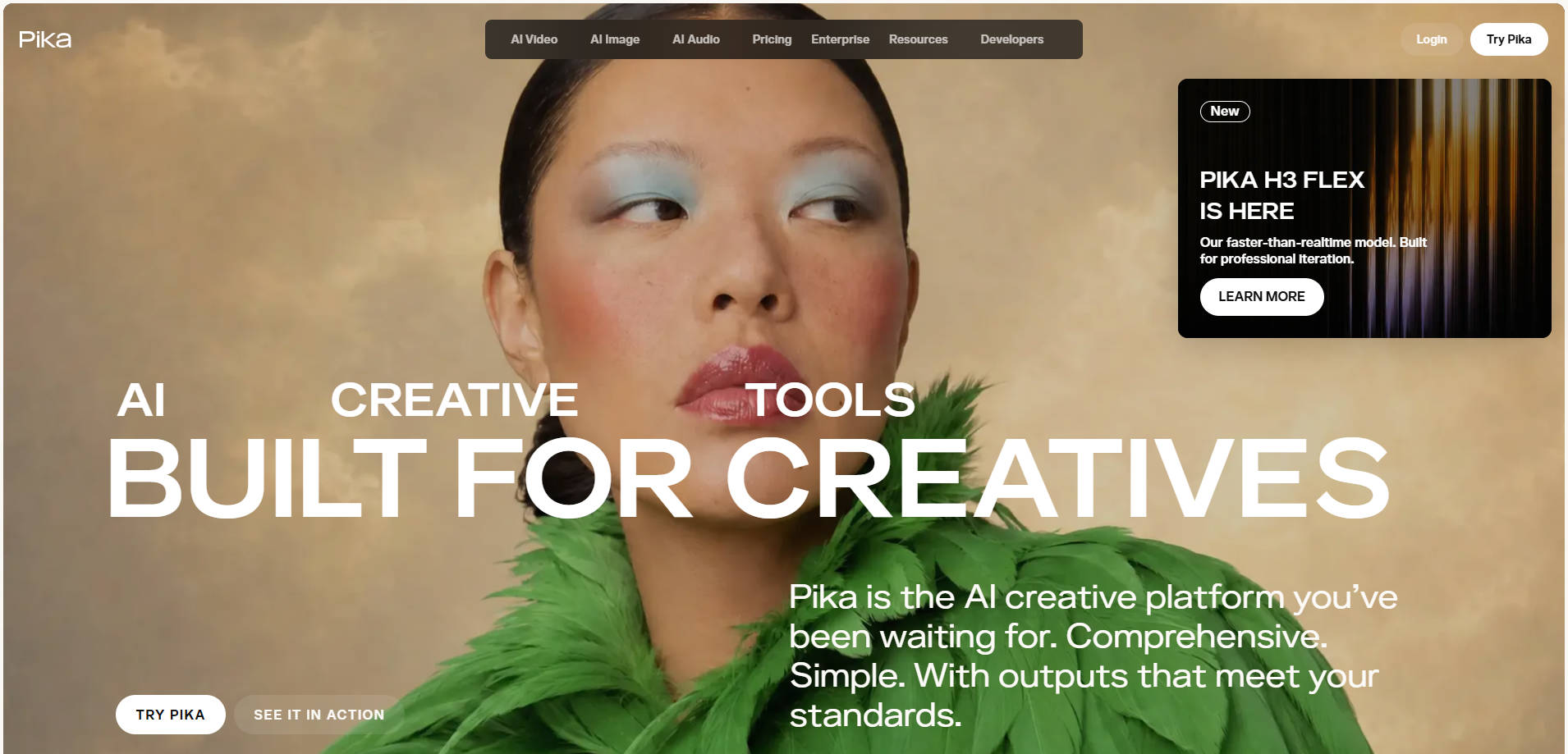
4. Pika - Best for Short Image-to-Video Experiments
Overview: Pika - Pika focuses on turning instructions and reference material into short video outputs. Its current Video Studio describes text prompts, image references, keyframes and editable video inputs. That makes it an appealing option for lightweight motion concepts and social-ready experiments.
Key Features:
- Turn a photo into a video with a motion description.
- Use reference assets and keyframes where the selected model allows.
- Generate short clips with model-dependent duration and resolution.
Pricing: Credit requirements are shown in the creation workflow; plan and model pricing should be verified before publication.
Best For: Short Image-to-Video Experiments
Our Take: A practical choice when a creator wants to animate an existing image into a short clip and does not need a full editing suite.
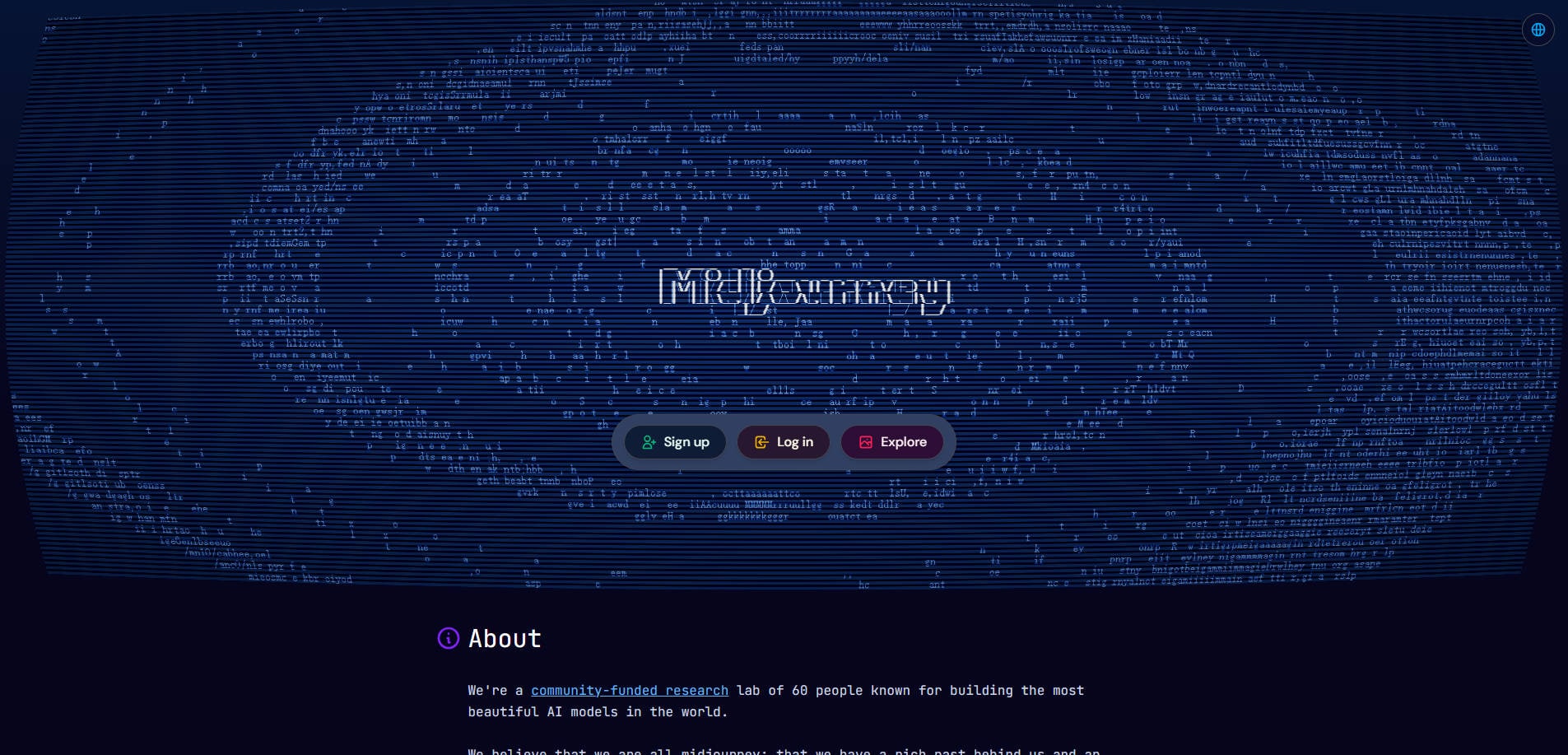
5. Midjourney - Best for Stylized Image Generation
Overview: Midjourney - Midjourney suits users who value the look of generated art and want strong style references and prompt-based direction. It also offers image-to-video animation for short clips, so it should no longer be described as strictly an image-only alternative.
Key Features:
- Text-to-image generation with style and image references.
- Image editing and reference tools for consistent visual direction.
- Short image-to-video animations using supported motion modes.
Pricing: Published monthly plans: Basic $10, Standard $30, Pro $60, Mega $120; annual billing differs.
Best For: Stylized Image Generation
Our Take: Choose Midjourney for visual concept development and stylized art, with short animations as an additional feature.
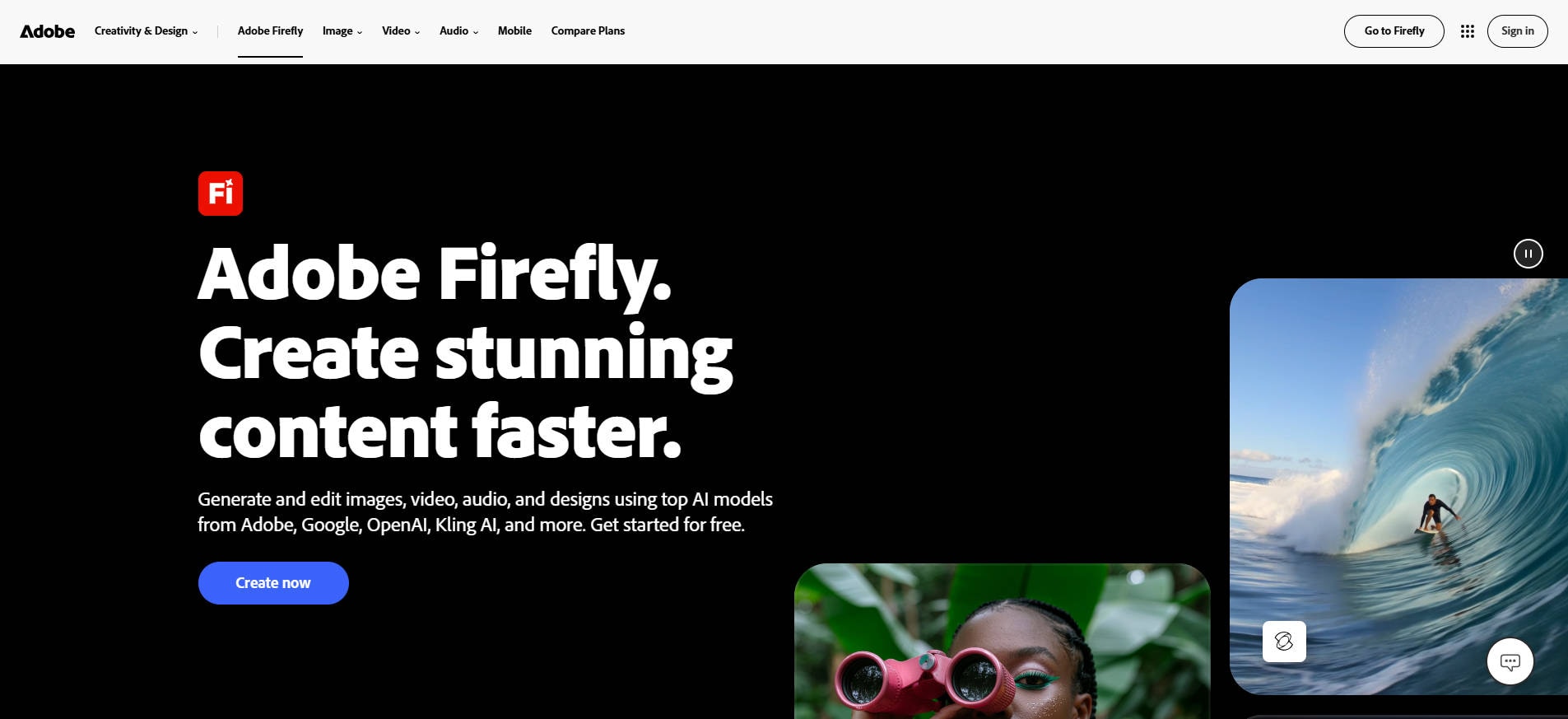
6. Adobe Firefly - Best for AI Creation and Structured Editing
Overview: Adobe Firefly - Adobe Firefly is an option for people who want to generate and revise visuals within a broader creative workflow. Its product family provides image-generation and generative-editing options as well as video capabilities under its credit model. It is particularly relevant for teams who already work with Adobe creative apps.
Key Features:
- Generate images and use generative editing workflows.
- Access selected video and audio generation tools.
- Use generative credits within Adobe's creative ecosystem.
Pricing: Limited free daily generations; Firefly Standard, Pro and higher paid plans have different credit allocations. Confirm regional prices before purchase.
Best For: AI Creation and Structured Editing
Our Take: A good option if you need image creation and editing in an established design ecosystem, not if you only need fast novelty effects.
Part 3: How to Choose the Right Unlucid Alternative
Start with the output you want
If you want an original still image from text, focus on prompt fidelity, image references and style control. If your source is an existing portrait or product photo, test editing accuracy instead of judging a tool by its text-to-image gallery. For a moving image, compare short image-to-video generation, reference consistency and motion controls.
Check the real cost of repeat generations
A free tier can be helpful for a first trial but may be too limited for a weekly production schedule. Compare the credit cost of your intended output, whether unused credits roll over, and whether a paid plan is needed for watermark-free exports. Read the current checkout screen before buying because credit rules change.
Keep privacy, rights and consent in mind
Before uploading a personal portrait, client photograph or private design, read the service's privacy and content terms. Use other people's likenesses only with appropriate consent. For commercial work, confirm usage rights, privacy settings and any content restrictions on the plan you intend to purchase. No general-purpose AI editor should be assumed to permit all the same content Unlucid markets.
Part 4: Create and Edit Images with Repairit
If your main reason for leaving Unlucid is to generate images or make straightforward creative edits, Wondershare Repairit provides several purpose-built options. Use its AI Image Generator for a new image from text, One-Prompt Edit to change an existing photo, or the Photo Animation feature to create motion from a still picture. These are different workflows: choose the one that matches your starting material.
For One-Prompt Edit in the desktop application, the official Repairit Guide describes the following process:
Step 1. Open Repairit and choose One-Prompt Edit from the AI photo editing area.
Step 2. Upload the picture and enter a specific request, such as "change the background to a warm studio setting while keeping the subject unchanged." Avoid vague prompts that may alter details you wanted to keep.
Step 3. Generate the result and check important elements such as faces, text, and object edges. If something looks wrong, refine your instruction and try again.
Step 4. Preview the edited photo and save it to your preferred location. For an animation instead, use the separate Image to Video workflow described in the official Guide.
Part 5: Conclusion
The best Unlucid AI alternative is the one that matches your creative job. Repairit is a sensible choice for creating images, refining photos with prompts and animating stills. Leonardo AI and Midjourney fit art-oriented creators; Runway and Pika are more directly focused on animated clips and video; Adobe Firefly works well for broader creative-editing workflows. None should be presented as a like-for-like substitute for every Unlucid feature. Try the same ordinary prompt on two candidates and assess the actual output and credit cost before committing.
FAQ
-
Is Unlucid AI only an image generator?
No. Its official site describes text-to-image creation, AI image editing, photo-to-video generation, preset video effects and Character Swap. -
What is the best Unlucid AI alternative for editing an existing photo?
Choose a tool with a dedicated image editing workflow rather than only a text-to-image gallery. Repairit One-Prompt Edit and Adobe Firefly are two different options worth evaluating for ordinary photo edits. -
Which Unlucid alternative is best for image-to-video?
Pika is oriented toward short motion clips, while Runway and Leonardo AI provide broader video-creation workflows. Repairit Photo Animation is another option for turning a familiar still photo into motion. -
Are these Unlucid AI alternatives free?
Several offer limited free use or trial access. Midjourney uses paid subscriptions, while the others may restrict models, credits, exports or advanced tools. Check their latest pricing pages for specific limits. -
Can I use these tools for commercial images?
Commercial rights vary by vendor, feature, plan and the underlying assets. Review the current terms and obtain permission for protected materials and other people's likenesses before use. -
Can Repairit replace every Unlucid AI feature?
No. Repairit offers relevant image generation, prompt editing and photo-animation workflows, but it is not a guaranteed replacement for Unlucid's specific effects, Character Swap or content-policy positioning.