The best DreamFace AI alternative depends on what you want to create. A creator animating an old photo needs different controls from a marketer producing talking-avatar lessons or a filmmaker building AI video sequences. We compare six tools by their actual use cases so you can find a closer fit without assuming that every AI video app does the same job.
Quick picks: Wondershare Repairit for animating or editing still images; HeyGen for presenter avatars; Kling AI for prompt-based visual clips; Hedra for speech-driven characters; Pika for short effects; and Runway for more controlled generative video workflows. These are editorial use-case picks, not results of a standardized performance test.
In this article
Part 1: Why Look for a DreamFace AI Alternative?
DreamFace already offers talking photos, animated images, digital humans and short AI videos. An alternative makes sense when you need a more specific production workflow, different export rules, closer avatar control or editing options that go beyond a one-step effect. If you are still deciding whether the original product is right for you, read our DreamFace AI review for its features, current free-access considerations and buying questions.
Part 2: Best DreamFace AI Alternatives at a Glance
| Tool | Best for | Main trade-off |
| Wondershare Repairit | Animate still photos and make prompt-based image edits | Not a direct substitute for full talking-avatar production |
| HeyGen | Scripted AI presenters and video localization | Avatar-oriented workflow rather than casual photo effects |
| Kling AI | Cinematic text/image-to-video scenes | Iterations and generation settings can take planning |
| Hedra | Audio-led talking characters | Specialized character use cases |
| Pika | Short visual effects and motion clips | Short-form focus and model-specific credits |
| Runway | Controlled AI video production | More involved workflow and paid model access |
Part 3: 6 Best DreamFace AI Alternatives Compared
1. Wondershare Repairit — Best for Photo Animation and Prompt-Based Image Editing

Overview: Wondershare Repairit combines a photo-animation workflow with image-editing tools. Rather than recreating every talking-avatar feature in DreamFace, it is a practical option when the real task is to animate a family photo, make a pet portrait move or change a still image using a natural-language prompt.
Key Features:
- Image-to-video animation for still images, portraits and pets.
- One-Prompt Edit to describe changes to an existing photo.
- A broader product family for photo enhancement and supported media repair.
For the closest matching tasks, explore Repairit Image to Video / Animate Photo and One-Prompt Edit. These features do not imply that Repairit can reproduce DreamFace speech-driven avatars.
Download Repairit to explore the supported creative tools and check feature availability for your platform and plan.
Pricing: Product access and AI-credit conditions depend on the specific feature and current offer; confirm them before running a batch.
Best For: Photo Animation and Prompt-Based Image Editing.
Our Take: Start with Repairit when you care more about moving or refining an existing photo than producing a scripted digital presenter.
2. HeyGen — Best for Talking Avatars and Presenter Videos
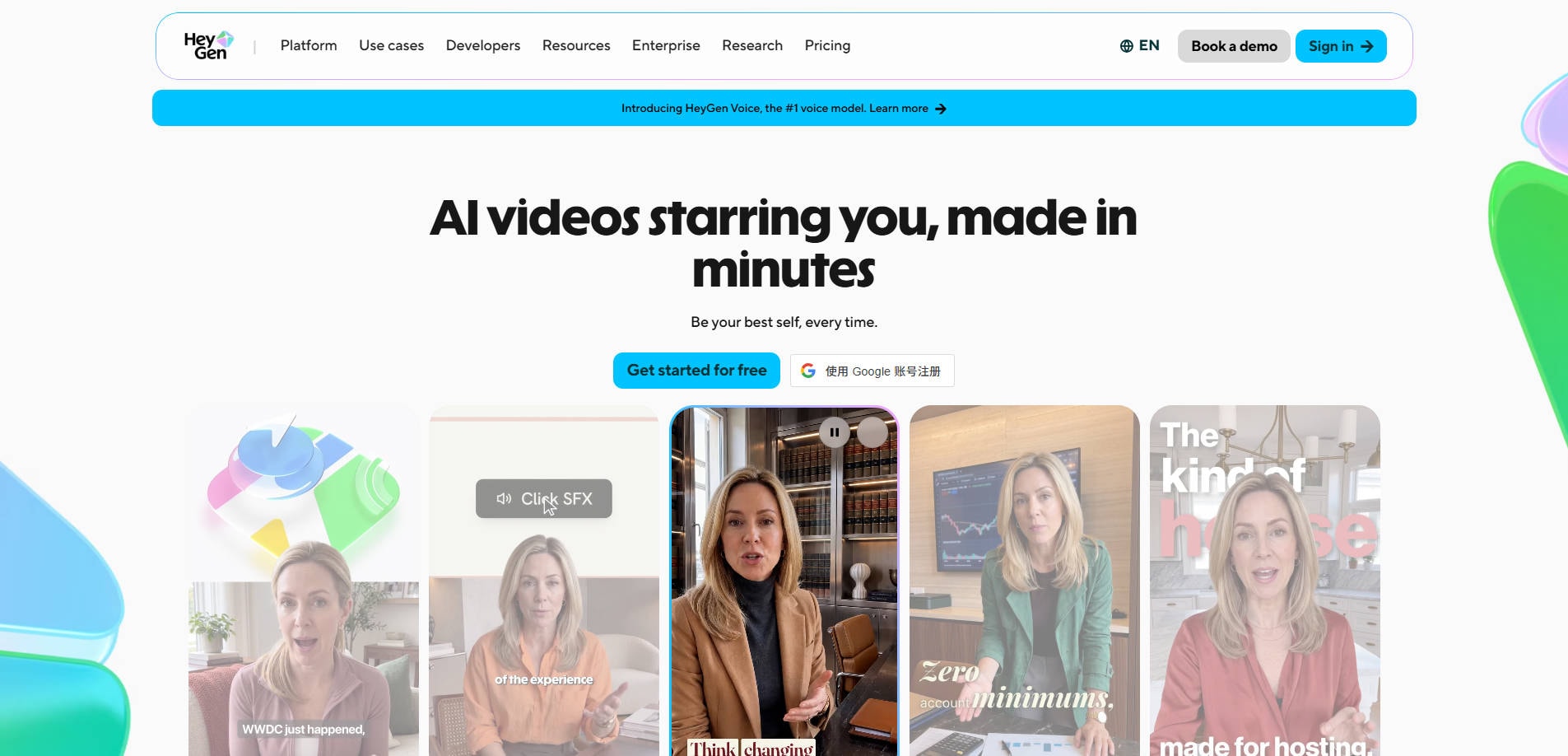
Overview: HeyGen concentrates on AI presenters, personalized avatars, script-based video creation and multilingual video workflows. It is a better comparison for DreamFace users whose primary objective is a speaking digital presenter rather than casual photo animation.
Key Features:
- AI avatar generation and script-to-video workflows.
- Video localization and multilingual options.
- Presentation and marketing production tools.
Pricing: Free-start and paid options are advertised; confirm the current avatar, minute and export allowances.
Best For: Talking Avatars and Presenter Videos.
Our Take: Choose HeyGen when speech, presenter identity and multilingual scripts are more important than animated-photo effects.
3. Kling AI — Best for Cinematic Text-to-Video and Image-to-Video
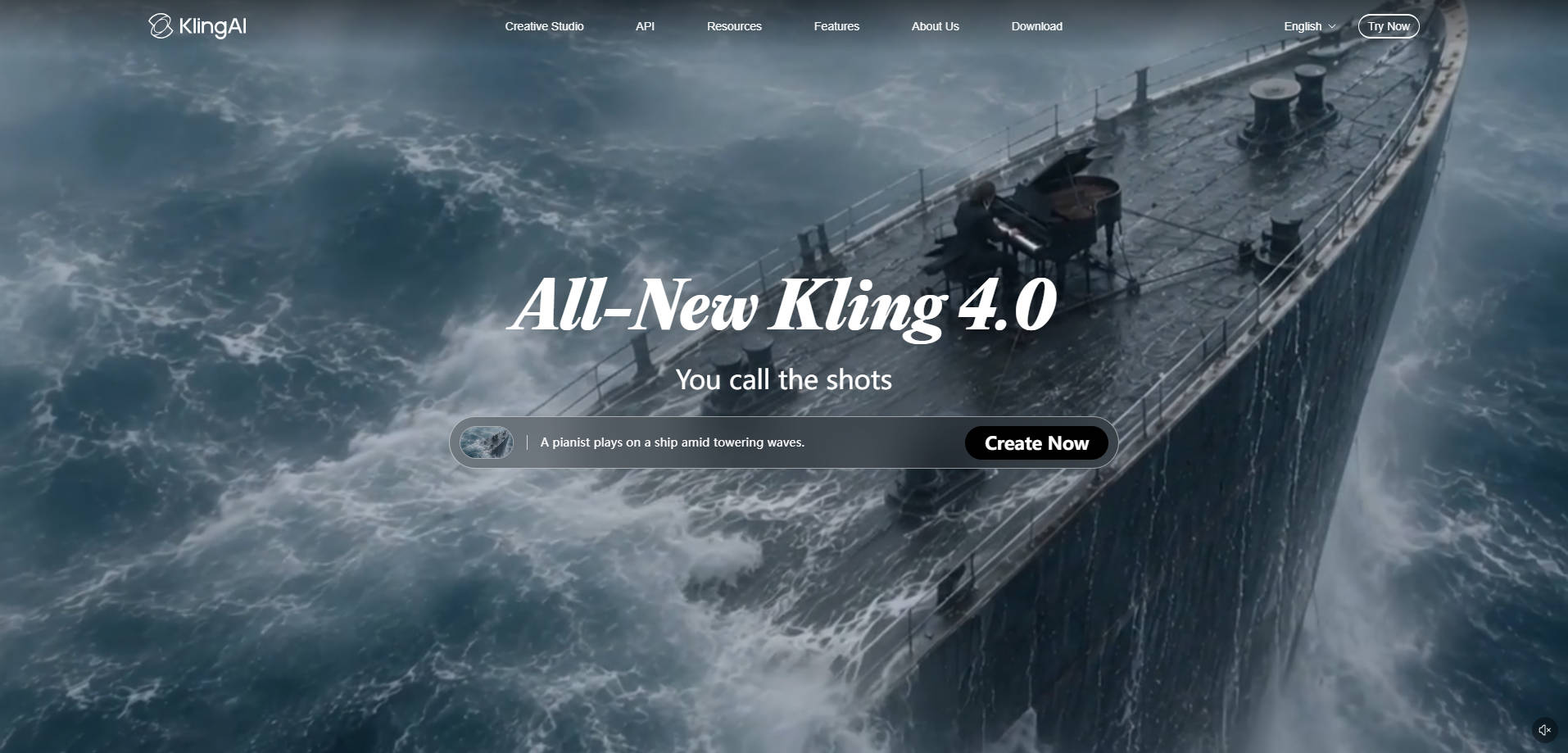
Overview: Kling AI is a video-first creative platform for prompting scenes and animating image references. It serves creators looking for visual motion and scene development rather than a talking-photo template.
Key Features:
- Prompt-based text-to-video generation.
- Image-to-video reference workflows.
- Creative motion and scene development.
Pricing: Check the official app for the current credit, resolution and subscription terms.
Best For: Cinematic Text-to-Video and Image-to-Video.
Our Take: Use Kling when you want generated shots and stronger visual-motion emphasis, not mainly an animated speaking portrait.
4. Hedra — Best for Talking Characters with Audio
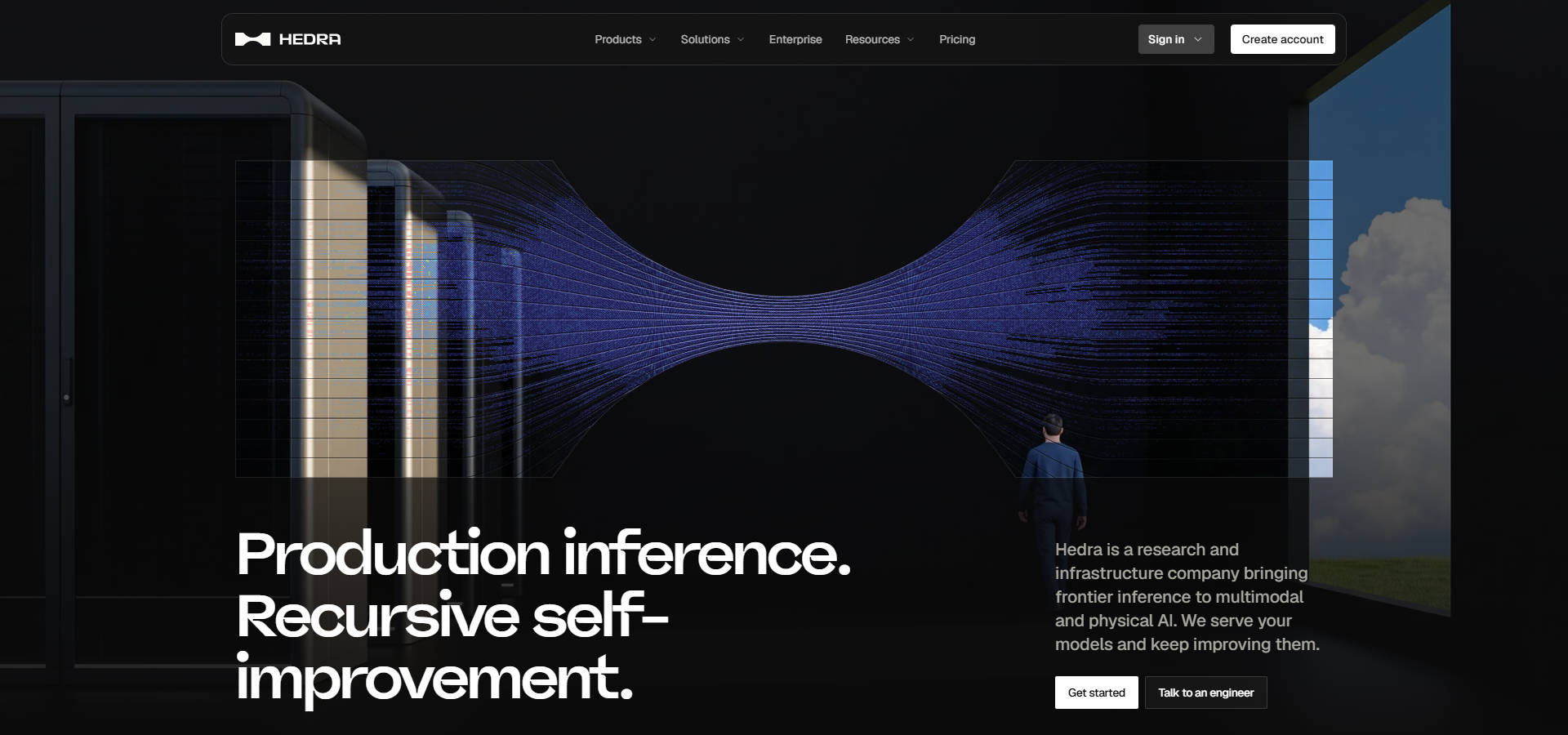
Overview: Hedra offers character and avatar models for videos driven by speech and character performance. It is worth considering when DreamFace talking-photo experiments have evolved into recurring digital-character content.
Key Features:
- Character-focused AI video models.
- Audio-led talking or singing character workflows.
- Options designed for repeat character performances.
Pricing: Check the selected model and account tier before comparing output cost.
Best For: Talking Characters with Audio.
Our Take: Pick Hedra for expressive talking characters, especially when audio and persona matter more than the source photo alone.
5. Pika — Best for Short AI Video Effects
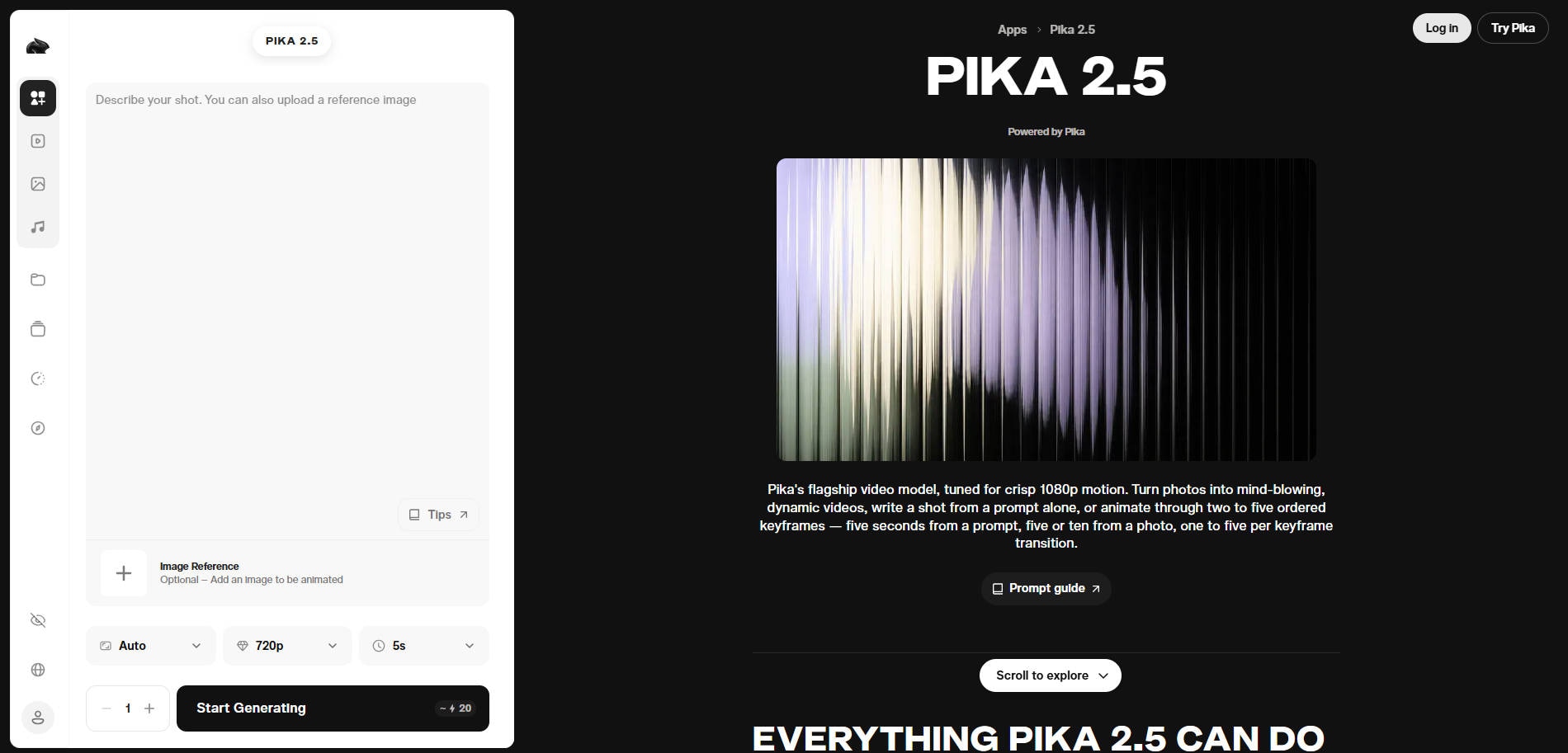
Overview: Pika turns images or text prompts into short clips and offers separate effect and keyframe workflows. It can be a fun substitute for DreamFace when you want movement, visual experimentation or quick social video concepts.
Key Features:
- Text-to-video and image-to-video modes.
- Short-form motion effects.
- Keyframe-based animation options in supported tools.
Pricing: Credit use depends on model, resolution and duration; consult the live Pika pricing page.
Best For: Short AI Video Effects.
Our Take: Try Pika when you want creative motion clips more than lip-synced avatars.
6. Runway — Best for Controlled Generative Video Production
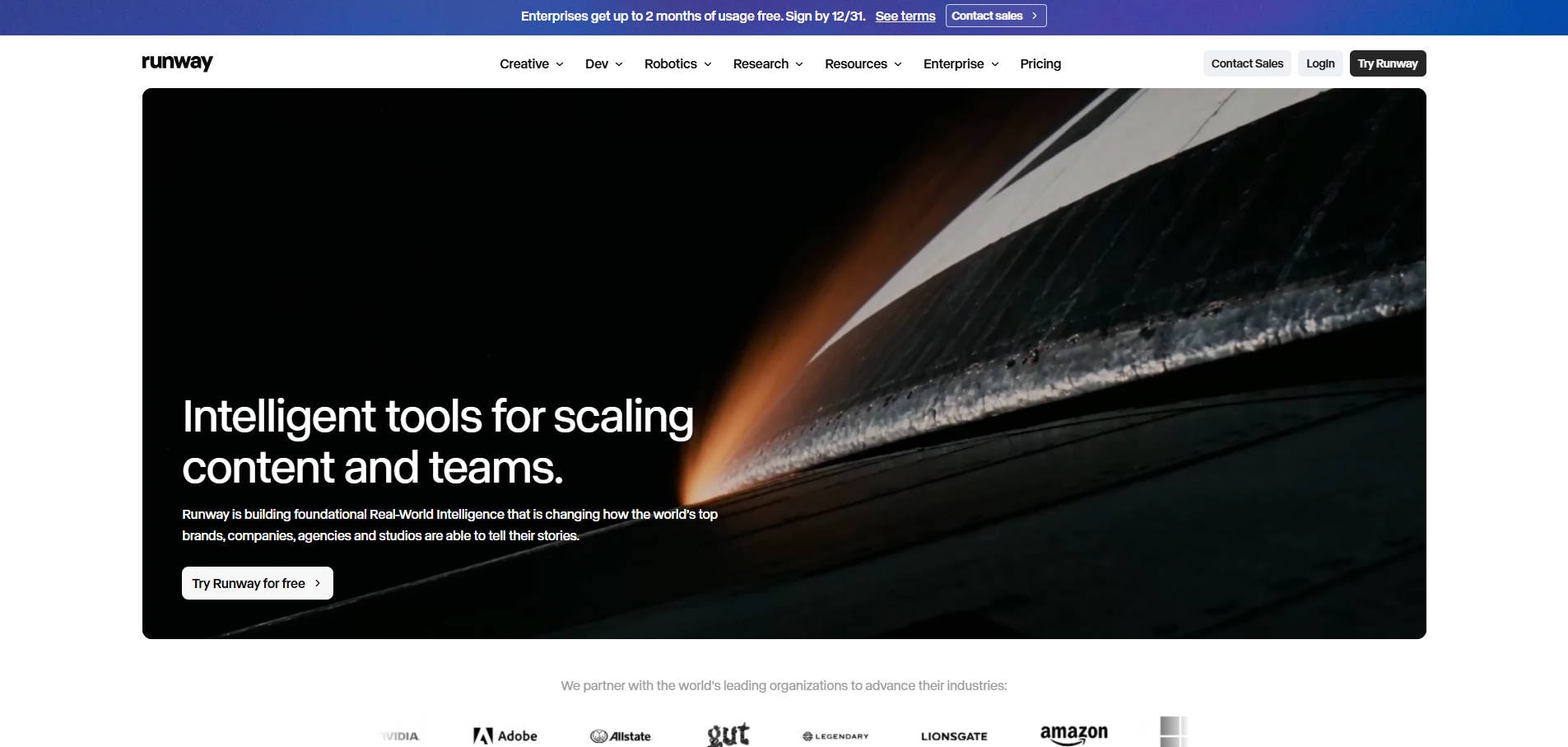
Overview: Runway is a broader generative video platform with text-to-video and image-to-video models. It suits creators who want to iterate on shot composition and camera movement instead of relying on a single face-animation effect.
Key Features:
- Text-to-video and image-to-video generation.
- Prompt direction for scenes and camera behavior.
- Additional creative production tools within the platform.
Pricing: Runway provides model-specific credit and plan rules; verify the current generation cost before publishing.
Best For: Controlled Generative Video Production.
Our Take: Choose Runway if the output is a planned video scene and you are willing to spend time controlling and reviewing generations.
Part 4: How to Choose a DreamFace Alternative
Start with the output, not the brand: a talking character requires speech and timing controls; a moving photo needs clean animation; a cinematic prompt needs shot-level direction. Then compare your actual file inputs, output duration, aspect ratio, commercial rights and whether usage is charged per generation.
When comparing a free tier, test one representative image or script first. Keep in mind that a paid tier does not guarantee visual identity consistency or an artifact-free result. Review generated clips before public sharing, particularly when the subject is a real person.
Conclusion
There is no universal replacement for DreamFace AI. Choose Repairit for photo animation and prompt-based image edits, HeyGen or Hedra for presenter or character content, and Kling, Pika or Runway for different types of generative video. The most useful alternative is the one that solves your precise creative task at an acceptable cost.
FAQ
-
What is the best DreamFace alternative for photo animation?
Wondershare Repairit is worth considering for motion from still photos; Pika is another option for short creative clips. Compare the output you want before choosing. -
Which DreamFace alternative is better for talking avatars?
HeyGen and Hedra focus on avatar or character-video workflows and may fit scripted speech better than a general image animator. -
Are there free alternatives to DreamFace?
Several platforms advertise free-start access or trials, but watermark, credits, features and output rules vary. Confirm the live terms before you rely on a free workflow. -
Can Repairit replace every DreamFace AI feature?
No. Repairit has related photo animation and image editing tools, but it should not be presented as an equivalent substitute for every DreamFace talking-avatar or video-generation feature. -
Which option is best for image-to-video prompts?
Kling, Pika and Runway are video-first options. Select based on motion control, clip requirements and current plan access.