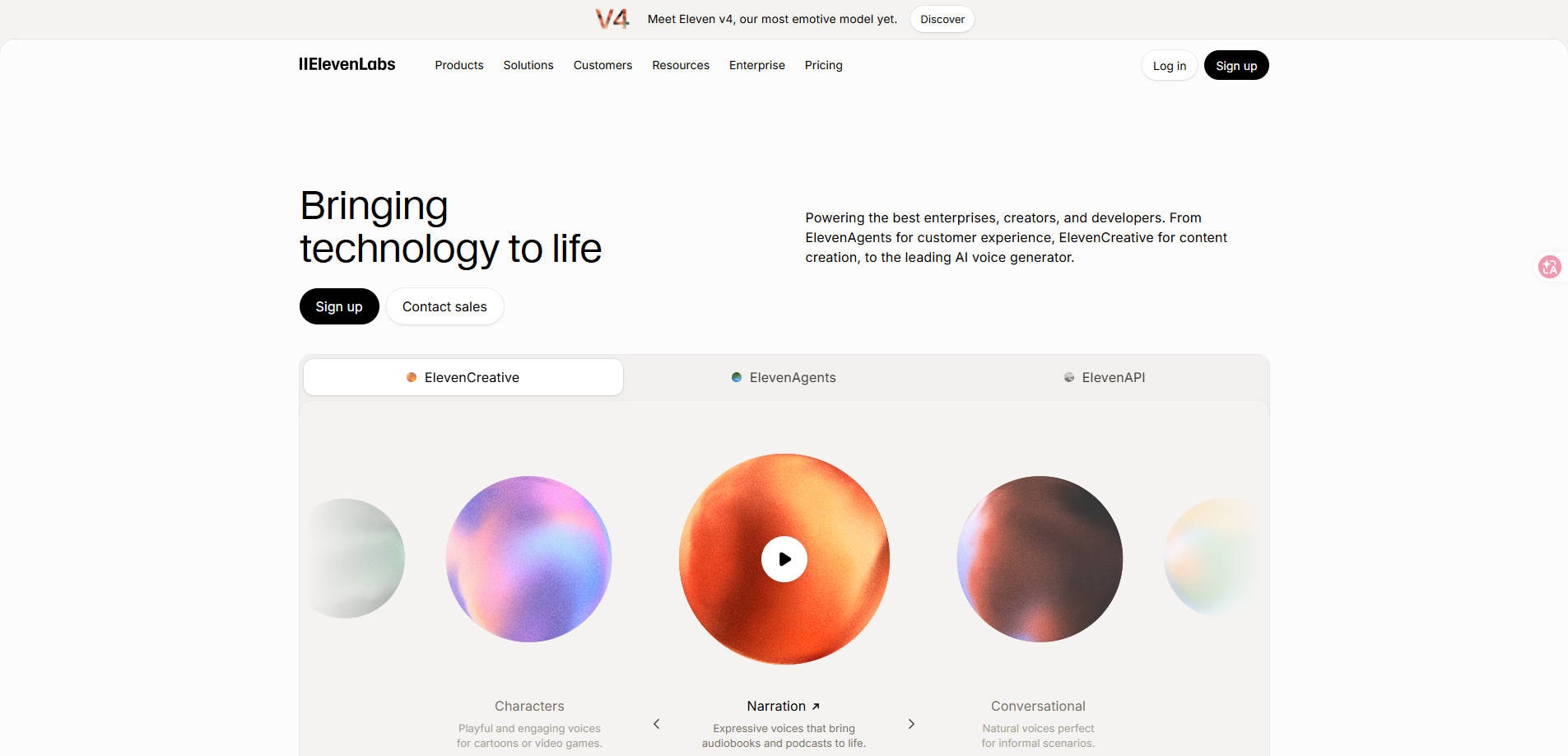
Need a voiceover for a YouTube video, a narration track for a course, or a multilingual version of a product demo? ElevenLabs.io can turn a script into spoken audio, clone a verified voice, and dub existing recordings. But the question isn't just whether the voice sounds convincing. Is ElevenLabs worth paying for when every generation uses a shared pool of credits?
This ElevenLabs review explains what the platform does well, how its free and paid plans work, the trade-offs for different creators, and what to check before committing to a subscription.
In this article
- Part 1: What Is ElevenLabs.io?
- Part 2: What Can ElevenLabs Actually Do?
- Part 3: ElevenLabs Pricing and Credits Explained
- Part 4: ElevenLabs Pros and Cons
- Part 5: How to Create an AI Voiceover with ElevenLabs
- Part 6: Is ElevenLabs Worth It for Your Work?
- Part 7: Why an Exported Audio File Might Not Play
Part 1: What Is ElevenLabs.io?
ElevenLabs is an AI speech and media creation platform. Its best-known feature converts typed text into speech using a voice selected from its library or created with permitted voice-cloning tools. It also offers automatic dubbing, speech transcription, sound effects, voice isolation, music, and a Studio environment for assembling audio and video projects.
For a solo creator, the simplest use case is narrating a script without recording a microphone track. Teams may use it to produce language versions of a training video or to test voice styles before a final production. Developers can integrate speech models via API. These uses overlap, but they have different cost, quality, and licensing requirements.
| Job to be done | Relevant ElevenLabs tool | What to check |
| Read a script aloud | Text to Speech | Pronunciation, pacing, model and credit rate |
| Use your own consistent voice | Instant or Professional Voice Cloning | Verification, subscription tier and reference recording |
| Translate narration in a video | Automatic Dubbing | Transcript quality, speakers and export limits |
| Localize a podcast or course | Dubbing and Studio | Editing controls, total minutes and production workflow |
| Clean a noisy recording | Voice Isolator | Whether noise or actual file corruption is the problem |
Part 2: What Can ElevenLabs Actually Do?
1. Text to Speech: Natural Narration Without a Microphone
Text to Speech is the easiest way to evaluate ElevenLabs. Add text, select a voice and model, generate a preview, then listen for names, pauses, emphasis and sentence endings. Depending on the model, creators can prioritize expressive performance or lower latency. The company currently offers multiple model families, so advertised language coverage and output behavior should be checked for the model you actually select, not assumed to be uniform across the platform.
The practical limitation: even a realistic-sounding synthetic voice can mishandle brand names, abbreviations or emotional transitions. For commercial work, review the full narration against the script rather than approving a short sample. ElevenLabs documentation also describes certain free regenerations for unchanged TTS content; changed settings or words may use additional credits.
2. Voice Cloning: Consistency Comes With Consent Rules
ElevenLabs offers Instant Voice Cloning and Professional Voice Cloning. Instant cloning uses a shorter reference sample; Professional Voice Cloning trains a more tailored model and is available on eligible paid plans. Voice quality depends on the sample, and neither approach guarantees that every generated phrase perfectly matches the original speaker.
Professional Voice Cloning requires identity verification and, according to ElevenLabs documentation, is intended for cloning your own voice. If another person wants to share a professional clone, they should create and verify it themselves using ElevenLabs' approved sharing process. Never upload a colleague's, celebrity's or customer's recording without appropriate authorization.
3. AI Dubbing: More Than Translating Subtitles
Automatic Dubbing converts spoken audio or video into another language while aiming to preserve the original delivery. ElevenLabs' current Dubbing v2 documentation describes support for more than 90 languages and multi-speaker handling. This can help with a product demonstration or tutorial that needs another language version, but it still needs review by a proficient speaker for meaning, pronunciation and timing.
There is a meaningful workflow difference: Automatic Dubbing v2 and the older Dubbing Studio do not provide identical editing controls. Dubbing Studio's granular transcript-editing workflow currently relies on the older v1 model, while the v2 product has different controls and restrictions. Before translating a large project, confirm which editor and export settings your plan permits.
4. Other Audio and Studio Tools
Speech to Text, Voice Changer, Voice Isolator, Sound Effects and Music make ElevenLabs broader than a one-purpose voice generator. Studio can also help assemble a narration-led project with multiple media assets. These additions matter if your workflow genuinely uses them; otherwise, a narrower TTS plan may be easier to budget for than experimenting across several credit-consuming tools.
Part 3: ElevenLabs Pricing and Credits Explained
Is ElevenLabs free? Yes, but the free plan is primarily for trying the tools and non-commercial use. The official monthly-billing page currently lists the following plans. Introductory first-month offers are not the ongoing subscription price; prices exclude applicable taxes and can change.
| Plan | Standard monthly price | Included credits/month | Typical decision point |
| Free | $0 | 10,000 | Explore speech creation; non-commercial use |
| Starter | $6 | 30,000 | Commercial usage rights and Instant Voice Cloning |
| Creator | $22 | 121,000 | Professional Voice Cloning and more output |
| Pro | $99 | 600,000 | Higher-volume creation and enhanced export options |
| Scale | $299 | 1,800,000 | Team workflows and substantially more credits |
| Business | $990 | 6,000,000 | Larger collaborative or production workloads |
Pricing checked: November 4, 2026. The official page also advertises temporary introductory pricing on certain plans. Verify the checkout amount, included features and applicable terms before paying: ElevenLabs official pricing.
How Fast Do ElevenLabs Credits Run Out?
Credits are a shared monthly budget, not separate free allowances for every feature. ElevenLabs publishes illustrative rates including about one credit per character for some TTS models and approximately 2,000 credits per minute for automatic dubbing with a watermark. Rates vary by model, plan and workflow; the exact estimate should be taken from the interface for the operation you choose.
For example, at a one-credit-per-character TTS rate, a 3,000-character draft would consume roughly 3,000 credits for one generation. Rewriting and regenerating several sections can change the total materially. At an illustrative 2,000 credits per minute, a five-minute automatic dub would use around 10,000 credits. Neither estimate is a promise of what your account will be charged, especially with newer models or different watermark settings.
Budget tip: test 100–200 words first, verify the voice and pronunciation, then generate the final script. Read the output carefully before regenerating a long chapter. Paid-plan unused credits can roll over under certain conditions, whereas the Free plan does not have this rollover benefit.
Can You Use ElevenLabs Audio Commercially?
Paid ElevenLabs plans generally grant commercial usage rights for eligible generated speech, subject to ownership of input materials and the platform's terms. Free-plan output is intended for non-commercial use with attribution. Music, voice clones, third-party intellectual property and certain distribution formats can have additional restrictions, so check the terms governing the particular product—not only the general pricing page—before using content in client work.
Part 4: ElevenLabs Pros and Cons
ElevenLabs is flexible, but the best plan depends on whether your work is occasional narration or ongoing audio production. These are product-level strengths and limitations, not the results of an independent laboratory test.
Part 5: How to Create an AI Voiceover with ElevenLabs
You can get a sense of ElevenLabs without starting with a long script. The steps below follow its published TTS workflow; interface labels may evolve as features are updated.
- Open Text to Speech. Sign in to ElevenLabs Text to Speech and choose the speech-generation tool.
- Paste a short, representative script. Include a sentence with names, numbers and the tone your final project needs.
- Choose a voice and speech model. Preview different options and check the model's language support, speed and permitted controls.
- Generate and listen. Focus on correct names, pauses, emphasis, pace and unwanted artifacts—not just whether the first sentence sounds natural.
- Refine carefully. Make targeted script edits or settings changes and check the additional credit cost before regenerating.
- Export and keep your original script. Save the result, confirm its permitted usage rights and verify the audio plays before adding it to your video editor.
For longer narration, make a pronunciation list for brand names and technical terms. Split lengthy content into manageable sections, maintain voice settings, and compare adjacent clips for consistent loudness and pacing. A script review before full generation is usually cheaper than discovering mistakes at the end.
If you need to clone a voice instead, begin with the official voice-cloning documentation, verify the speaker's authority to create and use the voice, and upload a clean sample. A damaged source recording is not a good basis for judging voice-clone quality.
Part 6: Is ElevenLabs Worth It for Your Work?
YouTubers, Trainers and Solo Creators
ElevenLabs can be useful when your biggest bottleneck is recording or re-recording narration. A free trial can reveal whether your preferred voice handles your script convincingly. If you publish monetized videos, review paid-tier licensing before release and estimate the full monthly script length—not just a single preview.
Podcasters and Audiobook Producers
Long-form work places more pressure on consistency, pronunciation and credits. Multiple voices, chapter regeneration and edits may make a higher tier attractive, but it is worth comparing the ongoing cost against recording a human narrator. Listen to longer sections before choosing a voice for an entire series.
Marketing Teams and Developers
The combination of API access, dubbing and voice options is attractive if content must be localized or generated at scale. Build a review step for voice permissions, translations, accessibility and brand tone. If teams need precise editorial control over dubbing, examine the specific model and Studio limitations before buying.
Verdict: ElevenLabs is worth considering when synthetic narration, controlled voice identity or multilingual delivery is a recurring business need. It is harder to justify if you only need a few short voice clips, cannot use the output commercially under your current plan, or primarily need to repair existing audio files.
Part 7: Why an Exported Audio File Might Not Play
Suppose you have already generated a voiceover and the downloaded MP3 or WAV will not open in your editor. Before spending credits to regenerate it, determine what actually failed.
| What you notice | First check | Likely next step |
| The voice mispronounces a brand or sounds unnatural | Script, voice, model and pronunciation settings | Regenerate or edit in ElevenLabs |
| The download is incomplete or zero bytes | Browser, connection, available download and file size | Download the original export again |
| The audio plays elsewhere but not in one editor | Codec, supported container and import settings | Check editor compatibility or convert a valid original |
| A previously working local audio file is now corrupted | Copy from backup or a known-good export | Consider audio file repair if corruption is confirmed |
For a genuinely corrupted local file, Wondershare Repairit offers Audio Repair for damaged audio formats including MP3 and WAV. You can add a corrupted file, run a repair attempt, preview and save the result when recoverable. Keep a copy of the original before trying repairs. Repairit does not synthesize new narration, improve an unconvincing AI voice, or substitute for ElevenLabs voice cloning.
For a more general troubleshooting path, see Repairit's audio repair solutions. If the source export is intact, the best fix is usually in the generation, download or playback workflow—not file repair.
Conclusion
ElevenLabs is a capable option for creators who need recurring AI narration, authorized voice cloning or localized audio. The better purchasing decision is not the largest credit allowance; it is the smallest plan that supports your actual publishing rights, required audio features and realistic volume of revisions. Try a short piece first, compare the full cost of your normal workflow, and keep backups of the finished files.
If your task is generating new speech, use ElevenLabs or another purpose-built voice platform. If an existing audio file is genuinely corrupted after export, investigate recovery and repair separately.
FAQ
-
Is ElevenLabs.io free?
Yes. The Free plan currently includes 10,000 credits per month, subject to feature and usage restrictions. Commercial use generally requires a paid plan.
-
How much does ElevenLabs cost?
The regular monthly Starter price is currently $6 and Creator is $22, while Pro is $99. First-month offers, taxes and credit allowances may change; check the official pricing page before paying.
-
Can I use ElevenLabs audio for YouTube monetization?
Eligible speech generated on paid plans can generally be used commercially if you have the rights to the input material. The Free tier is intended for non-commercial use with attribution; check the specific product terms.
-
Can ElevenLabs clone someone else’s voice?
Professional Voice Cloning requires verification and is designed for the owner of the voice. Another speaker can create and share their own verified clone through approved methods. Do not clone voices without proper authorization.
-
Does ElevenLabs support multilingual dubbing?
Yes. The current Dubbing v2 documentation describes more than 90 supported languages, but editing options, quality and account permissions depend on the workflow.
-
Are credits charged again when I regenerate audio?
Often, yes. Some unchanged text-to-speech regenerations may qualify for limited free retries under the documented conditions. Changing text or settings can use more credits.
-
Can Repairit fix a voice that sounds robotic in ElevenLabs?
No. Voice style or pronunciation problems need script or model changes in ElevenLabs. Repairit Audio Repair applies to damaged local audio files, not voice generation quality.