The best Pippit AI alternative depends on what your business needs to make next. A seller preparing clean marketplace listings needs different software from a brand designing a sale poster or a marketer making avatar-led product ads. Instead of treating all AI content tools as interchangeable, this guide compares seven options by the specific work they help you finish.
Pippit combines Image Studio, sales-poster design, link-to-video and publishing-related workflows. If you need an overview of its capabilities and pricing first, read our Pippit AI review. If you already know which part of the workflow you want to replace, the comparison below will help you narrow the choice.
In this article
-
- 1. Wondershare Repairit — Best for AI Product Photo Editing
- 2. Canva — Best for Ecommerce Posters and Brand Graphics
- 3. Photoroom — Best for Product Backgrounds and Listings
- 4. Pixelcut — Best for Quick Ecommerce Product Images
- 5. Creatify — Best for Product URL to Video Ads
- 6. InVideo AI — Best for Marketing Video Creation
- 7. HeyGen — Best for AI Avatar Marketing Videos
Part 1: Why Look for a Pippit AI Alternative?
A broader platform is convenient, but not every merchant needs every feature. You might want a specialist tool for white-background marketplace images, a flexible template designer for promotional posters, a more targeted product-to-video service, or an avatar editor for presenter-style ads. A narrow tool can make sense when a single type of asset dominates your workload.
It is worth separating three tasks before comparing prices: photo preparation (remove distractions or improve clarity), graphic composition (add accurate headline, logo, price and CTA), and video production (script, voice, movement and publishing). They require different controls and quality checks.
Part 2: Best Pippit AI Alternatives at a Glance
| Tool | Best for | Primary output |
| Wondershare Repairit | AI Product Photo Editing | Product images |
| Canva | Ecommerce Posters and Brand Graphics | Posters and graphics |
| Photoroom | Product Backgrounds and Listings | Product images |
| Pixelcut | Quick Ecommerce Product Images | Product images |
| Creatify | Product URL to Video Ads | Marketing videos |
| InVideo AI | Marketing Video Creation | Marketing videos |
| HeyGen | AI Avatar Marketing Videos | Marketing videos |
No tool here is presented as a universal replacement for every Pippit feature. The useful comparison is whether it handles your highest-frequency creative task with an acceptable amount of review and manual finishing.
Part 3: 7 Best Pippit AI Alternatives for Ecommerce
1. Wondershare Repairit — Best for AI Product Photo Editing
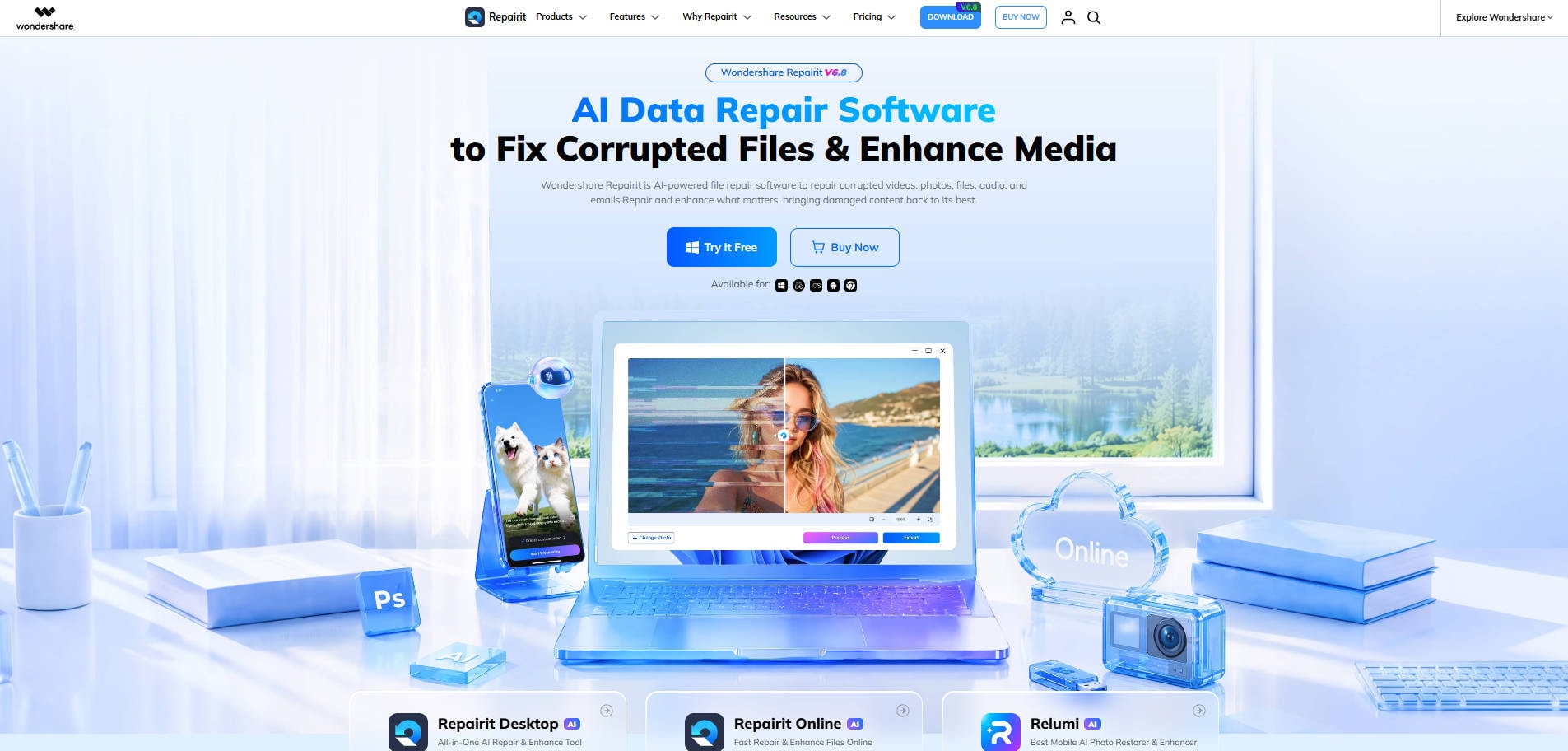
Overview: Wondershare Repairit is an image-enhancement and prompt-led photo editing option for sellers preparing clearer product shots.
Key Features:
- One-Prompt Edit for scene changes and image cleanup.
- AI Product Photography for photo clarity and detail improvement.
- Useful for preparing images before a separate poster layout step.
Pricing: Product access and AI credit requirements depend on the chosen Repairit tool or plan; check the current official feature page.
Best For: AI Product Photo Editing.
Our Take: Choose Repairit if your next job is to improve a product shot or change its setting, not to publish an entire campaign.
For a starting point, try a single product photo using One-Prompt Edit to clean the scene, or AI Product Photography to improve image clarity. Inspect the item itself after any AI transformation. Neither feature should be mistaken for Pippit's full video-ad or social publishing suite.
2. Canva — Best for Ecommerce Posters and Brand Graphics
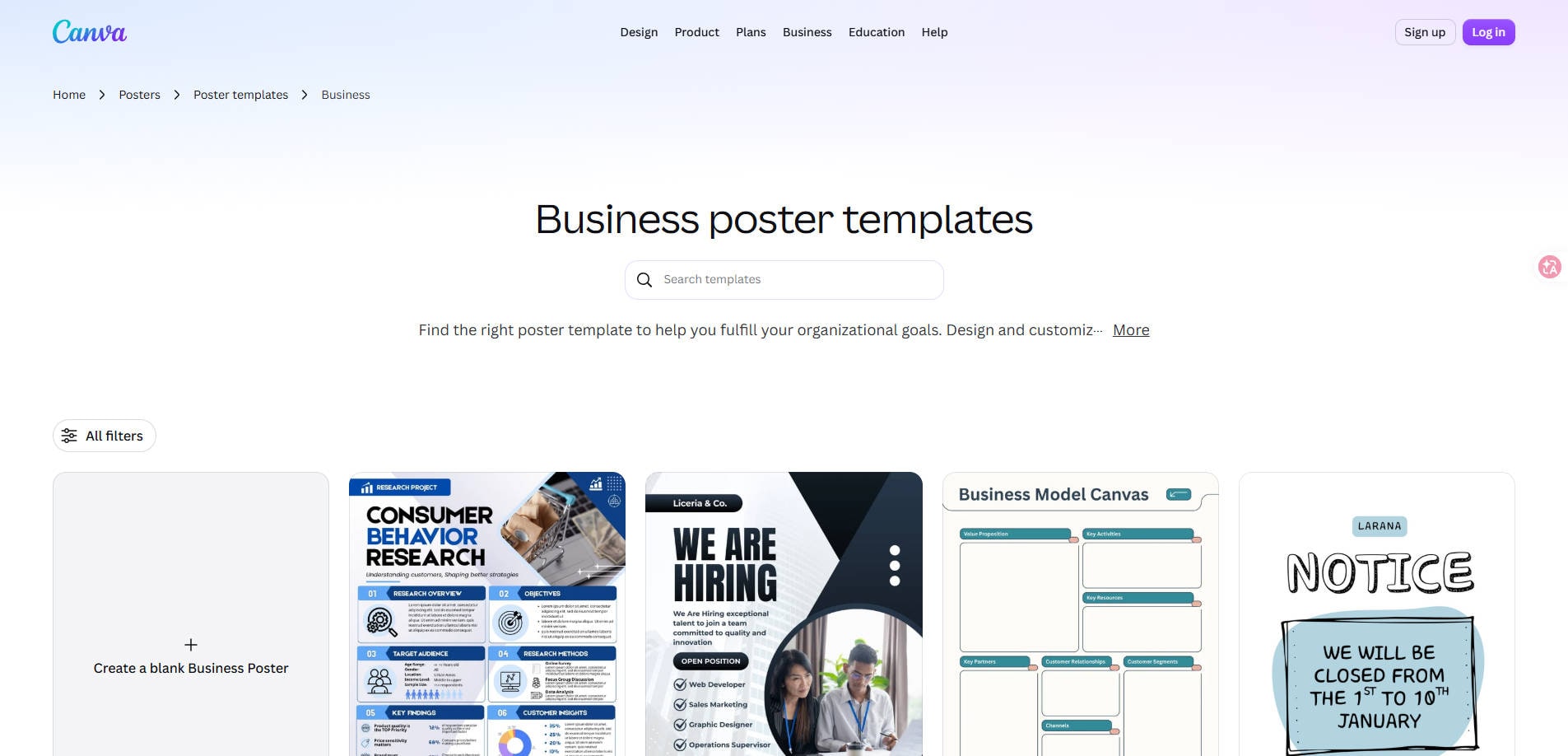
Overview: Canva is a template-based design option for promotional graphics, price-led posters, and branded campaign content.
Key Features:
- Editable business poster templates.
- Layout tools for headlines, prices, and brand elements.
- Reusable creative designs across different campaign sizes.
Pricing: Free access is available; premium content and functionality depend on plan or asset licensing.
Best For: Ecommerce Posters and Brand Graphics.
Our Take: A practical option when your main deliverable is a sale poster, product launch graphic, or reusable campaign layout.
3. Photoroom — Best for Product Backgrounds and Listings
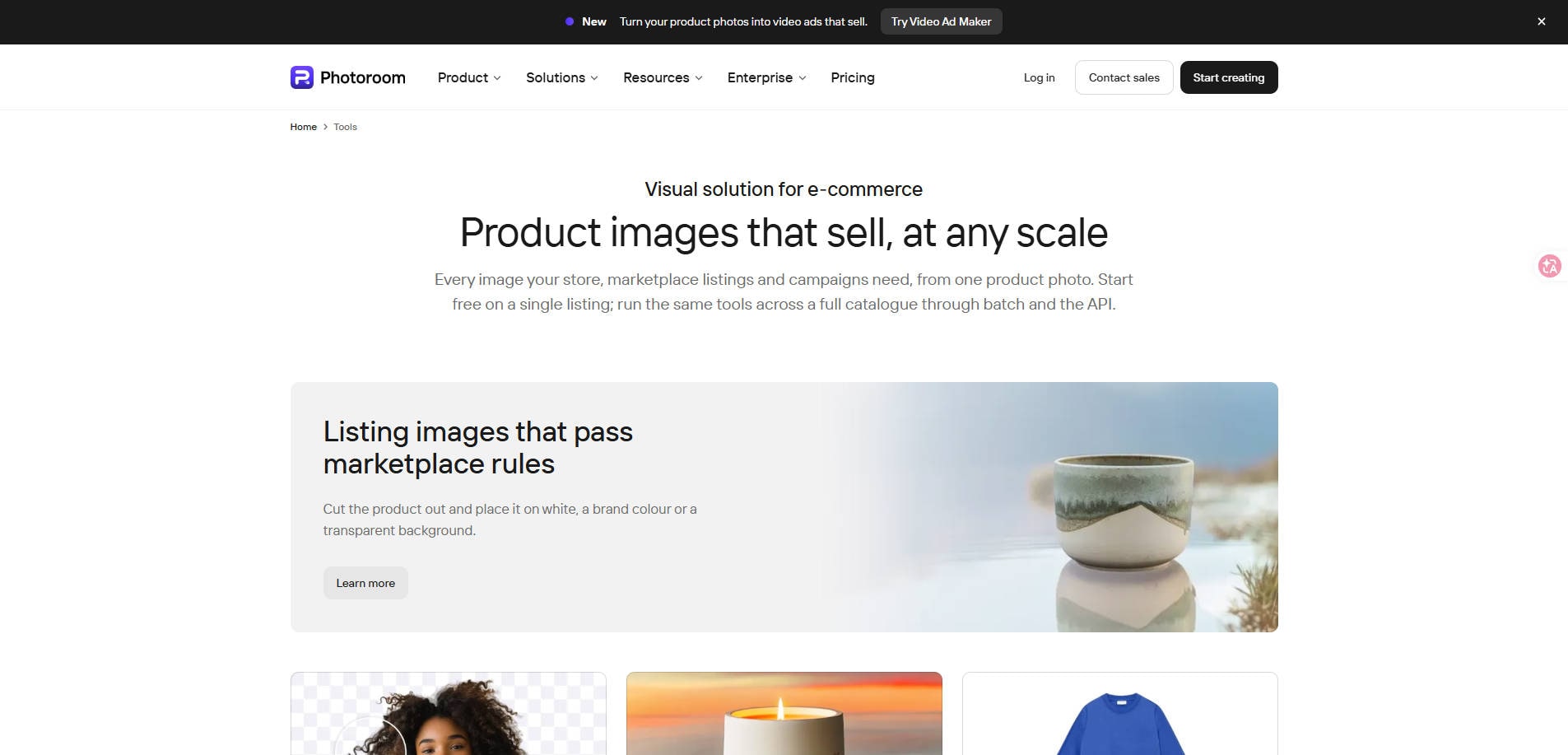
Overview: Photoroom is an ecommerce image-editing platform emphasizing product cutouts and AI backgrounds.
Key Features:
- Background removal and background color changes.
- AI Backgrounds using themes, prompts, and source images.
- Product catalog and batch-related editing workflows.
Pricing: Start with available free tools; check current subscriptions and AI-credit allowances for advanced and batch work.
Best For: Product Backgrounds and Listings.
Our Take: Use Photoroom when marketplace-ready cutouts and repeatable product backgrounds matter more than social video production.
4. Pixelcut — Best for Quick Ecommerce Product Images
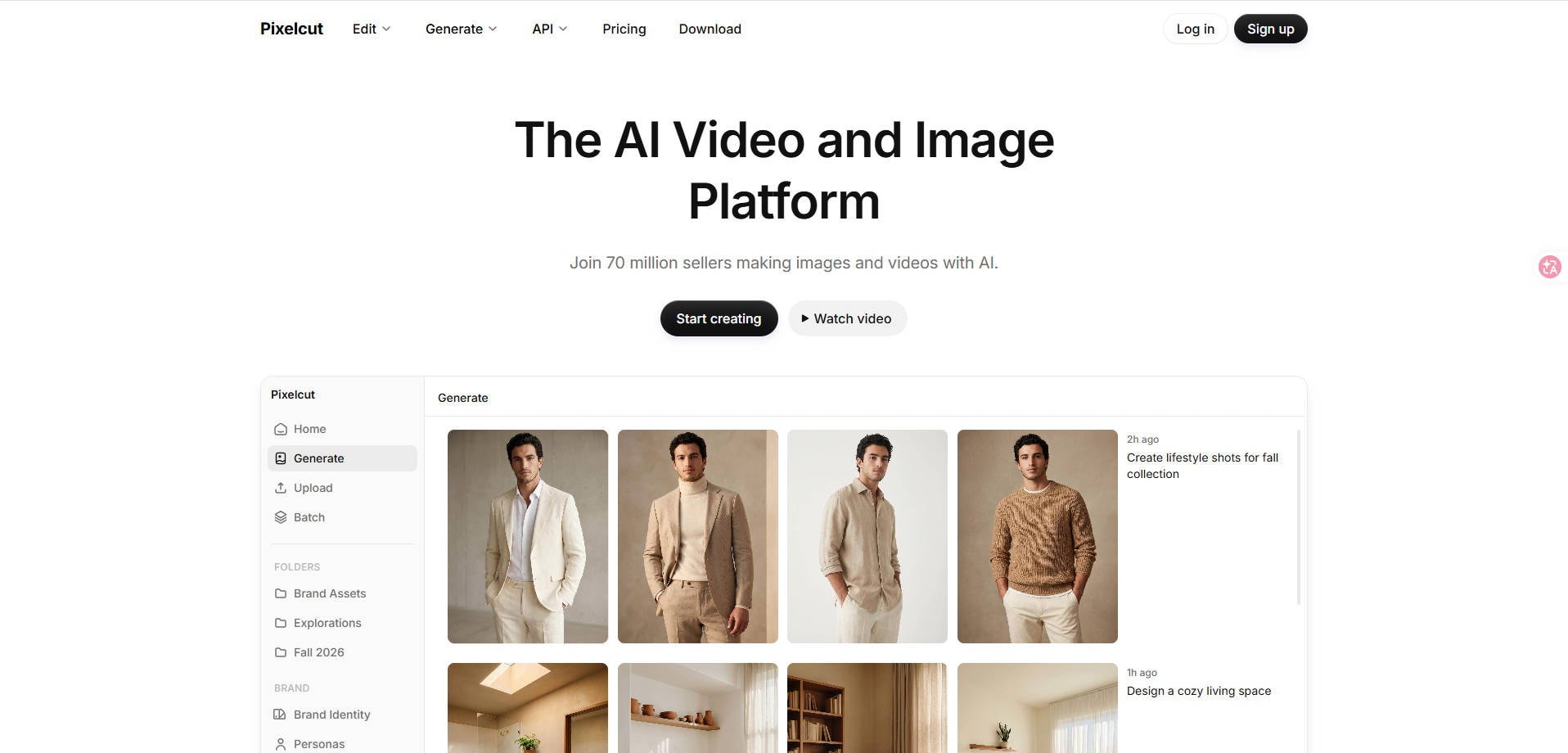
Overview: Pixelcut is a product-image creation and editing platform focused on quick seller-friendly visual work.
Key Features:
- AI-assisted product image editing and background tools.
- Templates or design tools for ecommerce marketing visuals.
- Product-focused creative workflows.
Pricing: Check Pixelcut's current free usage and paid feature terms on the official site.
Best For: Quick Ecommerce Product Images.
Our Take: A candidate for sellers who need product-image variants without building a full social campaign pipeline.
5. Creatify — Best for Product URL to Video Ads
Overview: Creatify is an AI advertising platform oriented toward generating video ads from product information and URLs.

Key Features:
- AI ad creation from a product URL or source information.
- Marketing-video and ad creative workflows.
- Video-focused production for ecommerce advertising.
Pricing: Check current trial eligibility, credit usage, and commercial export terms on Creatify's pricing page.
Best For: Product URL to Video Ads.
Our Take: Consider Creatify when your store needs paid-social video creatives generated from existing product information.
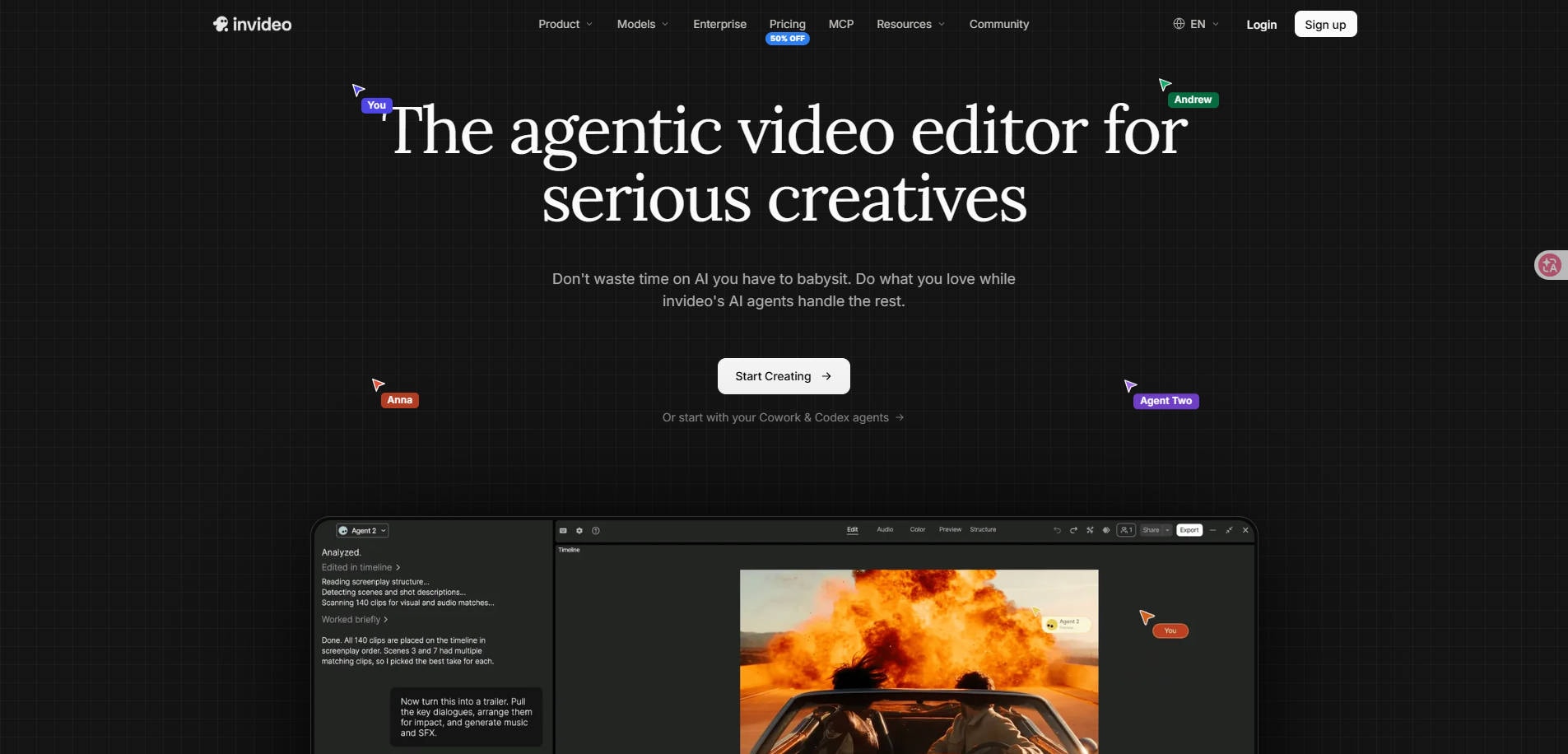
6. InVideo AI — Best for Marketing Video Creation
Overview: InVideo AI is an AI video creation option for script-led promotional storytelling and social content.
Key Features:
- Prompt-led video assembly for marketing topics.
- Tools for voiceover, visuals, and editing.
- Creation of video content for social and promotional use.
Pricing: Plan, export, and generation limits vary; verify the current official offer.
Best For: Marketing Video Creation.
Our Take: Use InVideo AI when you need promotional video stories, not primarily white-background product photos.
7. HeyGen — Best for AI Avatar Marketing Videos
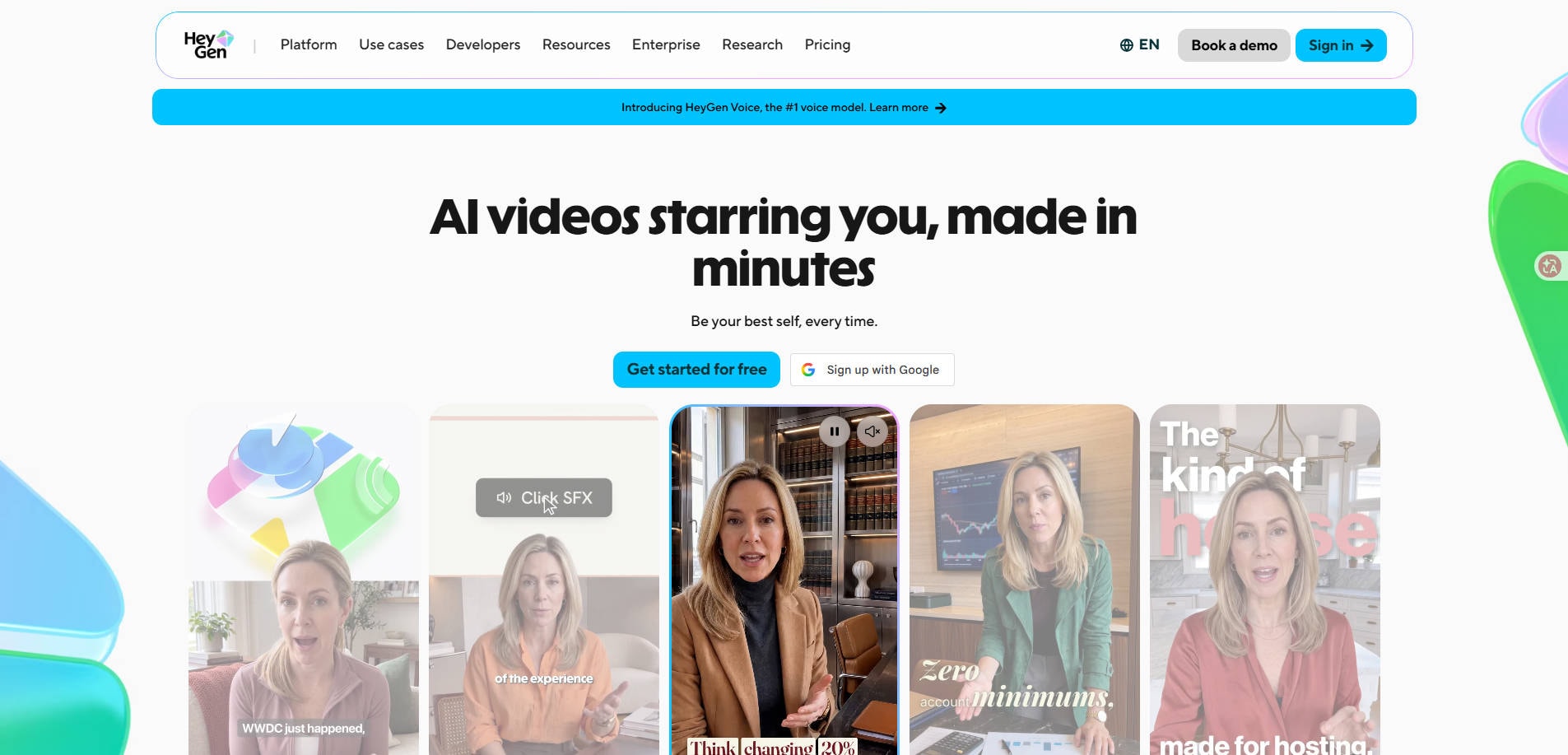
Overview: HeyGen is an avatar-video platform for presenter-based product explainers and localized marketing messages.
Key Features:
- Avatar-led videos based on scripts.
- Talking-presenter style marketing and explainer content.
- Multilingual or localized avatar workflows depending on plan.
Pricing: Check current free access, avatar permissions, video credits, and commercial terms.
Best For: AI Avatar Marketing Videos.
Our Take: Pick HeyGen for a talking-presenter ad or product explanation rather than a product image-editing job.
Part 4: How to Choose a Pippit Alternative for Your Store
For marketplace listing photos: Start with a service focused on cutouts, backgrounds or detail enhancement. Compare the output to the physical item and make sure a white-background image meets your target marketplace's rules.
For a sale poster: Prioritize typography, editable prices, brand kit access, and export dimensions. A photo enhancer alone is not enough to produce an accurate finished advertising layout.
For product video ads: Test a real product link, not a generic demo. Check whether generated claims, imagery, voices and captions can be corrected easily, and whether the final aspect ratios match your channels.
For repeat campaigns: Calculate effective output cost: subscriptions plus credits, manual QA, failed generations, and time spent recreating brand elements. Verify commercial usage rights for assets and templates independently of tool availability.
Part 5: Which Pippit Alternative Fits Your Workflow?
| If your immediate task is… | Start by considering… | Check before export |
| Clean a supplier or phone product photo | Repairit, Photoroom, Pixelcut | Color, shape, packaging, details and marketplace rules |
| Build a discount poster with brand elements | Canva | Price, legal copy, dates, fonts and CTA |
| Create a short product URL ad | Creatify | Correct product claims, captions and asset licensing |
| Make a script-led promotional video | InVideo AI | Voice, pacing, edits and commercial use |
| Produce an avatar product explanation | HeyGen | Avatar rights, language accuracy and brand fit |
A seller may reasonably use two tools: one to prepare accurate source images and another to assemble the final poster or video. That can be more practical than expecting one AI system to do every stage equally well.
Part 6: Conclusion
There is no single best Pippit AI alternative for every seller. Repairit, Photoroom and Pixelcut are more relevant to product-image preparation; Canva is a clearer fit for finished posters; Creatify, InVideo AI and HeyGen focus on different video-marketing requirements. Pick the category that matches your deliverable, then test one real product before committing to a subscription.
FAQ
-
What is the best Pippit alternative for product images?
Start with an image-focused tool such as Repairit, Photoroom or Pixelcut, depending on whether you need photo enhancement, background work or fast variants. -
What tool can replace Pippit for sales posters?
Canva is a sensible option for editable poster composition, especially when text, logos and promotional details matter. -
Is there a direct replacement for all Pippit features?
Not necessarily. Pippit combines image, video and publishing functions. The tools in this guide specialize in different tasks. -
Can Repairit generate a complete ecommerce ad campaign?
The cited Repairit features focus on product photo enhancement and prompt-based image editing; they are not verified substitutes for Pippit's product-link videos or publishing analytics. -
Which alternative should I use for avatar ads?
HeyGen is a more closely aligned option for AI avatar presenter videos. Verify current avatar and commercial-use terms. -
How should I compare pricing?
Look at cost per approved usable image or video, including credits, extra revisions, commercial rights and any manual finishing.