
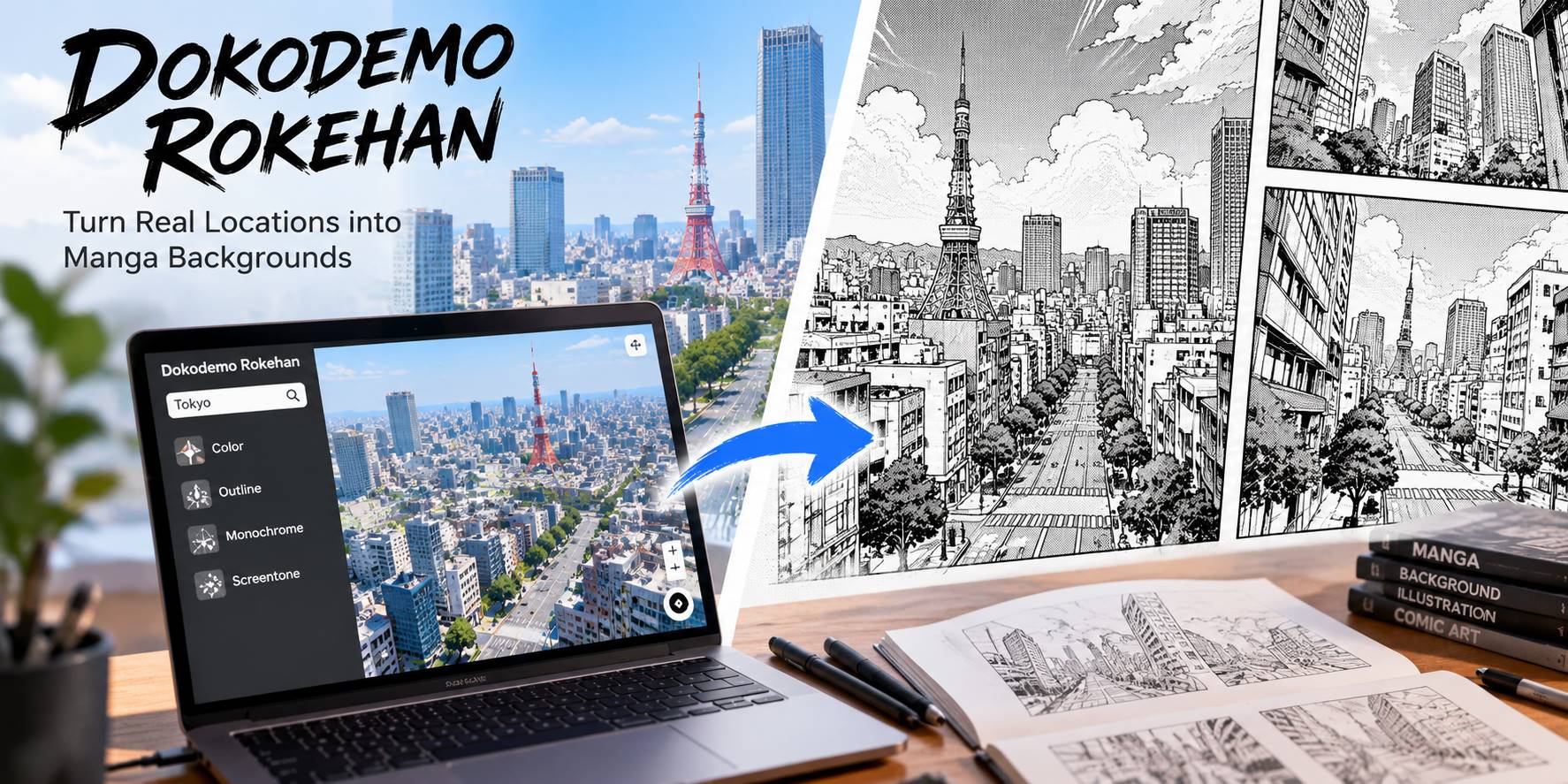
Detailed city backgrounds demand hours of architectural drawing and careful perspective. A new browser-based tool from Japan offers a different starting point: Dokodemo Rokehan (どこでもロケハン), also called Location Scout, turns real map data into navigable 3D city scenes and manga-style background artwork.
Introduced in October 2026, the free tool lets comic artists explore an unfamiliar city without traveling there, choose a camera angle, and export a scene with ink-like outlines or manga screentones.
Quick Answer: Dokodemo Rokehan (Location Scout) is a free browser-based tool that uses geographic data to construct navigable 3D city scenes for manga backgrounds. Search for a location, adjust the camera and rendering style, then export an image, vector outlines, or a 3D model. It is a map-based workflow, not a text-to-image generator.
In this article
Part 1. What Is Dokodemo Rokehan and How Does It Work?
Dokodemo Rokehan (also known as Location Scout) is a free browser-based tool that transforms real-world map data into 3D city scenes for manga background creation.
Instead of painting an imaginary city from a text prompt, Location Scout assembles streets, buildings, trees, and terrain using OpenStreetMap data and elevation information. You can then inspect the resulting 3D environment from different viewpoints and select a visual treatment, including color, outlined color, monochrome line art, and line art with screentones.
The result is a practical perspective reference that artists can adapt into their own panels.
Part 2. Key Features and How to Use Dokodemo Rokehan
Its map search, adjustable camera, and line-art rendering support a straightforward workflow.
Step 1. Find a City or Real-World Location
Open Dokodemo Rokehan. The tool initially displays a sample scene around Shibuya Crossing. Enter a place name, address, or coordinates in the search field, or choose a location from the available suggestions. Adjust the scene range to focus on the streets you need.
Step 2. Choose a Camera Angle and Manga Style
Move through the 3D scene and set a viewpoint suited to the story: street-level framing for dialogue, an elevated view for an establishing shot, or a higher overhead angle for spatial context.
Next, select a rendering mode. For black-and-white comics, try line art or line art with screentones. The lighting and tone controls help change the feel of the image without redrawing the whole city.
Step 3. Export the Scene for Your Creative Workflow
Use the export menu to save the result. The documentation lists PNG for rendered images, SVG for vector linework, and GLB, FBX, and OBJ for 3D models. A shareable link can also preserve the selected location and view. The SVG option contains visible vector outlines rather than every tone or color effect, so choose PNG when you want the current rendered appearance.
Part 3. Creative Ways to Use Dokodemo Rokehan for Manga Backgrounds
1. Build Detailed City Backgrounds Without Drawing Every Building
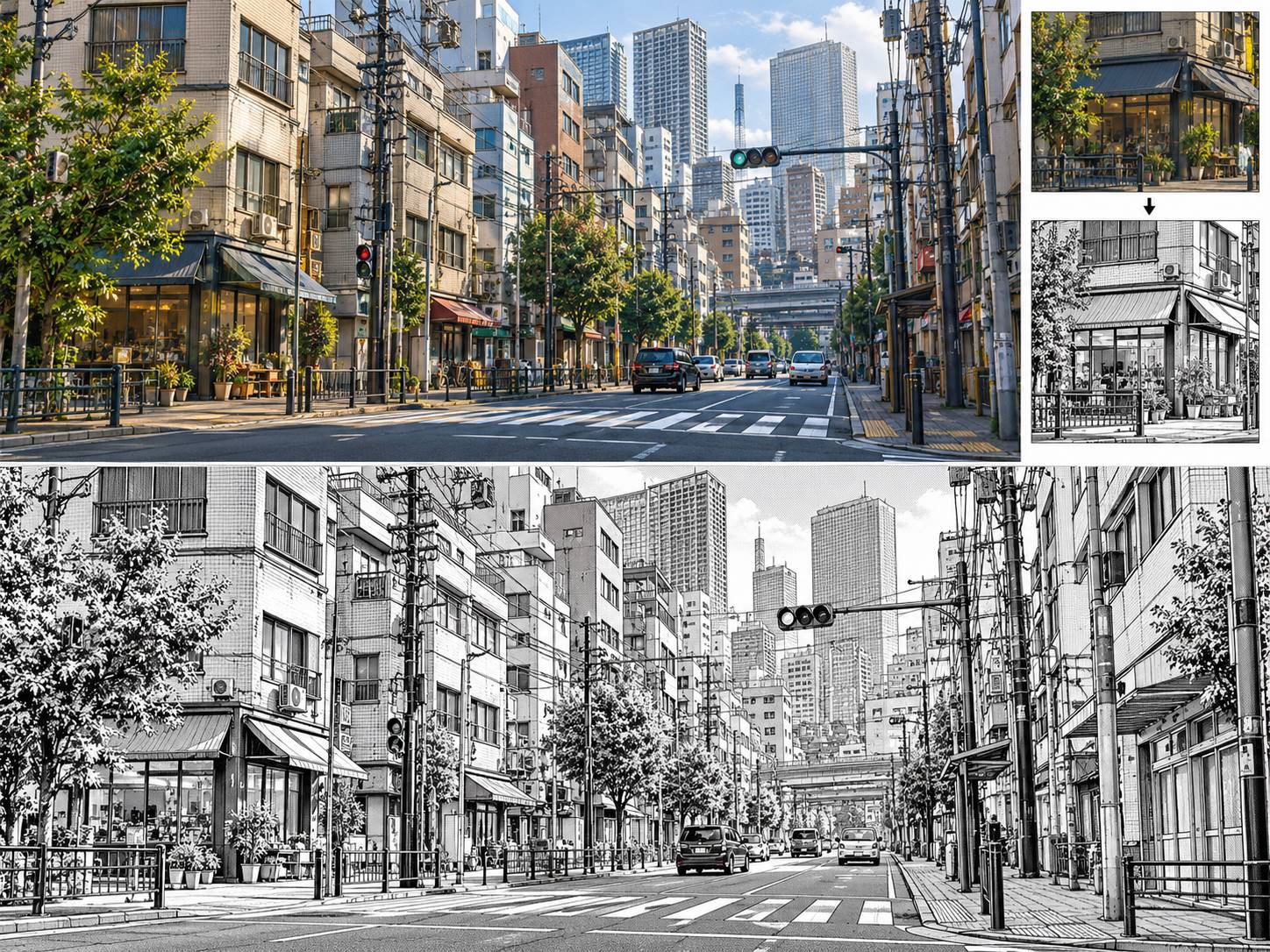
For an independent manga artist, a single urban panel may involve dozens of windows, storefronts, crossings, and perspective lines. Dokodemo Rokehan offers a geographic starting point for manga street backgrounds: choose a suitable city block, find a readable angle, and explore a monochrome treatment. Use the exported view as a reference for later drawing.
2. Keep Recurring Locations Consistent Across Webtoon Episodes
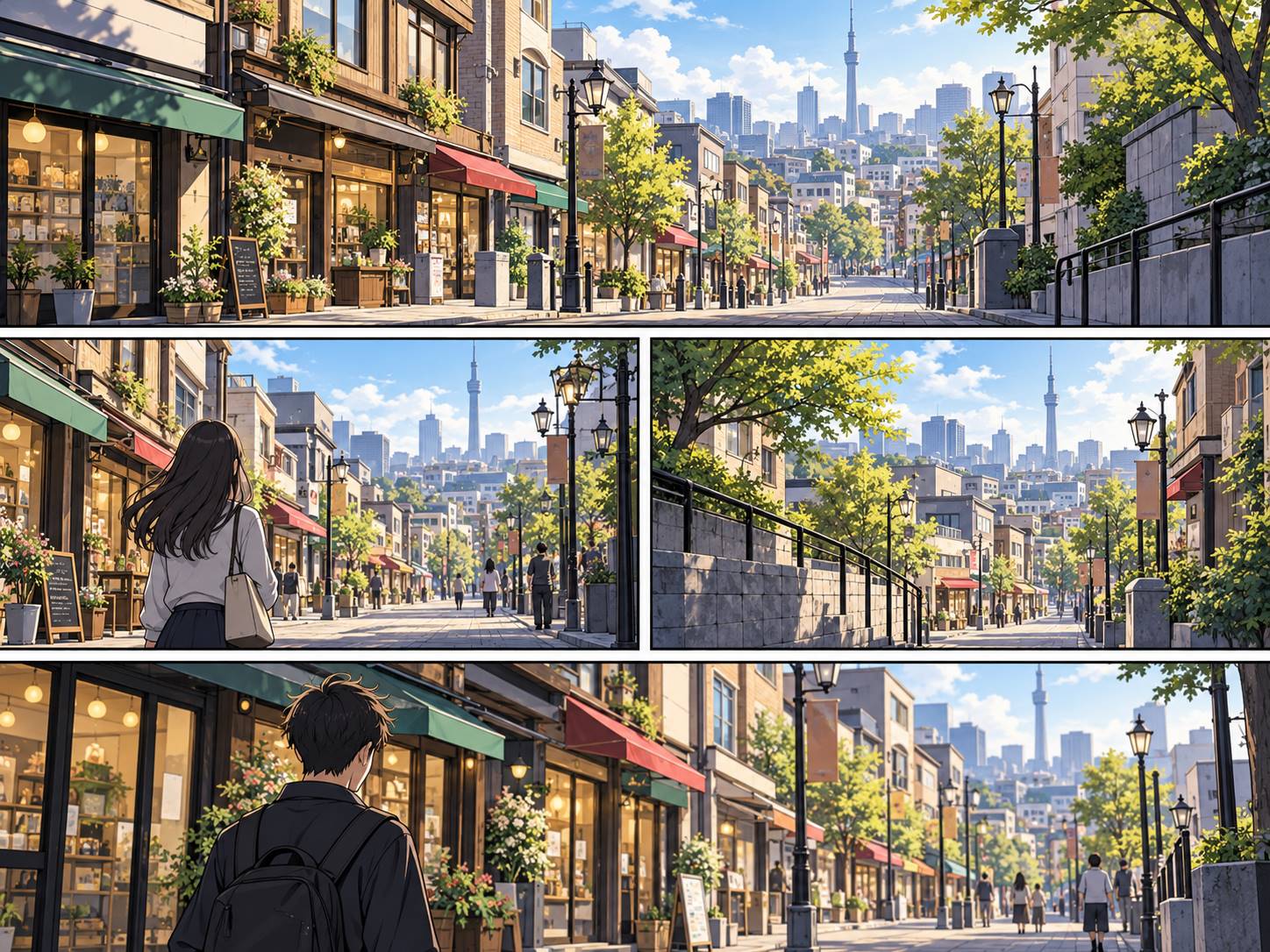
A webtoon might revisit the same shopping street, office district, or apartment neighborhood across multiple episodes. When each background is drawn independently, the street layout or skyline can unintentionally shift from scene to scene. Returning to the same mapped area and varying the camera viewpoint can help creators plan more consistent establishing shots and transitions.
3. Explore Stronger Camera Angles for Storyboards
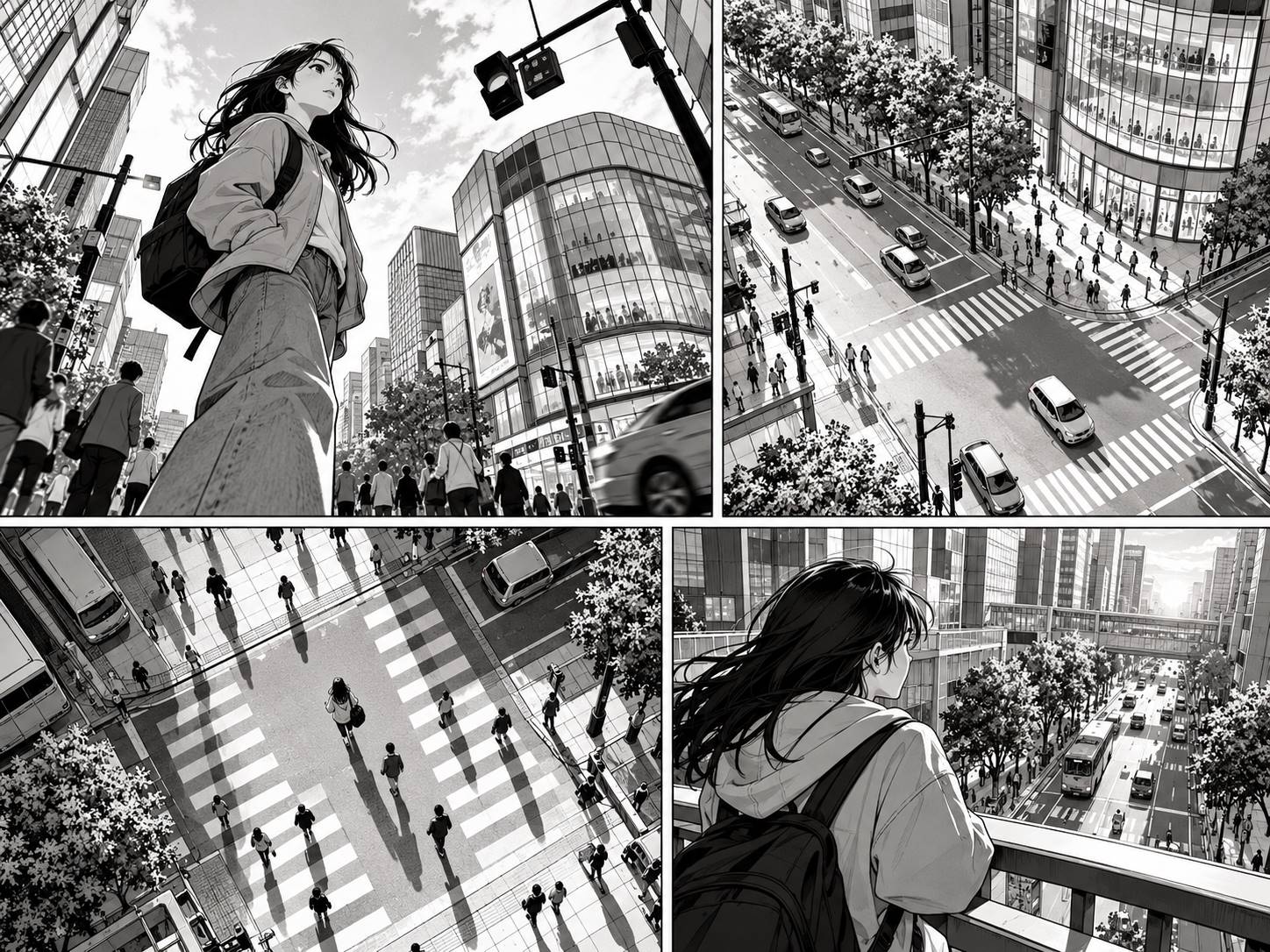
A dramatic scene often depends on where the virtual camera sits. A street-level view can make buildings feel imposing, while an overhead view helps establish where people or vehicles might move. If an artist struggles to imagine those relationships, a navigable 3D map provides a practical perspective reference. Try different camera heights and directions before committing to a panel.
4. Research Distant Cities for Location-Based Stories
Creators writing about cities they cannot easily visit may struggle to find photographs taken from the exact perspective their story needs. A map-based 3D scene can help them explore the broad relationship between streets, blocks, and buildings. Treat the result as a creative location reference rather than a perfect photographic reconstruction: the amount of architectural detail depends on the underlying geographic data.
Part 4. How to Turn City Photos Into Manga-Style Sketches With Repairit
Dokodemo Rokehan starts with a place on a map. But if you already have a street photo or city screenshot, you may not need 3D reconstruction.
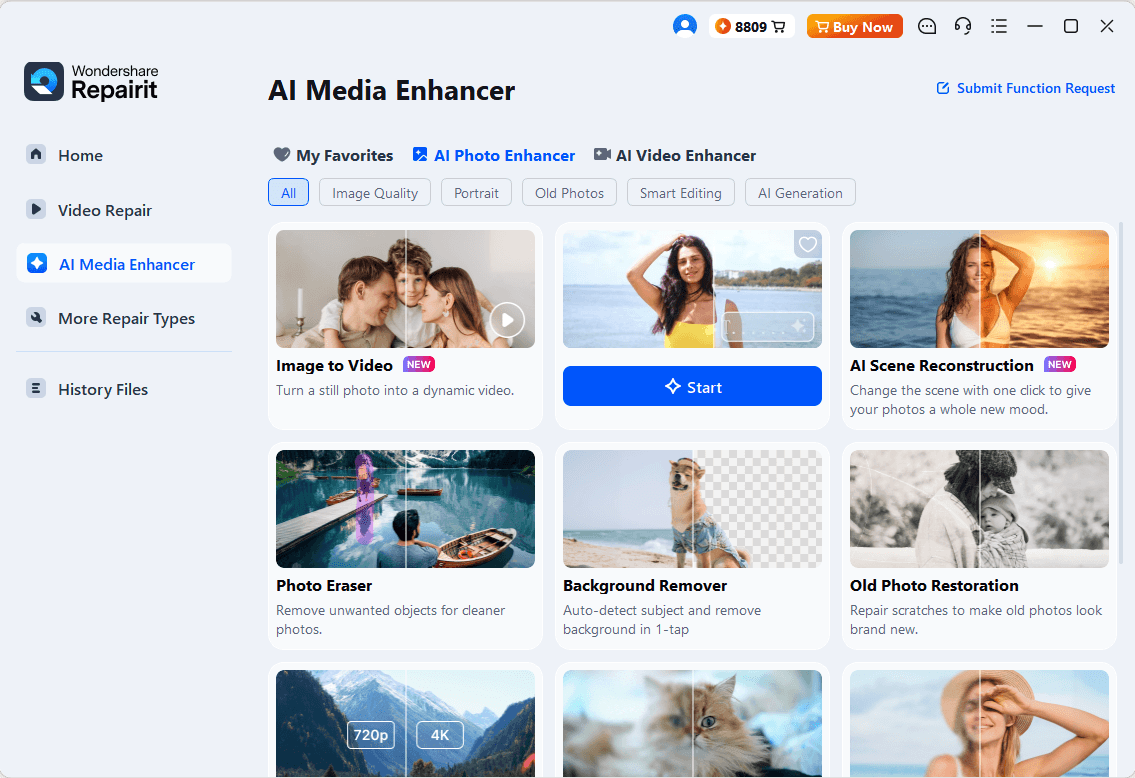
Repairit One Prompt Edit offers a separate, photo-based approach. It lets you upload an existing image and describe visual edits in natural language. You can experiment with manga-inspired black-and-white styling, stronger architectural outlines, and expressive shadows while using the original image as the reference.
Step 1. Upload an Existing Street or Building Image
Choose a clear photo with visible building edges and an understandable perspective.
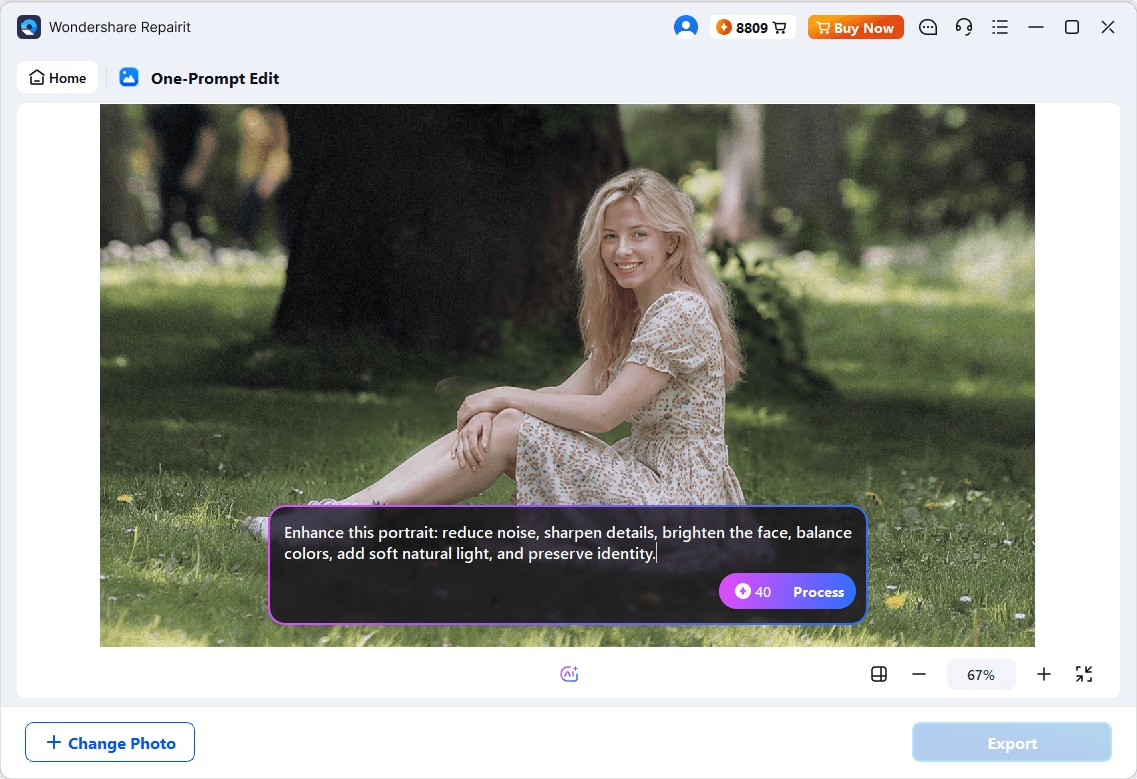
Step 2. Describe the Manga Background You Want
Try a specific prompt rather than a vague request such as “make it manga”:
Transform this city street photo into a black-and-white manga background with clean architectural ink lines, detailed building contours, subtle screentones, and dramatic but readable shadows. Preserve the original street layout and overall perspective.
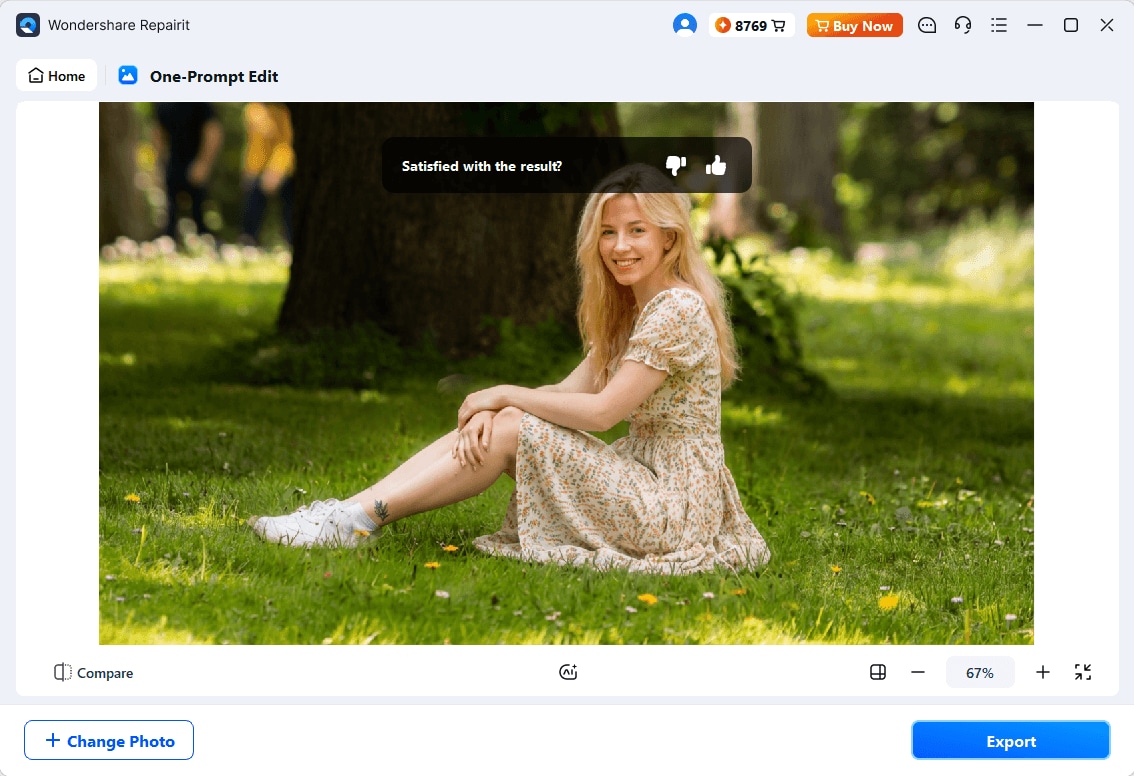
Step 3. Review, Refine, and Save
For a pencil-drawn alternative, turn a photo into a sketch while keeping the original composition as your reference.
Which should you use? Choose Dokodemo Rokehan to explore a real map location and control a 3D camera; choose Repairit when you already have an image and want to explore a different artistic appearance.
Conclusion
Dokodemo Rokehan is useful when your manga needs a believable city setting and a consistent camera perspective. For an existing street photograph, Repairit One-Prompt Edit offers a faster way to explore an ink-style visual treatment. Choose the workflow that matches your starting material, then refine the result before adding it to a finished manga panel.
Frequently Asked Questions
-
1. Is Dokodemo Rokehan free, and do I need to install anything?
The developer describes it as a free browser-based tool with no registration required. You can open it on a computer or phone, although a larger desktop screen is more comfortable for working with the 3D view and map together. -
2. Does Dokodemo Rokehan use generative AI?
Its core map-to-scene workflow is based on geographic information and 3D rendering rather than generating an imagined city from a text prompt. That makes it different from a typical AI manga image generator. -
3. Can I export a 3D model instead of a flat manga image?
Yes. The official export options include GLB, FBX, and OBJ models, alongside PNG images and SVG line art. Choose the format that matches the drawing or 3D application you intend to use. -
4. Can I make manga backgrounds from my own photos?
If your starting point is a photo rather than a mapped location, a photo editor is a more direct option. Repairit One Prompt Edit lets you experiment with manga-inspired styling on an existing image; Dokodemo Rokehan specializes in exploring scenes assembled from map data.




