
If you are shopping for a new camera, comparing specs online, or fine-tuning your setup for professional shoots, you will quickly run into the term full frame sensor. This sensor format influences how your photos and videos look, how they behave in low light, and how flexible your files are for editing, encoding, and sharing. Understanding it helps you pick the right gear, avoid surprises in framing and noise, and get more reliable results from capture to playback.
Repair Corrupted Files To Save Your Data
 Security Verified. Over 7,302,189 people have downloaded it.
In this article
What Is a Full Frame Sensor?
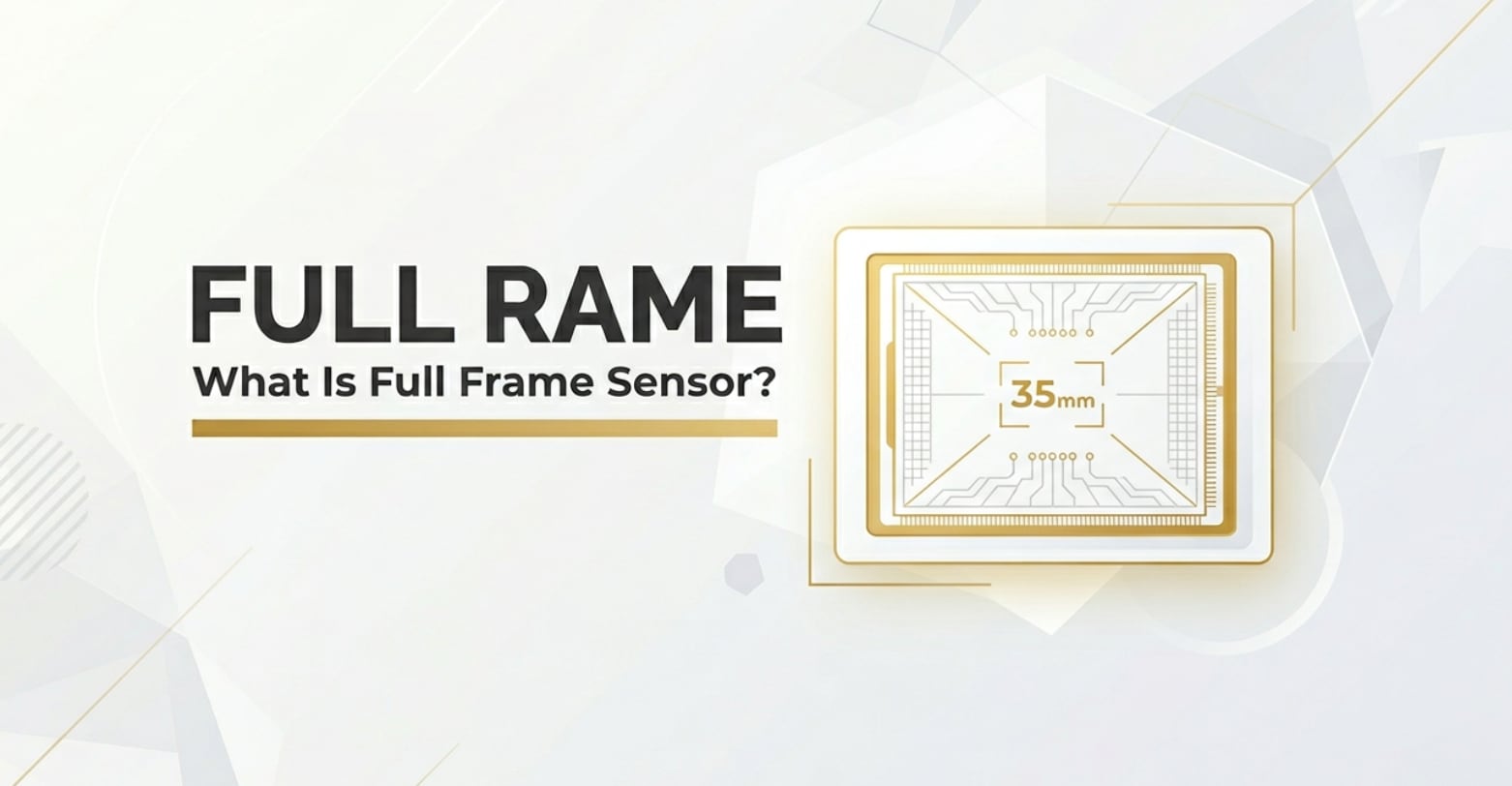
A full frame sensor is a digital camera sensor that is roughly the same size as a frame of 35mm film: about 36 x 24 mm. It is a core concept in photography and videography because it defines how much of a scene the camera captures and how the image will look.
In modern mirrorless and DSLR systems, full frame is one of several sensor formats alongside APS-C, Micro Four Thirds, and smaller sensors used in phones and compact cameras. When you hear people comparing a full frame camera to APS-C models, they are usually talking about differences in field of view, noise, dynamic range, and depth of field.
In shooting, the sensor is where light, focused by the lens, is converted into a digital signal. A full frame sensor simply gives you a larger light-collecting area than smaller sensors, which can lead to cleaner files, more flexibility in exposure, and a more cinematic look in both stills and video.
How Does a Full Frame Sensor Affect Your Image or Footage?
Image quality and low-light performance
Because a full frame sensor is larger, its individual pixels (photo sites) can often be larger too. Larger pixels generally collect more light, which has several practical advantages:
- Lower noise at high ISO: In dim scenes, full frame files usually show less grain and banding than APS-C or smaller sensors at the same ISO settings.
- Better dynamic range: A full frame camera can capture more detail in shadows and highlights, giving you more room to adjust exposure in editing without banding or color shifts.
- Cleaner footage for encoding and streaming: Noise is hard to compress. Cleaner full frame footage usually survives H.264/H.265 compression, YouTube or social platform recompression, and live-stream bit-rate limits with fewer artifacts.
When you export stills to JPEG or videos to common formats like MP4, high-quality full frame source files tend to hold up better after processing, color grading, and multiple rounds of re-encoding.
Depth of field, framing, and lens behavior
The size of a full frame sensor also changes how lenses behave compared with smaller sensors:
- Shallower depth of field: For the same framing, aperture, and subject distance, full frame gives you a blurrier background than APS-C. This helps in portrait, product, and cinematic video work where subject separation matters.
- Wider field of view: A 35 mm lens on full frame is truly 35 mm. On APS-C, crop factors (e.g., 1.5x) make the same lens behave closer to 50–56 mm. This affects how much of a room, landscape, or scene you can fit into the frame.
- Less aggressive crop in video modes: Many cameras already crop slightly for 4K recording. Starting from full frame often keeps more of the original angle of view, which is important for vloggers and gimbal work.
These differences flow through your whole workflow: you compose differently on set, adjust bokeh and focus transitions in camera, and then grade and deliver files that look more cinematic on laptops, TVs, and phone screens.
How Does a Full Frame Sensor Work in Real Shooting?
On a technical level, a full frame sensor sits behind the lens mount and captures light when the shutter opens. In mirrorless cameras, this sensor is exposed almost continuously for both live view and recording; in DSLRs, a mirror flips out of the way during exposure.
In real workflows, you will interact with the full frame concept in several ways:
- Camera menus and marketing: Brands label their models as full frame (e.g., Canon RF, Sony FE, Nikon Z FX). You may choose full frame bodies for key projects where low light or shallow depth of field is critical.
- Lens selection: Lenses designed for full frame usually say "FE," "FX," or similar. Mounting APS-C-only lenses on a full frame body often triggers an automatic crop, recording only part of the sensor area and reducing resolution.
- Framing on monitors: When you plug into an external monitor or recorder (such as an Atomos or Blackmagic device), you see the full frame image area. Any crops (for slow motion, 4K, or stabilization) change what you see and what is recorded.
- Stills and video modes: Some cameras let you switch between full frame and APS-C (Super 35) crop modes. This effectively adds reach to your lenses at the cost of some resolution and low-light performance.
For example, if you are filming a documentary interview in a tight space, full frame lets a 24 mm lens feel truly wide. If you then punch into an APS-C crop mode for a tighter shot without changing lenses, you are making deliberate use of the sensor size options your camera provides.
Best Uses, Common Mistakes, and Quick Tips
When a full frame sensor matters most
- Professional portrait, wedding, and event photography where low light and background blur are common.
- Cinematic video and short films where you want shallow depth of field and rich dynamic range for color grading.
- Landscape and architecture photography that benefit from wide angles and detailed, high-resolution files for large prints.
- Live streaming or recording in dim venues (clubs, concerts, theaters) where every stop of clean ISO helps the final stream quality.
Common mistakes and misunderstandings
- Assuming full frame automatically makes images "better" regardless of lens quality, lighting, or technique.
- Forgetting crop factors when switching between full frame and APS-C, leading to unexpected framing changes between cameras.
- Shooting wide open on full frame without considering how razor-thin depth of field can cause focus misses, especially in 4K video.
- Thinking full frame avoids file corruption; in reality, card issues, power loss, or transfer errors can damage files from any sensor.
Quick tips for using a full frame camera effectively
- Pair your full frame body with lenses that deliver enough sharpness and contrast to take advantage of the larger sensor.
- Use the low-light advantage to keep ISO reasonable instead of relying entirely on ultra-fast shutter speeds or extreme apertures.
- Practice focusing techniques (eye AF, back-button focus, focus peaking) to manage shallow depth of field in both stills and video.
- Back up your full frame RAW photos and high-bitrate video clips immediately, and use reliable cards to reduce the risk of corruption.
The takeaway: a full frame sensor is a powerful tool, not a magic solution. When you understand how it shapes depth of field, noise, and field of view, you can make better creative and technical decisions from capture through editing and final export.
How to Use Repairit to Fix a Corrupted Photo File
Repairit overview: protect your full frame photos
High-resolution files from a full frame camera are valuable, but they are not immune to corruption caused by interrupted writes, faulty cards, or transfer errors. When a critical JPEG or RAW file refuses to open, Repairit official website provides a specialized photo repair solution that helps you recover as much visual information as possible without needing complex manual tools. It fits neatly into a modern workflow where you import, edit, export, and share important full frame images across devices and platforms.
Key features of Repairit Photo Repair
- Dedicated repair for corrupted, distorted, or unreadable photos from DSLRs, mirrorless cameras, action cams, and phones.
- Support for multiple image formats and batch repair, so you can process entire shoots from your full frame sensor in one go.
- Clear preview of repaired photos before saving, helping you verify quality before archiving, editing, or delivering to clients.
Step-by-step: fix corrupted full frame photo files with Repairit
- Add corrupted photo files
Download and install Repairit on your computer, then launch the Photo Repair module. Click the option to add files and browse to the folder where your damaged full frame photos are stored, such as your project directory or card backup. Select one or multiple images that fail to open or show errors and load them into the program.

- Repair photo files
After the corrupted images are listed, start the repair process with a single click. Repairit will scan each file structure, analyze missing or broken data, and attempt to rebuild a viewable photo. While this runs, you can monitor the status of each image. When the process finishes, use the preview option to inspect key shots from your full frame camera and verify that details, colors, and exposure look acceptable.

- Save the repaired photo files
Once you are satisfied with the previewed results, choose a secure destination folder that is different from your original card or damaged directory. Confirm your selection and let Repairit save the repaired full frame photos. After saving, you can import these images back into your editing software, export them in your preferred formats, and safely back them up for future use.

Conclusion
A full frame sensor is more than a marketing buzzword. Its larger size directly influences noise levels, dynamic range, depth of field, and how your lenses render a scene for both stills and video. These characteristics carry through your workflow, shaping how your content looks after editing, encoding, and playback on different platforms.
By understanding when a full frame camera offers a real advantage and how to manage its quirks in focusing, framing, and file handling, you can get cleaner images and more cinematic footage. And if corruption ever affects your important photos, tools like Repairit help you rescue critical files so your creative work from capture to final export does not go to waste.
Next: What Is an APS-C Sensor?
FAQ
-
1. Is a full frame sensor always better than APS-C?
Not always. A full frame sensor generally offers better low-light performance and shallower depth of field, but APS-C cameras can be smaller, lighter, and more affordable. For some genres like wildlife or sports, the effective "extra reach" of APS-C can be advantageous. The best choice depends on your shooting style, budget, and lens options. -
2. Do full frame cameras make my videos look more cinematic?
They can help. A full frame camera can produce shallower depth of field, smoother bokeh, and cleaner footage in low light, all of which contribute to a cinematic feel. However, lighting, composition, color grading, motion, and sound design are just as important for a truly cinematic result. -
3. Will my existing lenses work on a full frame camera?
It depends on the lens mount and image circle. Lenses made for full frame (often labeled FE, FX, or similar) are ideal. APS-C-only lenses can sometimes be mounted but may cause heavy vignetting or trigger a crop mode that uses only part of the full frame sensor, reducing resolution. Check your camera and lens compatibility before upgrading. -
4. Does a full frame sensor reduce file corruption issues?
No. Sensor size is unrelated to file corruption. Problems like sudden power loss, bad memory cards, or interrupted transfers can damage files from any sensor type. To protect your full frame photos and videos, use quality cards, avoid removing media while writing, and consider repair tools like Repairit if corruption occurs. -
5. Are full frame files harder to edit and store?
Full frame cameras often produce larger RAW and video files because of higher resolution and bitrates. This can demand more storage space, faster drives, and more powerful computers for smooth editing, encoding, and exporting. Planning your storage and backup strategy is important when moving into a full frame camera workflow.




