
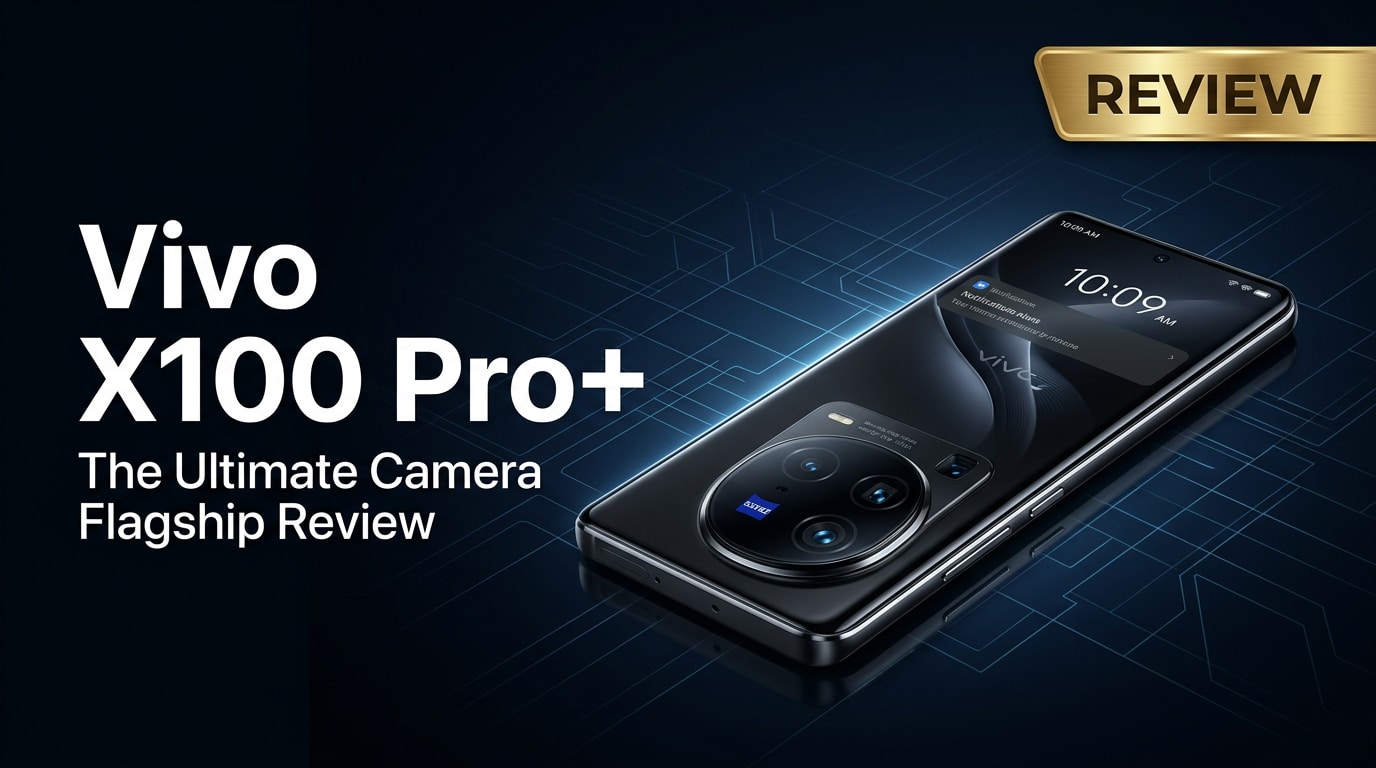
The Vivo X100 Pro+ is a premium Android flagship built around advanced mobile photography, fast performance, and an elegant design. Combining Zeiss-tuned cameras, a powerful chipset, and a vivid display, it targets users who want a phone that can shoot, edit, and share high-quality content on the go. This review walks through its key features, everyday experience, and how to keep your valuable Vivo photos and videos safe, even if they ever become corrupted.
Repair Corrupted Files To Save Your Data
 Security Verified. Over 7,302,189 people have downloaded it.
In this article
What is New About Vivo X100 Pro+
The Vivo X100 Pro+ pushes Vivo's camera-first strategy further with upgraded sensors, improved Zeiss optics, and more mature image processing. A dedicated imaging chip, higher resolution telephoto module, and refined night photography tools make it stand out from previous X-series phones. On the performance side, you get a next-generation flagship chipset, faster storage, and better thermal control for extended gaming or 4K recording. Together, these upgrades create a more versatile, future-ready flagship that is tuned for creators and heavy users alike.
Price, Storage, and Design
Vivo X100 Pro+ price and storage options
The Vivo X100 Pro+ is positioned as a premium flagship, so its price usually sits in the higher tier of the Android market. Although exact pricing varies by region, you can typically expect multiple storage and RAM combinations, such as:
| Variant | Best for |
|---|---|
| 12 GB RAM / 256 GB storage | Photography enthusiasts who shoot often but do not store huge offline libraries. |
| 16 GB RAM / 512 GB storage | Power users who record a lot of 4K video and keep many apps and games installed. |
| Higher-capacity options (if available) | Creators who treat the phone as a primary camera and backup drive. |
Since there is usually no microSD slot on flagships at this level, deciding the right storage tier at purchase is important. If you regularly capture high bitrate video or RAW photos, the 512 GB option is the safer long-term choice.
Design language and in-hand feel
The Vivo X100 Pro+ continues Vivo's emphasis on a premium aesthetic with a large circular camera module, curved glass, and a polished metal frame. The rear finish typically balances grip and elegance, with soft-touch or frosted textures that resist fingerprints better than glossy glass.
Despite housing a large battery and complex camera system, the weight distribution is handled well, making one-handed use manageable for most users with medium to large hands. Tactile buttons, tight build tolerances, and an IP-rated body (where available) keep it aligned with other top-tier flagships.
Display, Performance, and Daily Use
The front of the Vivo X100 Pro+ is dominated by a high-refresh-rate AMOLED display with sharp resolution and deep contrast. Color calibration modes let you switch between punchy, saturated tones and more natural, accurate profiles, which is especially useful if you edit photos or videos on the device.
With its flagship-grade chipset and fast LPDDR RAM, the phone easily handles heavy multitasking, large social media apps, and demanding 3D games. Animations remain fluid thanks to the high refresh rate, and app switching is snappy even when several apps are running in the background.
In daily use, the under-display fingerprint reader is quick and reliable, face unlock is convenient for casual scenarios, and haptic feedback feels precise. Network performance is also strong, with fast 5G speeds and stable Wi-Fi for cloud backups and streaming high-resolution content.
Camera Review
The headline feature of the Vivo X100 Pro+ is its camera system. It typically combines a high-resolution main sensor, a capable ultra-wide lens, and one or more telephoto modules tuned in partnership with Zeiss. This combination aims to deliver consistent, versatile shooting across focal lengths.
Daylight shots exhibit rich detail, wide dynamic range, and pleasing color science that avoids over-saturation. The Zeiss-inspired portrait modes produce natural skin tones, attractive bokeh, and solid edge detection, making the phone a strong choice for portrait and street photography.
Low-light performance is where the device really shines. Large sensors, bright optics, and advanced night algorithms allow the Vivo X100 Pro+ to capture clean images with minimal noise and good shadow detail. The periscope or long telephoto camera holds up surprisingly well after dark, so you can still zoom in without sacrificing too much quality.
On the video side, the phone supports high-resolution recording, including 4K at high frame rates on multiple lenses. Stabilization is robust, with both optical and electronic systems working together to smooth out walking or panning shots. For creators, additional manual controls and log-style profiles (where available) offer more flexibility in post-production.
Battery, Charging, and Software Experience
The Vivo X100 Pro+ is equipped with a sizeable battery designed to handle a full day of mixed use, including camera sessions, messaging, streaming, and browsing. Power efficiency improvements in the chipset and software help keep screen-on time competitive, even on high refresh rate settings.
Charging is another strong point. Depending on your regional configuration, you can expect fast wired charging and, in many cases, capable wireless charging speeds as well. A quick top-up during a coffee break is usually enough to get you through the rest of the day, which is ideal if you often record long clips or photoshoots away from home.
On the software side, Vivo's custom Android skin includes many customization options, smart features, and camera extras. While there may be a learning curve if you come from a different Android skin, most system apps are responsive and visually consistent. Keeping the system updated is recommended not only for security but also for camera and performance refinements delivered through firmware updates.
Pros and Cons of Vivo X100 Pro+
| Pros | Cons |
|---|---|
| Class-leading camera hardware and Zeiss tuning for versatile photos and videos. | Premium pricing may be out of reach for budget-conscious buyers. |
| Bright, high-refresh AMOLED display with strong outdoor visibility. | Large size can feel unwieldy for users who prefer compact phones. |
| Fast performance, generous RAM, and high storage options for power users. | Likely lacks expandable storage, so you must choose capacity carefully. |
| High-speed charging and solid battery life suitable for long shooting days. | Some users may find the custom Android skin heavier than stock Android. |
| Premium build quality and eye-catching design that highlights the camera module. | Availability and network band support can vary significantly by region. |
What to Do If Your Vivo X100 Pro+ Files Get Corrupted
Why files from Vivo X100 Pro+ can become corrupted
Even though the Vivo X100 Pro+ is built for reliability, photo and video files can still become corrupted. This might happen after an interrupted transfer, sudden battery drain while recording, a failing cable, or a storage issue on your computer or cloud drive. Symptoms include videos that refuse to play, images that display errors or gray boxes, and media apps that crash when opened.
When you encounter these issues, avoid repeated failed attempts to open or edit the damaged files. Instead, copy them to a safe location and use a dedicated repair tool to restore them, rather than risking further damage with random workarounds.
Use Repairit to fix corrupted Vivo photos and videos
Wondershare Repairit is a dedicated repair toolkit designed for damaged photos, videos, and documents from devices like the Vivo X100 Pro+. It guides you through a straightforward workflow, from adding corrupted media to previewing the repaired results, so you can recover important memories without needing technical expertise. You can learn more on the Repairit official website.
Key features of Repairit for Vivo X100 Pro+ users
- Repairs broken or unplayable videos, photos, and documents from phones, cameras, and computers.
- Supports multiple formats, including high-resolution and HDR media captured by modern smartphones.
- Streamlined click-through workflow with a preview window before you save the repaired files.
How to repair corrupted Vivo X100 Pro+ files with Repairit
-
Step 1: Add your corrupted Vivo X100 Pro+ files
Install and open Repairit on your computer, then choose the appropriate module for Video, Photo, or File, depending on what is damaged. Click the "Add" button and browse to the folder where you saved your Vivo X100 Pro+ media, such as your DCIM backup or exported gallery folder. Select the corrupted clips or images and load them into the Repairit interface.

-
Step 2: Start the automatic repair process
After the problematic files appear in the list, confirm your selection and click the "Repair" button. Repairit will analyze each photo or video, locate structural errors, and apply targeted fixes. This process runs locally on your computer and does not modify the original files on your Vivo X100 Pro+, so you can safely rerun or adjust repairs if needed.

-
Step 3: Preview and save the repaired results
Once Repairit finishes, use the built-in preview window to check that your repaired Vivo X100 Pro+ photos or videos display and play correctly. If the output looks good, click "Save" and choose a secure destination folder on your computer or external drive. After saving, you can safely copy the fixed files back to your phone or upload them to cloud storage for long-term protection.

Conclusion — When Should You Buy?
The Vivo X100 Pro+ is a feature-rich flagship that particularly appeals to users who prioritize camera quality, display excellence, and strong all-around performance. If you frequently shoot photos and videos, edit content on your phone, or simply want a device that feels premium in both hardware and software, this model is a compelling option as long as it fits your budget.
For creators and enthusiasts, investing in higher storage and pairing the phone with a dedicated repair toolkit like Wondershare Repairit offers extra peace of mind. That way, even if your media becomes corrupted during transfer or recording, you still have a reliable way to restore irreplaceable memories from your Vivo X100 Pro+.
FAQ
-
1. Is the Vivo X100 Pro+ good for professional-style photography?
Yes. The Vivo X100 Pro+ emphasizes advanced camera hardware, Zeiss optics, and powerful computational imaging, making it suitable for users who want detailed, flexible results that can come close to professional-style photos when used with care and good technique. -
2. How much storage should I choose for the Vivo X100 Pro+?
If you regularly record 4K or high-frame-rate videos, 256 GB or 512 GB is recommended to avoid running out of space. Casual users who mainly stream content and take occasional photos may be comfortable with lower tiers, depending on local availability and pricing. -
3. Does the Vivo X100 Pro+ handle gaming and multitasking well?
With its flagship chipset and generous RAM, the Vivo X100 Pro+ is built to handle demanding games and heavy multitasking. Keeping your system updated and closing unused background apps helps maintain smooth performance over time. -
4. What can I do if my Vivo X100 Pro+ videos will not play or show an error?
Try playing the video in a different player and test it on a computer after copying it over. If it still does not work, use a repair tool like Wondershare Repairit to scan and fix the corrupted file without changing the original data on your phone. -
5. Should I upgrade to the Vivo X100 Pro+ from an older Vivo flagship?
If you value a noticeable leap in camera capability, faster charging, and a more powerful processor, upgrading to the Vivo X100 Pro+ can be worthwhile. If your current Vivo still meets your needs, you may prefer to wait for favorable pricing or promotions before switching.




