
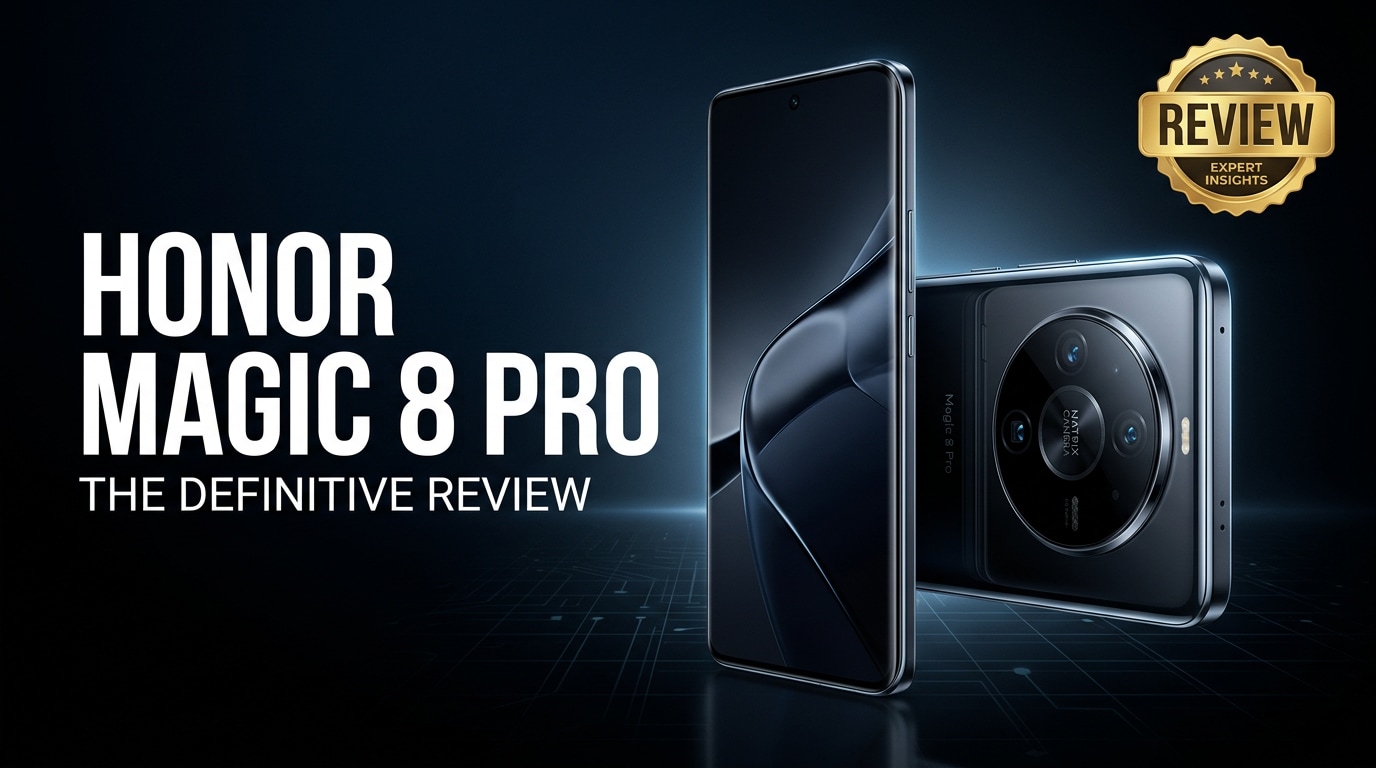
The Honor Magic 8 Pro is a premium Android flagship built for power users who care about smooth performance, advanced cameras, and fast charging. This review walks through its design, specs, display, camera performance, and battery life, and also explains how to safely repair any corrupted photos or videos you might encounter on the device.
Repair Corrupted Files To Save Your Data
 Security Verified. Over 7,302,189 people have downloaded it.
In this article
What's New About Honor Magic 8 Pro
The Honor Magic 8 Pro review starts with what actually changed compared with previous models. Honor focuses on three main areas: performance, camera intelligence, and refinement of the design.
- A newer high-end chipset brings better CPU and GPU power, especially useful for gaming and heavy multitasking.
- Camera hardware is tuned with larger sensors and improved stabilization, while Honor's AI processing refines exposure, portraits, and night scenes.
- The display is brighter and more efficient, helping with outdoor visibility and battery management.
- Charging speeds remain very fast, while software tweaks aim to reduce heat and improve long-term battery health.
- Small but meaningful UI improvements in MagicOS make navigation smoother and add more personalization options.
Price, Storage, and Design
Honor Magic 8 Pro price and storage options
The Honor Magic 8 Pro price targets the upper mid to premium segment, typically sitting just under the cost of ultra-flagship devices from competing brands. Exact pricing depends on your region, carrier, and promotions.
| Variant | Who it suits |
|---|---|
| 256 GB storage (base model) | Most users who mainly stream media and take regular photos and videos. |
| 512 GB storage | Power users, mobile photographers, and gamers who install many large apps and record 4K video frequently. |
| Higher RAM configurations | Heavy multitaskers running demanding games, productivity apps, and social platforms at once. |
If you plan to capture a lot of 4K videos or store offline media, the higher Honor Magic 8 Pro storage option makes more sense and reduces your reliance on cloud backups.
Design and in-hand feel
The Honor Magic 8 Pro specs are wrapped in a refined glass-and-metal body with slim bezels and a modern camera island on the back. The design language is clean and minimal, with color options that range from understated to more eye-catching finishes.
- Curved edges and careful weight distribution help it sit comfortably in the hand despite its large display.
- The camera module is prominent but balanced, so the phone does not wobble excessively on a flat surface.
- Buttons and ports are placed for easy reach, and the haptic feedback feels crisp when typing or navigating.
Overall, build quality is solid, and the device feels like a true flagship, although you will likely want a case to protect that glossy back and camera housing.
Display, Performance, and Daily Use
The Honor Magic 8 Pro performance is one of its main selling points. Paired with a high-refresh-rate OLED display, it aims to deliver a smooth, responsive experience for both casual and demanding users.
Display quality and visuals
- High refresh rate (commonly 120 Hz) makes scrolling and animations fluid.
- High peak brightness helps with outdoor use under direct sunlight.
- OLED technology provides deep blacks, punchy colors, and great contrast for video streaming and gaming.
- Eye comfort features reduce blue light and flicker for long reading sessions.
Whether you are watching HDR content, editing photos, or simply browsing the web, the screen feels immersive and sharp.
Performance and multitasking
Under the hood, the latest flagship-grade chipset works with fast RAM and storage to keep everything snappy. App launches are quick, and background tasks rarely slow the device down.
- Games run smoothly with high graphics settings in most popular titles.
- Multitasking between social apps, browsers, and productivity tools is seamless.
- Thermal management tries to keep the phone cool under prolonged gaming or video recording, reducing throttling.
In day-to-day life, this means you can jump from messaging to navigation to video calls without noticeable lag, which is key for users who rely on their phone for work and entertainment.
Camera Review
The Honor Magic 8 Pro camera system is designed to be versatile, covering wide, ultra-wide, and zoom needs in a single package. It aims to give both casual shooters and enthusiasts more creative flexibility.
Main camera performance
- The main sensor captures detailed photos with good dynamic range in daylight.
- Colors are vibrant but generally not overly saturated, which helps preserve a natural look.
- Autofocus is quick and accurate, particularly for subjects like pets and children.
- Night mode uses multi-frame processing to brighten dark scenes while controlling noise.
In many typical scenarios, photos are ready to share without heavy editing, which is ideal for users who prefer quick snaps.
Ultra-wide, telephoto, and portrait modes
- The ultra-wide camera fits more into the frame with decent edge sharpness, great for landscapes and group shots.
- Telephoto or hybrid zoom options provide better reach for distant subjects than digital zoom alone.
- Portrait mode uses software and depth information to separate the subject from the background, with adjustable blur intensity in many modes.
Low-light performance is competitive for this class, especially when you use night mode or stick to the main sensor. Portraits and selfies benefit from improved skin tones and edge detection compared with prior generations.
Video recording
For video, the Honor Magic 8 Pro camera supports high-resolution recording, often up to 4K, with stabilization modes that reduce shake while walking.
- Electronic and optical stabilization combine to keep clips steady.
- Microphones capture clear audio in most environments, with decent noise control.
- AI-assisted enhancements adjust exposure and focus dynamically as you move between light and dark areas.
This setup is suitable for vlogging, capturing travel memories, and recording family events without having to carry an additional dedicated camera.
Battery, Charging, and Software Experience
The Honor Magic 8 Pro battery capacity is built to handle a full day of mixed use, even with the high-refresh-rate display enabled.
Battery life and charging speeds
- With typical use (social media, browsing, messaging, some video streaming), most users can finish the day with charge to spare.
- Heavy gaming or long 4K video recording sessions will drain the battery faster, but the device still tends to last through a workday.
- Fast wired charging dramatically cuts down the time spent at the outlet, often reaching a large percentage in under an hour depending on the included charger.
- Some models and regions may also support fast wireless charging, adding convenience when using compatible pads.
Overall, the Honor Magic 8 Pro battery and charging system are reliable enough that range anxiety should not be a daily concern.
Software and user experience
The phone runs MagicOS based on the latest Android version available at launch. The interface adds extra customization and productivity tools on top of stock Android.
- Customizable home screens, themes, and always-on display styles.
- Extra privacy controls, app lock features, and secure folders.
- Smart features like floating windows for multitasking and quick-access side panels.
Some preinstalled apps may not be necessary for every user, but most can be disabled or removed. With a few tweaks, the overall experience becomes clean, fast, and tailored to your preferences.
Pros and Cons of Honor Magic 8 Pro
Every flagship has strengths and trade-offs. Here is a balanced look at the Honor Magic 8 Pro review from a pros-and-cons perspective.
Pros
- High-quality OLED display with a fast refresh rate for smooth visuals.
- Fast, flagship-level chipset capable of handling demanding games and apps.
- Versatile camera system with solid daylight, portrait, and low-light performance.
- Long-lasting battery with very fast charging for quick top-ups.
- Premium design and build quality that feels solid and modern.
- Ample Honor Magic 8 Pro storage options for heavy media users.
Cons
- Large size may be difficult to use one-handed for some users.
- Camera performance, while strong, may still trail the most expensive ultra-flagships in extreme conditions.
- Preinstalled apps and UI customizations may require some tweaking to suit minimalist preferences.
- No expandable microSD storage in many markets, making your initial storage choice more important.
What to Do If Your Honor Magic 8 Pro Files Get Corrupted
Why Honor Magic 8 Pro files get damaged
Even with a powerful phone, your photos and videos are not immune to corruption. Common causes include sudden shutdowns during recording, interrupted file transfers, faulty cables or card readers, storage errors, and software crashes. Symptoms can range from videos that will not play to photos that show gray boxes, artifacts, or error messages when you try to open them.
When issues like this appear, avoid repeatedly opening or editing the same file, as it can make the corruption worse. Instead, copy the affected files to a computer and use a dedicated repair tool to attempt safe recovery.
How to repair corrupted Honor Magic 8 Pro files with Repairit
Repairit introduction
To fix corrupted, damaged, or unplayable photos and videos from your Honor Magic 8 Pro, a specialized repair solution is much safer than random quick fixes. Repairit by Wondershare is designed precisely for this job, with guided workflows that help you restore important media without overwriting the originals. You can download the latest version from the Repairit official website and use it on your computer to repair problematic files from your phone, SD card, or other storage.
Key features of Repairit
- Fixes corrupted videos and photos from phones, cameras, and computers.
- Supports various file formats and offers both quick and advanced repair modes.
- Lets you preview repaired files before saving them, so you keep only the results you are happy with.
Step-by-step guide: repair Honor Magic 8 Pro files
- Launch Repairit and load your broken media files

Install Repairit on your Windows PC or Mac and open it. From the home screen, choose the type of content you need to fix, such as Video Repair or Photo Repair. Connect your Honor Magic 8 Pro with a USB cable or insert its memory card using a card reader. Click the add button in Repairit, then browse to the corrupted photos or videos that refuse to open or play correctly and import them into the program.
- Start the repair process and check the previews

After your files are listed in Repairit, hit the repair button to begin. The tool automatically scans each file, detects structural issues, and attempts to reconstruct missing or damaged data. When the process finishes, you will see a status for each item. Use the built-in preview window to play repaired videos or open photos, verifying that images render properly, playback is smooth, and audio is in sync.
- Export the repaired files to a safe location

Once you are satisfied with the previews, select the files you want to keep and click save. Choose a secure folder on your computer or an external drive rather than the original location on your phone. This way, you keep a clean backup of both the repaired media and the untouched originals. After confirming the files are working, you can copy the fixed versions back to your Honor Magic 8 Pro for everyday use.
Conclusion — When Should You Buy?
The Honor Magic 8 Pro review shows a device that delivers a strong mix of premium design, powerful hardware, and capable cameras without pushing into the very highest price bracket. Its bright, smooth display, fast charging, and solid all-day battery make it a dependable daily driver for both work tasks and entertainment.
If you want a flagship phone with versatile cameras, high-end performance, and generous storage options, the Honor Magic 8 Pro is a smart choice. Just remember to keep regular backups and use tools like Repairit whenever your photos or videos show signs of corruption, so your most important memories stay safe over the long term.
FAQ
-
1. Is the Honor Magic 8 Pro good for gaming?
Yes. The Honor Magic 8 Pro performance is strong enough for most modern Android games, thanks to its high-end processor, fast RAM, and high-refresh-rate display that keeps gameplay smooth. -
2. How much storage does the Honor Magic 8 Pro offer?
The Honor Magic 8 Pro specs typically include multiple storage variants such as 256 GB and 512 GB. Availability can vary by market, so check local retailers or carriers for exact configurations. -
3. How long does the Honor Magic 8 Pro battery last?
With normal mixed use, the Honor Magic 8 Pro battery usually lasts a full day or longer on a single charge. Fast charging support makes it easy to top up quickly when needed. -
4. Can I repair corrupted videos from my Honor Magic 8 Pro?
Yes. Transfer the problematic videos to a computer and run Repairit to scan and repair them. The tool attempts to fix playback issues, missing audio, and file errors while keeping your originals safe. -
5. Is the Honor Magic 8 Pro camera good for low-light photos?
The Honor Magic 8 Pro camera is designed to handle low-light scenes using a large main sensor, night modes, and advanced image processing that brightens dark areas while limiting noise.




