
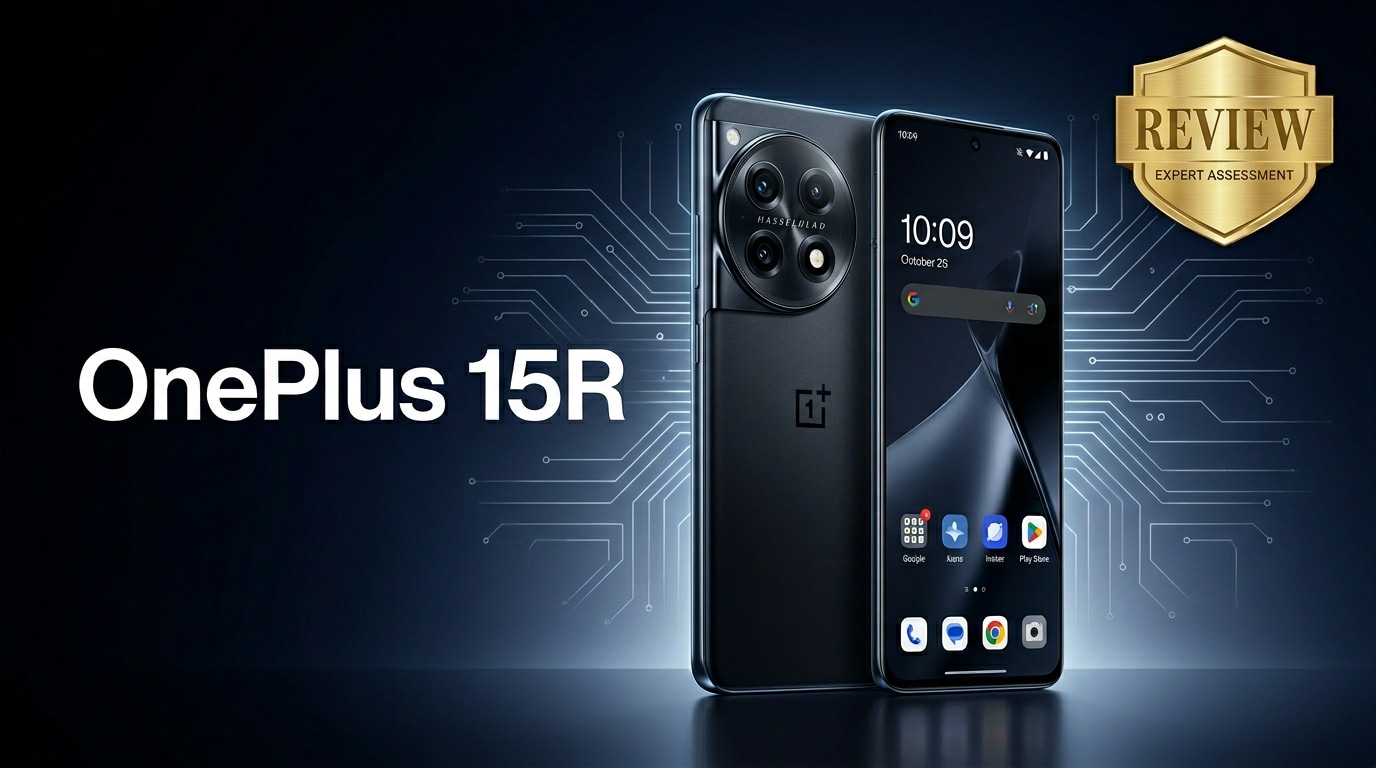
The OnePlus 15R is positioned as a performance-focused Android phone that aims to deliver fast hardware, clean software, and dependable battery life without flagship pricing. This review walks through its design, specs, camera, and everyday performance, and also explains how to protect your photos, videos, and documents if something goes wrong with your data.
Repair Corrupted Files To Save Your Data
 Security Verified. Over 7,302,189 people have downloaded it.
In this article
What's New About OnePlus 15R
The OnePlus 15R continues the R-series formula: near-flagship performance at a more accessible price. Compared with its predecessor, it brings a more efficient high-end chipset, a smoother high-refresh-rate OLED display, faster charging speeds, and a refined camera stack with improved night and portrait processing. Software refinements in OxygenOS-like skin focus on better animations, app launch times, and long-term battery health. Together, these changes make the phone feel faster and more polished in real-world use, even if OnePlus does not radically alter the design language.
Price, Storage, and Design
OnePlus 15R price and configurations
The OnePlus 15R price is targeted at upper mid-range buyers who want power without the premium tag. Exact pricing will vary by region and retailer, but you can expect several RAM and storage combinations, typically starting with a base model suited to casual users and stepping up to higher variants for gamers and content creators.
| Variant | Who it suits |
|---|---|
| Base RAM + Storage | Light users, social media, web, streaming |
| Mid-tier RAM + Storage | Most buyers, gamers, frequent app switchers |
| Top RAM + Storage | Power users, heavy media libraries, long-term owners |
All variants use fast UFS storage and modern RAM standards, so performance differences mainly show up when multitasking or juggling large games and apps.
Design, build, and ergonomics
The OnePlus 15R specs include a slim chassis with curved edges, a large display on the front, and a camera module that blends into the rear panel. Materials lean toward a mix of metal frame and glass or high-quality polycarbonate back depending on trim, keeping the weight manageable for one-handed use.
The button placement is comfortable, with the power and volume keys falling naturally under your fingers. The classic alert slider may return, giving quick access to sound profiles. Color options are likely understated, with a focus on matte finishes that resist fingerprints. Overall, the phone feels modern and sturdy, if not as luxurious as ultra-premium flagships.
Display, Performance, and Daily Use
The display on the OnePlus 15R is a high-refresh-rate AMOLED or OLED panel, delivering rich colors, deep blacks, and smooth scrolling. A 120 Hz (or higher) refresh rate keeps gestures and animations fluid, while adaptive brightness helps outdoors. Thin bezels and a small punch-hole camera maximize screen area for media and gaming.
Under the hood, the OnePlus 15R performance benefits from a modern flagship-grade or near-flagship chipset paired with ample RAM. App launches are snappy, and multitasking between social apps, browsers, and productivity tools feels effortless. Heavier tasks like video editing or extended gaming push the phone harder, but thermal management keeps it comfortable, with only mild warm-up during long sessions.
In daily use, OxygenOS-style software helps the phone feel responsive and light. Gestures are intuitive, there is minimal bloat, and useful utilities like screen recording, gaming mode, and secure app lockers are onboard. 5G support, Wi-Fi 6/6E, and NFC (in most regions) round out the connectivity package, making the phone a dependable everyday driver.
Camera Review
The OnePlus 15R camera system centers around a high-resolution main sensor, likely accompanied by an ultra-wide and a macro or depth lens. In good light, images show strong detail, balanced exposure, and pleasant colors that lean slightly saturated for social-ready sharing. Autofocus is fast enough to keep up with pets, kids, and street scenes.
Low light is where mid-range phones are often tested. Here, the dedicated night mode uses multi-frame processing to brighten dark scenes and pull out more detail, though you may notice some noise and softness when zooming in. It performs well for its class, even if it does not fully rival top-tier flagships with larger sensors and more advanced image pipelines.
Portrait shots benefit from improved edge detection and background blur, while the ultra-wide camera is handy for group photos, landscapes, and interiors, albeit with slightly softer results than the main lens. For video, the phone supports 4K recording, electronic stabilization, and decent audio capture, making it suitable for vlogs, reels, and casual content creation.
Battery, Charging, and Software Experience
The OnePlus 15R battery capacity is tuned for all-day use, even under moderate to heavy workloads of social media, streaming, and gaming. Power efficiency from the chipset and software optimization helps you comfortably get through a full workday with some charge to spare.
On the charging side, the phone supports fast wired charging at OnePlus' typical high wattage. This means you can go from a low battery to a usable level in just a short coffee break, which is especially valuable for busy professionals and gamers. While wireless charging might be reserved for higher-end models, the wired speeds here help compensate.
Software-wise, the OxygenOS-like interface layered over Android keeps things clean, with familiar Google services and a few OnePlus utilities. Long-term software support with security patches and OS upgrades is a key factor for reliability, and the 15R aims to provide enough updates to keep your device secure and fresh through multiple years of ownership.
Pros and Cons of OnePlus 15R
- Pros
- Flagship-level or near-flagship performance at a more accessible price point
- Smooth high-refresh-rate AMOLED/OLED display for gaming and media
- Fast charging that quickly restores battery life
- Clean, responsive OxygenOS-style software with useful utilities
- Capable camera system that performs well in daylight and offers solid night mode
- Cons
- Low-light photos still trail the very best flagship camera phones
- Materials and design may feel less premium than top-tier devices
- Wireless charging and some advanced flagship features may be missing
- Camera extras (telephoto, advanced stabilization) can be limited
What to Do If Your OnePlus 15R Files Get Corrupted
Repairit introduction
Even a reliable phone like the OnePlus 15R can run into issues such as system crashes, transfer errors, or faulty storage that leave your photos, videos, or documents corrupted. Instead of giving up on damaged memories or work files, you can turn to Wondershare Repairit, a dedicated repair solution that scans, fixes, and restores broken media. To explore everything it can handle and view supported formats, visit the Repairit official website.
Key features of Repairit
- Repairs corrupted videos, photos, and documents from phones, memory cards, and computers.
- Simple guided interface with built-in preview so you can confirm results before saving.
- Supports batch repair, letting you fix multiple damaged files from your OnePlus 15R in one go.
How to repair corrupted OnePlus 15R files
- Install Wondershare Repairit on your computer, open it, and choose the right repair module such as Video Repair, Photo Repair, or File Repair. Connect your OnePlus 15R via USB or insert its storage card, then click the add button to import the corrupted photos, videos, or documents you want to recover.
- After adding the damaged files, start the repair process with one click. Repairit will automatically analyze the corruption, rebuild headers, and fix common playback or opening errors. When the scan finishes, use the preview window to check whether each repaired file opens, displays, or plays as expected.
- Select the repaired items that look correct in preview, click Save, and choose a secure folder on your computer or an external drive. Once they are safely stored, you can copy the healthy versions back to your OnePlus 15R, making sure not to overwrite them with older, still-corrupted copies.



Conclusion — When Should You Buy?
The OnePlus 15R review shows a phone that focuses on speed, smooth software, and dependable battery life rather than chasing every cutting-edge feature. For most users, its performance, high-refresh display, and fast charging make it a very capable daily driver for work, study, entertainment, and gaming.
If you value clean software, strong performance for the price, and reliable all-day use more than having the absolute best camera or most premium materials, the OnePlus 15R is a smart purchase. Paired with Wondershare Repairit to safeguard and repair corrupted media or documents, it becomes an even more dependable centerpiece for your digital life.
FAQ
-
1. Is the OnePlus 15R good for gaming?
Yes, the OnePlus 15R is built for smooth gaming with a powerful chipset, high-refresh-rate display, and effective thermal design that helps maintain stable frame rates during extended sessions. -
2. How is the OnePlus 15R camera performance in low light?
The OnePlus 15R camera handles low-light scenes reasonably well thanks to its night mode, which brightens images and improves detail, though it still falls slightly behind the very best flagship camera phones. -
3. Does the OnePlus 15R support fast charging?
Yes, the phone supports fast wired charging, allowing you to quickly top up the OnePlus 15R battery in a short time, which is ideal for heavy or on-the-go users. -
4. What should I do if my OnePlus 15R videos will not play?
First restart your phone and clear the cache of your gallery or video app. If the videos are still corrupted, transfer them to a computer and use Wondershare Repairit to attempt video repair and restore normal playback. -
5. Can I recover deleted photos from my OnePlus 15R?
Check the trash or Recently Deleted folder in your gallery app for recently removed photos. For files lost due to corruption, crashes, or transfer issues, specialized recovery and repair tools such as Wondershare Repairit give you the best chance of getting them back.




