
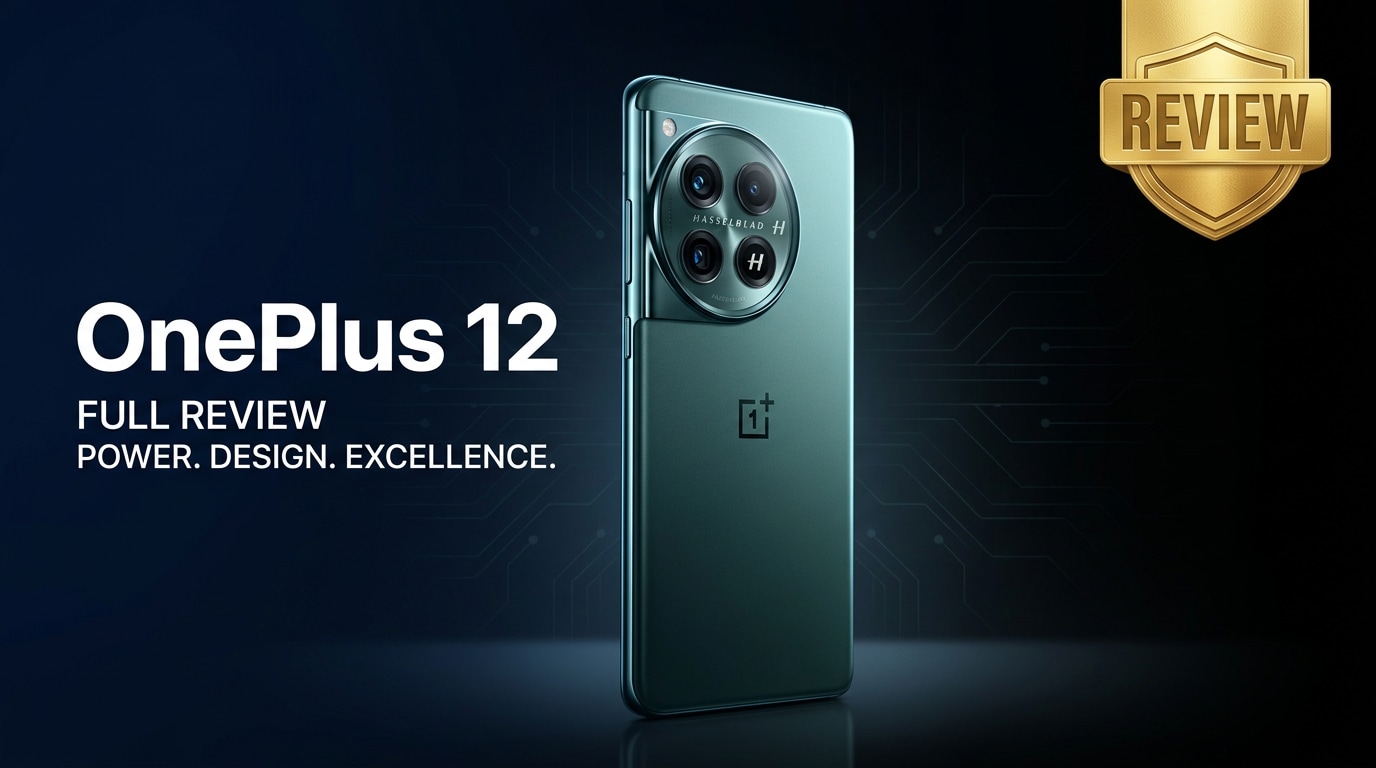
The OnePlus 12 is a flagship Android smartphone that focuses on speed, smoothness, and practical upgrades. It brings a brighter display, faster performance, longer battery life, and an improved camera system while keeping OxygenOS relatively clean and responsive. Whether you mainly game, shoot photos, or multitask between work apps, this review explains what the OnePlus 12 does well, where it falls short, and how to protect your data if files on the device become corrupted or unreadable.
Repair Corrupted Files To Save Your Data
 Security Verified. Over 7,302,189 people have downloaded it.
In this article
The OnePlus 12 review story is all about refinement. OnePlus keeps the formula of a fast, smooth phone but adds meaningful updates: a brighter display for outdoor use, a high-end chipset for gaming and multitasking, and a more capable camera setup. At the same time, OxygenOS remains relatively clean and responsive compared to many heavy Android skins. This article explores the OnePlus 12 specs, performance, camera behavior, and battery life, and then explains how to fix corrupted photos, videos, and documents on your device using dedicated repair software.
What’s New About OnePlus 12
The OnePlus 12 builds on its predecessor with upgrades across nearly every core component. If you are coming from an older OnePlus or another Android flagship, these are the main new elements that stand out.
- A new flagship chipset with stronger CPU and GPU performance for efficiency and gaming.
- A brighter, high-refresh LTPO display that can dynamically adjust refresh rate to save power.
- Updated camera hardware and tuning, especially for low light and zoom shots.
- Improved battery capacity and faster charging options, including wireless charging support in many regions.
- Refined design with better weight distribution, grippier materials, and more polished finishes.
- Latest OxygenOS version with additional customization, better privacy controls, and long-term update promises.
For users deciding whether to upgrade, these additions make the OnePlus 12 performance and longevity notably better than older models, especially for people who push their phones hard with gaming, 4K video capture, and multitasking.
Price, Storage, and Design
OnePlus 12 price and configurations
Exact OnePlus 12 price and storage options vary by region, but the phone generally targets the upper flagship bracket rather than budget territory. Common configurations include:
| Variant | Who it suits |
|---|---|
| Base model (e.g., 8GB RAM / 128GB storage) | Light to moderate users who mainly browse, stream, and use social apps. |
| Mid-tier model (e.g., 12GB RAM / 256GB storage) | Balanced option for gamers, photographers, and power users. |
| Top-tier model (e.g., 16GB RAM / 512GB storage) | Heavy multitaskers and creators shooting a lot of 4K/8K video or storing large files. |
The phone does not typically offer expandable storage, so it is best to choose a capacity that can comfortably store your apps, games, and growing media library over several years.
Design, build, and in-hand feel
The OnePlus 12 keeps the recognizable camera module but softens edges and curves for a more ergonomic feel. The glass-and-metal construction feels premium, and color options range from understated to more eye-catching finishes.
- Curved or subtly curved back panel to improve grip and comfort.
- Slim bezels around the display for an immersive viewing experience.
- Signature alert slider on the side for quickly toggling sound profiles.
- Improved dust and water resistance rating for added durability.
In daily use, the phone is large but manageable; those with smaller hands may want a case that enhances grip. Overall, the design language remains consistent with previous OnePlus flagships, but small tweaks make it more refined and practical.
Display, Performance, and Daily Use
The OnePlus 12 specs for display and performance are among its greatest selling points, especially if you prioritize smooth visuals and fast response times.
Display quality and brightness
The AMOLED panel offers a high resolution with vivid colors and deep blacks. A major highlight is the adaptive high refresh rate, which can reach up to 120Hz (or higher, depending on configuration) while dynamically lowering for static content to save battery.
- Excellent outdoor visibility thanks to high peak brightness levels.
- Support for HDR standards for streaming platforms.
- Multiple color modes in settings so you can choose between punchy or color-accurate profiles.
For reading, gaming, or binge-watching, the display is one of the strongest aspects of the phone.
OnePlus 12 performance in real life
Powered by a flagship-level chipset and generous RAM, the OnePlus 12 performance is consistently smooth in everyday tasks.
- Apps open quickly and stay in memory longer, reducing reloads.
- High-end games run at stable frame rates, often at high graphics settings.
- Multitasking between messaging, streaming, and productivity apps feels effortless.
Thermal management is also improved, with internal cooling solutions reducing throttling during extended gaming or 4K recording. You may still feel some warmth in intensive use, but performance remains usable and responsive.
Software and day-to-day usability
The phone runs OxygenOS based on recent Android versions, mixing near-stock visuals with added customization. In daily use:
- Animations and gestures are fluid, complementing the high-refresh display.
- Privacy controls and permissions feel transparent and easy to manage.
- Extra tools like screen recorder, game mode, and always-on display add convenience.
Overall, day-to-day usability is one of the reasons many users stick with OnePlus. The OnePlus 12 continues this tradition with fast, reliable software and useful quality-of-life features.
Camera Review
The OnePlus 12 camera system aims to deliver versatile photography for everyday users and enthusiasts alike. It typically combines a high-resolution main sensor with ultra-wide and telephoto lenses, plus software tuned for natural-looking shots.
Photo quality
In good lighting, the camera captures detailed images with punchy yet mostly realistic colors. Dynamic range is strong, so skies and shadows retain detail without looking overly processed.
- The main lens offers sharp focus and quick shutter response.
- The ultra-wide lens is handy for landscapes and group shots, though edges can sometimes soften.
- Telephoto (or hybrid zoom) provides flexible framing without relying solely on digital zoom.
Portrait mode has improved edge detection, producing pleasing background blur around people and objects. Night mode uses multi-frame processing to brighten dark scenes while trying to control noise.
Video recording
For video creators, the OnePlus 12 supports high-resolution recording, often up to 4K or higher, with options for different frame rates. Stabilization (optical and electronic) keeps footage smoother when walking or panning.
- 4K clips look crisp with accurate colors in good light.
- Stabilization makes handheld recording more usable even without a gimbal.
- Slow-motion and time-lapse modes add creative options.
However, extended recording sessions generate large files, which can sometimes become corrupted if you run out of storage, the phone overheats, or a sudden crash occurs. When that happens, tools like Wondershare Repairit can often help recover damaged videos OnePlus 12 owners care about.
Battery, Charging, and Software Experience
The OnePlus 12 battery and charging setup are designed for heavy use without constant recharging anxiety.
Battery life and endurance
With a large battery capacity and efficient chipset, most users can expect all-day endurance, even with mixed use of social media, web browsing, messaging, and some gaming.
- Screen-on time comfortably covers a typical workday for many users.
- Adaptive refresh rate helps reduce power drain when viewing static content.
- Battery optimization settings can extend life further for lighter users.
Power users who stream, game, or shoot video for hours may still reach for a charger in the evening, but overall endurance remains a strength.
Fast and wireless charging
The OnePlus 12 supports very fast wired charging, and in many markets, wireless charging as well. This combination makes it convenient to top up quickly at home, in the office, or in the car.
- Wired charging can take the phone from low to a comfortable level in a short session.
- Wireless charging adds flexibility and reduces wear on the USB port.
- Battery health features help manage long-term degradation.
Using official or certified chargers is recommended to maximize safety and battery longevity.
Software longevity
OnePlus typically promises multiple years of Android version updates and security patches. For buyers planning to keep the phone for several years, this software support is important.
- New features and UI tweaks arrive through major updates.
- Security patches protect your data from known vulnerabilities.
- System optimization improves performance and stability over time.
This long-term support helps make the OnePlus 12 review more positive for value-conscious buyers who want a phone that stays current longer.
Pros and Cons of OnePlus 12
Weighing the strengths and weaknesses helps clarify whether the OnePlus 12 fits your needs.
Pros
- Flagship-level chipset with excellent OnePlus 12 performance for gaming and multitasking.
- Bright, high-refresh AMOLED display that looks great indoors and outdoors.
- Versatile camera system with improved low-light and zoom capabilities.
- Strong OnePlus 12 battery life with very fast wired charging and wireless charging support in many regions.
- Clean, responsive OxygenOS software with long-term update promises.
- Premium build quality and familiar alert slider for quick sound control.
Cons
- No expandable storage, so you must choose your storage tier carefully.
- Large size may feel unwieldy for users with smaller hands.
- Camera still may not match the most expensive ultra-flagships in every scenario.
- Availability and pricing differ significantly by region, which can affect value.
- Heavy gaming or long 4K recording sessions can heat the device and drain the battery faster.
What to Do If Your OnePlus 12 Files Get Corrupted
Even on a powerful phone like the OnePlus 12, files can become corrupted or unreadable due to sudden shutdowns, storage errors, or interrupted transfers. When irreplaceable photos, work documents, or important videos stop opening, specialized repair software is often your safest option.
Repairit introduction
Wondershare Repairit is a dedicated file repair tool designed to fix corrupted, unplayable, or unreadable videos, photos, and documents stored on your OnePlus 12 or backed up to a computer. Its guided workflow makes it easy to rescue critical files without complex manual steps. You can learn more on the Repairit official website and download the latest desktop version for Windows or macOS.
Key features of Repairit
- Repairs damaged or corrupted videos, photos, and documents from phones, cameras, SD cards, and computers.
- Supports batch repair so you can fix multiple broken media files from your OnePlus 12 in one go.
- Offers a preview window before saving, letting you confirm that repaired files play or open correctly.
Step-by-step: Fix corrupted OnePlus 12 files with Repairit
-
Add your corrupted OnePlus 12 files into Repairit
Install and open Repairit on your computer, then choose the right module such as Video Repair, Photo Repair, or File Repair. Connect your OnePlus 12 via USB or open the folder where its backups are stored. Click "Add" to import the videos, photos, or documents that will not open or keep showing errors.

-
Start the repair and let Repairit analyze your files
After your damaged files appear in the list, click "Repair" or "Start". Repairit will automatically scan each item, detect common corruption patterns, and apply appropriate fixes. You can track progress in the status bar and let the software complete its analysis without disconnecting your phone or drive.

-
Preview repaired results and save them to a safe location
When the repair finishes, highlight any file to preview it inside Repairit. Check that videos play smoothly, photos display clearly, or documents open without errors. If you are satisfied, click "Save" or "Save All" and choose a secure folder on your computer or external drive before copying the fixed files back to your OnePlus 12.

Conclusion — When Should You Buy?
The OnePlus 12 delivers a compelling mix of flagship hardware, smooth software, and practical upgrades. Its bright display, fast chipset, reliable OnePlus 12 camera, and strong battery life make it an excellent all-rounder for gamers, streamers, and productivity-focused users alike.
You should seriously consider the OnePlus 12 if you want high-end performance without an overly heavy software skin and value fast charging plus solid endurance. Pairing it with a reliable repair solution like Wondershare Repairit keeps you better prepared for unexpected file corruption, so your photos, videos, and documents remain accessible throughout the phone’s life.
FAQ
-
1. Is the OnePlus 12 good for gaming?
Yes. The OnePlus 12 combines a flagship chipset, high-refresh AMOLED display, and effective cooling, making it well-suited for demanding titles and long gaming sessions with stable frame rates. -
2. How long does the OnePlus 12 battery last in daily use?
Most users can expect a full day or more on a single charge with mixed use. Combining balanced performance settings with fast charging means you can quickly top up whenever needed. -
3. Can I repair corrupted OnePlus 12 videos on my PC?
Yes. You can transfer corrupted videos from your OnePlus 12 to a computer and use desktop software like Wondershare Repairit to scan, repair, preview, and save the restored clips before sending them back to your phone. -
4. Does the OnePlus 12 support fast and wireless charging?
The OnePlus 12 supports very fast wired charging and also offers wireless charging in many regions, allowing you to recharge quickly in a variety of situations. -
5. What should I do first if files on my OnePlus 12 will not open?
Stop copying or editing the problematic files, back up the rest of your data, and then attempt repair with a specialized tool like Wondershare Repairit to recover as much content as possible.




