
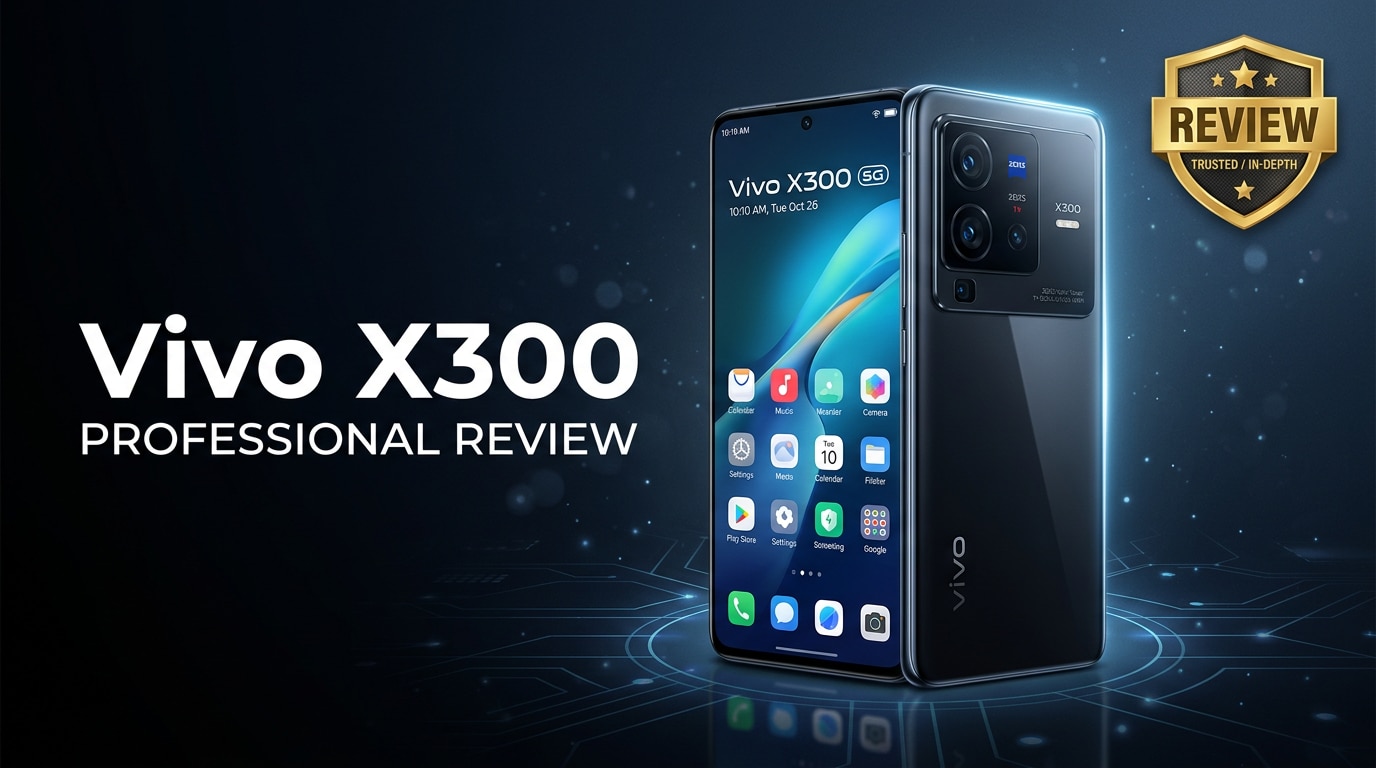
The Vivo X300 is a modern Android smartphone that targets users who want flagship-like performance, a refined design, and a versatile camera without paying top-tier prices. This review walks through its key hardware specs, camera behavior, battery life, and software experience, and also explains what you can do if important photos or videos on your Vivo X300 become corrupted or stop playing correctly.
Repair Corrupted Files To Save Your Data
 Security Verified. Over 7,302,189 people have downloaded it.
In this article
What is New About Vivo X300
The Vivo X300 review shows that this generation focuses on refining core experiences rather than chasing extreme specs. Compared to earlier X-series models, it introduces a more power-efficient chipset, faster storage, an upgraded main camera sensor with improved image processing, and a smoother, brighter display. Software animations feel more polished, and thermal management is better tuned for gaming and extended camera use.
Vivo also emphasizes stability and longevity: the X300 offers better 5G connectivity, more consistent battery endurance, and a cleaner interface with fewer intrusive notifications. Together, these enhancements make the device a more balanced and reliable choice for everyday users.
Price, Storage, and Design
Vivo X300 price and configurations
The Vivo X300 price aims for the upper-midrange to affordable-flagship bracket, undercutting ultra-premium flagships while keeping many of their hallmark features. You can typically choose between several RAM and storage variants, such as 8 GB or 12 GB of RAM and 128 GB, 256 GB, or 512 GB of internal storage.
Some regions may offer a variant with a hybrid SIM tray that lets you use either two SIM cards or one SIM and a microSD card, while others rely entirely on internal storage. Before buying, double-check your local configuration to ensure you get enough storage for 4K video, games, and apps.
Design, build, and ergonomics
Design-wise, the Vivo X300 follows a sleek, minimalist aesthetic with slim bezels and a centrally placed punch-hole selfie camera. The back panel features a prominent camera module but remains relatively flat, helping the phone sit comfortably on a table and in the hand.
Materials combine glass or high-quality polycarbonate with a sturdy frame, lending a premium feel without excessive weight. The curved edges and matte finish on some color options improve grip and reduce fingerprints. Button placement is intuitive, and haptic feedback is crisp enough to make everyday navigation feel responsive and modern.
Display, Performance, and Daily Use
Screen quality and multimedia
The Vivo X300 display is one of its main highlights. Depending on your region, you typically get an AMOLED panel with high refresh rate, which translates into smooth scrolling and fluid animations. Resolution is sharp enough for text and images to look crisp, and color reproduction is vibrant yet can be tuned for a more natural profile in settings.
For streaming, the phone handles HD and higher-resolution content from major platforms, with good contrast and deep blacks. Brightness is adequate for outdoor visibility, and the eye comfort modes help reduce strain during long sessions of reading or social media use at night.
Processor, RAM, and everyday speed
The Vivo X300 performance comes from a modern 5G-capable chipset paired with fast LPDDR RAM and UFS storage. In daily tasks like messaging, browsing, and switching between social apps, the phone stays smooth and responsive, with minimal stutter.
Most popular games run on medium to high graphics settings without major frame drops. Extended gaming sessions can warm the device, but improved thermal design keeps it from getting uncomfortably hot in normal conditions. App launches are quick, background multitasking is reliable, and the in-display or side-mounted fingerprint reader unlocks the phone swiftly.
Camera Review
Daylight photos and portrait mode
The Vivo X300 camera system is tuned to appeal to users who share frequently on social media. In good lighting, the main sensor captures detailed, colorful images with reliable focus and dynamic range. Vivo's processing tends to produce slightly vivid colors, which works well for Instagram-ready photos without much editing.
Portrait mode separates subjects from the background accurately in most scenes, with adjustable blur strength. Skin tones are generally pleasant, though beauty processing can be a bit aggressive by default; fortunately, you can dial this back in camera settings for a more natural look.
Low light and video recording
In low light, the dedicated night mode helps retain detail and reduce noise, though you may notice some softness at the edges. The phone performs well for its price, but low-light results still lag behind ultra-premium flagships. For casual night shots and indoor photos, however, the quality is more than adequate.
Video recording is solid for everyday clips, with stabilization helping to keep footage relatively steady when walking. Resolution options typically include 1080p and 4K, though higher settings may reduce stabilization strength. Audio capture is clear for vlogs or family moments, and the front camera is competent for video calls and short-form content.
Battery, Charging, and Software Experience
Battery life and charging speeds
The Vivo X300 battery is designed to comfortably last a full day of normal use, including social apps, messaging, web browsing, streaming, and casual gaming. With moderate brightness and mixed 4G/5G usage, you should typically end the day with charge to spare.
Fast charging is another strength of this device. Bundled fast chargers (where included) can refill a significant portion of the battery in around 30 minutes, reducing downtime and making quick top-ups during the day more practical. Wireless charging, if available on your unit, may be slower but adds convenience.
Software features and long-term reliability
The X300 runs Vivo's custom Android skin, which adds extra features on top of stock Android, such as gesture navigation options, built-in screen recording, and game optimization modes. The interface feels snappy, and most bloatware can be disabled or uninstalled.
Long-term, software updates and security patches will vary by region, but Vivo has been improving its update cadence on key models. It is still important to keep your phone updated and regularly back up important data to cloud storage or a computer to protect against unexpected software issues or file corruption.
Pros and Cons of Vivo X300
Pros
- Bright, smooth display suitable for gaming and multimedia.
- Capable main camera with good daylight performance and useful portrait mode.
- Reliable all-day battery life with fast charging support.
- Modern 5G chipset ensures smooth everyday performance.
- Premium-feeling design with comfortable ergonomics.
Cons
- Low-light camera performance still trails top-tier flagships.
- Software skin may feel busy to users who prefer stock Android.
- Storage expansion via microSD depends on regional variant.
- Some pre-installed apps and recommendations may need manual disabling.
What to Do If Your Vivo X300 Files Get Corrupted
Repairit introduction
Even a well-balanced phone like the Vivo X300 is not immune to file corruption. A sudden shutdown, interrupted video recording, or buggy update can leave your photos and videos unplayable. When this happens, a dedicated repair tool is far more effective than simply trying different players or gallery apps.
Wondershare Repairit is designed specifically to fix corrupted or unplayable media files, including videos and photos saved on your Vivo X300. Instead of giving up on damaged memories, you can connect your phone, move the broken files to a computer, and use Repairit to analyze and restore them. You can learn more and download the tool from the Repairit official website.
Key features of Repairit
- Repairs corrupted or unplayable videos, photos, and documents from phones, cameras, memory cards, and computers.
- Supports batch repair with an intuitive, beginner-friendly interface that guides you through the process.
- Lets you preview repaired files before saving them, so you only keep the results that look right.
How to repair Vivo X300 files step by step
-
Step 1: Launch Repairit and add damaged Vivo X300 files
Install and open Wondershare Repairit on your Windows or Mac computer. On the home screen, choose the type of content you need to fix, such as Video or Photo. Connect your Vivo X300 via USB or copy the problematic files from the phone to a folder on your computer. Click the Add button or the plus icon in Repairit, then browse to the location of the corrupted items and import them into the program.

-
Step 2: Start repair and wait while Repairit analyzes the corruption
Once all damaged files appear in the list, confirm your selection and click the Repair button. Repairit will automatically examine each file, detect what kind of damage is present, and apply an appropriate repair strategy in the background. During this stage, keep the program running and avoid disconnecting your Vivo X300 or shutting down the computer until the process reaches 100%.
-
Step 3: Preview repaired results and save them safely
When Repairit completes the repair, you will see a status indicator next to each file. Use the Preview option to open and check your recovered videos or photos, making sure they play smoothly and display correctly. If you are satisfied, click Save or Export, choose a secure destination folder on your computer or on the Vivo X300, and store the repaired copies there. It is a good idea to keep an extra backup on cloud storage or an external drive for added protection.


Conclusion — When Should You Buy?
The Vivo X300 review shows that this phone is built for users who value a strong mix of performance, display quality, camera versatility, and dependable battery life without entering ultra-premium price territory. It handles everyday tasks, gaming, and content creation with confidence, while the design and build quality make it feel more expensive than it is.
You should consider the Vivo X300 if you want a balanced all-rounder with a capable camera for social media, smooth performance, and fast charging. As long as you are aware of its limitations in low-light photography and potential software quirks, it is an excellent option in its segment. And if your photos or videos ever become corrupted, pairing the phone with a repair tool like Wondershare Repairit will help you restore important memories instead of losing them.
FAQ
-
1. Is the Vivo X300 good for gaming?
The Vivo X300 is suitable for most popular mobile games, delivering smooth performance on medium to high settings. For very demanding titles, you may want to reduce graphics or frame rate slightly to keep temperatures and battery drain under control during long sessions. -
2. How long does the Vivo X300 battery last in real-world use?
With typical daily use that includes social media, messaging, web browsing, music streaming, and casual photography, the Vivo X300 usually lasts a full day on a single charge. Heavy gaming or extended 5G usage will reduce this, but fast charging makes it easy to top up quickly. -
3. What should I do if photos or videos on my Vivo X300 will not open?
First, restart your phone and try opening the files in a different gallery or video player app. If they still fail, copy the affected items to a computer and use Wondershare Repairit to analyze and repair the corrupted files. Avoid recording new data over the same storage location to improve recovery chances. -
4. Does the Vivo X300 support 5G and expandable storage?
The Vivo X300 supports 5G connectivity in most markets where it is officially sold, though exact band compatibility depends on your regional model and carrier. Expandable storage via microSD is only available on certain variants with a hybrid SIM tray, so check local specifications before purchase. -
5. How can I prevent file corruption issues on the Vivo X300?
To reduce the risk of corruption, avoid force-closing the camera while recording, keep your battery above critical levels during video capture, use reputable memory cards if supported, and install system updates regularly. Back up important photos and videos to cloud storage or a computer, and use tools like Wondershare Repairit if issues still occur.




