
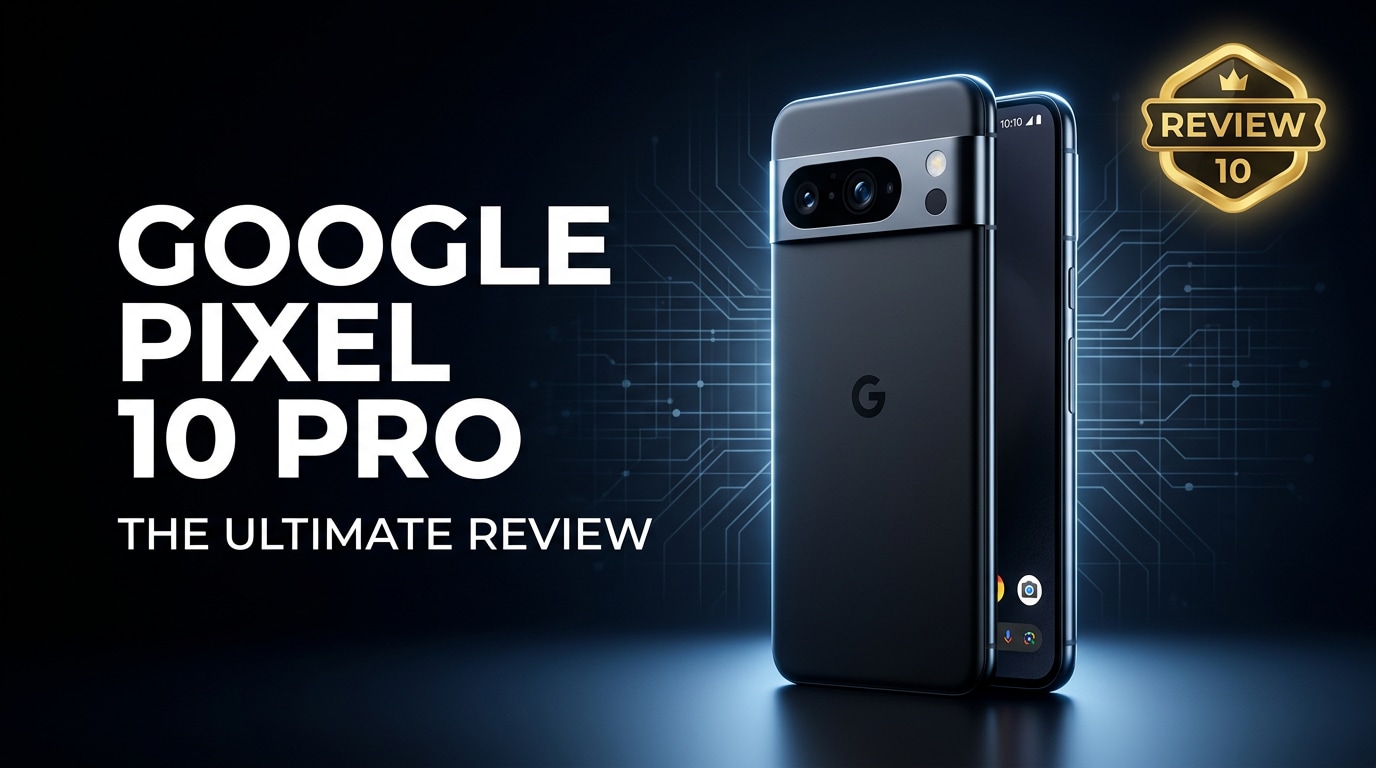
The Google Pixel 10 Pro is Google's latest flagship, built for users who care about top-tier photography, fluid performance, and long-term Android support. It combines upgraded AI features, powerful hardware, and refined design to deliver a premium experience for work, play, and content creation. This review covers its key features, real-world performance, and what to do if your important Pixel 10 Pro photos or videos ever get corrupted.
Repair Corrupted Files To Save Your Data
 Security Verified. Over 7,302,189 people have downloaded it.
In this article
The Google Pixel 10 Pro represents the latest evolution of Google's premium smartphone strategy: clean Android, deep AI integration, and a camera system tuned for social-ready photos and videos. Built on a custom Tensor chipset and paired with an advanced display, it targets users who want smart features without giving up flagship-grade hardware. Below, we break down its specs, performance, and camera quality, and show how to protect and repair your digital memories if anything goes wrong.
What Is New About Google Pixel 10 Pro
The Pixel 10 Pro refines familiar strengths while pushing AI and computational photography further than previous generations.
- Upgraded Tensor chipset with faster CPU, improved GPU, and more capable AI cores for on-device processing.
- Next-gen camera pipeline with enhanced Night Sight, motion capture, and smarter portrait separation.
- Brighter, more efficient LTPO OLED display with higher peak brightness for outdoor visibility.
- Improved battery optimization with adaptive charging and more granular performance controls.
- Extended software support window and deeper integration of AI-powered features across messaging, calls, and photos.
| Feature | Pixel 10 Pro Upgrade |
|---|---|
| Chipset | New-gen Tensor with better AI and power efficiency |
| Camera | Improved sensors and algorithms for low light and zoom |
| Display | Higher brightness, adaptive refresh, better HDR |
Price, Storage, and Design
Google Pixel 10 Pro price and storage options
The Google Pixel 10 Pro is positioned as a premium flagship, typically priced to compete with high-end Android and iOS devices.
- Base model with 128 GB storage targets users who mainly stream content and rely on cloud backups.
- Mid-tier 256 GB option suits photographers and casual videographers who shoot regularly.
- Top-end 512 GB model is aimed at power users, mobile creators, and gamers who store large files locally.
Because there is no microSD card slot, choosing the right capacity at purchase is critical. If you shoot a lot of 4K video or like to keep large offline libraries, consider at least 256 GB to avoid frequent storage management.
Design and build quality
The Pixel 10 Pro keeps the recognizable Pixel aesthetic but trims and polishes it for a more refined in-hand feel.
- Aluminum frame with a matte or satin finish that balances grip and premium looks.
- Curved or subtly contoured back glass that blends into the camera bar for smoother edges.
- Iconic horizontal camera bar updated with cleaner lines and improved scratch resistance.
- IP-rated water and dust resistance to handle everyday spills and rain.
In hand, the phone feels solid yet manageable, with weight distribution that makes long browsing and reading sessions comfortable.
Display, Performance, and Daily Use
The Pixel 10 Pro's display and performance are tuned for smooth, responsive everyday use and demanding tasks.
- High-resolution LTPO OLED panel with adaptive refresh rate for fluid scrolling and efficient battery use.
- Excellent color calibration out of the box, with vivid and natural modes for different tastes.
- Peak brightness strong enough for sunny outdoor use and HDR video playback.
Powered by the latest Tensor chipset, the Pixel 10 Pro performance is designed to stay consistent even under multitasking, gaming, and camera-heavy usage.
- Fast app launches and smooth app switching, especially within Google's own ecosystem.
- On-device AI tasks such as live transcription, call screening, and photo processing run quickly and privately.
- Thermal management aimed at preventing major throttling during extended gaming or video recording sessions.
In day-to-day use, gestures feel fluid, animations are snappy, and the phone comfortably handles messaging, social media, productivity apps, and navigation without stutter.
Camera Review
The Pixel 10 Pro camera system remains one of the main reasons to pick this phone over rivals.
- High-resolution main sensor optimized for dynamic range and detail in both daylight and low light.
- Improved ultra-wide camera with better edge sharpness and reduced distortion.
- Telephoto lens with enhanced optical zoom and AI-supervised digital zoom for distant subjects.
Google's computational photography remains a highlight:
- Updated Night Sight produces cleaner, more detailed low-light shots with improved color accuracy.
- Portrait mode offers better edge detection for hair and complex backgrounds.
- Motion and action modes freeze fast-moving subjects or create long-exposure style effects with minimal blur.
Video capture also benefits from stabilization and smarter processing:
- 4K recording with stable footage and reliable autofocus tracking.
- Enhanced HDR video for high-contrast scenes.
- AI support for noise reduction and tone mapping to keep faces natural.
For users who shoot frequently, the combination of hardware and software delivers consistent, share-ready results with minimal manual tweaking.
Battery, Charging, and Software Experience
The Pixel 10 Pro battery is designed to provide a full day of typical use, even with a high-refresh-rate display and active connectivity.
- Large battery capacity tuned with adaptive features that learn your habits over time.
- Fast wired charging to quickly top up before you head out.
- Wireless charging support and potential reverse wireless charging for earbuds and accessories.
On the software side, the phone ships with the latest Android version and a clean interface:
- Minimal bloatware, with Google apps and services deeply integrated.
- AI-powered features baked into messaging, calling, and photo editing.
- Multiple years of OS upgrades and monthly security patches to keep the device secure.
The combination of clean Android, long-term support, and smart features makes the software experience one of the Pixel's strongest advantages over many competitors.
Pros and Cons of Google Pixel 10 Pro
| Pros | Cons |
|---|---|
| Outstanding camera performance with powerful computational photography | No microSD card slot, so storage cannot be expanded |
| Clean Android experience with long-term updates and security patches | Premium pricing similar to other flagship phones |
| Bright, smooth LTPO OLED display and strong everyday performance | Battery life may vary for heavy gamers and 4K video shooters |
| Deep AI integration for photos, calls, and productivity | Glass back still susceptible to cracks without a case |
What to Do If Your Google Pixel 10 Pro Files Get Corrupted
Repairit introduction
Even with a powerful phone like the Google Pixel 10 Pro, your photos, videos, or documents can become corrupted due to interrupted transfers, sudden shutdowns, or storage issues. When the built-in apps refuse to open important files, a specialized repair tool can help. Wondershare Repairit is designed specifically to fix damaged media and documents from phones, cameras, and computers. You can learn more and download it from the Repairit official website.
Key features of Repairit
- Repairs corrupted or unplayable photos, videos, and documents from devices including the Google Pixel 10 Pro, cameras, and computers.
- Supports multiple formats and repair modes so it can handle both minor glitches and severely damaged files.
- Lets you preview repaired files before saving, so you only restore the photos, videos, or documents that look correct.
Step-by-step guide to repair Pixel 10 Pro files
- Install and open Repairit, then import your corrupted Pixel 10 Pro files

Download and install Wondershare Repairit on your computer. Transfer the problematic photos, videos, or documents from your Pixel 10 Pro, or connect the phone directly if supported. Launch Repairit, choose the appropriate repair module (Video, Photo, or File), and click "Add" to browse and select the corrupted items that will not open or play correctly.
- Run the automatic repair process on the damaged files

After loading your files, click the "Repair" button to start the analysis. Repairit scans each file for structural errors, header issues, or missing data segments and applies a suitable repair method in the background. Let the process complete without disconnecting your Pixel 10 Pro or closing the program to avoid further damage.
- Preview the repaired results and save them safely

When the repair finishes, use the Preview option to check that your Pixel 10 Pro photos display correctly, videos play smoothly with sound, and documents open without errors. If you are satisfied, click "Save" and choose a secure folder on your computer or an external drive. You can then copy the repaired files back to your Google Pixel 10 Pro or keep them as part of your backup library.
Conclusion — When Should You Buy?
The Google Pixel 10 Pro delivers a balanced mix of cutting-edge AI features, a consistently excellent camera, and smooth daily performance wrapped in a premium design. Its bright display, long-term Android support, and tight integration with Google's ecosystem make it especially appealing if you already use services like Google Photos, Drive, and Gmail heavily.
You should consider buying the Pixel 10 Pro if camera quality, intelligent software features, and reliable performance matter more to you than flashy hardware extras. Just remember to back up your media regularly and keep tools like Wondershare Repairit in mind so that, if your Pixel 10 Pro files ever become corrupted, you can recover precious photos, videos, and documents with minimal hassle.
FAQ
-
1. Is the Google Pixel 10 Pro worth upgrading from an older Pixel?
If you are on a Pixel 6 or earlier, upgrading to the Google Pixel 10 Pro brings clear improvements in camera processing, display quality, AI features, and battery efficiency, along with several more years of software support. -
2. How much storage does the Google Pixel 10 Pro offer?
Common configurations include 128 GB, 256 GB, and 512 GB of internal storage. There is no microSD card slot, so it is wise to pick a capacity that fits your long-term photo, video, and app needs. -
3. How is the battery life on the Google Pixel 10 Pro?
The Pixel 10 Pro is designed to last a full day of moderate to heavy use, supported by adaptive software that optimizes power consumption. Actual endurance depends on your screen brightness, gaming habits, and camera usage. -
4. Can I fix corrupted photos or videos on my Google Pixel 10 Pro?
Yes. If built-in apps cannot open your files, transfer them to a computer and use Wondershare Repairit to repair corrupted photos or videos, then copy the fixed versions back to your Pixel 10 Pro. -
5. How long will the Google Pixel 10 Pro receive Android updates?
Google typically provides several years of major Android version upgrades plus monthly security patches for its flagship phones, helping your Pixel 10 Pro stay secure and up to date over its life span.




