
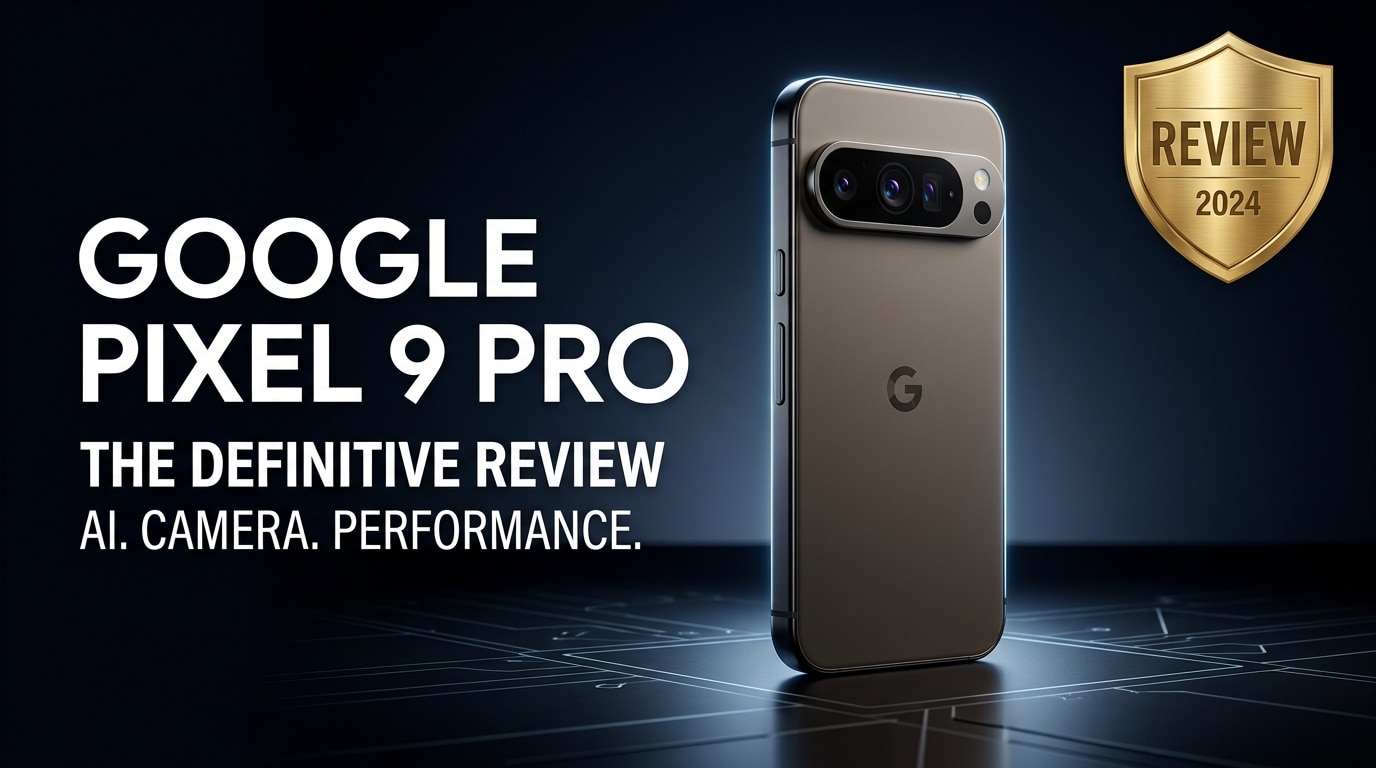
The Google Pixel 9 Pro is Google's latest flagship Android phone, combining a refined design, upgraded AI features, and a powerful camera system tuned for real-world shooting. It aims to deliver smooth performance, reliable battery life, and smart software that helps with everyday tasks, from productivity to content creation. This review looks at how the Pixel 9 Pro holds up in daily use, where it excels, where it falls short, and what you can do if important photos or videos on your device become corrupted.
Repair Corrupted Files To Save Your Data
 Security Verified. Over 7,302,189 people have downloaded it.
In this article
What's New About Google Pixel 9 Pro
The Pixel 9 Pro review story starts with what has changed compared to earlier generations. Google continues its focus on AI and computational photography, but the 9 Pro adds refinements across hardware and software.
- Updated Google Tensor chipset tuned for AI workloads, promising better on-device processing and smarter background tasks.
- Refined camera hardware with improved sensors and optics for low-light performance and more reliable telephoto shots.
- New AI features for calls, transcription, photo editing, and on-device assistance that reduce how often you need to rely on the cloud.
- More polished design language with slimmer bezels, a subtle camera bar, and improved ergonomics.
- Longer guaranteed software support window, keeping your phone secure and current for years.
Together, these upgrades aim to make the Pixel 9 Pro specs feel less like a spec sheet race and more like a cohesive experience focused on ease of use.
Price, Storage, and Design
Pixel 9 Pro pricing and storage options
As a flagship, the Pixel 9 Pro price sits firmly in premium territory. Exact pricing varies by region and promotions, but it generally aligns with other top-end Android phones and recent iPhones.
| Model | Approximate Positioning |
|---|---|
| Pixel 9 Pro 128 GB | Entry flagship tier, suitable for most everyday users |
| Pixel 9 Pro 256 GB | Balanced option for users who shoot a lot of photos and videos |
| Pixel 9 Pro 512 GB (where available) | For power users, content creators, and those who avoid cloud storage |
Because the Pixel line does not usually support microSD expansion, you should choose your storage tier carefully. Users planning to shoot 4K video regularly or store large offline media libraries will appreciate starting at 256 GB or higher.
Design, build, and in-hand feel
The Google Pixel 9 Pro continues Google's distinctive design language with a more mature and minimalist look. The signature camera bar is still present but sleeker, blending more smoothly into the back glass.
- Premium materials with a glass back and metal frame.
- IP-rated water and dust resistance suitable for everyday mishaps.
- Refined color options that look understated yet recognizable.
- Slightly curved edges for better grip without extreme display curves.
In-hand, the phone feels dense but well balanced. It is not the smallest device, so one-handed use can be a stretch, but the ergonomics are optimized enough that it avoids feeling unwieldy in daily use.
Display, Performance, and Daily Use
The Pixel 9 Pro specs for the display center on a bright, high-refresh-rate OLED panel with sharp resolution. The screen handles outdoor visibility well, with enough peak brightness for sunny days and support for HDR content when streaming movies or browsing social media.
Performance is driven by the latest Google Tensor chip, designed to emphasize AI and machine learning tasks as much as raw speed. In everyday use, this translates into:
- Instant app launches and smooth scrolling, especially with the high refresh rate display.
- Reliable multitasking, even with several heavy apps open at once.
- On-device AI processing for tasks like voice dictation, photo editing, and call screening without noticeable lag.
For most users, the Google Pixel 9 Pro feels responsive and consistent. Gaming performance is strong enough for popular titles at high settings, though extremely demanding games may occasionally warm the device. Thermal management is reasonably controlled, with performance dips mainly occurring under prolonged heavy loads.
In daily life, features like Now Playing, Call Screen, and smart suggestions in Gboard and the launcher do a good job of quietly improving convenience without feeling overwhelming or intrusive.
Camera Review
The Pixel 9 Pro camera system stays true to Google's reputation for computational photography while refining hardware to give the algorithms more data to work with. The main lens, ultra-wide, and telephoto work together to cover most shooting scenarios from landscapes to portraits and zoom shots.
- Daylight performance: Excellent detail, accurate colors, and strong dynamic range with minimal need for manual tweaking.
- Low light and Night mode: Clean images with controlled noise, good shadow detail, and natural-looking colors.
- Portraits: Reliable subject separation and pleasing background blur, even in challenging lighting.
- Zoom: The telephoto lens helps maintain detail at moderate zoom levels, with Google's Super Res Zoom stepping in for higher ranges.
- Video: Smooth stabilization, dependable autofocus, and improved processing for skin tones and highlights.
AI-powered tools further enhance the Pixel 9 Pro camera experience. Features like improved Photo Unblur, Magic Editor, and subject selection let you fix imperfections or creatively rework shots directly on the device. For most users, the default point-and-shoot mode is enough to consistently produce shareable results with minimal effort.
Battery, Charging, and Software Experience
The Pixel 9 Pro battery life targets reliable all-day use rather than headline-grabbing capacity numbers. With mixed usage that includes messaging, social media, some photography, browsing, and streaming, most users should comfortably reach the end of the day on a single charge.
- Light use: Easily stretches into a day and a half or more.
- Heavy use: Extended 4K recording, GPS navigation, or gaming can drain the battery faster, but top-ups are quick.
- Charging: Fast wired charging and convenient wireless charging support, including stand-based wireless accessories.
On the software side, Pixel phones are known for clean, timely Android updates, and the 9 Pro is no exception. You get a streamlined interface with thoughtful Google additions instead of heavy skins or duplicate apps. AI features like improved Assistant, on-device voice processing, smart photo suggestions, and live transcription continue to mature and become more context-aware.
Combined, these aspects make the Google Pixel 9 Pro a solid companion for work, travel, and entertainment, with minimal fuss around bugs or bloat.
Pros and Cons of Google Pixel 9 Pro
Summarizing this Pixel 9 Pro review, here are the main benefits and drawbacks to keep in mind before buying.
| Pros | Cons |
|---|---|
|
|
What to Do If Your Google Pixel 9 Pro Files Get Corrupted
Why Pixel 9 Pro media files get corrupted
Even a premium phone like the Google Pixel 9 Pro is not immune to storage or file issues. You might find that certain videos will not play, photos show glitches, or files trigger error messages on your phone or computer. Common reasons include:
- Interrupted recording or file transfer due to low battery or unexpected shutdowns.
- Storage issues such as a failing USB drive, damaged SD card in an external reader, or bad sectors on a computer drive.
- Software crashes or system bugs during saving, editing, or moving files.
- Incorrect disconnection of the phone from a computer during file transfer.
When this happens, standard players and apps usually cannot fix the underlying damage. Instead, you need a dedicated repair tool designed to rebuild corrupted file structures.
How to repair corrupted Pixel 9 Pro photos and videos
For stubborn media problems, a purpose-built solution like Wondershare Repairit can save otherwise lost content from your Google Pixel 9 Pro. It focuses on repairing damaged or unplayable photos and videos so they open correctly again. You can visit the Repairit official website to download the tool and explore all supported formats and scenarios.
Key features of Repairit
- Repairs damaged or unplayable videos and photos from phones, cameras, memory cards, and computers.
- Handles multiple formats, letting you fix various fix corrupted Pixel videos and repair Pixel photos from one interface.
- Offers a guided workflow from file import to preview and export, so you can complete repairs step by step without technical expertise.
Step-by-step guide to fix corrupted Pixel 9 Pro files
-
Launch Repairit and load your damaged files
Install and open Wondershare Repairit on your computer. From the main screen, choose the module that matches what you need to repair, such as Video Repair or Photo Repair. Connect your Google Pixel 9 Pro via USB or copy the problematic files to a local folder first. Click the add button inside Repairit and browse to the corrupted clips or images, then confirm to add them to the repair list.

-
Start the repair process and wait for analysis
After your files appear in the queue, check that all the items you want to fix are selected, then click the Repair button. Repairit will analyze the internal structure of each file, looking for header errors, missing fragments, and playback inconsistencies. Progress bars show how far along each repair is, so you can monitor what is happening while the tool works in the background.

-
Preview repaired media and save them safely
When Repairit finishes, use the built-in preview to confirm that your Pixel 9 Pro camera files now open and play properly. If everything looks correct, click Save or Export, choose a secure output folder, and complete the process. For safety, store the recovered media on a different drive or a trusted cloud service instead of the original location to avoid overwriting potentially recoverable data.

Conclusion — When Should You Buy?
The Google Pixel 9 Pro delivers a polished mix of performance, AI features, and camera quality that suits users who want a premium Android experience without unnecessary complexity. Its display, imaging improvements, and long-term software support make it particularly attractive for photography enthusiasts, mobile creators, and anyone who values smart conveniences in day-to-day use.
If you prioritize a great camera, clean software, and timely updates, the Pixel 9 Pro is an excellent choice, provided you are comfortable with the flagship price. Just make sure to choose enough storage up front, keep regular backups, and rely on tools like Wondershare Repairit if you ever need to fix corrupted media from your device.
FAQ
-
1. Is the Google Pixel 9 Pro worth upgrading from a Pixel 7 or Pixel 8?
If you value better camera processing, smoother overall performance, and the latest AI tools, the Pixel 9 Pro is a solid upgrade. However, if your Pixel 7 or Pixel 8 still feels fast, holds a charge all day, and you are satisfied with its photos, you can comfortably wait another generation unless the new design and camera enhancements strongly appeal to you. -
2. How does the Google Pixel 9 Pro handle gaming and heavy multitasking?
The Tensor-based hardware and ample RAM options allow the Pixel 9 Pro to run demanding games at high settings and switch between multiple apps smoothly. Most mainstream titles play with stable frame rates, though very intensive games may warm the phone during extended sessions. For typical multitasking, performance remains consistently responsive. -
3. Is the Pixel 9 Pro battery life good enough for all-day use?
For most users, the Pixel 9 Pro comfortably lasts a full day of mixed use on a single charge, including browsing, messaging, media playback, and occasional camera use. Heavy gaming or prolonged 4K video recording will shorten runtime, but fast wired and wireless charging make it easy to quickly top up when needed. -
4. What should I do if my Pixel 9 Pro videos will not play or show an error?
Start by restarting your phone and trying another media app to rule out a temporary glitch. If the same file fails on a computer as well, it is likely corrupted. In that case, avoid further recording to the same storage and use a repair solution like Wondershare Repairit on your computer to analyze and fix the damaged video. -
5. Can I repair corrupted photos from my Google Pixel 9 Pro without losing quality?
Results depend on how severely the photo is damaged. Tools such as Wondershare Repairit attempt to reconstruct the file structure and preserve as much original quality as possible. For the best outcome, stop writing new data to the affected storage, back up what you can, and run the repair process as soon as you notice the issue.




