
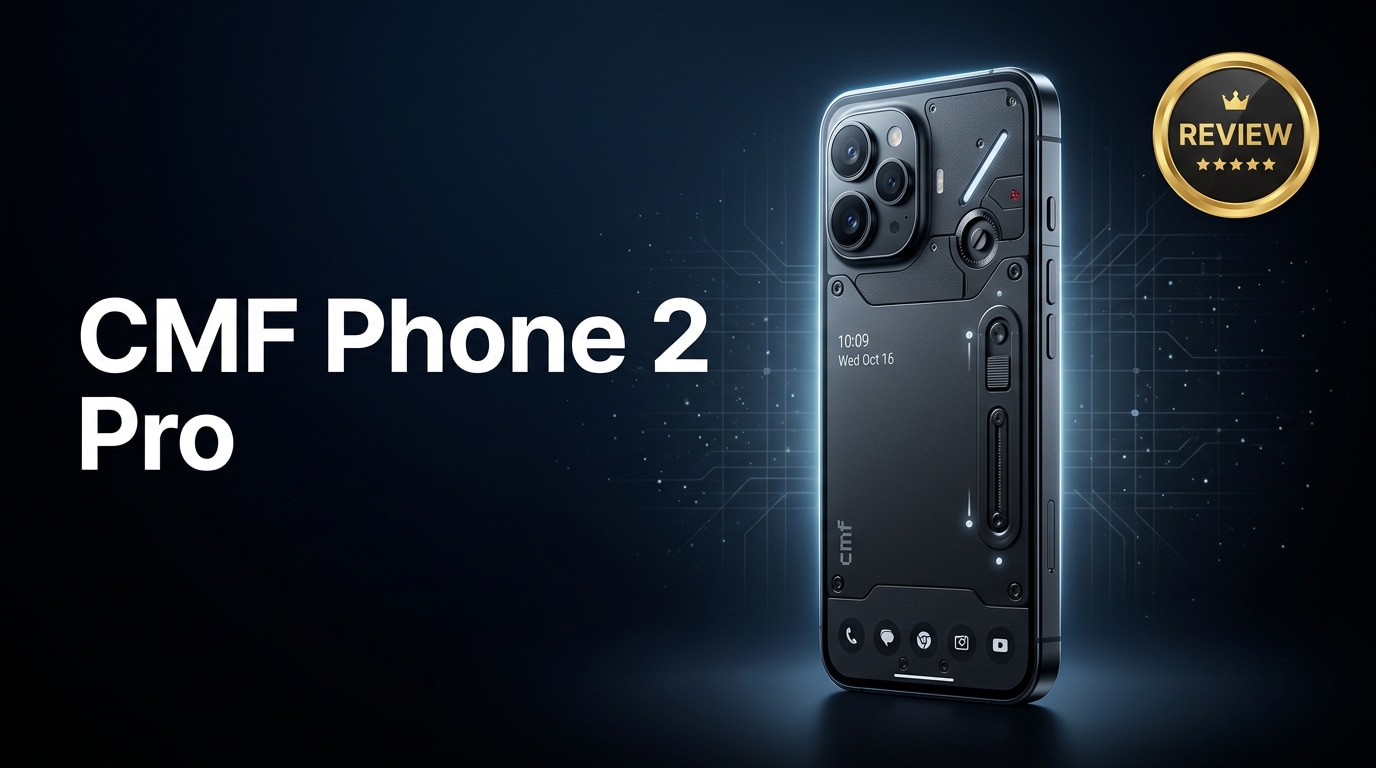
The CMF Phone 2 Pro is an affordable Android smartphone that aims to deliver a premium feel without a flagship price. It focuses on clean design, smooth performance, and a flexible camera setup for social media and everyday capture. In this guide, you will find a practical review of its specs, performance, and real-world use, plus what to do if your photos or videos become corrupted and stop opening.
Repair Corrupted Files To Save Your Data
 Security Verified. Over 7,302,189 people have downloaded it.
In this article
The CMF Phone 2 Pro is a value-focused smartphone that tries to cover everything most users actually need: smooth apps, decent gaming, dependable cameras, and reliable battery life. It sits below traditional flagships but borrows design cues and features from more expensive phones, making it attractive if you want something modern without overspending.
What is New About CMF Phone 2 Pro
The CMF Phone 2 Pro refines the formula of earlier CMF and Nothing devices with a bolder design language, tighter software, and better efficiency. You get a more polished chassis, upgraded chipset for improved responsiveness, and camera improvements aimed at sharper photos and more stable video for social media.
Compared with older CMF models, it focuses less on experimental features and more on everyday polish: better network stability, smoother scrolling, and more consistent color tuning across the cameras. This makes it easier to recommend to users who simply want a reliable daily driver.
Price, Storage, and Design
CMF Phone 2 Pro pricing and storage options
The CMF Phone 2 Pro positions itself in the mid-range segment, offering competitive hardware without crossing into flagship pricing. It typically comes in configurations such as:
- Base model with ample RAM and storage for casual users who rely mainly on cloud backups.
- Higher-tier variant with expanded storage for those who shoot a lot of photos and videos or install many games.
Promotional discounts and regional pricing can vary, but the overall value proposition remains centered on delivering a premium-feeling experience at a cost many users consider reasonable.
Design, build, and in-hand feel
The design of the CMF Phone 2 Pro emphasizes clean lines, a minimalistic back, and eye-catching color options. The frame and back panel deliver a sturdy feel, avoiding creaks or flex when you grip the phone firmly.
Key design highlights include:
- A slim profile that feels comfortable even during long one-handed sessions.
- Buttons placed where your fingers naturally rest, helping with easy volume and power access.
- A neat camera island that does not wobble excessively on flat surfaces.
For added protection, using a quality case and screen protector is still recommended, especially if you commute regularly or tend to place your phone on rough desks.
Display, Performance, and Daily Use
The display on the CMF Phone 2 Pro is designed to be bright and fluid enough for both indoor and outdoor use. A fast refresh rate helps reduce blur while scrolling through social feeds, reading articles, or playing compatible games. Colors look vivid but not overly saturated, which benefits both media consumption and casual editing.
Under the hood, the chipset and RAM combination aim for a smooth experience in daily use:
- Apps launch promptly and switching between messages, browser, and camera feels responsive.
- Popular games run well at moderate to high settings, though the device is not positioned as a hardcore gaming flagship.
- Thermal management keeps the phone comfortable under typical workloads, with only mild warmth during extended gaming or 4K video recording.
In real-world use, the phone comfortably handles multitasking between email, chat apps, music streaming, and navigation. Background memory management is generally well-tuned, so important apps are less likely to be killed unexpectedly.
Camera Review
The camera system on the CMF Phone 2 Pro focuses on versatility and ease of use rather than chasing extreme zoom numbers. You get a main sensor for everyday shots, supported by additional lenses to handle wide-angle scenes or close-ups depending on the final hardware configuration.
Photo quality in good light is crisp, with balanced colors and decent dynamic range that handles bright skies and darker foregrounds reasonably well. Portrait mode can deliver pleasing subject separation, especially for social media portraits or casual group shots.
In low light, the camera relies on software tuning and night modes to brighten scenes while attempting to control noise. You can expect usable results for sharing online, though very dark environments may show some softness and grain, as is common in this price segment.
Video recording is suitable for vlogs and social media clips. Stabilization helps reduce minor shakes while walking, and focusing is generally reliable. For best results, stick to well-lit environments and avoid rapid panning, which can introduce minor artifacts in challenging lighting.
Battery, Charging, and Software Experience
The battery on the CMF Phone 2 Pro is tuned to last a full day for most people. With mixed use—social apps, browsing, messaging, a bit of music, and some video streaming—you should reasonably expect to unplug in the morning and still have charge left by the evening.
Fast charging support helps you top up quickly when needed. A short charge break can add several hours of moderate use, which is handy if you are often on the go. Battery health features and charging optimizations can further extend long-term performance if enabled in settings.
On the software side, the phone offers a clean, modern Android interface with minimal clutter. Useful points include:
- Near-stock visuals with light customization options for icons, wallpapers, and accent colors.
- Reasonable update promises for security patches and major Android versions.
- Thoughtful privacy and permission controls to keep apps in check.
Overall, the software feels responsive and consistent, without too many preinstalled apps you will immediately want to remove.
Pros and Cons of CMF Phone 2 Pro
| Pros | Cons |
|---|---|
|
|
What to Do If Your CMF Phone 2 Pro Files Get Corrupted
Why files get corrupted on CMF Phone 2 Pro
Even with a reliable phone like the CMF Phone 2 Pro, files can still get corrupted. Common triggers include:
- Interrupting a video recording or photo capture by a sudden crash or forced reboot.
- Unplugging the phone or cable while transferring files to a computer.
- Storage errors due to a nearly full internal memory or a failing SD card.
- System updates that stop midway because of low battery or unstable network.
When corruption occurs, you might see thumbnails that do not open, videos that refuse to play, or error messages claiming the file format is not supported. Deleting or repeatedly moving these files can make recovery harder, so act carefully.
How to repair corrupted photos and videos with Repairit
If you notice that precious memories or important clips on your CMF Phone 2 Pro have stopped working, do not panic or re-record over them immediately. A dedicated repair tool like Wondershare Repairit can often restore seemingly broken photos and videos. You can learn more on the Repairit official website, where both desktop and online options are available.
Key features of Repairit for CMF Phone 2 Pro users
- Repairs corrupted photos and videos from phones, cameras, and computers through a guided, click-based workflow.
- Supports many popular formats so you can fix multiple damaged media files in a single repair session.
- Lets you preview repaired files before saving, ensuring you only keep the results that look correct.
Step-by-step: Fix corrupted CMF Phone 2 Pro files with Repairit
-
Step 1: Launch Repairit and add your problematic files
Install and open Wondershare Repairit on your computer, then choose the module that matches your issue, such as Video Repair or Photo Repair. Connect your CMF Phone 2 Pro via USB or insert its memory card with a reader. Click the Add button and select the files that will not open or play correctly.

-
Step 2: Start the repair and check the preview
Once your damaged files are listed, click the Repair button. Repairit will scan each file, analyze the damage, and attempt to rebuild the structure so it becomes playable or viewable again. When the process finishes, use the built-in preview window to play repaired videos and open photos, checking for smooth playback and corrected visuals.

-
Step 3: Save the fixed media to a safe location
If the preview looks good, click Save and choose a secure folder on your computer or an external drive. Avoid saving over the original copies from your CMF Phone 2 Pro; keep them as a backup until you are sure the new repaired versions work everywhere you need them.

Conclusion — When Should You Buy?
The CMF Phone 2 Pro is a strong choice if you want a stylish, capable smartphone that covers the essentials without paying flagship prices. It offers a solid mix of design, display, performance, battery life, and cameras that are more than good enough for social media and everyday photography.
You should consider buying it if you value good design, balanced performance, and clean software over having the most powerful gaming hardware or extreme zoom cameras. At the same time, pairing the phone with a repair tool such as Wondershare Repairit gives you a safety net against corrupted photos and videos, ensuring your important memories remain accessible even if something goes wrong.
FAQ
-
1. Is the CMF Phone 2 Pro good for gaming?
The CMF Phone 2 Pro is suitable for casual and moderate gaming. It can run popular titles smoothly at balanced settings, but it is not engineered as a high-end gaming phone for maximum graphics and extended competitive sessions. -
2. How long does the CMF Phone 2 Pro battery last in real use?
For most users, the battery should comfortably last a full day on a single charge with typical usage: messaging, social media, web browsing, and some streaming. Continuous heavy gaming, hotspot use, or maximum brightness will shorten battery life. -
3. What should I do if photos on my CMF Phone 2 Pro will not open?
Restart your phone and try opening the images in a different gallery or photo app. If they still fail, immediately copy the files to a computer and use Wondershare Repairit to repair them before deleting, renaming, or editing anything. -
4. Can I repair corrupted videos recorded on the CMF Phone 2 Pro?
Yes, in many cases. If a recording was interrupted or damaged, transfer the affected videos to a computer and process them with Wondershare Repairit. The tool attempts to rebuild the video structure so it becomes playable again. -
5. Do I need technical skills to use Repairit with CMF Phone 2 Pro files?
No. Repairit is designed with a simple, guided interface. You just add the corrupted files, start the repair, and then preview and save the fixed results, making it suitable even for non-technical users.




