
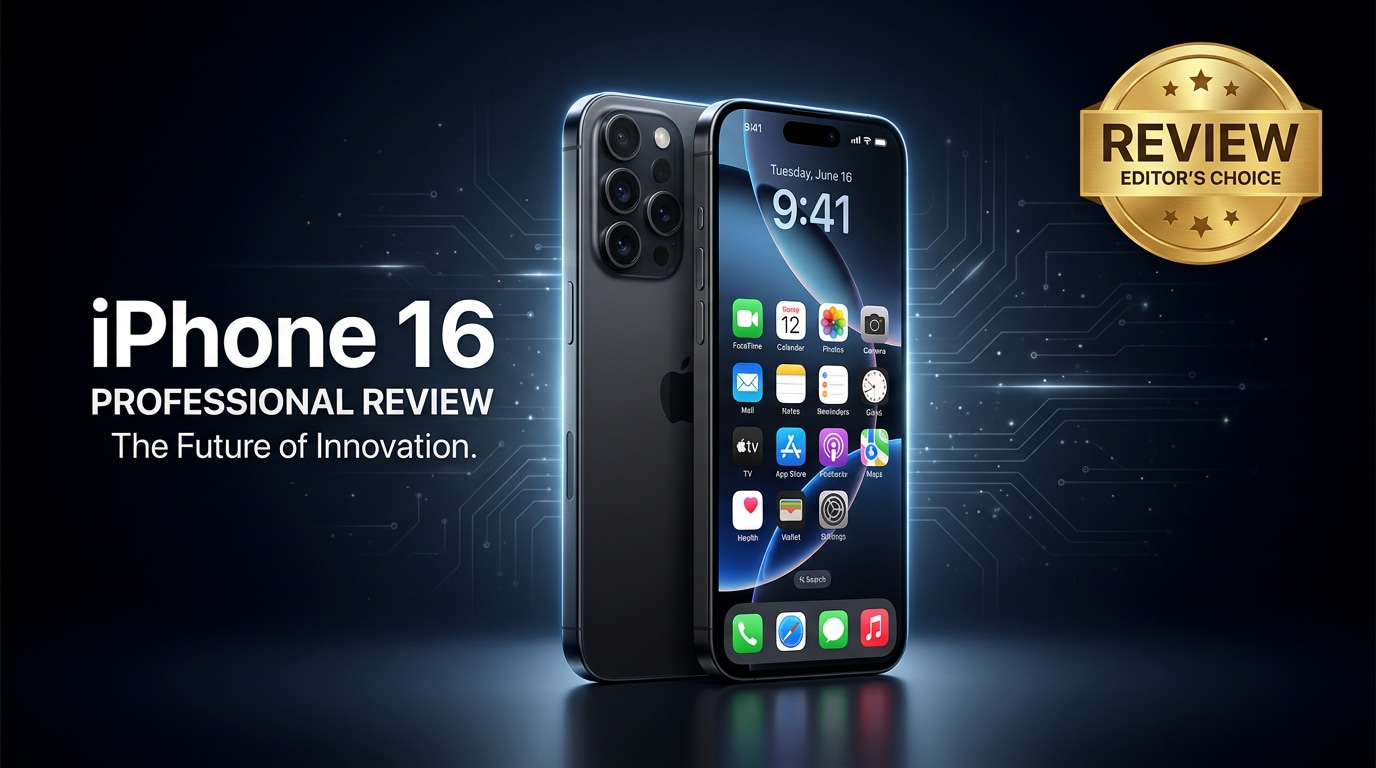
The iPhone 16 is Apple's latest mainstream flagship, designed for users who want cutting-edge performance, better cameras, and longer battery life without jumping to the Pro tier. This review walks through its design, everyday experience, and data protection tips, including what to do if your photos, videos, or documents become corrupted so you can keep using your phone with confidence.
Repair Corrupted Files To Save Your Data
 Security Verified. Over 7,302,189 people have downloaded it.
In this article
Apple positions the iPhone 16 as the default flagship for most people, combining a refined design, upgraded cameras, and a faster chip with improved battery life. It is built for users coming from older iPhones who want a smoother day-to-day experience, better low-light photography, and reliable 5G performance while staying within a more approachable price than the Pro lineup.
What is New About iPhone 16
The iPhone 16 focuses on meaningful refinements rather than radical changes. You get a more efficient chip for faster gaming and multitasking, camera improvements for low light and portrait separation, and updated wireless components for more stable 5G and Wi-Fi performance.
Apple also adjusts the physical design slightly, with tweaks to the camera module layout and buttons for better ergonomics. Under the hood, enhancements to image processing and on-device AI make tasks like photo editing, dictation, and live translation feel more responsive.
On the software side, deeper integration with iCloud, Apple Photos, and Files brings smoother syncing and automatic organization. Behind the scenes, iOS also adds more safety nets for data protection, such as improved crash detection, password management, and on-device encryption, which are especially important if you store a lot of personal files on your phone.
Price, Storage, and Design
iPhone 16 price and storage options
The iPhone 16 lands in the familiar upper-mid flagship bracket, sitting below the Pro models but above the SE line. Pricing generally scales with storage, so deciding how you use your phone should guide your choice.
| Storage option | Who it suits |
|---|---|
| 128 GB | Light users who mostly stream content, rely on cloud services, and do limited 4K recording. |
| 256 GB | Most users who shoot regular photos, some 4K video, and install many apps and games. |
| 512 GB and above | Content creators, mobile videographers, or anyone archiving large media libraries offline. |
For a future-proof setup, many users will find 256 GB to be the sweet spot, striking a balance between cost and peace of mind. Heavy 4K or 60 fps video shooters should strongly consider 512 GB, especially if you do not frequently offload files to a computer or cloud storage.
Design, build, and ergonomics
The iPhone 16 maintains Apple's premium build quality, with a metal frame and glass front and back that feel solid yet relatively light in the hand. Small refinements to the camera bump and button placements make it more comfortable for long one-handed use and landscape shooting.
Color options focus on a mix of classic neutrals and subtle pastels, staying in line with Apple's minimalist aesthetic. The phone remains IP-rated for dust and water resistance, which is helpful when using it outdoors or around pools, but it is still wise to pair it with a protective case and screen protector to avoid cracks and scratches.
Display, Performance, and Daily Use
Display quality and brightness
The display on the iPhone 16 continues Apple's trend of bright, color-accurate OLED panels. You can expect high peak brightness for HDR content and outdoor visibility, along with deep blacks that make movies and games look vivid.
Color tuning out of the box is natural, and True Tone adapts the white balance to your ambient lighting. Scrolling and animations feel fluid, and the touch response is precise for gaming and fast typing, making the screen a strong fit for both entertainment and productivity.
Chipset performance and thermals
Inside, the iPhone 16 runs on an updated Apple chip that delivers better CPU and GPU performance while improving efficiency. Everyday actions like launching apps, switching between tasks, and loading complex web pages feel snappy, and heavy games run smoothly at high settings.
Thermal management is better controlled, so the phone stays comfortable in the hand during long browsing sessions or video calls. Under sustained gaming or 4K video recording, it may warm up, but performance throttling is generally modest, keeping the experience responsive for most users.
Everyday experience
In daily use, the iPhone 16 shines as a reliable companion. Face ID unlocks quickly, calls are clear, and 5G connectivity is stable in supported regions. Haptic feedback feels refined, and the speakers deliver loud, balanced sound for videos and music without needing external accessories.
Integration with the Apple ecosystem adds convenience: features like AirDrop, iCloud Photos, and Handoff make it easy to move between Mac, iPad, and Apple Watch. For most people on an iPhone 13 or older, these small quality-of-life upgrades add up to a noticeably smoother experience.
Camera Review
Photo quality
The camera system on the iPhone 16 continues Apple's approach of delivering consistent, realistic photos with strong detail. Upgrades to the main sensor and image processing improve low-light shots, with better noise handling and more accurate skin tones in dim environments.
Daylight photos exhibit rich dynamic range, capturing bright skies and shaded areas without blowing out highlights. Portrait mode benefits from improved subject separation and more natural background blur. The ultra-wide camera remains useful for landscapes, group photos, and tight indoor spaces, with less edge distortion than older models.
Video quality and stabilization
Video has long been a strength of the iPhone line, and the iPhone 16 carries this forward with sharp 4K recording and reliable autofocus. Colors remain pleasing and consistent with photo output, making it easy to mix stills and clips in the same project.
Stabilization is effective for handheld walking shots, vlogging, and quick clips of kids or pets. Enhanced processing helps reduce rolling shutter and keeps footage usable even in challenging lighting. If you commonly shoot travel videos or short-form content for social platforms, the iPhone 16 is more than capable as a primary camera.
Battery, Charging, and Software Experience
Battery life and charging speeds
Thanks to a combination of a more efficient chip and software optimizations, the iPhone 16 offers solid all-day battery life for most people. Streaming, social browsing, messaging, and occasional gaming typically leave enough charge by bedtime, especially for moderate users.
Fast charging via cable and faster wireless charging help you top up quickly during short breaks. Power management tools within iOS, such as optimized charging and battery health monitoring, aim to extend the lifespan of your battery over years of daily use.
iOS experience and smart features
Running the latest iOS version, the iPhone 16 benefits from new customization options, widgets, and privacy controls. Improvements to notifications, Focus modes, and lock screen widgets make it easier to tailor your phone to work, travel, or personal time without distractions.
On-device intelligence powers features like Live Text, smarter photo search, and automated message replies, all while keeping sensitive data encrypted. For users who depend on their phones for work and personal communication, these refinements make the device feel more personal and productive.
Pros and Cons of iPhone 16
Pros
- Fast, efficient chip that handles gaming, multitasking, and creative apps with ease.
- Improved camera performance, especially in low light and portrait shots.
- Bright, color-accurate OLED display with strong outdoor visibility.
- Reliable battery life with convenient wired and wireless charging options.
- Tight integration with the Apple ecosystem for seamless syncing and continuity.
Cons
- Pricing remains high compared with many Android alternatives in the same performance class.
- Base storage may feel limiting for heavy video shooters and gamers.
- Design changes are incremental, so it may feel familiar to recent iPhone owners.
- No included charger in the box, adding to the total cost for new users.
What to Do If Your iPhone 16 Files Get Corrupted
Why files get corrupted on iPhone 16
Even with the reliability of the iPhone 16, file corruption can still occur. Common causes include sudden shutdowns while recording video, unplugging the phone during transfers, storage errors, buggy app updates, or incomplete iCloud sync. The result can be photos that will not open, videos that refuse to play, or documents that show error messages when you tap them.
Before assuming your data is gone, avoid repeatedly force-closing apps or deleting files in frustration. Instead, back up what you can, export affected items to a computer, and use specialized repair tools to attempt recovery.
Use Repairit to fix corrupted iPhone 16 files
If your iPhone 16 photos, videos, or documents become corrupted, Wondershare Repairit offers a user-friendly way to repair them on your computer. You can access it from the Repairit official website and install the version for Windows or macOS.
Repairit works with files exported from your iPhone or extracted from backups, scanning them for structural issues and attempting to rebuild damaged components. This approach helps you restore valuable memories and work files without digging through complex technical tools or command-line utilities.
Step-by-step: Repair corrupted iPhone 16 photos, videos, and documents
Key features of Wondershare Repairit
- Repairs corrupted photos, videos, and office documents from iPhone 16 backups or local exports on your computer.
- Supports a wide range of formats, including high-resolution and HDR media commonly captured on modern iPhones.
- Provides a guided workflow with built-in preview so you can verify repairs before saving the final files.
-
Step 1. Add the corrupted iPhone 16 files into Repairit
Install and open Repairit on your computer, then select the repair module that matches your problem files, such as Video Repair, Photo Repair, or File Repair. Click the Add or Plus button to import the corrupted items you previously copied from your iPhone 16 or extracted from an iTunes/iCloud backup. Confirm the list to make sure all damaged photos, clips, or documents you want to fix are included.

-
Step 2. Start the repair process and review the results
Press the Repair button to let Repairit analyze each file and correct structural errors, header issues, or formatting problems. The scan typically takes a few moments, depending on how many files you selected. When it finishes, open the preview for key photos, videos, or documents to check that visuals, audio, and text now appear normal and that the files play or open without error messages.

-
Step 3. Save the repaired iPhone 16 files safely
If the previews look good, choose a secure destination on your computer and click Save or Export to store the repaired files. Avoid saving them back to the original corrupted folder. Once saving is complete, back up the recovered iPhone 16 photos, videos, and documents to at least one more location, such as an external drive or cloud storage, so a future error on your phone does not wipe them out again.

Conclusion — When Should You Buy?
The iPhone 16 refines the classic Apple formula with stronger performance, more capable cameras, and battery improvements that make it a confident daily driver. For users on an iPhone 13 or earlier, the jump in speed, camera quality, and software polish is substantial enough to justify an upgrade, especially if you value reliable connectivity and integration with other Apple devices.
If you rely heavily on your iPhone 16 for photos, videos, and work files, pairing good backup habits with tools like Wondershare Repairit gives you a safety net when corruption or glitches appear. That combination of hardware, software, and data protection helps ensure your investment delivers not just power and features, but long-term peace of mind.
FAQ
-
1. Is the iPhone 16 worth upgrading to from an iPhone 13 or earlier?
For most people using an iPhone 13 or older, the iPhone 16 offers clear gains in performance, camera quality, battery life, and iOS features. If your current phone feels slow, struggles with battery, or its camera no longer meets your needs, the iPhone 16 is a strong and future-ready upgrade. -
2. How much storage should I choose for the iPhone 16?
Users who mainly stream music and video and take casual photos can often get by with 128 GB. If you shoot a lot of 4K video, download games, and store many apps, 256 GB is a comfortable baseline. Content creators and mobile videographers should look at 512 GB or higher to avoid constant offloading. -
3. What should I do first if my iPhone 16 videos will not play?
Restart your iPhone, check for iOS and app updates, and try playing the videos in a different app. If they still fail, copy the files to a computer and use Wondershare Repairit to scan and repair the corrupted video clips so they become playable again. -
4. Can corrupted iPhone 16 photos be fixed without losing quality?
No repair method can guarantee a perfect restore, but tools like Repairit aim to reconstruct as much original detail as possible. Always keep a backup of the original file and work on copies so you can try multiple repair attempts or methods if needed. -
5. How can I reduce the risk of file corruption on my iPhone 16?
Avoid force restarting your phone while recording or transferring files, keep iOS and your apps updated, use reputable charging accessories, and maintain regular backups to iCloud or a computer. These habits greatly reduce the impact of any future corruption or device failure.




