
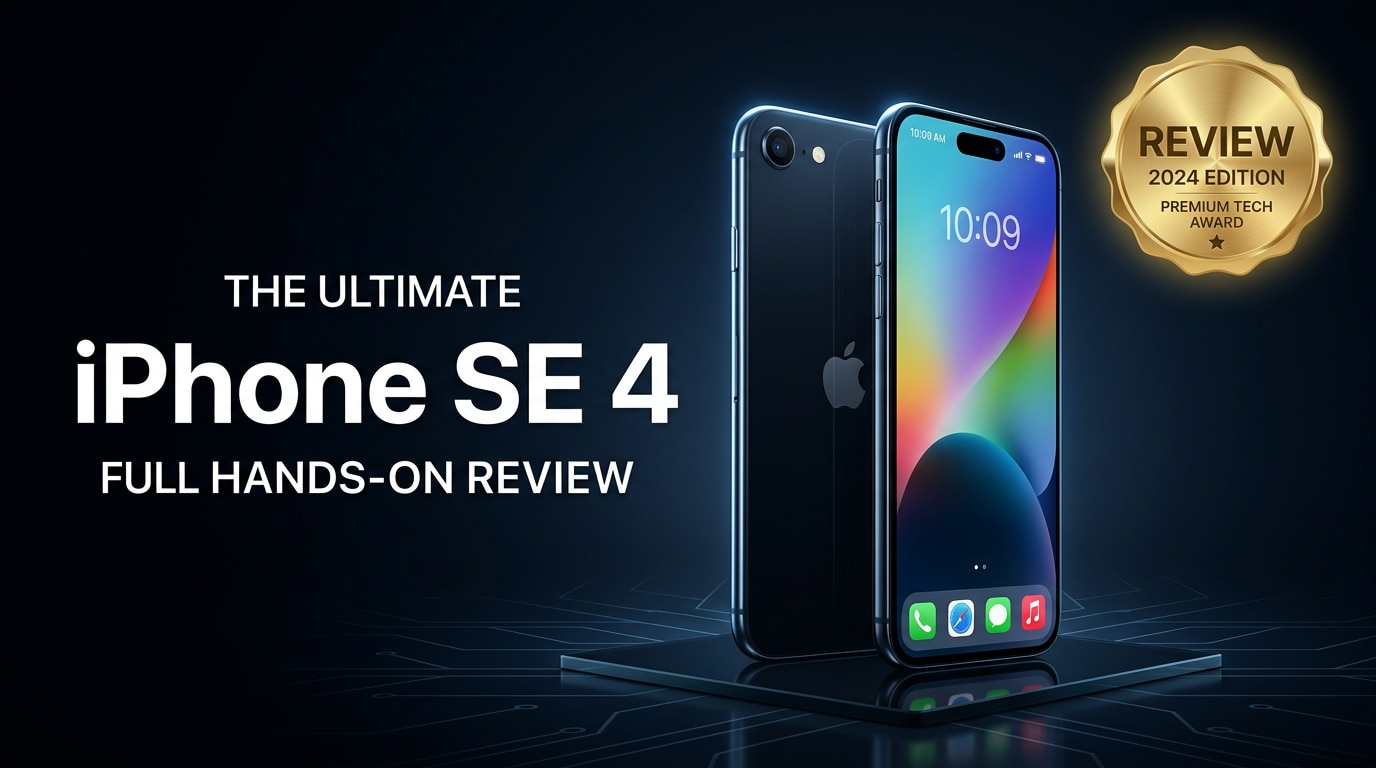
The iPhone SE 4 keeps Apple's compact, budget-friendly formula but finally catches up with modern iPhone features. You get a familiar small form factor, fast performance, and improved camera capabilities, all without paying flagship prices. This review walks through its design, display, performance, camera, and battery life so you can decide if it fits your everyday needs, and explains how to safeguard your data if your iPhone files ever become corrupted.
Repair Corrupted Files To Save Your Data
 Security Verified. Over 7,302,189 people have downloaded it.
In this article
What is New About iPhone SE 4
The iPhone SE 4 moves the SE line closer to Apple's mainstream models while keeping its budget identity. It finally adopts a more modern edge-to-edge style screen, slimmer bezels, and a refreshed chassis that feels less dated than previous SE generations. Inside, a newer Apple chipset boosts performance and future-proofs the device for years of iOS updates.
Connectivity also improves, with faster 5G and Wi-Fi speeds for smoother streaming, gaming, and cloud backups. The camera gets a clear upgrade, with better image processing, more consistent HDR, and stronger results in low light versus the SE 3. Overall, the SE 4 is less of a minor refresh and more of a full modernization of Apple's compact iPhone.
Price, Storage, and Design
iPhone SE 4 price and storage options
Apple positions the iPhone SE 4 as the entry-level iPhone for users who do not want to pay flagship prices. Exact pricing can vary by region and retailer, but it typically undercuts the mainline models by a noticeable margin, especially once carrier deals and trade-ins are factored in.
| Variant | Who it suits |
|---|---|
| 64 GB | Light users who mostly stream content and rely on cloud storage. |
| 128 GB | Most people, balancing price and headroom for apps, photos, and videos. |
| 256 GB | Heavy shooters and gamers who want to avoid storage warnings. |
For long-term comfort, many buyers will prefer 128 GB, especially if you plan to shoot a lot of 4K video or keep media offline. While you can always use iCloud or another cloud storage service, built-in storage still makes a big difference for performance and convenience.
Design, build quality, and ergonomics
The iPhone SE 4 keeps the compact, one-hand-friendly feel that SE fans love. It uses aluminum and glass to match Apple's premium aesthetic, and it feels more refined than its price suggests. Corners are rounded enough for comfort, but the flatter sides give it a modern edge and secure grip.
Color choices stick to Apple's clean, understated palette, with classic options like black, white, and at least one more playful tone. The phone remains pocketable, light, and easy to use one-handed, which is increasingly rare in a world of huge flagships. Water and dust resistance help it withstand everyday spills, though a case is still smart if you want to avoid cracks and scratches.
Display, Performance, and Daily Use
The display on the iPhone SE 4 is brighter and more immersive than earlier SE models thanks to slimmer bezels and improved panel tech. While it may not match the highest-end OLEDs in Apple's Pro line, it offers good color, sharp text, and sufficient brightness for outdoor use. For streaming, social media, and browsing, it feels like a notable upgrade over previous SE phones.
Performance is where the SE 4 quietly shines. With a modern Apple chipset inside, it handles iOS smoothly, opens apps quickly, and plays most games at high settings without stutter. Multitasking between social apps, browsing, messaging, and media is fluid, and you benefit from years of software updates and security patches.
In day-to-day use, the compact size makes it easy to use on the go, type with one hand, and slip into small pockets or bags. Wireless payments, FaceTime, and typical iOS ecosystem features all work exactly as they do on pricier models, which means you are not sacrificing much in terms of core functionality.
Camera Review
The iPhone SE 4 camera focuses on doing the basics really well rather than chasing flashy hardware. You usually get a single rear lens paired with Apple's latest image processing, which delivers crisp, natural-looking photos in good light. Colors are balanced, skin tones look realistic, and focus is reliable for day-to-day snapshots.
Thanks to the newer processor and software algorithms, HDR is more consistent than on the SE 3, and dynamic range has improved. This means backlit scenes, sunsets, and mixed lighting conditions often look more balanced, with less blown-out highlights and better shadow detail. Portrait mode can do a convincing job of separating the subject from the background, especially in well-lit conditions.
Low-light photography is the one area where the SE 4 still trails Apple's highest-end phones. Without multiple lenses and the most advanced sensors, night photos can show more noise and less detail. That said, casual users will find the results acceptable, and the phone remains very capable for social media and everyday memories.
Video performance is strong for the price. The iPhone SE 4 camera can record sharp 4K videos with stable footage and accurate sound. For family clips, travel logs, and quick recordings, it does the job without the complexity of a pro camera system.
Battery, Charging, and Software Experience
The battery in the iPhone SE 4 is tuned for a solid full day of typical mixed use: messaging, social apps, light navigation, music listening, and some video streaming. Power users or gamers may need to top up before the day ends, but for most people, it is a reliable all-day device.
Fast charging support means you can get a meaningful boost in a short time with a compatible charger. Wireless charging remains a welcome convenience for overnight or desk charging. While the battery capacity may not be as large as big-screen flagships, the efficient processor and software optimization help it stretch surprisingly far.
On the software side, the iPhone SE 4 ships with the latest version of iOS and should receive updates for many years. That long-term support is one of the main strengths of buying into the iPhone ecosystem. You get access to Apple's privacy features, App Store, FaceTime, iMessage, and deep integration with other Apple devices like iPad, Mac, and Apple Watch.
Pros and Cons of iPhone SE 4
Every phone is a balance of strengths and trade-offs. Here is a quick look at where the iPhone SE 4 stands out and where it falls short.
| Pros | Cons |
|---|---|
| Fast performance with a modern Apple chipset and long-term iOS support. | Single rear camera lacks the versatility of multi-lens flagships. |
| Compact, lightweight design that is easy to use one-handed. | Display is good, but not as advanced as Apple's premium OLED screens. |
| More affordable entry point into the iPhone ecosystem. | Battery life may feel average for heavy gamers or power users. |
| Good photo and video quality for everyday users. | Storage upgrades can raise the final price quickly. |
| Water resistance and strong build quality for daily durability. | Fewer "wow" features compared to flagship models. |
What to Do If Your iPhone SE 4 Files Get Corrupted
Repairit introduction
Even reliable phones like the iPhone SE 4 are not immune to issues such as corrupted photos, videos, audio, or documents. Sudden shutdowns, failed transfers, or storage glitches can make important files unplayable or impossible to open. When that happens, a repair tool is often more effective than basic troubleshooting alone.
Wondershare Repairit is designed to repair damaged media and documents from devices like the iPhone SE 4. You simply transfer the problematic files to your computer and let the software attempt to fix them with guided steps and a clean interface. To learn more and get started, visit the Repairit official website.
Key features of Repairit
- Repairs corrupted or unplayable videos, photos, audio, and documents from the iPhone SE 4 and many other devices.
- Supports batch repair and a broad range of popular formats, saving time when multiple files are damaged.
- Lets you preview repaired items before saving so you can confirm that playback and content look correct.
Step-by-step: Repair corrupted iPhone SE 4 files
-
Add your corrupted iPhone SE 4 files into Repairit
Install and launch Wondershare Repairit on your computer. Connect your iPhone SE 4 with a cable if the files are still on the phone, then copy the corrupted photos, videos, or documents to a local folder. In Repairit, click the "Add" button and select all damaged files you want to repair. They will appear in a list ready for processing.

-
Start analysis and let Repairit fix the corruption
After your files are loaded, click the "Repair" button. Repairit analyzes each file, detects the type of corruption, and runs a matching repair engine in the background. You can follow the progress bar for each item; large or severely damaged videos may take longer, but you do not need to tweak any complex settings.

-
Preview the results and save the repaired iPhone SE 4 files
When the repair is finished, use the built-in preview window to open each file and confirm it looks or plays properly. If you are satisfied with the results, click "Save" to export the repaired versions to a safe folder on your computer. From there, you can sync them back to your iPhone SE 4 using Finder, iTunes, or your preferred transfer method.

Conclusion — When Should You Buy?
The iPhone SE 4 is built for people who care more about speed, reliability, and long-term updates than having the biggest screen or the most cameras. It offers smooth performance, a capable camera, and a compact design at a more approachable price than Apple's flagships.
If you like small phones, mainly shoot casual photos and videos, and want a new iPhone without overpaying, the SE 4 is an easy recommendation. Power users who demand top-tier displays, multiple lenses, and all-day heavy-use battery life may still prefer a higher-end model, but for most everyday users, the iPhone SE 4 hits a very sensible sweet spot. Pair it with regular backups and a repair tool like Wondershare Repairit and you will have both a reliable phone and a safety net for your important data.
FAQ
-
1. Is the iPhone SE 4 worth upgrading from the iPhone SE 3?
If you want better performance, camera quality, and longer software support, the iPhone SE 4 is a meaningful upgrade over the SE 3. However, if your current phone still runs smoothly and battery life is acceptable, you might prefer to wait one more cycle before switching. -
2. Does the iPhone SE 4 have good battery life for daily use?
The iPhone SE 4 is designed to comfortably handle a typical day of mixed use, including messaging, browsing, and light entertainment. Heavy gaming, long 4K recording sessions, or hours of mobile data streaming will drain it faster, so a fast charger or power bank can help on demanding days. -
3. Can the iPhone SE 4 camera replace a flagship camera?
The iPhone SE 4 camera delivers impressive results for its price, with reliable colors and sharpness in good light. It still lacks the versatility of multi-lens systems and the strongest low-light features from Apple's flagships, so serious mobile photographers may still prefer a higher-end iPhone. -
4. What should I do if videos from my iPhone SE 4 will not play?
Start by restarting your iPhone SE 4 and making sure iOS is up to date. Try playing the videos on another device or media player. If the files still refuse to open or show errors, transfer them to a computer and use a repair tool such as Wondershare Repairit to attempt to fix the corruption. -
5. How can I reduce the chances of file corruption on my iPhone SE 4?
Avoid force-closing the camera during recording, interrupting file transfers, or shutting down the phone while saving media. Keep some free storage available, install iOS updates promptly, and back up regularly to iCloud or a computer. These habits both reduce corruption risks and make recovery easier if a problem occurs.




