
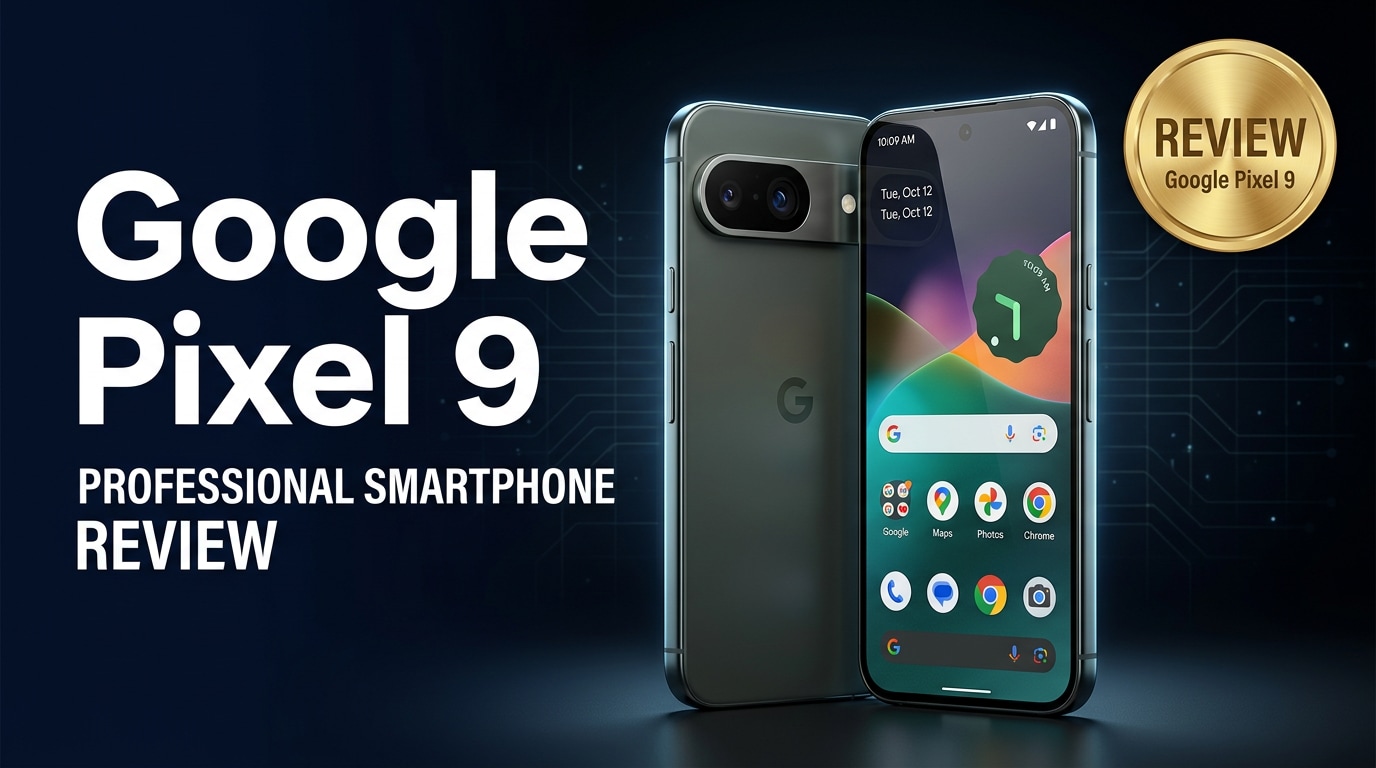
The Google Pixel 9 is Google's latest flagship Android phone, combining refined hardware with powerful AI features and a class-leading camera. It is built for users who want clean software, reliable performance, and years of updates, while still getting excellent photos and videos in any situation. Below, you will find everything you need to know about its specs, real-world experience, and how to protect your data if something goes wrong.
Repair Corrupted Files To Save Your Data
 Security Verified. Over 7,302,189 people have downloaded it.
In this article
What is New About Google Pixel 9
The Google Pixel 9 builds on the strengths of previous Pixels while tightening up the formula. You get a faster Tensor chip for AI tasks, refinements to the camera pipeline, and smarter on-device features like improved call screening and real-time translation.
Google has also polished the hardware. The body is slimmer with more balanced weight distribution, the bezels are thinner, and the haptic feedback feels more precise. The software side benefits from deeper AI integration, helping you edit photos, summarize content, and manage notifications with less effort.
Long-term support is another highlight. The Pixel 9 continues Google's push for multiple years of OS and security updates, making it a strong choice for people who keep their phones for a long time and want predictable performance and security patches.
Price, Storage, and Design
Google Pixel 9 price and configurations
The Google Pixel 9 targets the premium segment but remains more affordable than some rival flagships. Pricing typically starts with a base configuration that already includes plenty of storage for apps, photos, and 4K video.
| Model | Expected price and storage options |
|---|---|
| Pixel 9 (base) | Entry-level price with 128 GB of storage, aimed at most users |
| Pixel 9 (mid-tier) | Higher price with 256 GB storage for photographers and heavy app users |
| Pixel 9 (top-tier) | Premium pricing with 512 GB storage in select regions |
There is no microSD card slot, so choosing the right storage tier upfront is important if you shoot a lot of 4K video or download large games. Cloud backups via Google Photos and Google Drive help offset this limitation for many users.
Design and build quality
Design-wise, the Google Pixel 9 features a refined camera bar, a slimmer profile, and a premium glass-and-metal sandwich construction. It feels solid in the hand, with a matte finish that reduces fingerprints while still looking modern and clean.
The phone carries an IP rating for resistance against dust and water, making it more reassuring to use near pools, in light rain, or in the kitchen. Button placement is comfortable, and the power and volume keys offer a tactile click that matches the flagship positioning.
Google also offers the Pixel 9 in a range of colors, including more playful shades for people who dislike plain black or gray phones. The camera bar continues to give the device a distinctive Pixel identity without feeling too bulky.
Display, Performance, and Daily Use
The front of the Google Pixel 9 is dominated by a bright OLED display with a high refresh rate that makes scrolling and animations feel smooth. Colors are vivid but can be tuned to a more natural profile if you prefer subdued tones for reading or photo editing.
Google's latest Tensor chipset handles everyday tasks smoothly: multitasking, web browsing, social apps, navigation, and streaming all feel responsive. AI-centric features, such as voice typing, call screening, and on-device translation, benefit from the dedicated AI hardware, often working quickly without an internet connection.
Thermal performance has also improved. The Pixel 9 can sustain gaming sessions and extended camera use better than earlier generations, with less noticeable throttling. While it is not marketed as a dedicated gaming phone, popular titles run well at medium to high settings.
In daily use, what stands out most is consistency. The interface remains fluid, notifications are well organized, and Google's small quality-of-life touches, like At a Glance and intelligent suggestions, make the phone feel helpful without being too intrusive.
Camera Review
The camera has always been a major selling point for Pixels, and the Google Pixel 9 continues this tradition. The main sensor captures detailed shots with accurate colors, and Google's computational photography ensures balanced exposure even in scenes with harsh contrast.
Low-light performance is especially strong. Night shots are cleaner, with less noise and better color retention than older models. Night Sight and astrophotography modes let you capture scenes that would be difficult on many competing phones, as long as you hold the device steady or use a tripod.
On the video side, stabilization is excellent, making hand-held clips smoother and more cinematic. 4K recording is available at multiple frame rates, with improved dynamic range and more stable autofocus compared to previous Pixel generations. Portrait and cinematic blur modes give extra creative control, although they can still occasionally misjudge complex edges like hair or glass.
Selfies and portrait shots benefit from refined skin tone mapping and smarter HDR, helping the Pixel 9 handle diverse lighting conditions and skin tones more accurately. For most people, this camera will feel reliable and easy to use, delivering strong results with minimal effort.
Battery, Charging, and Software Experience
The Google Pixel 9 offers a battery capacity tuned for all-day use. With a mix of messaging, social media, calls, photo taking, and light gaming, most users can comfortably get through a day without needing to top up. Power users may still want to plug in late at night, but adaptive battery features help extend runtime over time.
Charging speeds have improved moderately over older Pixels, both for wired and wireless charging. While it may not match the fastest-charging phones on the market, the Pixel 9 balances speed with long-term battery health, which is important for people planning to keep their device for several years.
Google's clean Android experience remains one of the main reasons to choose a Pixel. The Pixel 9 ships with the latest version of Android and comes with multiple years of guaranteed OS and security updates. The interface is free from heavy bloatware, and new AI tools, like smarter editing in Google Photos and context-aware suggestions, make daily tasks more convenient.
Privacy and security are also emphasized. On-device processing for many AI tasks means less data has to leave your phone, and clear permission controls make it easier to understand how apps use your information.
Pros and Cons of Google Pixel 9
Pros
- Excellent camera quality for photos and videos, especially in low light.
- Clean, up-to-date Android software with long-term support from Google.
- Powerful AI features that run smoothly on-device for calls, photos, and productivity.
- Refined design with a bright, smooth OLED display and comfortable in-hand feel.
- Reliable all-day battery life and improved thermal management under load.
Cons
- No expandable storage, so you must choose your storage tier carefully.
- Charging speeds are good but not class-leading compared with some competitors.
- Pricing may feel high for budget-conscious users, especially at higher storage levels.
- Camera bar design may still not appeal to people who prefer minimal camera bumps.
What to Do If Your Google Pixel 9 Files Get Corrupted
Why Repairit is recommended
Even the best phones can encounter data issues. If videos from your Google Pixel 9 refuse to play, photos show errors, or documents will not open, using a specialized repair tool is safer than repeatedly trying random apps. Repairit by Wondershare is built specifically for repairing corrupted photos, videos, and documents from devices like the Pixel 9. It offers a guided workflow that helps you restore damaged files without needing technical expertise. You can learn more and download it from the Repairit official website for Windows, macOS, and the web.
Key Repairit features
- Repairs corrupted videos, photos, and documents from phones, cameras, memory cards, and computers.
- Supports many popular Android formats, including common photo, video, and document file types.
- Provides a clear, click-through interface that walks both beginners and advanced users through the repair process.
How to repair Pixel 9 files step by step
- Move your damaged media off the phone and into Repairit
Connect your Google Pixel 9 to a computer and copy the problematic photos, videos, or documents to a safe folder. Open Repairit, choose the appropriate repair module (video, photo, or file), and click the add or plus icon. Browse to the folder where you saved the Pixel 9 files and load all the corrupted items into the program.

- Run an automatic repair on the corrupted Pixel 9 files
After your files are listed in Repairit, check their names, formats, and locations to ensure you added the right items. Click the Repair button to begin. Repairit will analyze each file, detect structural issues and header problems, and then apply targeted fixes. The process runs automatically, so you can wait while the progress bar completes.

- Preview the repaired results and save them securely
When Repairit finishes, use the built-in preview option to open the fixed photos, videos, or documents and make sure they display or play correctly. If everything looks good, click Save or Export, choose a secure folder on your computer or an external drive, and confirm. Keep these repaired copies separate from the original corrupted files to avoid confusion later.

Conclusion — When Should You Buy?
The Google Pixel 9 refines the Pixel formula with a sharper design, better performance, and an even smarter software experience. Its camera remains a standout feature, while the clean Android interface and extended update policy make it ideal for people who value stability, security, and long-term support.
If you are coming from an older Pixel or an aging Android phone, the Pixel 9 is a compelling upgrade, especially if you care about photography and regular updates. Power users may want to invest in a higher storage tier and pair it with consistent backups plus a repair tool like Repairit, so any corrupted photos or videos can be recovered quickly instead of being lost for good.
FAQ
-
1. Is the Google Pixel 9 worth upgrading from a Pixel 7 or Pixel 7 Pro?
If you want noticeably better performance, longer support, and the latest AI features, the Google Pixel 9 is a meaningful upgrade over the Pixel 7 series. However, if your current phone still runs smoothly and you are satisfied with its camera, you may not need to switch immediately. -
2. How does the Pixel 9 camera compare to the previous generation?
The Pixel 9 camera builds on Google's computational photography strengths with improved detail, cleaner low-light images, and more reliable portrait and video modes. The overall image style remains familiar but with better consistency and dynamic range. -
3. How long does the Google Pixel 9 battery last in everyday use?
Most users can expect a full day of mixed use, including browsing, messaging, social media, and some photography. With adaptive battery features enabled, lighter users may even stretch to a day and a half before needing to recharge. -
4. What should I do if my Google Pixel 9 videos will not play or show errors?
First, restart your phone and try playing the videos in a different media app. If they still will not play, transfer the files to a computer and use a repair tool like Wondershare Repairit to scan and fix the corrupted videos without damaging your originals. -
5. Can I recover deleted photos from my Google Pixel 9?
Start by checking the Trash in Google Photos and any local recycle or bin folders. If the images are not there, avoid saving new data to your phone and consider using specialized recovery or repair software on a computer to increase your chances of getting the photos back.




