
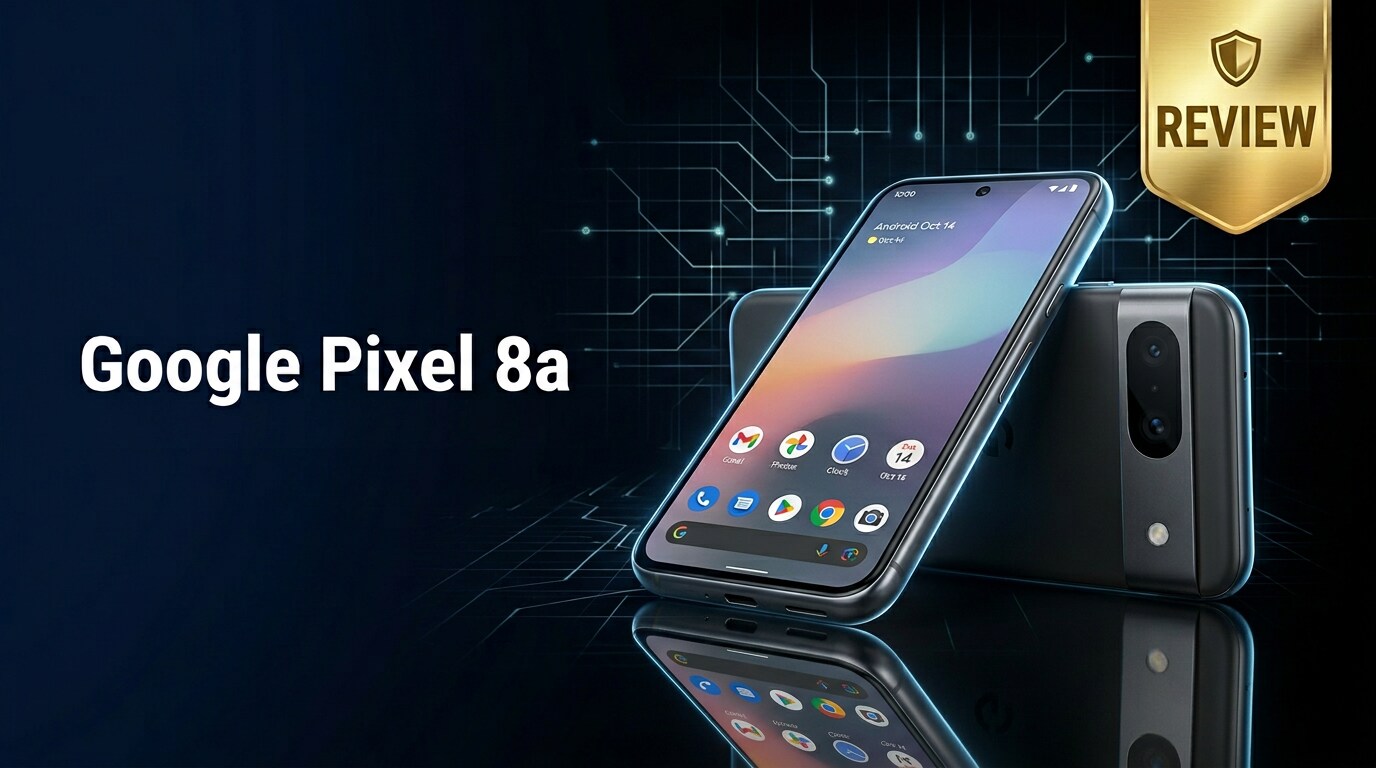
The Google Pixel 8a is Google's latest mid-range phone, designed to deliver flagship-level AI features, a polished camera, and long-term software support at a more accessible price. It targets users who want a clean Android experience, smarter photo tools, and dependable performance for daily tasks without paying premium prices. This guide explains its specs, real-world strengths and weaknesses, camera quality, battery life, and what to do if your Pixel 8a files become corrupted or unreadable.
Repair Corrupted Files To Save Your Data
 Security Verified. Over 7,302,189 people have downloaded it.
In this article
What's New About Google Pixel 8a
The Google Pixel 8a brings several upgrades over earlier A-series models. It adopts Google's latest in-house chipset for better AI processing, improved security, and smoother multitasking. You also get enhanced on-device AI tools, such as smarter photo editing, improved call screening, and more capable voice features. The display now supports a higher refresh rate for smoother scrolling, while camera algorithms benefit from the same image-processing pipeline found in more expensive Pixel devices. Longer software support rounds out the package, making it a more future-proof mid-range option.
Price, Storage, and Design
Pixel 8a price and configurations
The Pixel 8a price targets the upper mid-range bracket, sitting clearly below Google's main flagship line yet above true budget models. It typically launches with at least one base storage option suitable for casual users and a higher-capacity variant for those who shoot a lot of photos and videos. Because there is no microSD slot, it is important to weigh how much local storage you need at purchase time, especially if you plan to capture 4K video or download many offline media files.
| Variant | Who it suits |
|---|---|
| Lower storage (e.g., 128 GB) | Light to moderate users who rely on cloud backups and streaming services |
| Higher storage (e.g., 256 GB) | Content creators, frequent travelers, and users who keep large apps and offline libraries |
Build quality and design details
The Google Pixel 8a keeps the familiar Pixel design language with a camera bar on the back and soft, rounded corners that make it comfortable to hold. The chassis uses a mix of metal and high-quality plastic or composite materials to balance durability and weight. Color options lean toward playful yet understated finishes, inspired by Google's broader hardware lineup. The phone includes an IP rating for dust and water resistance, helping it survive splashes and light rain, though it is still wise to use a case and screen protector for long-term protection.
Display, Performance, and Daily Use
The Pixel 8a display steps up to a smoother refresh rate, making animations, scrolling, and gaming feel more responsive compared to older A-series phones. The OLED panel provides deep blacks, vivid colors, and solid brightness, so visibility outdoors is generally comfortable.
Under the hood, Google's latest Tensor chipset powers the Google Pixel 8a, delivering a noticeable boost for AI-assisted features and multitasking. It handles social media, browsing, messaging, and casual gaming with ease. Demanding games run acceptably, though sustained performance may still trail flagship competitors. Thermal management is improved, but extended gaming or 4K recording can make the phone warm.
In day-to-day use, the Pixel 8a shines through Google's clean Android interface. Helpful features like Call Screen, Now Playing, Live Translate, and smart suggestions tap into on-device intelligence. Regular security updates and extended OS support extend the phone's usable life, making it appealing for users who keep their devices for several years.
Camera Review
The Pixel 8a camera builds on Google's reputation for excellent computational photography. While its hardware may not match the very top-end flagships, its image processing often delivers punchy, detailed photos that are easy to share immediately.
- Main camera: Delivers sharp, contrasty shots with reliable exposure and dynamic range. Skin tones are natural, and Google's HDR tuning preserves detail in bright skies and dark shadows.
- Ultra-wide camera: Ideal for landscapes and group shots, with consistent color science compared to the main sensor. Edge sharpness is decent, though low light performance is more limited.
- Front camera: Produces flattering selfies with accurate colors and useful portrait blur, backed by advanced face detection and beautification options.
Low-light photography is a particular strength. Night Sight mode on the Google Pixel 8a reduces noise and pulls out detail from dim scenes with impressive stability, even without a tripod. Video quality is competitive in this class, offering up to 4K recording with good stabilization and clear audio capture, though it may not fully match premium flagships in fine detail or low-light video noise control.
Battery, Charging, and Software Experience
The Pixel 8a battery is tuned for an all-day experience under mixed use. For most users, this means browsing, social media, light gaming, and a healthy amount of camera use without needing to recharge until evening. Heavy 5G streaming or extended navigation will shorten battery life, but the phone still performs reliably for a full working day in many scenarios.
Charging speeds are competitive with other mid-range phones, though not class-leading. You get reasonably quick top-ups over wired charging, while wireless charging support depends on Google's final hardware decisions for this generation. It is still wise to plan for occasional short charges throughout the day if you use mobile data and GPS intensively.
On the software side, the Google Pixel 8a is a showcase for Google's vision of Android. You receive a clean, bloat-free experience, with Pixel-first features and timely security patches. Long-term OS upgrade commitments make the phone attractive for buyers who do not want to replace their device every one or two years. AI-powered features like smart photo editing, Recorder transcription, and on-device language tools elevate the experience beyond basic mid-range hardware.
Pros and Cons of Google Pixel 8a
| Pros | Cons |
|---|---|
|
|
What to Do If Your Google Pixel 8a Files Get Corrupted
Why Pixel 8a files get corrupted
Even with modern storage and stable software, files on the Google Pixel 8a can still become corrupted. Common causes include sudden shutdowns during recording, interrupted file transfers, failing USB cables, app crashes while saving media, or glitches in the internal storage. Symptoms range from photos that refuse to open to videos that will not play, stutter, or show error messages.
When this happens, you should avoid repeatedly opening the damaged file or continuing to record heavily on the same storage. Doing so risks overwriting data that could still be recoverable with specialized repair tools.
Use Repairit to fix damaged Pixel 8a files
If your Pixel 8a data becomes unplayable or unreadable, a dedicated repair toolkit is often more effective than generic file managers. Repairit by Wondershare is designed specifically to fix corrupted photos, videos, and documents from devices like the Google Pixel 8a. It uses guided workflows to scan, rebuild, and restore broken files without altering your original storage, making it suitable even for non-technical users. You can learn more on the Repairit official website.
Key features of Repairit for Pixel 8a users
- Repairs corrupted photos, videos, and documents from phones, cameras, and computers.
- Supports batch repair with a preview window so you can confirm quality before saving.
- User-friendly interface with clear steps, ideal for people who are not comfortable with complex recovery tools.
How to repair corrupted Google Pixel 8a files with Repairit
-
Step 1: Add your damaged Pixel 8a files into Repairit
Install and open Repairit on your computer, then choose the correct module for photos, videos, or files. Connect your Google Pixel 8a via USB or insert its storage card into a card reader. Click the "Add" button to browse to the Pixel storage and select the images, clips, or documents that refuse to open or play correctly. The selected files will appear in a list, ready for repair.

-
Step 2: Start the automated repair process
After confirming that all your damaged Pixel 8a files are listed, check the boxes beside the ones you want to fix and click the "Repair" button. Repairit will automatically analyze each file, rebuild missing or broken headers, and correct structural errors that cause playback or opening failures. This process runs independently of your phone, so it does not overwrite the original data on the Pixel itself.

-
Step 3: Preview and save the repaired results
When the repair job completes, select any file in the results list and use the Preview feature to check that photos display clearly and videos play smoothly from start to finish. If you are satisfied, click "Save" and choose a secure folder on your computer, such as an external drive or backup directory. Once saved, you can safely copy the repaired files back to your Google Pixel 8a or upload them to cloud storage for extra protection.

Conclusion — When Should You Buy?
The Google Pixel 8a delivers much of Google's flagship experience at a more accessible price, combining strong computational photography, a smooth OLED display, capable performance, and long-term Android updates. It is a compelling option if you prioritize clean software, reliable everyday speed, and smart AI-powered features over having the absolute fastest hardware or the widest camera lens selection.
You should consider buying the Pixel 8a if you plan to keep your phone for several years and value timely updates and smart photo tools. However, no phone is immune to glitches or file corruption, especially when recording or transferring large videos. Pairing your Pixel 8a with regular backups and a repair toolkit like Repairit helps protect your photos, clips, and documents so you can enjoy the device with greater peace of mind over the long term.
FAQ
-
1. Is the Google Pixel 8a worth upgrading from the Pixel 7a?
If you care about longer software support, upgraded AI tools, and the latest Tensor chipset, the Google Pixel 8a is a meaningful step up. However, if your Pixel 7a still feels fast and the battery is healthy, the improvement will feel incremental rather than dramatic, so you might wait another generation. -
2. How good is the Pixel 8a battery life for everyday users?
The Pixel 8a battery is tuned to last a full day for light to moderate users, even with regular camera use and 5G browsing. Heavy gaming, hotspot usage, or long 4K recordings will drain the battery faster, so you may still want a quick top-up in the evening on those days. -
3. What should I do first if my Pixel 8a photos or videos are corrupted?
Stop saving new data to your phone or card to avoid overwriting recoverable content. Move the problematic files to a computer and run a specialized repair tool such as Repairit to scan and fix them. After recovery, keep multiple backups so you do not lose the repaired media again. -
4. Can I expand Google Pixel 8a storage with a microSD card?
No. Like recent A-series models, the Google Pixel 8a does not offer a microSD card slot. You must pick the storage variant that matches your needs and rely on cloud storage or external drives if you need more space. -
5. How long will the Google Pixel 8a receive software updates?
Google typically promises several years of Android OS upgrades and security patches for its Pixel phones. The Pixel 8a is expected to enjoy extended support, making it a solid choice for users who want a device that stays secure and up to date for many years.




