
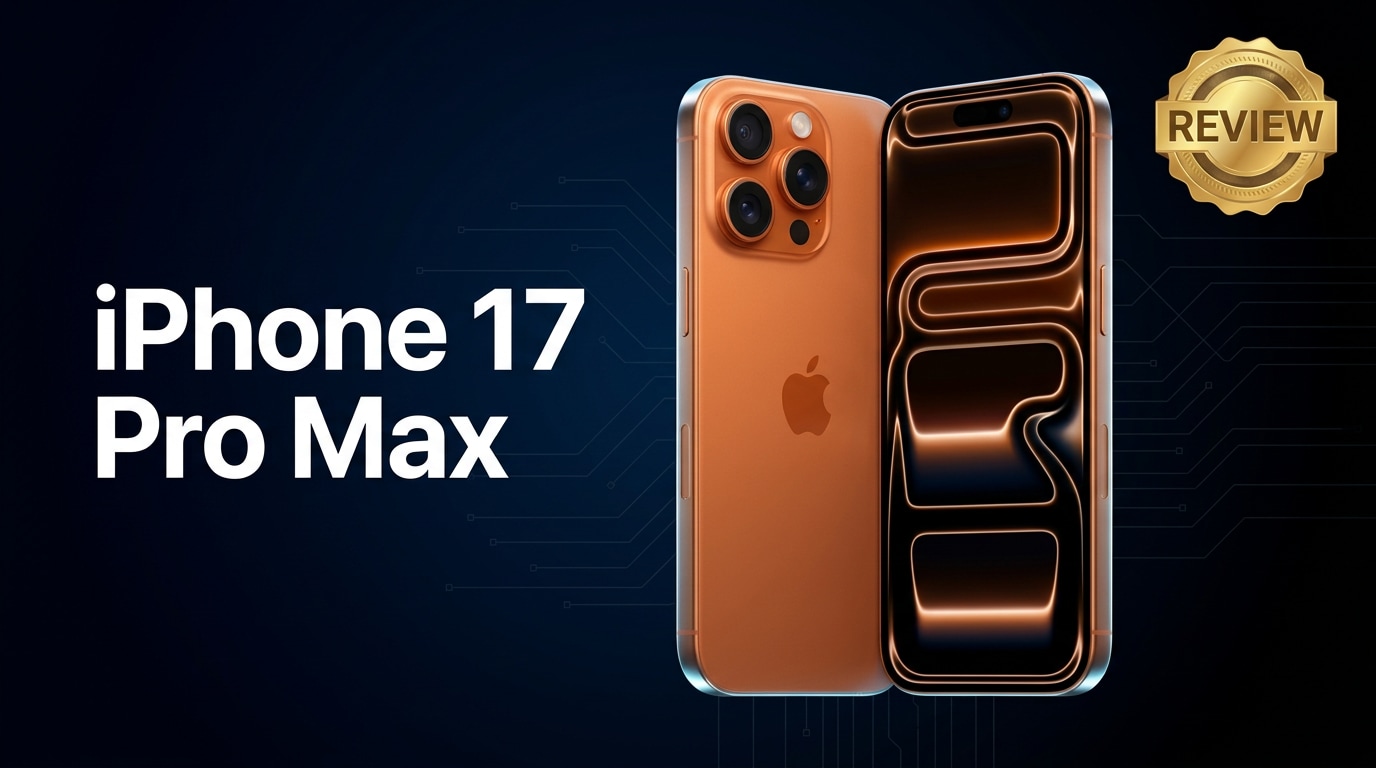
The iPhone 17 Pro Max is Apple's latest flagship, built for users who rely on their phones for photography, 4K video, gaming, and work. This review walks through its design, performance, camera, battery life, and pricing so you can decide if it fits your needs, and explains what to do if your important iPhone files ever become corrupted.
Repair Corrupted Files To Save Your Data
 Security Verified. Over 7,302,189 people have downloaded it.
In this article
The iPhone 17 Pro Max continues Apple's push toward powerful, camera-first smartphones. It brings a refined design, next-generation chip, smarter camera processing, and deeper integration with iOS services. At the same time, our phones now store years of photos, 4K videos, work documents, and messages, so reliability and data protection matter as much as specs. This review explains what the iPhone 17 Pro Max does well, where it falls short, and how to protect and repair your data if anything goes wrong.
What is New About iPhone 17 Pro Max
The iPhone 17 Pro Max is not just a minor refresh; it focuses on performance efficiency, smarter photography, and more durable materials.
- A new Apple A-series chip improves CPU and GPU performance while reducing power consumption, so demanding apps and games run smoother for longer.
- Camera upgrades center on computational photography, with better low-light handling, improved portrait separation, and more accurate skin tones.
- The display uses an even more efficient high-refresh panel for smoother scrolling, gaming, and stylus-like responsiveness.
- On-device intelligence helps with features such as real-time language tools, photo sorting, and more context-aware suggestions across apps.
- Connectivity refinements improve 5G efficiency, Wi‑Fi speeds, and location accuracy for navigation and fitness tracking.
Price, Storage, and Design
Price and storage options
Apple positions the iPhone 17 Pro Max at the top of its lineup, so you can expect premium pricing, especially at higher capacities.
| Variant | Who it suits |
|---|---|
| Base storage (around 256 GB) | Everyday users who stream content, use cloud storage, and take moderate photos and videos. |
| Mid-tier (around 512 GB) | Creators who shoot regular 4K videos, download many apps, or keep large files offline. |
| Top-tier (1 TB or above) | Professionals filming ProRes or long 4K clips and anyone who dislikes managing storage. |
When choosing storage, factor in years of iOS updates, larger app sizes over time, and future photo and video needs. Many users outgrow a base model sooner than expected, especially if they shoot high-resolution content.
Design and build quality
The iPhone 17 Pro Max keeps the familiar Pro look but iterates with lighter materials and refined ergonomics.
- A premium metal frame and glass back maintain a solid, ultra-high-end feel while shaving off a bit of weight for better comfort during one-handed use.
- Slimmer bezels make the large display easier to manage and offer more viewing area without a bulkier body.
- Improved durability aims to reduce damage from everyday drops and scratches, and water resistance remains strong for accidental spills and rain.
- Subtle changes to camera housing and button placement help with grip and make the phone more pocket-friendly despite its large screen.
Display, Performance, and Daily Use
The display is one of the main reasons to choose the iPhone 17 Pro Max. The large panel is bright, color-accurate, and supports a high refresh rate for smooth animations and scrolling.
- Display quality: High peak brightness improves outdoor readability, while wide color support ensures movies and photos look true to life.
- High refresh rate: Adaptive refresh technology balances fluidity with battery life by dialing up in games and scrolling, and down for static content.
- Touch responsiveness: Lower touch latency makes the phone feel instantly responsive, which is noticeable when gaming or editing media.
Under the hood, the new chip pushes both speed and efficiency.
- Performance: Apps open quickly, multitasking is snappy, and heavy workloads like 4K editing or advanced games run smoothly with stable frame rates.
- Thermal behavior: The phone manages heat better during long gaming or camera sessions, so performance remains consistent for longer.
- Everyday reliability: For calls, messaging, social media, and browsing, the experience feels instant and lag-free.
In daily life, the iPhone 17 Pro Max shines as an all-in-one device for work and play, handling email, cloud documents, and collaboration apps as easily as streaming and games.
Camera Review
The iPhone 17 Pro Max camera system focuses on intelligent processing rather than just bigger sensors, giving you more consistent results in more conditions.
- Main camera: The primary sensor delivers sharp, detailed photos with reliable dynamic range, preserving highlights and shadows without excessive HDR artifacts.
- Ultra-wide lens: Improved low-light performance and distortion control make this lens more useful indoors and at night.
- Telephoto and zoom: Enhanced optical and hybrid zoom help capture distant subjects with better clarity and less noise, ideal for travel and events.
- Portrait mode: More accurate edge detection and subject separation produce natural-looking backgrounds and cleaner hair details.
Video remains a priority on the iPhone 17 Pro Max.
- 4K recording across multiple frame rates makes it easy to match your footage to social media or professional workflows.
- Stabilization keeps handheld clips smooth, even when walking or shooting from a moving vehicle.
- Advanced modes such as cinematic effects or log-friendly options give creators more flexibility in post-production.
For most users, the combination of reliable stills and robust video tools makes the camera system one of the main selling points of this phone.
Battery, Charging, and Software Experience
The iPhone 17 Pro Max battery benefits from both hardware efficiency and software optimization. Even with a high-refresh display and powerful chip, it is designed to last through a full day of mixed use for most people.
- Battery life: Typical use covering messaging, social apps, browsing, light gaming, and some camera time should comfortably reach bedtime with charge left.
- Heavy use: Intensive activities such as extended gaming, navigation, or 4K recording shorten runtime, but efficiency gains still provide better endurance than many older models.
- Charging: Fast charging and wireless charging support keep top-ups quick and convenient, especially if you use compatible adapters and chargers.
On the software side, the latest version of iOS adds refinements aimed at stability, privacy, and helpful automation.
- New widgets and lock screen options help you glance at key information like calendar events and battery levels.
- Improved privacy controls let you see how apps use your data and easily revoke permissions.
- Intelligent suggestions surface frequently used apps, shortcuts, and files, making daily workflows faster.
Combined, these features make the iPhone 17 Pro Max feel like a reliable tool for both personal and professional tasks, not just a powerful gadget.
Pros and Cons of iPhone 17 Pro Max
Pros
- Excellent display with smooth high refresh rate and strong outdoor visibility.
- Fast, efficient processor that handles gaming, editing, and multitasking with ease.
- Versatile camera system with strong stills and video performance in most lighting conditions.
- Solid battery life and convenient charging options for all-day use.
- Long-term software support and tight integration with Apple's ecosystem and services.
Cons
- Premium pricing, especially for higher storage configurations.
- Large size can be uncomfortable for small hands or tight pockets.
- Accessories and official repairs can be costly.
- No native way to repair corrupted media; you need third-party tools when files become damaged.
What to Do If Your iPhone 17 Pro Max Files Get Corrupted
Repairit introduction
Even on a flagship like the iPhone 17 Pro Max, files can become corrupted due to interrupted transfers, sudden shutdowns, or storage issues. When precious photos, 4K clips, or documents stop opening or playing, a dedicated repair toolkit can help. Wondershare Repairit is designed specifically to fix corrupted or unplayable photos, videos, and documents from your iPhone, computer, or external drives. You can learn more and download it from the Repairit official website.
Key features and step-by-step guide
Key features of Repairit
- Repairs corrupted photos, videos, and documents from iPhones, computers, memory cards, and other storage devices in a single toolkit.
- Uses a simple, guided workflow with on-screen prompts and a built-in preview window so you can check the repaired results before saving.
- Supports a wide range of popular file formats and handles multiple damaged items at once to save you time.
How to repair corrupted iPhone 17 Pro Max files with Repairit
- Launch Repairit and add your damaged files
Install Repairit on your computer and open it. On the main screen, choose the module that matches what you need to fix, such as Video Repair or Photo Repair. Connect your iPhone 17 Pro Max and export the problem files to a folder, or browse to the drive where they are already stored. Click the add button to import all corrupted photos, videos, or documents into the list.

- Start analysis and let Repairit fix the damage
After the broken items appear in the queue, confirm your selection and hit the repair button. Repairit will scan each file, detect structural errors, and automatically apply suitable repair strategies. During this stage, avoid disconnecting your iPhone or closing the program. Simply wait for the progress bar to reach 100%, especially if you are repairing large 4K videos.

- Preview the repaired results and save them securely
When the process finishes, click each item to open the preview window and verify that the photo, video, or document now looks and plays correctly. If you are happy with the result, select the files you want to keep and click save. Choose a safe destination on your computer or an external drive rather than the original damaged location. After saving, you can copy the repaired files back to your iPhone 17 Pro Max for everyday use.

Conclusion — When Should You Buy?
The iPhone 17 Pro Max delivers a premium blend of design, cutting-edge performance, and a capable camera system suited for users who depend on their phones for both productivity and creativity. If you value smooth day-to-day experience, reliable 4K video, and years of software support, it stands out as a strong upgrade option, especially from older models.
For owners of very recent Pro iPhones, the upgrade decision depends on how much you care about the latest camera improvements, battery optimizations, and display refinements. Regardless of when you upgrade, be sure to pair your device with a consistent backup routine and a repair toolkit like Wondershare Repairit so your photos, videos, and documents stay protected even if files become corrupted.
FAQ
-
1. Is the iPhone 17 Pro Max worth upgrading from a recent Pro model?
It depends on your priorities. If camera processing, battery life, and display smoothness matter a lot to you, the iPhone 17 Pro Max offers noticeable improvements. If your current Pro model is only a year or two old and still feels fast, you may want to wait unless specific new features directly match your needs. -
2. How much storage should I choose for the iPhone 17 Pro Max?
Many users find 256 GB sufficient for everyday apps, photos, and some 4K videos. If you regularly shoot long 4K clips, record in higher-quality formats, or keep large offline libraries of games and media, 512 GB or 1 TB gives you more headroom and reduces the need to constantly free up space. -
3. What should I do if videos on my iPhone 17 Pro Max will not play?
Restart your phone, check for iOS updates, and try playing the video in a different app or after copying it to a computer. If the file still fails to open or shows playback errors, use a repair tool such as Wondershare Repairit to scan and attempt to fix the corrupted video. -
4. Can I recover deleted files from my iPhone 17 Pro Max?
First, check apps like Photos and Files for recently deleted items. If you have iCloud, iTunes, or Finder backups from before the deletion, you can restore from them. If a file is present but damaged, repair software can sometimes make it usable again even when standard recovery options do not help. -
5. How can I reduce the risk of file corruption on my iPhone 17 Pro Max?
Avoid forcing shutdowns or unplugging the phone while recording or transferring files, keep enough free space, and install iOS updates promptly. Use reliable charging accessories, safely eject your iPhone from computers, and maintain regular backups so you have a fallback if corruption occurs.




