
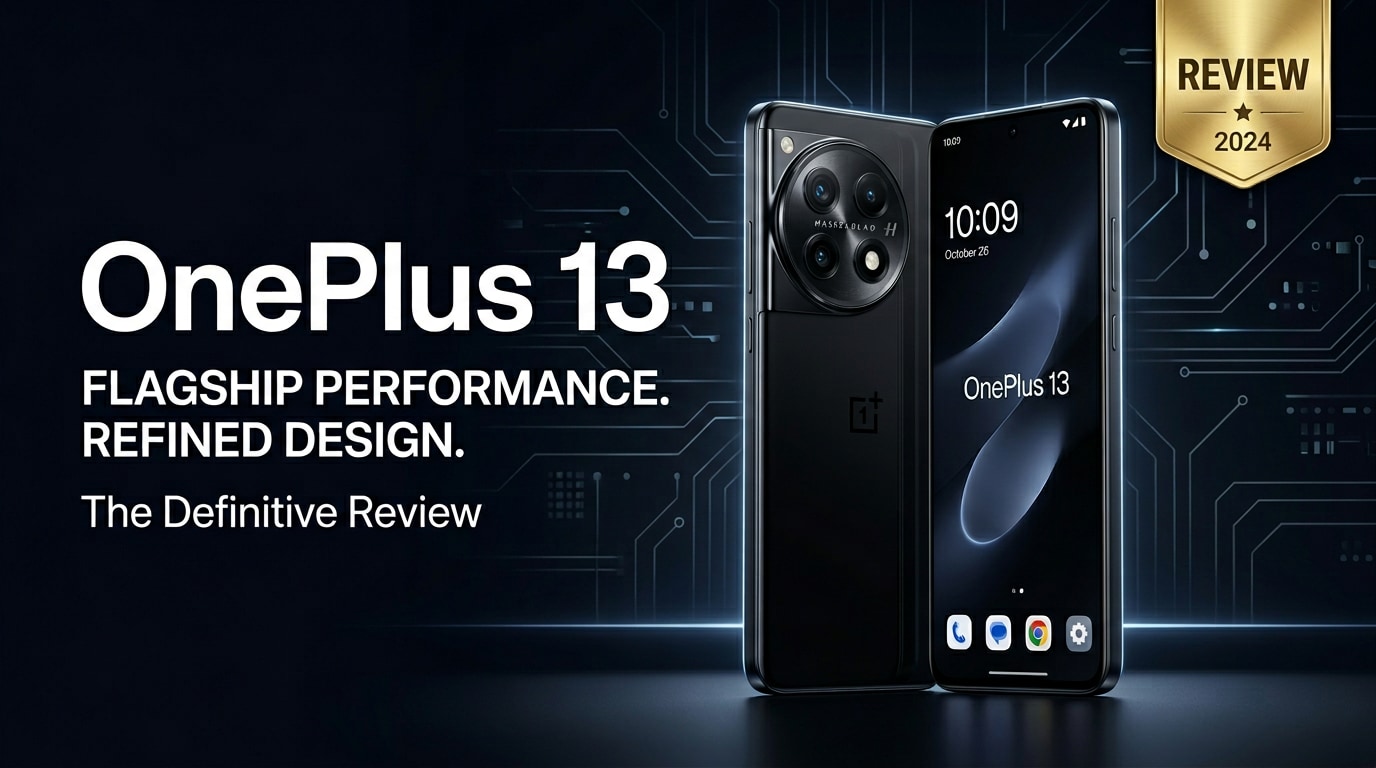
The OnePlus 13 pushes the brand's flagship formula further with upgraded performance, refined cameras, and a refreshed design aimed at power users and casual buyers alike. This review looks at how it performs in daily use, how its specs compare with rivals, and what to expect from its camera, battery, and software. You will also learn how to protect your data and repair corrupted photos or videos if something goes wrong with your new phone.
Repair Corrupted Files To Save Your Data
 Security Verified. Over 7,302,189 people have downloaded it.
In this article
What's New About OnePlus 13
The OnePlus 13 arrives as a refined evolution of the series, focusing on smoother performance, camera consistency, and more premium hardware details. Under the hood, you get a next‑gen flagship chipset with improved power efficiency and AI capabilities, paired with faster storage and RAM for quicker loading and better multitasking.
On the outside, OnePlus tweaks the frame and back panel design to improve grip and durability while slimming down bezels for a more immersive front look. Camera upgrades concentrate on better low‑light performance, more reliable portrait separation, and upgraded video stabilization, making it more dependable for everyday shooting.
Software is also more polished, with the latest OxygenOS build delivering cleaner animations, better privacy controls, and support for extended software updates. Altogether, the OnePlus 13 is less about flashy gimmicks and more about tightening the core flagship experience.
Price, Storage, and Design
OnePlus 13 price and configurations
Exact pricing for the OnePlus 13 varies by region, but it continues to undercut many traditional flagships while offering comparable hardware. OnePlus typically launches multiple RAM and storage combinations so you can choose according to your budget and use case.
| Configuration | Who it suits |
|---|---|
| Base model (e.g., 8 GB RAM / 128 GB storage) | Light users focused on calls, messaging, social media, and casual photos who do not store huge offline libraries. |
| Mid-tier (e.g., 12 GB RAM / 256 GB storage) | Balanced option for most people, allowing smooth multitasking plus plenty of room for photos, apps, and offline video. |
| Top model (e.g., 16 GB RAM / 512 GB storage) | Power users, gamers, and creators who shoot lots of 4K video or keep large files locally on their OnePlus 13. |
Before picking a version, think carefully about how many apps you run, how much you film, and whether you rely on cloud backups. Storage fills quickly when recording high-resolution video or downloading streaming content for offline viewing.
Design, build quality, and ergonomics
The OnePlus 13 design keeps the brand's minimalist DNA while adding subtle curves and a more polished camera housing. The frame feels sturdy in hand, with a reassuring weight that avoids feeling overly heavy. High-quality glass or matte finishes reduce fingerprints and make the phone look premium from every angle.
Button placement remains practical, with the alert slider returning for quick sound profile changes. The camera module is more streamlined, sitting closer to the body so the phone rocks less on flat surfaces. IP rating for dust and water resistance (where available) provides extra peace of mind in daily use.
In terms of ergonomics, the curved or slightly contoured edges help the OnePlus 13 sit nicely in your palm. It is still a large device, so one-handed use can be a stretch for smaller hands, but gesture navigation and reachability features in software do soften that downside.
Display, Performance, and Daily Use
The display is one of the standout traits of the OnePlus 13. You get an OLED panel with crisp resolution, high refresh rate, and strong brightness. Colors are vivid without being cartoonish, and there are multiple color profiles in settings so you can tune the panel to your preference, whether you like punchy or more natural tones.
High refresh rate scrolling keeps everything feeling ultra-smooth, from web browsing to social feeds. Adaptive refresh technology can dial the rate down for static content to save battery, while still ramping up in animations and games when needed.
Performance-wise, the latest flagship chipset combined with fast LPDDR RAM and UFS storage makes the OnePlus 13 feel instant in nearly every action. Apps open quickly, multitasking is fluid, and switching between games, camera, and messaging rarely causes slowdowns. Gamers will notice high frame rates and good thermal management, especially if you tweak performance modes in settings.
In daily use, OxygenOS remains one of the cleaner Android skins, balancing customization with simplicity. Features like quick gestures, granular notification control, and flexible always-on display options make the phone feel tailored to your habits rather than bloated. Overall, it is a strong performer for both productivity and entertainment.
Camera Review
The camera system on the OnePlus 13 aims for consistent, realistic output rather than extreme saturation. The main sensor captures detailed photos with reliable dynamic range, handling bright skies and shadowy areas fairly well. Autofocus is swift, so it is easy to snap sharp shots of pets, kids, and moving subjects.
Ultra-wide and telephoto lenses round out the setup, allowing you to fit more into the frame or zoom in without ruining image quality. Color tuning between lenses has been improved, so switching from main to ultra-wide does not dramatically shift the overall look of your image, a common issue with older phones.
In low light, larger sensors and improved image processing make a noticeable difference. Night shots retain more detail with less noise, and night mode can brighten scenes without turning them unnaturally yellow. Portrait mode offers decent edge detection for people and objects, though complex backgrounds can still trip it up on occasion.
Video recording on the OnePlus 13 also sees upgrades, with stable 4K options, better stabilization, and more natural audio capture. It is perfectly capable for vlogging, social media clips, and family videos, but if your footage ever fails to play because of corruption or transfer issues, using a dedicated repair tool can help you recover those memories.
Battery, Charging, and Software Experience
The OnePlus 13 continues to lean heavily on fast charging and battery efficiency. Its sizable battery comfortably lasts a full day for average users, even with high refresh rate enabled and frequent use of social apps, navigation, and the camera. Heavy gaming or long 4K recording sessions will drain the battery faster, but that is typical of any flagship phone.
Fast wired charging is one of the device's best quality-of-life perks. You can recover a large portion of the battery in a short charging window, making quick top-ups during breaks very practical. Depending on your region, wireless charging may also be available, adding convenience on desks and nightstands.
On the software side, OxygenOS brings Android's latest version with a near-stock feel plus a few thoughtful additions. Features like app locker, per-app refresh rate control, and robust privacy dashboards give power users more control while remaining approachable for beginners. Long-term software support means you can expect multiple years of security patches and major OS updates, extending the useful life of your OnePlus 13.
Pros and Cons of OnePlus 13
| Pros | Cons |
|---|---|
|
|
What to Do If Your OnePlus 13 Files Get Corrupted
Use Repairit to rescue broken OnePlus 13 files
Even powerful phones like the OnePlus 13 can suffer from glitches, sudden shutdowns, or transfer errors that leave important photos, videos, or documents corrupted. When your files refuse to open, look distorted, or will not play, a dedicated repair solution can save you from permanent loss. Wondershare Repairit is a user-friendly toolkit built to fix broken media and documents from devices such as the OnePlus 13, cameras, and computers. You can learn more or start repairing directly from the Repairit official website.
Steps to repair corrupted photos, videos, or documents
Key features of Repairit
- Repairs corrupted videos, photos, and documents from phones, cameras, memory cards, and computers.
- Supports batch repair with a guided, click-through workflow suitable for beginners and non-technical users.
- Lets you preview repaired files before saving them back to your device or external storage.
Step-by-step guide to fix OnePlus 13 corrupted files
-
Step 1: Add your corrupted OnePlus 13 files into Repairit
Install and open Wondershare Repairit on your computer, then choose the repair type that matches your issue, such as Video Repair, Photo Repair, or File Repair. Connect your OnePlus 13 via USB or copy the damaged files to a folder on your PC or Mac. Click the "Add" or "+" button inside Repairit and browse to the corrupted videos, photos, or documents you want to fix.

-
Step 2: Start the automatic repair process
After you have loaded all problematic files, review the list to confirm you selected everything you need. Click the "Repair" button to launch the automatic repair engine. Repairit analyzes each file, identifies common damage such as header issues, incomplete data, or format errors, and then applies the appropriate fixes behind the scenes without requiring manual tuning.

-
Step 3: Preview the repaired result and save it safely
When the repair task finishes, use the built-in preview window in Repairit to open sample versions of your recovered media or documents. Check that videos play from start to finish, photos display clearly, and documents open without strange symbols or errors. If you are satisfied, click "Save" or "Save All" and choose a secure destination on your computer or an external drive. Only after confirming successful repair should you copy the fixed files back to your OnePlus 13.

Conclusion — When Should You Buy?
The OnePlus 13 delivers a well-rounded flagship experience built on fast performance, a smooth display, rapid charging, and a more reliable camera system. For users who value speed, clean software, and strong everyday photography without paying ultra-premium prices, it stands out as an excellent choice.
If you already own the previous generation and are satisfied with its speed and images, you might wait another cycle. But if your current phone struggles with performance, battery life, or camera consistency, the OnePlus 13 is easy to recommend—especially when paired with a robust backup strategy and a repair tool like Wondershare Repairit to safeguard your photos, videos, and documents from corruption.
FAQ
-
1. Is the OnePlus 13 worth upgrading from the OnePlus 12?
It depends on your needs. If you care about better performance, refined camera tuning, and a fresh design, the OnePlus 13 offers a meaningful bump. However, if your OnePlus 12 still runs smoothly and you are satisfied with its camera and battery life, you can comfortably keep it another generation. -
2. How good is the OnePlus 13 camera for everyday shooting?
The OnePlus 13 camera is well-suited for daily photos and videos. It delivers balanced colors, solid dynamic range, and quick autofocus, while the improved night mode and stabilization help in low light and handheld video. For social media, travel, and family memories, it is more than capable. -
3. What should I do if my OnePlus 13 videos will not play?
First, restart your phone and try a different video player app. If the files still fail, transfer the videos to a computer and run them through a repair utility like Wondershare Repairit. Avoid recording or downloading large new files onto the same storage until you have attempted recovery, to reduce the risk of overwriting damaged data. -
4. Can I repair corrupted photos stored on my OnePlus 13?
Yes. Move the affected photos to a computer and open them in an image repair tool such as Wondershare Repairit. It can often remove visible glitches, fix header issues, and make images that previously refused to open accessible again. -
5. How can I prevent data loss on my OnePlus 13?
Enable automatic cloud backups for photos and important files, and regularly sync your OnePlus 13 with a computer or external drive. Avoid disconnecting the phone during file transfers, keep some free storage available, use reliable chargers, and install software updates promptly to lower the risk of crashes and corruption.




