
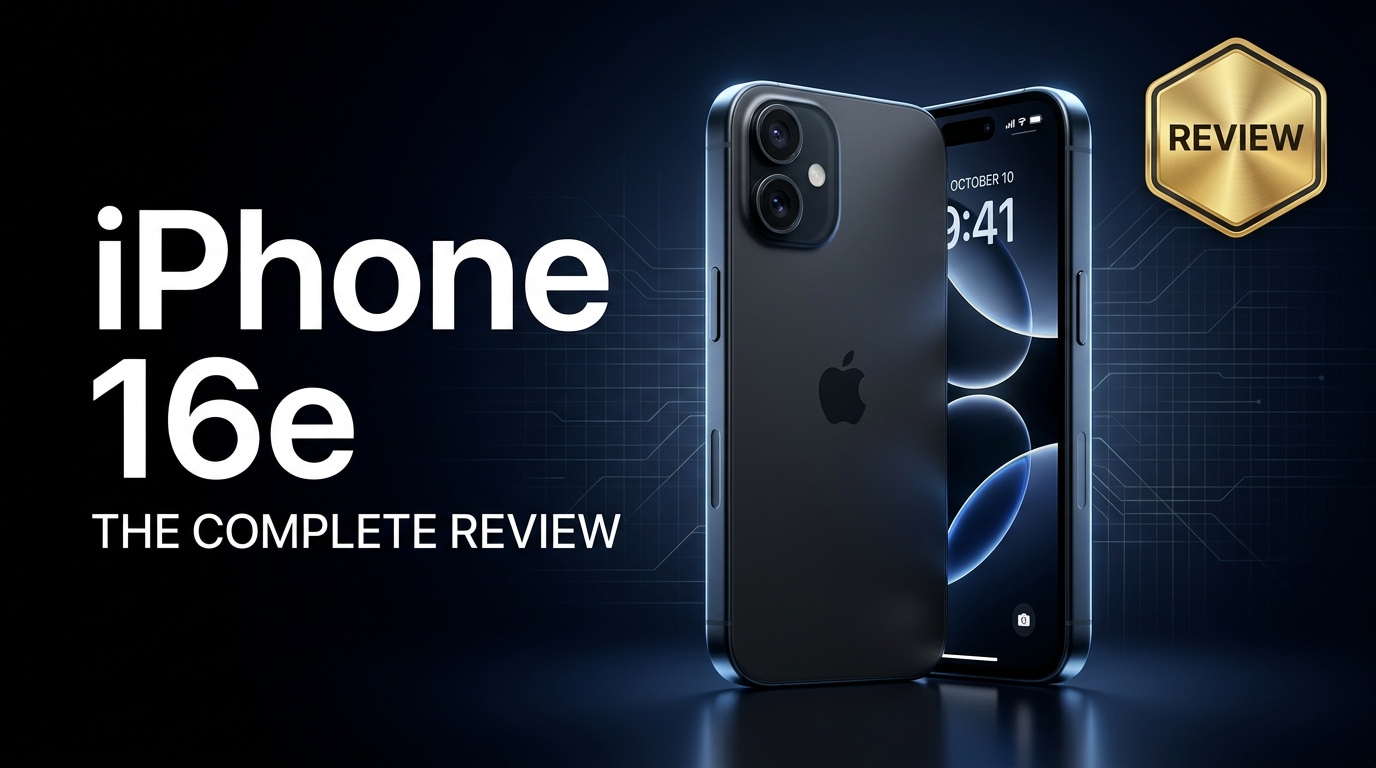
The iPhone 16e is Apple's value-focused model that brings modern performance, reliable cameras, and long-term iOS support to a more accessible price point. It targets everyday users who want a smooth, dependable phone rather than every premium extra. This review looks at its design, specs, camera, battery life, and how to protect your data if files on the iPhone 16e ever become corrupted.
Repair Corrupted Files To Save Your Data
 Security Verified. Over 7,302,189 people have downloaded it.
In this article
What Is New About iPhone 16e
The iPhone 16e review starts with where it sits in Apple's 2024 lineup. It is designed as an entry into the iPhone 16 family, keeping the essentials from the flagship models while trimming back luxury extras.
- Newer chip based on Apple's latest architecture for better efficiency and longer support.
- Improved main camera processing for low light and everyday photography.
- Refined battery management aimed at all-day use for typical users.
- Updated modem and wireless stack for faster and more stable 5G and Wi-Fi performance.
- Subtle design tweaks with slightly slimmer bezels and a more durable frame.
Instead of chasing headline-grabbing features, the iPhone 16e specs focus on durability, stability, and giving older iPhone users a meaningful but affordable upgrade path.
Price, Storage, and Design
The iPhone 16e price positions it as a mid-range option in Apple's lineup, making it appealing for buyers who do not want to pay Pro-level money.
| Model | Expected Positioning |
|---|---|
| iPhone 16e (Base) | Best for budget-conscious users who want a modern iPhone |
| iPhone 16e (Mid storage) | Balanced choice for photos, apps, and games |
| iPhone 16e (Top storage) | For heavy media, 4K video, and long-term use |
Storage options typically start from a base tier suited for light users and go up to higher capacities for creators and gamers. For most people, the mid-tier storage is the smarter choice, especially if you shoot more video or keep offline music and streaming downloads.
Visually, the iPhone 16e design keeps the familiar flat edges and glass-sandwich look. It feels noticeably more premium than budget Android rivals due to Apple's materials and tight build quality. Color choices lean toward simple, soft finishes that resist fingerprints reasonably well.
Buttons, the mute/action switch, and cameras are all placed where long-time iPhone users will feel at home, making this phone particularly comfortable as an upgrade from models like the iPhone XR or iPhone 11.
Display, Performance, and Daily Use
Display and speakers
The display on the iPhone 16e aims for clarity and consistency instead of flashy specs. It offers a bright, color-accurate panel that stays legible outdoors and smooth for scrolling, social media, and web browsing.
- Resolution is sharp enough that text and icons look crisp at normal viewing distances.
- Colors are tuned for natural tones, which helps with photos and skin tones.
- True Tone and Night Shift help reduce eye strain in different lighting environments.
Speakers provide a clear stereo effect for video watching and casual music listening. While it will not replace dedicated speakers or headphones, it is more than good enough for TikTok, YouTube, and video calls.
Performance in real life
Under the hood, the iPhone 16e performance is powered by a modern Apple chipset that balances speed with energy efficiency. In daily use, that means the phone simply feels fast and responsive, without the lag or stutter you often find on aging or budget devices.
- Apps launch quickly, and multitasking remains smooth even with multiple apps in memory.
- Casual and mid-core games run comfortably; more demanding titles may dial down some visual effects but still play well.
- iOS animations and system navigation are consistently fluid.
Crucially, this performance is backed by long-term iOS update support. If you are upgrading from an older iPhone, you can expect several years of new features and security updates, increasing the overall value of the device.
Camera Review
The iPhone 16e camera is built around a main sensor that benefits from Apple's latest image processing. It is tuned for point-and-shoot reliability, so you can pull out the phone, tap the shutter, and usually get a good photo on the first try.
- Daylight photos: Sharp detail, balanced colors, and reliable dynamic range for sky and shadows.
- Indoor and low light: Improved noise control and Night mode help keep images usable without heavy grain.
- Portraits: Edge detection and background blur are generally accurate for people and pets.
Video is another strong area. The iPhone 16e records stable footage with consistent focus and good microphones for everyday clips, vlogs, and social media content. Features like cinematic stabilization and slow-motion add flexibility without needing Pro-level hardware.
While it may not have every advanced zoom or pro-grade shooting mode from higher-tier models, the camera experience is more than enough for family photos, travel shots, and daily social posts.
Battery, Charging, and Software Experience
The iPhone 16e battery is designed for all-day reliability. With a power-efficient chip and refined iOS power management, most users should comfortably make it through a full day of mixed use.
- Light users (calls, messaging, browsing) may end the day with plenty of charge left.
- Moderate users (social media, streaming, maps) should still see a full workday plus evening.
- Heavy users (gaming, lots of 5G, continuous camera use) may need a top-up before night.
Charging supports fast methods through wired and wireless options, though the fastest speeds are generally reserved for higher-tier models. Using a quality charger and cable remains important, both for safety and long-term battery health.
On the software side, iOS on the iPhone 16e offers the same overall experience as more expensive models: privacy controls, regular updates, and deep integration with the Apple ecosystem (iCloud, Apple Watch, AirPods, and more). Features like Focus modes, widgets, and improved notifications help the phone adapt to your habits rather than disrupt them.
Pros and Cons of iPhone 16e
This section sums up the main advantages and trade-offs revealed in this iPhone 16e review.
Pros
- Modern Apple chipset for smooth iPhone 16e performance and long software support.
- Reliable iPhone 16e camera that handles most everyday photos and videos with ease.
- All-day iPhone 16e battery life for typical mixed usage.
- Solid build quality and familiar iPhone 16e design that feels premium in hand.
- Access to the full iOS ecosystem, including iCloud, Apple services, and accessory compatibility.
Cons
- Display and features are more modest than Apple's Pro-level models.
- Base storage may feel tight over time for users shooting lots of 4K video.
- Charging speeds are competitive but not class-leading in the broader market.
- No highly advanced camera hardware like extreme zoom or dedicated pro lenses.
What to Do If Your iPhone 16e Files Get Corrupted
Why files get corrupted on iPhone 16e
Even with Apple's strong software and hardware, photos, videos, or documents on an iPhone 16e can still become corrupted. This might happen due to interrupted file transfers, sudden shutdowns, storage errors, app crashes, or issues when saving data to iCloud or a computer.
Common warning signs include:
- Photos or videos that will not open, show errors, or appear as blank thumbnails.
- Media that plays with glitches, freezes, or missing audio.
- Documents that refuse to open or display strange characters and broken layouts.
When that happens, avoid repeatedly editing or re-saving the damaged files. Instead, copy them to a computer and use specialized tools to repair them safely.
Use Repairit to fix corrupted iPhone 16e files
To safely fix corrupted iPhone files from your iPhone 16e, it is wise to use a dedicated repair solution instead of random converters or risky online services. Wondershare Repairit is a powerful yet approachable toolkit that can repair damaged photos, videos, and documents transferred from your iPhone, cameras, memory cards, or computers. You can learn more at the Repairit official website.
Key features of Repairit
- Repairs corrupted videos, photos, and documents from multiple devices and formats, including files saved from your iPhone 16e.
- Offers both quick and advanced repair modes to handle anything from minor glitches to severe file damage.
- Uses a clear, guided workflow so nontechnical users can repair files without complex settings.
Step-by-step: Repair corrupted iPhone 16e files with Repairit
-
Step 1: Open Repairit and add the corrupted iPhone 16e files
Install Wondershare Repairit on your computer and launch it. From the main screen, pick the module that matches your issue, such as Video Repair, Photo Repair, or File Repair. Click the Add button and select the corrupted items that you previously exported or copied from your iPhone 16e. Confirm the list so Repairit can load each file for analysis.

-
Step 2: Start the repair process and preview the results
Click Repair to let Repairit scan your selected files and fix structural issues that prevent them from opening or playing correctly. When the quick repair finishes, use the built-in preview window to check each video, photo, or document. If a file is still heavily broken, switch to Advanced Repair (when available) for a deeper fix using sample data.

-
Step 3: Save the repaired files safely and restore them to iPhone 16e
After confirming that your repaired media looks normal in the preview, choose the files you want to keep and click Save. Select a secure folder on your computer or an external drive instead of overwriting the originals. Once saving is complete, you can transfer the repaired files back to your iPhone 16e using Finder, iTunes, or cloud storage for everyday use.

Conclusion — When Should You Buy?
The iPhone 16e focuses on dependable strengths: solid performance, a trustworthy camera, and all-day battery life in a familiar Apple package. It suits users who care more about reliability, software support, and a smooth everyday experience than about pro-level camera tricks or cutting-edge display tech.
You should strongly consider the iPhone 16e if you are upgrading from devices like the iPhone 11, XR, or older and want a modern iPhone that will last several years without stretching to the cost of a Pro model. Just remember to keep regular backups and use tools like Wondershare Repairit when important files become corrupted, so your photos, videos, and documents remain safe throughout the phone's lifespan.
FAQ
-
1. Is the iPhone 16e worth upgrading to from an older iPhone?
If you are coming from an iPhone 11, XR, or earlier, the iPhone 16e brings a noticeable boost in performance, camera quality, battery efficiency, and future iOS support. For most owners of those models, it is a sensible and cost-effective upgrade. -
2. How much storage should I choose for the iPhone 16e?
Light users who mainly call, message, and browse can manage with the base storage. If you frequently record video, download large apps and games, or keep offline media, aim for at least a mid-tier storage option so you do not run out of space too quickly. -
3. Does the iPhone 16e battery last a full day?
Yes, the iPhone 16e battery is tuned for full-day mixed use, including browsing, social media, streaming, and some navigation. Very heavy gaming or extended 5G use may still require a charge before bedtime. -
4. What should I do if photos or videos on my iPhone 16e will not open?
First, restart your phone and check whether the files open from iCloud or another backup. If they remain corrupted after you copy them to a computer, use a repair tool like Wondershare Repairit to attempt recovery without risking the originals. -
5. Can I repair corrupted iPhone 16e files without losing data?
No method can promise 100% success, but working with specialized repair software that processes copies of your data, such as Repairit, gives you a better chance to fix corrupted iPhone files while keeping the original files untouched.




