
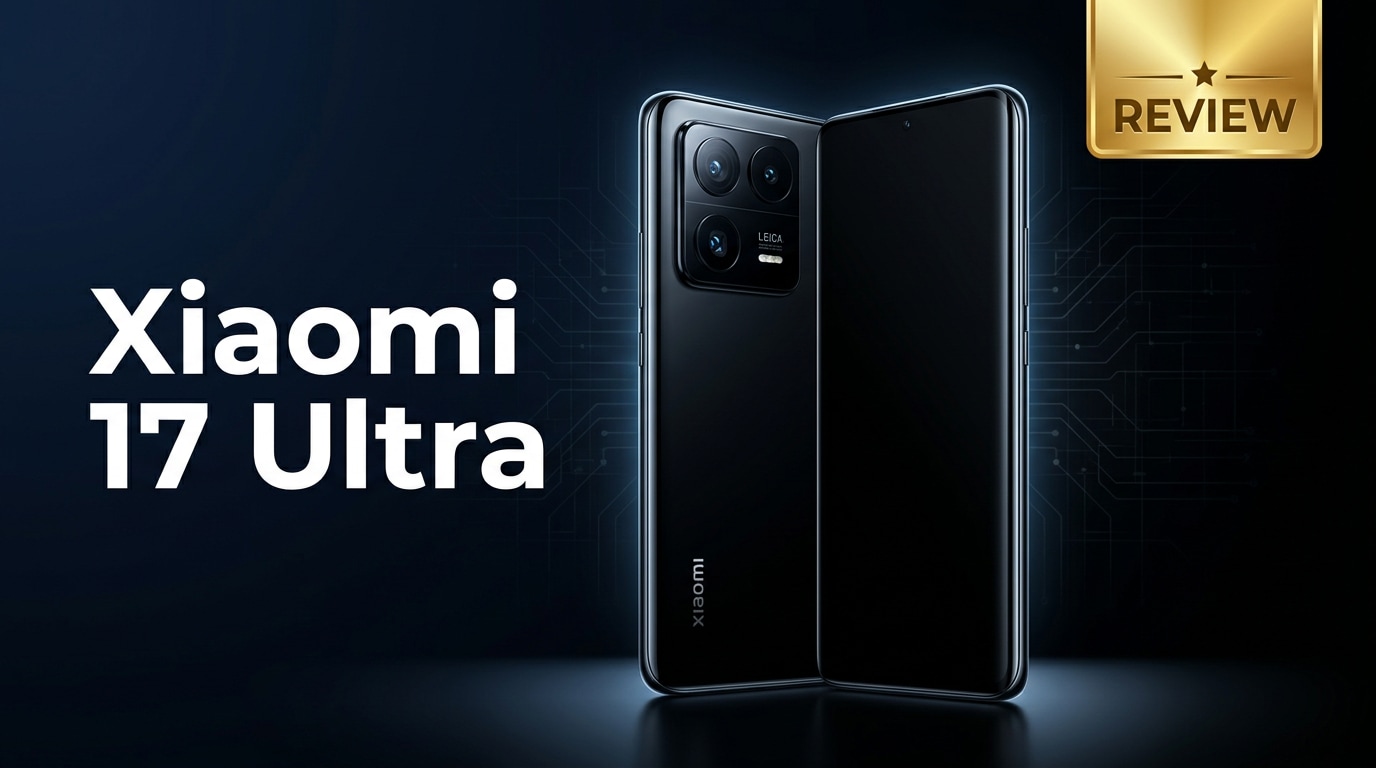
The Xiaomi 17 Ultra is Xiaomi's latest premium Android flagship, combining a cutting-edge chipset, bold camera hardware, and a polished design that aims to compete with the very best phones on the market. This review looks at its specs, performance, camera quality, battery life, and price, and also offers practical advice on protecting and repairing your photos and videos if something goes wrong.
Repair Corrupted Files To Save Your Data
 Security Verified. Over 7,302,189 people have downloaded it.
In this article
What is New About Xiaomi 17 Ultra
The Xiaomi 17 Ultra refines the Ultra formula with a faster next-gen chipset, upgraded imaging pipeline, and more polished software. Xiaomi doubles down on large camera sensors, improved low-light performance, and better stabilization for video creators. The device also brings more efficient cooling and higher peak brightness for the display, helping it stay smooth during long gaming sessions or outdoor use. Together with better haptics and improved audio, it feels like a complete flagship package aimed at power users and content creators.
Price, Storage, and Design
Xiaomi 17 Ultra price and configurations
The Xiaomi 17 Ultra price targets the upper flagship tier, sitting alongside premium rivals from Samsung and other Android brands. Xiaomi typically offers multiple storage and RAM options so you can match performance with your budget.
| Variant | Who it suits |
|---|---|
| Base storage (e.g., 256 GB) | Most users who stream media and rely on cloud backups. |
| Mid-tier storage (e.g., 512 GB) | Mobile photographers and gamers with larger app libraries. |
| Top-tier storage (e.g., 1 TB) | Power users shooting 4K/8K video or storing large offline files. |
Exact pricing will vary by region and launch offers, but positioning clearly places the phone in the premium flagship category rather than mid-range.
Design and build quality
The Xiaomi 17 Ultra has a premium glass-and-metal build with a large, prominent camera island that immediately signals imaging power. The phone balances weight and ergonomics reasonably well for its size, with curved edges that sit comfortably in the hand. Xiaomi continues to offer flagship essentials like stereo speakers, IP rating in many markets, and refined color options that look understated yet high-end. Overall, it feels like a true top-tier device in both materials and detailing.
Display, Performance, and Daily Use
The Xiaomi 17 Ultra specs include a high-resolution AMOLED panel with a fast refresh rate, delivering smooth scrolling and vivid colors. High peak brightness helps with readability in direct sunlight, and support for HDR standards makes movies and games look more immersive.
Under the hood, the Xiaomi 17 Ultra performance is driven by a flagship chipset, fast UFS storage, and ample RAM. Apps open quickly, multitasking is fluid, and demanding 3D games run at high graphics settings with only minor frame dips during very heavy loads. Thermal management is improved, so the phone stays more comfortable during extended use.
For daily use, animations feel snappy, biometric unlock is fast, and connectivity (5G, Wi-Fi, Bluetooth, NFC) is reliable. Combined with solid haptics and tuned speakers, the 17 Ultra offers an enjoyable everyday experience for browsing, social media, and content consumption.
Camera Review
The Xiaomi 17 Ultra camera system is the star of the show, built around large sensors and advanced computational photography. The main camera captures detailed shots with good dynamic range, while the ultra-wide lens maintains consistent color and contrast without excessive distortion.
Telephoto performance is another highlight. Zoom shots remain sharp at moderate ranges, and Xiaomi's processing controls noise well in low light. Night mode is capable, pulling extra detail out of dark scenes without pushing colors too far into artificial territory.
For video, the Xiaomi 17 Ultra supports high-resolution recording with strong stabilization, making it suitable for casual vlogging or travel clips. Focus transitions are fairly smooth, and microphones do a decent job isolating voices from background noise. Overall, this camera setup competes confidently with other flagship devices for both stills and video.
Battery, Charging, and Software Experience
The Xiaomi 17 Ultra battery capacity is designed to last a full day of mixed use, even with the high-refresh-rate display enabled. Heavy gamers and frequent photographers may need a top-up by evening, but for most users, endurance is dependable.
The phone supports high-wattage wired fast charging and competitive wireless charging solutions. Plugging in for a short session can restore a significant portion of the battery, reducing charging anxiety during busy days. Reverse wireless charging may also be available to top up accessories like earbuds.
On the software side, Xiaomi's customized Android skin offers abundant features, from advanced theming to granular performance controls. Some users may need time to adjust to the interface and pre-installed apps, but regular updates and tweaks typically refine the experience over the phone's lifespan. With a bit of personalization, the Xiaomi 17 Ultra can feel both powerful and tailored to your workflow.
Pros and Cons of Xiaomi 17 Ultra
| Pros | Cons |
|---|---|
| Flagship-level performance suitable for gaming, multitasking, and creative workloads. | Premium pricing makes it less accessible for budget-conscious buyers. |
| Versatile camera system with strong low-light, zoom, and video capabilities. | Large size and weight may feel bulky for users with smaller hands. |
| Bright, high-refresh AMOLED display and fast charging options. | Software skin may not suit users who prefer a stock Android look and feel. |
What to Do If Your Xiaomi 17 Ultra Files Get Corrupted
Why files from Xiaomi 17 Ultra get corrupted
Even a premium phone like the Xiaomi 17 Ultra is not immune to file corruption. Sudden shutdowns while recording, low storage space, interrupted file transfers, buggy third-party camera apps, or issues with SD cards and external drives can all damage photos and videos. Symptoms include videos that refuse to play, photos that only partially load, or error messages when you try to open files. When this happens, stop using the affected storage immediately to avoid overwriting data, then move on to repair and recovery.
How to repair Xiaomi 17 Ultra files safely
When your fix corrupted Xiaomi videos attempts fail with regular players, a dedicated repair tool is your best option. Wondershare Repairit is built specifically to handle corrupted media and other files from phones like the Xiaomi 17 Ultra. You can download it from the Repairit official website and use its guided workflow to bring damaged content back to a usable state without needing advanced technical skills.
Key features of Wondershare Repairit
- Repairs corrupted photos and videos from devices such as the Xiaomi 17 Ultra, digital cameras, memory cards, and computers.
- Supports batch repair so you can process multiple damaged clips or images in one session and save time.
- Lets you preview repaired items before saving, ensuring only fully fixed files are kept.
Step-by-step guide: repair Xiaomi 17 Ultra photos and videos
-
Add the corrupted Xiaomi 17 Ultra files to Repairit
Install and launch Wondershare Repairit on your computer, then select the appropriate module, such as Video Repair or Photo Repair. Connect your Xiaomi 17 Ultra via USB or copy the problematic files to your PC first. Click the "Add" button inside Repairit, browse to the folder containing your corrupted photos or videos, and load all the items you want to repair into the program.

-
Run the repair process and check the previews
Once your files are listed, click the "Repair" button to start automatic analysis. Repairit will examine each file structure, fix detected errors, and display progress in the interface. When the repair is finished, use the preview feature to play the restored videos or open the repaired photos. This step helps you confirm that playback glitches, missing frames, or visual artifacts are resolved before you commit to saving.

-
Save the repaired files to a safe storage location
If the previews look good, click "Save" and choose a secure folder on your computer or an external drive that is working properly. Avoid saving back directly to the original, possibly unstable storage on your Xiaomi 17 Ultra until you are sure everything is healthy. After verifying the repaired copies, you can transfer them back to your phone or cloud backup so your photos and videos remain protected going forward.

Conclusion — When Should You Buy?
The Xiaomi 17 Ultra stands out as a full-featured flagship, delivering powerful performance, a versatile camera system, a bright high-refresh display, and rapid charging. It is particularly appealing for mobile photographers, gamers, and enthusiasts who want cutting-edge hardware in a polished package.
You should consider the Xiaomi 17 Ultra if top-tier performance, strong camera capabilities, and premium design are priorities and you are comfortable with its flagship-level price and software skin. Combine it with regular backups and a repair solution like Wondershare Repairit so that corrupted media files never undermine the value of your device or the memories you capture with it.
FAQ
-
1. Is the Xiaomi 17 Ultra good for gaming?
Yes. With a flagship chipset, fast storage, advanced cooling, and a high refresh rate display, the Xiaomi 17 Ultra can handle demanding games smoothly, especially when performance modes are enabled. -
2. How is the camera quality on the Xiaomi 17 Ultra?
The Xiaomi 17 Ultra focuses on large sensors and advanced image processing to deliver detailed photos and stable video, with particularly strong results in low light and with zoom shots. -
3. Does the Xiaomi 17 Ultra have fast charging?
Yes. The Xiaomi 17 Ultra supports high-wattage wired fast charging and competitive wireless charging, allowing you to quickly top up the battery during the day. -
4. What should I do if my Xiaomi 17 Ultra videos will not play?
Restart your phone and try a different video player first. If the clips still fail to play, copy the files to a computer and use a repair tool like Wondershare Repairit to attempt to fix the corrupted videos. -
5. Can I recover deleted photos on the Xiaomi 17 Ultra?
You can often restore photos from the trash or "Recently deleted" folder in the gallery app, or from cloud backups. If those options do not work, specialized recovery software may help, though success depends on how long ago the files were deleted and whether new data has overwritten them.




