
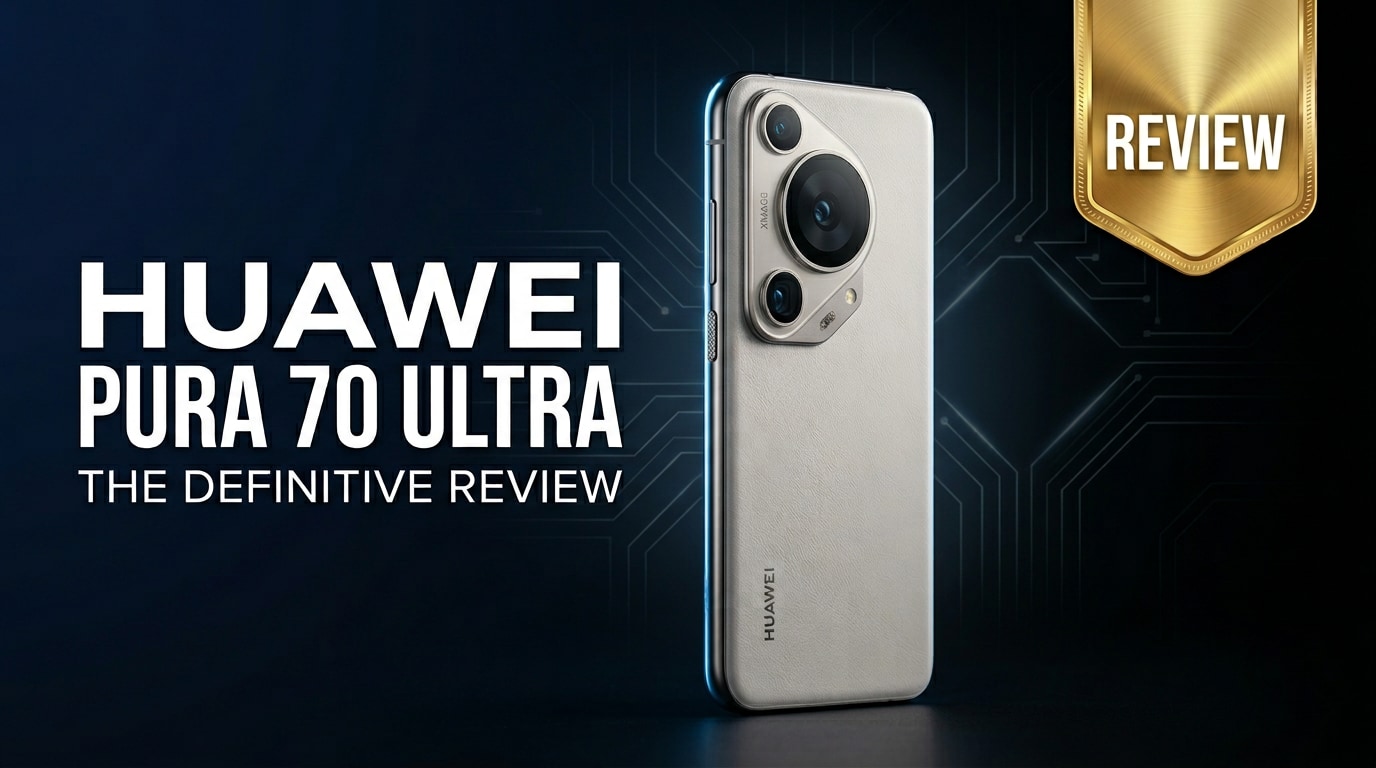
The Huawei Pura 70 Ultra is a striking flagship phone built around bold design and cutting-edge camera hardware. It blends a premium chassis, advanced imaging system, and vivid display with Huawei's familiar software ecosystem, which runs without native Google services. This review walks through real-world design, performance, and camera impressions, and also explains how to protect and repair your photos and videos if anything goes wrong.
Repair Corrupted Files To Save Your Data
 Security Verified. Over 7,302,189 people have downloaded it.
In this article
What's New About Huawei Pura 70 Ultra
The Huawei Pura 70 Ultra pushes Huawei's camera-first strategy even further, introducing a retractable main lens system to improve optical performance without making the device too bulky. It refines the design language of previous flagships with a more sculpted camera module and premium materials, while boosting display brightness and refresh rate smoothness. Under the hood, the chipset and storage speeds are tuned for snappy multitasking and fast image processing. On the software side, Huawei continues expanding its own app ecosystem to offset the absence of native Google services.
Price, Storage, and Design
Huawei Pura 70 Ultra price and configurations
The Pura 70 Ultra price is positioned firmly in the premium flagship segment, competing with high-end devices from Samsung, Apple, and other Android brands. Exact pricing varies by region, but you should expect it to sit near the top of Huawei's lineup.
| Variant | What to expect |
|---|---|
| Base storage | High-capacity internal storage suitable for most users who shoot a lot of photos and 4K videos. |
| Higher tiers | Generous storage options aimed at power users and creators who keep large media libraries offline. |
| Availability | Configuration and pricing can vary significantly depending on market, carrier deals, and local promotions. |
The key takeaway is that you are paying flagship money for flagship hardware, especially around imaging and display. If you shoot RAW photos, record long 4K clips, or store many apps locally, the higher storage tier is worth considering to avoid hitting limits too soon.
Design, build quality, and ergonomics
The design of the Huawei Pura 70 Ultra is unmistakably premium, with curved edges, a metal frame, and a distinctive camera island that makes it instantly recognizable. Materials feel solid in the hand, and the fit and finish are on par with other top-tier flagships. Huawei balances aesthetics and practicality: the phone remains surprisingly comfortable to hold despite the large camera system, thanks to thoughtful curves and weight distribution.
You can expect:
- A bold camera module that emphasizes the phone's photography focus.
- Color options that range from understated to more expressive finishes.
- Protection features such as water and dust resistance in line with modern flagships (exact rating may vary by model).
Display, Performance, and Daily Use
The Pura 70 Ultra specs revolve around a vivid OLED display with a high refresh rate for smoother scrolling and gaming. Brightness is strong enough for comfortable outdoor use, and colors can be tuned from punchy to more natural depending on your preference. Text appears sharp, making reading and web browsing a pleasure.
Performance is equally solid. Huawei's flagship-grade chipset, paired with ample RAM and fast storage, handles everyday tasks with ease:
- Apps open quickly and stay in memory for smooth multitasking.
- Photo editing and video rendering feel responsive.
- Games run smoothly at high settings, with stable frame rates in most popular titles.
In day-to-day use, animations are fluid, gestures are responsive, and network performance is consistent, assuming you are in an area with good coverage. Huawei's UI adds numerous customization options and smart features, from advanced screen split modes to convenient privacy and security tools.
Camera Review
The Huawei Pura 70 Ultra camera is the headline feature and the main reason many users will consider this phone. The innovative retractable main lens is designed to deliver better optical performance, improved low-light results, and more natural depth of field effects.
In practical terms, you get:
- A main sensor that captures detailed, well-exposed images with wide dynamic range.
- An advanced telephoto system that supports impressive lossless or near-lossless zoom for distant subjects.
- An ultra-wide camera that is useful for landscapes, architecture, and tight indoor spaces.
Low-light performance is a highlight. The phone can pull in a lot of light with relatively short exposure times, resulting in sharp photos with controlled noise and strong color reproduction. Night mode further improves detail in shadows while preserving highlights.
For video, the Huawei Pura 70 Ultra camera supports high-resolution recording, smooth stabilization, and reliable autofocus tracking. This makes it suitable for both casual clips and more serious content creation. You can switch between lenses while recording, and the phone handles color consistency reasonably well, though serious videographers may still prefer manual adjustments.
Battery, Charging, and Software Experience
The battery inside the Huawei Pura 70 Ultra is engineered to get you comfortably through a full day of mixed use. With social apps, messaging, photography, streaming, and light gaming, most users will finish the day with a buffer of charge remaining. More aggressive gaming or long 4K video sessions will drain the battery faster, but that is true of most flagships.
Fast wired and wireless charging (exact wattage depends on your region and charger) means short top-ups significantly extend endurance. In many cases, a quick 15–20 minute charge during a break can be enough to carry you through the rest of the day.
On the software side, the experience revolves around Huawei's own interface and app store. You do not get native Google apps or services out of the box, which is important to understand before buying. Instead, Huawei offers:
- Its own app marketplace and search tools for finding alternatives.
- Cloud backup, gallery, and email solutions within Huawei's ecosystem.
- Tools to migrate data and apps (where possible) from your old device.
If your daily workflow is heavily dependent on Google services, you will want to check whether the available workarounds and alternatives meet your needs. For users who are already comfortable with Huawei's ecosystem or rely mostly on browser-based services, the experience is smoother.
Pros and Cons of Huawei Pura 70 Ultra
Pros
- Outstanding camera system with innovative retractable main lens and strong low-light results.
- Premium design and build with a distinctive, high-end look.
- Bright, smooth OLED display that is excellent for media, gaming, and reading.
- Fast performance and generous storage options, ideal for power users.
- Strong battery life combined with fast charging for quick top-ups.
Cons
- No native Google apps or services, which may be a deal-breaker for some users.
- Premium pricing in many markets places it directly against established rivals.
- Limited availability in certain regions compared to mainstream Android brands.
- Some third-party apps may require additional steps to install or update.
What to Do If Your Huawei Pura 70 Ultra Files Get Corrupted
Use Repairit to fix damaged media
Because the Huawei Pura 70 Ultra is built for serious photography and videography, losing important clips or images to corruption can be frustrating and costly. Wondershare Repairit is a dedicated repair toolkit that helps you fix broken or unplayable videos, photos, audio, and documents from your phone or memory card. Whether your files were damaged during transfer, after a system crash, or due to a faulty storage card, Repairit offers a simple, guided workflow to get them back. You can learn more and download the tool from the Repairit official website.
Step-by-step: Repair corrupted Pura 70 Ultra files
Key features of Repairit for Huawei Pura 70 Ultra users
- Repairs broken or unplayable videos, photos, and other media from phones and memory cards.
- Supports batch repair, allowing you to fix multiple corrupted files in a single run.
- Provides a preview option before saving, so you can confirm the quality of repaired files.
How to repair corrupted Huawei Pura 70 Ultra files with Repairit
-
Step 1: Add your corrupted Huawei Pura 70 Ultra files
Install and open Wondershare Repairit on your computer, then choose the photo or video repair module that matches the file type you want to fix. Connect your Huawei Pura 70 Ultra via USB or insert its memory card into a card reader. Click the add button in Repairit and select the corrupted photos or videos you copied from your device.

-
Step 2: Start the automatic repair process
Once your damaged files appear in the Repairit interface, review the list and confirm everything you want to repair is selected. Click the repair button to begin. Repairit analyzes each file, fixes structural issues, and attempts to restore normal playback. You can monitor progress on-screen and wait for the status indicator to show that the repair is complete.

-
Step 3: Preview and save the repaired media
After the process finishes, use the preview option next to each item to check whether the repaired files look and play correctly. If you are satisfied with the results, click save and choose a secure folder on your computer or an external drive. It is a good idea to back up the repaired versions separately, so you always have a clean copy of your important Huawei Pura 70 Ultra photos and videos.

Conclusion — When Should You Buy?
The Huawei Pura 70 Ultra stands out for its bold design, powerful camera system, and confident everyday performance. It is tailored for users who care deeply about photo and video quality, want a high-end display, and appreciate Huawei's hardware craftsmanship.
You should strongly consider the Pura 70 Ultra if mobile photography is at the top of your priority list and you are comfortable living without native Google services. If you do choose it, make regular backups of your media and keep a tool like Wondershare Repairit handy, so corrupted or unplayable files never erase your best moments.
FAQ
-
1. Is the Huawei Pura 70 Ultra good for photography?
Yes. The Huawei Pura 70 Ultra is built as a camera-first flagship, with advanced sensors, a retractable main lens, versatile zoom, and strong low-light performance, making it an excellent choice for mobile photographers. -
2. Does the Huawei Pura 70 Ultra come with Google apps pre-installed?
No. Like other recent Huawei phones, the Huawei Pura 70 Ultra does not ship with native Google apps or services. It relies on Huawei's own ecosystem and alternative app sources instead. -
3. How much storage does the Huawei Pura 70 Ultra offer?
The Pura 70 Ultra specs typically include large internal storage options aimed at power users and content creators. Exact capacities and availability vary by region and retailer, so it is worth checking local listings. -
4. What should I do if my Huawei Pura 70 Ultra videos will not play?
First, try playing the video in another app and confirm that the file fully transferred. If it is still corrupted or unplayable, move the clip to a computer and use Wondershare Repairit to scan and repair the file. -
5. Can I recover damaged photos from my Huawei Pura 70 Ultra?
If your images are corrupted (not deleted), tools like Wondershare Repairit can often repair and restore them. For deleted photos, you will need a separate data recovery solution and should avoid saving new data to the same storage to prevent overwriting.




