
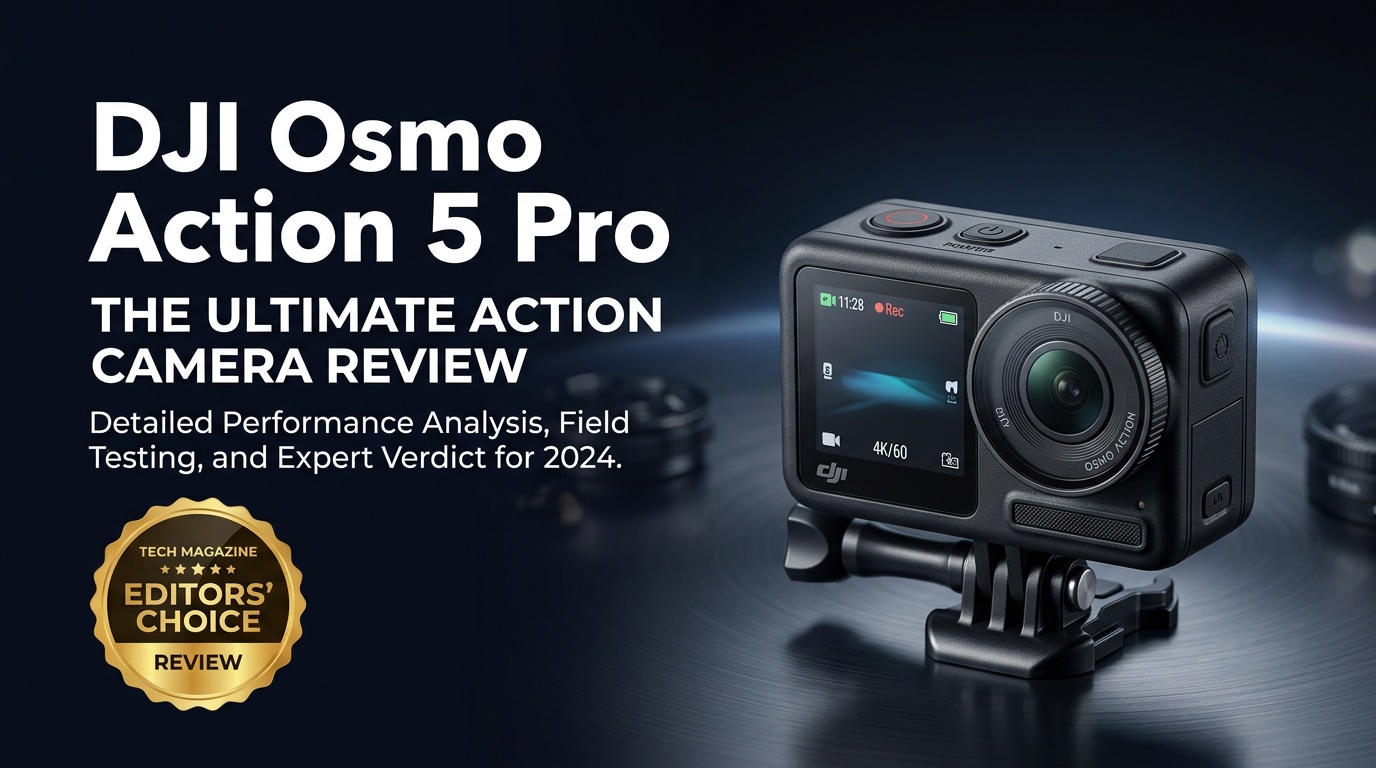
The DJI Osmo Action 5 Pro is a tough, compact 4K action camera built for creators who demand pro-level image quality in extreme conditions. It combines advanced stabilization, crisp high-frame-rate recording, and smart shooting tools in a body small enough to mount anywhere, from helmets to handlebars. Whether you are filming mountain descents, water sports, or daily vlogs, it aims to deliver reliable, sharp footage with minimal setup and fuss.
Repair Corrupted Files To Save Your Data
 Security Verified. Over 7,302,189 people have downloaded it.
In this article
What's New About DJI Osmo Action 5 Pro
The DJI Osmo Action 5 Pro refines the Action series with better image quality, smarter processing, and more durable hardware. A higher-quality sensor and upgraded image pipeline deliver cleaner details and improved dynamic range, especially in low light. Enhanced stabilization aims to keep footage rock-steady at higher frame rates and resolutions, while smarter auto-exposure and color tuning make clips look more polished straight out of camera.
On the usability side, the new Action 5 Pro focuses on quicker operation. Touchscreen responsiveness is improved, menus are more intuitive, and presets for common shooting scenarios cut down on setup time. Connectivity is also streamlined, making it easier to offload footage to your phone or control the camera remotely for difficult mounting positions.
Full Specs at a Glance
Core video and photo capabilities
| Feature | Details |
|---|---|
| Max video resolution | Up to 4K with high frame-rate options (including up to 120 fps in select modes) |
| Stabilization | Advanced electronic image stabilization for smooth, shake-free action footage |
| Photo capabilities | High-resolution stills with support for burst modes and photo capture while recording video |
| Slow motion | High-frame-rate 4K and lower-resolution modes for dramatic slow-motion playback |
| Recording formats | Standard MP4-based formats optimized for fast editing and sharing |
Design, battery, and connectivity
| Feature | Details |
|---|---|
| Build and durability | Rugged body designed for impact resistance and outdoor use |
| Waterproofing | Waterproof without housing to manufacturer-rated depths (verify current spec from DJI) |
| Battery life | Swappable battery system for extended shooting sessions |
| Mounting | Standard action camera mounting system compatible with common accessories |
| Connectivity | Wi-Fi and Bluetooth support for app control, file transfer, and remote monitoring |
Real-World Performance
In real use, the DJI Osmo Action 5 Pro is built to handle dynamic, fast-moving scenes. Stabilization smooths out bumps from trail runs, mountain biking, or urban skating, so footage remains viewable without excessive post-processing. High-frame-rate 4K modes are especially effective for capturing detailed slow motion where every splash or dust cloud is visible.
Low-light performance is also improved compared with earlier generations. Night rides, indoor gyms, or cloudy days retain more detail and accurate color, so you do not need to rely solely on bright midday light. Voice controls, responsive screens, and quick-switch presets make it easier to adapt on the fly, for example, when moving from chest mounts to handheld vlogging.
Battery performance is designed for real-world adventure durations, with quick swapping when you run out. As always with compact action cameras, extremely cold or hot conditions can shorten runtime, so carrying spares is wise. File handling is generally reliable, but like any sports camera, sudden power loss, bad cards, or interrupted recordings can still corrupt clips.
Pros & Cons
| Pros | Cons |
|---|---|
| High-quality 4K recording with smooth stabilization for fast action | Battery life can drop quickly in high-resolution, high-frame-rate modes |
| Improved low-light performance and more natural colors | Requires high-speed, reputable microSD cards to avoid dropped frames |
| Rugged, waterproof design suitable for demanding outdoor environments | Advanced features may feel overwhelming for casual users |
| User-friendly interface with quick access to presets and settings | Accessories and extra batteries add to the overall cost |
| Reliable companion app for transfers and remote control | Like all action cams, footage is still vulnerable to corruption from card or power issues |
Who Is This Camera For?
The DJI Osmo Action 5 Pro is aimed at people who need professional-looking footage but want a small, durable camera they can mount anywhere. Action sports athletes, cyclists, skiers, surfers, and climbers can all benefit from its combination of image quality, stabilization, and rugged design. It is also well suited to travel vloggers who need a pocketable device that survives dust, rain, and accidental drops.
Content creators who publish frequently on platforms like YouTube, TikTok, or Instagram will appreciate the camera's flexible resolution and frame-rate options, along with color settings that are easy to grade in post. For more casual users, the camera still works well in auto modes, but its real strength appears when you want more control over your footage without moving up to much larger systems.
What to Do If Your DJI Osmo Action 5 Pro Files Get Corrupted
Use Repairit to bring footage back
Despite the reliability of the DJI Osmo Action 5 Pro, card errors, sudden battery drops, or unplugging storage too early can still leave you with broken MP4 files that refuse to play. Instead of deleting these clips, you can often recover them with a dedicated repair tool. Wondershare Repairit is purpose-built for fixing corrupted, unplayable, or damaged videos from action cameras, letting you rescue important highlights from a long ride, race, or trip.
Key features of Repairit
- Repairs corrupted or unplayable video clips from DJI, GoPro, and other action cameras, including footage from the DJI Osmo Action 5 Pro.
- Guided, step-by-step workflow that supports multiple file formats and storage devices without requiring technical expertise.
- Built-in preview so you can inspect the repaired video before saving it to a safe location.
Step-by-step repair guide
-
Choose a Location to Repair Data
Open Wondershare Repairit and select the Video repair option. Add the damaged files you captured with your DJI Osmo Action 5 Pro by browsing to the folder, microSD card, or external drive where they are stored. You can import multiple corrupted clips at once, which is useful after a long session where several recordings were interrupted.

-
Deep Scan the Location
After adding your files, start the repair process so Repairit can analyze each video in depth. The software checks the file structure, headers, and audio/video streams to locate issues caused by power loss, card removal, or recording glitches. This deep scan then applies targeted fixes to reconstruct missing or damaged data segments and rebuild a playable video file.

-
Preview and Repair Your Desired Data
When Repairit finishes, you will see a list of repaired clips. Use the preview window to play each video and check that picture and sound look correct from start to finish. Once you are satisfied, select the clips you want to keep and save them to a secure folder on your computer or another drive, separate from the original source. This ensures your restored footage is safe while you decide whether to reformat or reuse the memory card.

Conclusion — Should You Buy?
The DJI Osmo Action 5 Pro is a compelling choice if you want a rugged, compact camera that captures sharp, stabilized 4K video in almost any environment. Its upgraded imaging, improved low-light handling, and creator-friendly interface make it suitable for everything from extreme sports to day-in-the-life vlogs.
If you decide to invest, factor in high-quality microSD cards, spare batteries, and a reliable repair solution like Wondershare Repairit. With good shooting habits and a safety net for corrupted files, you can focus on your adventures knowing your best clips from the Action 5 Pro are far less likely to be lost for good.
FAQ
-
1. Does the DJI Osmo Action 5 Pro support 4K 120 fps recording?
Yes. The DJI Osmo Action 5 Pro is designed to record high-frame-rate 4K footage, including up to 120 fps in supported modes, so you can create detailed, smooth slow-motion clips of fast-moving scenes. -
2. Is the DJI Osmo Action 5 Pro waterproof without a housing?
The camera body is built to be waterproof on its own to a manufacturer-rated depth, suitable for shallow water activities and wet conditions. Always confirm the latest waterproof rating and sealing instructions from DJI before submerging the camera. -
3. What memory card works best with the DJI Osmo Action 5 Pro?
Use a high-speed U3 or V30 (or better) microSD card from a reputable brand, with enough capacity for long 4K sessions. Slower or low-quality cards increase the risk of dropped frames, recording errors, and file corruption. -
4. How can I reduce the risk of corrupted video on the Action 5 Pro?
Format cards in-camera, avoid removing the card or powering off while recording, keep batteries charged, and stop recording before shutting down. Regularly back up your clips to a computer or external drive instead of filling the card to its limit. -
5. Can I repair corrupted DJI Osmo Action 5 Pro footage?
In many cases, yes. Tools like Wondershare Repairit can analyze damaged MP4 files from the DJI Osmo Action 5 Pro, fix structural errors, and help you recover playable versions of your important videos.




