
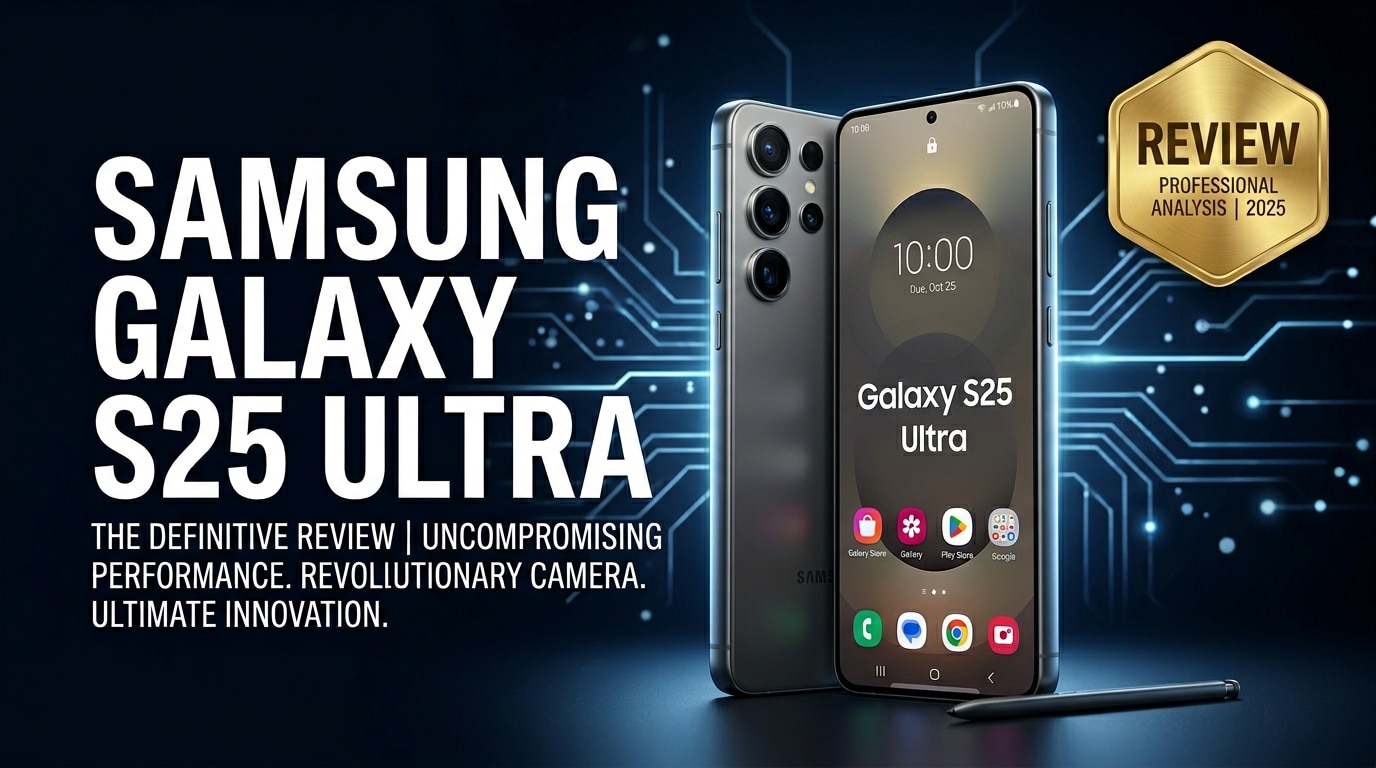
The Samsung Galaxy S25 Ultra is Samsung's latest premium flagship, built for demanding users who care about performance, photography, and long-term reliability. It refines the Ultra formula with upgraded cameras, a sharper display, and a more efficient chipset while keeping S Pen and big-screen productivity at the core. This review covers what is new, real-world performance, camera quality, battery life, pricing, and how to protect your data if important photos or videos become corrupted.
Repair Corrupted Files To Save Your Data
 Security Verified. Over 7,302,189 people have downloaded it.
In this article
The Samsung Galaxy S25 Ultra is positioned as the ultimate Android all-rounder, combining a massive high-refresh display, pro-grade camera hardware, and powerful productivity tools like the S Pen. It aims to replace your camera, tablet, and even parts of your laptop workflow while delivering reliable all-day battery life. Beyond specs, it focuses on smarter image processing, tighter integration with Samsung's ecosystem, and better data protection for the photos and videos you capture every day.
What Is New About Samsung Galaxy S25 Ultra
Samsung refines the Ultra lineup each year, and the Galaxy S25 Ultra leans on meaningful upgrades rather than flashy gimmicks. The phone introduces a more efficient next-gen chipset for smoother multitasking, improved thermal management during gaming, and better battery endurance under load. On the camera side, a reworked sensor array and upgraded computational photography stack deliver sharper low-light shots, cleaner zoom images, and more stable 8K video recording.
Artificial intelligence plays a larger role, assisting with scene recognition, portrait separation, noise reduction, and on-device editing features like object removal and generative fill. The S Pen experience also gets more responsive, particularly when annotating PDFs, sketching, or editing timelines in video apps. Combined with longer promised software support, the Samsung Galaxy S25 Ultra is designed to feel fast and relevant for many years.
Price, Storage, and Design
Samsung Galaxy S25 Ultra price and storage options
Exact pricing will vary by region and carrier, but the Galaxy S25 Ultra continues to occupy the top tier of Samsung's pricing ladder. Expect it to launch at a premium similar to recent Ultra models, with incremental increases in some markets due to higher component costs and expanded base storage.
| Variant | Who it suits |
|---|---|
| Base model (e.g., 256 GB) | Everyday users who mostly stream content and rely on cloud backups. |
| Mid-tier (e.g., 512 GB) | Mobile photographers, gamers, and users who record lots of 4K/8K video. |
| Top tier (e.g., 1 TB) | Power creators who shoot long-form content and want minimal offloading. |
As with recent Ultras, there is typically no microSD card slot, so choosing the right storage tier upfront is crucial. A higher-capacity variant can save you the hassle of managing space or offloading footage frequently, especially if you plan to use the phone for 8K recording and RAW images.
Design, materials, and in-hand feel
The Samsung Galaxy S25 Ultra continues Samsung's refined industrial design language with a boxy silhouette, minimal camera housing, and elegant colorways. Premium glass and metal materials return, with subtle tweaks to the frame curvature that make the large phone slightly more comfortable to hold for extended periods.
Button placement, S Pen slot location, and speaker grills feel familiar, so upgrading users will adapt instantly. The finish options generally include both understated professional tones and bolder, exclusive Samsung online colors. An improved fingerprint-resistant coating and strengthened glass help the device better resist smudges and minor drops, but a quality case is still recommended to protect its investment-level price tag.
Display, Performance, and Daily Use
The Galaxy S25 Ultra's display remains one of its headline features. Expect a large high-resolution AMOLED panel with an adaptive high refresh rate that smoothly scales for games, video, and scrolling. Samsung typically pushes peak brightness even higher each generation, making outdoor visibility excellent and HDR content punchy without sacrificing color accuracy.
Under the hood, the new flagship chipset, paired with ample RAM, ensures snappy app launches and lag-free multitasking. Heavy games run at high settings with stable frame rates, while the improved cooling system keeps temperatures manageable during long sessions. Everyday tasks like messaging, social media, and email feel effortless, and Samsung's One UI optimizations further smooth out animations and transitions.
In daily use, the combination of display quality, performance headroom, and refined haptics makes the Samsung Galaxy S25 Ultra feel genuinely premium. Biometrics are fast and reliable, Wi-Fi and 5G connectivity are solid, and small touches like improved vibration feedback when typing add to the overall polish.
Camera Review
Shooting capabilities are a core reason to buy the Galaxy S25 Ultra, and this generation aims to push photography and videography even further. The main sensor delivers excellent dynamic range and more natural color reproduction compared to older models, with fewer instances of oversharpening. Low-light shots benefit from cleaner shadows, less noise, and better detail retention thanks to upgraded image processing pipelines.
The telephoto zoom system continues to be a differentiator for Samsung. Expect sharp 3x and 10x shots with usable detail even at higher digital zoom levels when lighting cooperates. Ultra-wide performance is also improved, with better edge sharpness and reduced distortion, making it more reliable for landscapes and group photos.
Video recording on the Samsung Galaxy S25 Ultra supports up to 8K, with more stable autofocus and enhanced stabilization modes for handheld shooting. Portrait video, improved background separation, and richer audio capture strengths make it suitable for vlogging and social content. However, 8K clips and high-bitrate 4K can be heavy on storage and are more vulnerable to corruption if interrupted, underscoring the need for timely backups and repair options if files become unreadable.
Battery, Charging, and Software Experience
Battery life is a key factor for such a large, powerful phone. The Galaxy S25 Ultra pairs a sizable battery with a more efficient chipset and refined power management, allowing a full day of mixed use that includes messaging, streaming, navigation, gaming, and plenty of camera use. With moderate settings and adaptive refresh rate, many users can push into a second day on lighter schedules.
Charging speeds remain competitive, offering fast wired charging and convenient wireless and reverse wireless options. As with recent flagships, Samsung typically omits a charging brick from the box, so you will want a compatible fast charger to get the best speeds. The lack of a bundled brick is worth factoring into your total purchase cost.
On the software side, the Samsung Galaxy S25 Ultra ships with the latest version of Android skinned with Samsung's One UI. The interface is mature, feature-rich, and optimized for one-handed use despite the large screen. Samsung continues its commitment to long-term OS and security updates, making the S25 Ultra a solid choice for buyers who hold on to devices for several years. Integrated backup solutions, Samsung Cloud alternatives, and tight integration with Windows PCs also make file management and data safety more approachable.
Pros and Cons of Samsung Galaxy S25 Ultra
Pros
- Stunning, bright high-refresh AMOLED display ideal for gaming, media, and productivity.
- Powerful chipset with excellent performance and improved efficiency for all-day use.
- Versatile camera system with strong zoom, enhanced low-light performance, and robust 4K/8K video options.
- Integrated S Pen with low latency, ideal for notes, sketches, and professional workflows.
- Long-term software support and tight integration with Samsung and Android ecosystems.
Cons
- High starting price, especially for larger storage variants.
- Large size can be uncomfortable for small hands and one-handed use.
- No microSD expansion, making storage choice at purchase critical.
- Charger brick typically not included, adding extra cost.
- High-resolution video and RAW photos can consume storage quickly and increase risk of file corruption if not backed up properly.
What to Do If Your Samsung Galaxy S25 Ultra Files Get Corrupted
Why Samsung files get corrupted
Even on a flagship like the Samsung Galaxy S25 Ultra, files can become corrupted for several reasons: sudden power loss during recording, interrupted file transfers, system crashes, buggy third-party apps, or issues with external storage. Symptoms include videos that refuse to play, photos that will not open, and documents that show errors. When this happens, copying the broken files to a computer and using professional repair software gives you the best chance of getting your data back without making the damage worse.
How to repair corrupted Galaxy S25 Ultra files with Repairit
Wondershare Repairit is a dedicated repair toolkit built to handle corrupted photos, videos, audio, and documents from devices like the S25 Ultra. It focuses on simplicity: you add damaged files, let the software analyze and repair them, then preview the results. You can get the latest versions for desktop and online from the Repairit official website, making it easy to rescue content shot on your Samsung phone.
Key features of Repairit for Galaxy S25 Ultra users
- Repairs corrupted videos, photos, and office documents saved from your Samsung Galaxy S25 Ultra, cameras, or computers.
- Supports popular formats, including high-resolution 4K and 8K mobile video files recorded on modern flagships.
- Offers a guided, click-through repair process that is friendly for non-technical users who just want their memories back.
Step-by-step: Fix corrupted Samsung Galaxy S25 Ultra files with Repairit
- Import the corrupted Samsung Galaxy S25 Ultra files to Repairit
First, connect your phone to a computer or use a card reader if your footage is on external storage. Copy the damaged videos, photos, or documents from the Galaxy S25 Ultra to a safe folder on your PC or Mac. Launch Repairit and click the option that matches your file type (Video, Photo, or File). Use the "Add" button to browse and load the problematic items into the repair list.

- Start an automatic scan and repair process
After adding your broken Galaxy S25 Ultra files, click the "Repair" button to begin. Repairit will scan the structure of each file, identify header, index, or data stream issues, and then apply suitable repair strategies automatically. During this phase you do not need to tweak advanced options; just let the tool complete its analysis and reconstruction in the background.

- Preview the repaired content and save it safely
When the repair task finishes, select each file to open the built-in preview window. Check whether your Galaxy S25 Ultra videos play smoothly, photos display clearly, or documents open without errors. If you are satisfied with the results, click "Save" to export the repaired versions to a dedicated folder on your computer or backup drive. Avoid overwriting the original corrupted copies until you confirm that the recovered files are complete and usable.

Conclusion — When Should You Buy?
The Samsung Galaxy S25 Ultra refines Samsung's Ultra formula with a sharper display, stronger camera system, and faster, more efficient performance. It is built for users who want a big-screen device that can handle gaming, productivity, and advanced photography without compromise, backed by long-term software support.
If you value top-tier cameras, S Pen productivity, and a flagship experience that should stay fast for years, the S25 Ultra is an excellent choice. Just remember to pair it with a solid backup routine and a reliable repair tool like Wondershare Repairit so that corrupted videos or photos never erase your most important memories.
FAQ
-
1. Is the Samsung Galaxy S25 Ultra worth upgrading from the S24 Ultra?
If you care about camera improvements, faster performance, and longer software support, the Galaxy S25 Ultra is a worthwhile upgrade. However, if your S24 Ultra still runs smoothly and you are happy with its camera performance, the day-to-day difference may not feel dramatic enough to justify upgrading immediately. -
2. Does the Samsung Galaxy S25 Ultra come with a charger in the box?
Following recent Samsung flagships, the Galaxy S25 Ultra typically includes a USB-C cable but not a charging brick. You will need to use an existing fast USB-C charger or purchase a compatible one separately to reach the advertised charging speeds. -
3. How good is the battery life on the Samsung Galaxy S25 Ultra?
The Samsung Galaxy S25 Ultra is designed to last a full day of mixed use, including social apps, web browsing, messaging, video streaming, and photography. Heavy gaming or long 8K recording sessions will drain the battery more quickly, but fast charging helps you recover a significant amount of power in a short time. -
4. What should I do if videos from my Samsung Galaxy S25 Ultra will not play?
Start by restarting your phone and trying a different media player. If the videos still do not play on other devices, the files may be corrupted. In that case, transfer them to a computer and use a repair tool such as Wondershare Repairit to analyze and attempt to fix the damaged video files. -
5. Can I recover deleted photos from my Samsung Galaxy S25 Ultra?
First, check the Recycle Bin in the Samsung Gallery app and any cloud backups like Google Photos or Samsung Cloud. If the images are not there, dedicated data recovery software might help, but success is not guaranteed. To improve your chances, stop saving new data to the phone to avoid overwriting deleted sectors.




