Looking for a Vidnoz AI alternative? The right replacement depends on whether you need a talking avatar, a photo that moves, an ecommerce advertisement or a video editor. These seven options cover different workflows, so this guide compares the actual job each tool can perform instead of treating every AI video platform as a direct substitute.
In this article
Part 1: Why Look for Vidnoz AI Alternatives?
Vidnoz is convenient for scripted avatar videos, but a good reason to switch depends on the project. Some creators want more control over a realistic spokesperson; others need multilingual training production, a talking portrait, an animated family photo, a promotional product clip or simply better subtitles on recorded video. Those requests cannot all be solved by ranking seven tools on one “AI quality” score.
Other practical reasons include monthly credit consumption, export quality, watermark rules, team permissions and the time spent regenerating scenes. Before switching, record one reference project—its duration, language, input image or footage, required rights and final platform—and use it to compare the options below. For an explanation of Vidnoz's own features and credit rules, see our Vidnoz AI review.
Part 2: Best Vidnoz AI Alternatives at a Glance
| Tool | Best for | Key distinction from Vidnoz |
| HeyGen | AI Avatars and Multilingual Presenter Videos | Specialized ai avatars and multilingual presenter videos |
| Synthesia | Corporate Training and Internal Learning Videos | Specialized corporate training and internal learning videos |
| D-ID | Talking Photos and Conversational Presenters | Specialized talking photos and conversational presenters |
| Wondershare Repairit | Creative Photo Animation and Image Editing | Photo animation, not lip-sync |
| InVideo AI | Script-to-Video and Marketing Stories | Specialized script-to-video and marketing stories |
| Pippit AI | Ecommerce Product Ads and Store Promotions | Specialized ecommerce product ads and store promotions |
| VEED | Online Video Editing, Captions and Social Content | Specialized online video editing, captions and social content |
If you need an avatar reading a script, start with HeyGen, Synthesia or D-ID. If you only need creative movement from a picture, Repairit is more relevant. If a finished product advertisement or an edited recorded video is the goal, focus on Pippit, InVideo AI or VEED. The right shortlist is usually two or three tools, not all seven.
Part 3: 7 Best Vidnoz AI Alternatives for Different Video Tasks
The following seven platforms are grouped by actual use case rather than presented as interchangeable avatar generators. Product links lead to the official sites so that you can confirm current plan limits directly.
1. HeyGen — Best for AI Avatars and Multilingual Presenter Videos
Overview
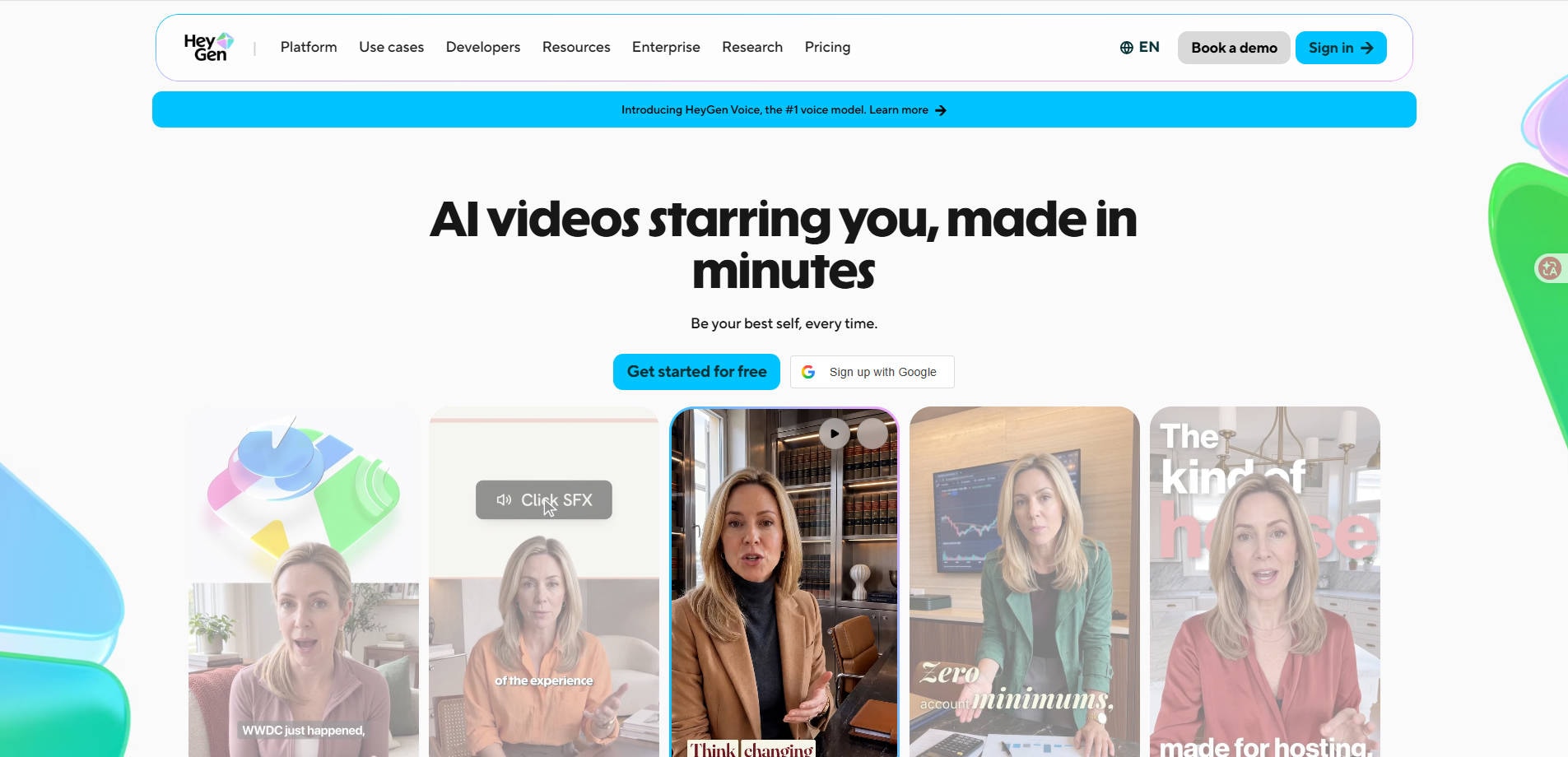
HeyGen is one option to consider when leaving Vidnoz. HeyGen focuses on polished AI presenter videos, avatar workflows and multilingual content. It belongs on a Vidnoz shortlist if your priority is a credible virtual spokesperson rather than experimental photo motion.
Key Features and Workflow
A practical comparison is to build the same 20-second product introduction in each editor. Listen for pronunciation and pause timing, inspect the mouth movements, and find out whether the workflow supports your planned languages and export needs.
Pros and Cons
Pricing
Paid tiers and usage allowances vary; review the live HeyGen pricing page rather than relying on an old per-minute estimate.
Best For
AI Avatars and Multilingual Presenter Videos. Choose HeyGen if presenter realism and multilingual delivery are the main buying criteria.
Our Take
Compare this tool against a real sample of your intended output. Examine editing control, usable exports and the current subscription terms; a feature list alone cannot tell you which service will deliver the right result.
2. Synthesia — Best for Corporate Training and Internal Learning Videos
Overview
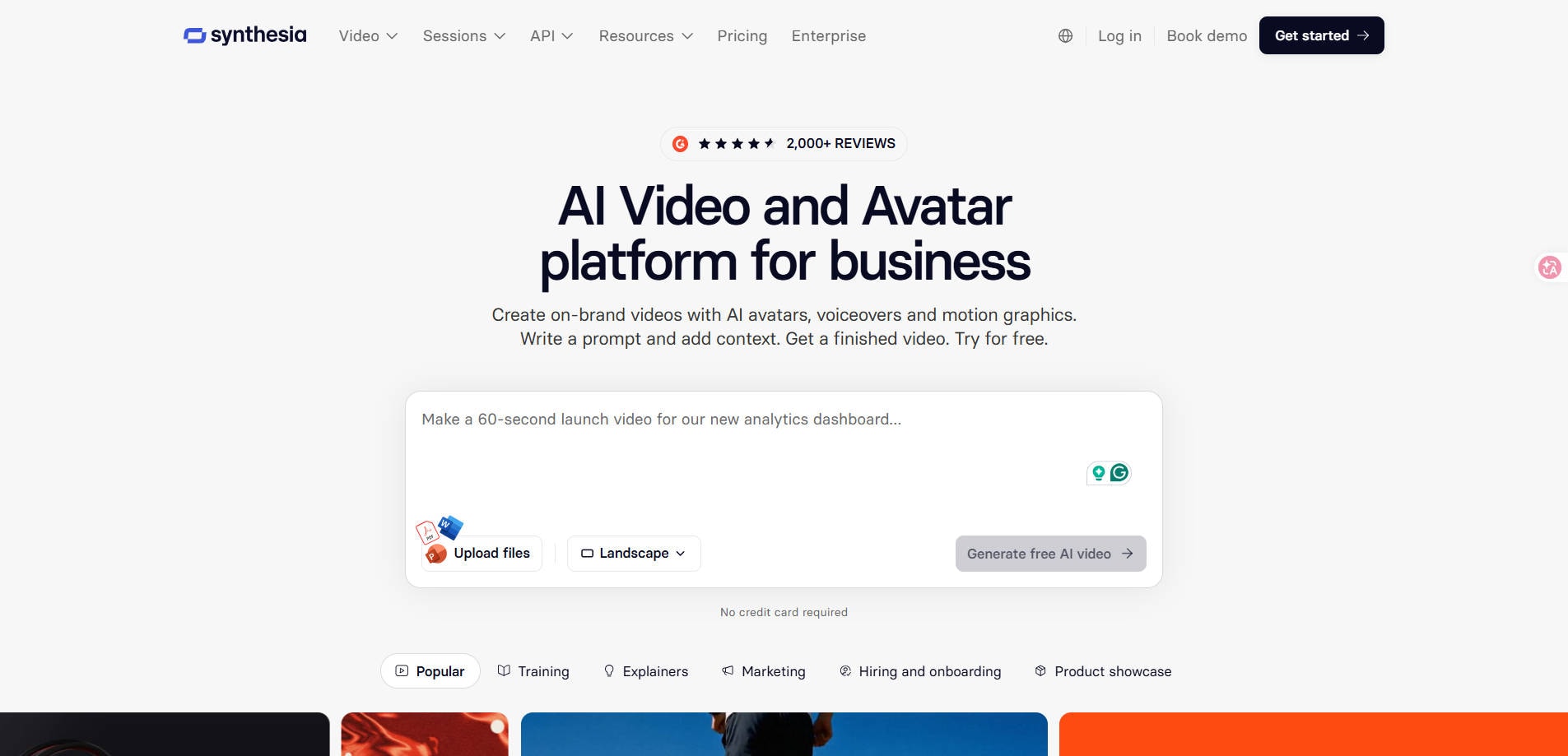
Synthesia is one option to consider when leaving Vidnoz. Synthesia is positioned toward corporate training, learning content and standardized business video creation. Unlike a casual animation app, it is worth considering when teams need governance, repeatable templates and documented training outputs.
Key Features and Workflow
A team should evaluate access controls, review processes, required subtitles, translation and training integrations. A presenter demo by itself is not enough: ask the people who publish or approve lessons to assess the full workflow.
Pros and Cons
Pricing
Plan, collaboration and enterprise features are tier-dependent; confirm the exact package with Synthesia.
Best For
Corporate Training and Internal Learning Videos. Choose Synthesia for repeatable business learning videos, not for simple pet-photo animation.
Our Take
Compare this tool against a real sample of your intended output. Examine editing control, usable exports and the current subscription terms; a feature list alone cannot tell you which service will deliver the right result.
3. D-ID — Best for Talking Photos and Conversational Presenters
Overview
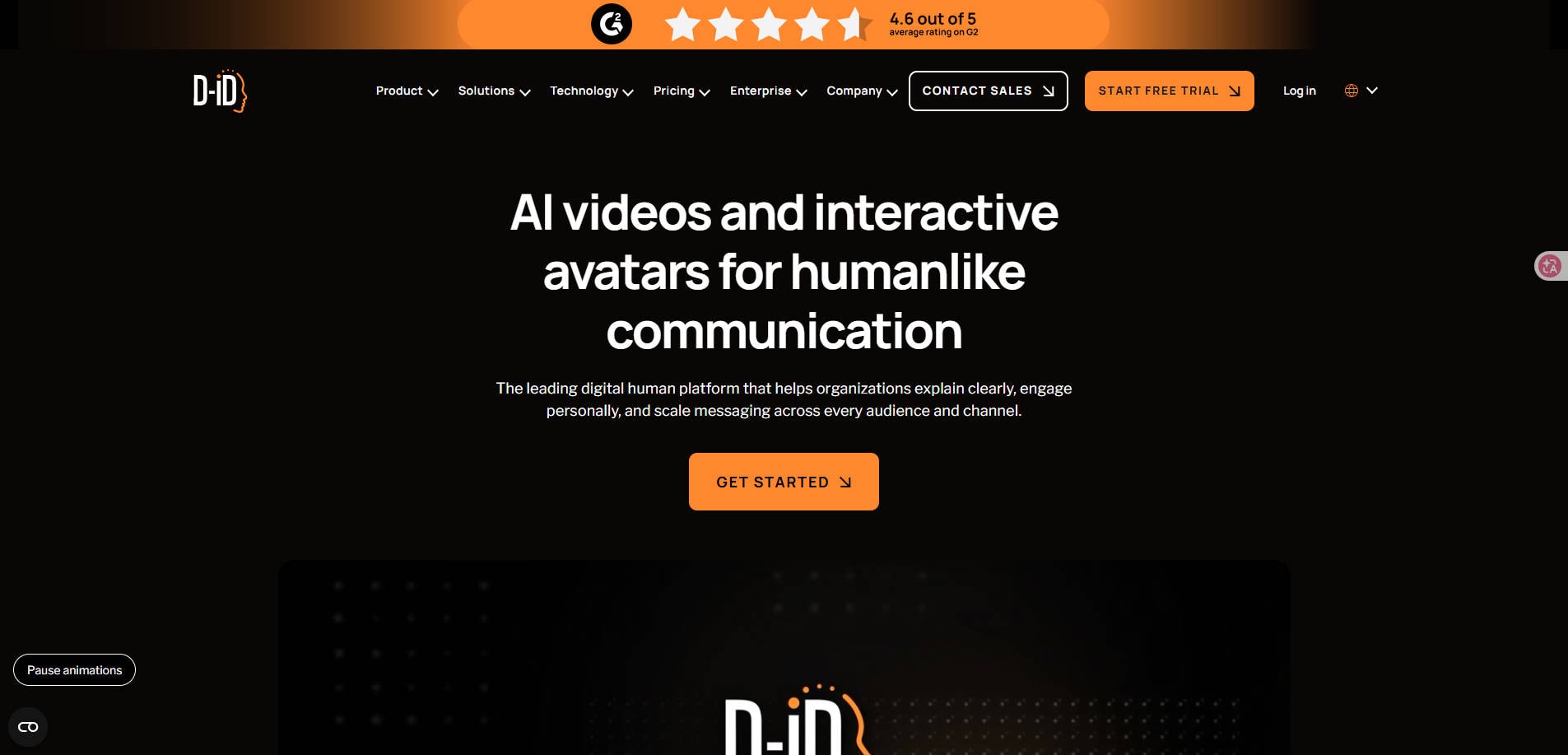
D-ID is one option to consider when leaving Vidnoz. D-ID is one of the most closely related alternatives when the goal is to turn a portrait into a speaking face. This makes it more directly comparable with Vidnoz Talking Photo than a general video editing suite would be.
Key Features and Workflow
Try the same source portrait, short script and voice settings in both services. Inspect whether the eye and mouth movement looks appropriate, and confirm consent for any real-person images before uploading.
Pros and Cons
Pricing
Review free trials, watermark restrictions and commercial-use requirements on the official pricing page.
Best For
Talking Photos and Conversational Presenters. Choose D-ID when speaking-photo output is the deciding requirement.
Our Take
Compare this tool against a real sample of your intended output. Examine editing control, usable exports and the current subscription terms; a feature list alone cannot tell you which service will deliver the right result.
4. Wondershare Repairit — Best for Creative Photo Animation and Image Editing
Overview
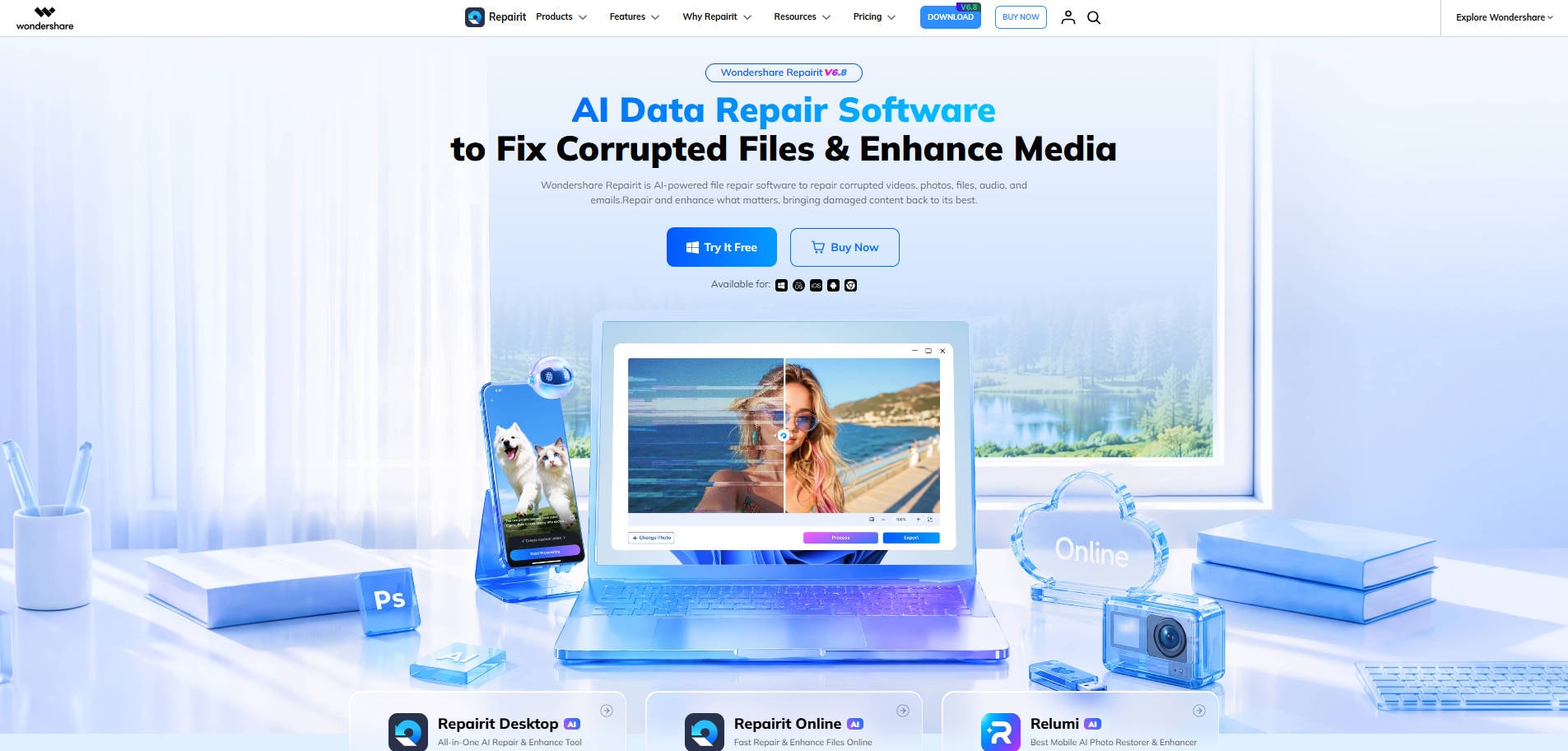
Wondershare Repairit is one option to consider when leaving Vidnoz. Wondershare Repairit fits a different slice of the audience: people who want a still photograph to become a short visual sequence, or who need to improve a source image before animation. It is not a direct replacement for Vidnoz scripts, dubbing or lip-synced avatar presentations.
Key Features and Workflow
Start with Animate Photo for image-to-motion creation. If the picture first needs a different background or style, try One-Prompt Edit. Evaluate how well the key subject is preserved and whether the resulting movement suits the story.
Pros and Cons
Pricing
Feature access and output limits should be checked on the relevant Repairit product pages before subscribing or downloading.
Best For
Creative Photo Animation and Image Editing. Choose Repairit when you want photo animation, not a synthetic presenter reading a script.
Our Take
Compare this tool against a real sample of your intended output. Examine editing control, usable exports and the current subscription terms; a feature list alone cannot tell you which service will deliver the right result.
5. InVideo AI — Best for Script-to-Video and Marketing Stories
Overview
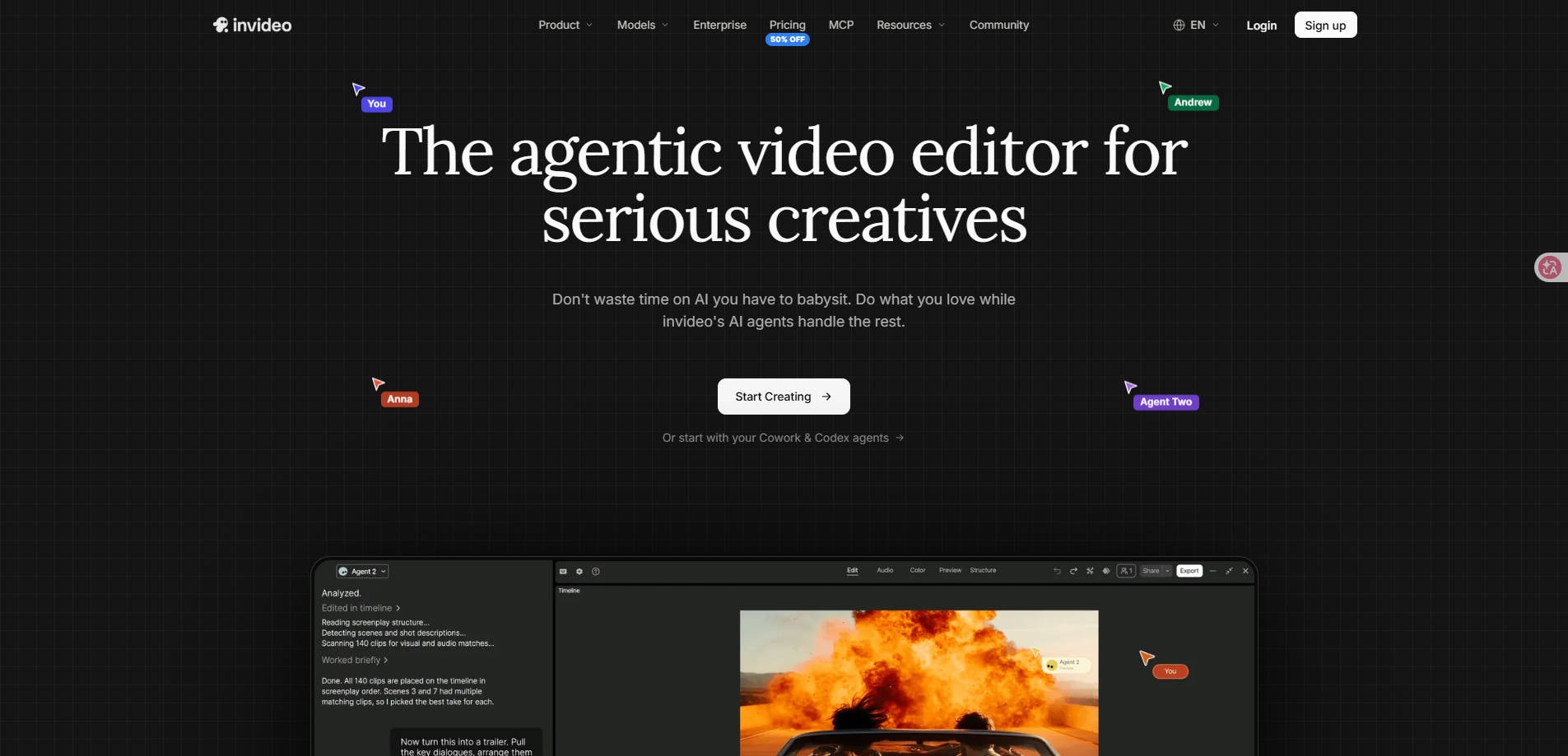
InVideo AI is one option to consider when leaving Vidnoz. InVideo AI takes a broader approach to making marketing and explanatory videos from written ideas, stock-style sequences and editing instructions. It may fit users who have a story to tell but do not want a fixed digital spokesperson on screen.
Key Features and Workflow
Compare the time required to turn the same written brief into a finished social post. Check control over scene order, pacing, branding and final exports rather than relying on the initial generation alone.
Pros and Cons
Pricing
Generation quotas and exports vary across subscription tiers; check the current offer.
Best For
Script-to-Video and Marketing Stories. Choose InVideo AI for script-led marketing clips with a mix of visuals.
Our Take
Compare this tool against a real sample of your intended output. Examine editing control, usable exports and the current subscription terms; a feature list alone cannot tell you which service will deliver the right result.
6. Pippit AI — Best for Ecommerce Product Ads and Store Promotions
Overview
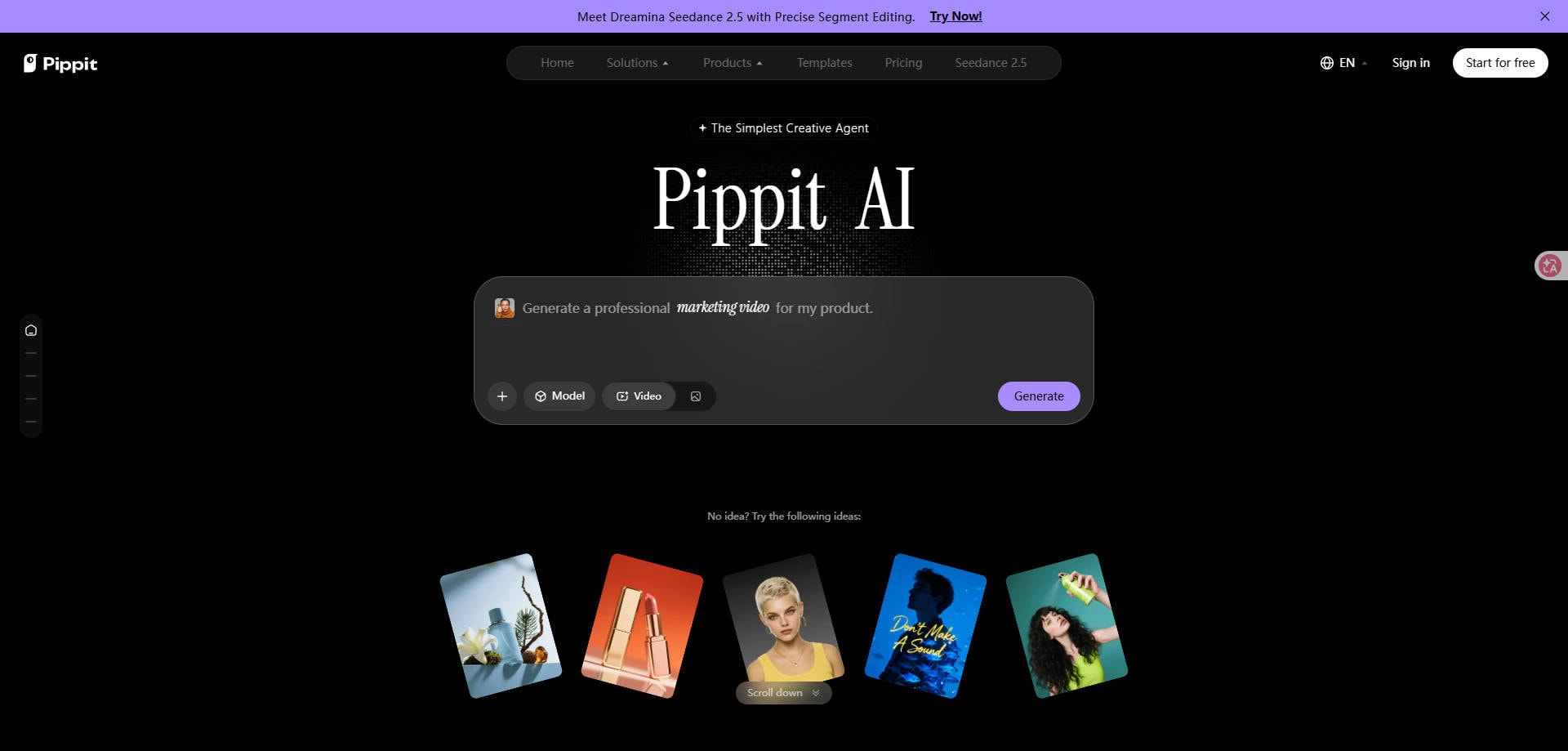
Pippit AI is one option to consider when leaving Vidnoz. Pippit AI serves ecommerce merchants who need product visuals, promotional designs and short marketing assets. This is an appealing alternative when the business outcome is a product listing or campaign creative, not a virtual presenter.
Key Features and Workflow
Judge the workflow using a real product photo: compare background treatment, text accuracy, promotional layout, and whether the finished asset can be used in the shop or channel where you sell.
Pros and Cons
Pricing
Free allowances and commercial terms vary by feature and account; confirm them on Pippit before production.
Best For
Ecommerce Product Ads and Store Promotions. Choose Pippit when product campaigns matter more than virtual presenters.
Our Take
Compare this tool against a real sample of your intended output. Examine editing control, usable exports and the current subscription terms; a feature list alone cannot tell you which service will deliver the right result.
7. VEED — Best for Online Video Editing, Captions and Social Content
Overview
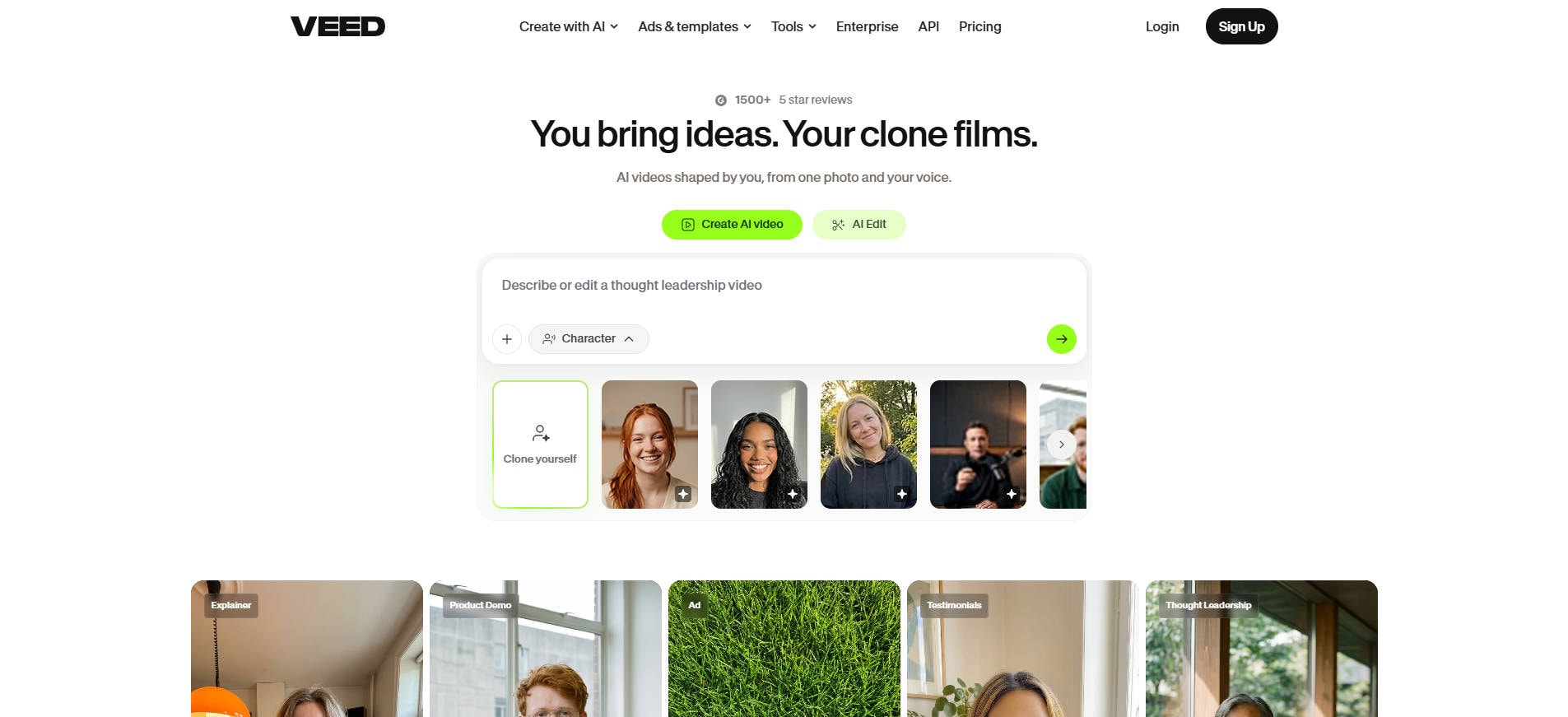
VEED is one option to consider when leaving Vidnoz. VEED offers a browser-based video editing workspace with captioning and AI-assisted production tools. It suits users who already have footage and mainly need to trim, subtitle, reframe or polish it for sharing.
Key Features and Workflow
If your material consists of recorded interviews, tutorials or product footage, test caption accuracy, subtitle timing, branding and export options. These are better buying signals than the number of stock avatars advertised.
Pros and Cons
Pricing
AI access, subtitle features and export quality can differ by plan; use the current VEED pricing page.
Best For
Online Video Editing, Captions and Social Content. Choose VEED when the biggest pain point is editing real video rather than creating a digital presenter.
Our Take
Compare this tool against a real sample of your intended output. Examine editing control, usable exports and the current subscription terms; a feature list alone cannot tell you which service will deliver the right result.
Part 4: How to Choose the Right Vidnoz Alternative
For Talking Avatars and Training
Prioritize lip-sync quality, script editing, voice permissions, repeatable scenes and brand review. HeyGen, Synthesia and D-ID are the most direct starting points on this list, though each emphasizes a different level of production and team structure. Ask whether your organization needs collaboration and localization or simply one portrait speaking a line.
For Photo Animation
Do not pay for a synthetic spokesperson when all you want is movement in a still image. Work out whether the output needs dialogue. A talking portrait needs lip-sync; a moving landscape, family photo or artistic image needs visual motion instead. In the latter case, evaluate Repairit Animate Photo using a copy of the original image and check how faithfully the subject is preserved.
For Product Videos and Social Ads
Pippit and InVideo AI offer more relevant alternatives when you want product-focused promotional assets or storyboarded marketing clips. VEED becomes more relevant after you have footage to cut, subtitle and reformat. Always inspect logos, product labels, claims and commercial-use terms: AI can change a product's appearance or invent visual details.
Compare Credits and Rights, Not Just Monthly Price
Use the same target duration for each quote, then add regeneration attempts, resolution, watermark removal and licensing to your cost worksheet. Avoid assuming that a free trial permits unrestricted commercial use. When uploading a portrait or voice, obtain consent from the person depicted; do not create an endorsement that they never agreed to.
Part 5: Which Vidnoz Alternative Should You Choose?
Choose HeyGen or D-ID when lip-synced presenter videos are the primary goal; consider Synthesia when training governance and reusable business content matter most. Choose Repairit for a focused photo-animation or image-preparation task, not a scripted corporate talking head. Choose Pippit for product marketing, InVideo AI for story-first marketing videos and VEED when you need to edit footage and subtitles.
There is no universal winner because “Vidnoz alternative” spans several different jobs. Pick the tool that makes your actual final deliverable with the fewest unnecessary steps, then verify pricing and rights on its own official website.
Part 6: Vidnoz AI Alternatives FAQ and Conclusion
FAQ
-
What is the best Vidnoz AI alternative for talking avatars?
HeyGen and D-ID are sensible tools to compare for speaking avatars. Synthesia deserves attention for structured business training. Test the same source script in each service.
-
Is there a free alternative to Vidnoz AI?
Several platforms offer trials or limited free access, but usable exports and commercial rights vary. Verify current plan restrictions rather than assuming all free tiers are equivalent.
-
Can Repairit replace Vidnoz Talking Photo?
Not for an exact scripted, lip-synced talking presenter. Repairit Animate Photo addresses visual motion from still images, which is a related but distinct task.
-
Which Vidnoz alternative is best for ecommerce videos?
Pippit is designed around product marketing workflows, while InVideo AI can help with broader scripted marketing video. Test with your actual product asset.
-
Which tool is better for video subtitles?
VEED is a stronger starting point for browser-based editing and caption work. Check language support, export formats and subtitle-editing access in the selected plan.
-
Do all Vidnoz alternatives support voice cloning?
No. Voice and cloning capabilities differ by provider and plan; confirm permissions, feature availability and consent requirements before relying on them.
-
Should I choose an avatar generator or image-to-video tool?
Use an avatar generator when a digital person must speak. Use a photo-animation or image-to-video workflow when the visual itself needs movement without scripted speech.
Conclusion: The best Vidnoz AI alternatives are not simply the tools with the largest avatar library. A credible shortlist starts with the exact task—talking presenter, animated photo, product advertisement or edited footage—and then checks cost, restrictions and output control. Make a small test clip before committing to a subscription.