10 Best MyFlixer Alternatives to Watch Movies & TV Shows in 2026
People often search for MyFlixer alternatives when a familiar streaming link no longer works, redirects to an unfamiliar address, or displays intrusive advertisements. A working mirror is not necessarily a safe or licensed streaming service. If you would rather watch movies and television through established platforms, there are free ad-supported choices as well as premium subscriptions worth comparing.
TL;DR
- Best free on-demand choice: Tubi offers licensed films and TV shows with advertising.
- Best free live-channel choices: Pluto TV, Xumo Play, and The Roku Channel.
- Best for a personal video library: Plex combines free entertainment with media-server tools.
- Best subscription choices: Netflix, Hulu, Prime Video, and Disney+ suit different viewing priorities.
- Best library-card option: Hoopla provides borrowing access through participating libraries.
- For your own blurry saved videos: Repairit AI Video Enhancer can improve some low-quality local footage; it does not enhance protected live streams.
Quick Answer: The best MyFlixer alternative depends on whether you want free movies, live channels, original shows, or a particular title. Start with licensed services such as Tubi or Pluto TV if free access matters most, and consider a subscription when you need a specific catalog. Streaming availability and content libraries vary by country.
In this article
Part 1. What Is MyFlixer and Why Are People Looking for MyFlixer Alternatives?
MyFlixer is a name associated with unofficial websites claiming to provide free movies and television series. The appeal is straightforward: users may hope to watch entertainment quickly without paying for several subscriptions. However, a page using the MyFlixer name may be an unofficial mirror or imitation, and readers should not assume that an active-looking domain is affiliated with a legitimate distributor.
What Is MyFlixer?
Rather than a single dependable licensed service, the MyFlixer name has appeared in discussions of free movie streaming and replacement domains. Viewers are drawn to the apparent range of films and shows, but the availability of a title does not establish that the operator has distribution rights. This is why the most useful websites like MyFlixer are often those with clearly licensed catalogs and transparent viewing conditions.
Why Is MyFlixer Not Working or Changing Domains?
A failed MyFlixer page can have several explanations, and it is difficult to establish the status of every site or copy using that name. Common possibilities include:
- Domain or hosting changes: The familiar address may disappear or redirect to an unrelated page.
- Rights disputes and enforcement: Unlicensed distribution can trigger copyright complaints or other restrictions.
- Network or browser blocks: Security services or local networks may block a domain they regard as risky.
- Imitation and misleading ads: Lookalike sites may display aggressive pop-ups, deceptive download buttons, or unsafe redirects.
- Temporary technical problems: Outages, broken players, and unavailable video hosts can also interrupt access.
Instead of trying a random mirror, choose an official service based on its catalog, availability, and safety practices.
Part 2. How to Choose Safe and Reliable Sites Like MyFlixer?
Not every MyFlixer alternative offers the same viewing experience. Use these five checks to narrow down the choice before signing up or pressing Play:
- Legal and secure access: Prefer the official website or app of a service offering licensed movies and television.
- Free versus paid viewing: Free services usually show ads; paid services may offer exclusive catalogs and additional quality options.
- Movie and TV library: Check whether the titles, genres, or specific seasons you want are actually available in your region.
- Playback quality and subtitles: Consider supported resolution, captions, audio languages, and viewing stability.
- Device compatibility: Verify support for your phone, browser, smart TV, or streaming player.
Part 3. 10 Best MyFlixer Alternatives for Streaming Movies and TV Shows in 2026
These free and paid MyFlixer alternatives offer different ways to watch legally. The first five focus on free ad-supported streaming, the next four on subscriptions, and the final pick on public-library access. Listed features describe the services generally; exact titles, prices, and options can change by region, device, and plan.
| Platform | Access | Best For |
|---|---|---|
| Tubi | Free with ads | Viewers who want free, licensed on-demand movies without a monthly fee |
| Pluto TV | Free with ads | People who like channel surfing as well as on-demand movies |
| Plex | Free with ads | Viewers who want free streaming alongside their own video collection |
| Xumo Play | Free with ads | Viewers looking for no-account free channel-style entertainment |
| The Roku Channel | Free with ads | Viewers who want free films plus streaming channels in one place |
| Netflix | Paid subscription | Subscribers who prioritize polished apps and exclusive shows |
| Hulu | Paid subscription | US viewers who follow television series as well as films |
| Amazon Prime Video | Paid subscription | Viewers who want subscription titles alongside rentals and purchases |
| Disney+ | Paid subscription | Families and fans of Disney-associated franchises |
| Hoopla | Free with eligible library card | Library-card holders who want free, licensed streaming |
1. Tubi
Genre: Movies, TV Shows, Comedy, Horror, Documentary
Best For: Viewers who want free, licensed on-demand movies without a monthly fee
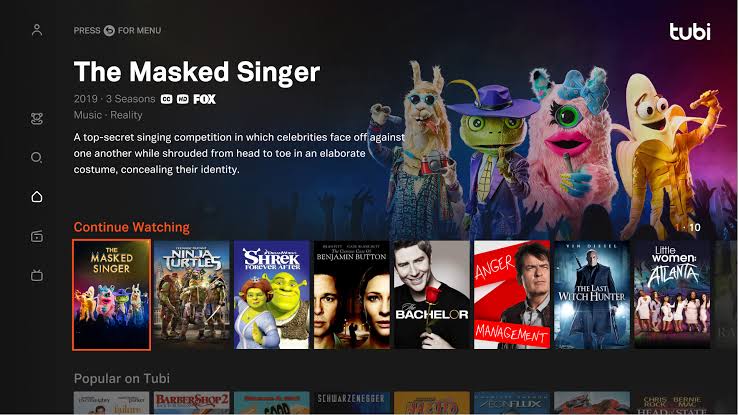
Tubi is a practical free MyFlixer alternative when you want to pick a movie and start watching instead of chasing changing mirror sites. The service offers licensed films and series across mainstream and niche genres, with advertisements supporting free access. Its straightforward browsing makes it especially useful for occasional movie nights. It cannot promise every newly released title, however, and the availability of a specific film depends on its catalog and viewing region.
Key Features
- Browse free on-demand movies and series by genre, collection, or search.
- Play supported titles through official web and device apps.
- Explore themed collections instead of depending on mirror-site recommendations.
Pros
- Free legal movie and TV streaming with no subscription charge.
- Broad genre selection suitable for casual discovery.
Cons
- Commercial breaks interrupt viewing.
- The newest cinema releases and specific titles may be unavailable.
2. Pluto TV
Genre: Live TV, Movies, Comedy, News, Classic TV
Best For: People who like channel surfing as well as on-demand movies
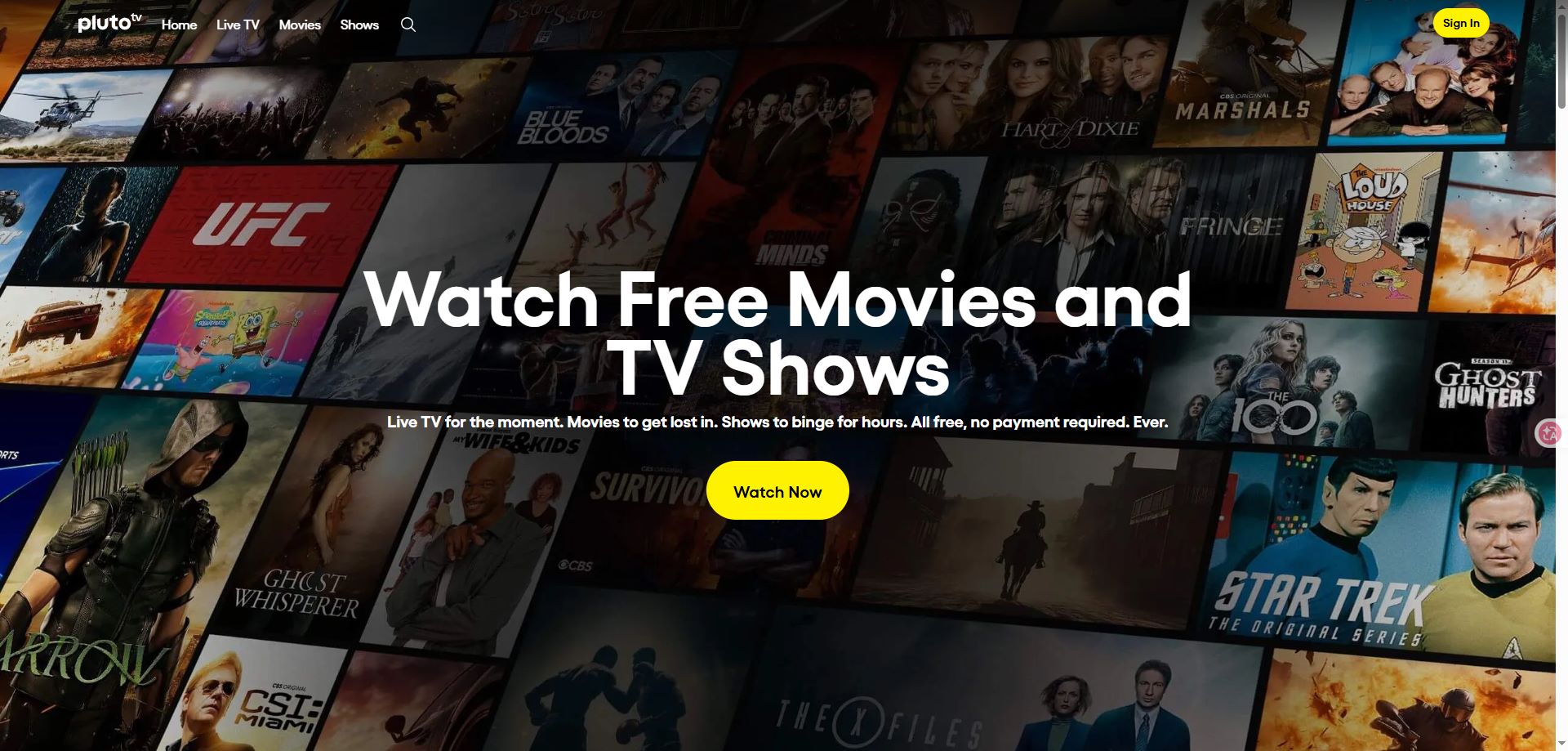
Pluto TV replaces the uncertain browsing experience of unofficial movie sites with free, licensed entertainment. Rather than focusing only on a searchable movie library, it also organizes programming into scheduled streaming channels. This makes it a comfortable pick when you want something to watch immediately but have no particular title in mind. Its channel-first format is less convenient when you need an exact episode on demand.
Key Features
- Explore a program guide with themed live-streaming channels.
- Watch movies and television programs from supported on-demand collections.
- Switch between entertainment, news, comedy, and genre-focused channels.
Pros
- Free ad-supported access with live and on-demand choices.
- Simple TV-style browsing for casual viewers.
Cons
- Ads are part of the free model.
- Some live-channel content cannot be started from the beginning on demand.
3. Plex
Genre: Movies, TV Shows, Live TV, Personal Media
Best For: Viewers who want free streaming alongside their own video collection
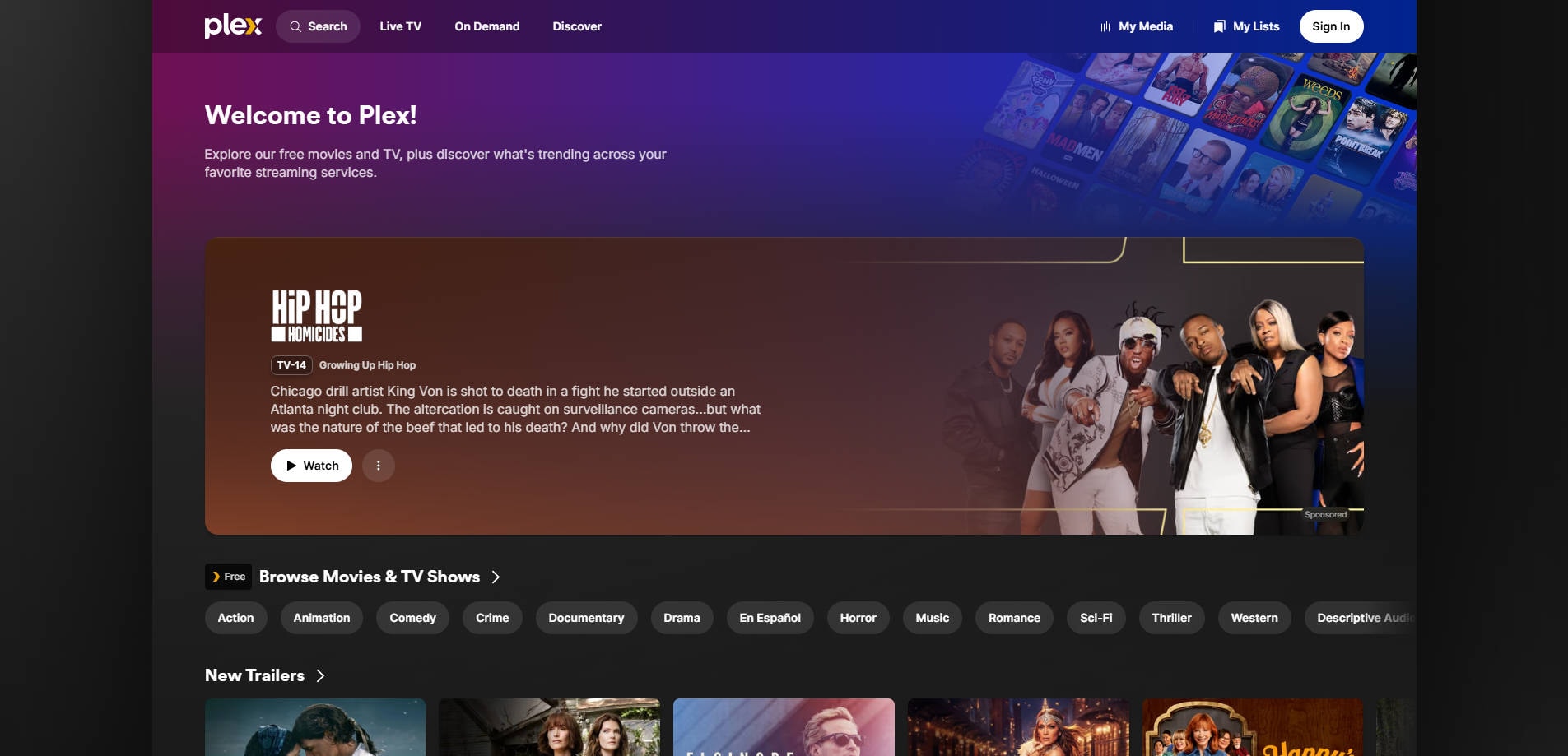
Plex is particularly useful if you already keep movies, home videos, or other media files on a computer or network drive. Alongside its ad-supported movies and live TV offerings, the Plex ecosystem can organize and play a personal collection through Plex Media Server. That combination gives this site like MyFlixer a different purpose: it helps users discover licensed content while keeping their own legitimately acquired video files organized. Initial server setup takes more effort than opening a simple streaming website.
Key Features
- Watch Plex-provided ad-supported movies and live TV.
- Organize personal movie and home-video libraries using Plex Media Server.
- Use discovery and watchlist tools to track entertainment across services.
Pros
- Combines free streaming and personal-media organization.
- Useful across supported screens and connected devices.
Cons
- Personal media server setup takes additional time.
- Some remote playback or advanced capabilities require paid options.
4. Xumo Play
Genre: Live TV, Movies, News, Sports, Reality TV
Best For: Viewers looking for no-account free channel-style entertainment
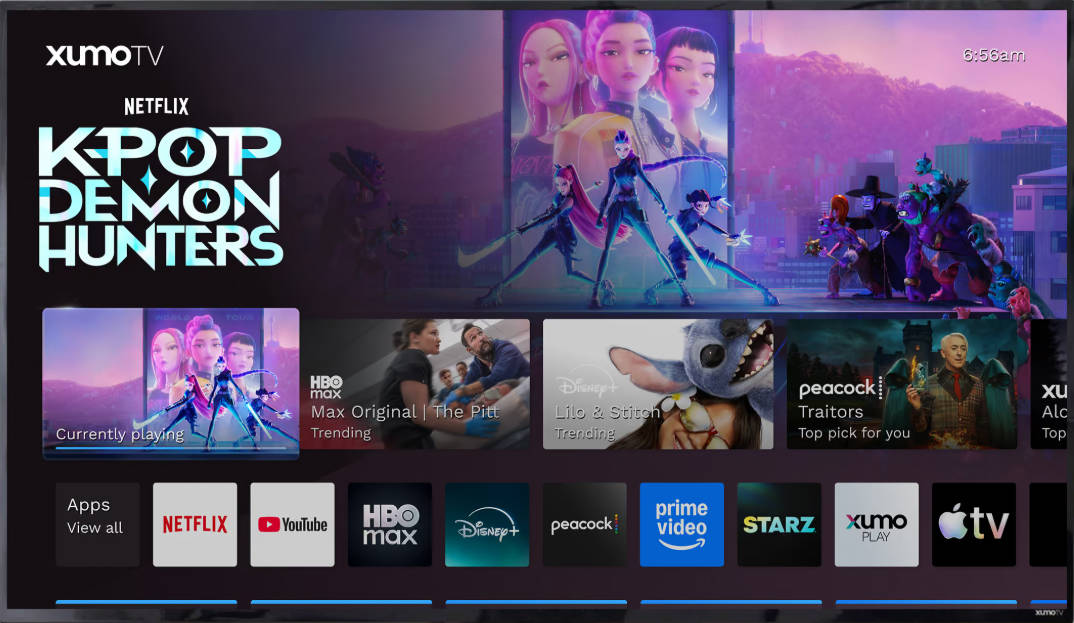
Xumo Play offers another low-friction way to watch free television and browse movies without relying on unofficial domains. Its entertainment mix focuses heavily on live-style streaming channels, supplemented by on-demand selections where offered. Xumo states that users do not need a subscription, account, or credit card to enjoy its free, ad-supported service. It works best for relaxed browsing rather than viewers hunting for one specific new release.
Key Features
- Browse live-streaming channels and a program-style guide.
- Explore movie and show categories on supported devices.
- Start free playback without creating a user account.
Pros
- No subscription or account required for regular free viewing.
- Channel browsing works well for background entertainment.
Cons
- Ad breaks cannot be removed through a free tier.
- The precise channel and title lineup varies by availability.
5. The Roku Channel
Genre: Movies, TV Shows, Roku Originals, Live Channels
Best For: Viewers who want free films plus streaming channels in one place
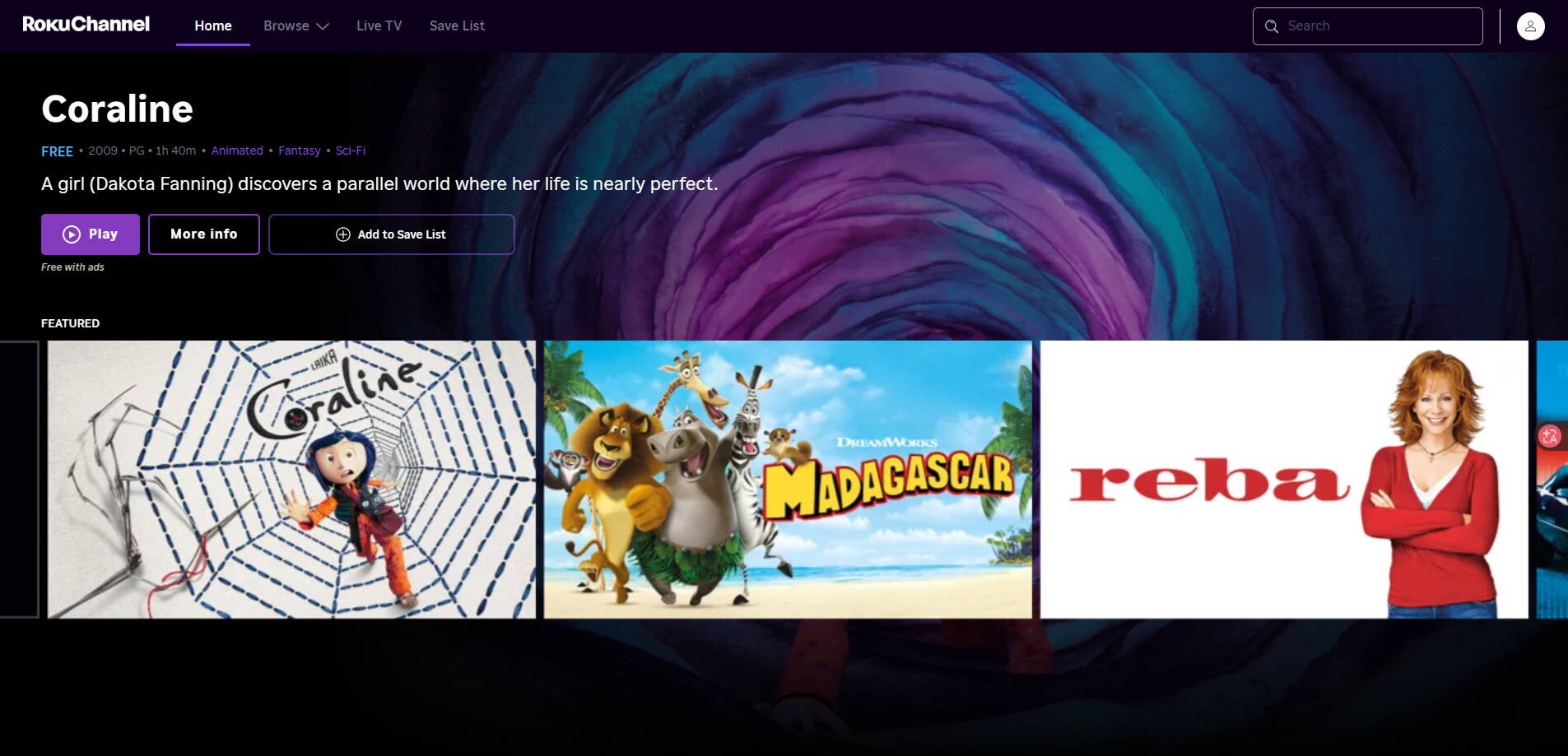
The Roku Channel combines a rotating on-demand movie collection with live television and Roku Originals. It makes sense as a MyFlixer alternative for households that prefer a licensed service accessible through a browser or compatible streaming device. You do not need to own a Roku streaming player for every supported viewing method. However, the service is offered only in certain countries and its catalog changes as licensing agreements rotate.
Key Features
- Browse free movies, TV series, and Roku Originals.
- Use the Live TV guide to explore streaming channels.
- Watch through supported Roku products, other compatible devices, or the web.
Pros
- Substantial free entertainment without a standard movie subscription.
- Convenient combination of on-demand and live options.
Cons
- Availability depends on the user’s country and device.
- Free catalog titles can rotate out over time.
6. Netflix
Genre: Original Series, Movies, Drama, Documentaries
Best For: Subscribers who prioritize polished apps and exclusive shows
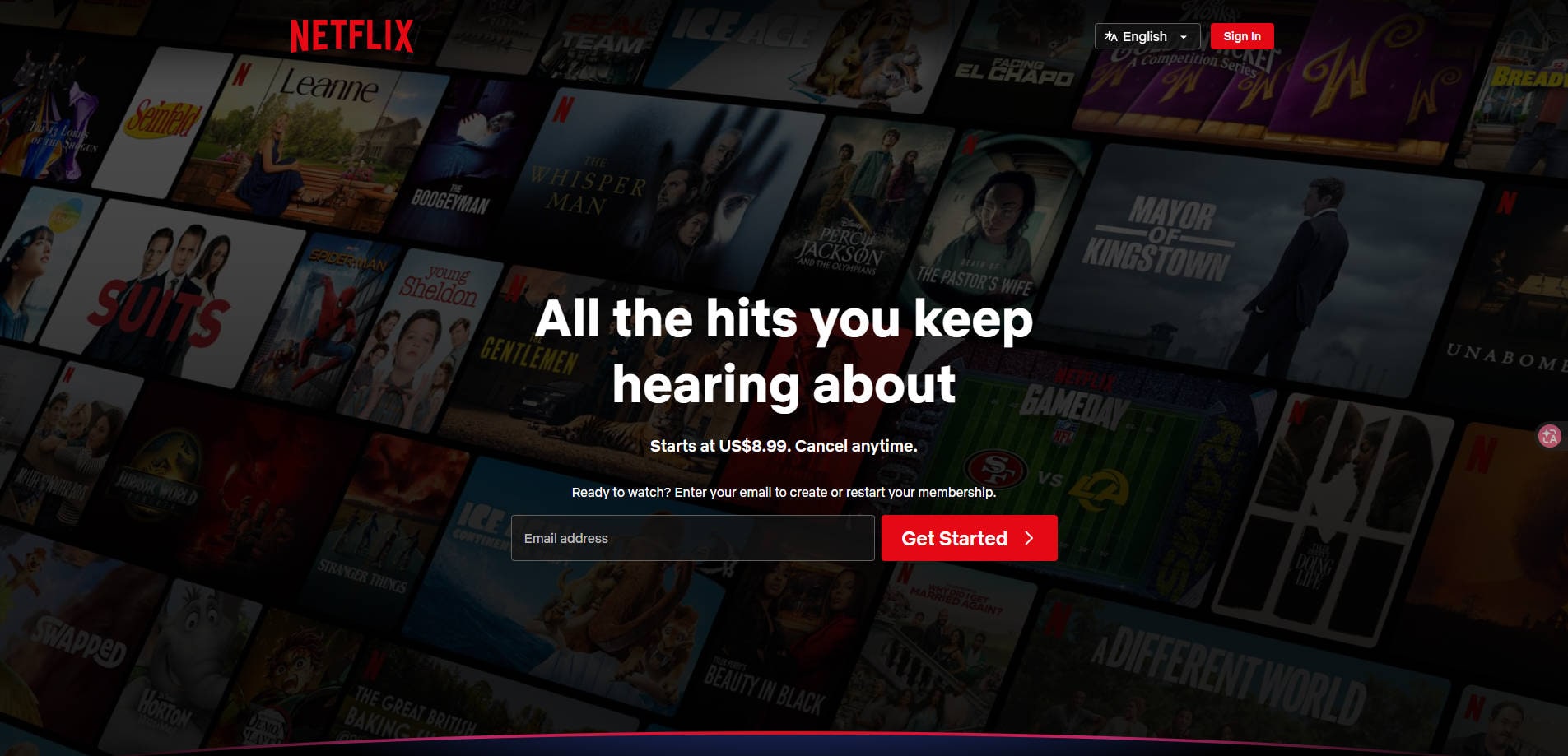
Netflix is a paid MyFlixer alternative for viewers who prefer predictable access, strong device support, and an established library of films and original series. Separate profiles and recommendation features help different household members find content. Playback settings and title availability depend on the subscription, device, and location. Unlike free sites, Netflix requires an eligible paid plan; it is a better match for regular viewing than occasional searches for a single free movie.
Key Features
- Discover Netflix original movies, series, and international programming.
- Create profiles to keep viewing preferences and progress separate.
- Use available subtitle, audio-language, and offline features where supported.
Pros
- Reliable official apps and established licensed content access.
- Popular originals and multilingual viewing options.
Cons
- A paid subscription is required.
- Titles, download options, and playback features vary by region and plan.
7. Hulu
Genre: TV Series, Movies, Originals, Live TV Options
Best For: US viewers who follow television series as well as films
Hulu suits viewers who are mainly looking for television series but also want a movie catalog. Its subscription options combine an on-demand entertainment library with plans or bundles that may add live channels. This makes Hulu a useful replacement for MyFlixer searches centered on episodic shows rather than just films. It is principally intended for the US market, so readers outside supported locations should verify eligibility before choosing it.
Key Features
- Browse series, films, and Hulu original productions.
- Create household profiles and use supported playback controls.
- Explore optional bundles or live television plans where available.
Pros
- Strong fit for TV-focused viewing and ongoing series.
- Optional live TV and bundle choices can serve households.
Cons
- Subscription and add-on costs can increase quickly.
- Geographic eligibility and ad experience vary by plan.
8. Amazon Prime Video
Genre: Movies, Originals, Rentals, TV Series
Best For: Viewers who want subscription titles alongside rentals and purchases
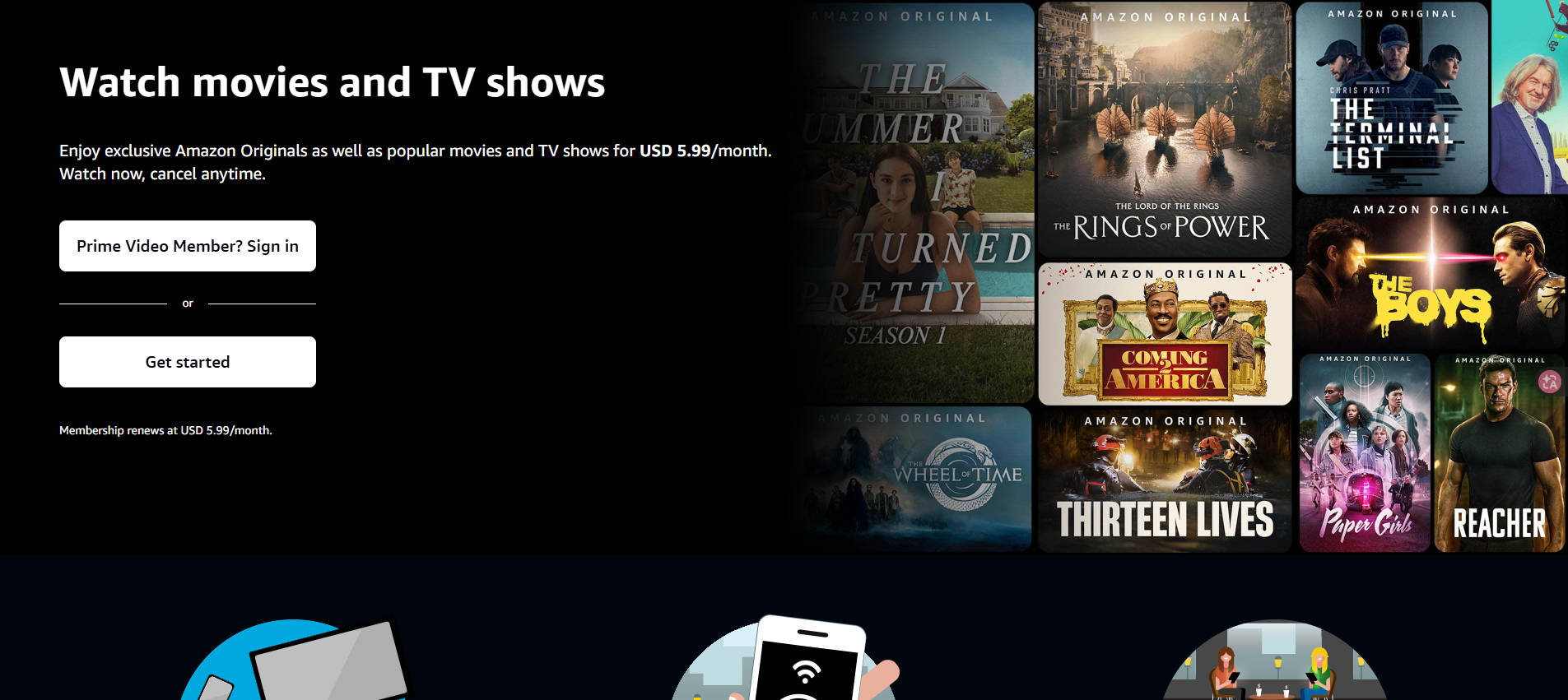
Prime Video lets viewers move between subscription-included entertainment and separately priced rentals, purchases, or channel add-ons. For people replacing MyFlixer, that variety is useful when a specific movie is not available in an included streaming catalog. Prime Video also offers original productions and supported subtitle or audio options. The main trade-off is that a title appearing in search results is not necessarily included in the base subscription.
Key Features
- Stream eligible included movies and Amazon Original series.
- Rent or buy selected titles that are not part of the included library.
- Access X-Ray information on supported titles and devices.
Pros
- Mix of included entertainment and optional transactional titles.
- Useful title discovery and extras such as X-Ray.
Cons
- Rental and add-on charges can be easy to overlook.
- Included titles and ad policies vary by region and plan.
9. Disney+
Genre: Family Movies, Animation, Marvel, Star Wars, Documentaries
Best For: Families and fans of Disney-associated franchises
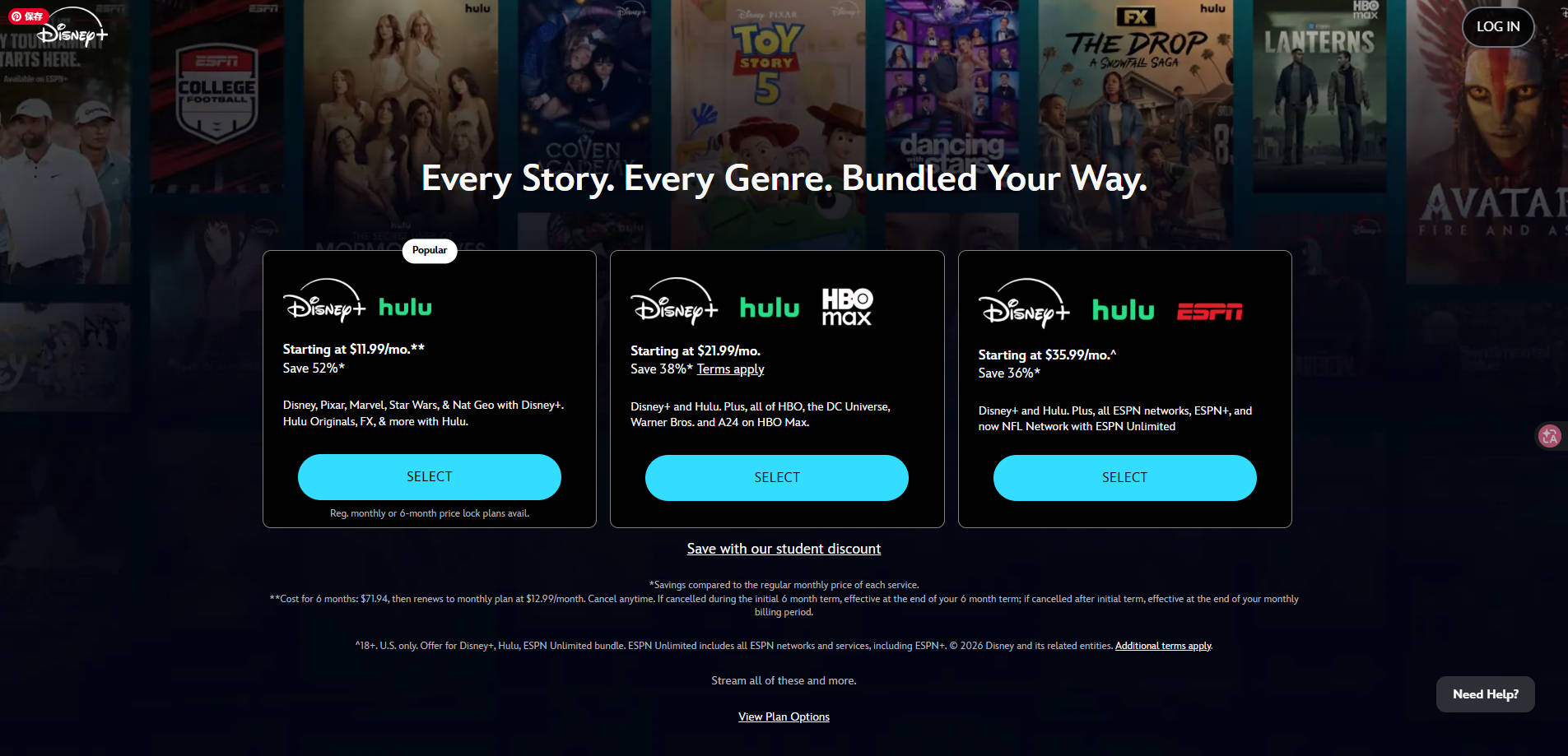
Disney+ is a focused subscription service for households interested in Disney, Pixar, Marvel, Star Wars, and selected documentary and television content. Profiles and parental settings are a practical advantage over unpredictable unofficial sites, especially when children share the same screen. It may not be the most flexible choice for viewers seeking a broad range of independent or niche cinema. Price, bundles, and available content depend on the country and plan.
Key Features
- Browse major Disney-associated franchises and family collections.
- Use profiles and parental settings on supported plans and devices.
- Access subtitles and available picture-quality options for eligible titles.
Pros
- Clear family entertainment focus with familiar franchises.
- Parental tools support household viewing.
Cons
- Less variety for some niche or non-franchise genres.
- Requires payment and content availability varies by market.
10. Hoopla
Genre: Borrowable Movies, TV Shows, Documentaries, Family Films
Best For: Library-card holders who want free, licensed streaming
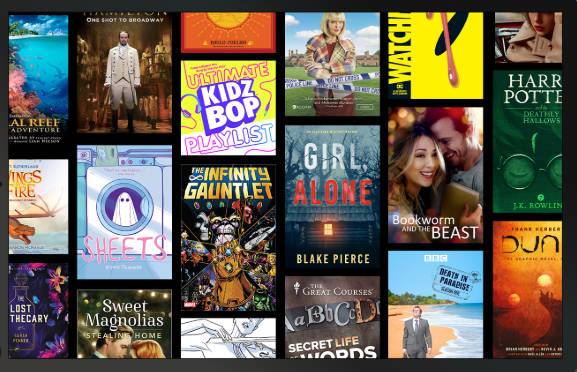
Hoopla takes a different approach from other websites like MyFlixer: instead of relying on ads or a standalone movie subscription, eligible users borrow digital media through a participating public library. Once your library account is connected, you can explore a selection of films, TV, audiobooks, and other digital materials. This can be an excellent way to watch at no personal subscription cost, but access and borrowing limits are determined by the participating library.
Key Features
- Borrow available movies and television content using a participating library card.
- Explore other digital categories such as audiobooks, music, and eBooks.
- Use supported mobile, browser, or television playback options.
Pros
- Legitimate free access through participating public libraries.
- Useful for discovering films alongside other library media.
Cons
- Requires an eligible library card and library participation.
- Borrowing limits and title selection depend on the library.
Pro Tip. How to Enhance Low-Quality Movie Videos With AI
Switching to a licensed streaming service helps with access and security, but it will not automatically improve every video you already own. Older home movies, legitimately saved personal footage, and heavily compressed local clips can still look soft or pixelated on a modern laptop or large television. That is a separate problem from a streaming website being down.
For eligible local video files that you own or have permission to edit, Repairit AI Video Enhancer can improve apparent sharpness and clarity through AI processing. It is intended for imported video files, not for altering copyrighted films streamed within Netflix, Hulu, or other protected players. Enhancement does not recover details that were never captured, and results vary with the quality of the source.
Key Features of Repairit AI Video Enhancer
- AI Unblur: Helps reduce visible softness in some blurry video frames.
- Sharpness Enhancement: Refines edges and apparent detail in low-quality local footage.
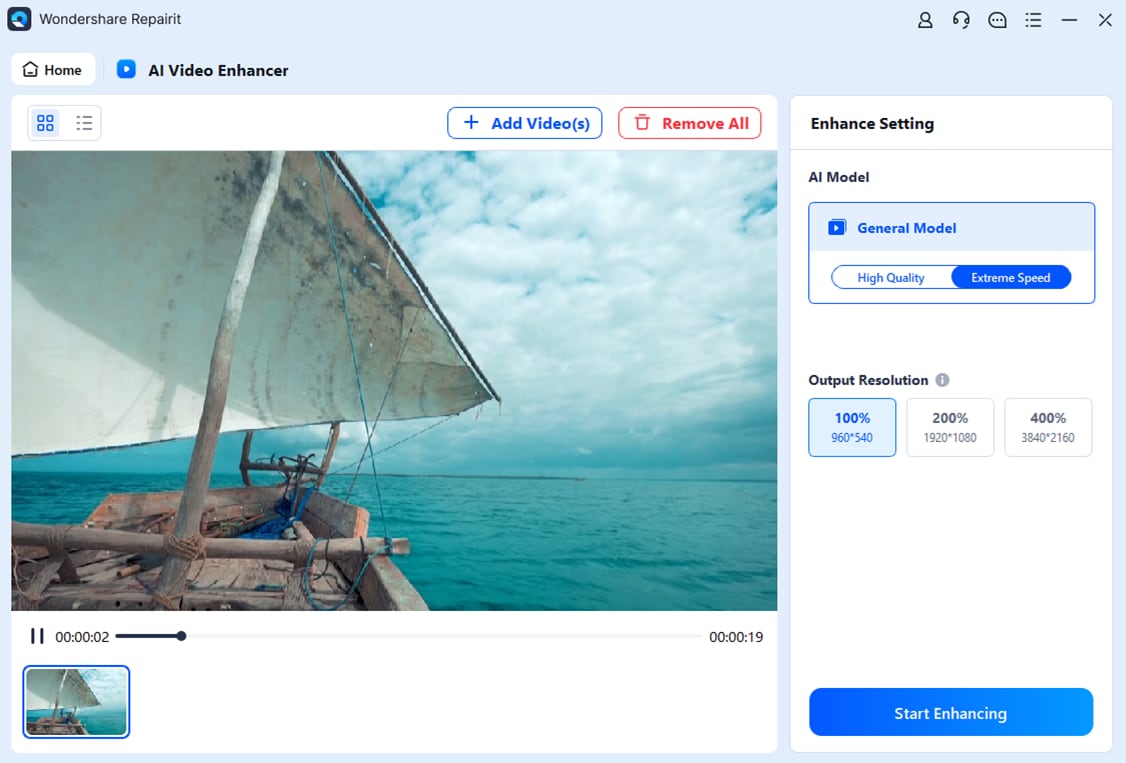
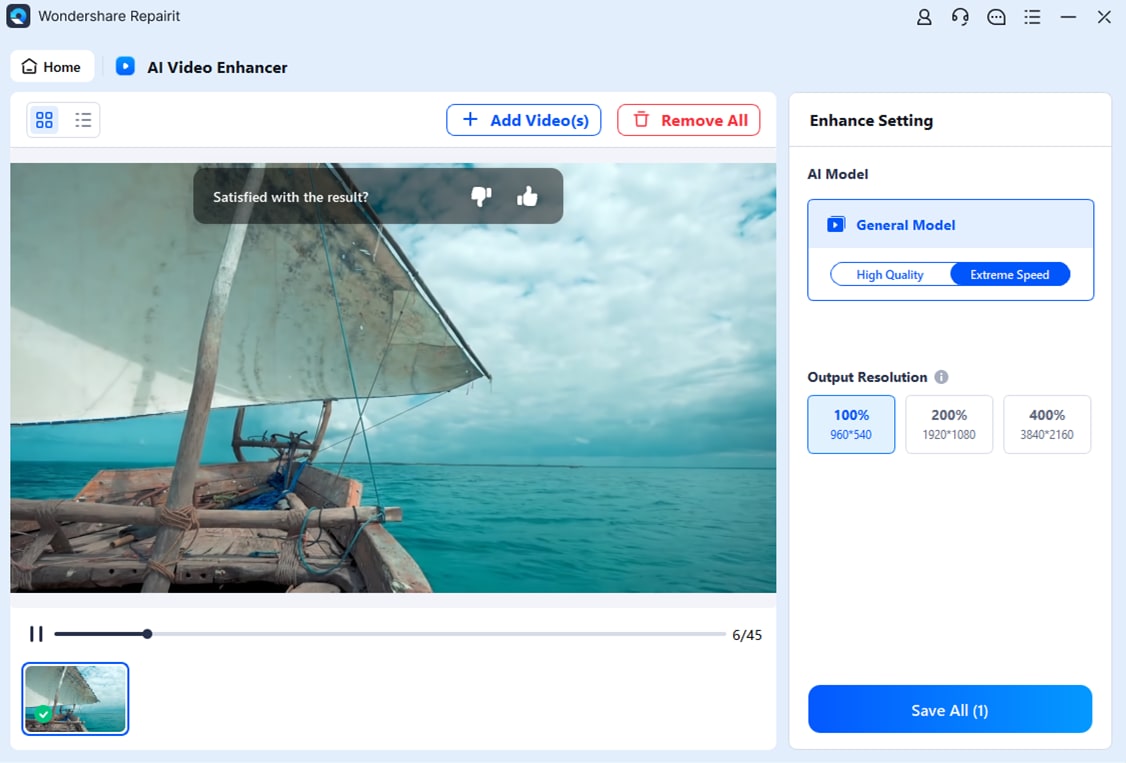
- Video Upscaling: Provides output resolution options, including 100%, 200%, and 400%, as shown in the existing Repairit guide workflow.
Guide to Enhance Blurry Saved Videos With Repairit AI Video Enhancer
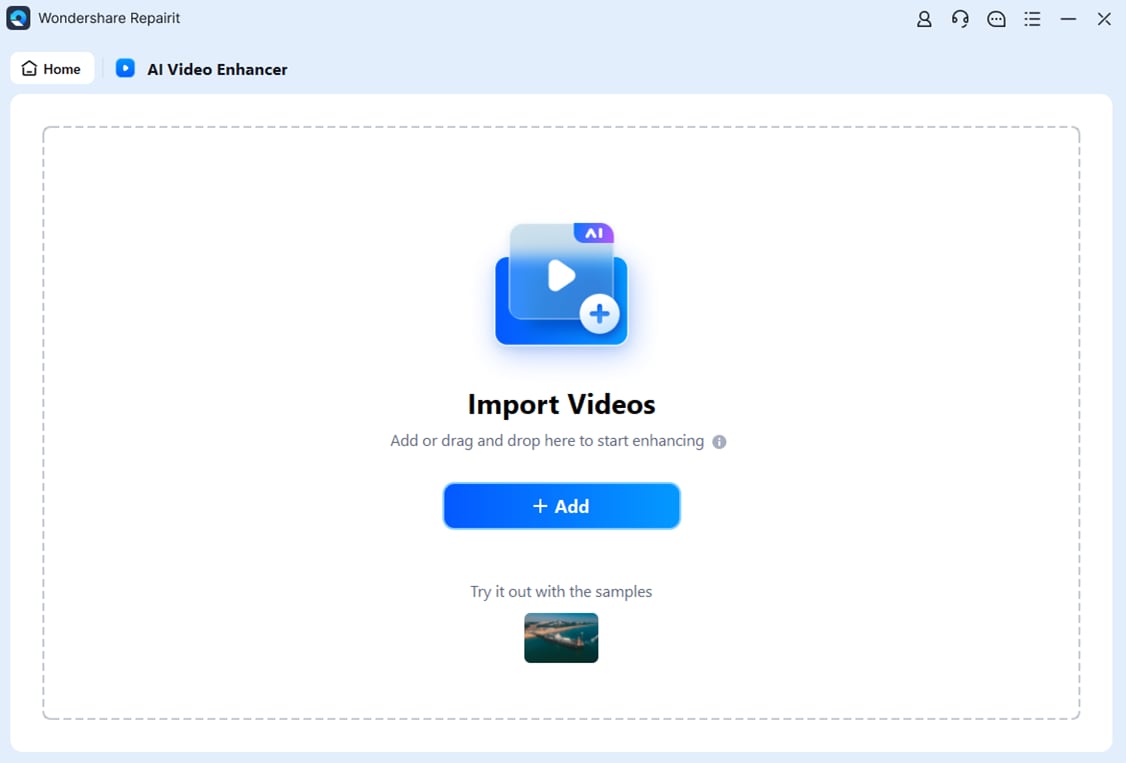
Step 1. Open AI Video Enhancer in Repairit and select +Add to import a supported local video file that you are allowed to process.
Step 2. Select an available output resolution, such as 100%, 200%, or 400%, then click Start Enhancing. Higher output resolution does not guarantee restoration of missing image information.
Step 3. Preview the processed video and choose Save All to save the result to your preferred local destination.
Conclusion: Which MyFlixer Alternative Should You Choose?
If you want free, licensed movies on demand, start with Tubi. Pluto TV and Xumo Play suit casual channel surfing, while The Roku Channel combines free films with live programming in supported countries. Plex stands out when you also manage personal media. For regular access to selected originals or premium libraries, compare Netflix, Hulu, Prime Video, and Disney+ against the actual movies and series you watch. If your public library participates, Hoopla may be an appealing no-subscription choice.
Above all, select MyFlixer alternatives by official availability rather than a mirror site's promise of free access. If an older video file you already own looks unclear, Repairit AI Video Enhancer can be a separate tool for improving that saved footage.
Frequently Asked Questions
-
1. What is the best free alternative to MyFlixer?
Tubi is a strong starting point for free licensed on-demand movies, while Pluto TV, Xumo Play, and The Roku Channel work well for free channel-style entertainment. Availability varies by location. -
2. Are MyFlixer alternatives safe and legal to use?
Official licensed services such as Tubi, Netflix, and Disney+ provide clearer distribution rights and established apps. A random mirror using the MyFlixer name may not have the same protections; avoid suspicious redirects or download prompts. -
3. Can I watch movies without signing up for MyFlixer alternatives?
Some free services, including Xumo Play, allow browsing and viewing without creating an account. Other platforms may require a sign-in or subscription, and availability depends on the country and device. -
4. Can Repairit improve the quality of downloaded movie videos?
Repairit AI Video Enhancer can process supported local videos that you own or have permission to edit, helping improve the appearance of some blurry or low-resolution footage. It cannot remove streaming DRM or directly enhance protected streams in subscription apps.