
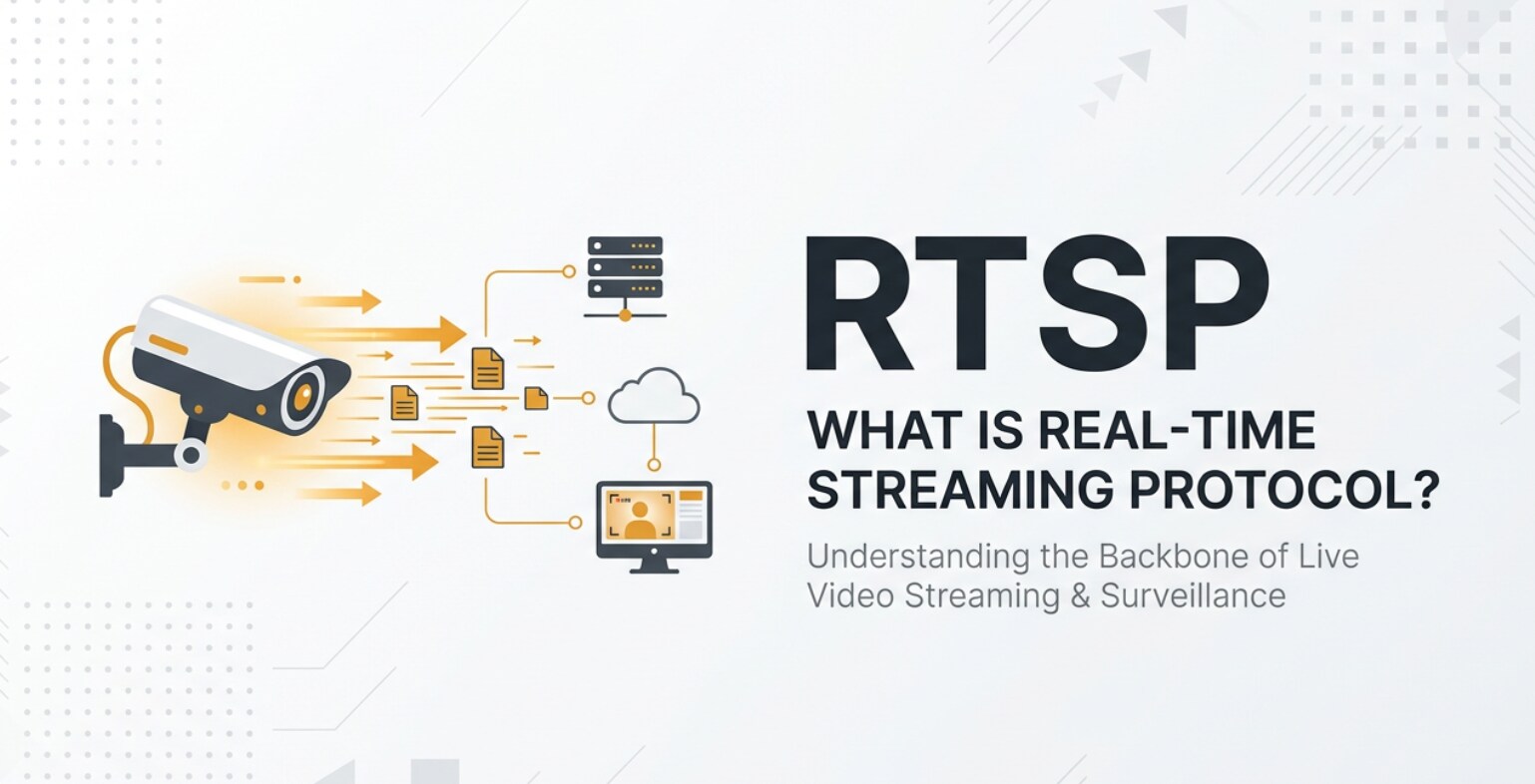
Real-Time Streaming Protocol (RTSP) is a network control protocol that lets you remotely play, pause, and stop live or recorded video, much like a remote control for online media. You will often meet RTSP streaming when working with IP cameras, NVRs, or professional encoders that feed footage into editing, monitoring, or playback systems. Understanding how RTSP fits into recording, exporting, and viewing workflows helps you design reliable video surveillance, live broadcasts, and on-demand playback pipelines.
Repair Corrupted Files To Save Your Data
 Security Verified. Over 7,302,189 people have downloaded it.
In this article
What Is Real-Time Streaming Protocol (RTSP)?
Real-Time Streaming Protocol (RTSP) is a network control protocol defined to manage real-time audio and video streams over IP networks. Unlike simple file downloads, it is designed for continuous media that needs low-latency playback, such as video surveillance or live broadcasts.
In a typical setup, a client (for example, a video management system, media player, or NVR) sends RTSP commands to a media server or IP camera. These commands include OPTIONS, DESCRIBE, SETUP, PLAY, PAUSE, and TEARDOWN, which collectively tell the server how to deliver the stream and when to start or stop it.
It is important to distinguish RTSP vs RTP. While RTSP is responsible for controlling the session, the audio and video data usually travel via RTP (Real-time Transport Protocol) or sometimes over TCP interleaved inside the RTSP connection. RTSP does not carry the media itself; it orchestrates how the media is sent and controlled.
Because of this design, RTSP streaming is particularly useful when you need precise control over playback, trick modes (such as seeking in a recording), and multi-camera management inside professional applications and security systems.
How Does Real-Time Streaming Protocol (RTSP) Work in the Real Workflow?
RTSP, RTP, and recording pipelines
In a real production or surveillance environment, RTSP usually sits between the camera or encoder and the system that records, monitors, or re-streams the footage. Here is how a common workflow looks from capture to storage:
- A network camera captures video and audio and compresses them using codecs such as H.264, H.265, or AAC.
- The camera exposes an RTSP streaming URL (RTSP URL) that clients can use to access the live feed.
- A client such as an NVR, VMS (video management system), or RTSP-compatible software connects to that URL, sends RTSP commands, and negotiates how it will receive the stream.
- Once the session is set up, the camera or server sends media packets using RTP over UDP or TCP, which the client then records to local storage as MP4, MKV, or proprietary container files.
During this process, RTSP is responsible for starting, stopping, and adjusting the streaming session. RTP handles timing and delivery of the encoded frames, which directly affects recording quality, sync, and smoothness. Any network issues, power failures, or software crashes during an RTSP/RTP session may leave the resulting file incomplete or corrupted, causing playback errors afterward.
RTSP in editing, exporting, and playback
Once streams have been recorded, they often move into post-production or review workflows. RTSP itself is not a post-production codec, but it is the link that determines how the original material reaches your systems:
- Security teams export clips from NVRs that were originally ingested via RTSP streaming. These clips may be saved as MP4, AVI, or native NVR formats and then opened in standard players or editing software.
- Broadcast or event teams may subscribe to RTSP feeds from encoders in different rooms, capture those feeds into a switcher or recording system, and later edit and re-encode the footage for VOD platforms.
- Technical teams integrate network video into monitoring dashboards, decoding multiple RTSP feeds at once and rewrapping or transcoding them to HTTP-based protocols for web distribution.
Throughout these steps, RTSP is most visible when setting up or troubleshooting input sources: configuring the camera URL, selecting transport (UDP/TCP), or diagnosing why a stream drops or will not connect. When things go wrong, you may need RTSP troubleshooting skills to check firewalls, latency, and encoding parameters, and you may also need to repair damaged recordings that were created while the network was unstable.
Where Is Real-Time Streaming Protocol (RTSP) Commonly Used?
RTSP appears anywhere reliable, low-latency control over video streams is required. The following are the most common areas where you might encounter it in daily work.
- IP camera streaming and video surveillance – Most professional and many consumer IP cameras expose RTSP URLs for live viewing and recording. NVRs, VMS platforms, and security command centers rely on these streams for continuous monitoring.
- Industrial and IoT monitoring – Factories, warehouses, labs, and infrastructure monitoring systems use video surveillance streaming via RTSP to watch production lines, equipment, and remote facilities in real time.
- Broadcast and live events – Hardware encoders and some software encoders can publish or receive RTSP streaming feeds as contribution sources, which are then converted to other protocols or captured for editing.
- Video conferencing and collaboration – Some conferencing systems and room cameras support RTSP output, allowing IT teams to integrate camera feeds into custom recording, streaming, or archiving solutions.
- Research, education, and testing – Labs and universities use RTSP for streaming experiments, lectures, and test content between instruments, capture cards, and learning platforms.
Even though HTTP-based protocols dominate consumer video platforms, Real-Time Streaming Protocol remains a backbone technology for controlled, low-latency network video delivery in professional environments.
How to Use Repairit to Fix a Corrupted Video File
Repairit introduction
When RTSP-based recordings become corrupt due to dropped connections, power loss, or storage errors, they may refuse to play, freeze, or lose audio. Wondershare Repairit is a dedicated repair tool that can restore damaged media created by IP cameras, NVRs, and other recorders. You can learn more and download it from the Repairit official website. Its streamlined workflow lets you import problematic clips, repair them in batches, and save usable files without complex manual fixing.
Key features of Repairit
- Repairs corrupted or unplayable videos from cameras, mobile devices, and RTSP recorders affected by interrupted recording, bad headers, or index damage.
- Supports multiple video formats and offers batch processing so you can restore many broken clips from the same RTSP streaming session in one go.
- Provides an advanced repair mode for severely damaged or critical video files where standard methods cannot fully reconstruct structure or playback.
Step-by-step: Repair corrupted RTSP video files
- Add corrupted video files
Launch Wondershare Repairit and go to the Video Repair module on the main screen. Click the add or plus icon to open a file browser, then navigate to the folder where your IP camera or NVR has saved the damaged recordings. Select one or several corrupted clips produced from your RTSP workflow and import them into the program for analysis.

- Repair video files
After the videos are loaded, check the list to confirm the files, formats, and durations look correct. Click the Repair button to start processing. Repairit automatically scans the structure of each file, fixes broken headers and indexes, and reconstructs playable media streams. When the initial repair is done, use the Preview option to watch a sample of the fixed video and verify that the picture and sound play smoothly without artifacts or unexpected cuts.

- Save the repaired video files
If the preview looks good, choose a destination folder where you want to store the recovered clips. It is best practice to select a different drive or location from the original recordings to keep your data safe. Click Save or Export, and Repairit will write out the repaired versions of your RTSP recordings. You can then open these files in your usual media player, editing software, or evidence management system without playback errors.

Conclusion
Real-Time Streaming Protocol (RTSP) is a control protocol that makes it possible to manage live and on-demand streams across IP networks with precise play, pause, and stop control. Working closely with RTP and other transport protocols, it powers IP camera streaming, industrial monitoring, and a wide range of professional network video workflows.
Because RTSP streaming depends on continuous network delivery, recordings can sometimes become incomplete or corrupted when disruptions occur. A specialized repair solution such as Wondershare Repairit helps you quickly restore broken RTSP video files so they remain usable for review, editing, or evidence, protecting the value of your captured footage.
Next: What Is RIST Streaming Protocol
FAQ
-
1. What is RTSP used for in video workflows?
RTSP is used to control real-time audio and video streaming over IP networks. It is widely used for IP camera streaming, NVR systems, video conferencing, and professional contribution feeds where you need remote play, pause, and seek control rather than simple file downloads.
-
2. How is RTSP different from RTP?
RTSP is a signaling and control protocol that sets up, manages, and tears down streaming sessions. RTP, on the other hand, transports the actual audio and video packets. In short, RTSP tells the server what to send and how, while RTP is the channel that carries the encoded media.
-
3. Why do RTSP recordings become corrupted?
Recordings created from RTSP streaming may be corrupted by unstable networks, sudden power loss, improper shutdown of NVRs, storage failures, or software crashes that interrupt the writing of file headers, indexes, or critical metadata.
-
4. How can I fix a corrupted RTSP video file?
You can repair a corrupted RTSP-based recording with a specialized tool like Wondershare Repairit. Import the damaged file, run the repair process so the program can rebuild the structure, preview the result, and finally export a new playable version.
-
5. Is RTSP still relevant when most platforms use HTTP streaming?
Yes. While HTTP-based streaming is dominant for consumer-facing platforms, Real-Time Streaming Protocol is still widely used in security, industrial monitoring, and professional broadcasting, where low-latency control and direct network video access are more important than broad browser compatibility.




