
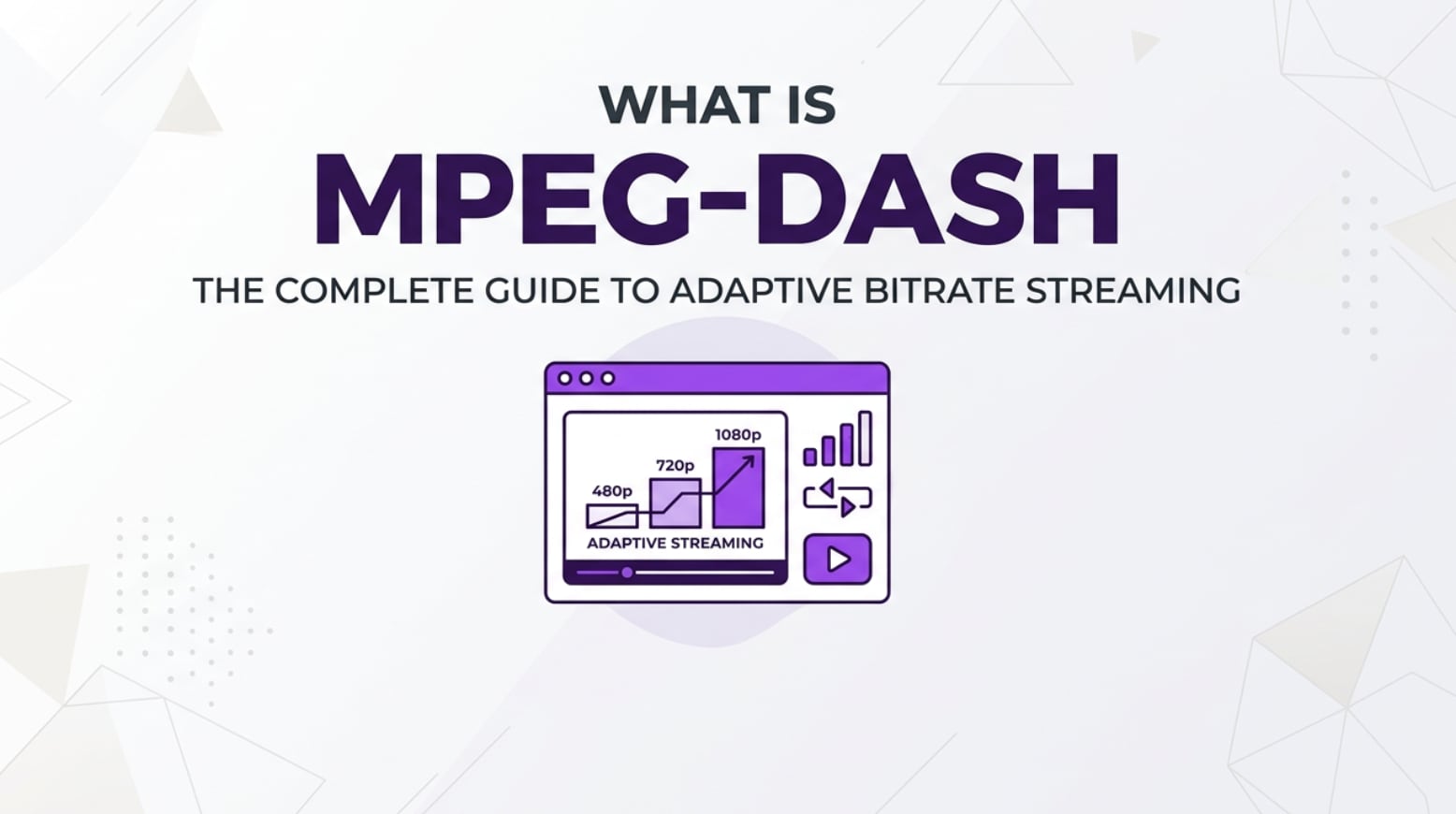
MPEG-DASH streaming is a modern way to deliver video over the internet that you will encounter on video platforms, OTT apps, smart TVs, and live event streams. It powers smooth playback by adapting video quality to each viewer's real-time connection. Understanding how dash streaming works helps creators, editors, and engineers produce, encode, export, and distribute content that looks great and plays reliably across devices and network conditions.
Repair Corrupted Files To Save Your Data
 Security Verified. Over 7,302,189 people have downloaded it.
In this article
What Is MPEG-DASH Streaming?
MPEG-DASH streaming (Dynamic Adaptive Streaming over HTTP) is an international video streaming standard that delivers media as many small segments instead of a single continuous file. Each segment is encoded at multiple bitrates and resolutions, and a manifest (MPD file) describes how they fit together.
The player requests segments over regular HTTP, just like loading images on a web page. Using adaptive bitrate streaming, it automatically chooses the best quality segment your connection can safely handle. When bandwidth drops, the player fetches lower-bitrate segments; when bandwidth improves, it switches back to higher quality, usually without pausing playback.
In practice, this means your source footage is recorded (camera, phone, screen capture), edited, and then exported as high-quality masters. These masters are transcoded into multiple renditions and packaged using the mpeg dash protocol into short chunks (often MP4 fragments) plus an MPD manifest, ready to be delivered as http streaming to browsers, TVs, and mobile apps.
How Does MPEG-DASH Streaming Work in the Real Workflow?
MPEG-DASH in recording, editing, and encoding
In real production workflows, mpeg-dash streaming starts long before the viewer hits Play. It begins at capture and post-production:
- Recording: Cameras, phones, and capture cards record in formats like MP4 or MOV. These original files are the "mezzanine" or master sources for your streaming pipeline.
- Editing and grading: Editors cut, color-correct, and add graphics in tools such as Adobe Premiere Pro, DaVinci Resolve, or Final Cut Pro. At this stage, issues like disk failures or crashes can corrupt project exports and later impact dash streaming packaging.
- Exporting master files: The timeline is exported in high quality, often as H.264 or HEVC in MP4 containers. These exports then go to an encoder or cloud service.
- Encoding multiple renditions: An encoder (FFmpeg, Elemental, Bitmovin, cloud encoders, or in-house tools) creates several versions of the same video at different bitrates and resolutions, such as 426x240 @ 400 kbps up to 1920x1080 @ 6 Mbps.
- Segmenting and packaging: A packager slices each rendition into small segments (e.g., 2–6 seconds) and creates an MPD manifest that lists segment URLs, durations, codecs, and other metadata used by mpeg dash streaming players.
If any master or encoded asset becomes damaged during this process, you may see errors like "file cannot be opened" or "unsupported file" in your encoder or player. At that point, a repair tool capable of handling streaming-related MP4 segments is essential to fix corrupted dash video before you repackage it.
MPEG-DASH in delivery, playback, and platforms
Once the content is packaged, mpeg dash protocol content flows through a typical internet delivery chain:
- Origin server and CDN: The MPD manifest and all media segments are uploaded to an origin server and distributed across Content Delivery Networks (CDNs). Because http streaming uses standard web infrastructure, it scales efficiently and works through most firewalls and proxies.
- Player logic and adaptation: A DASH-compatible player (Shaka Player, dash.js, video.js with plugins, or custom apps) downloads the MPD, measures network throughput, and chooses which bitrate ladder to start with. Throughout playback, the player measures buffer health and switches up or down between renditions to maintain an uninterrupted experience.
- Device and browser support: On Android TVs, some smart TVs, and many desktop browsers with Media Source Extensions (MSE), dash streaming is used natively or via JavaScript-based players. Platforms such as YouTube, Netflix, and major broadcasters often use MPEG-DASH internally alongside other formats.
- Monitoring and QoE: Operators monitor rebuffering events, startup times, and quality switches. Corrupted segments, misaligned timestamps, or broken MP4 headers can cause playback stalls or black frames, which is why maintaining healthy assets and being able to repair them quickly is crucial.
From the viewer's perspective, they simply click a video and it plays. Behind the scenes, a sophisticated adaptive bitrate streaming system constantly balances bandwidth, encoding profiles, and segment integrity so that the stream looks smooth on everything from low-end phones to 4K smart TVs.
Where Is MPEG-DASH Streaming Commonly Used?
MPEG-DASH streaming shows up across many industries and everyday scenarios where robust video streaming standard support is required:
- Large video platforms and OTT services: Subscription video-on-demand (SVOD), advertising-based platforms, and broadcaster catch-up services rely on dash streaming to serve millions of viewers at different speeds and device capabilities.
- Live sports and events: Live encoders output DASH streams for events like sports, concerts, conferences, and eSports. Operators use multi-bitrate ladders to keep latency reasonable while handling sudden audience spikes.
- Education and corporate training: Universities and enterprises hosting lecture capture, webinars, and training portals use mpeg dash protocol to offer reliable http streaming through LMS platforms and internal portals.
- Smart TVs, consoles, and set-top boxes: Many connected devices support mpeg-dash streaming in their native players or via apps, enabling high-quality HD and 4K playback in the living room.
- Cloud media workflows and archives: Media asset management systems and cloud pipelines often store content in MP4 and prepare it for MPEG-DASH output. When files become damaged due to storage or transfer issues, engineers need to repair dash mp4 quickly to keep catalogs online.
Wherever you see long-form video, multi-device support, and adaptive experiences, there is a strong chance that mpeg-dash streaming is part of the delivery chain, either alone or alongside other formats like HLS.
How to Use Repairit to Fix a Corrupted Video File
Why use Repairit for MPEG-DASH videos
When an MPEG-DASH workflow breaks, the cause is often a damaged source or exported file rather than the mpeg dash protocol itself. Recording glitches, interrupted transfers, failed exports, or storage errors can corrupt MP4 or MOV clips used to generate DASH segments. These problems show up later as unplayable videos, constant buffering, or missing chunks in your adaptive stream.
Wondershare Repairit is designed to solve these issues by repairing corrupted or unplayable media before it enters your packaging or delivery stages. You can learn more and download it directly from the Repairit official website. It is suitable for both everyday users recovering personal recordings and professionals maintaining complex streaming libraries built around mpeg-dash streaming, HLS, and other standards.
Key features of Repairit
- Repairs severely corrupted or unplayable videos from cameras, phones, and online streaming workflows.
- Supports multiple video formats and resolutions, including HD and 4K sources you later package for dash streaming.
- Provides instant preview of repaired videos before you save and re-ingest them into your MPEG-DASH pipeline.
Step-by-step: repair corrupted MPEG-DASH video
- Add corrupted video files
Install and launch Repairit on your computer, then open the Video Repair module. Click the add button and browse to the folder where your corrupted MPEG-DASH-related video segments or exported MP4/MOV files are stored. Select one or more damaged clips that fail to play or cannot be imported into your encoder, and add them to the repair list.

- Repair video files
After all problematic clips appear in the interface, quickly review their file information such as format, resolution, and duration. Start the repair with a single click. Repairit will analyze the file structure, fix header and index errors, and address issues that can cause stuttering or black frames in mpeg-dash streaming. When the process completes, use the built-in player to preview the repaired result and confirm that playback is smooth from start to finish.

- Save the repaired video files
If the preview looks correct and the timeline plays back without glitches, choose a secure output folder that is different from the original storage location. Click Save to export clean copies of your repaired videos. You can now safely feed these files back into your transcoder, regenerate DASH segments and MPD manifests, upload them to your CDN, or archive them as known-good masters for future mpeg-dash streaming workflows.

Conclusion
MPEG-DASH streaming offers a flexible, standards-based way to deliver adaptive video over HTTP, keeping playback smooth by switching between multiple bitrates as network conditions change. From recording and editing to encoding, segmenting, and multi-device playback, it underpins many of the video experiences people use every day.
However, corrupted source files, broken exports, or damaged MP4 segments can still undermine the most advanced adaptive bitrate streaming setup. By adding a reliable repair step with tools like Repairit, you can quickly restore damaged assets, repair dash mp4 files, and keep your mpeg-dash streaming workflows stable, scalable, and ready for demanding audiences.
Next: Low-Latency Dash (Ll-Dash)
FAQ
-
1. What is MPEG-DASH streaming in simple terms?
MPEG-DASH is a method of delivering video as many small pieces at different quality levels over standard HTTP. The player picks the best piece for your current bandwidth, switching up or down on the fly to reduce buffering and keep playback smooth. -
2. How is MPEG-DASH different from HLS?
MPEG-DASH is an open, international video streaming standard defined by MPEG, while HLS was originally created by Apple. Both use segmented http streaming and adaptive bitrates, but they differ in manifest formats, typical codec choices, and device ecosystems. Many services output both to maximize compatibility. -
3. Do I need MPEG-DASH for live streaming?
You do not strictly need MPEG-DASH, but it is widely used for both live and on-demand workflows because it supports adaptive bitrate streaming and works well with CDNs. It is especially valuable if you must serve viewers on diverse networks and devices. -
4. Can MPEG-DASH videos get corrupted?
Yes. While mpeg-dash streaming defines how content is delivered, the underlying files (MP4, MOV, or fragmented MP4 segments) can be damaged during recording, export, transfer, packaging, or storage. Corruption can cause playback errors, artifacts, or missing segments in the final stream. -
5. How can I fix a corrupted MPEG-DASH video file?
First, locate the damaged source or exported files used to create your DASH segments. Open them in a repair tool such as Repairit, let it analyze and repair structural errors, then save the fixed copies. Once repaired, you can re-transcode or repackage them into your mpeg-dash streaming workflow so the stream plays correctly again.




