
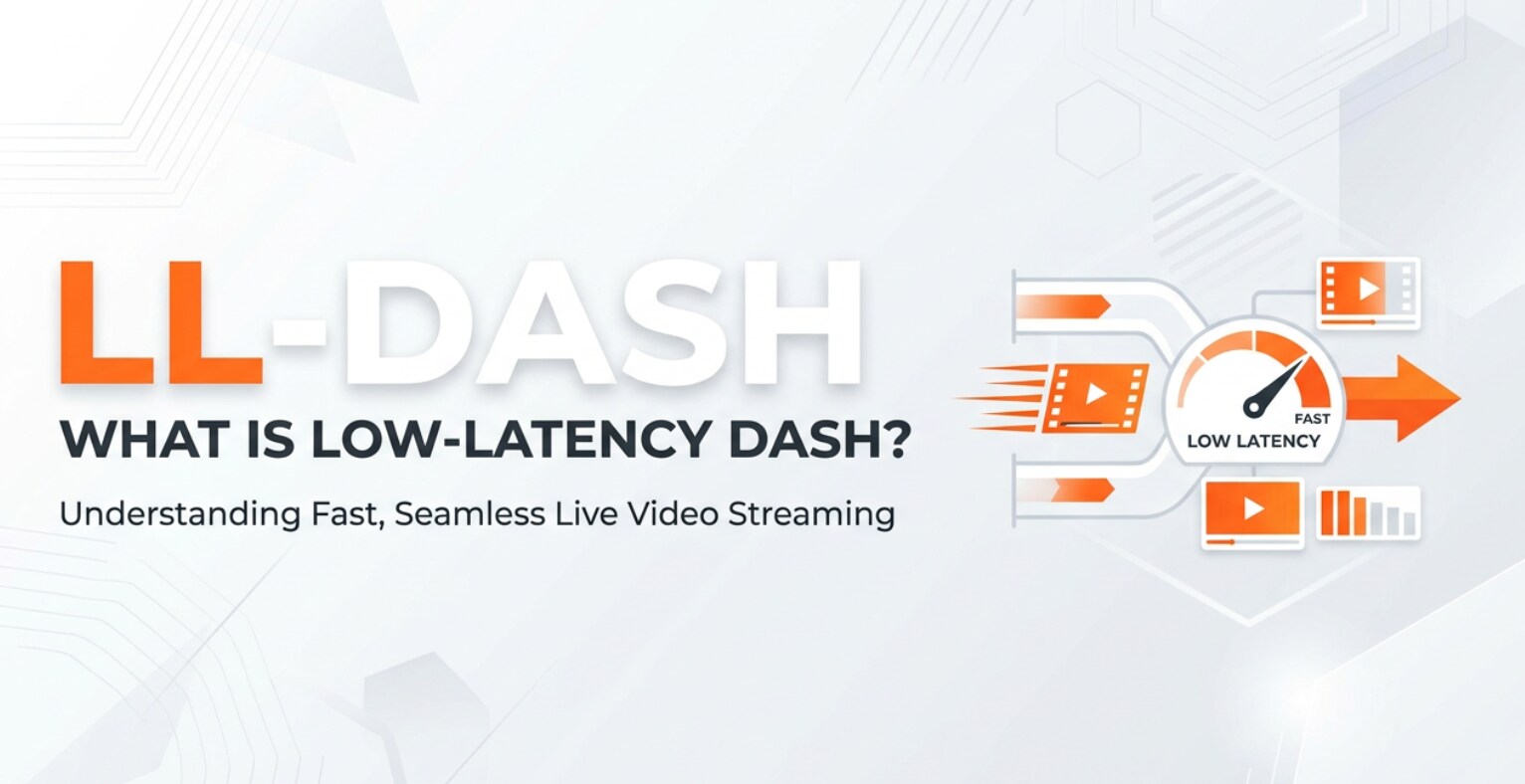
Low-latency DASH (LL-DASH) is a modern way to stream video over the internet with far less delay than traditional methods. You may encounter it when watching live sports, esports, live auctions, or interactive streams on major platforms. Understanding how LL-DASH fits into recording, encoding, and playback workflows helps you deliver smoother, more responsive viewing experiences and avoid frustrating lag for your audience.
Repair Corrupted Files To Save Your Data
 Security Verified. Over 7,302,189 people have downloaded it.
In this article
What Is Low-Latency DASH (LL-DASH)?
Low-latency DASH, often written as LL-DASH, is an extension of the MPEG-DASH adaptive bitrate streaming standard designed to minimize the delay between a live event and what viewers see on their devices. Traditional DASH streaming can introduce 20–30 seconds of latency due to large segments and deep buffers. LL-DASH reduces this to only a few seconds by using smaller chunks, partial segments, and smarter player buffering, all while keeping compatibility with standard HTTP-based delivery.
In a typical workflow, LL-DASH sits between the encoding/export stage and the playback stage. Encoders output fragmented MP4 or CMAF low latency segments, packagers generate DASH manifests, CDNs distribute them, and LL-DASH-aware players fetch and render the video almost in real time. Because it builds on the established DASH ecosystem, it can coexist with regular dash streaming and even parallel protocols like dash hls workflows.
How Does Low-Latency DASH (LL-DASH) Work in the Real Workflow?
Capture, encode, and package
From a production standpoint, LL-DASH starts like any other live video workflow. Cameras capture the event, sending signals into a switcher or encoder. The encoder compresses the video into multiple bitrates and resolutions suitable for different network conditions and devices.
For low latency streaming, the encoder and packager are tuned to create very short segments, typically 1 second or less, or even partial segments that can be streamed as soon as they are written. Many platforms use cmaf low latency chunks (small, standardized fragments of MP4) so that the same media can be used for both LL-DASH and low-latency HLS with minimal reprocessing.
After encoding, the packager creates the DASH MPD (manifest) and exposes it to your CDN or origin server. The MPD for LL-DASH usually has more frequent updates and signals to the player that segments will be available in tiny pieces, helping the player stay as close as possible to the live edge.
Delivery, playback, and platform compatibility
On the delivery side, the CDN must support chunked transfer and rapid cache updates, so partial segments can begin streaming to viewers before the whole segment is complete. Modern CDNs and cloud streaming platforms increasingly offer LL-DASH profiles that can be activated via configuration rather than custom development.
On the playback side, LL-DASH requires players that understand low-latency hints and can fetch partial segments. Web players built on dash.js or Shaka Player, native apps, and some smart TV environments now ship with LL-DASH support or extensions. They balance buffer size against latency, continually adjusting to network conditions while staying as close as possible to real time.
In real projects, you might export mezzanine files from your NLE, run them through an encoder that generates both standard DASH and LL-DASH profiles, and then let compatible apps choose the low-latency version automatically. This setup preserves backward compatibility: legacy devices can keep using regular DASH, while newer apps benefit from LL-DASH without a separate pipeline.
Where Is Low-Latency DASH (LL-DASH) Commonly Used?
Because delay is critical in certain experiences, LL-DASH is popular wherever interaction and timing matter. Major uses include:
- Live sports and esports streaming, where viewers expect near real-time action and may be chatting or betting alongside the game.
- Interactive shows, auctions, and live commerce, where every second of lag reduces engagement or can affect prices and outcomes.
- Second-screen and companion apps that must stay synchronized with a broadcast or in-venue screen.
- Online education, webinars, and town halls using low latency streaming to support Q&A, polls, and feedback.
- Latency-sensitive enterprise streams such as financial news or internal announcements.
You are most likely to encounter ll-dash when using major OTT apps, sports league platforms, or large streaming services that have invested in keeping their live feeds closely aligned with traditional broadcast latency while still relying on efficient HTTP-based workflows.
How to Use Repairit to Fix a Corrupted Video File
Introduction to Repairit
Even with a carefully tuned LL-DASH workflow, problems can start much earlier if your source or exported video files are corrupted. Glitches during recording, interrupted transfers, or faulty storage can damage files, causing them to stutter, freeze, or refuse to load in your encoder or player. Wondershare Repairit is built to solve these problems quickly, restoring broken or unplayable clips so they are ready for encoding, dash streaming, and low-latency delivery. You can learn more on the Repairit official website.
Key features of Repairit
- Repairs a wide range of video formats captured on cameras, phones, drones, or screen recorders used in live and VOD workflows.
- Offers both quick repair for common corruption issues and advanced repair for severely damaged or important production files.
- Lets you preview repaired videos before saving, so you can confirm that playback is smooth and ready for LL-DASH or other streaming setups.
Step-by-step: Repair a corrupted video
- Add corrupted video files
Install and open Wondershare Repairit on your computer, then switch to the Video Repair module. Click the add button or drag and drop your corrupted clips into the main window. Repairit will list all imported files so you can decide which ones to process for your next encode or live-to-VOD workflow.

- Repair video files
Select the damaged videos you want to fix and start the repair task. Repairit analyzes each file, applies the appropriate repair method, and reconstructs the video and audio streams. When the process finishes, use the built-in player to preview the output and confirm that there are no freezes, artifacts, or audio-sync issues that might break your LL-DASH ingest or playback.

- Save the repaired video files
Once you are satisfied with the preview, click Save and choose a secure destination folder that is different from the original file location. Repairit exports the repaired copies so you can safely feed them into your encoder, transcode them into video file repair-ready mezzanines, or upload them to your LL-DASH packager and CDN without risking further damage.

Conclusion
Low-latency DASH brings HTTP-based streaming much closer to real-time delivery, making it ideal for sports, esports, interactive shows, and other live events where delay directly affects the viewer experience. By combining small chunks, partial segments, and optimized player behavior, LL-DASH achieves low latency while staying compatible with standard web infrastructure.
To take full advantage of low latency streaming, you also need clean, reliable media assets. When capture errors, exports, or storage problems corrupt your files, Wondershare Repairit helps you recover them quickly so your LL-DASH and traditional DASH workflows can stay stable, responsive, and ready for your audience on any platform.
Next: Common Media Application Format (CMAF)
FAQ
-
1. What latency can I expect from Low-Latency DASH (LL-DASH)?
Most LL-DASH deployments achieve end-to-end delays of around 2–8 seconds, depending on encoder settings, CDN behavior, and player configuration. This is significantly lower than the 20–30 seconds common with traditional DASH or HLS using large segments. -
2. How is LL-DASH different from standard MPEG-DASH?
Standard MPEG-DASH uses larger segments and deeper buffers, which increase delay but offer robustness. LL-DASH uses smaller or partial segments, more frequent manifest updates, and optimized buffering logic so players stay close to the live edge while still using the DASH format. -
3. Do I need special infrastructure to use LL-DASH?
You need an encoder and packager that support LL-DASH features, a CDN or origin that can handle chunked transfer and low-latency caching, and players that understand LL-DASH signaling. Many modern cloud streaming platforms offer LL-DASH as a configuration option rather than requiring a custom setup. -
4. Can LL-DASH work together with CMAF and HLS?
Yes. LL-DASH is often combined with CMAF low-latency chunks, allowing the same fragmented MP4 media to serve both LL-DASH and low-latency HLS. This reduces storage and simplifies multi-platform delivery. -
5. How can I fix a corrupted video that fails in my DASH or LL-DASH pipeline?
If a video will not ingest, encode, or play correctly, you can repair it with Wondershare Repairit. Import the corrupted clip, run a repair, preview the result, and save the fixed file. You can then safely re-encode it for DASH or LL-DASH streaming without carrying over the corruption.




