
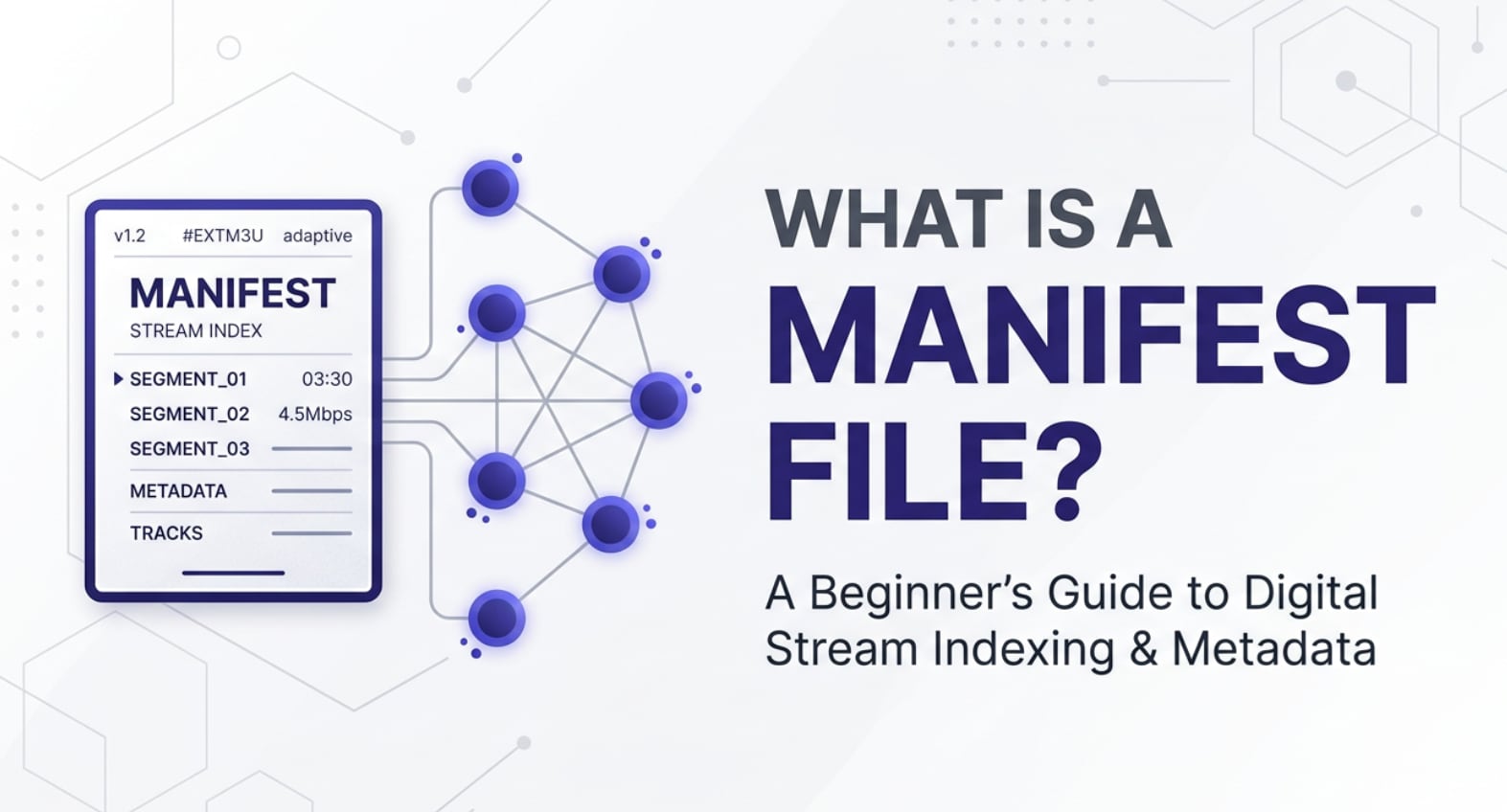
A manifest file sits at the heart of modern video and photo-streaming workflows, quietly telling players what to load, in what order, and at which quality. You will encounter it whenever you watch adaptive streams on platforms that use HLS or DASH, export content for OTT delivery, or review encoded assets in a CDN. Understanding how a video manifest works helps you troubleshoot playback problems, plan efficient encoding ladders, and keep your media pipelines reliable from recording to final playback.
Repair Corrupted Files To Save Your Data
 Security Verified. Over 7,302,189 people have downloaded it.
In this article
What Is a Manifest File?
In adaptive video streaming, a manifest file is a small text file that acts as a playlist or roadmap for your media. Instead of containing the video itself, it lists each media segment, the available bitrates and resolutions, and the URLs where those segments live on your server or CDN.
Common examples include an HLS HLS manifest with the M3U8 file extension and an MPEG-DASH DASH manifest with the MPD extension. When a player loads your stream, the very first thing it requests is this streaming manifest, which tells it how to assemble video, audio, captions, and sometimes thumbnails into a continuous playback experience.
In photo-centric or mixed-media workflows, manifests can also reference image-based streams such as tiled image sequences, slideshow segments, or preview sprites used on VOD platforms and cloud galleries. They keep all those assets organized so players and editors know exactly what to request and when.
How Does a Manifest File Work in the Real Workflow?
From recording to encoding and packaging
A typical workflow starts with capturing content on a camera or screen recorder, then importing it into editing software such as Premiere Pro, Final Cut Pro, or DaVinci Resolve. After editing and color work, the final master is exported in a high-quality mezzanine format ready for encoding.
Next, an encoder or packager (for example, FFmpeg, cloud encoders, or commercial OTT pipelines) creates multiple renditions of the same source at different resolutions and bitrates, often called an adaptive bitrate (ABR) ladder. The video is chopped into many small segments (for example, 2–10 seconds each) and stored as separate files.
During packaging, the system generates a video manifest that:
- Lists every rendition (such as 1080p, 720p, 480p) and its bitrate.
- References the URLs of all corresponding media segments.
- Defines audio tracks (languages, stereo vs surround) and subtitle or caption tracks.
- May include metadata about DRM, codecs, frame rate, and aspect ratio.
For HLS, this is typically an HLS manifest or master M3U8 file that links to one or more variant manifests for each quality level. For MPEG-DASH, the MPD DASH manifest plays a similar role, describing adaptation sets and segment templates for the player.
Delivery, playback, and troubleshooting
Once the encoded segments and streaming manifest are uploaded to a CDN or streaming server, client devices such as smart TVs, mobile apps, or web browsers request the manifest first. The player parses it to understand what formats it supports (H.264, HEVC, VP9, etc.) and which renditions are appropriate for the device screen and network conditions.
As playback starts, the player uses the manifest file to decide which segments to fetch. On a fast connection it may pick higher bitrate 1080p segments; on a congested mobile network it may drop to 360p dynamically. It keeps consulting the manifest to stay in sync with the media timeline, subtitles, and audio.
When you hit issues such as buffering, a black screen, or "cannot play media" errors, engineers often inspect the video manifest first. They check whether segment URLs are valid, whether codecs match what devices expect, and whether timestamps or durations in the manifest align with the real media. If the manifest is correct but the segments themselves are damaged, the next step is to repair or replace the corrupted video files referenced inside it.
Where Is Manifest File Commonly Used?
You are most likely to encounter a manifest file anywhere adaptive streaming or segmented delivery is in use:
- OTT and VOD platforms: Services similar to Netflix, Hulu, and other subscription-based platforms rely heavily on HLS manifest and DASH manifest files to deliver movies, episodic series, and documentary content to a wide variety of devices.
- Live streaming and events: Sports broadcasts, concerts, conferences, and gaming streams use manifests so players can seamlessly jump between live edge segments with minimal latency and adaptable quality.
- Social media and UGC platforms: When you upload a video (or image-based slideshow) to platforms like YouTube-like services, TikTok-like apps, or short-form video feeds, back-end pipelines create manifests to manage all viewing resolutions.
- Corporate and educational video portals: Internal training portals, lecture capture systems, and webinar platforms rely on streaming manifest files for on-demand and live playback, often behind authentication.
- CDNs and media asset management systems: Cloud storage and delivery platforms expose M3U8 file and MPD endpoints so developers can integrate streaming playback into their own apps and websites.
In photo and mixed media workflows, manifests may also underpin multimedia presentations, interactive catalogs, and gallery slideshows by organizing high-resolution images, thumbnails, and transition metadata for web or app playback.
How to Use Repairit to Fix a Corrupted Video File
Why choose Repairit for damaged media
When a stream fails, the issue is not always with the manifest file. Sometimes the video segments or source files referenced by the manifest are corrupted due to transfer errors, storage problems, or interrupted recordings. Wondershare Repairit provides a dedicated way to fix those damaged clips so your HLS or DASH workflows can run smoothly again.
Wondershare Repairit is a purpose-built media repair tool that can analyze broken footage from cameras, phones, and computers, reconstruct playable streams, and restore video so it can be repackaged into clean HLS manifest or DASH manifest-based deliveries. You can explore its capabilities and get the installer from the Repairit official website.
Key features of Repairit video repair
- Repairs corrupted or unplayable videos from cameras, phones, and computers, including files that fail when used in adaptive video manifest workflows.
- Supports multiple formats and batch repair, letting you fix many damaged segments or masters in one pass before re-exporting manifests.
- Offers an advanced repair mode designed for severely corrupted clips that standard tools or players cannot open.
Step-by-step: Repair corrupted video files
- Add corrupted video files
Open Wondershare Repairit on your computer and move to the Video Repair module. Click the add button in the interface and browse to the corrupted videos that are causing problems in your HLS, DASH, or local playback. You can import multiple files at once, including main masters and individual segment files.

- Repair video files
Once your damaged clips appear in the list, start the repair process. Repairit will scan the structure of each file, fix header and index issues, and attempt to resolve playback errors, missing frames, and glitches. When the quick repair completes, preview the result to confirm that the videos play smoothly. If a file is still heavily damaged, switch to Advanced Repair, provide a sample file if requested, and run a deeper analysis.

- Save the repaired video files
After confirming that your previews look and sound correct, click the Save button. Choose a secure destination folder that is different from the original storage location to avoid overwriting. Repairit will export clean, playable versions of your videos that you can safely re-ingest into your encoding and packaging tool, regenerate your streaming manifest, and restore normal playback for viewers.

Conclusion
A manifest file is the control center of modern adaptive streaming. It maps out every rendition, segment, and track so players know exactly what to request and how to adapt to changing network conditions and device capabilities. Formats such as the M3U8 file for HLS and MPD for DASH make it possible to deliver consistent viewing experiences across phones, laptops, TVs, and more.
When playback fails, inspecting and validating the video manifest is only part of the solution. If the underlying media assets are damaged, using a specialized repair tool like Wondershare Repairit can restore corrupted clips, protect your production schedule, and keep your recording, encoding, exporting, and streaming pipelines running reliably.
Next: Media Segments
FAQ
-
1. What is a manifest file in video streaming?
In video streaming, a manifest file is a text-based playlist or index that lists media segments, available bitrates, resolutions, audio and subtitle tracks, and timing information so the player knows how to request and assemble the content. -
2. What are the most common manifest formats?
The two most common formats are the HLS M3U8 manifest used by Apple HLS and the MPD DASH manifest used by MPEG-DASH. Both describe segmented media, but each follows its own syntax and protocol rules. -
3. Does a manifest file contain the actual video data?
No. A manifest file never stores raw video or audio. It only references external segment files and provides metadata and instructions that help the player download and synchronize those segments correctly. -
4. Why will my stream not play if the manifest is broken?
If a manifest is missing, malformed, or points to invalid URLs, the player cannot locate segments, understand available qualities, or align media timelines, which typically results in playback errors or a failure to start. -
5. What can I do if the manifest is valid but video files are corrupted?
When the manifest is correct but the referenced clips are damaged, use a specialized repair tool such as Wondershare Repairit to fix the corrupted video files, then re-upload or repackage them so your HLS or DASH streams can play normally.




