
 TL;DR:
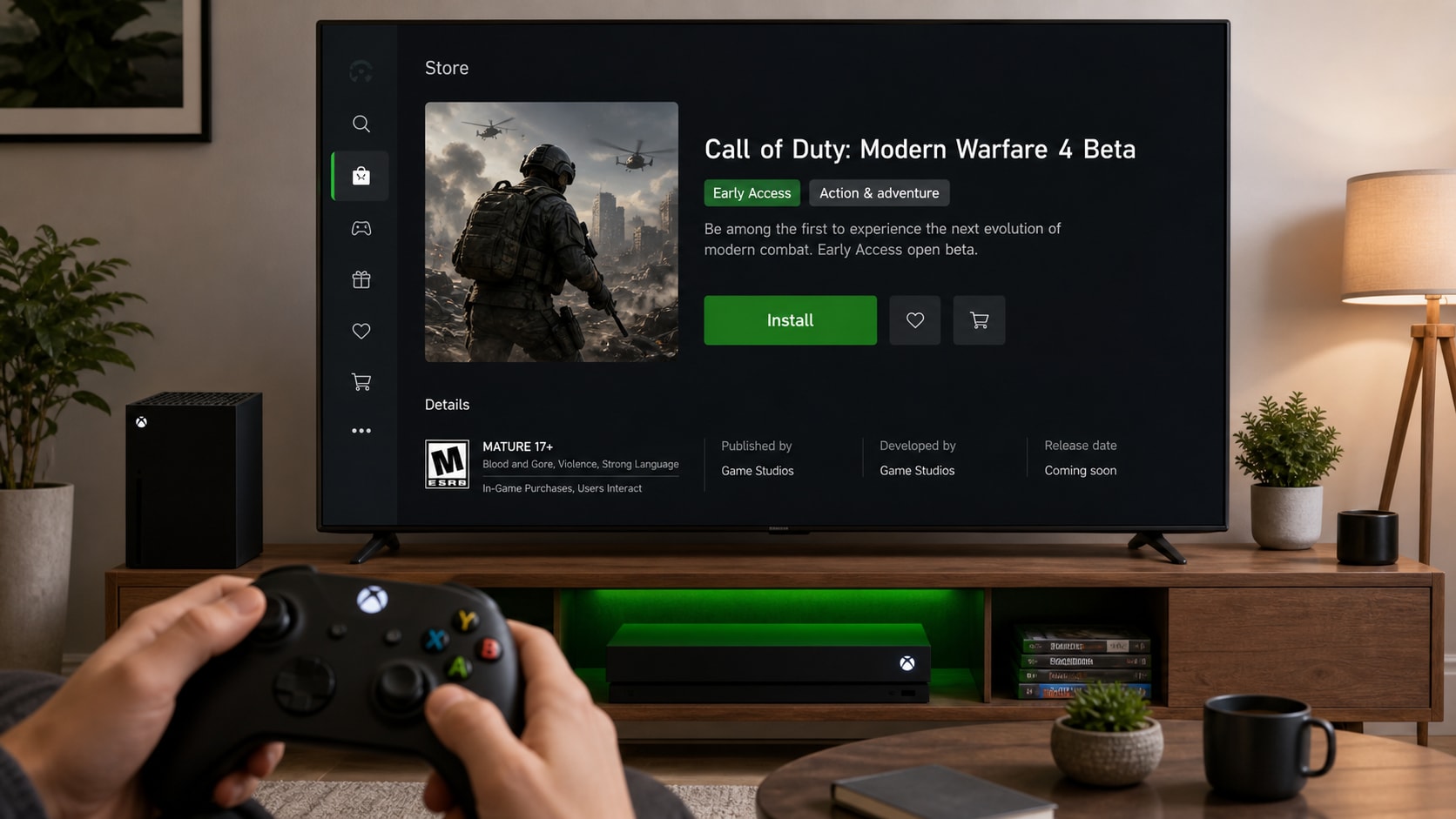
To access the Modern Warfare 4 Open Beta Early Access on Xbox Series X/S, search for Call of Duty: Modern Warfare 4 - Beta in the Xbox Store to install it, noting that digital preorders grant automatic access while physical editions require redeeming a code in the Store menu first.
● Early Access is live until August 25, 2026 at 10:00 AM PT, and the Open Beta starts August 28, 2026 at 10:00 AM PT; the application will fail to launch even after a successful download if opened before these official access windows.
● If the install option is missing or the beta cannot be found, confirm that your Xbox account region exactly matches the token redemption region, or look for the game inside the Full library section of My games & apps.
● Wondershare Repairit cannot bypass Xbox Store issues, fix Beta entitlements, or install the game, but it serves as a fallback to restore local gameplay video clips that become unreadable or frozen due to system crashes.
Ask AI for a summary
 ChatGPT
 Perplexity
 Gemini
 Claude
 Grok
Grok
If you want to install Modern Warfare 4 Open Beta Early Access on Xbox Series X/S, the fastest path is simple: open the Xbox Store, search for Call of Duty: Modern Warfare 4 - Beta, select the Beta, and install it. For digital preorders, Early Access registration is automatic. For physical editions, a Beta code must be redeemed first.
As of August 25, 2026, Early Access runs until 10:00 AM PT today. If the window has already closed when this is published, the Open Beta begins on August 28, 2026 at 10:00 AM PT.
This guide explains what to do before installing, how to install the Beta on Xbox Series X/S, how to redeem an Early Access token when needed, and what to check if the Beta does not show up. At the end, it also explains when Wondershare Repairit can help if a crash damages a gameplay recording or local video file.
Important: Repairit does not install the Beta or fix Xbox Store access. It can help repair corrupted local video files, but it cannot fix the Xbox Store, Beta entitlement, console region, or launch availability.
In this article
Part 1. What You Need Before Installing
Before downloading the Beta, check these basics first:
- An Xbox Series X or Xbox Series S console.
- A signed-in Xbox account.
- A stable internet connection.
- Enough free storage space.
- The correct region on the console account.
- A digital preorder or a valid Early Access Beta code if required.
Activision says the Beta is downloaded separately through the platform store, so it will not always appear inside the full game page right away.
Part 2. How To Install Modern Warfare 4 Open Beta Early Access On Xbox Series X/S
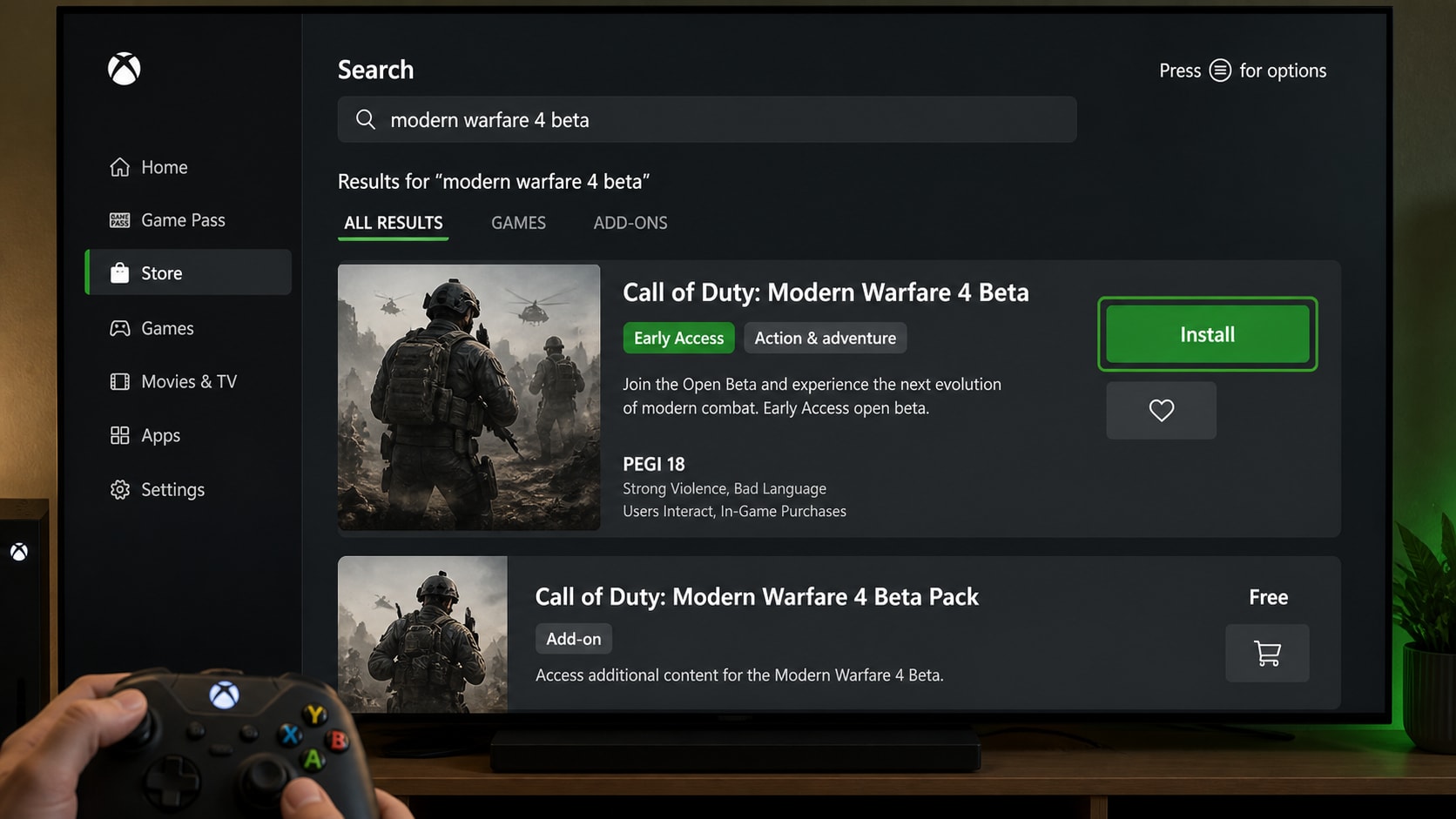
Install the Beta from the Xbox Store
- Turn on the console and sign in with the correct Xbox account.
- Open the Store app.
- Search for Call of Duty: Modern Warfare 4 - Beta.
- Select the Beta result.
- Choose Install.
- Keep the console connected to the internet until the download finishes.
Launch the Beta Once It Is Live
- After installation, go to My games & apps.
- Find Call of Duty: Modern Warfare 4 - Beta.
- Launch it once the Beta window is active.
- If the Beta does not appear in search, try My games & apps > Full library > All games and search again.
If the Beta is installed but will not open, wait until the access window is live. Launch attempts before the official time can fail even when the download is complete.
Part 3. How To Redeem an Early Access Token on Xbox
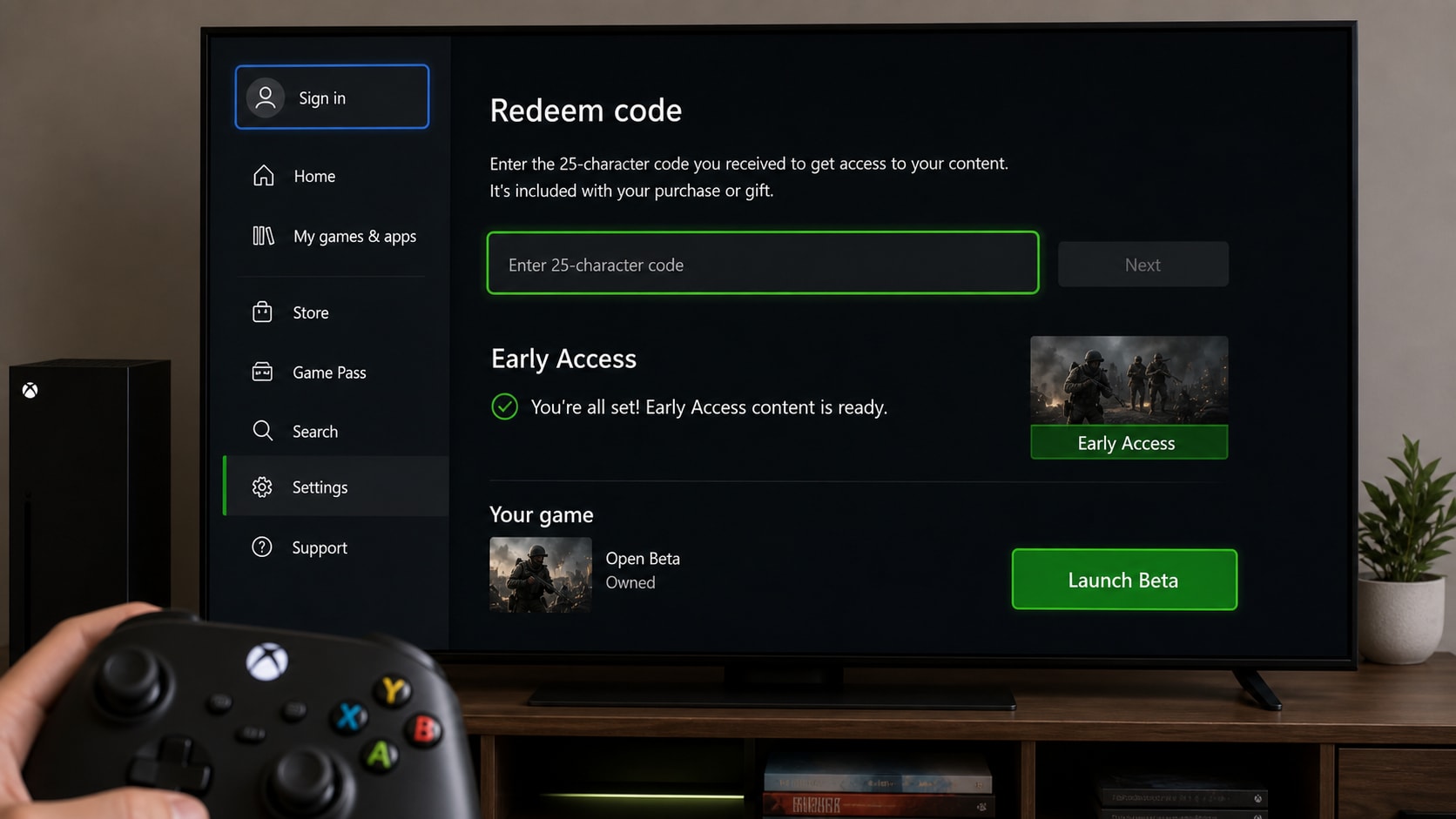
If the Early Access version needs a token, redeem it before launch.
- Open the Store app from the Xbox Home screen.
- Press the View button to open the side menu.
- Select Redeem.
- Enter the Early Access Beta token.
- Follow the prompts and wait for the account to register.
Digital preorders do not need a code. Activision says those accounts are automatically registered for Early Access on the preorder platform.
Part 4. If the Beta Does Not Show Up
| Problem | Likely Cause | Fix |
|---|---|---|
| Beta not found in Store | Wrong search term or Beta not live yet | Search Call of Duty: Modern Warfare 4 - Beta again and check the live window. |
| Install option missing | Account or region mismatch | Confirm the Xbox account region matches the redemption region. |
| Download is stuck | Network or console issue | Restart the console and try a wired connection. |
| Token does not work | Invalid or already used code | Redeem again with the correct token from Activision. |
| Beta is installed but will not open | Launch attempted before live time | Wait until the Early Access window is active. |
A few extra tips help a lot:
- Keep the console connected during the full installation.
- Make sure the console software is up to date.
- Use the current region on the console account.
- Wait for the Beta to finish downloading before pressing Play.
- If download speed is slow, avoid other bandwidth-heavy apps.
Part 5. Bonus: Repair Corrupted Beta Clips with Repairit
Repairit does not install the Beta or fix Xbox Store access, but it can help if a crash damages a gameplay recording, highlight clip, or local video file during Early Access.
When Repairit Fits
- A recording stops mid-match.
- A clip becomes unreadable after a crash.
- The file opens with black screen or no sound.
- A saved video freezes on one frame.
- A transfer leaves the footage broken.
Basic Repairit Flow
Step 1. Import Damaged Modern Warfare 4 Video Recordings
Head over to the "Video Repair" tab within the tool and press the "Start" button.

Step 2. Repair Your Added Modern Warfare 4 Clips
Next, click the "Repair" button once all the damaged video files are imported.

Step 3. Check the Modern Warfare 4 Recordings
After a few moments, press the "Preview" button to review the quality of each restored game clip.


Conclusion
To install Modern Warfare 4 Open Beta Early Access on Xbox Series X/S, search the Xbox Store, select the Beta, and install it from the console. If a physical preorder was used, redeem the Beta token first. If a digital preorder was used, Early Access is usually automatic.
If the Beta crashes and damages a recorded clip, Repairit is a practical fallback for fixing the local video file.
FAQ
-
Do digital preorders need an Early Access code?
No. Digital preorders are usually registered automatically for Early Access on the preorder platform. -
Why does the Beta not appear in the Xbox Store?
The search term may be wrong, the Beta may not be live yet, or the account region may not match the redemption region. -
Can Repairit install the Beta?
No. Repairit does not install the Beta or fix Xbox Store access. It is only useful for damaged local video files after a crash. -
What should be done if the download is stuck?
Restart the console, try a wired connection, and make sure the console software is up to date before trying again.




