
The current audience expects more than sound; they demand immersive, visually stimulating experiences. This expectation is fulfilled by a Spotify visualizer that turns music into a synchronized display of motion, color, and rhythm. Instead of passive listening, users are drawn into an environment where every beat is reflected visually. Besides this, for creators, streamers, and brands, it's a visual identity that improves professionalism and audience appeal.
As competition for attention is massively growing, it's worth exploring the best Spotify visualizers in 2026. In this context, this comprehensive article will highlight the top 10 tools, along with their pricing plans, to support the decision.
Table of Contents
Part 1. Spotify Music Visualization Basics - What is a Music Visualizer
Spotify visualizer is a simple tool that turns sound into moving graphics on your screen while a song plays. It listens to the music’s beat, volume, and different frequencies (bass, mid, treble), then draws patterns that change in real-time. This way, you can "see" the music instead of only hearing it.
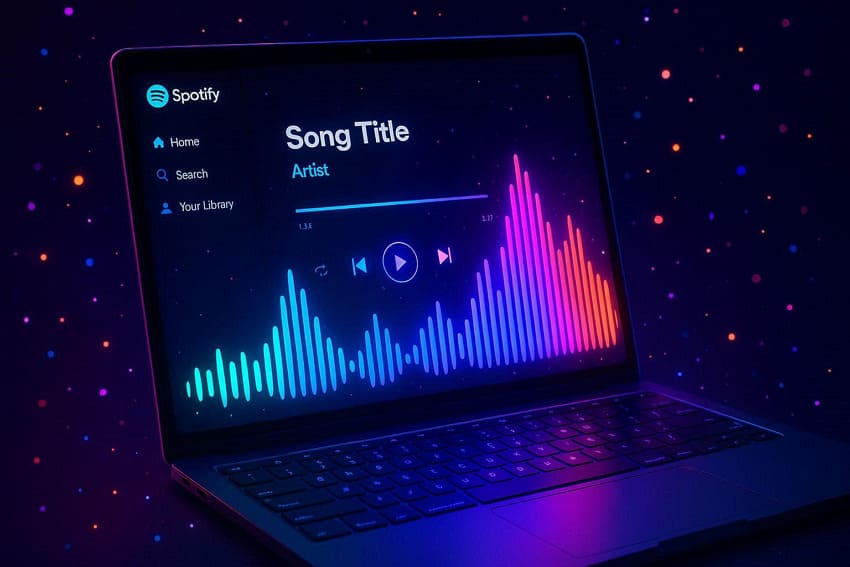
Moreover, Spotify visualizers connect to your music either by reading audio output or by linking to your Spotify account through its API. In practice, you start a song on Spotify, authorize the visualizer, or select it as a playback device. After this, the visualizer uses Spotify’s track data (tempo, beats, energy) and the live audio signal to keep its animation in sync.
Part 2. 10 Best Spotify Visualizer Tools Right Now
Without proper guidance, you might get confused about finding the right one with so many options in the market. To assist you in this, the following section covers the best Spotify visualizer tools, each with its top capabilities:
1. Kaleidosync
Best For: It's for creative coders and VJs who desire to build or adjust WebGL/Shader‑based visuals for Spotify playback.
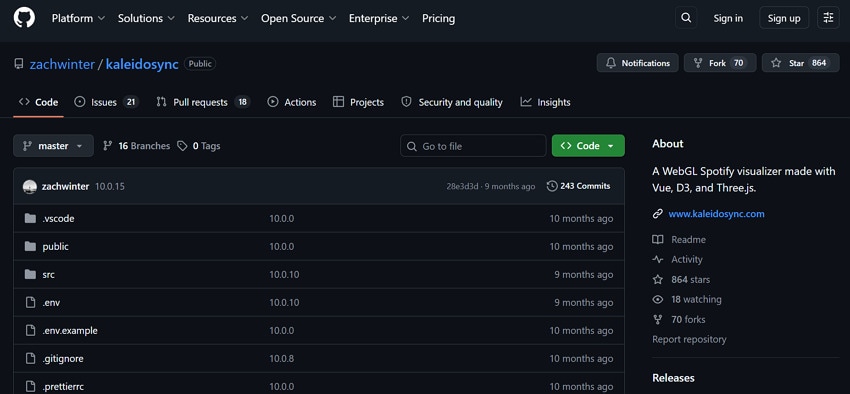
Kaleidosync is a WebGL music visualizer that connects directly to Spotify and turns your tracks into beat‑perfect animations in the browser. The project ships with several different visualizer "sketches" you can switch between, each with its own look. You can read the current track, playback positions, and analysis data directly from Spotify, keeping visuals in sync.
Compatibility: Desktop & Mobile Browsers
Pricing Plans
Free (Open-Source)
2. Musicvid.org
Best For: This visualizer is best for music creators, DJs, and Spotify artists who want simple visualizer videos without complex learning.
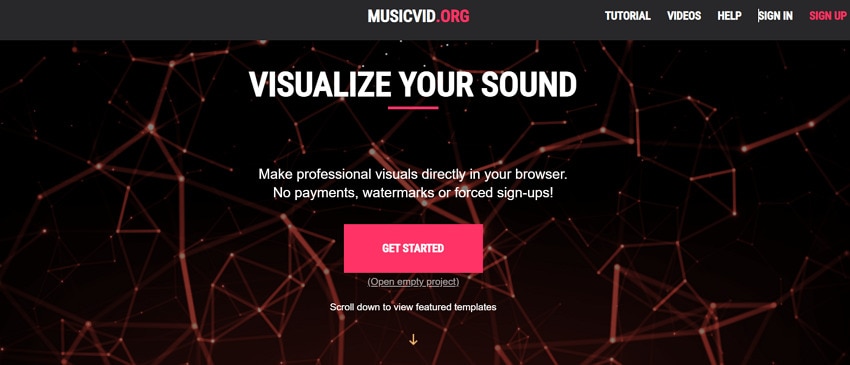
It's a browser-based music visualization Spotify editor where you can upload a track and turn it into a music-video-style visualizer. It analyzes your audio and drives the spectrum, bars, and other effects that pulse and move in sync with the song. Moreover, the editor offers many pre-made templates (waveforms, line grids, bar spectrum) that creators can customize with their own colors.
Compatibility: Web-based
Pricing Plans
Free to use online; there are no published "Pro" or subscription tiers on the main information page.
3. Plane9
Best For: Best for Spotify listeners who demand rich, cinematic 3D visuals rather than a simple flat spectrum.
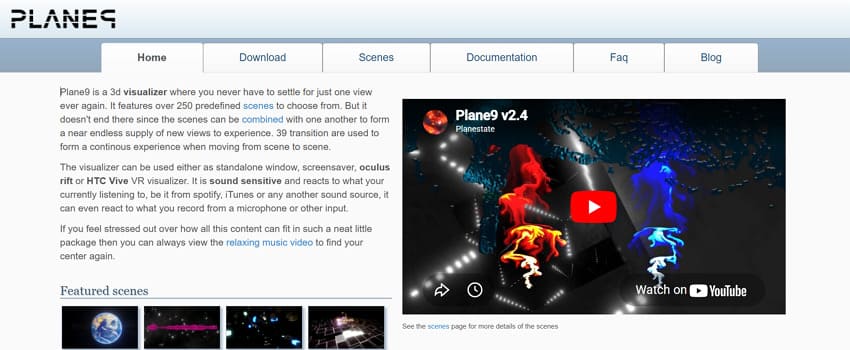
Plane9 is a 3D music visualizer with more than 250 ready‑made scenes that react smoothly to whatever audio is playing. This way, you don’t get one static view because scenes can blend and chain together using 39 transition effects. It's one of the best Spotify visualizers, fully sound-sensitive, whose shapes, colors, and camera moves respond to beats.
Compatibility: Windows
Pricing Plans
Plane9 presents as a free downloadable visualizer with no public lists of paid tiers.
4. Synesthesia
Best For: It's convenient for VJs and streamers who desire performance-grade visuals that respond to Spotify in real-time.
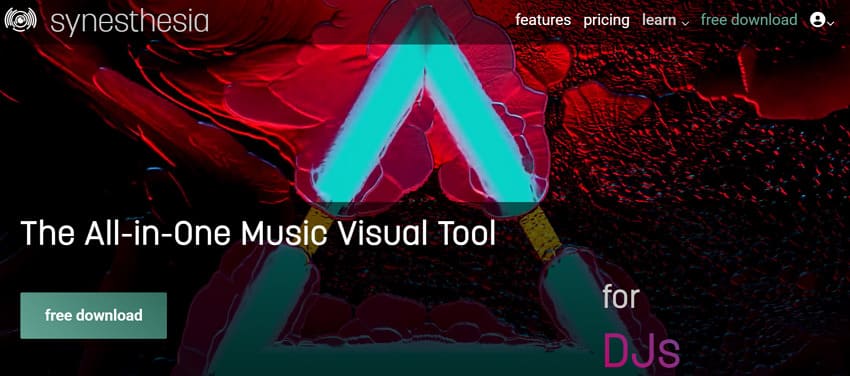
Another professional live Spotify visualizer and VJ tool that reacts in real time to whatever audio you play. You get over 50 built-in visual scenes that automatically move, pulse, and morph with the beat, loudness, and energy of your music. Plus, users can control scenes with simple buttons and sliders, switch looks on the fly, and stack effects for live visuals.
Compatibility: Windows 10 and above, macOS 10.13 and above
Pricing Plans
| Plan | Pricing |
| Trial Version | Try it for free |
| Standard License | $199/month with 100+ built-in scenes |
| Pro License | $399/month for complete support |
5. ProjectM
Best For: Best for Spotify listeners who want a classic MilkDrop look with lots of variety and customization.
A real-time tool for music visualization on Spotify that turns audio into beat-synced visuals inspired by the classic MilkDrop plugin. It analyzes your music with FFT and other techniques, then drives colorful shapes, waves, and patterns that react to bass. However, its strength is a huge library of MilkDrop‑style "presets" and support for user-created presets.
Compatibility: Windows, macOS, and Linux
Pricing Plans
ProjectM is open source under the LGPL v2.1 license, with the core library and main visualizer free to download.
6. Kauna
Best For: Kauna is best for Spotify users on Windows who want a lightweight, plug‑and‑play visualizer.
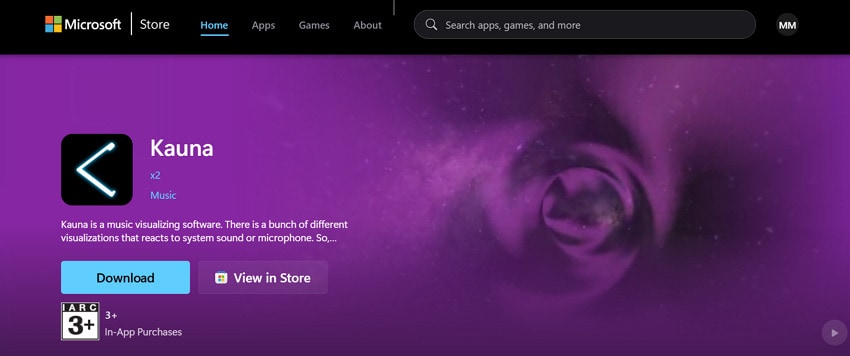
It is a simple music visualizer that reacts to any sound your Windows system is playing, including those on Spotify. As long as Spotify is outputting audio, Kuana listens and turns the music into live visuals in a separate window. Plus, this Spotify visualizer offers multiple built-in visual styles, including Wave, Confetti, Bars, and Burning Clouds.
Compatibility: Windows 10 version 10240.0 or higher
Pricing Plans
It is listed as a free download in the Microsoft Store with no advertised subscription tiers.
7. Tessellator
Best For: Those who want a simple, no-install visualizer to launch directly in a browser tab.
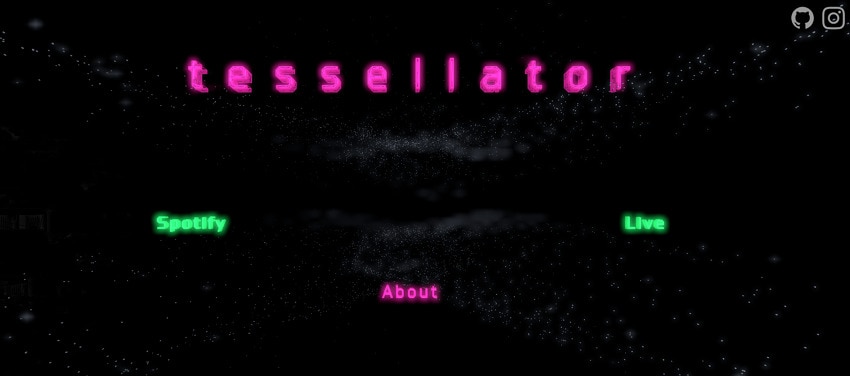
Once Tessellator is open in your browser, it listens to the audio streams and turns music into animated geometric patterns. You can press the number keys 0–5 on your keyboard to switch between different visualizer modes, each with its own movement. These modes in this Spotify visualizer give you a quick way to change the look of the visuals.
Compatibility: Browser-based works on all devices
Pricing Plans
There is no pricing page or paid tier advertised for Tessellator; it is presented as free.
8. Wavesync
Best For: Users who want a minimal, zero-set-up visualizer that "just works" once you log in with Spotify.
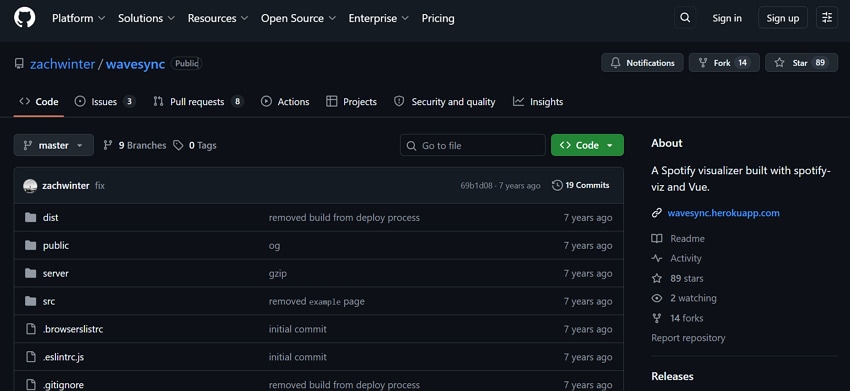
This one is a web‑based Spotify visualizer that syncs directly with whatever you’re playing in any Spotify client. Once connected, it generates real‑time visuals in your browser that move in time with the track; no extra audio routing. Its focus is on clean, automatic visuals rather than editing options, including HTML5/Canvas visual animation.
Compatibility: Browser-based
Pricing Plans
Free (Open-Source)
9. VZX Music Visualizer
Best For: VZX is best for Spotify listeners who want futuristic, 3D‑style visuals rather than simple flat spectrums.
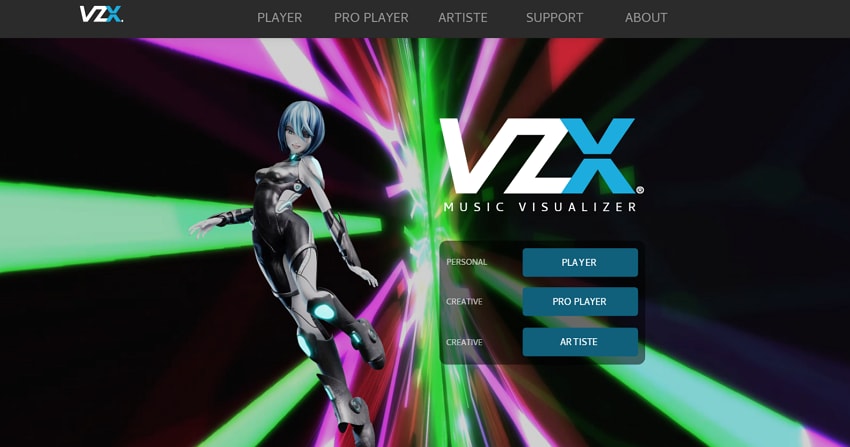
With the best Spotify visualizer, you can record the sound from your default sound source to drive 3D effects. The player ships with many different visualization designs, which can be adjusted for each one by changing speed and camera movement. It supports advanced setups, including ultra-wide, 1080p, and 4K displays, as well as secondary monitors.
Compatibility: Windows (distributed via Steam)
Pricing Plans
| Plan | Pricing |
| Free Version | VZX player is free to use |
| Paid Visual Packs/Pro Content | Roughly around the $10-16 range for a perpetual license |
10. PotPlayer
Best For: It's best for users who want a versatile media player that shows visuals while listening to music.
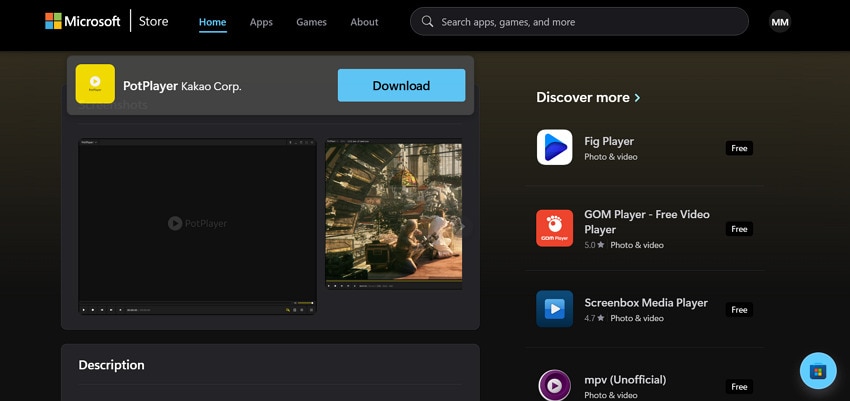
PotPlayer is a powerful media player for Windows, not a dedicated music visualization for Spotify, but it can be used. When you play audio files, the tool can display built-in visualizations or full-screen video while the track plays. It supports a range of formats and uses hardware acceleration to keep playback smooth at high resolution or with complex videos.
Compatibility: Runs on modern Windows PC
Pricing Plans
It's listed as a free download in the Microsoft Store with no official subscription tiers.
Expert Tip. Restore Broken Visualizer Clips with Repairit
Even with the best Spotify visualizer, technical issues can occasionally disrupt your visualizer clips. Therefore, to address your broken visualizer footage, first have a look at what causes these issues in the first place:
- Sudden PC shutdowns while exporting or saving a visualizer video can damage the file structure.
- An interruption between a download, copy, or transfer can leave your visualizer clip incomplete.
- While converting the video to another format, changing codecs, or heavy compression can corrupt metadata.
- Recording or exporting at high resolution from unstable software can result in audio-video desync.
All these issues are supported by Repairit, and you can repair broken clips instead of re-rendering everything from scratch. The program can fix black-screen and unplayable clips caused by header damage, incomplete downloads, or format/codec issues. Besides this, its professional mode handles RAW, HDR, and LOG footage to keep stylized visualizer exports appearing original. It ensures that repaired files remain compatible with editors so you can re-edit your visualizer later.
Key Features
-
Advanced Repair Mode: This mode repairs badly corrupted videos by analyzing a working sample file from the same device.
-
Batch Process Multiple Videos: It can batch-repair multiple clips at once, addressing several corrupted videos in one go.
-
Works with Multiple Formats: The program supports numerous formats, including MP4. BRAW, CRM, or MOV, covering most visualizer export formats.
Simple Guide to Repair Broken Visualizer Clips via Repairit
Follow the guided approach and restore your visuals through a simple 3-step repair process with Repairit:
Step 1. Insert Your Broken Visualizer Clips
Initially, access the "Video Repair" module and press the "Start" button to add all the broken clips.

Step 2. Start Repairing Your Clips
After this, click the "Repair" button to begin the process of repairing the added visualizer clips.

Step 3. Review & Download the Repaired Clips
Finally, preview the visualizer clips and save the fully repaired ones to your device for later use.

Repair Corrupted Files
 Security Verified. Over 7,302,189 people have downloaded it.
Conclusion
In conclusion, using a Spotify visualizer helps create an immersive experience that blends sound and visuals. All the tools discussed offer unique features to keep audiences engaged with music and themes. However, if visualizer clips become corrupted due to export or system issues, tools like Repairit can help restore them instead of re-rendering from scratch.
Frequently Asked Questions
-
1. Do Spotify visualizers affect audio quality?
No, visualizers only interpret the audio; they do not change or reduce the original sound quality of the music. They work separately from the audio stream and focus purely on generating synchronized visuals. -
2. Can I customize the Spotify visualizer?
Of course, many of the best Spotify visualizers, like VZX Player and Tessellator, allow customization of shapes and animation speed. Not only this, but you can adjust colors and background effects to match your style or brand. -
3. Are Spotify visualizers suitable for professional use?
Indeed, they are widely used by DJs, musicians, and content creators to improve their branding and deliver better music presentations. They also help create a more engaging and memorable experience for audiences across digital platforms.




