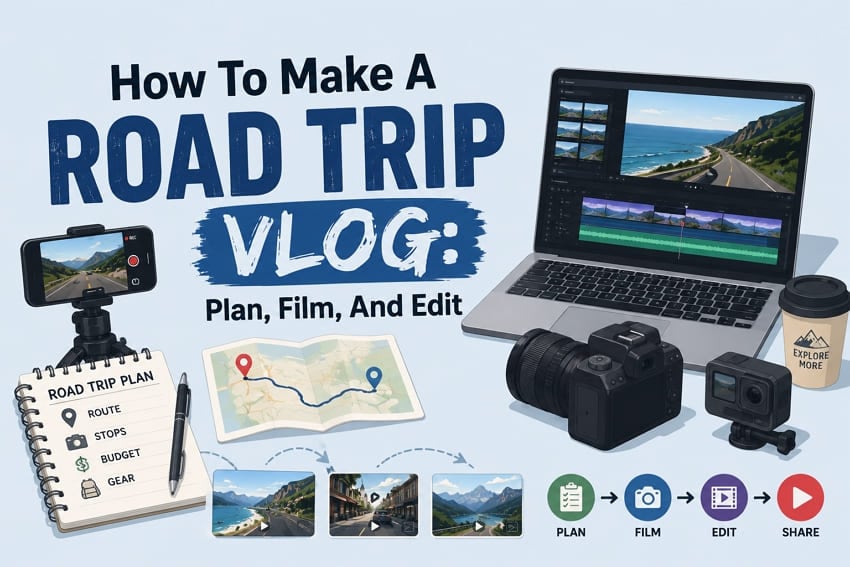
Driving all day creates long videos filled with repeated scenes and many quiet moments without interest altogether. Most recorded footage needs careful planning before filming because editing alone cannot create engaging travel stories. A road trip vlog begins with smart preparation before anyone starts driving toward the destination together.
Planning routes, camera settings, and safety helps capture better footage throughout the entire journey without mistakes. This guide explains every step, including filming techniques and repairing damaged video files before editing begins.
In this article
Part 1. What Makes a Great Road Trip Vlog?
Driving footage alone rarely keeps viewers watching because storytelling matters more than expensive camera equipment. Let's understand the formats and elements every engaging road trip vlog should include before filming.
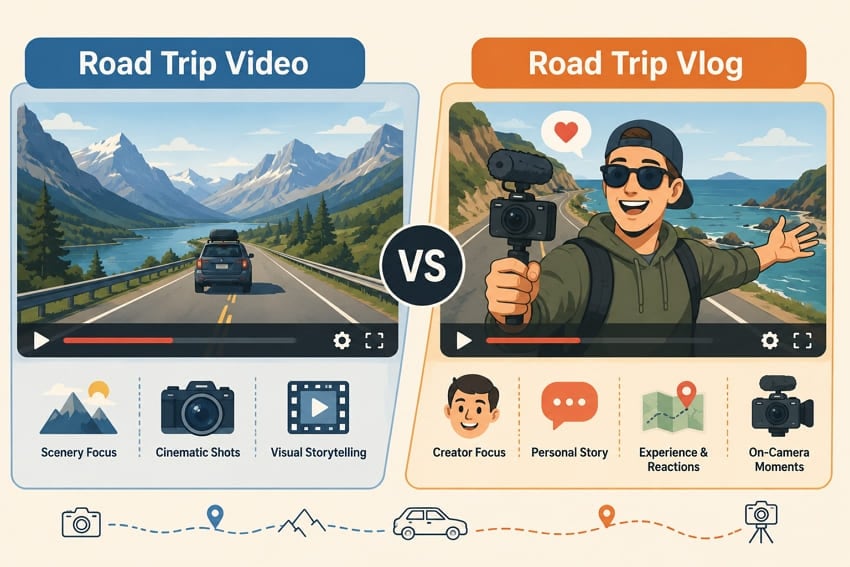
Road Trip Video vs. Road Trip Vlog
Unlike a traditional road trip video, a vlog focuses on personal experiences, reactions, and travel stories instead. Viewers watch driving videos for scenery but return to vlogs because they enjoy the creator.
Common Road Trip Video Formats
The table below compares common road trip video formats and their filming priorities:
| Format | What It Looks Like | Best For |
| Daily Vlog | One upload per travel day, in order | Long trips with an existing audience |
| Full-journey Film | The whole route condensed into one edit | Single scenic routes |
| Destination Episode | One stop treated as its own story | Trips with distinct highlights |
| Short-form Cut | Vertical clips built around one moment | Reels, Shorts, and TikTok |
Essential Elements of Successful Road Trip Vlogs
Having discussed common formats, let's explore the essential elements behind successful road trip vlogs:
| Element | Why It Matters |
| A Clear Destination | Keeps viewers watching until the end. |
| On-camera Presence | Keeps slow moments interesting. |
| Location Variety | Prevents repetitive scenery. |
| Real Audio | Makes the journey feel authentic. |
| Visible Progress | Shows how the trip unfolds. |
Part 2. Plan Before Recording Your Road Trip Vlog
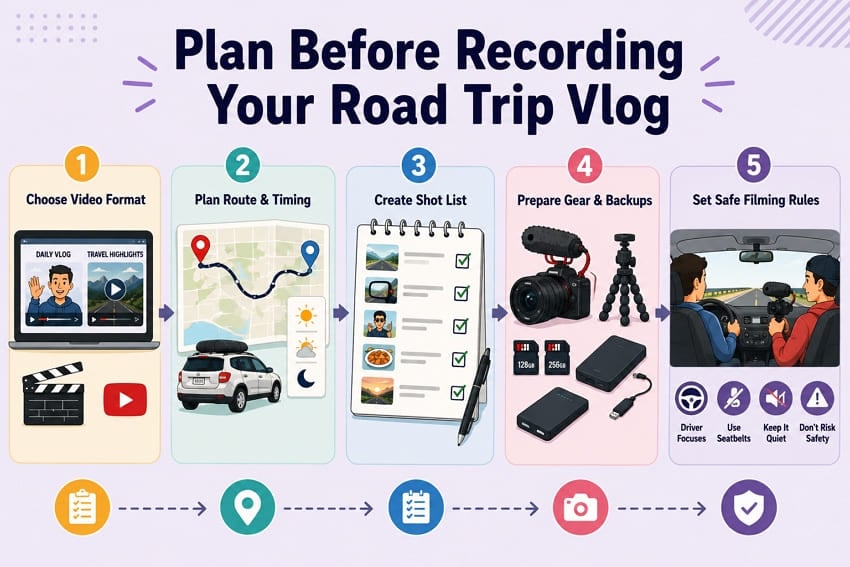
Good planning prevents many filming problems before your road trip even begins with the first drive. Let's prepare your route, gear, safety, and recording plan before leaving for the journey.
Decide on the Story and Video Format
Choose your video format before packing because it determines required footage throughout filming. Daily vlogs need clear beginnings and endings for each travel day together. Single-trip videos focus on important highlights instead of recording everything continuously throughout the journey.
Plan the Route, Stops, Weather, and Lighting
Map the drive around light rather than distance wherever the schedule allows. Long highway stretches suit midday while scenic pull-offs deserve sunrise or sunset. Check forecasts along the entire route because storms ahead change plans quickly.
Create a Simple Shot List and Speaking Notes
The table below outlines a basic shot list for recording a well-planned road trip vlog:
| Moment | Shot to Get | What to Say |
| Departure | Car, bags, first drive | Destination and purpose |
| On the Road | Road, mirror, dashboard | Driving experience |
| Fuel or Rest Stop | Station, quick detail | Trip update |
| Arrival at a Stop | Location, first view | First impressions |
| Meal | Food, table | Worth the stop? |
| End of Day | Sunset, parked car | Day summary, next plan |
Prepare Gear, Power, Storage, and Backups
Cars quickly drain batteries and fill memory cards; always pack double storage capacity beforehand. Use a 12V charger for camera, phone, laptop, or portable SSD nightly backups.
Set Safe Filming Rules for the Vehicle
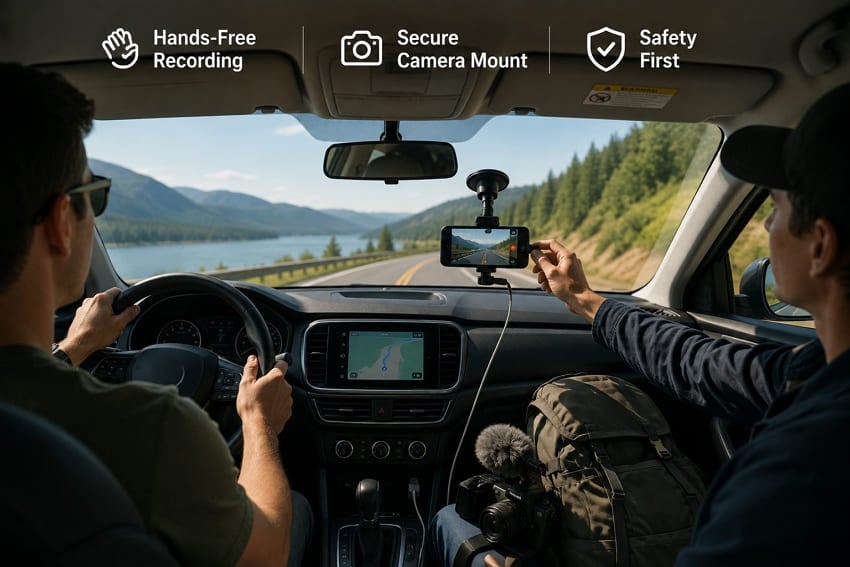
Mount cameras before driving and never adjust equipment while the vehicle remains moving safely. NHTSA says distracted driving includes any activity diverting attention from safe driving tasks completely. Let passengers handle recording and always pull over before changing cameras or settings safely.
Part 3. Best Camera Settings for Road Trip Vlogs
Every road trip video needs reliable camera settings despite constantly changing lighting. Proper settings maintain clear footage consistently across weather, roads, and environments.
Road Trip Vlog Settings at a Glance
The table below summarizes recommended camera settings for recording a trip vlog:
| Setting | Recommended Value | Reason |
| Resolution | 4K, or 1080p to save cards | Better quality or smaller files |
| Frame Rate | 30 fps for speech, 60 fps for motion | Smooth speech and motion |
| Shutter Speed | Double the frame rate | Natural motion blur |
| Focus | Continuous, face or eye tracking | Keeps subjects sharp |
| White Balance | Auto, or a preset fixed per stop | Consistent colors |
| Exposure | Auto with slight negative bias | Protects bright highlights |
| Stabilization | On, at the strongest setting | Reduces camera shake |
| Audio | External mic with a windscreen | Cleaner sound |
| Lens or Zoom | Widest available | Captures more scenery |
| Clip Length | Split long drives into segments | Reduces data loss |
Adjust Settings for Changing Road Conditions
Light changes quickly during road trips because of tunnels, trees, and changing weather conditions. Automatic exposure helps adapt to changing light while driving. Switch to manual exposure after stopping when lighting becomes steady.
Part 4. How to Film a Road Trip Vlog
Good filming habits help create engaging road trip vlogs throughout every stage of the entire journey. Below are the 9 techniques covering every important moment from departure until the journey ends.
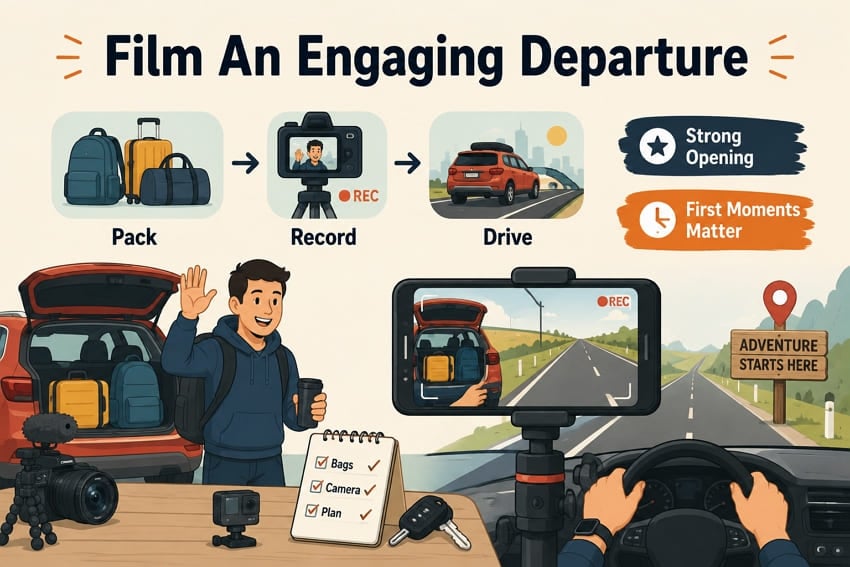
Technique 1. Film an Engaging Departure
Start recording before driving to introduce your journey with natural moments before departure begins. Film packing, leaving home, and first driving moments to create an interesting opening sequence naturally.
Technique 2. Record Driving Sequences Safely
Record driving footage using secure camera mounts without touching equipment while driving the vehicle. Let passengers adjust cameras or safely stop before changing recording angles or settings completely.
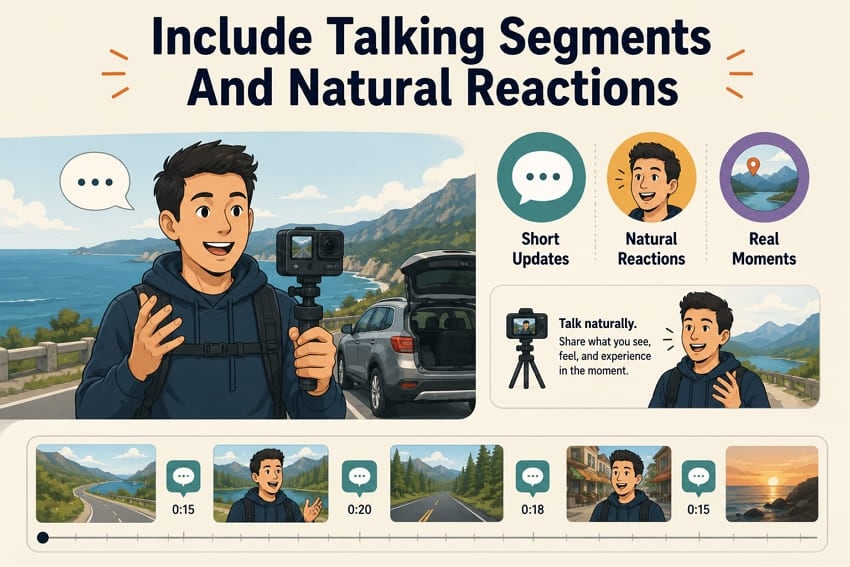
Technique 3. Include Talking Segments and Natural Reactions
Record short updates at important moments throughout your journey instead of continuous talking. Speak naturally because genuine reactions feel more engaging than memorized scripts. Sony explains that Real-time Eye AF helps keep moving subjects focused during movie recording.
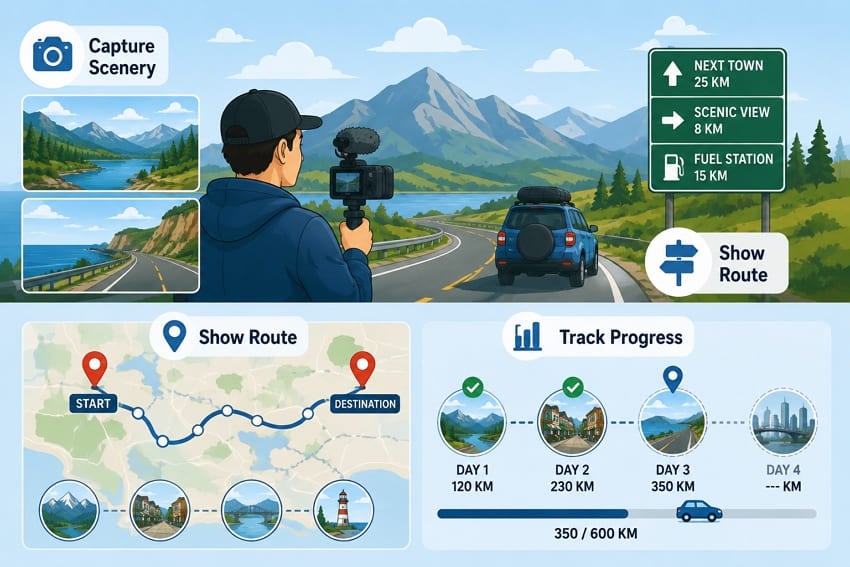
Technique 4. Show Scenery, Signs, and Route Progress
Film scenery, road signs, and landmarks to show your journey moving forward clearly. Capture maps during stops to help viewers understand your travel route.
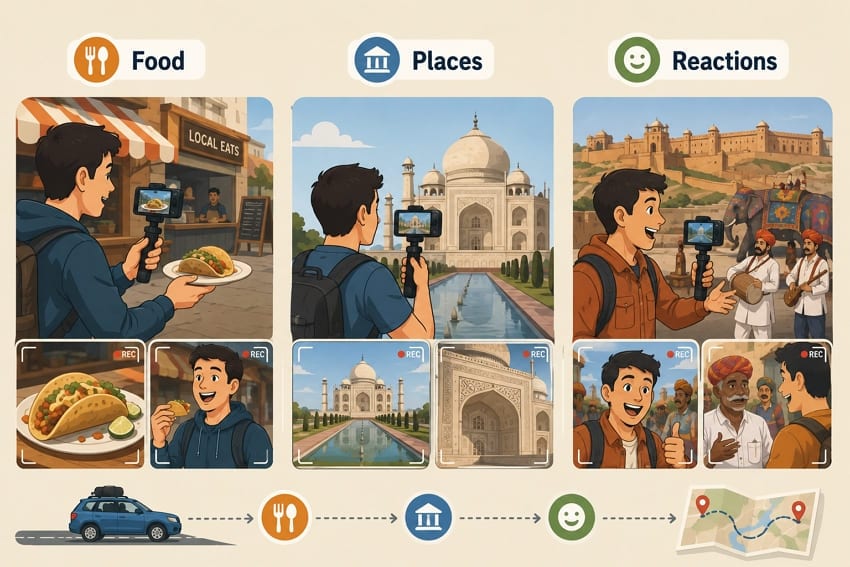
Technique 5. Film Food, Attractions, and Local Experiences
Record food, attractions, and local experiences because memorable stops strengthen every travel story. Capture wide shots, close-ups, and honest reactions at every location.
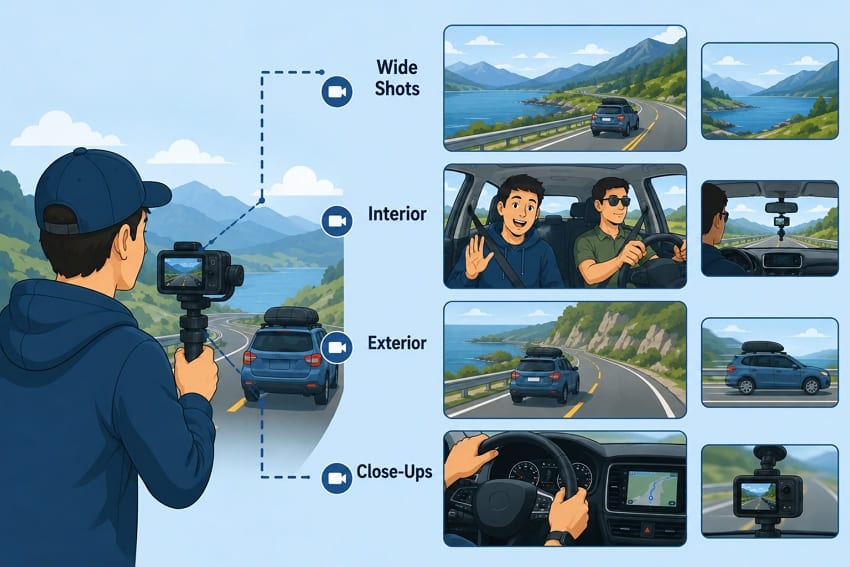
Technique 6. Capture Different Shot Sizes and Angles
Use different shot sizes and angles to keep your driving footage visually interesting. Record interior, exterior, wide, and close-up shots throughout the journey. GoPro explains that electronic video stabilization works by cropping a small frame margin to reduce camera movement.
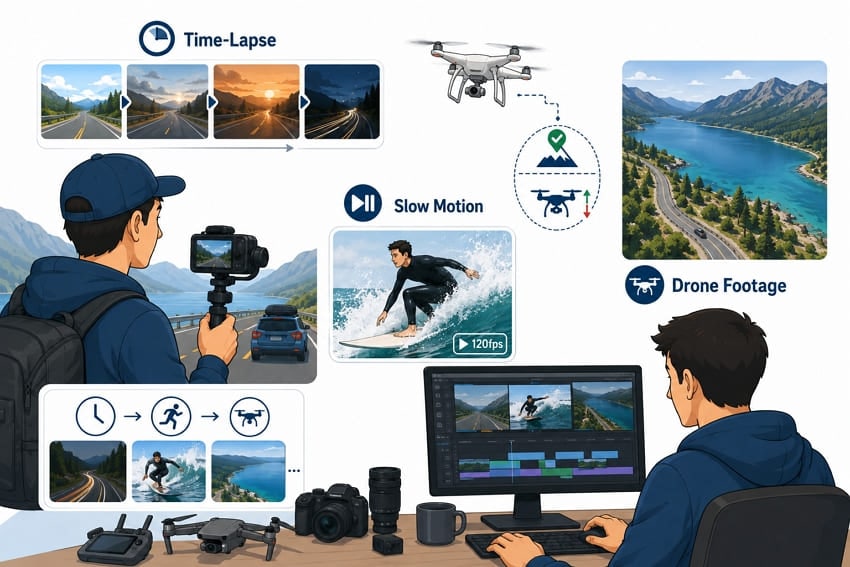
Technique 7. Use Time-Lapse, Slow Motion, and Drone Footage Selectively
Time-lapse footage shortens long driving sections into engaging scenes without losing important moments. FAA requires registration for drones above 250 grams and always requires flights below 400 feet. National Park Service prohibits launching or landing drones inside park boundaries without permission.
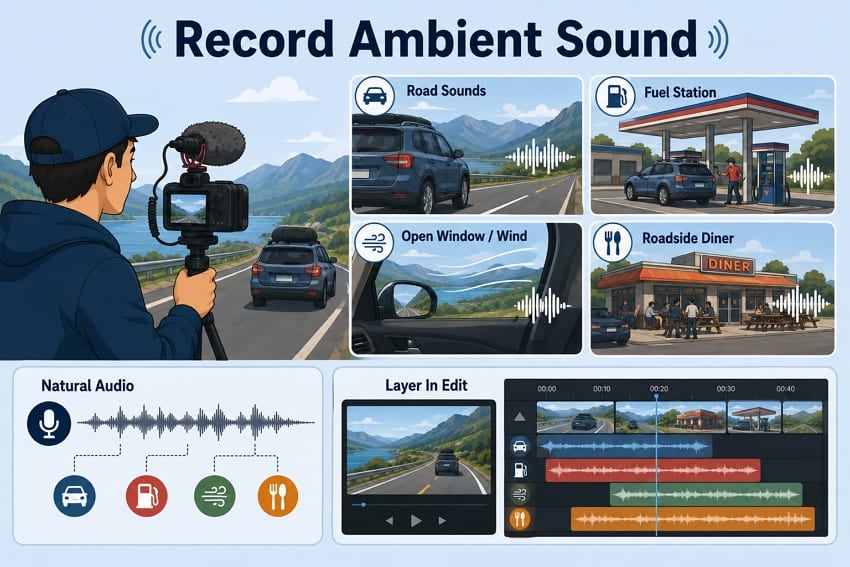
Technique 8. Record Ambient Sound
Road audio is far more distinctive than people assume. Record short takes of engine hum, a fuel pump, wind through an open window, and a busy diner, then layer them under the edit.
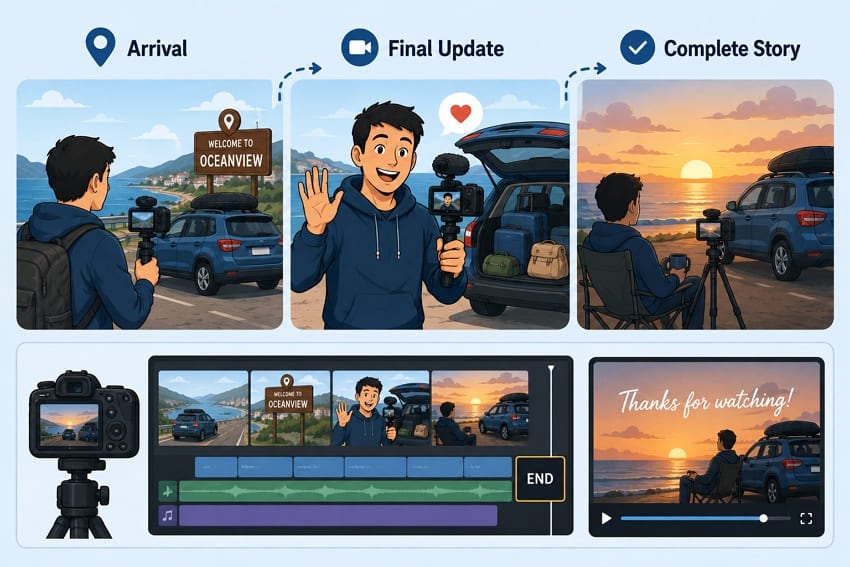
Technique 9. Give the Journey a Clear Ending
A drive that simply stops feels unfinished on screen. Film an arrival, an unpacking, or a closing piece to camera so the trip resolves instead of running out of footage.
Part 5. Solve Common Road Trip Vlog Problems
Most road trip vlog problems have simple solutions when identified before editing begins. In the table below, let's solve common recording problems with practical solutions together:
| Problem | Likely Cause | Fix |
| Wind Roar Over Speech | No windscreen or open windows | Use a windscreen and close windows while speaking. |
| Camera Drifts out of Focus | Incorrect autofocus settings | Enable continuous face or eye autofocus. |
| Blown-out Windshield | Exposure set for dark interior | Reduce exposure to protect bright highlights. |
| Shaky Dash Footage | Loose or unstable camera mount | Secure the mount and enable stabilization. |
| Flat, Repetitive Middle | Too many similar road shots | Add stops, scenery, and different camera angles. |
| Battery Dies Mid-day | Long recording sessions | Carry spare batteries and use a 12V charger. |
| Card Fills Unexpectedly | 4K at high frame rates | Carry extra cards or lower recording quality. |
| Audio out of Sync | Separate audio recording | Clap once before recording for easy synchronization. |
Pro Tip. Repair Corrupted Road Trip Videos Before Editing
Unexpected recording problems can damage files before editing begins during long driving trips together. This section explains road trip video corruption and practical recovery methods before editing starts.
Why Road Trip Vlogs Become Corrupted
Below are the 5 most common causes of corrupted video files before editing begins:
- Camera Shutdown During Recording: Cabin temperatures climb fast in a parked car, and a camera hitting its thermal limit cuts out mid-take. Whatever was rolling ends up missing the data written at the very end.
- Memory Card Error: A card filling mid-take stops accepting data partway through the recording. Repeated reformatting across a long trip also wears cards in ways that only surface at import.
- Interrupted File Transfers: Offloading in a moving vehicle invites trouble, since a jolted cable or a sleeping laptop ends the copy early. The result looks the right size and plays for a few seconds.
- Dash Cam Recording Errors: Loop recording overwrites older segments continuously, and cutting 12V power at engine-off can catch a file mid-write. Damaged segments turn up often on cheap cards.
- Drone Video Corruption: Aircraft that trigger a return-to-home on low battery stop mid-write, so the clip never gets closed properly. Gusty conditions at a highway pull-off make that outcome more likely.
When Repairit Helps Recover Road Trip Vlogs
Repairit fixes damaged video files but cannot recover recordings that no longer exist. The table below explains when video repair can recover damaged files:
| Situation | Realistic Outcome |
| Clip Won't Open | Usually recoverable after repairing the file structure. |
| No Audio | Audio is often recoverable. |
| Freezes or Stutters | Usually recoverable. |
| Formatted Card | Recover the file before repairing it. |
| Recording Never Started | Nothing exists to repair. |
How to Repair a Corrupted Road Trip Video
Repairit - Video Repair Tool
Repair corrupted road trip, dash cam, drone, and camera footage before editing.
-
Video repair workflow. Repair MP4, MOV, AVI, MTS, M2TS, 3GP, and other damaged video files.
-
Road trip footage support. Works with camera, drone, dashcam, smartphone, and memory-card recording issues.
-
Preview before export. Check repaired clips before saving copies for your editing project.
Losing important footage can leave your entire road trip vlog impossible to finish successfully later. This is where Repairit's Video Repair comes in, repairing damaged files before editing begins successfully every time. It supports MP4, MOV, 3GP, MTS, AVI, M2TS, and many other video formats reliably.
Repairit supports cameras, drones, dashcams, smartphones, memory cards, and other recording devices without limitations. Professional Mode repairs RAW, HDR, LOG, advanced codecs, corrupted camera files, and 4K+ footage effectively. Repairit runs locally on Windows and macOS without requiring internet during the entire repair process.
Key Features
- Dash Cam Support: Repairs loop-recorded files from dash cams and continuous in-car recording devices reliably.
- AI Video Enhancement: Uses AI to unblur, enhance, and colorize videos for better visual quality.
- Codec and Container Rebuilding: Restores the wrapper and stream data that decide whether an editor imports a clip at all.
Guide to Repair Road Trip Footage After the Drive
Repairing damaged files before editing improves the chances of saving important, recorded footage. Follow the steps below to repair your damaged road trip video safely:
Step 1. Add The Corrupted Video to Repairit
First, press the Video Repair tab > click Add to import the corrupted video.

Step 2. Start Video Repair
After importing the file, Repairit shows the name, file path, equipment, and other information. Press Repair to begin the process.

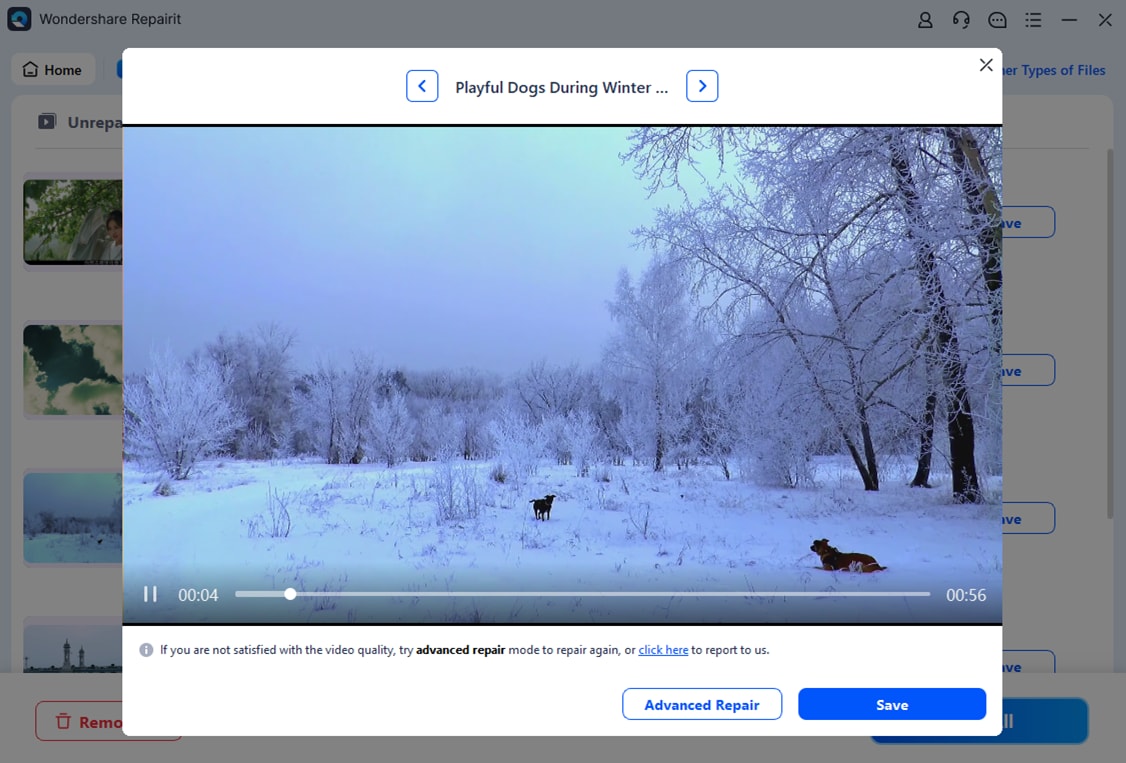
Step 3. Preview and Save Repaired Videos
View the repaired video in the Preview panel > click Save to export.
Conclusion
A road trip vlog becomes easier through careful planning, filming, and consistent preparation. Following practical recording techniques helps capture smoother footage and stronger travel stories throughout every journey. Proper camera settings, safe filming, and regular backups reduce common recording problems before editing begins. If footage becomes corrupted, Repairit helps restore damaged video files before editing continues without unnecessary delays.
Frequently Asked Questions
-
Is it legal to film yourself while driving?
Rules vary by state and country, and several places treat handling a camera exactly like handling a phone. A fixed mount set before you drive is the safer approach everywhere. Where a passenger can film instead, let them. -
How much footage should I expect from one driving day?
Expect far more than you will ever use, since driving days generate long and repetitive takes. Plan card capacity around what you record rather than what you keep. Offloading every evening keeps the numbers manageable. -
Is a phone good enough for road trip vlogs?
Yes, phone stabilization often outperforms mirrorless cameras for smooth in-car recording during daylight driving. Low-light performance and external microphones mainly separate phones from mirrorless cameras during recording. -
How do I stop wind noise when filming with the window down?
Fit a foam or fur windscreen before recording to reduce unwanted wind noise effectively outdoors. Record speech with windows closed because editing cannot completely remove strong wind noise later. -
Should I film the whole drive or only the interesting parts?
Record in blocks around specific moments instead of leaving the camera rolling. Continuous recording drains batteries, fills cards, and leaves you hunting for the good takes later.