
When you shoot, edit, or stream video, the term inter prediction often appears in codec settings of cameras, NLEs, and encoders like H.264, H.265, or AV1. It is a core idea that lets modern formats shrink file size while keeping motion smooth, which directly affects quality, upload time, and playback performance on phones, TVs, and streaming platforms.
Repair Corrupted Files To Save Your Data
 Security Verified. Over 7,302,189 people have downloaded it.
In this article
What Is Inter Prediction?
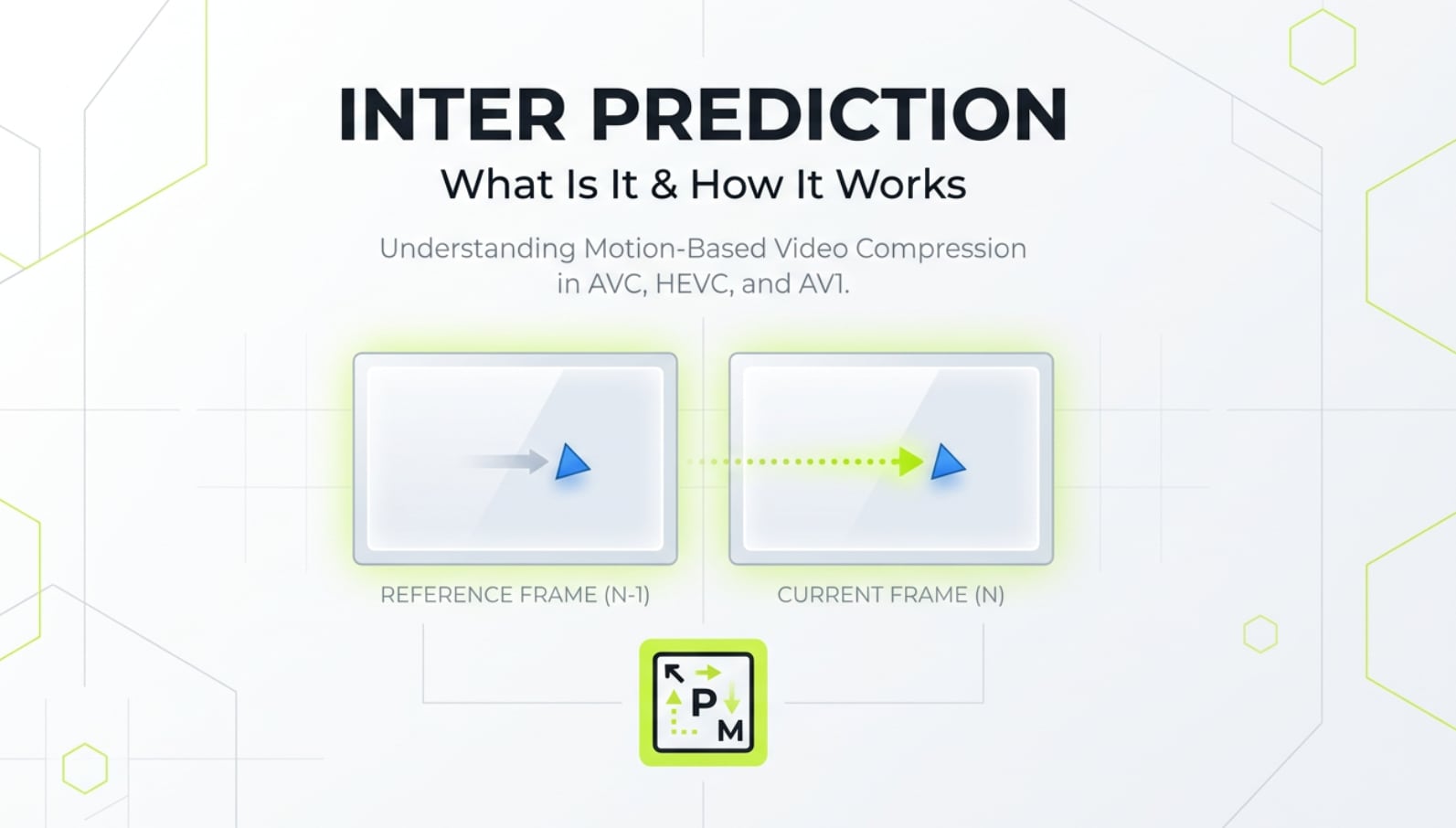
Inter prediction is a prediction method used in modern video compression to describe how a frame changes over time by referencing other frames, instead of encoding every frame from scratch.
In codecs like H.264/AVC, H.265/HEVC, or AV1, frames are grouped into:
- I-frames (intra coded, self-contained)
- P-frames (predicted from past frames)
- B-frames (predicted from both past and future frames)
Inter prediction is the mechanism behind P-frames and B-frames. It looks at previous or future frames, estimates motion, and only saves the differences. Its basic role in video encoding is to reduce redundant information in time, which slashes bitrate and file size while keeping motion and details as intact as possible.
Why Is Inter Prediction Important in Video Compression?
Compression problems inter prediction solves
In most real-world footage, consecutive frames are very similar: the background barely changes while only objects move. Encoding each frame independently wastes bits on repeated information.
Inter prediction solves this by:
- Tracking how blocks of pixels move between frames (motion estimation and motion compensation).
- Predicting the current frame from one or more reference frames.
- Encoding only the residual difference plus motion information.
This temporal reuse of data directly improves:
- Bitrate efficiency and file size – you can get much smaller files at the same visual quality.
- Streaming performance – more viewers can watch at the same bandwidth with fewer stalls.
- Platform compatibility – most streaming services rely heavily on inter predicted frames to scale delivery.
Benefits and limitations of inter prediction
The main benefits of inter prediction include:
- Higher quality at lower bitrates – ideal for online platforms like YouTube, Twitch, or TikTok.
- Better motion handling – smooth playback of pans, tilts, and object movement without needing extreme bitrates.
- Storage savings – longer recordings fit onto memory cards and drives without huge files.
However, there are trade-offs:
- Higher encoding complexity – motion estimation is computationally heavy and can slow exports on weak hardware.
- Decoding load – playback devices must follow frame references, which can stress older phones, TVs, or GPUs.
- Editing friendliness – long chains of inter predicted frames are less convenient for frame-accurate editing; that is why professional intermediates often use only intra frames.
- Error propagation – if a key reference frame is corrupted, all dependent inter frames can show artifacts or fail to decode.
How Does Inter Prediction Work in the Encoding Workflow?
Inter prediction inside the codec pipeline
In a simplified encoding workflow, this is where inter prediction fits:
- 1. Input and preprocessing – the encoder receives raw frames from a camera, screen capture, or export pipeline and may resize, convert color space, or filter noise.
- 2. Frame type decision – the encoder decides which frames will be I, P, or B. Only P and B frames use inter prediction.
- 3. Motion estimation – the encoder divides the current frame into blocks, searches in one or more reference frames for similar blocks, and chooses motion vectors describing how each block moves.
- 4. Motion compensation (inter prediction stage) – using the motion vectors and reference blocks, the encoder builds a predicted version of the current frame. This predicted frame is the inter prediction.
- 5. Residual calculation – the encoder subtracts the predicted frame from the actual frame. Only this residual plus motion data needs to be compressed further.
- 6. Transform, quantization, and entropy coding – the residual is transformed (e.g., into frequency components), quantized, and then entropy coded to minimize size.
- 7. Bitstream output – frame types, motion vectors, residuals, and other syntax are packaged into a standard-compliant video bitstream.
On decoding, the process is reversed: the player re-creates reference frames, applies motion vectors to build predicted frames, adds residuals, and reconstructs each frame in order.
Where you see inter prediction in real tools
In most software you will not see a setting called exactly inter prediction, but it drives many familiar options:
- FFmpeg (x264/x265) – options like GOP size (
-g), B-frames (-bf), reference frames (-refs), or presets (ultrafast to veryslow) mainly change how aggressively inter prediction and motion estimation are used. - x264/x265 GUIs (HandBrake, StaxRip, etc.) – controls for motion estimation method, subpixel refinement, and number of B-frames influence prediction accuracy versus encoding time.
- OBS Studio – output settings for keyframe interval (GOP length), preset, and profile determine how many inter predicted frames appear between full I-frames.
- Adobe Premiere Pro / Media Encoder – export settings such as GOP structure, profile, and level, or using formats like H.264 and HEVC, define how inter prediction is applied in your output.
- Hardware encoders in cameras or GPUs – modes like Long-GOP, IPB, or All-I describe how heavily inter predicted frames are used.
In general, more aggressive inter prediction (with longer GOPs and more B-frames) improves compression but requires more CPU/GPU power to encode and decode.
When Should You Care About Inter Prediction? Common Mistakes and Quick Tips
Not everyone needs to tweak inter prediction directly, but certain roles should pay attention:
- Editors and colorists – heavy inter prediction makes scrubbing slow and can introduce artifacts in complex edits; intra-only or short-GOP formats are better for post-production.
- Streamers and gamers – long GOPs and too many B-frames may add latency or stutter on unstable networks or older viewers' devices.
- Video engineers and encoders – fine-tuning prediction parameters is crucial when building delivery pipelines or VOD catalogs.
- Content creators – choosing between All-I and IPB modes in cameras affects file size, editability, and export time.
Common misunderstandings include:
- "More compression is always better" – too aggressive inter prediction at low bitrates can cause ghosting, smearing, or blocky motion.
- "All-I is always superior" – intra-only is easier for editing but wastes space for simple talking-head or static scenes.
- "Keyframe interval does not matter" – very long GOPs rely heavily on inter prediction, which can hurt seeking accuracy and error recovery.
Quick tips:
- For heavy editing, choose intra-friendly or short-GOP formats, even if the files are larger.
- For final delivery and streaming, allow the encoder to use P and B frames with a reasonable GOP (e.g., 2–4 seconds) for better efficiency.
- Use slower presets only if your hardware and deadlines allow it; they usually mean more precise inter prediction and smaller files.
- If you notice strange artifacts across many frames, a damaged reference frame may be to blame; repairing the video file can help.
How to Use Repairit to Fix a Corrupted Video File
Repairit introduction
Because inter prediction chains frames together, a single damaged reference frame or header issue can break playback for a whole video segment. Wondershare Repairit is designed to fix this kind of corruption in a user-friendly way, whether your footage comes from cameras, phones, drones, or screen captures. You can learn more and download the tool from the Repairit official website.
Key features
- Repairs broken, unplayable, or glitchy videos from various cameras, phones, and storage devices while preserving original quality as much as possible.
- Supports multiple formats and codecs, including common container types where inter prediction is used, such as MP4, MOV, AVI, and more.
- Offers an intuitive interface with preview and batch repair options so beginners and professionals can restore clips quickly.
Step-by-step guide
- Add corrupted video files

Install and launch Repairit on your computer. On the Video Repair module, click the button to add files, then browse to the location of your corrupted clips. You can import several damaged videos at once if you need to fix a batch.
- Repair video files

Once the videos are loaded, select them in the list and start the repair process. Repairit analyzes the structure of each file, attempts to correct issues in headers, indexes, and frame data, and then reconstructs playable video and audio streams. Wait until the progress bar reaches 100%, then preview the repaired result to confirm that glitches and playback errors are gone.
- Save the repaired video files

If the preview looks correct, choose a safe output folder on a healthy drive and click to save the repaired versions. It is best to avoid overwriting the original corrupted files, so you always have a backup copy in case you want to run a different repair strategy later.
Conclusion
Inter prediction is a foundational technique that lets modern codecs shrink video size by reusing information across frames. It shapes how your camera records, how your editor exports, and how platforms stream your content, directly impacting quality, storage, and playback smoothness.
Understanding how inter prediction works helps you choose better recording modes, GOP settings, and export presets for your workflow. And if a video relying on inter-predicted frames becomes corrupted and fails to play, a dedicated repair tool like Wondershare Repairit can often rescue your footage and restore it to a viewable state.
Next: What Is Inter-frame Compression and Why Does It Matter in Video Encoding?
FAQ
-
1. Does inter prediction affect video quality or just file size?
Inter prediction affects both. By reusing information across frames, it can maintain similar visual quality at a much lower bitrate. However, if the bitrate is too low or motion estimation is poor, you may see artifacts such as smearing, ghosting, or blockiness, especially during fast motion. -
2. Is All-I (intra-only) always better than IPB recording?
All-I is better for editing and frame-accurate work because each frame is self-contained, but it creates much larger files. IPB uses inter prediction to reduce size and is usually fine for general shooting and final delivery. The better choice depends on whether you value editability and robustness (All-I) or storage and bandwidth savings (IPB). -
3. How does GOP length relate to inter prediction?
GOP (Group of Pictures) length defines how many frames sit between I-frames. A longer GOP means more frames rely on inter prediction, which boosts compression efficiency but can reduce seek accuracy and make error recovery harder. Shorter GOPs are easier to edit and more resilient but less efficient. -
4. Can inter prediction cause playback issues on older devices?
Yes. Heavy use of B-frames, multiple reference frames, and complex motion estimation increases decoding complexity. Older phones, set-top boxes, or weak CPUs may struggle to decode such streams smoothly, leading to dropped frames or stutter. -
5. Can Repairit fix videos damaged because of corrupted inter predicted frames?
Repairit cannot change how a codec performs inter prediction, but it can repair damaged headers, indexes, and frame data that prevent proper decoding. In many cases, this is enough to restore playback even when important reference frames were affected by corruption.




