
With Toy Story 5 bringing the toy world back into the spotlight, more people are looking for fun ways to turn ordinary selfies into playful, movie-style visuals. Maybe you have a photo you love, but the expression feels slightly off, the background looks messy, or the whole image just doesn't feel cinematic enough to share. You want something more polished than a basic cartoon filter—something that feels bright, adventurous, and poster-ready.
Relumi offers a simple way to make that happen. Instead of trying to completely redraw your face, you can use AI to clean up your selfie, fix awkward details, enhance the image, and transform it into a Toy Story-style poster that feels more fun, personal, and social-ready. It is a creative way to join the Toy Story 5 trend while keeping your own photo at the center of the story.
In this article
Part 1: Why a Regular Selfie Doesn’t Feel Movie-Ready
Most selfies are taken quickly, not designed like a movie poster. The lighting may be uneven, the background may be cluttered, and your expression might be slightly off. Even when the photo is good enough to keep, it may not feel strong enough for a themed post or a shareable fan-style graphic.
That’s why simple filters often fall short. They may change the mood of the image, but they do not fix the details that make a poster feel polished. A movie-style edit needs a cleaner subject, a better expression, sharper image quality, and a more intentional composition. Instead of trying to fully transform yourself into a different character, a better approach is to create a Toy Story-style poster from your selfie. This keeps your photo recognizable while giving it a brighter, more cinematic toy-world feel.
Part 2: How to Create a Toy Story-Style Poster with AI


Relumi AI Photo Enhancer
Transform selfies into creative poster-style images.

 AI Retake fixes closed eyes, awkward smiles, and portrait imperfections
-
Object Removal clears messy backgrounds and distractions
-
Combine Photo helps build poster-style compositions
-
Enhance image quality and animate the final result for sharing
Creating a Toy Story-style poster from your selfie is simple and takes just a few steps.
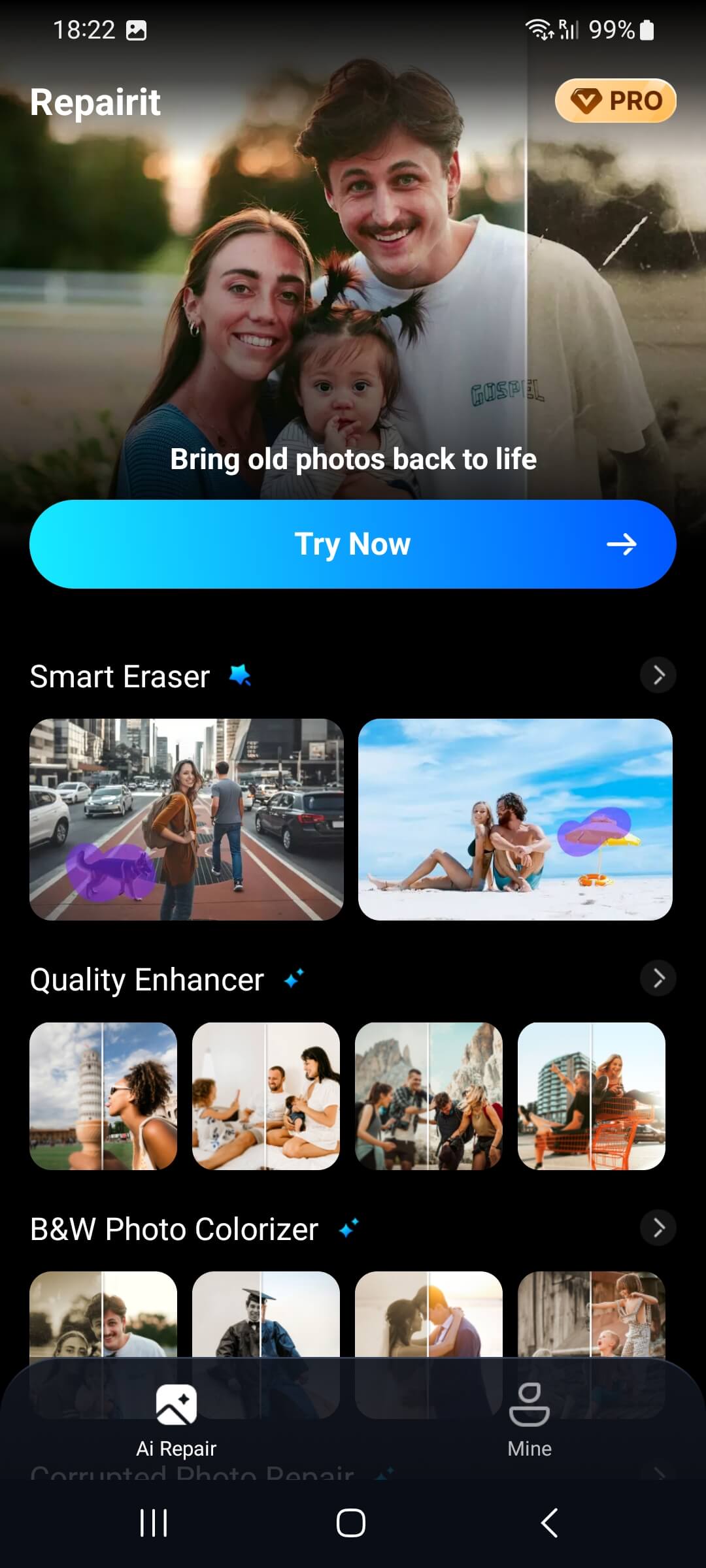
Step 1: Choose a Selfie with a Clear Subject
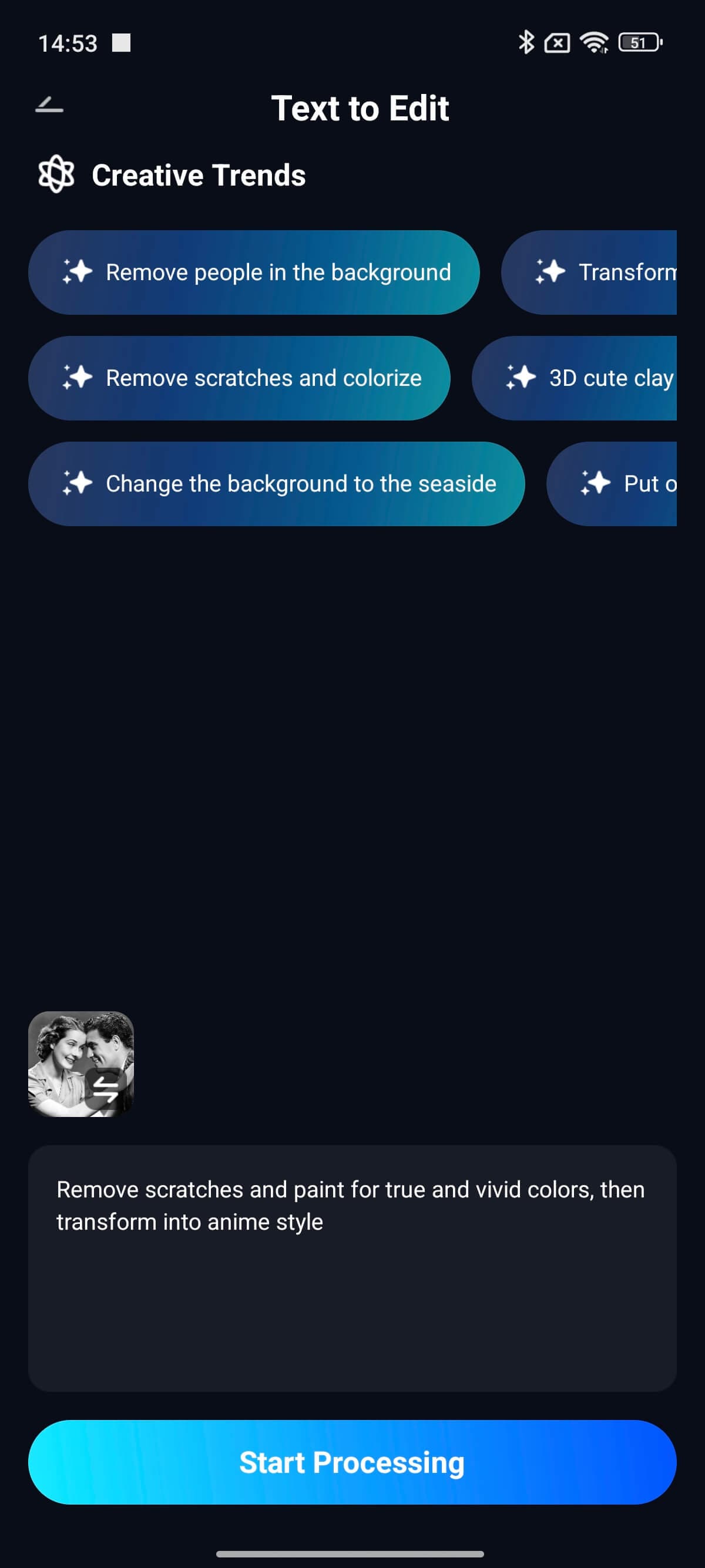
Step 2: Edit the photo with Your Prompt
Part 3: Creative Ways to Use Your Toy Story-Inspired Poster
Once your poster is finished, there are plenty of fun ways to reuse it beyond a single post.
- Profile or Feed Update: A Toy Story-style poster is much more eye-catching than a standard selfie and gives your feed a more playful visual hook.
- Birthday Invitation or Digital Greeting: Poster-style images work especially well for kids’ birthdays, party invites, or themed e-cards because they feel customized and story-driven.
- Friend Group Poster: If you want a cast effect, combine several portraits into one image and make everyone part of the same toy-world adventure.
- Short-Form Animated Content: After finishing the still poster, animate it and upload it as a Story or Reel teaser instead of sharing only a static image.
Conclusion
If you want to join the Toy Story 5 wave without relying on generic cartoon filters, turning your selfie into a Toy Story-style poster is a smarter and more creative approach. It keeps your photo personal while making it feel brighter, more polished, and much more shareable. With Relumi, you can fix expressions, clean up distractions, enhance image quality, and even animate the final result—all from one simple photo.
Frequently Asked Questions
-
Can I use a group selfie instead of a solo portrait?
Yes. A group selfie can work very well if each person is clearly visible. For a cleaner result, you can improve each face first and then build the final composition so everyone feels like part of the same toy-world poster. -
What if my selfie has closed eyes or an awkward smile?
You can fix that before creating the poster. Relumi’s AI Retake is designed to correct common portrait issues like closed eyes and awkward expressions, which makes the final result look much more polished. -
Will this work with blurry or older photos?
Yes. If your original image looks soft or low-resolution, enhancing it first can make a big difference. This is especially helpful if the selfie comes from an older phone or a compressed file. -
Can I turn the final poster into a short animated clip?
Yes. After finishing the poster-style image, you can use Photo Animation to turn it into a short moving clip that feels more dynamic on Stories, Reels, and other social posts.



