 TL;DR:
Following Y2Mate's permanent shutdown in October 2025 for copyright violations, browser-based alternatives like Loader.to, SaveFrom.net, and Y2Meta offer multi-format video downloads in 2026, though users may need AI tools like Repairit to upscale heavily compressed output.
● Choose downloaders based on specific platform needs; Loader.to avoids the malicious redirect pages common in free tools, SaveFrom.net supports cross-platform links like TikTok via an ss URL shortcut, and Y2Meta strictly targets YouTube for fast 320 kbps MP3 extraction.
● Be aware of strict formatting restrictions and security risks across free options, as services like Y2Mate.nu limit MP4 downloads to 30-minute videos capped at 360p resolution, while others require broad browser permissions or trigger malware redirects.
● If site conversions downgrade video sharpness, Repairit AI Video Enhancer can batch process pixelated MP4, MKV, and WEBM downloads on Windows and Mac, utilizing frame-by-frame denoising models to upscale footage to 4K resolution.
Ask AI for a summary
 ChatGPT
 Perplexity
 Gemini
 Claude
 Grok
Grok
TL; DR
- Due to major copyright violations, Y2Mate was permanently shut down, and its domains were taken over in October 2025.
- Reliable Y2Mate alternatives in 2026 include Y2Meta, YT1s, SaveFrom.net, X2Download, Loader.to, and more.
- If the download quality is blurry, tools like Repairit AI Video Enhancer can improve the quality to 4K using AI models and frame-by-frame analysis.
Quick Answer Box: Y2Mate alternatives offer better quality and format, with a limited ad experience, for downloading YouTube and other platform videos from links. So, users can choose from Y2Meta, YT1s, SaveFrom.net, and X2Download as reliable subtitles. If the video quality becomes blurry, Repairit AI Video Enhancer offers AI-powered 4K enhancement options.
Many users want to download YouTube videos for offline access, but tools like Y2Mate no longer work. As a result, users look for more stable options that will work in 2026 without interruptions. So, this guide uncovers 10 options to help you decide the right Y2Mate alternative. So, as you learn how to pick the right substitute, explore the upscaling solution for blurred YouTube downloads.
In this article
Part 1. What is Y2Mate? Why Users Look for Alternatives?
Y2Mate was a YouTube video downloader that lets you download videos in MP4, MP3, M4V, FLV, and other formats. Nonetheless, it came with many pop-up ads, had slow download speeds, and unresolved legal issues regarding copyright infringement.
As a result, IFPI forced the operator of Y2mate to permanently shut down the service and hand over its domains. This was done in October 2025 following a landmark legal enforcement action due to massive global copyright enforcement. If you still see Y2Mate links after the original site was shut down, they are likely fake or scam websites, or unwanted browser notifications.
5 Must-Have Features in Y2Mate Alternative Tools
So, here are some of the factors you need to consider in websites like Y2Mate to choose a stable YouTube video downloader:
| Feature | Why It Matters |
|---|---|
| Fast Download Speed | Saves time when downloading large videos or playlists. |
| Multiple Format Support | Let users easily download MP3, MP4, WEBM, and other file types. |
| HD and 4K Quality Options | Helps keep video quality clear and sharp after downloading. |
| Fewer Ads and Pop-Ups | Provides a safer and smoother browsing experience for users. |
| Mobile and Desktop Compatibility | Allows downloads on phones, tablets, and computers without issues. |
Part 2. 10 Reliable Y2Mate Alternatives You Should Use in 2026
For quick selection, this section offers 10 reliable alternatives to Y2Mate with detailed information on pros and cons:
1. Y2Meta
Best For: Fast YouTube audio and video downloads.
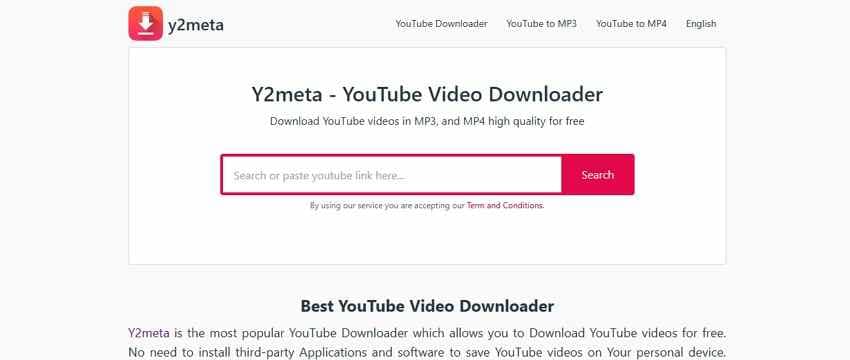
This downloader allows you to download YouTube videos for free in MP3, WEBM, MP4, M4V, etc. formats. Additionally, all the videos are claimed to be in HD, and MP3 bitrate options range from 64 kbps to 320 kbps. Being accessible on any platform, the tool is 30X faster and immediately provides the supported format options after adding links.
Pros
- Has separate tabs for audio and video formats.
- This downloader has no ads on the main page.
Cons
- Redirects to malicious pages when pressing “Download.”
- Only YouTube URLs are allowed; no Facebook or other links are supported.
2. YT1s
Best For: Downloading in high-quality MP3 and MP4 formats.
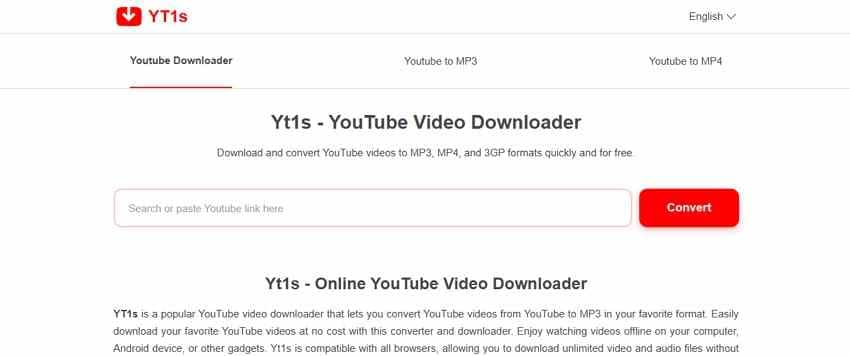
With this Y2Mate alternative, you can download videos as MP3s only. Nonetheless, you can choose from 64kbps to 320kbps quality options to download or play. You can access its MP4 downloader while using the same quality options as MP3. Unlike other tools, you can locate separate MP3 and MP4 Downloader pages rather than using a unified interface.
Pros
- The tool is free and is accessible on any device.
- You can preview the MP3 video while it downloads.
Cons
- Download options redirect to random pages.
- The site is limited to MP3 and MP4 formats only.
3. SaveFrom.net
Best For: Downloading videos other than YouTube.
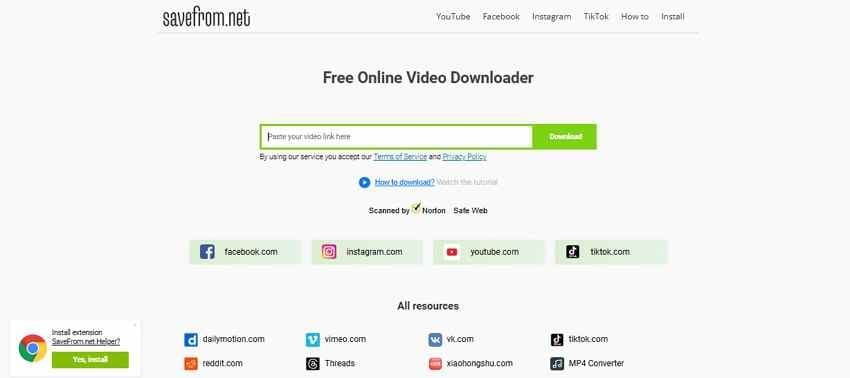
It's another Y2Mate.com alternative, which allows you to download videos from TikTok, Instagram, or Facebook, in addition to YouTube. You can choose from MP4, Audio MP4, or WEBM formats, depending on the quality. The quality of the downloads can vary from 51 (Audio OPUS) to 360 and 720, depending on the format.
Pros
- Rather than an online tool, it can also be used as an extension.
- Offers a seamless “ss” shortcut to the video URL for quick downloading.
Cons
- Clicking the redirect pages leads to malware or scam sites.
- Requires broader permissions, compromising the browsing data.
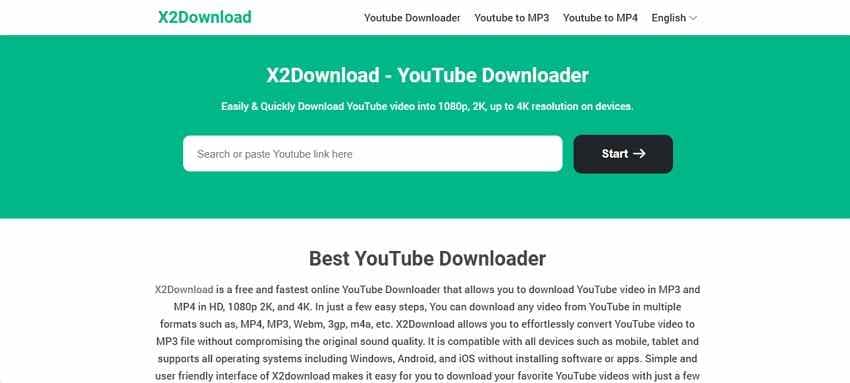
4. X2Download
Best For: Getting converted video links and downloads in 4K.
Among websites like Y2Mate, this online solution allows you to download in MP3 and MP4 formats with quality options ranging from HD to 4K. In addition, you can choose from other formats like MP4, MP3, Webm, 3gp, m4a, etc. By pasting the video link, the tool also provides converted-format links alongside the download option.
Pros
- No redirects to the random page to get converted links.
- Works on any operating system, online and free.
Cons
- Getting converted links is very time-consuming.
- The site fails to process links multiple times.
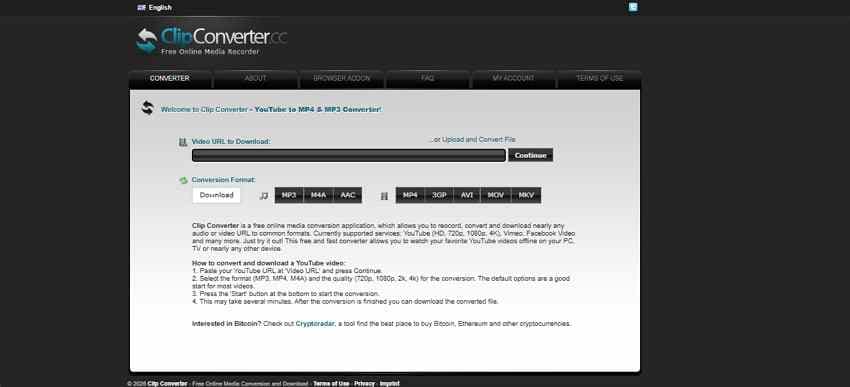
5. ClipConverter.cc
Best For: Converting and downloading both files and links to MP3 and MP4.
In the list of alternatives to Y2Mate, ClipConverter.cc lets you choose from MP3, MP4, and M4A formats after adding the links. Rather than being limited to links, you can also upload files for seamless format conversion in 720p, 1080p, 2 K, and 4 4k quality.
Pros
- No add pop-ups on the main site.
- Built-in feature to easily strip audio from video URLs.
Cons
- Link or format conversion takes too long.
- Fails to process even simple links most of the time.
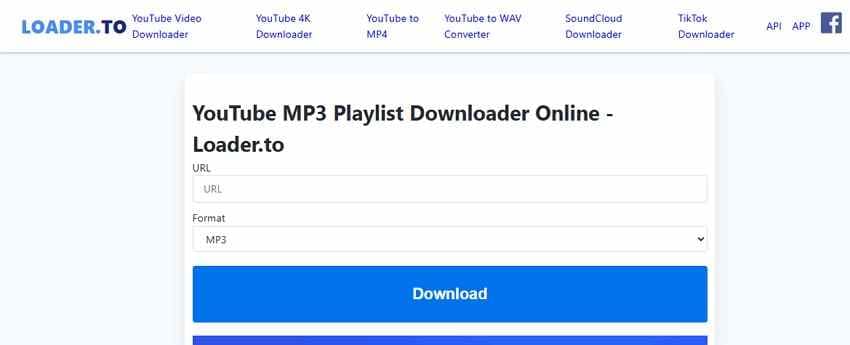
6. Loader.to
Best For: Video and Audio downloads without being redirected to random pages.
This Y2Mate alternative lets you choose from multiple audio and video formats, such as MP3 and MP4. For video formats, users can choose quality options from 144p to 4K by adding the link. Furthermore, the tool shows a download progress slider to track downloads, but this can take time.
Pros
- Doesn’t direct to random pages when downloading video or audio.
- It is free, simple, and intuitive for all types of users.
Cons
- No preview option for videos during download.
- Actual 4K downloads may downgrade to 1080p quality.
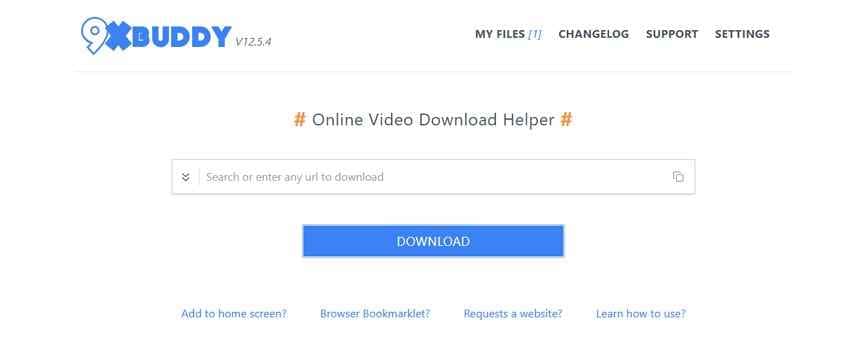
7. 9xbuddy
Best For: Downloading videos and audios along with subtitle files.
You can also use this YouTube Y2Mate.com alternative, which offers search suggestions and options to fetch the link name. Additionally, users get the option to download audio, video, or subtitles of the file with multiple options to choose from. You can locate the file size and format details to download media files while tracking the progress.
Pros
- Allows users to save entire playlists or multiple URLs at once.
- Download content without creating an account or logging in.
Cons
- The download gets interrupted or blocked midway.
- Comes with limited quality options to choose from.
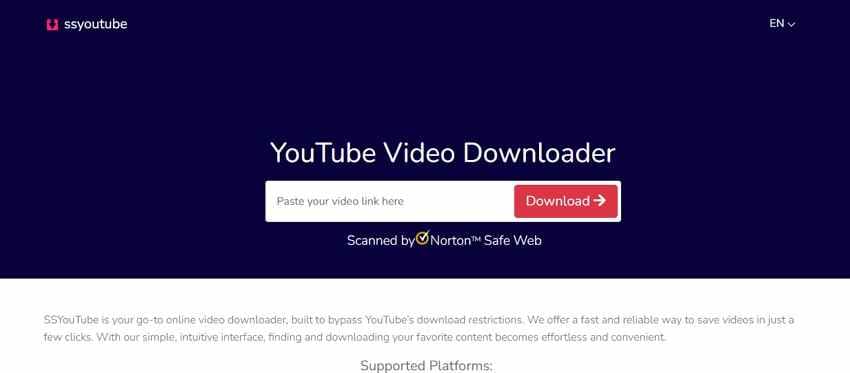
8. SSYouTube
Best For: Getting downloads via the “SS” shortcuts.
As one of the best options among websites like Y2Mate, SSYouTube allows you to download videos in MP3 and MP4 formats, including HD quality. Nonetheless, the tool isn’t free; it costs $6.99 and offers plans from 1 to 12 months. Though it's 2X faster and downloads the video right after adding the URL.
Pros
- Add “SS” in the video URL to immediately download videos.
- Works on multiple devices without ad pop-ups.
Cons
- Comes with limited quality and format options.
- The free version downloads the video in low quality.
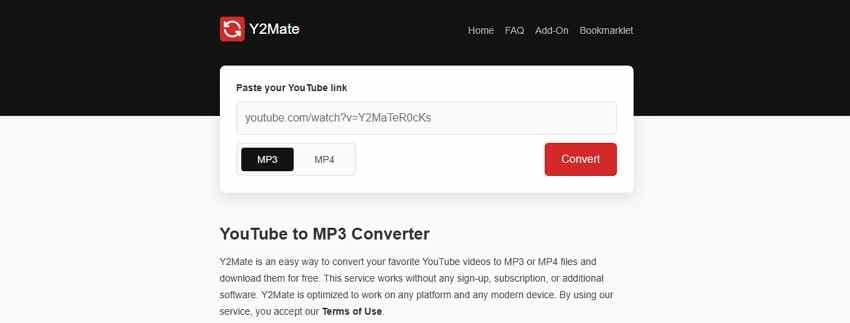
9. Y2Mate.nu
Best For: Getting time-specific downloads in MP3 and MP4 formats.
Among the alternatives to Y2Mate, this site is named the same but allows you to download YouTube videos in MP3 and MP4 formats at 192 kbps and 360p. For the MP3, the video must be 240 minutes or more, and for MP4 downloads, it must be up to 30 minutes, as one adds the URLs.
Pros
- Convert and download media without creating an account.
- This browser-based service is completely free to use.
Cons
- Conversion time and success depend on video length.
- Download options redirect to a random page.
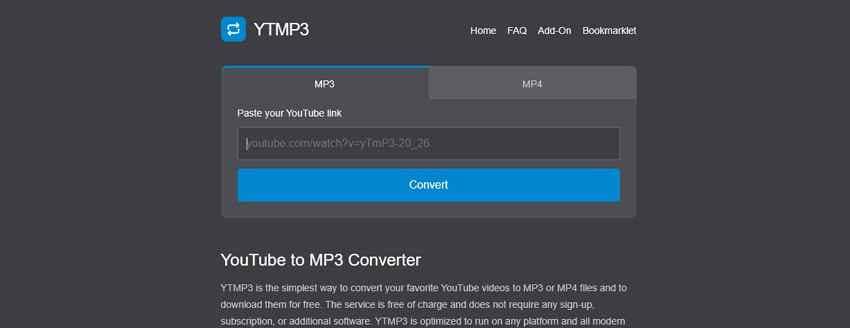
10. YTMp3
Best For: Accessing separate MP3 and MP4 downloaders.
As a last Y2Mate alternative, YTMp3 features separate tabs for downloading MP3 and MP4 files from URLs. For the 240-minute MP3 video, users can download the file at 192 kbps; for the 30-minute MP4 video, at 360p quality. Though the site’s separate tabs make it intuitive to use, it is free and can be accessed on any device.
Pros
- Takes a YouTube URL and outputs the audio file in seconds.
- You do not have to create an account or provide personal details to use the service.
Cons
- Download options redirect to malicious and harmful pages.
- The site changes its URL often to avoid copyright strikes.
Pro Tip. Enhance Video Quality After Downloading Using Repairit
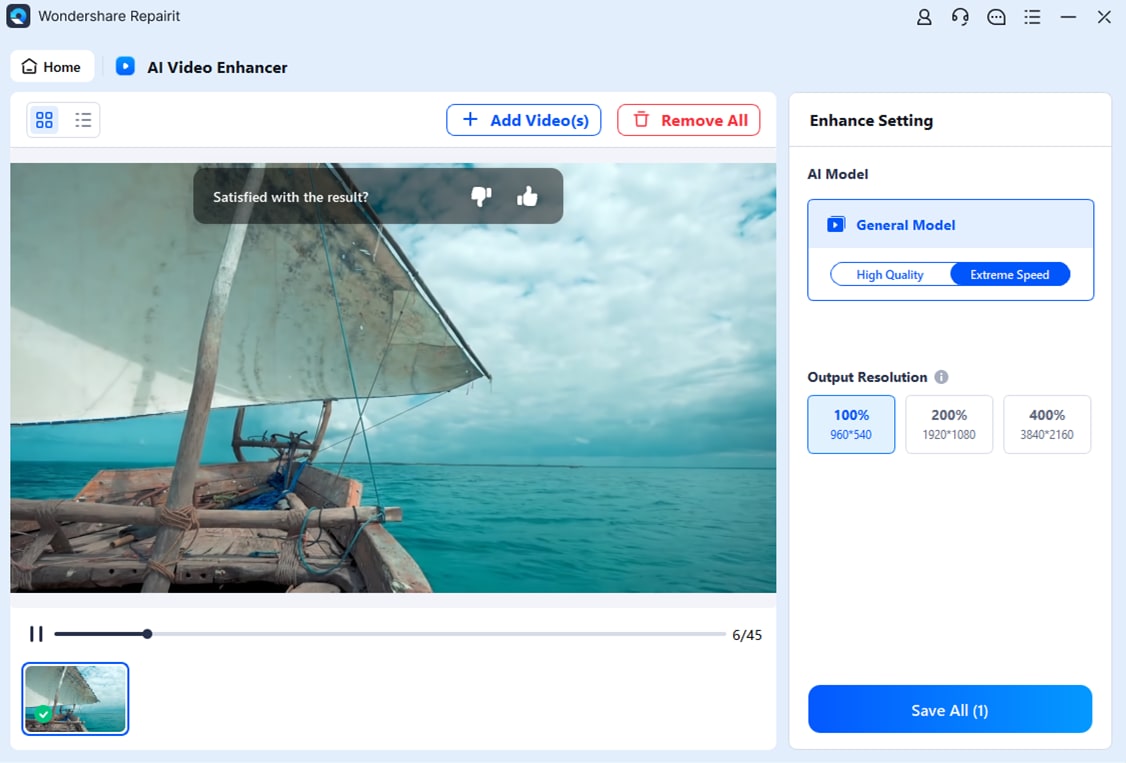
Let’s say you have downloaded the YouTube video using one of the alternatives to Y2Mate. However, the video looks pixelated and blurry, and you need to upscale its quality to 4K. In this case, you can use Repairit AI Video Enhancer on desktop and online, and enhance the quality of multiple downloaded videos. When batch processing reduces manual effort, you can choose from 100%, 200%, and 400% upscaling options.
Thus, this AI-powered video enhancer can use frame-by-frame AI analysis to enhance the quality of multiple formats, such as MOV, MP4, MKV, 3GP, AVI, FLV, MPG, and WEBM. Unlike other tools, you can compare and preview the upscaled results and export to the device. Whereas for online tools, you can access History Files to keep track of previously processed downloads.
Key Features
- Video Denoising: Removes grainy background noise and visual artifacts from low-light or old clips, giving a clean look when one chooses the 2 AI models.
- Sharpen Details: The tool sharpens the video frames to highlight fine textures and turn standard footage into HD visuals.
- Cross-Platform Availability: Users can access the desktop tool on Windows and Mac without file size limits.
Guide to Upscale Downloads from Y2Mate Alternatives with Repairit
To know how you can use this tool to upscale the downloaded YouTube videos to 4K, follow the given guide:
Step 1. Press the “+Add” button on the “Blurry Video Enhancer” and import the video files in batches.
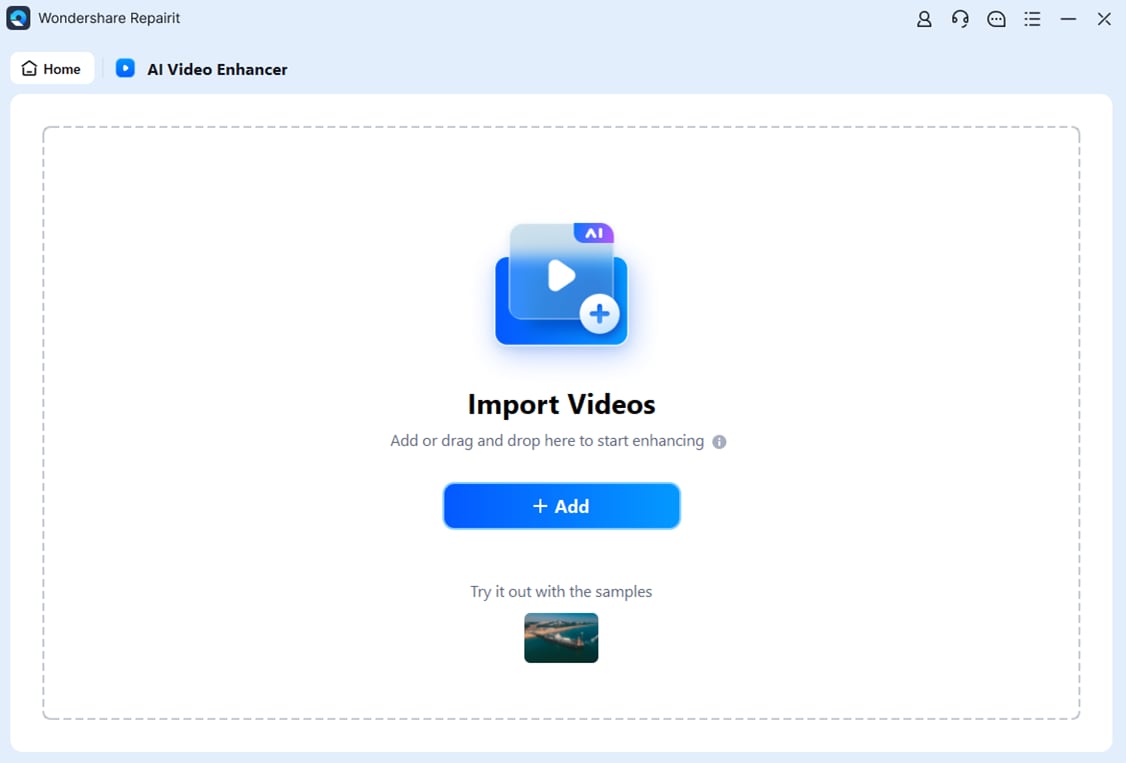
Step 2. Select the provided AI models and upscaling options, then click “Start Upscaling” to process the video frame by frame.

Step 3. When you get the upscale video, preview it or compare the results, and tap “Save All” to export.
Conclusion
In 2026, many users prefer a reliable Y2Mate alternative because they want fast downloads, fewer ads, and better quality options. Hence, this guide has listed 10 suitable options for smooth and secure downloads, including details on their pros and cons. So, if the quality of these sites is still unacceptable, you can use Repairit online and desktop video enhancer to boost the quality to 4K with 2 AI models.
Frequently Asked Questions
-
Do I need to install software for Y2Mate alternatives?
Most alternatives to Y2Mate work in the browser, so users do not need to install the software. Nevertheless, most downloaders offer desktop applications and extensions to enable faster downloads and additional conversion features. -
Why do some Y2Mate alternatives stop working frequently?
Many video downloaders face copyright complaints, domain blocks, or server restrictions from different online platforms. As a result, these sites often change domains, remove features, or temporarily stop providing YouTube download links. -
Why do downloaded YouTube videos sometimes look blurry?
Some websites heavily compress videos during conversion, reducing sharpness and overall playback quality after downloading. Thus, tools like Repairit AI Video Enhancer can improve blurry videos and upscale lower-quality downloads effectively using AI models and multiple upscaling options.