
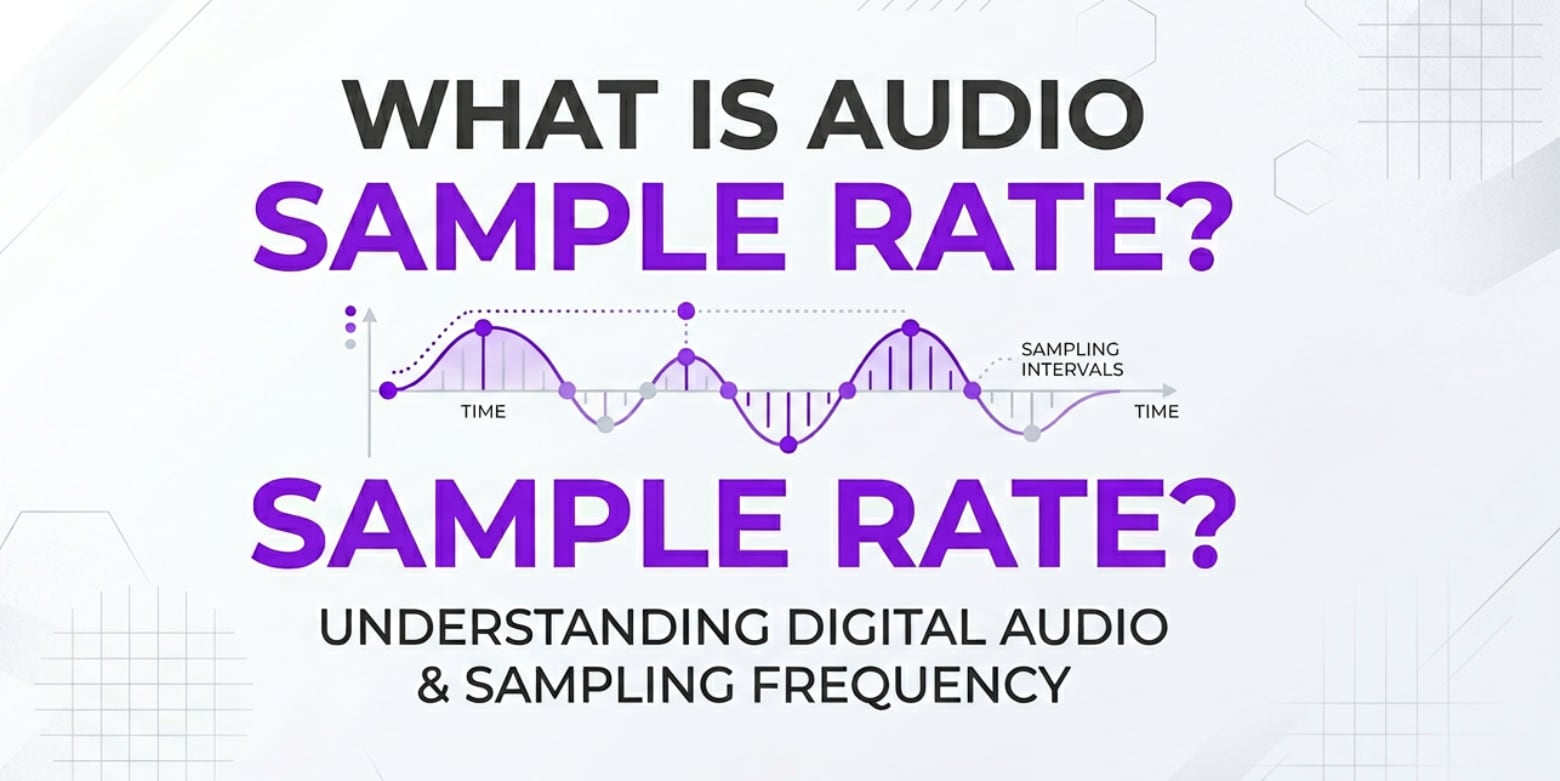
Audio sample rate is a core setting you will see in recording apps, audio interfaces, cameras, streaming tools, and export menus. It quietly controls how clear voices, music, and sound effects will be in your videos, podcasts, and live streams. Understanding it helps you avoid muffled sound, weird pitch shifts, sync issues, and oversized files so your projects play back correctly on every platform.
Repair Corrupted Files To Save Your Data
 Security Verified. Over 7,302,189 people have downloaded it.
In this article
What Is Audio Sample Rate?
Audio sample rate is an audio parameter that describes how many times per second an analog sound wave is measured (sampled) when it is recorded, processed, or played back in digital form. It is expressed in Hertz (Hz) or kilohertz (kHz). For example, 44.1 kHz means the system captures 44,100 samples every second.
In practical terms, sample rate is a technical setting you choose in recording software, audio interfaces, cameras, DAWs, streaming encoders, and export dialogs. It helps determine the highest frequency that can be accurately reproduced and influences how natural and detailed your audio sounds.
What Does Audio Sample Rate Affect?
Sound quality and audible detail
The higher the audio sample rate, the higher the maximum frequency that can be captured according to the Nyquist theorem (about half the sample rate). That affects clarity, especially for high-frequency content like cymbals, ambience, and sibilance in speech.
- 44.1 kHz (CD standard) captures up to about 22 kHz, which comfortably covers human hearing for most people.
- 48 kHz (video and broadcast standard) offers slightly more headroom and is widely used in film, TV, and streaming.
- 96 kHz or 192 kHz (often called high resolution audio) can capture ultrasonic information, mainly useful in some specialized production or sound design workflows.
For everyday listening, the difference between 44.1 kHz and 48 kHz is small. Very high rates may provide only subtle audible changes while demanding more from your hardware.
File size, performance, and compatibility
Changing the audio quality settings such as sample rate directly impacts your workflow:
- File size: Doubling the sample rate roughly doubles the raw audio data, which matters for long recordings, multi-track sessions, and cloud backups.
- CPU and storage load: Higher rates like 96 kHz or 192 kHz require more processing power during recording, mixing, and playback.
- Editing and export speed: Larger, high-rate files are slower to render, export, and upload.
- Compatibility: Many platforms and NLEs expect 48 kHz for video, while streaming services may transcode to specific standards. Mismatched audio sample rate settings can cause clicks, pitch changes, or lip-sync problems.
Choosing a practical sample rate keeps your projects easier to manage while still sounding clean and professional.
How Does Audio Sample Rate Work in Real Use?
You will meet audio sample rate in nearly every stage of recording and video production: capturing, editing, encoding, exporting, and streaming.
- Recording music and podcasts: Audio interfaces and DAWs (like Audacity, Reaper, or Pro Tools) let you select 44.1 kHz, 48 kHz, or higher. For songs and podcasts that will be distributed mainly as audio, 44.1 kHz is a common choice.
- Video production: Cameras, recorders, and NLEs (Premiere Pro, Final Cut Pro, DaVinci Resolve) default to 48 kHz because it is the standard best sample rate for video workflows and helps keep audio locked to the frame rate.
- Streaming and online meetings: Tools like OBS Studio, Zoom, and other encoders usually work at 44.1 or 48 kHz. Matching these to your audio interface avoids resampling artifacts.
- Exporting and encoding: In export settings, you choose the final sample rate along with bit rate, codec, and channel layout. Sticking with 48 kHz for video exports and 44.1 kHz for music releases is a safe, compatible option.
When people discuss sample rate vs bit depth, they are referring to two different aspects of digital audio: sample rate controls how often sound is measured, while bit depth controls how precisely each measurement is stored (dynamic range). Both affect quality, but they solve different problems.
In many real-world workflows, professionals will track and mix at 48 kHz or 96 kHz, then deliver at 44.1 kHz or 48 kHz, depending on whether the final product is a music release or a video.
Common Mistakes and Quick Tips
Common misunderstandings
- Assuming that a higher audio sample rate always sounds dramatically better on any speaker or headphone.
- Mixing clips recorded at different sample rates in one timeline without proper conversion, causing subtle timing drift or obvious sync issues.
- Randomly switching project sample rates mid-production, which can cause pitch shifts and render errors.
- Confusing sample rate with bit rate and assuming they control the same thing.
Quick tips for beginners
- For music and podcasts, 44.1 kHz is usually the best sample rate for music distribution and is widely supported.
- For anything involving video, use 48 kHz; it is the safest best sample rate for video editing, delivery, and platform compatibility.
- Only choose very high rates (96 kHz, 192 kHz) if you have a clear reason and enough CPU, storage, and interface bandwidth.
- Keep your device, project, and export sample rates consistent to avoid resampling issues and distortion.
- When importing files into a new project, check that the DAW or NLE is not silently converting them to an unintended rate.
Key takeaways
- 44.1 kHz vs 48 kHz differences are subtle; workflow and compatibility matter more than chasing huge numbers.
- Do not upsample old audio hoping for miracles; it will not add detail that is not in the original recording.
- If you start a project at one sample rate, try to finish it at that rate unless there is a strong reason to convert near the end.
How to Use Repairit to Fix a Corrupted Video File
When bad audio sample rate choices, recording glitches, or transfer errors leave you with distorted or silent video, Wondershare Repairit can help you bring those files back to life. On the Repairit official website, you will find a dedicated media repair solution designed for creators, editors, and everyday users who need to fix broken video and audio without advanced technical knowledge.
Key features of Repairit
- Fixes corrupted, unplayable, or choppy video and audio tracks from many cameras and formats.
- Supports both quick repair and advanced repair for severely damaged video files.
- Offers a simple, wizard-style workflow so beginners can complete repairs in just a few clicks.
Step-by-step: Repair corrupted video audio with Repairit
- Add corrupted video files
Click the button to add files and browse to your damaged clips on a local drive, memory card, or external storage. Once added, your videos will appear in a list with basic information like file name, size, and format.

- Repair video files
Select the videos you want to fix and start the repair task.

- Save the repaired video files
When the repair finishes, preview each video inside Repairit to confirm that playback is smooth and the audio is clear and synchronized.

Conclusion
Audio sample rate is the simple number that controls how often audio is captured or played back, and it directly affects clarity, file size, and how smoothly your projects move between devices and platforms. Using sensible defaults such as 44.1 kHz for music and 48 kHz for video keeps quality high and technical friction low.
By understanding how sample rate fits into your recording, editing, encoding, exporting, and streaming workflows, you can avoid common pitfalls like mismatched settings and unnecessary upsampling. When corruption or glitches still damage your video audio, a specialized tool like Repairit helps you fix corrupted video audio and rescue important projects with just a few guided steps.
Next: What is Audio Channels?
FAQ
-
1. What is a good audio sample rate for music?
For most music production and listening, 44.1 kHz is a reliable standard. It is used for CDs and widely supported by streaming platforms and consumer devices. Some studios record at 48 kHz or higher, but final releases are often delivered at 44.1 kHz without any noticeable quality loss for typical listeners. -
2. Should I use 44.1 kHz or 48 kHz for video projects?
Use 48 kHz for any workflow that involves video. It is the film and broadcast standard, aligns better with common frame rates, and helps avoid sync issues between audio and picture in editing and playback on different platforms. -
3. Does a higher sample rate always mean better sound?
Not necessarily. Above 48 kHz, improvements can be very subtle and often inaudible on everyday headphones or speakers. Very high sample rates create larger files and heavier CPU loads, so they should be used only when there is a clear production reason. -
4. Can I change the sample rate of an existing recording?
Yes. You can convert the sample rate in audio editors or NLEs, but conversion will not add new detail if it was not captured originally. Resampling is mainly useful to match project or export requirements and keep everything in sync and compatible. -
5. Why is my video audio distorted or out of sync after editing?
This often comes from mismatched audio sample rate settings between your recorded clips, project configuration, and export options, or from file corruption. Make sure all elements use the same rate (usually 48 kHz for video). If the file is already damaged, use Repairit to repair video files and restore proper audio playback.




