

TL;DR
- LookMovie2 draws attention through free access, subtitles, mirrors, and no-account viewing.
- Domain changes, ISP blocks, copyright pressure, and risky ads make access unstable.
- A better option should offer legal access, reliable playback, subtitles, and device support.
- Free and paid platforms suit different budgets, households, and movie habits.
- Repairit AI Video Enhancer improves saved pixelated clips before larger-screen playback.
Quick Answer: A LookMovie2 alternative should offer legal access, steady playback, subtitle support, and device compatibility. To improve saved pixelated movies, Repairit AI Video Enhancer helps prepare clearer playback on larger screens.
Viewers often search for LookMovie2 because it promises free access to movies and TV shows without an account. However, LookMovie’s older .io domain was suspended in 2022, while copyright pressure later targeted related LookMovie2 domains. These shifts explain why links may break, redirect, or load slowly during regular browsing.
Therefore, users need a practical LookMovie2.to alternative that focuses on smoother access, updated libraries, and fewer interruptions. This guide explores viewing options by everyday use, while noting risks linked with unofficial streaming pages.
In this article
Part 1. What is LookMovie2?
LookMovie2 is an unofficial movie and TV streaming site that people search for free, quick access to on-demand content. It gained attention through mirror domains, no-sign-up viewing, subtitle options, and claims of fewer ads. However, because it operates outside official licensing, users may face broken links, pop-ups, privacy risks, and unstable playback during regular online use.
How LookMovie2 Became Popular
Free movie access made LookMovie2 popular among viewers, avoiding multiple paid subscriptions online. Mirror domains, no-sign-up viewing, subtitle support, and fast-playback claims increased search volume. However, domain suspensions and copyright pressure made regular access unstable for many users. That uncertainty led readers to seek out a LookMovie2 alternative for steadier online viewing.
Why It Often Stops Working or Changes Domains
After seeing why LookMovie2 became popular, its access problems become easier to understand. The following reasons explain why familiar links keep disappearing or moving elsewhere:
- Copyright Pressure: Studio takedown requests often make unofficial streaming operators abandon addresses and rebuild access elsewhere.
- Registry Suspensions: Registrars can disable disputed LookMovie addresses, leaving visitors searching elsewhere for working replacements again.
- ISP Blocking: Local network blocks may turn familiar links into blank screens or failed connection messages.
- Mirror Rotation: New mirror names appear when older pages lose traffic, ranking, or basic reach online.
- Security Filters: Browser protections sometimes stop suspicious scripts before viewers reach the actual playback page itself.
Part 2. What to Look for in a LookMovie2 Alternative?
Choosing LookMovie2.to alternatives becomes easier when viewers know what actually matters. The checks below help separate smoother platforms from frustrating movie pages online:
- Legal Access: Offers licensed streaming access that lowers shutdown risks and avoids questionable movie sources for viewers.
- Library Variety: Provides diverse libraries with new releases, classics, shows, and regional favorites for quicker browsing sessions.
- Smooth Playback: Supports smoother playback during long movies, subtitle-heavy scenes, and fast-moving action sequences without frequent interruptions.
- Subtitle Support: Strong subtitle support helps global viewers follow dialogue through readable timing and language options comfortably.
- Device Compatibility: Let users continue watching across phones, laptops, tablets, and televisions without changing normal viewing habits.
Part 3. 8 Best LookMovie2 Alternatives for Streaming Movies and TV Shows
After reviewing key selection checks, the next step is exploring practical platforms. The following options cover different viewing habits, budgets, libraries, and device needs:
1. Tubi
Genre: Movies, Comedy, Action, Drama, etc
Best For: Casual viewers wanting free movies without subscriptions or confusing mirror searches.
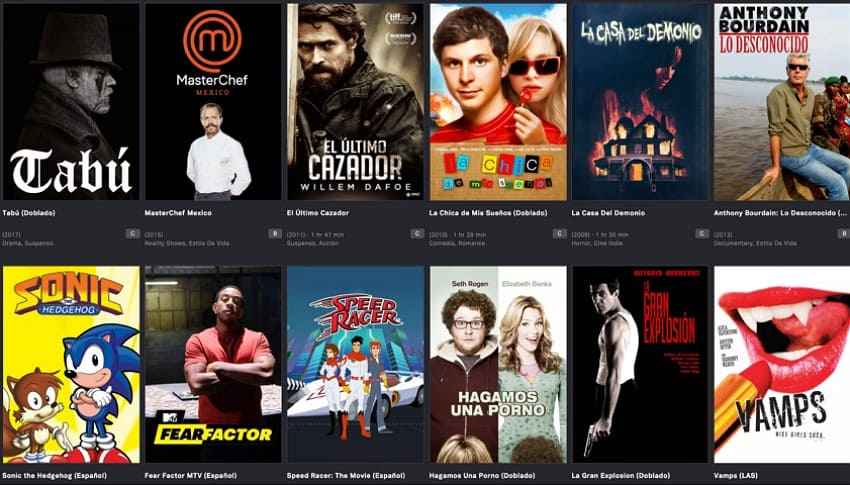
Free movie nights feel easier when Tubi offers licensed ad-supported viewing online. Unlike risky mirrors, this LookMovie2.to alternative keeps browsing straightforward for viewers nightly. However, ads appear because the platform stays free for everyday users.
Key Features
- Set parental controls from account settings to restrict maturity levels by profile.
- Turn captions on for eligible full-length titles showing the CC icon clearly.
- Edit the Continue Watching settings to manually remove unfinished titles from the viewing history.
Pros
- Large free catalog suits casual households and weekend movie nights.
- Account tools help continue watching across supported devices easily later.
Cons
- Ads interrupt movies because free access depends on sponsorship revenue.
- Newest theatrical releases usually arrive later than premium platforms offer.
2. Xumo Play
Genre: Movies, Comedy, Crime, Live TV, etc
Best For: Viewers wanting free channel-style browsing with on-demand movie access.
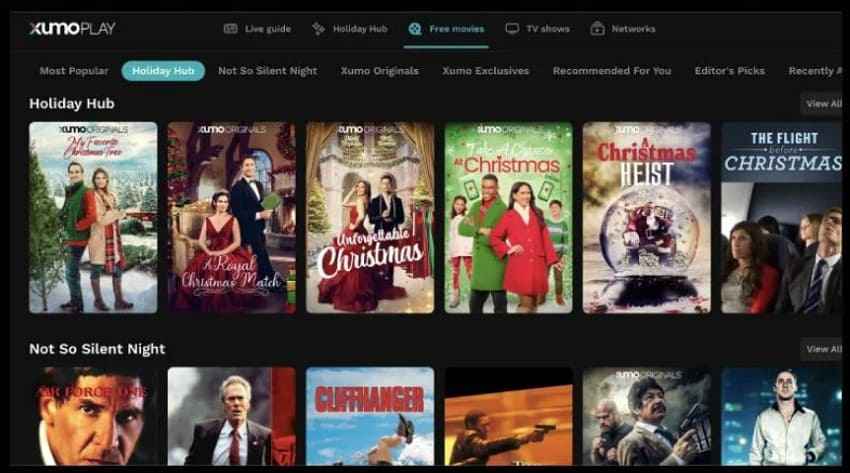
Xumo Play gives casual viewers a direct way to browse free entertainment. Instead of relying on one search bar, users can move through live channels, movies, shows, news, and reality rows. For a LookMovie2 alternative, it feels steadier than changing mirrors.
Key Features
- Use the program guide to check current shows and upcoming channel schedules.
- Allow users to search by title or category when browsing specific movies or programs.
- Resume recently watched content from the homepage without repeating earlier browsing steps.
Pros
- No account requirement makes casual browsing faster for viewers.
- Channel-style layout suits users who dislike endless manual searching.
Cons
- Ads appear because Xumo Play follows a free streaming model.
- Some titles and channels may vary by device or region.
3. Pluto TV
Genre: Movies, Comedy, Crime, etc
Best For: Viewers who enjoy live-style channels plus free on-demand movie choices nightly.
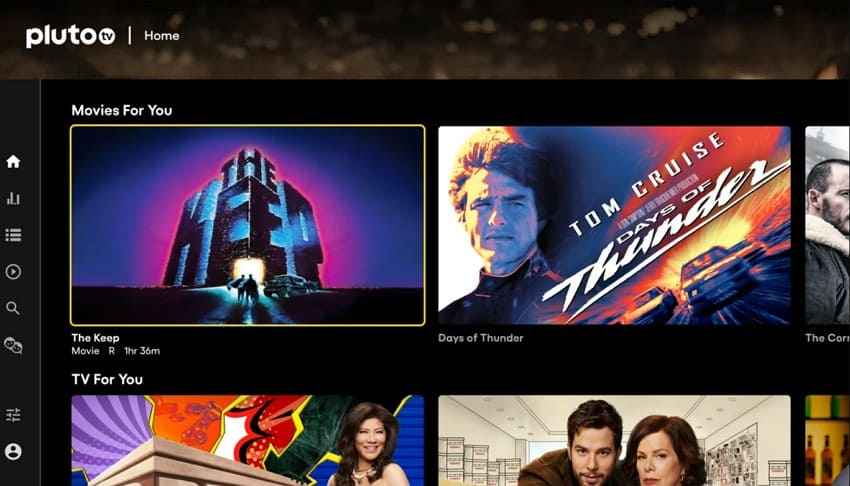
Pluto TV is useful for viewers missing scheduled television at home with channel-style browsing. Live rows create background viewing, but choosing exact titles feels tiring sometimes. Additionally, LookMovie2.to alternatives like this support movies alongside themed channels too.
Key Features
- Allow users to open the browser player directly when app installation is unavailable on computers.
- Browse category rows for news, movies, comedy, crime, and classic television channels.
- Check full-season collections when channel timing does not match viewing plans tonight.
Pros
- Live guide recreates cable-style browsing without subscription commitments for viewers.
- Multiple devices support relaxed watching around different household screens easily.
Cons
- Specific movies may not start instantly during live channel viewing.
- Advertisements appear because Pluto TV remains free and ad-supported online.
4. Plex
Genre: Movies, TV, Documentary, Live TV, etc
Best For: Media collectors wanting personal libraries besides free movies and live channels.
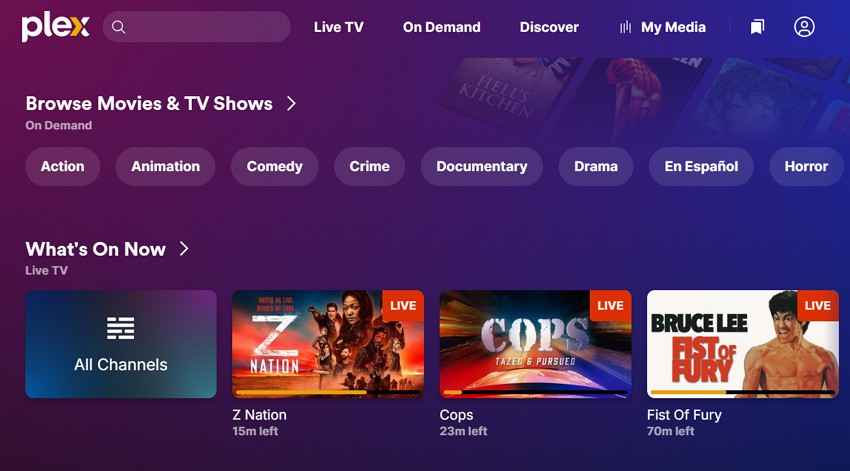
Personal media collectors get more control when Plex organizes saved libraries at home. Free movies and live channels nicely add casual options beyond personal files. Moreover, discovery tools help track titles across different streaming destinations online.
Key Features
- Run Plex Media Server to safely manage local files stored on the computer.
- Enable secure remote access to personal media outside the home network.
- Sync watched status across Movie and TV libraries is automatically enabled in account settings.
Pros
- Free live channels add variety without separate setup costs initially.
- Universal watchlists help track films across scattered services smoothly online.
Cons
- Media server setup may confuse viewers who dislike technical settings.
- Premium cable channels are usually not included in the free Plex.
5. Netflix
Genre: Originals, Drama, Thriller, Comedy, etc
Best For: Households seeking premium originals, profiles, downloads, and polished viewing controls.
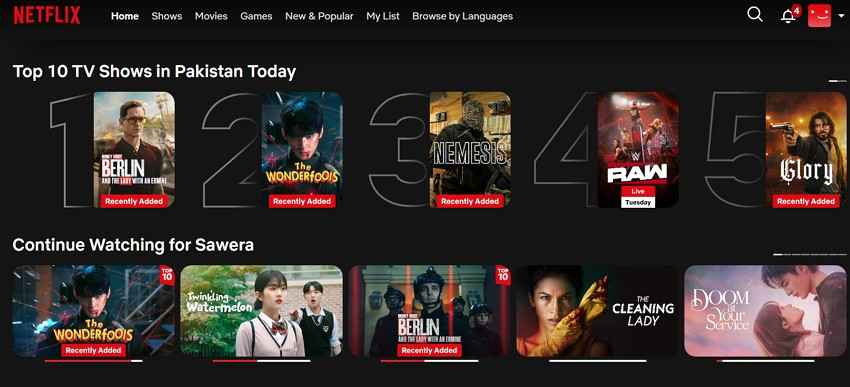
Premium viewers often choose Netflix for originals, international films, and polished app performance. Profiles help families separate recommendations, ratings, and personal watch progress. As a LookMovie2 alternative, Netflix favors licensed convenience over mirror hunting online.
Key Features
- Search by subtitle or audio language using Netflix’s dedicated browse pages online.
- Use audio descriptions where available for clearer scene context during playback sessions.
- Stream spatial audio on Premium when titles and devices support it properly.
Pros
- Original productions keep frequent viewers coming back for exclusive releases.
- Offline downloads help travelers watch selected titles without internet access.
Cons
- Monthly pricing can feel high compared to free ad-supported platforms available.
- Some titles leave when licensing windows change across regions.
6. Hulu
Genre: TV Shows, Movies, Drama, Comedy, etc
Best For: People who watch TV and need current episodes, movie rows, and optional live channels.
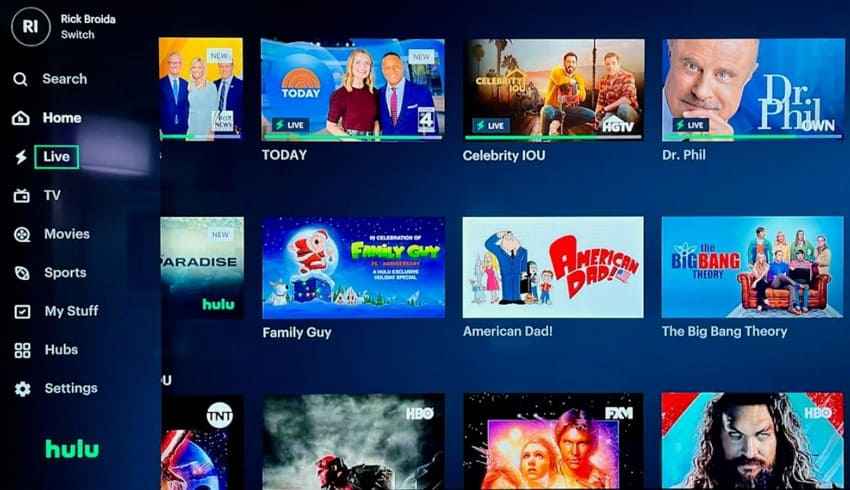
Hulu works well for viewers who follow current episodes alongside movie libraries. Its Live TV upgrade adds sports, news, entertainment, and household channels. Moreover, bundles help users connect Disney services without managing separate payments.
Key Features
- Create up to 6 profiles to separate viewing activity by account user.
- Easily manage subtitle language via playback controls for supported movies and episodes.
- Use TV Everywhere login access when Hulu works as your television provider.
Pros
- Live TV plans combine entertainment, sports, news, and DVR access.
- Bundles can reduce app switching among online Disney service households.
Cons
- Live TV pricing can quickly exceed the cost of movie-only viewing.
- Some content still includes advertisements, depending on the selected plan.
7. Amazon Prime Video
Genre: Movies, Originals, Action, Documentary, etc
Best For: Prime users wanting included titles, rentals, channels, and scene details together.
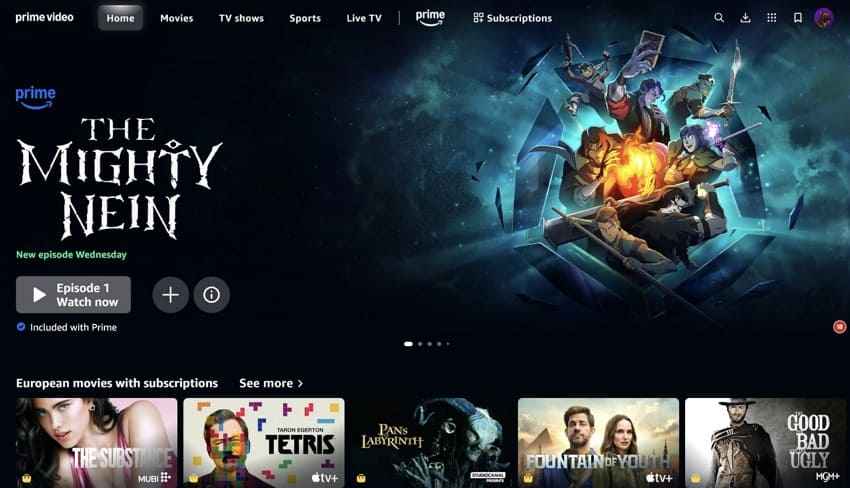
Amazon Prime Video suits viewers who prefer one polished entertainment space. Its catalog mixes popular films, studio originals, documentaries, and regional releases. Moreover, the interface keeps playback, language choices, and account controls organized. As a LookMovie2.to alternative, it feels steadier for planned viewing.
Key Features
- Turn on subtitles or captions in the playback menu across supported devices.
- Change the audio language or audio description in the in-player settings when available for titles.
- Use X-Ray Recaps to revisit previous scenes without manually replaying full episodes.
Pros
- Rental options sometimes help access titles missing from subscription catalogs.
- X-Ray makes cast, song, and trivia discovery convenient during viewing.
Cons
- Rent-buy labels can confuse users expecting everything included with Prime.
- Some included movies rotate out when licensing changes by region.
8. Disney+
Genre: Family, Animation, Fantasy, Adventure, etc
Best For: Families who want child profiles, parental controls, and comfort viewing together.
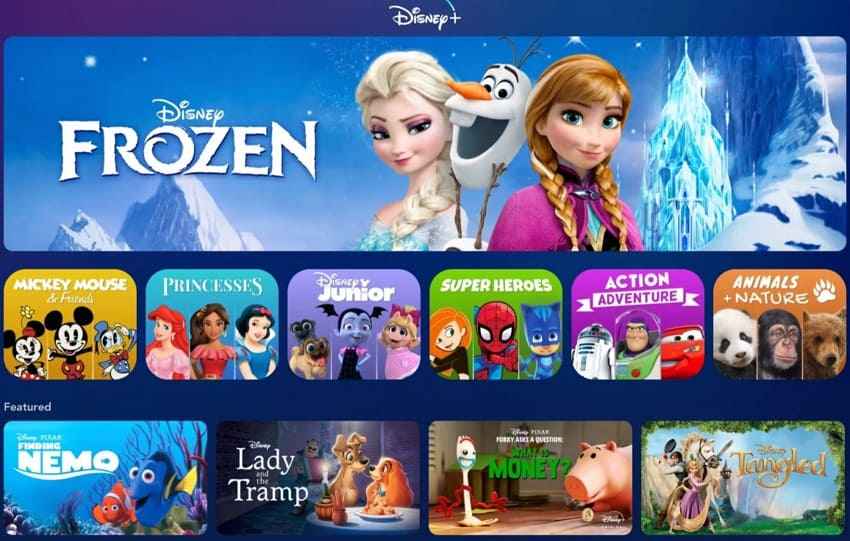
Family movie nights feel easier with Disney+, Pixar, Marvel, and Star Wars together. Junior Mode, ratings, and PINs help parents carefully manage profile access online. Moreover, this LookMovie2.to alternative suits viewers who want familiar franchise choices.
Key Features
- Watch selected Marvel titles in IMAX Enhanced, automatically in expanded aspect ratio, on devices.
- Remove titles from Continue Watching through player or title controls when available.
- Use keyboard controls and accessibility settings to make playback navigation easier while viewing.
Pros
- Profile ratings help parents manage age-suitable viewing more carefully online.
- Franchise hubs make favorite character worlds easier to revisit often.
Cons
- General adult drama variety feels narrower than broader services.
- Downloads and quality features may vary by plan conditions regionally.
Pro Tip. Upgrade Pixelated Movies with AI Enhancement Tools
Even when viewers choose a smoother LookMovie2 alternative, older saved movies can still appear pixelated, noisy, or dull on larger screens. Compression marks, faded colors, and low resolution become more visible during dark scenes. This situation matters when viewers replay old recordings, personal clips, or classic movie files at home.
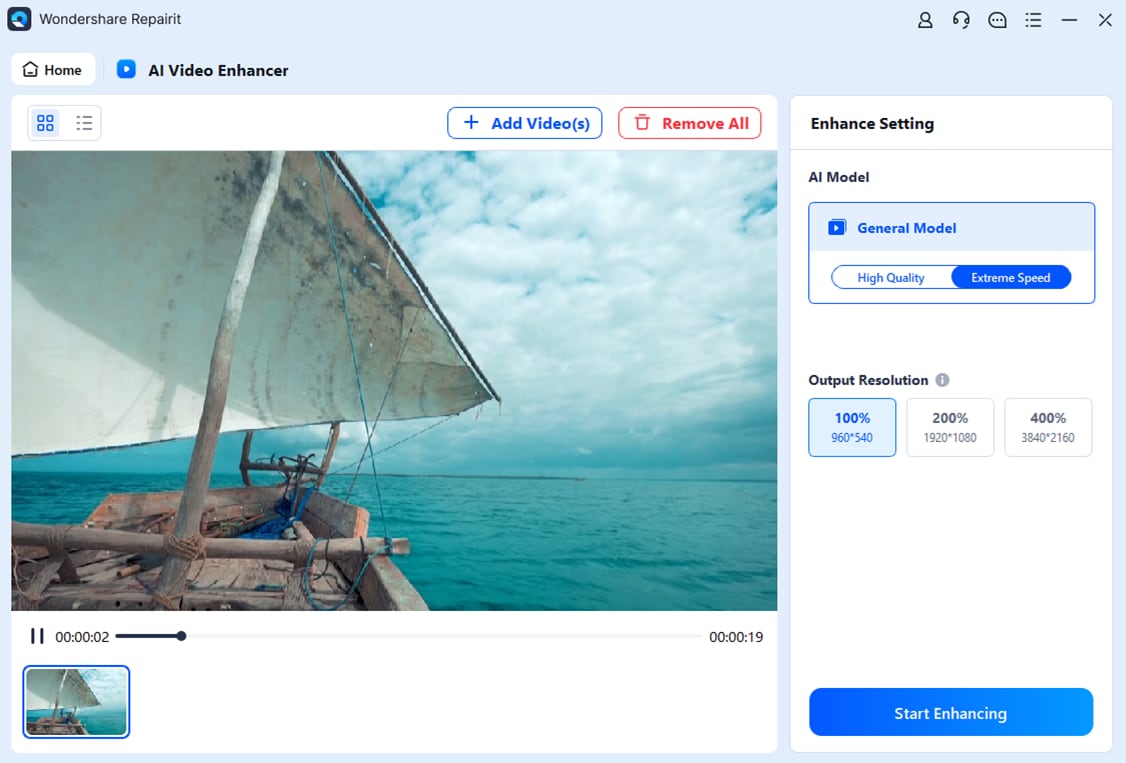
Repairit AI Video Enhancer is ideal for situations where saved videos look blurry, compressed, or unclear on modern screens. Moreover, users can import the video, select an AI Model, and choose 100%, 200%, or 400% output resolution. The 200% option suits slightly soft clips, while 400% works better for low-resolution videos needing stronger upscaling.
Key Features
- AI Unblur: It reduces blur in unclear footage, improving the visibility of details in landscapes and portraits.
- Sharpness Enhancement: Sharpens fine details and edges, making soft movie scenes appear clearer during playback.
- Batch Enhancement: Users can process up to 20 old clips together, saving time during larger movie archive cleanup tasks.
Guide to Upgrade Pixelated Movies with Repairit AI Video Enhancer
With key features covered, the next step is applying them practically. The steps below show how to enhance pixelated movies before playback:
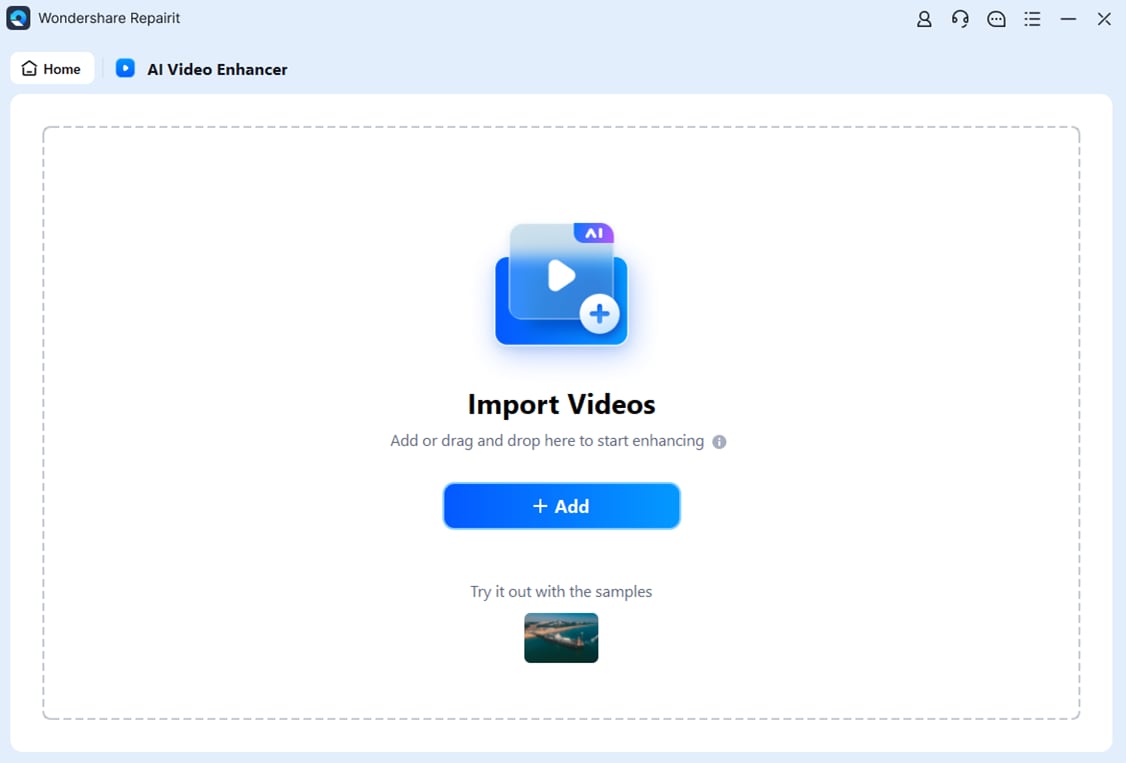
Step 1. Upon accessing the “AI Video Enhancer” from the left panel, press the “+Add” button to import pixelated movie files.
Step 2. After the video appears, choose an output resolution from 100%, 200%, or 400%. Next, select “Start Enhancing” to let Repairit process the pixelated video.
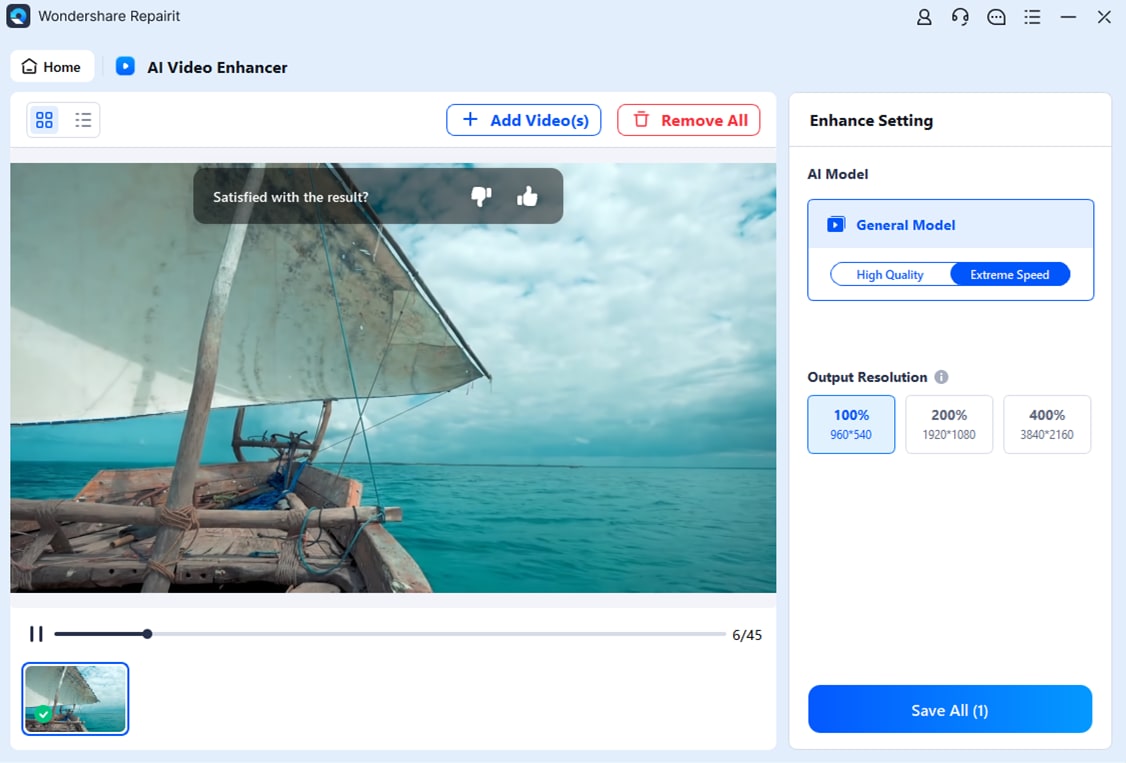
Step 3. Once the enhancement is complete, preview the improved video result in the tool. If the output looks clear, click “Save All” and choose a storage path.
Conclusion
To conclude, choosing a LookMovie2.to alternative should depend on legal access, playback quality, subtitles, and device comfort. Free and paid platforms serve different needs, while unstable mirrors create risks. For pixelated saved movies, Repairit AI Video Enhancer improves clarity.
Frequently Asked Questions
-
1. Is LookMovie2 legal to use for watching movies online?
LookMovie2 operates outside official licensing, so legal status remains questionable for many viewers. Licensed services reduce the risk of shutdowns and provide clearer viewing rights for online movies. -
2. Why does LookMovie2 keep changing domains or stop working?
In LookMovie2, domains often change after copyright complaints, registry suspensions, or ISP blocks. Users may then face broken links, redirects, blank pages, or connection failures. -
3. What should users check in a LookMovie2 alternative?
Users should check licensing, library size, subtitle support, playback quality, and device compatibility. A reliable platform should also avoid confusing redirects and excessive pop-up interruptions. -
4. Can AI enhancement improve pixelated movie files?
Yes, AI enhancement tools can sharpen details, reduce noise, and improve clarity. Repairit helps upgrade saved pixelated videos before playback on modern, larger screens.




