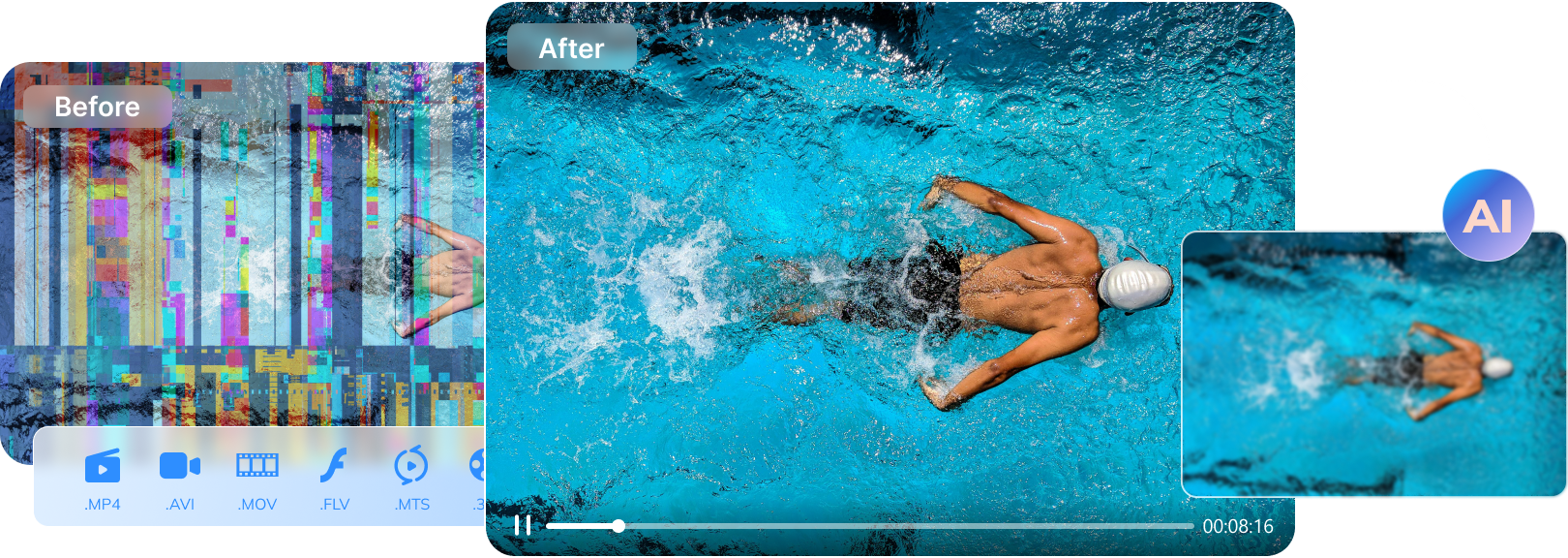

A holiday movie night sounds perfect—until an old AVI refuses to play. You hit open, the screen stays black, and the player throws a vague error that doesn’t tell you what’s wrong. If that AVI contains family memories, client footage, or a rare clip you spent hours downloading, the frustration is real.
The good news: in many cases, a “broken” AVI isn’t truly lost—it’s often a damaged container (header/index) or a compatibility issue that the right tool can fix. This guide compares 7 AVI file fixer options so you can choose the safest path based on how your AVI got corrupted and how severe the damage is.
Quick Answer: What’s the Best Way to Fix a Corrupted AVI?
Start by identifying what “fix” really means. If your AVI won’t play due to a broken header or index, you’ll need a tool that can repair the AVI structure (not just convert it). If the file is only slightly damaged, VLC may help rebuild an index for playback. If the video is severely corrupted (black screen, freezing at the same timestamp, missing frames), a dedicated repair tool is usually the most reliable option. Results vary depending on how much of the file data is still intact.
Table of Contents
Part 1. Why AVI Files Break So Easily (And What That Looks Like)
Before picking an AVI fixer, it helps to know what corruption looks like and why it happens. AVI is an older container format, and when its header or index is damaged, many players can’t “guess” the missing structure—so the file appears unplayable even if much of the video data is still there.

How AVI Corruption Happens
- Interrupted Write, Save, or Transfer: AVI data is written in chunks. If the system crashes, power cuts out, or a transfer is interrupted, the file may end up missing critical metadata or index information.
- Disk Errors and Bad Sectors: Aging drives, unstable external disks, and worn SD cards can silently corrupt bytes. One damaged sector can break the AVI’s structure and cause freezing or corrupted frames.
- Virus or Malware Activity: Malware can modify file bytes, inject junk data, or crash the system mid-write. Any interruption during writing or copying can leave the AVI structurally inconsistent.
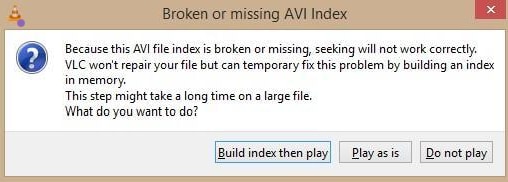
- Broken Header or Index: The header tells players how to decode the file; the index tells them where frames live. If either is damaged, you’ll see black screens, missing duration, endless loading, or random skipping.
- Software or Codec Faults: Some export tools produce AVI files that technically “work,” but violate container rules. These files may play on one device and fail on another.
Common Symptoms of Broken AVI Files
- Player shows errors, closes, or refuses to open the file
- Video freezes or stutters while audio continues
- Pixel blocks, strange colors, or distorted frames appear
- Audio disappears or drifts out of sync
- Seeking/pausing fails, or duration shows as 00:00 / incorrect length
Part 2. How to Choose the Best AVI File Fixer (Repair vs Convert vs Play)?
Different tools “fix” AVI in different ways. Choosing the wrong approach wastes time—and sometimes reduces quality.
- If the AVI won’t open at all / black screen / duration wrong
- If the AVI plays but stutters or seeks incorrectly
- If the AVI plays in one player but not another
- If the file is partially downloaded or interrupted
- If you only need the content (not the original AVI container)
What a True AVI File Fixer Should Do
A real AVI repair tool attempts to rebuild the container structure (header/index) so the video becomes playable again, ideally without unnecessary re-encoding. The best tools also:
- create a separate repaired copy (don’t overwrite the original)
- allow preview before saving
- handle camera footage, downloads, and large files reliably
What Doesn’t Count as “Repair”
- Re-encoding/transcoding: may make a file playable but can reduce quality
- Remuxing only: moves streams into a new container without fixing corrupted data
- Renaming extensions: doesn’t repair anything
- Destructive “trimming fixes”: hides corruption by deleting damaged sections
Part 3. Best AVI File Fixers for Windows & Mac (Tested & Compared)
Below are 7 widely used options, with a clear explanation of what each can (and cannot) do.
1. Repairit Video Repair (Recommended)
Repairit is designed for repairing damaged video files by rebuilding playable structure, especially when common players fail. It supports AVI and other major formats (MP4, MOV, MKV, etc.) and offers a guided workflow that works well for non-technical users.
Best for: Severe corruption, black screens, freezing at the same timestamp, audio/video sync issues
Key Features
- Professional repair modes for more complex damage
- Batch repair for multiple files
- Preview before saving a repaired copy
- Optional enhancement features (separate from repair)
Guide to Repair Damaged AVI Files with Repairit
Step 1. Press “Start” in the “Video Repair” tab and add the corrupted AVI file.

Step 2. Click “+ Add Files” to add more videos, then click “Repair.”

Step 3. Preview the result, then click “Save” to export a repaired copy.

Fix Corrupted AVI Documents with Repairit
 Security Verified. Over 7,302,189 people have downloaded it.
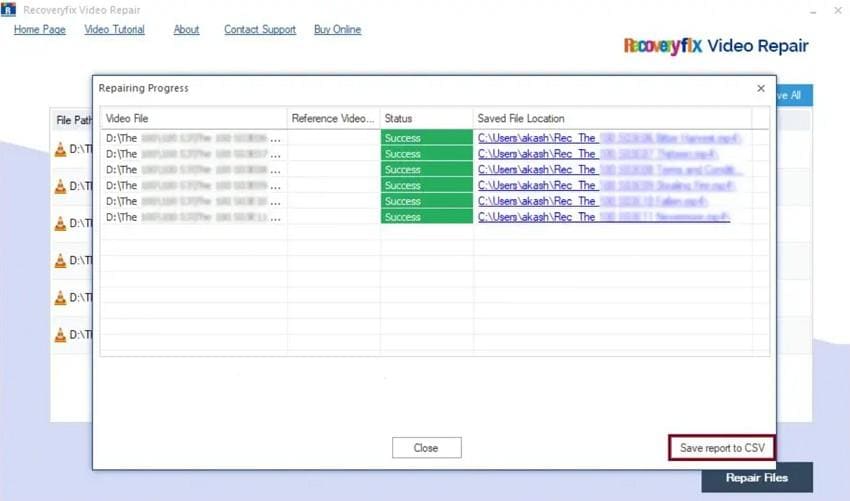
2. RecoveryFix Video Repair
RecoveryFix focuses on repairing corrupted videos across several formats, including AVI, and is commonly used for camera and surveillance footage.
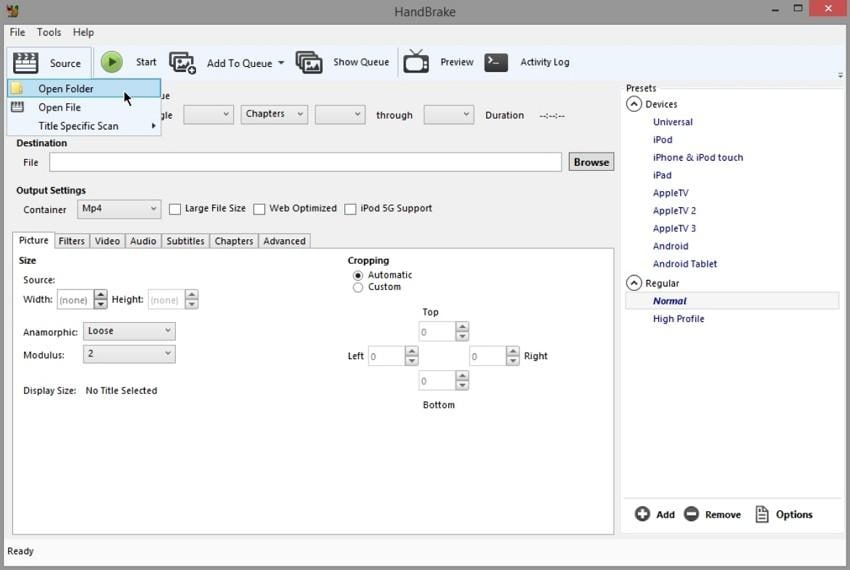
3. HandBrake
HandBrake is best understood as a conversion/transcoding tool, not a structural repair tool. It can help when the AVI is mostly readable but needs to be standardized into MP4/MKV for better compatibility.
4. VLC Media Player
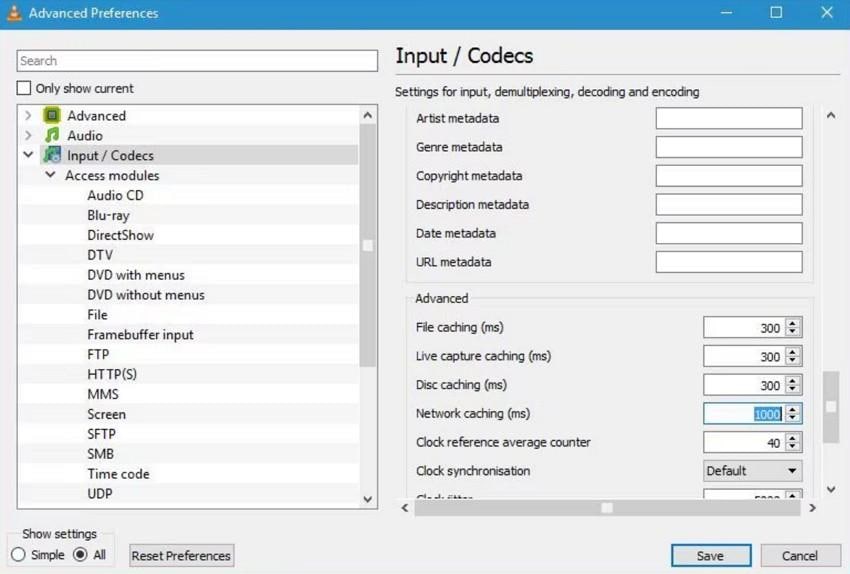
VLC can sometimes rebuild a broken AVI index for playback (often in memory), which is useful for mild corruption.
5. Stellar Repair for Video
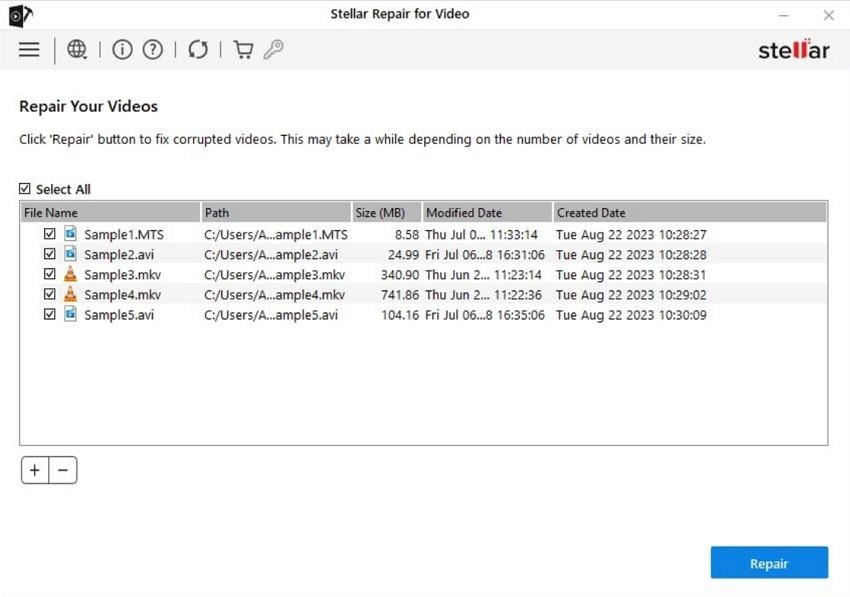
Stellar is a dedicated repair tool that supports AVI and other common formats, with an advanced repair option for badly damaged files.
6. SFWare Video Repair
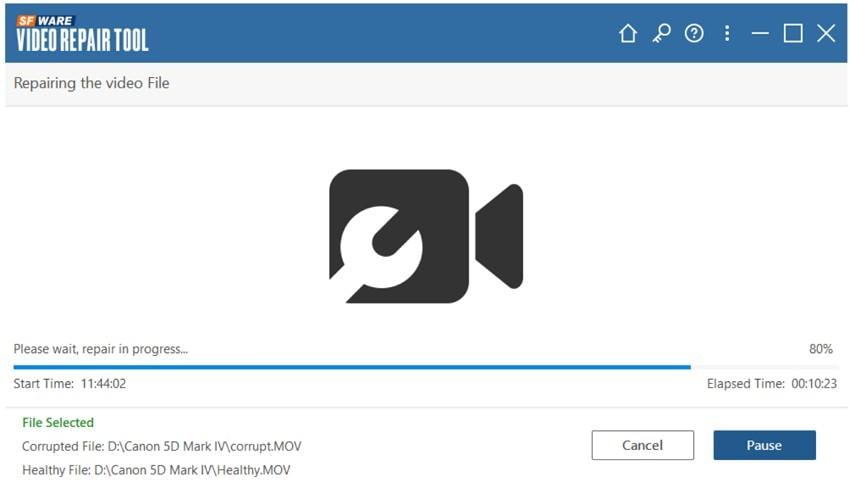
SFWare offers repair-oriented workflows and generally emphasizes non-destructive handling (saving repaired copies).
7. Kernel Video Repair
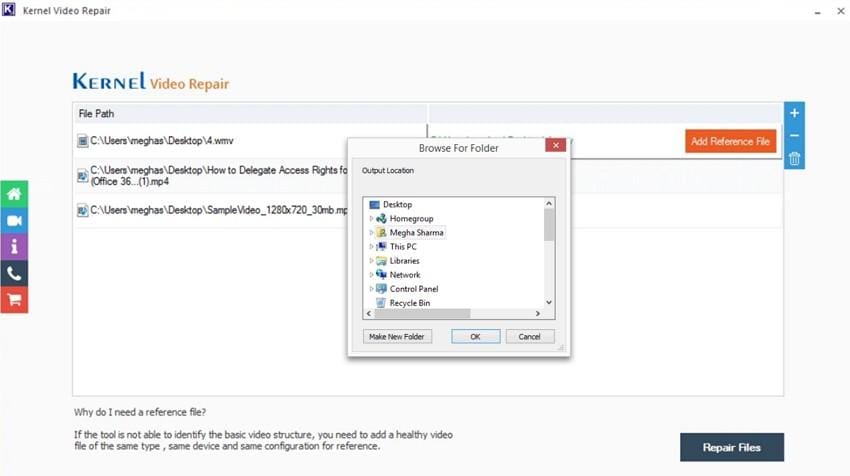
Kernel markets support for many formats and common corruption cases, but some low-level behavior details may vary by scenario.
If you want a quick overview of all tools to choose the right AVI fixer, dive into the given comparison table:
| Tools | True AVI Repair (Header/Index) | Handles Severe Corruption | Quality Preservation (No Unnecessary Re-encode) | Batch Repair | Ease Of Use |
| Repairit Video Repair | Yes | Strong | Very High | Yes | Very easy |
| RecoveryFix Video Repair | Claims repair (details vary) | Unclear | Medium–High (varies) | Yes (varies) | Easy |
| HandBrake | No (conversion tool) | Poor | Medium (depends on settings) | Yes | Moderate |
| VLC Media Player | Limited (index rebuild/playback help) | Weak | Medium | No | Easy |
| Stellar Repair for Video | Yes | Strong | High | Yes | Very easy |
| SFWare Video Repair | Basic–moderate | Moderate | Medium-High | Some | Easy |
| Kernel Video Repair | Claims repair | Moderate | Medium | Likely | Simple |
If your AVI is severely corrupted (black screen, freezes at the same point, missing frames), a dedicated repair tool is usually the most practical route. If the file is only slightly damaged or mainly a compatibility problem, VLC or conversion tools may be enough.
Part 4. How to Prevent AVI Files from Getting Corrupted
To ensure you don’t get to choose any AVI fixer in the future, follow the given expert tips:
| Area | Tip |
| Safe Removal | Always eject USB/external drives safely before unplugging. |
| Downloads | Avoid pausing/interruption; re-download if the file stops mid-way. |
| Storage Health | Use reliable drives, check for bad sectors, and replace failing disks early. |
| Antivirus | Keep protection enabled and scan storage devices regularly. |
| Software | Keep OS, codecs, media players, and GPU drivers updated. |
Conclusion
This guide compared 7 AVI file fixer options and explained when “repair,” “convert,” or “playback workarounds” make the most sense. For severe corruption where the AVI structure is broken, a dedicated repair tool can help rebuild playable output and restore access to the content—often without unnecessary re-encoding. For mild issues, VLC or conversion tools may be enough.
FAQ
-
What is the best AVI file fixer?
The best AVI file fixer depends on how the file is damaged. For severe structural corruption (header/index issues, black screen, freezing), dedicated repair tools are typically more effective than players or converters. For minor issues, VLC or conversion tools may work. -
Can VLC really fix AVI files?
VLC can sometimes rebuild or ignore a damaged index for playback, but it doesn’t fully reconstruct severely corrupted AVI structures. It’s best for mild corruption or compatibility problems. -
Why does my AVI play audio but no video?
This usually means the video stream is damaged or the codec information is missing/invalid. It can happen after interrupted recording/export or corrupted headers that prevent video decoding. -
Are AVI repair tools safe to use?
Reputable AVI repair tools are generally safe when they create a separate repaired copy and do not overwrite the original file. Avoid unknown tools that modify files in-place without backups. -
Should I repair or convert a broken AVI file?
If the AVI is corrupted, try repair first. Converting a damaged AVI can sometimes fail or reduce quality, because conversion tools usually require readable source streams to work properly.




