
People who search for HDToday alternatives usually want something very simple. They want movies and TV shows that actually load, fewer suspicious redirects, more stable playback, and platforms that feel easier to trust. In real search behavior, most users are not looking for another risky copycat site. They are looking for real streaming options that are easier to use and more reliable for everyday viewing.
That is why this guide focuses on official platforms that already exist and are widely recognized, including free ad supported services and premium subscription services. It also covers one extra problem that many users run into after watching or saving videos. Sometimes a clip looks soft, blurry, noisy, or less clear than expected. In that case, Repairit Video Enhancer can help improve saved footage with AI tools for unblurring, sharpening, denoising, and upscaling up to 4K.
In this article
-
- HDToday Alternative 1. Tubi
- HDToday Alternative 2. Pluto TV
- HDToday Alternative 3. Plex
- HDToday Alternative 4. The Roku Channel
- HDToday Alternative 5. Fandango at Home
- HDToday Alternative 6. Peacock
- HDToday Alternative 7. Hulu
- HDToday Alternative 8. Netflix
- HDToday Alternative 9. Disney+
- HDToday Alternative 10. Paramount+
Part 1: Why users search for HDToday alternatives
Most people who type HDToday alternatives into Google are trying to solve a practical problem, not just browse random sites. They may be frustrated by unstable playback, mirror domains, popups, unclear safety signals, or the general uncertainty that comes with unofficial streaming pages. In contrast, official streaming platforms are easier to recognize, easier to access through apps, and far more convenient for users who just want to watch something without wasting time.
There is also a second layer of search intent behind this keyword. Some users want free viewing options. Others are happy to pay if the catalog, video quality, and device support are clearly better. That is why a useful article should not pretend that every viewer wants the same thing. A better answer is to show a mix of free and premium services, explain what each one is best for, and help readers choose the option that matches their budget and viewing habits.
Part 2: Quick comparison of the best HDToday alternatives
| Platform | Best For | Access Model | What Stands Out | Main Limitation | Safety Tip |
| Tubi | Free movies and TV shows | Free with ads | Large free library and simple browsing | Contains ads | Use the official Tubi site or app only |
| Pluto TV | Live style viewing and free on demand content | Free with ads | Combines live channels with on demand watching | Catalog changes by region and schedule | Use the official Pluto TV domain or app |
| Plex | Free streaming plus personal media features | Free with ads and optional premium features | Offers both free streaming and media management | Not every title is available in every market | Access Plex from its official site only |
| The Roku Channel | Free TV and movie browsing | Free with ads | Easy interface with live and on demand options | Availability depends on region and device support | Use the official Roku Channel page or app |
| Fandango at Home | Free titles plus rental and purchase options | Free section with paid options | Lets users browse free movies inside a larger store | Some content requires payment | Open only the official Fandango at Home site |
| Peacock | Sports, NBC content, and entertainment | Subscription based | Strong mix of series, films, and live events | Full access requires a paid plan | Subscribe through the official Peacock site only |
| Hulu | TV heavy viewing and bundles | Subscription based | Known for current shows and bundle options | Pricing is higher than free services | Use the official Hulu website or app |
| Netflix | Premium movie and series streaming | Subscription based | Large global brand with broad device support | No free tier | Always sign in on the official Netflix domain |
| Disney+ | Family viewing and franchise content | Subscription based | Strong library for Disney, Pixar, Marvel, Star Wars, and National Geographic | Focused more on franchise brands than general variety | Use the official Disney+ site or app only |
| Paramount+ | Network shows, sports, and studio content | Subscription based | Good fit for CBS content, live sports, and familiar TV brands | Requires subscription for full access | Use the official Paramount+ website or app |
Part 3: 10 best HDToday alternatives
HDToday Alternative 1. Tubi
Tubi is one of the most practical answers for users searching for HDToday alternatives because it offers a large free library of movies and TV shows on an official platform. It works well for people who want fast browsing, familiar categories, and a viewing experience that feels much more stable than risky mirror sites. It is also frequently mentioned among the better known legal free streaming options.
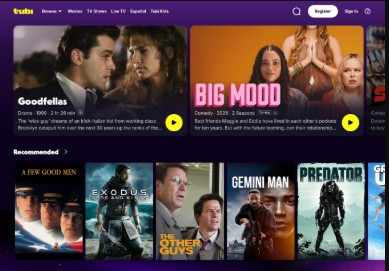
Safety tip: Use the official Tubi domain or its verified app instead of third party links.
HDToday Alternative 2. Pluto TV
Pluto TV is a strong option for users who want both free on demand content and a live channel style experience. That makes it useful for people who do not always want to search title by title. If your real goal is to replace the randomness of unofficial streaming with a platform that feels more organized, Pluto TV is a very natural choice.
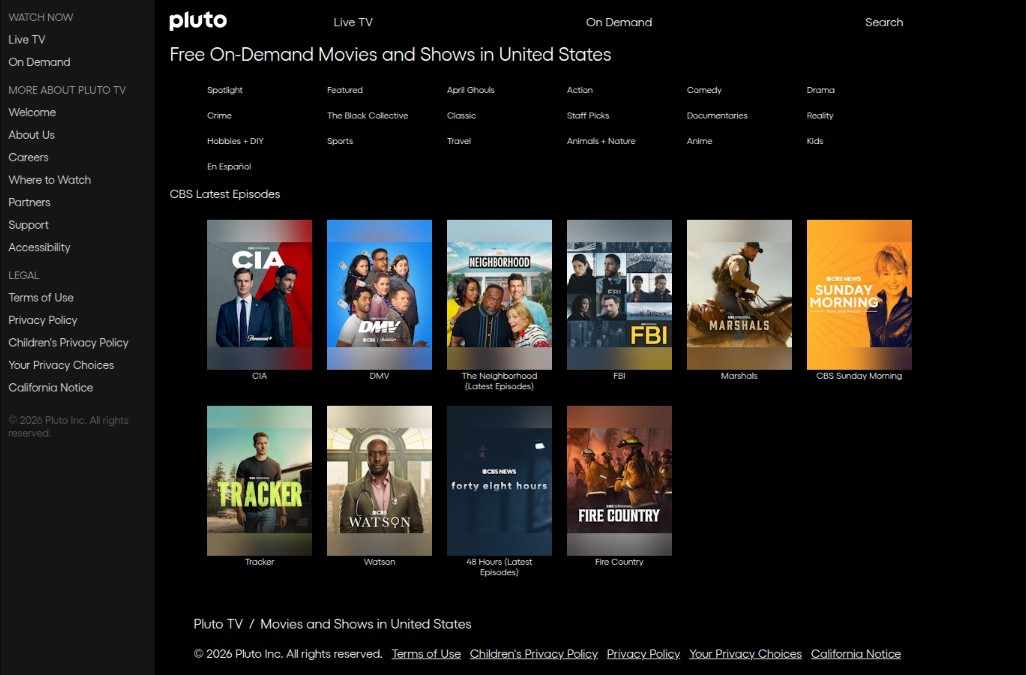
Safety tip: Open Pluto TV only through its official website or verified app.
HDToday Alternative 3. Plex
Plex is different from many other HDToday alternatives because it combines free streaming with personal media organization features. For some users, that makes it more useful than a basic streaming site. It can serve as both a place to discover free movies and a hub for organizing media in one account.
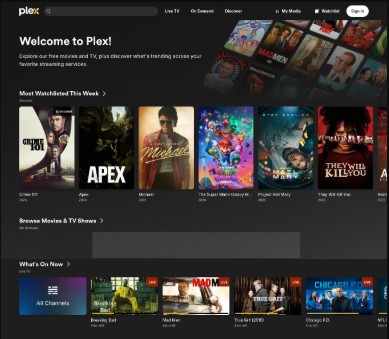
Safety tip: Access Plex from the official website to avoid fake download pages.
HDToday Alternative 4. The Roku Channel
The Roku Channel is a sensible pick for users who want free movies, TV shows, and live content inside a familiar interface. It is especially useful for viewers who value convenience more than chasing unstable links. In terms of real search intent, it matches people who want something simple, official, and easy to start using.
Safety tip: Use The Roku Channel only through the official Roku ecosystem or official site.
HDToday Alternative 5. Fandango at Home
Fandango at Home is useful for users who want a mix of free viewing and paid rental or purchase choices in one place. That makes it a good option for people whose search intent is not just free streaming, but also finding a mainstream platform where they can move between free titles and more current releases when needed.
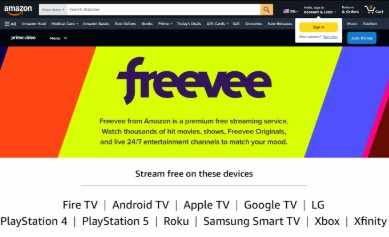
Safety tip: Visit only the official Fandango at Home website when browsing free titles.
HDToday Alternative 6. Peacock
Peacock is a strong fit for users who want a more premium alternative with recognizable studio content, live sports, and major entertainment brands. If someone searched HDToday alternatives because they want less hassle and better consistency, Peacock makes sense as a service that prioritizes official access and a more polished streaming environment.

Safety tip: Subscribe and log in only through Peacock's official site or verified app.
HDToday Alternative 7. Hulu
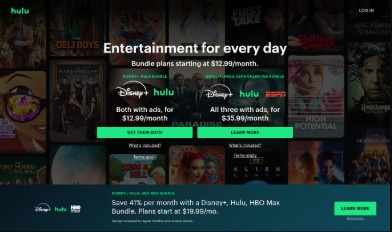
Hulu is one of the most natural premium replacements for users who mainly care about TV content, current series, and bundle flexibility. For people who searched HDToday alternatives because they want something more dependable for regular watching, Hulu is easier to recommend than any unofficial streaming site because its value is based on convenience, legitimacy, and consistent access.
Safety tip: Use Hulu only through its official website or app to avoid fake sign in pages.
HDToday Alternative 8. Netflix
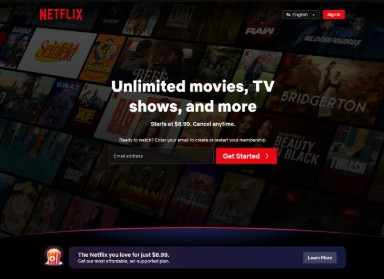
Netflix remains one of the best known premium streaming platforms for users who want a large entertainment brand, broad device support, and a straightforward subscription model. It is not free, but it matches the intent of users who are willing to pay for ease, stability, and a very familiar streaming environment.
Safety tip: Always access Netflix through the official domain and verified apps.
HDToday Alternative 9. Disney+
Disney+ is ideal for households and fans of major franchise content who want a very polished official service. It is especially relevant for readers whose real goal is dependable family viewing, recognizable brands, and strong app support rather than chasing unstable free links that may disappear at any time.
Safety tip: Use the official Disney+ site or verified app only.
HDToday Alternative 10. Paramount+
Paramount+ is a solid option for viewers who want network shows, familiar studio brands, and access to sports and mainstream entertainment inside a single subscription service. For users moving away from unofficial streaming pages, it offers a much clearer and safer experience built around official distribution.

Safety tip: Sign up through the official Paramount+ website or verified app only.
Part 4: Why Repairit Video Enhancer fits this search intent
What Repairit Video Enhancer can improve
People searching for HDToday alternatives often care about video quality just as much as safety and access. Even when viewers move to better platforms, they may still have saved recordings, downloaded personal clips, screen captures, old movies, or low quality videos that look blurry or noisy. Repairit Video Enhancer is relevant here because it is built to improve saved video files with AI tools for unblurring, sharpening details, reducing noise, and upscaling video up to 4K. It also supports common formats such as MP4, MOV, AVI, MKV, 3GP, FLV, and WEBM.
- Unblur video to recover clearer detail
- Sharpen footage that looks soft or flat
- Reduce noise in low light or compressed clips
- Upscale to 4K for a cleaner viewing result
- Support common formats for easier workflow
Who can benefit from it
Repairit Video Enhancer is not only for professional editors. It can help everyday users who want to improve old family clips, saved movie scenes, concert videos, cartoons, low quality recordings, social video exports, and other footage that does not look clean enough on a large screen. This makes it a useful companion product in an article about HDToday alternatives, because the user journey often does not stop at finding where to watch. Many users also want a way to improve the quality of the video files they already have.
Part 6: Final thoughts
If someone searches for HDToday alternatives, the best answer is usually not another unstable streaming clone. The better answer is a set of real platforms that are easier to trust, easier to browse, and much more practical for long term viewing. Tubi, Pluto TV, Plex, and The Roku Channel are strong choices for users who want free official options. Peacock, Hulu, Netflix, Disney+, and Paramount+ make more sense for viewers who want a premium experience.
And if the real issue goes beyond access and into picture quality, Repairit Video Enhancer gives users a practical way to improve blurry or low quality saved footage. That combination of safer viewing choices and better video quality is much closer to what real users are actually searching for.
FAQ
-
What is the best free HDToday alternative?
Tubi is one of the best free starting points for many users because it is easy to browse, widely recognized, and built around official free streaming. Pluto TV, Plex, and The Roku Channel are also strong picks depending on whether you prefer on demand watching, live style channels, or a broader media platform. -
What is the safest HDToday alternative?
The safest HDToday alternatives are official streaming platforms such as Tubi, Pluto TV, Plex, The Roku Channel, Fandango at Home, Peacock, Hulu, Netflix, Disney+, and Paramount+. The safest habit is to use only the official site or verified app. -
Is there a free and legal alternative to HDToday?
Yes. Tubi, Pluto TV, Plex, and The Roku Channel are examples of real platforms that offer free streaming access on official services. They are much more practical for users who want to move away from unstable or suspicious websites. -
Which HDToday alternative is best for premium streaming?
That depends on what you watch most. Netflix is a good all around premium option, Hulu is strong for TV focused viewing, Peacock is useful for sports and entertainment, Disney+ is a strong family choice, and Paramount+ works well for network content and live events. -
Can Repairit Video Enhancer improve blurry saved videos?
Yes. Repairit Video Enhancer is designed to improve saved video files by unblurring footage, sharpening visual detail, reducing noise, and upscaling video quality up to 4K. It is useful for clips that look too soft, noisy, or lower quality than expected. -
What formats does Repairit Video Enhancer support?
According to the official product page, Repairit Video Enhancer supports common formats including MP4, MOV, AVI, MKV, 3GP, FLV, and WEBM, which makes it useful for many everyday video enhancement needs.




