
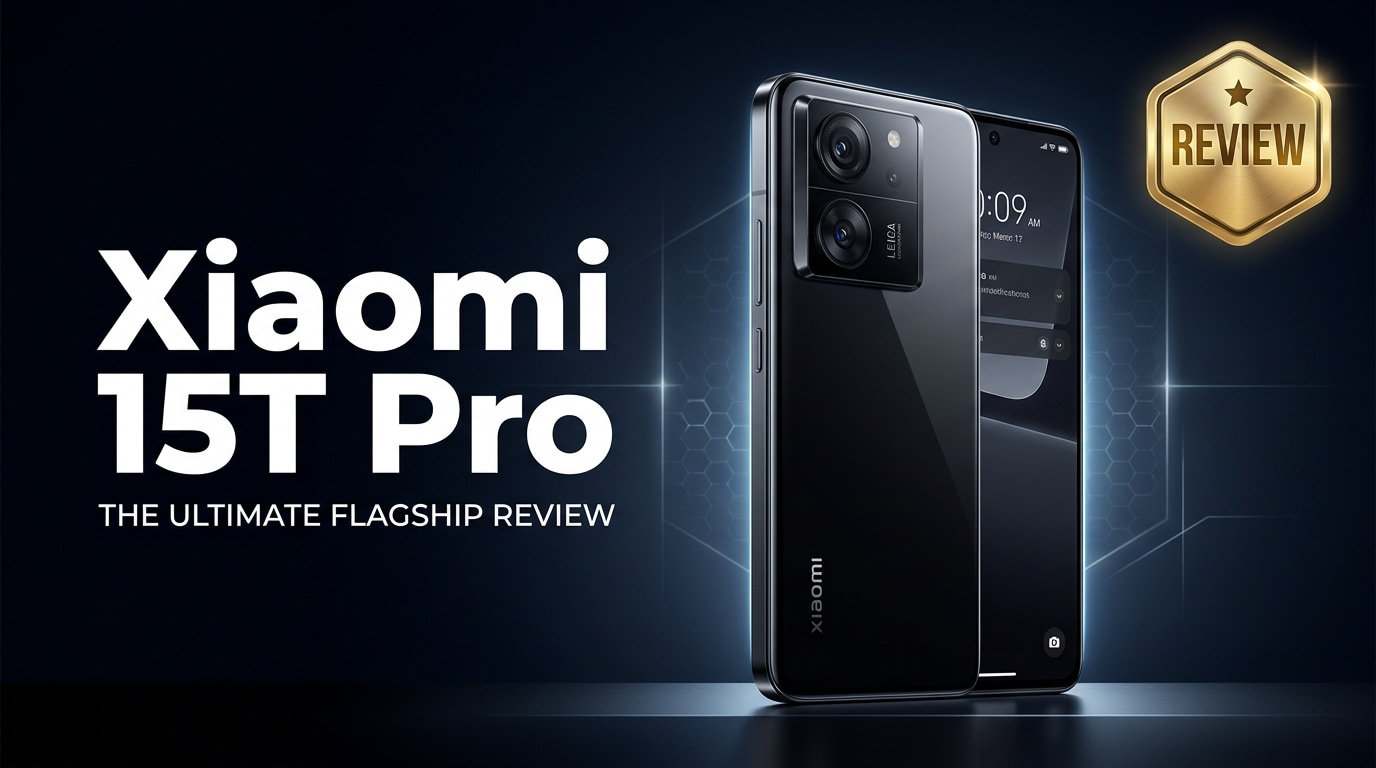
The Xiaomi 15T Pro is a performance-focused Android flagship that targets gamers, content creators, and power users who want premium speed without paying ultra-premium prices. It combines a cutting-edge chipset, smooth high-refresh display, upgraded camera system, and fast charging in a refined package, while still keeping enough value to appeal to everyday users who care about both performance and practicality.
Repair Corrupted Files To Save Your Data
 Security Verified. Over 7,302,189 people have downloaded it.
In this article
What Is New About Xiaomi 15T Pro
The Xiaomi 15T Pro review story is all about refinement. Compared with its predecessor, the phone brings a newer high-end chipset with better CPU and GPU efficiency, a more advanced main camera sensor with improved low-light performance, and a brighter, smoother display. Xiaomi has also tuned the thermals and haptics, while polishing the software for smoother animations and smarter battery management.
On the connectivity side, the Xiaomi 15T Pro specs include updated 5G bands, faster Wi‑Fi, and more precise GPS for navigation and location-based apps. Camera enthusiasts benefit from enhanced computational photography, with better portrait cut-outs, more reliable night mode, and improved stabilization for 4K and potentially 8K recording. Altogether, it feels like a mature flagship tuned for both speed and stability.
Price, Storage, and Design
Xiaomi 15T Pro price and storage options
The Xiaomi 15T Pro price positions it just below the most expensive flagships, making it attractive for users who want top-end hardware but still care about value. Xiaomi typically offers several RAM and storage variants, such as:
| Variant | Who it suits |
|---|---|
| Base storage (e.g., 8 GB + 256 GB) | Everyday users who stream more than they locally store, and casual gamers. |
| Mid-tier (e.g., 12 GB + 256/512 GB) | Heavy multitaskers, mobile photographers, and creators who keep lots of apps and media. |
| Top-tier (e.g., 16 GB + 512 GB or higher) | Power users, serious gamers, and people shooting lots of 4K/8K videos on-device. |
There is usually no microSD card slot on this class of phones, so choose a storage variant that will comfortably handle your apps, games, and high-resolution videos for at least a couple of years.
Design, build quality, and ergonomics
The design of the Xiaomi 15T Pro takes the familiar boxy frame and blends it with subtly curved edges for a better in-hand feel. It features a glass back (or premium composite finish in some regions), a metal frame, and a camera island that stands out but is more balanced than previous generations.
Button placement remains convenient, with power and volume keys on one side and a speaker grille, USB-C port, and SIM tray along the bottom. The weight is kept under control, so despite its big battery and large display, it does not feel overly top-heavy. Xiaomi also improves durability through reinforced corners, Gorilla Glass protection, and an IP rating that protects against dust and splashes.
Display, Performance, and Daily Use
The Xiaomi 15T Pro specs for display include a large AMOLED panel with a high refresh rate, slim bezels, and strong peak brightness for outdoor readability. Colors are vivid but can be calibrated in settings to suit your preference, from punchy mode for gaming to more natural tones for reading and photo editing.
Performance is a highlight of any Xiaomi 15T Pro performance discussion. The flagship-grade chipset, combined with fast LPDDR memory and UFS storage, delivers snappy app launches and smooth multitasking. Heavy games run at high frame rates, and Xiaomi's improved cooling helps sustain performance without severe throttling. Day-to-day tasks like messaging, social media, video calls, and browsing feel instant and fluid.
Haptics are tight and precise, improving typing and navigation feedback. The stereo speakers offer solid loudness and balance, making media consumption more immersive. 5G, Wi‑Fi, and Bluetooth connections remain stable during streaming, gaming, and wireless audio use, which is critical for users who rely heavily on their phones for work and entertainment.
Camera Review
The Xiaomi 15T Pro camera system is built around a high-resolution main sensor, supported by an ultra-wide and a telephoto or macro lens, depending on configuration. The main camera captures detailed shots with good dynamic range and pleasing colors in daylight. AI scene optimization can add contrast and saturation; you can toggle it off if you prefer a more natural look.
In low light, the improved sensor and night mode combine multiple exposures to brighten scenes while controlling noise. Street lights and indoor lighting look cleaner, with better control over blown highlights and shadow detail. Portrait mode usually delivers accurate edge detection and natural-looking background blur, especially when there is sufficient light.
Video performance is also strong. The phone can record 4K and potentially 8K clips with electronic and optical stabilization working together to smooth out shakes. For social creators, dedicated vlog and cinematic modes make it easier to capture polished clips without manual tuning. Just remember that long 4K sessions can produce large files, so pair this camera with adequate storage and regular backups.
Battery, Charging, and Software Experience
The Xiaomi 15T Pro battery capacity is designed to handle a full day of typical use that includes browsing, messaging, photography, and some gaming. Efficient hardware and software optimization help keep standby drain low and extend screen-on time, even at a high refresh rate.
Fast charging is another key selling point. The included charger can refill the battery quickly, often taking you from near-empty to a significant charge in under half an hour, depending on the supported wattage. Some regions may also see support for wireless charging, which adds convenience when used with docks and stands at home or at work.
On the software side, Xiaomi's customized Android skin continues to evolve with smoother animations, better notification handling, and a variety of personalization options. Features like game mode, floating windows, and privacy controls cater to both power users and casual owners. Xiaomi updates also contribute security patches and new features over time, improving the overall longevity of the device.
Pros and Cons of Xiaomi 15T Pro
Like any phone, the Xiaomi 15T Pro has clear strengths and a few trade-offs to keep in mind.
| Pros | Cons |
|---|---|
| Flagship-level chipset with excellent Xiaomi 15T Pro performance for gaming and multitasking. | No microSD card slot, so you must choose storage carefully at purchase. |
| Vibrant AMOLED display with high refresh rate and strong brightness. | Camera bump is prominent and may require a case for more stable desk use. |
| Fast charging, solid Xiaomi 15T Pro battery life, and refined software features. | Pre-installed apps in some regions may require cleanup for a minimal experience. |
What to Do If Your Xiaomi 15T Pro Files Get Corrupted
Why Xiaomi 15T Pro files get corrupted
Even a powerful phone like the Xiaomi 15T Pro can suffer from data corruption. Common causes include sudden shutdowns while recording video, force-closing the camera or gallery app, unplugging the phone during file transfers, buggy third-party apps, or issues with external storage. Symptoms include photos that will not open, videos that freeze mid-playback, or files that show error messages.
Understanding the cause is important, but once a file is already damaged, you need a reliable way to attempt repair instead of repeatedly opening and closing the corrupted item. That is where a specialized repair toolkit can make the difference between losing an important memory and recovering it in usable form.
Repair corrupted Xiaomi 15T Pro files with Repairit
To safely fix corrupted media from your Xiaomi 15T Pro, it is better to work on a computer instead of the phone itself. Wondershare Repairit is a dedicated file repair program that focuses on repairing photos, videos, audio, and documents that refuse to open or play correctly. You can learn more on the Repairit official website, where you will always find the latest version and detailed guides.
Using Repairit helps prevent additional damage that might occur if you keep trying to open broken files with random apps or untrusted tools. It is especially useful when you need to fix corrupted Xiaomi videos and repair Xiaomi photos taken on trips, events, and family occasions that you cannot easily recreate.
Key features of Repairit for Xiaomi 15T Pro owners
- Repairs corrupted photos and videos from phones, cameras, and memory cards.
- Supports batch repair for multiple damaged files in one process.
- Offers simple preview and export so you can verify fixed files before saving.
Step-by-step: how to repair corrupted Xiaomi 15T Pro files
- Install Repairit on your computer and connect the Xiaomi 15T Pro or its storage

Download and install Wondershare Repairit on your Windows PC or Mac, then launch the program. Connect your Xiaomi 15T Pro with a USB cable or insert its SD card into the computer. In Repairit, choose the appropriate repair module (Video Repair or Photo Repair) and click the "Add" button to import the corrupted files you copied from the phone.
- Start the repair process and let Repairit analyze your files

After you have added all problematic photos or videos, click the "Repair" button. Repairit will automatically scan each file, detect structural errors, and apply the appropriate repair algorithms. During this phase, avoid disconnecting your Xiaomi 15T Pro or closing the program. Wait patiently until the progress bar finishes for all selected files.
- Preview repaired Xiaomi 15T Pro media and save them to a safe location

When the repair is complete, click each file in the results list to open a preview window. Check whether the repaired photo or video now looks and plays correctly. If you are satisfied, click "Save" and choose a secure folder on your computer or an external drive. You can later copy these restored files back to your Xiaomi 15T Pro, or keep them as part of your long-term backup.
Conclusion — When Should You Buy?
The Xiaomi 15T Pro review shows a device that balances speed, display quality, and camera performance with a price that stays below ultra-premium competitors. It is an excellent choice if you prioritize gaming performance, smooth daily use, fast charging, and modern design, but still care about getting strong value for money.
If you rely on your phone for capturing important memories or work content, pairing the Xiaomi 15T Pro with regular cloud or offline backups and a reliable repair tool like Wondershare Repairit is a smart move. That way, even if your files become corrupted, you have a clear path to fixing damaged media and keeping your data safe over the long term.
FAQ
-
1. Is the Xiaomi 15T Pro good for gaming?
Yes. The Xiaomi 15T Pro performance is excellent for gaming thanks to its flagship-level chipset, fast storage, high refresh rate display, and optimized game mode. Most modern titles run smoothly at high settings with stable frame rates. -
2. Does the Xiaomi 15T Pro overheat during heavy use?
The Xiaomi 15T Pro includes an upgraded cooling system that helps manage heat during long gaming sessions and 4K recording. You may feel some warmth around the camera area, but it typically stays within normal operating limits. -
3. How long does the Xiaomi 15T Pro battery last?
With typical daily use that includes social apps, browsing, photography, and some streaming, the Xiaomi 15T Pro battery can comfortably last a full day on one charge. Intensive gaming or long 4K/8K recording sessions will drain it faster, but fast charging helps you top up quickly. -
4. What should I do if my Xiaomi 15T Pro photos or videos will not open?
First, restart your phone and try opening the files in different apps. If they still fail, copy them to a computer and use Wondershare Repairit to attempt repair. Do not repeatedly edit or move the corrupted files, as this can worsen the damage. -
5. Can I recover deleted files directly on the Xiaomi 15T Pro?
You may restore recently deleted items from built-in trash folders in the gallery or file manager, or from cloud backups like Google Photos. For permanently deleted or severely corrupted files, specialized recovery and repair tools on a computer generally offer better results.




