
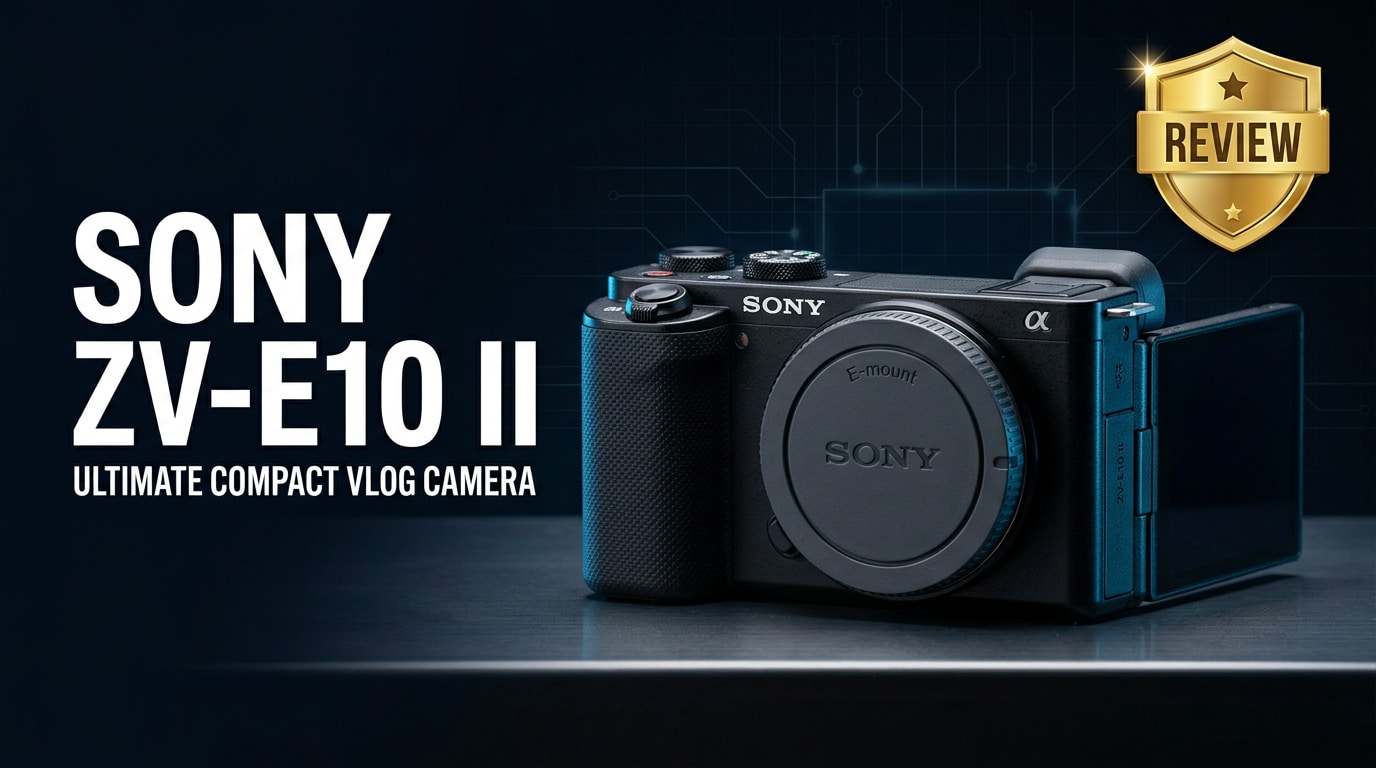
The Sony ZV-E10 II is Sony's second-generation APS-C mirrorless camera built specifically for creators. It blends high-quality 4K video, improved autofocus, and thoughtful vlogging tools into a compact, interchangeable-lens body. Whether you film YouTube videos, TikToks, livestreams, or capture everyday photos, the ZV-E10 II aims to simplify content creation while raising the overall image and audio quality of your projects.
Repair Corrupted Files To Save Your Data
 Security Verified. Over 7,302,189 people have downloaded it.
In this article
What Is New About Sony ZV-E10 II
The Sony ZV-E10 II review story centers on refinement rather than a total redesign. Sony takes feedback from the original ZV-E10 and adds meaningful updates that matter most to creators.
- Upgraded processing for better autofocus performance and more reliable subject tracking, especially with face and eye detection.
- Improved video options with more flexible 4K recording, better heat management, and creator-focused picture profiles for quick turnaround editing.
- Enhanced user experience through streamlined menus, more responsive touch control, and creator-centric presets like Product Showcase and background defocus.
- Better connectivity for livestreaming, fast file transfer, and remote control via smartphone or computer, turning the camera into a versatile content hub.
- Refined audio capture with optimized mic settings and support for high-quality digital audio from compatible hot-shoe microphones.
Full Specs at a Glance
Core imaging specs
| Feature | Details |
|---|---|
| Sensor type | APS-C Exmor CMOS, interchangeable-lens Sony E-mount |
| Resolution | Approx. 24 MP class for stills with oversampled video readout |
| ISO range | Native ISO suitable for low-light vlogging and indoor shooting |
| Autofocus system | Fast hybrid AF with eye and face detection for humans and reliable subject tracking |
| Continuous shooting | Burst speeds suited for everyday action, street, and lifestyle content |
Video and audio features
| Feature | Details |
|---|---|
| Sony ZV-E10 II 4K video | 4K recording using full sensor width with oversampling for sharp detail |
| Frame rates | 4K up to creator-friendly frame rates plus high frame rate options in Full HD |
| Picture profiles | Multiple creative styles and profiles ideal for grading or fast social delivery |
| Audio inputs | 3.5mm mic input, headphone out, and multi-interface shoe for digital audio |
| Recording formats | Common codecs compatible with major NLEs like Premiere Pro, Final Cut, and DaVinci Resolve |
Body, controls, and connectivity
| Feature | Details |
|---|---|
| Screen | Fully articulating vari-angle LCD for front-facing vlogging and low/high angles |
| Stabilization | Digital stabilization with lens-based OSS support where available |
| Ports | USB-C, micro HDMI, mic, headphone, and multi-interface shoe |
| Connectivity | Wi-Fi and Bluetooth for remote control, transfer, and livestreaming workflows |
| Battery and media | Rechargeable battery with USB power support and SD card storage |
Real-World Performance
Autofocus and tracking
In real shooting, the Sony ZV-E10 II autofocus locks on faces quickly and holds focus well, even when you move around the frame or bring objects closer to the lens. Eye detection is sticky and trustworthy, which is critical for solo creators who cannot constantly monitor focus themselves.
Product Showcase mode remains a highlight: when you hold a product to the camera, focus smoothly shifts from your face to the object and back, producing polished, reviewer-style footage with no manual adjustments.
Video quality and 4K recording
The camera's oversampled Sony ZV-E10 II 4K video delivers crisp detail with natural color that grades easily. For YouTube and social content, the standard profiles look clean with minimal tweaking, while flat profiles allow more latitude for color correction in post.
Rolling shutter is controlled well enough for typical handheld moves, B-roll, and walk-and-talk vlogs. Heat management is improved over earlier APS-C bodies, helping longer-recording sessions in typical indoor conditions without interruption.
Stabilization and handling
Digital stabilization, combined with stabilized lenses, gives smooth-enough footage for casual handheld walking shots. For very dynamic movement, a gimbal still helps, but many vloggers will be satisfied with in-camera stabilization when paired with good technique.
The grip, button layout, and fully articulating screen make the camera comfortable for one-handed operation. Menus and touch interface feel responsive, and dedicated buttons for common creator tools reduce the need to dive into settings while recording.
Pros & Cons
Pros
- Compact APS-C body with interchangeable lenses and the flexible Sony E mount system.
- High-quality oversampled 4K with creator-focused features like Product Showcase and background defocus.
- Reliable autofocus that tracks faces and eyes accurately for solo recording.
- Fully articulating screen and good on-body audio options tailored to vloggers.
- Strong integration into creator workflows, including livestreaming, remote control, and quick file transfer.
Cons
- Digital-only stabilization may not match the smoothness of optical in-body stabilization for intense movement.
- Single SD card slot means you must rely heavily on careful backup and file management.
- Limited weather sealing can make shooting in harsh environments more risky for gear and data.
- Battery life can drop during long 4K sessions, so external power or spares are recommended.
Who Is This Camera For?
The sony zv e10 ii review clearly points toward creators who want better quality than a smartphone without dealing with overly complex cinema rigs. It works especially well for:
- Beginner and intermediate vloggers who want a simple, reliable tool with automatic modes that still delivers a professional look.
- Hybrid creators producing both stills and video for social media, small business marketing, and personal branding.
- Streaming and online educators needing a sharp, dependable camera for live classes, webinars, and product demos.
- Travel and lifestyle shooters who value lightweight gear but want access to a broad lens ecosystem as their style evolves.
What to Do If Your Sony ZV-E10 II Files Get Corrupted
Repairit introduction
Even with careful handling, clips from your Sony ZV-E10 II can become corrupted due to card issues, power loss, or transfer errors. Wondershare Repairit is a dedicated repair toolkit that helps you fix broken or unplayable media without needing technical expertise. By using guided workflows on the Repairit official website, you can scan, repair, and recover Sony footage so failed recordings do not ruin an entire shoot.
Key features of Repairit
- Repairs corrupted or unplayable video files from cameras, phones, and computers, including repair corrupted Sony footage from your ZV-E10 II.
- Supports batch repair to process multiple damaged clips at once, saving time after demanding shoots.
- Provides an intuitive interface with built-in preview so you can check repaired clips before exporting them safely.
Step-by-step: Repair Sony ZV-E10 II files
-
Choose a Location to Repair Data
Start Wondershare Repairit on your computer and select the Video Repair module. Click to add files, then point Repairit to the folder, SD card, or external drive where your damaged recover Sony ZV-E10 II files are stored. You can load one or many clips at once, which is useful when an entire recording session is affected.

-
Deep Scan the Location
After adding your videos, start the repair. Repairit analyzes each Sony clip frame by frame, detecting header issues, missing data segments, or audio/video sync problems. The deep repair engine then reconstructs file structure and playback information without modifying your original source files, so you always have a safe backup.

-
Preview and Repair Your Desired Data
When the repair is complete, use the preview window in Repairit to play your fixed ZV-E10 II clips. Check for smooth playback, proper audio, and clean transitions. If everything looks correct, select the videos you want to keep, choose a secure output folder on your computer, and save the repaired versions so they are ready for editing or direct upload.

Conclusion — Should You Buy?
The Sony ZV-E10 II specs and creator-focused features make it a strong choice for vloggers, streamers, and hybrid shooters who want a portable system with room to grow. It improves on the original with better video handling, trustworthy autofocus, and quality-of-life tweaks that simplify solo production.
If you pair the camera with good SD cards, disciplined backups, and a repair safety net like Wondershare Repairit, you can shoot confidently knowing your work is protected. For most online creators stepping up from a phone or older camera, the Sony ZV-E10 II is an easy recommendation and a solid long-term content companion.
FAQ
-
1. Is the Sony ZV-E10 II good for beginners?
Yes. The Sony ZV-E10 II is designed with beginners and solo creators in mind. It offers automatic modes, a fully articulating screen, and creator-friendly features like Product Showcase and background defocus that make it easy to get professional-looking results without deep camera knowledge. -
2. Can the Sony ZV-E10 II record 4K video?
The Sony ZV-E10 II records 4K video using oversampling from its APS-C sensor. This provides detailed footage suitable for YouTube, social media, and client projects, with frame rate options that cover most creator needs. -
3. What lens mount does the Sony ZV-E10 II use?
The camera uses the Sony E mount, which supports a wide range of APS-C and full-frame lenses from Sony and third-party brands. This gives you flexibility to choose compact vlog lenses, fast primes, or versatile zooms as your style develops. -
4. How do I avoid corrupted files on the Sony ZV-E10 II?
Use high-quality, fast SD cards, format cards in-camera, avoid removing the battery or card while recording, and back up footage immediately after a shoot. If files still become corrupted, Wondershare Repairit can often repair damaged clips and restore playback. -
5. Can I recover deleted Sony ZV-E10 II footage?
If you stop using the card immediately after deleting files, you can usually recover them with data recovery software. Once recovered, if the clips do not play correctly, run them through Repairit to fix any corruption before editing.




