
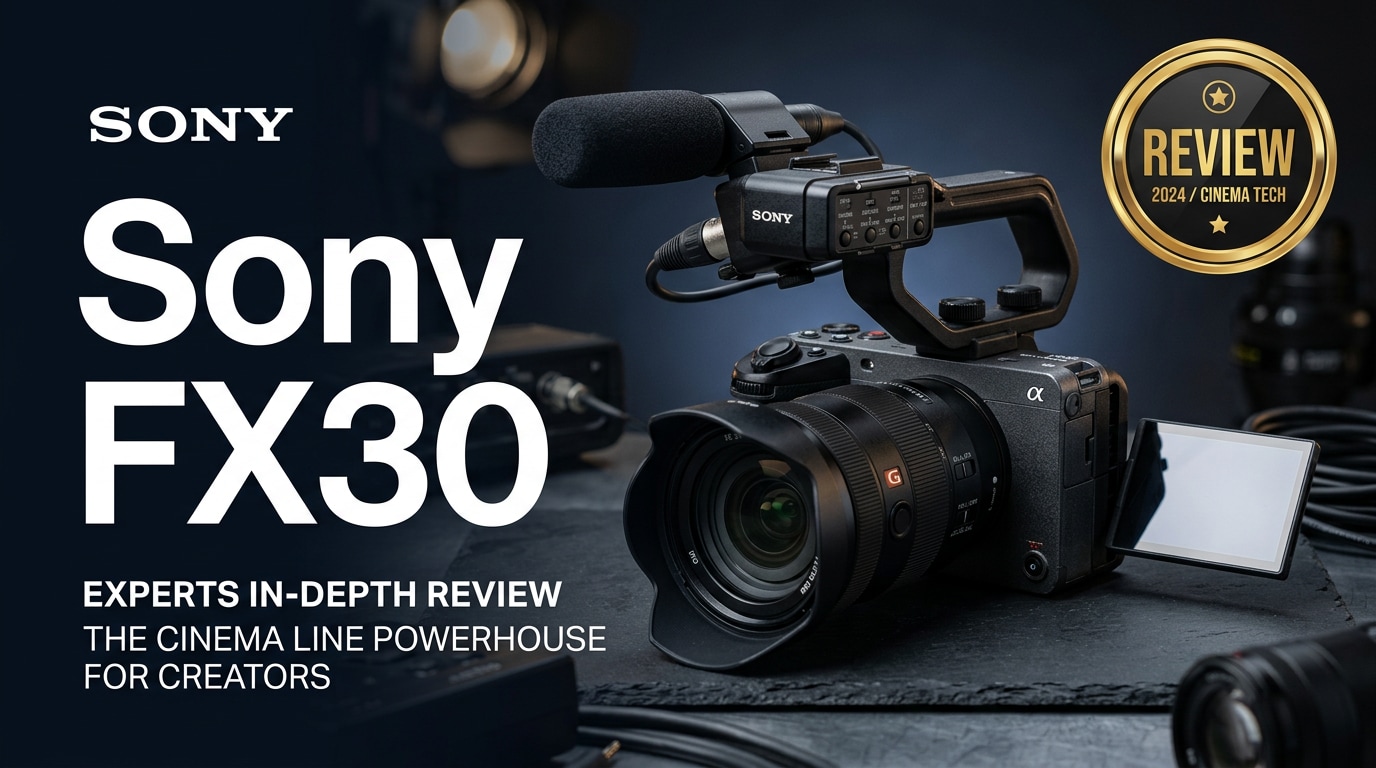
The Sony FX30 is an entry-level cinema camera that brings professional tools to YouTube creators, indie filmmakers, and social video producers. With an APS-C sensor, advanced codecs, and the ergonomics of Sony's Cinema Line, it delivers cinematic images in a compact, customizable body that is easier to rig than a typical hybrid mirrorless camera.
Repair Corrupted Files To Save Your Data
 Security Verified. Over 7,302,189 people have downloaded it.
In this article
What is New About Sony FX30
The Sony FX30 takes the design language of the FX3 and adapts it to an APS-C sensor, creating an affordable entry point into Sony's Cinema Line. Compared with Sony's A6xxx hybrids and older video-focused bodies, the FX30 adds a cage-free body with multiple mounting points, tally lamps, and a fan-assisted cooling system for extended recording.
It also unlocks advanced video tools that many creators used to associate only with more expensive cinema cameras: S-Log3, Sony FX30 S-Cinetone, 10-bit 4:2:2 internal recording, timecode compatibility, and a streamlined video-first menu layout. These upgrades make it much easier to match the FX30 with higher-end Sony cinema cameras on multicam shoots.
Full Specs at a Glance
Core imaging specs
| Feature | Sony FX30 Specs |
|---|---|
| Sensor | 26MP APS-C back-illuminated CMOS (Super 35 format) |
| Native ISO / Dynamic Range | Dual base ISO with up to 14+ stops advertised dynamic range in S-Log3 |
| Lens Mount | Sony E-mount (full support for APS-C and full-frame lenses) |
| Feature | Sony FX30 4K Video |
|---|---|
| Max Resolution / Frame Rate | Sony FX30 4K up to 120fps (with crop), oversampled 4K from 6K up to 60fps |
| Color / Bit Depth | 10-bit 4:2:2 internal recording with All-I and Long GOP options |
| Picture Profiles | S-Log3, S-Gamut3.Cine, sony fx30 s-cinetone, and multiple custom looks |
Recording formats and media
| Feature | Details |
|---|---|
| Codecs | XAVC HS, XAVC S, XAVC S-I (All-I) in H.265/H.264 containers |
| Media Slots | Dual SD UHS-II / CFexpress Type A combo slots for redundancy and relay |
| Recommended Cards | V90 SD or CFexpress Type A for high bit-rate and 4K 120fps modes to reduce risk of fx30 overheating and write errors |
Real-World Performance
In practice, the sony fx30 cinema camera behaves like a mini digital cinema workhorse. Rolling shutter is well controlled for an APS-C sensor, and the oversampled 4K image delivers crisp detail without looking artificially sharpened. Colors out of S-Cinetone are flattering on skin and easy to match with Sony's FX3 and FX6.
Autofocus uses Sony's latest phase-detect system, offering reliable face and eye tracking for talking-head videos and gimbal work. Low-light performance is solid for Super 35: while not as clean as full-frame, the fx30 low light results are more than usable up to moderate ISOs, especially when shooting in S-Log3 and noise-reducing in post.
The active cooling design allows long-form recording with a significantly reduced risk of fx30 overheating, which is crucial for interviews, events, and live recordings. Battery life is typical for Sony's NP-FZ100 system and can be extended easily with USB-C power or external power solutions in rigged setups.
Pros & Cons
| Pros | Cons |
|---|---|
|
|
Who Is This Camera For?
The sony fx30 targets creators who have outgrown basic mirrorless cameras and want a dedicated video tool without the cost of full-frame cinema bodies. Indie filmmakers, YouTube educators, travel filmmakers, and small production houses will appreciate its codec options, rigging flexibility, and consistent image quality.
If you are comparing the sony fx30 vs a6600, the FX30 makes sense if video is your priority and you care about long-recording reliability, better audio integration, and future-proof color workflows. For photographers who only shoot video occasionally, a hybrid body may still be more suitable.
What to Do If Your Sony FX30 Files Get Corrupted
Use Repairit to rescue FX30 clips
Even with high-end cameras and fast cards, footage can still become damaged by sudden power loss, card removal, or transfer issues. When that happens, dedicated repair software can often bring your work back. Wondershare Repairit is designed to fix corrupted or unreadable clips from cameras like the sony fx30, supporting popular MP4, MOV, and other formats used in professional workflows. You can learn more and download it from the Repairit official website.
Step-by-step repair guide
Key features of Repairit for FX30 users
- Repairs corrupted 4K and HD videos from cameras, drones, and phones, including demanding sony fx30 4k footage.
- Handles batch processing so you can repair an entire card of clips instead of fixing them one by one.
- Uses a guided workflow that is approachable for beginners yet powerful enough for working professionals.
How to repair corrupted Sony FX30 video files
-
Choose a Location to Repair Data
Open Repairit and select the Video Repair module. Click to add files, then browse to the folder, card, or drive where your broken repair corrupted fx30 files are stored. You can import one clip or multiple MP4/MOV files from the sony fx30 at once for batch repair.

-
Deep Scan the Location
Start the repair so Repairit can analyze each video stream. The software inspects container structure, headers, and audio/video tracks to locate errors that cause fix damaged mp4 playback issues, such as files not opening, freezing, or showing black frames. Let the scan finish without interrupting the process, especially for long-form projects.

-
Preview and Repair Your Desired Data
When the repair completes, use the built-in player to preview the recovered FX30 clips. Check image, sound, and sync before saving. If you are satisfied, select the videos you want to keep and export them to a new, safe location on your computer or backup drive. This lets you continue editing in your NLE as usual, with repaired footage from the sony fx30 cinema camera.

Conclusion — Should You Buy?
The sony fx30 review shows a camera that brings many Cinema Line advantages to a far wider audience. It offers strong image quality, reliable autofocus, and thoughtful ergonomics at a price that makes sense for serious online creators and independent filmmakers stepping up from entry-level gear.
If you prioritize video over stills and want a Super 35 camera that can grow with your rig and workflow, the FX30 is an excellent choice. Combine it with proper media, backup routines, and a trusted video repair software tool like Wondershare Repairit, and you will have a dependable setup ready for client work, personal films, and long-form content.
FAQ
-
1. Is the Sony FX30 good for beginners?
Yes. While part of the Cinema Line, the sony fx30 offers intuitive menus, strong autofocus, and auto-exposure aids, making it manageable for ambitious beginners who are serious about learning video production. -
2. Does the Sony FX30 shoot 4K 120fps?
Yes, the sony fx30 4k mode supports up to 120fps with a crop. For general shooting, you can record oversampled 4K up to 60fps from the full 6K readout for very detailed footage. -
3. How does the Sony FX30 compare to the FX3?
The FX30 uses an APS-C sensor, while the FX3 is full-frame. FX3 has an edge in low light and shallow depth of field, whereas the FX30 is more affordable, offers extra reach with the same lenses, and still delivers a similar color pipeline. -
4. What memory cards are recommended for the Sony FX30?
For the most demanding recording modes, use V90 SD or CFexpress Type A cards that meet Sony's specs. Slower cards may cause dropped frames, recording stoppages, or increase the risk of corrupted clips. -
5. Can I repair corrupted Sony FX30 footage?
In many situations, yes. If your clips will not play, show errors, or fail to import, video repair software like Wondershare Repairit can scan the files, fix structural issues, and restore them so they are editable again.




